
Slow motion resurrection scene with an angel and Jesus Christ
A detailed grok-imagine video prompt describing a slow-motion scene where a large angel with cotton candy colored wings descends from heaven, moves a rock, and Jesus Christ rises glowing brightly from his tomb…
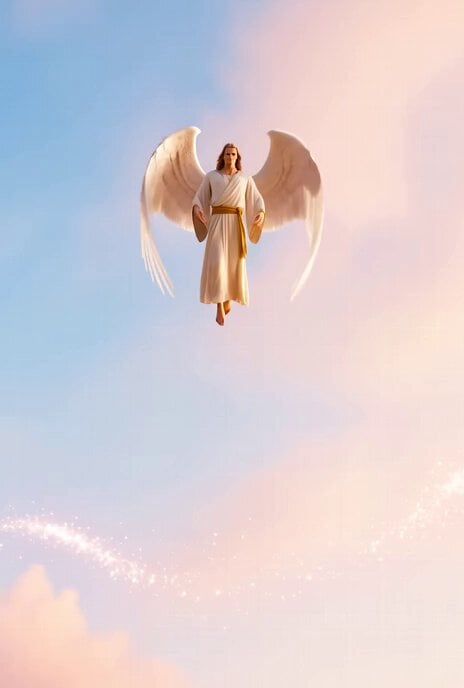
- Prompt included
- Model and format preset
- Free template
The prompt behind this video
Copy the exact prompt behind Slow motion resurrection scene with an angel and Jesus Christ, or open it in the studio and make it yours.
slowly strong angel big wings size of body flapping as flying down from heaven coming from cotton candy color sky, slowly pushing moving rock to resurrect glowing bright Jesus Christ let it show him rise walking slowly out of his tomb with 777
How to use Slow motion resurrection scene with an angel and Jesus Christ in 3 steps
- 1
Open
The prompt is already in the box next to the preview, with the template's model and format selected.
- 2…a portrait of your subject in softgolden-hour light, 85mm…
Personalize
Edit the subject and creative details for your destination.
- 3Generate
Generate
Press Generate — your video is created in PicX Studio, so you can compare it with the original and refine one variable at a time.
More like this
Templates with the same subject, style or setup. Open one to see its prompt.
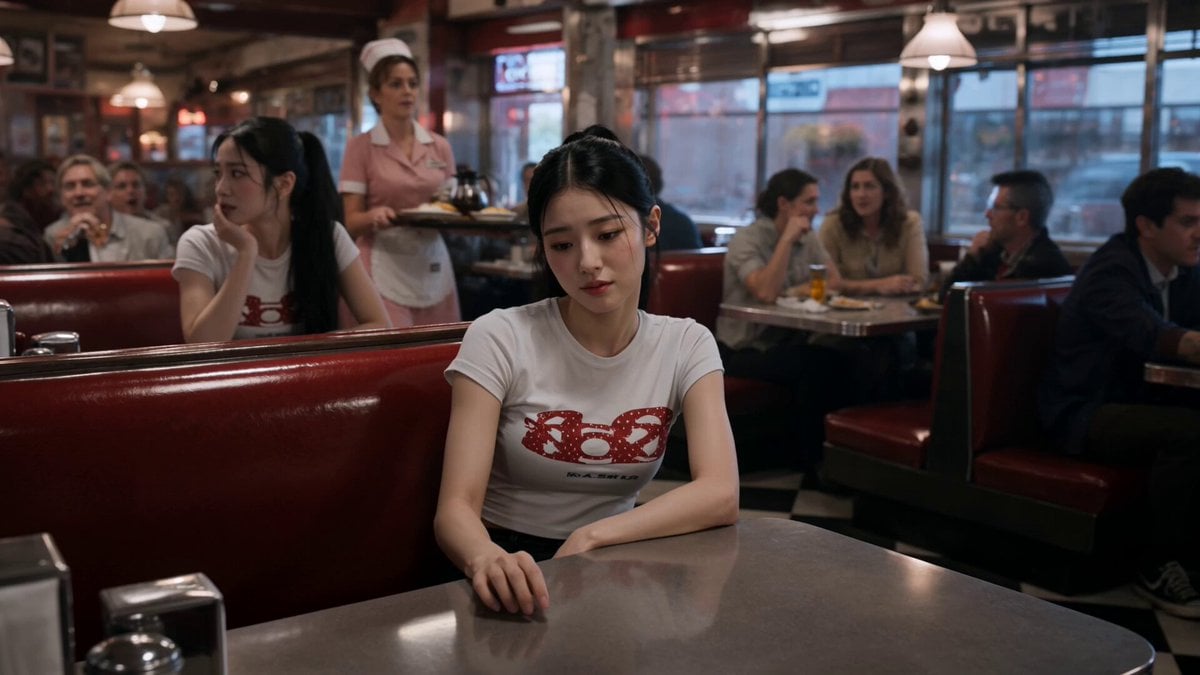
Slow-Motion 90s Diner Explosion - Seedance 2.5
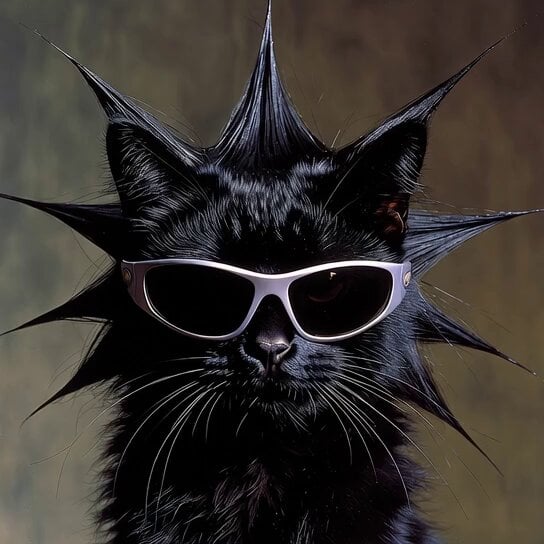
Slow Motion Himalayan Cat
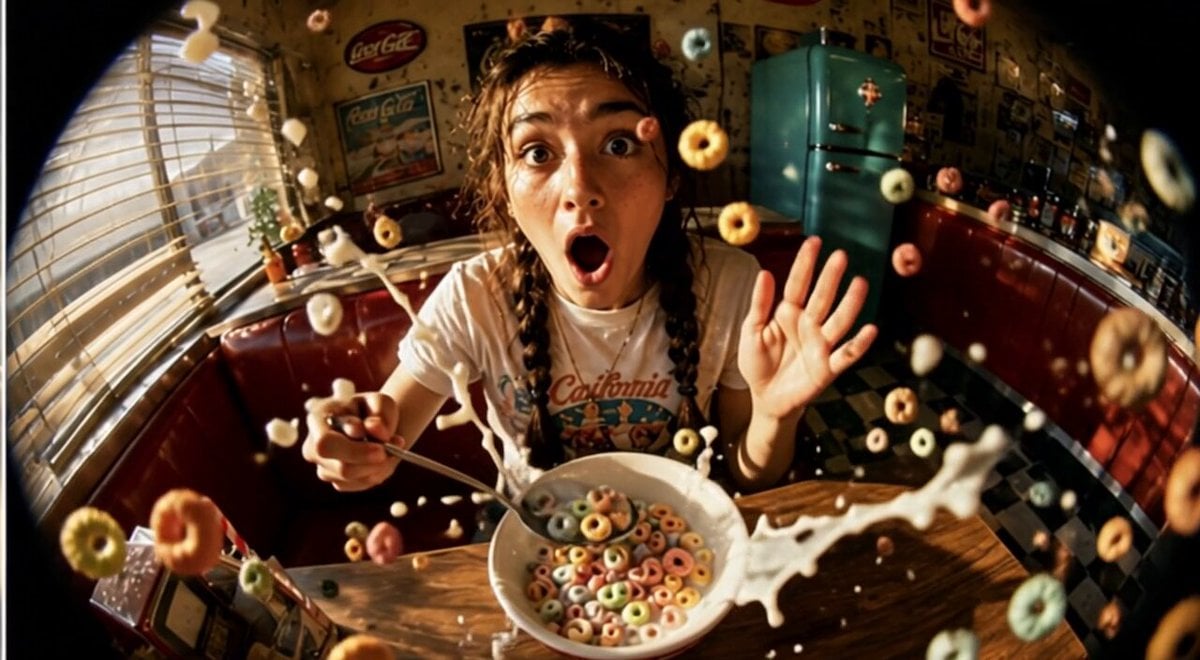
Cinematic Slow Motion Cereal Breakfast
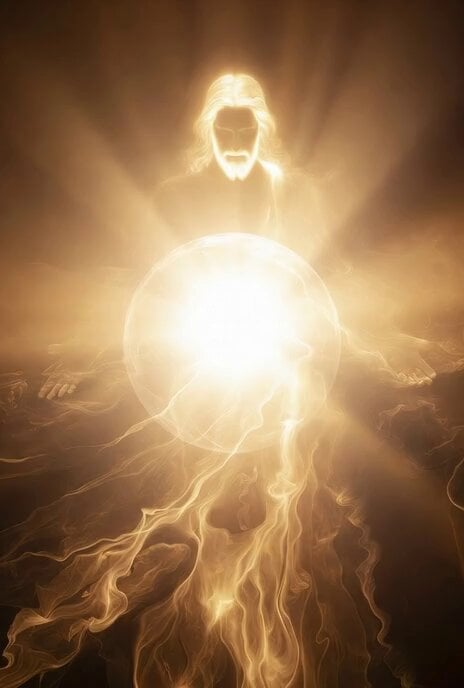
Ball of light transforming into Jesus Christ
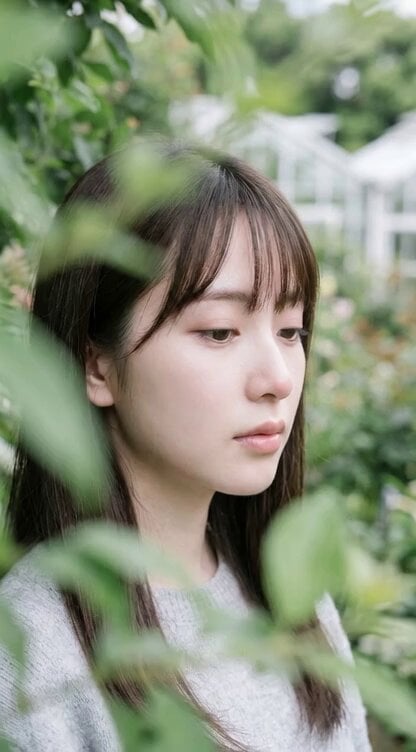
Cinematic slow motion with gentle breeze and soft sunlight
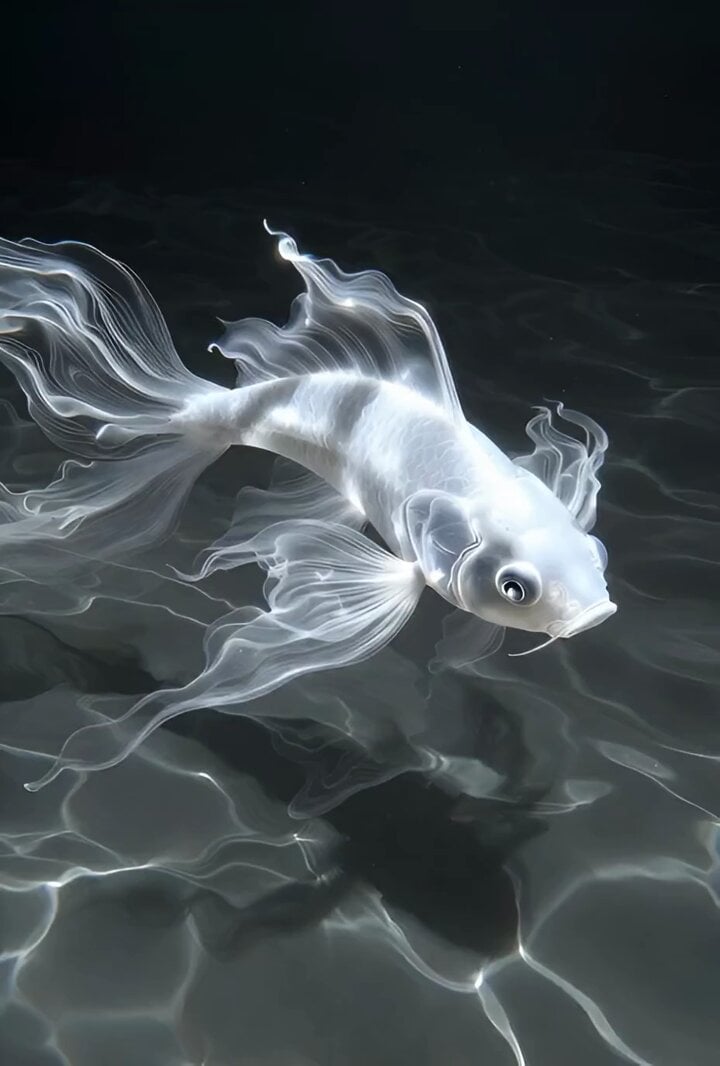
Grok Imagine Prompt: Slow Motion Nature Scene
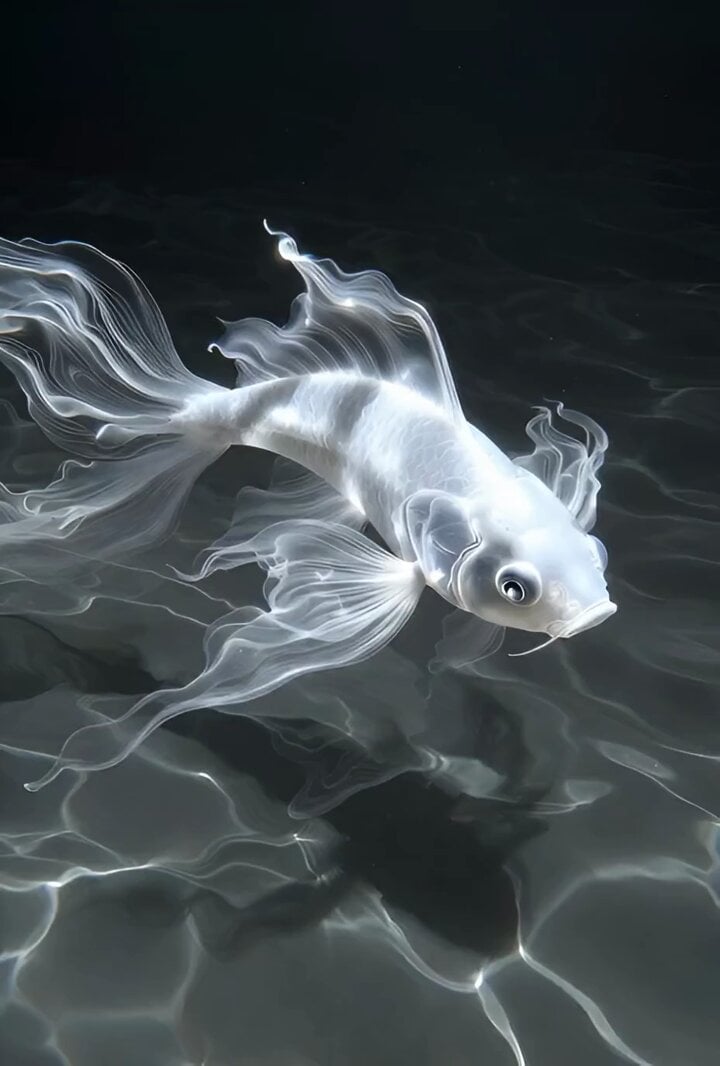
Slow motion scene with dynamic camera movement
Slow motion snow scene with drone camera movement
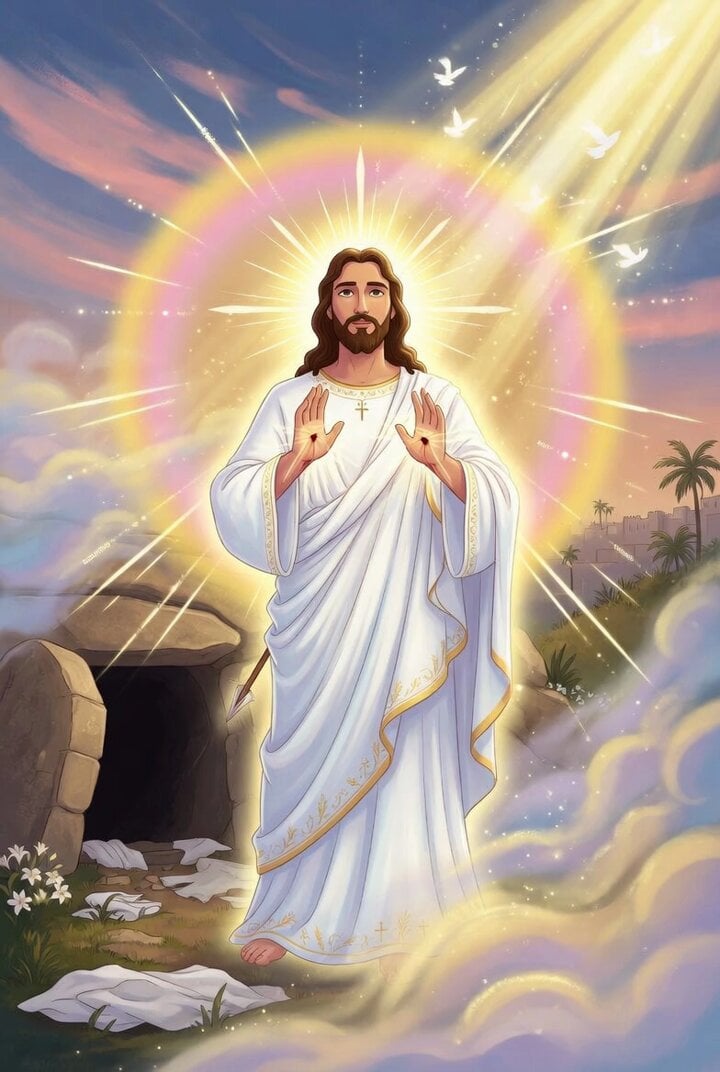
Grok Imagine Prompt: Jesus Christ Risen
Nightclub Trance Slow Motion Video
Ethereal Pastel Angelic Wings
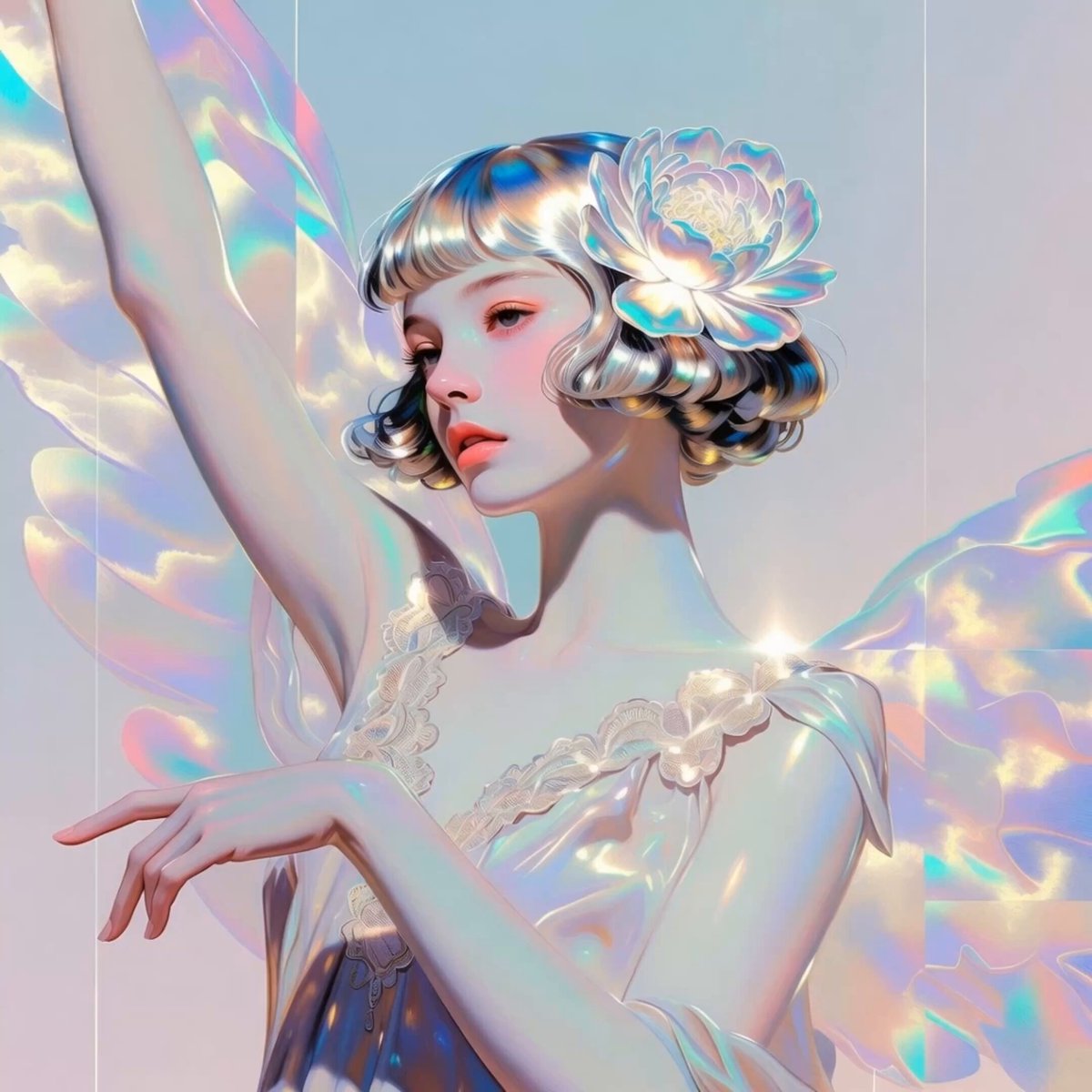
Iridescent Angelic Presence
Make it yours
Slow motion resurrection scene with an angel and Jesus Christ works as-is. These are the safest ways to change it without losing the look.
Change one field
Copy a single group, rewrite it, and generate again so you can see what that field is doing.
Keep the frame, change the subject
Hold the composition and light of Slow motion resurrection scene with an angel and Jesus Christ, then swap wardrobe, props or the person for a new take.
| If the result… | Why | Fix |
|---|---|---|
| The result drifts from the preview | Too many fields changed at once. | Reuse Slow motion resurrection scene with an angel and Jesus Christ as-is first, then change one group — subject, light, or setting. |
| The model over-stylizes the scene | The prose prompt leaves finish and camera underspecified. | Add one camera or lighting sentence and stay on Grok Imagine. |
More Grok Imagine templates
Other prompts made for Grok Imagine.

Kaleidoscopic Cosmic Dolphin Video

Horror Daffy Duck Video Transition

America 250th Anniversary Celebration

Glowing Water Forest Night Prompt

Soft Pink Roses Dreamer Prompt

Ninja Wizard Levitation Jump

Voice Controlled Water Animation

Pterodactyl Transformation Journey

Candle Mandala Mirror Video

Psychedelic Purple Disc World Video
More video prompts
Fresh picks from across the catalog.

19th Century Battlefield Cannon Sequence
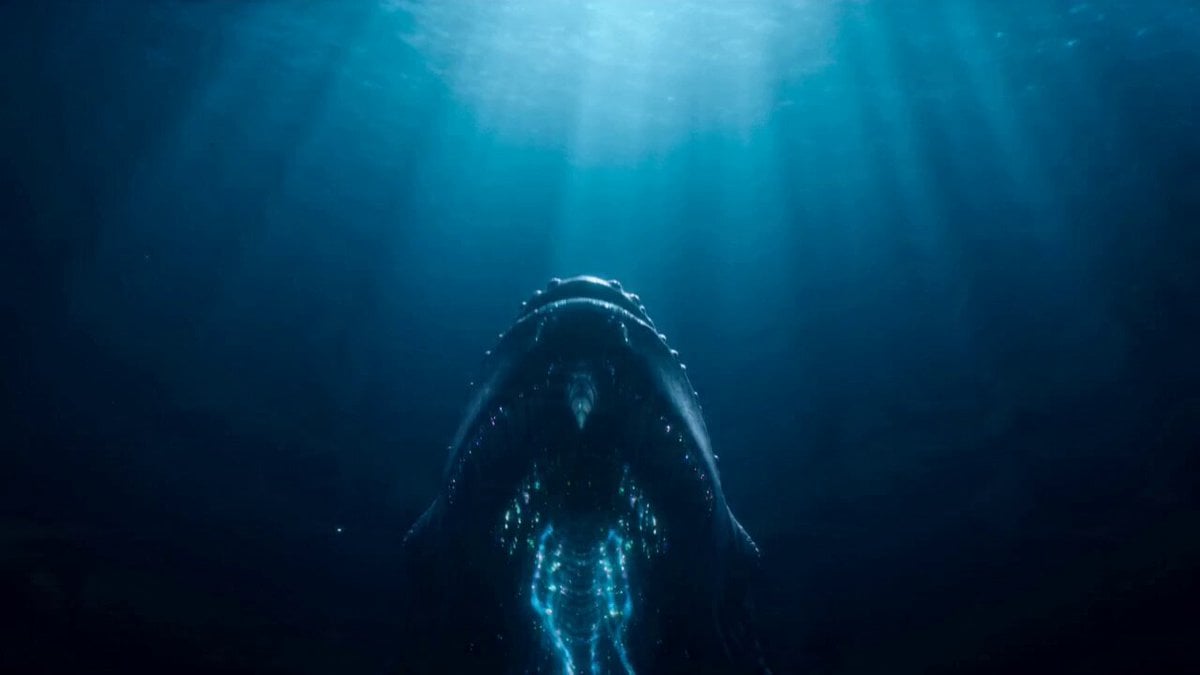
Colossal Ocean Leviathan Attack on a Megacity Harbor
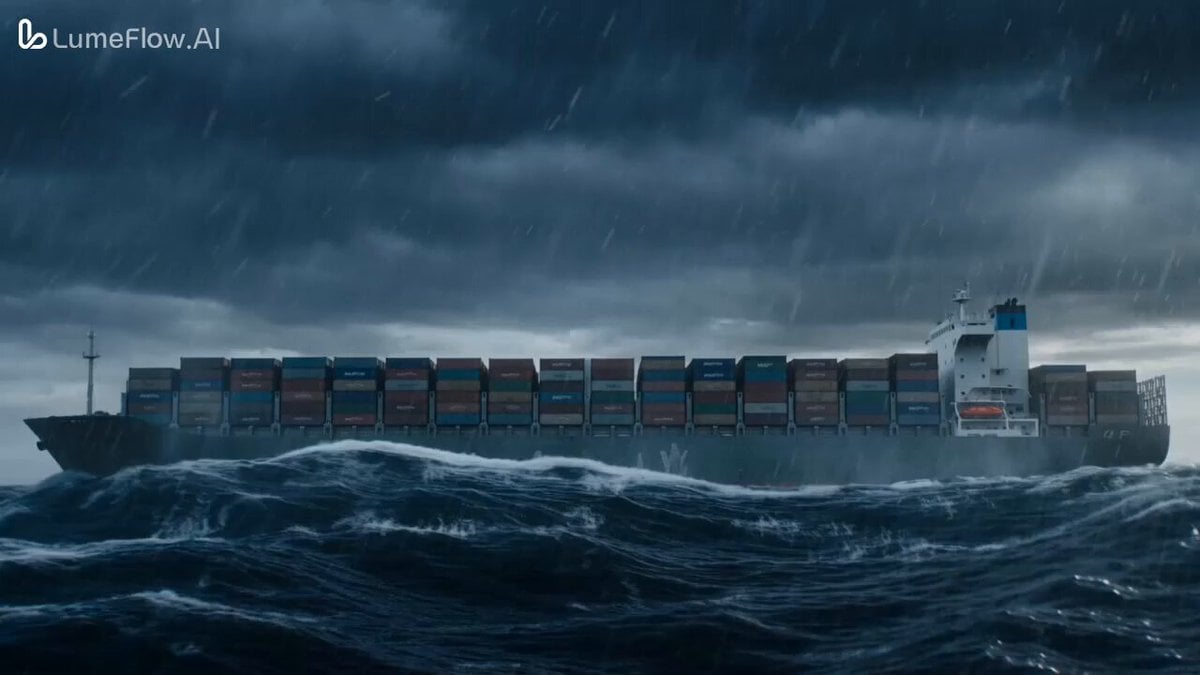
Colossal Prehistoric Shark Attack Video Prompt
Rovvmut Time Freeze Nsketchai

Second Continuous War Realism Video Prompt
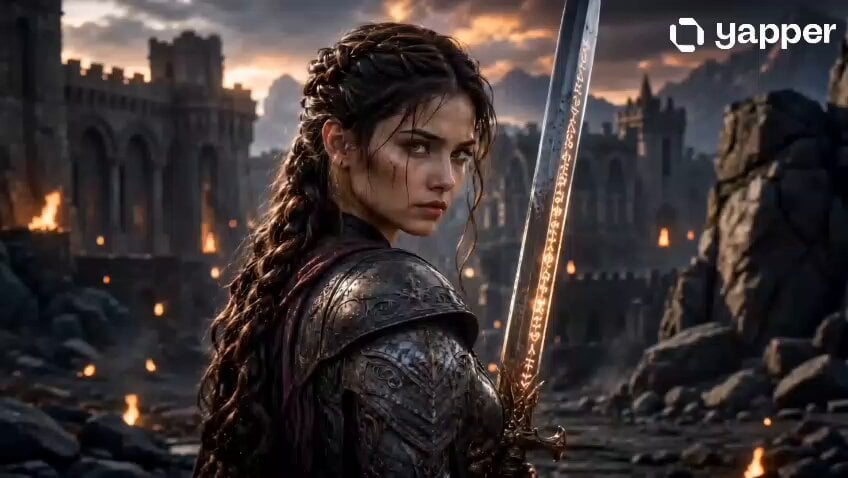
Fantasy Female Warrior Journey
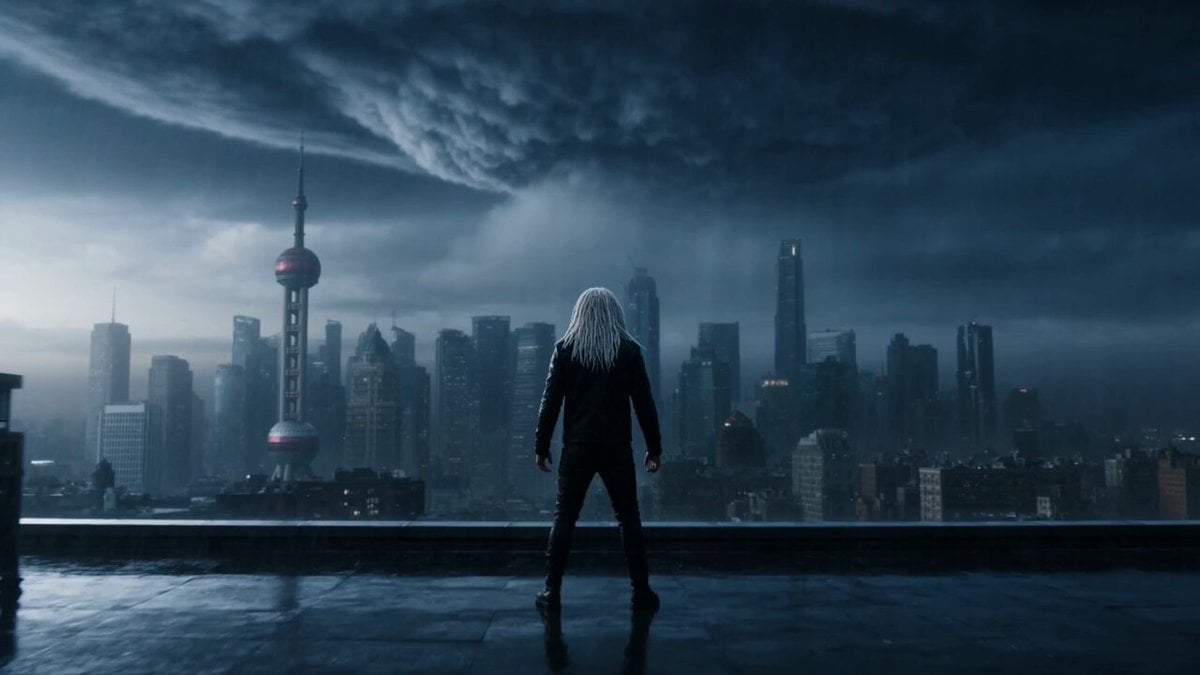
Violet Lightning Storm Warrior
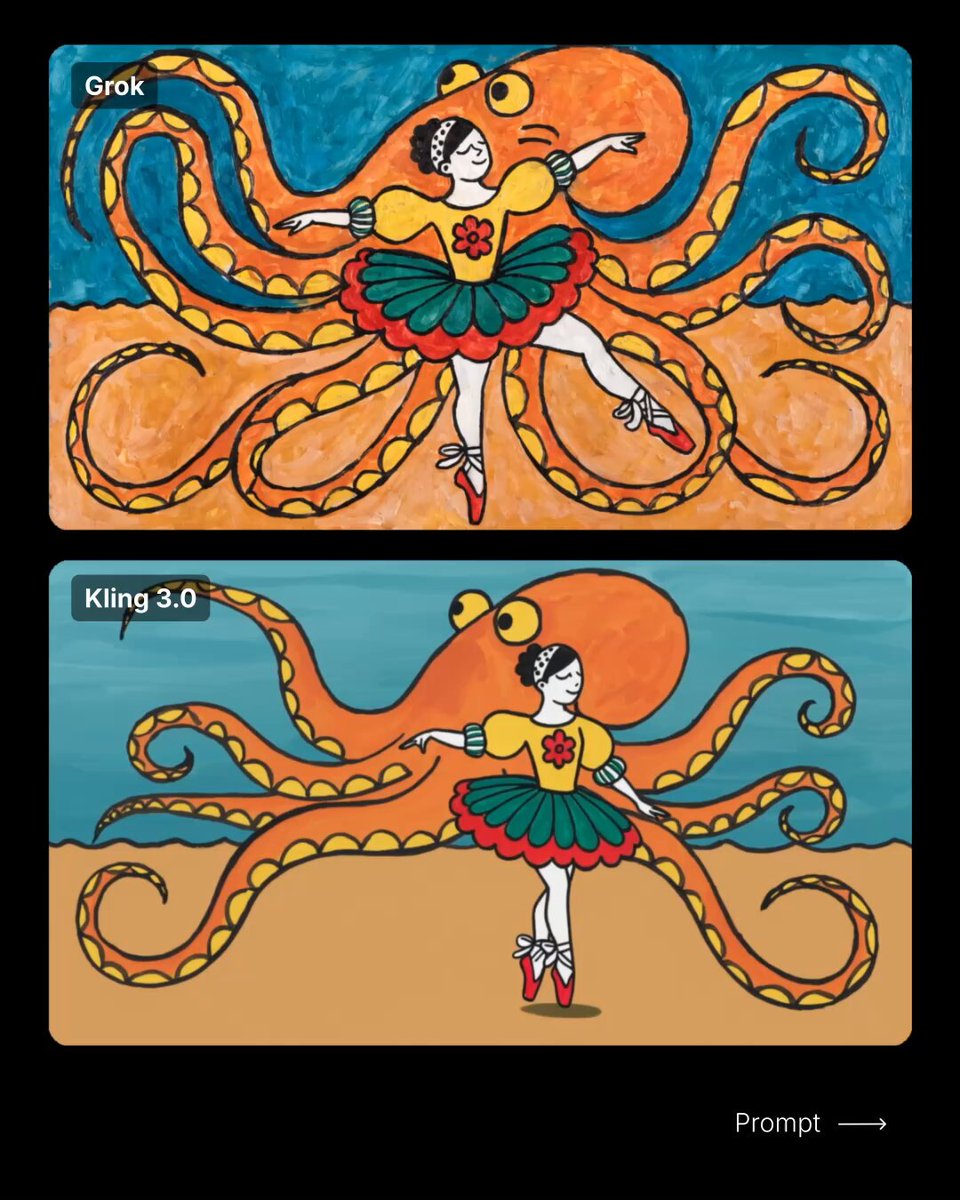
Ballerina Wandering Video Prompt

Elderly Man Feeding Pigeons Video Prompt
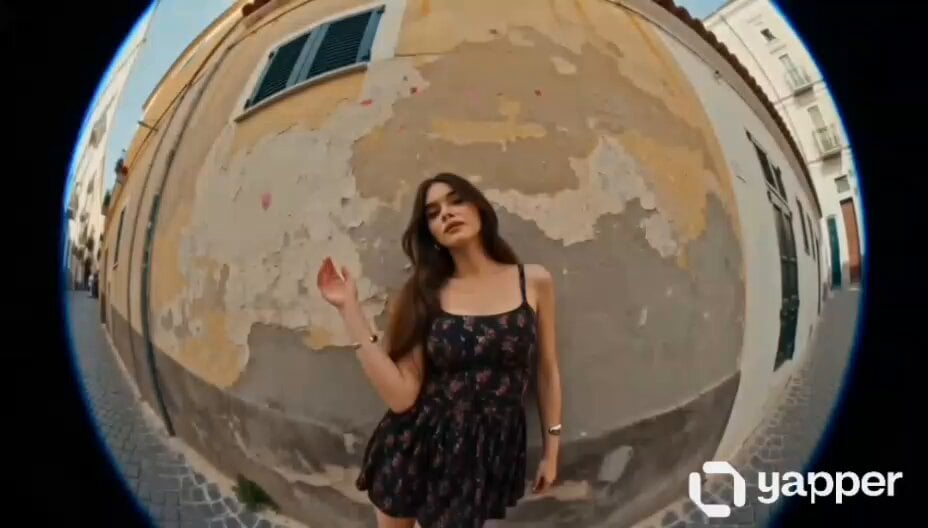
European Street Dance Sequence
Browse template categories
Slow motion resurrection scene with an angel and Jesus Christ questions
How do I use the Slow motion resurrection scene with an angel and Jesus Christ template?
Add your photo if the template asks for one, edit the prompt if you like — the template's model and format are already selected — and press Generate. Your version opens in PicX Studio.
Can I customize the Slow motion resurrection scene with an angel and Jesus Christ template?
Yes. You can change the subject, setting, lighting, mood, format, and available model controls before creating your video.
Is the Slow motion resurrection scene with an angel and Jesus Christ template free?
Opening and editing this template is free. Generating uses credits, shown on the Generate button when you are signed in.
Which AI model should I use?
Start with Grok Imagine, which is the model associated with this template. You can compare another compatible model for a different finish.
Looking for something else? Browse all templates.

Your photo, any look
Thousands of ready templates for every top image and video model, from one credit balance.