
Fantasy Female Warrior Journey
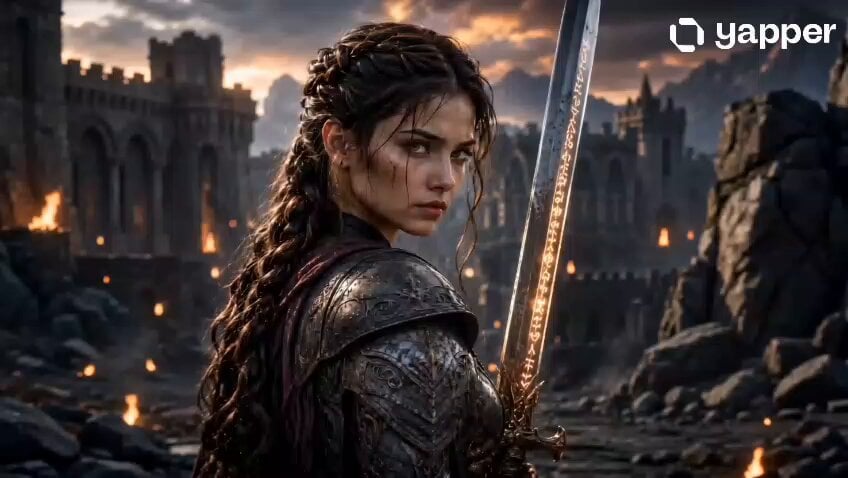
A cinematic video prompt for a 15-second sequence following a powerful female warrior with a magical sword through ancient ruins.
- Prompt included
- Model and format preset
- Free template
The prompt behind this video
Copy the exact prompt behind Fantasy Female Warrior Journey, or open it in the studio and make it yours.
[Character] A brave and powerful female warrior with long braided hair, sharp glowing eyes, and a fearless expression. She wears detailed fantasy armor and holds a glowing magical sword. Ultra realistic face, cinematic fantasy style, dramatic lighting, highly detailed textures, same face as reference image. [Place] Ancient fantasy kingdom ruins surrounded by giant mountains, broken stone castles, glowing fire torches, mystical fog, magical atmosphere, cinematic sunset lighting, epic battlefield environment, ultra detailed fantasy world, realistic 4K scenery. [Camera] Cinematic close-up shot with shallow depth of field, soft background blur, ultra realistic lens effect, movie-style composition, sharp focus on the warrior’s face, 85mm cinematic lens, dramatic shadows, high detail, 4K quality. [Story – 15 Seconds] A mysterious warrior girl with magical powers discovers an ancient hidden secret inside ruined kingdoms. As eternal darkness spreads across the land, she raises her glowing magical sword and begins a dangerous journey to protect the weak and save the world. Epic cinematic action, emotional intensity, powerful fantasy atmosphere, fast-paced storytelling, dramatic ending shot. [Rule] A true warrior protects the weak, even when the whole world stands against her.
How to use Fantasy Female Warrior Journey in 3 steps
- 1Upload ImagePNG, JPG or paste
Add your photo
Upload the photo the template builds on. The prompt, model and format are already set.
- 2…a portrait of your subject in softgolden-hour light, 85mm…
Personalize
Edit the subject and creative details for your destination.
- 3Generate
Generate
Press Generate — your video is created in PicX Studio, so you can compare it with the original and refine one variable at a time.
More like this
Templates with the same subject, style or setup. Open one to see its prompt.
Adventurer Path Creator - Seedance 2
Underground Ocean Fantasy Journey

Dragon Rider Cinematic Flight — Seedance 2.5

Forest Fantasy Girl Short Film

Necromancer Battlefield Orbit
Fantasy Warrior Transformation Sequence
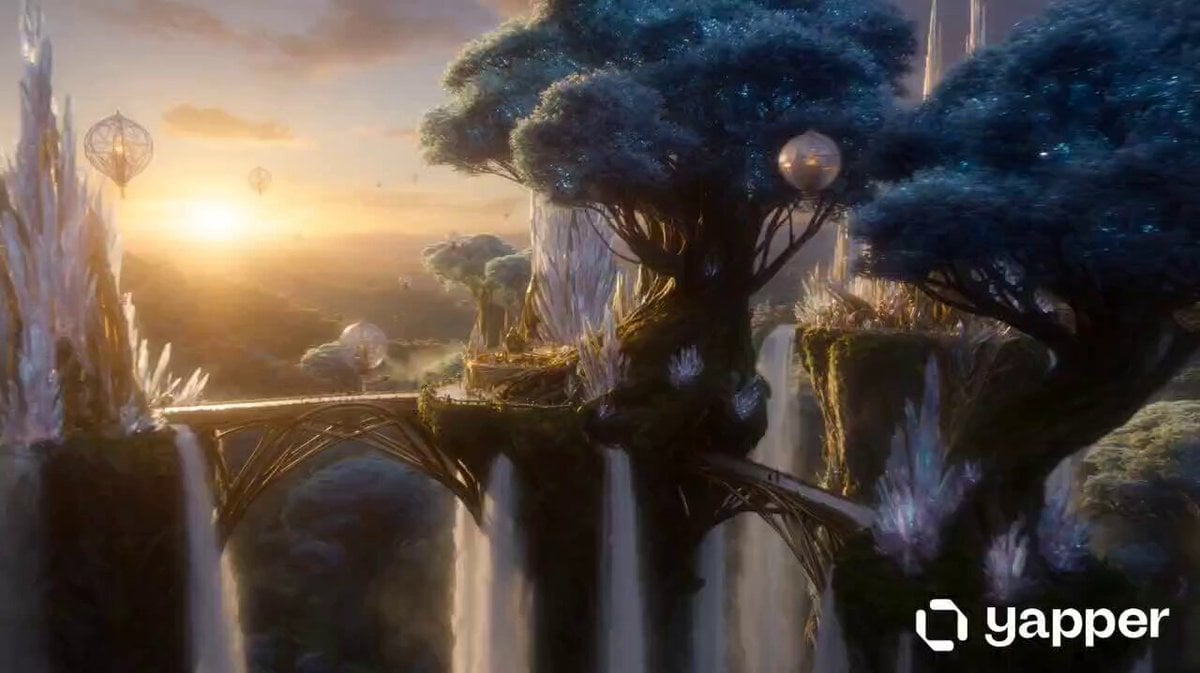
Magical Elf Kingdom Fantasy Journey
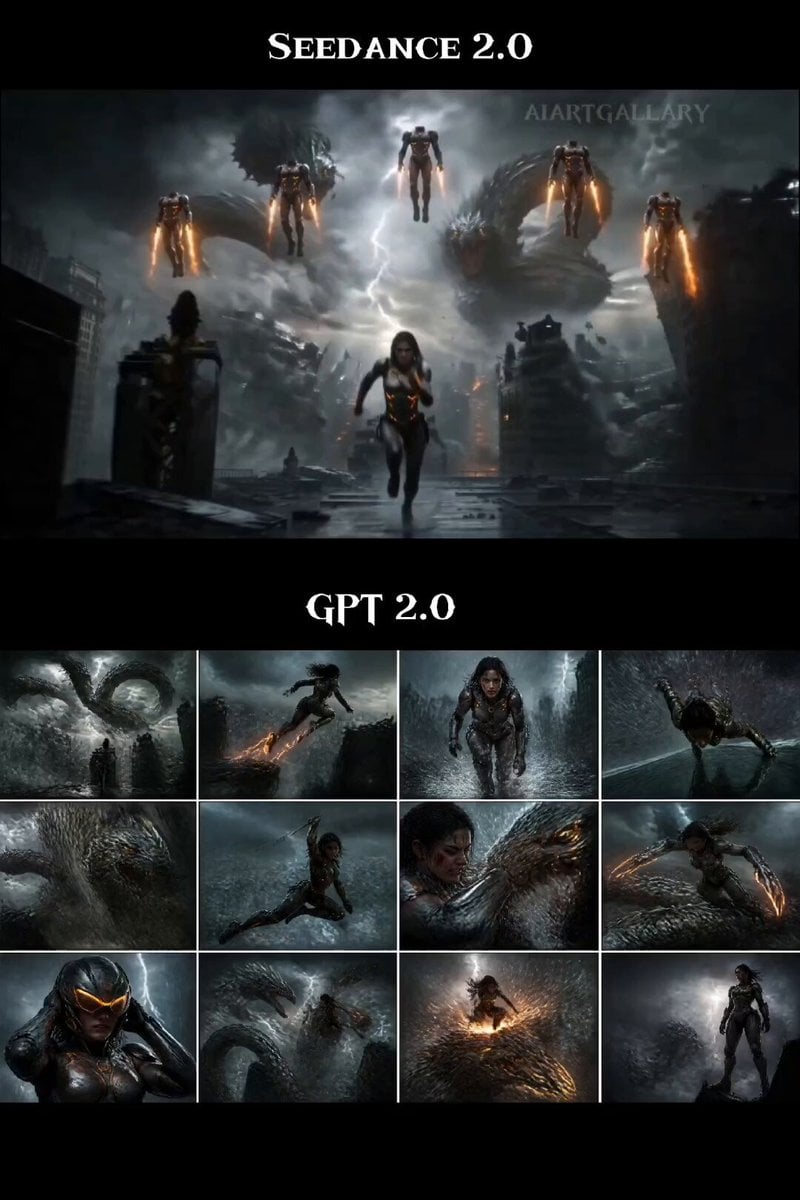
Female Warrior Rooftop Chase
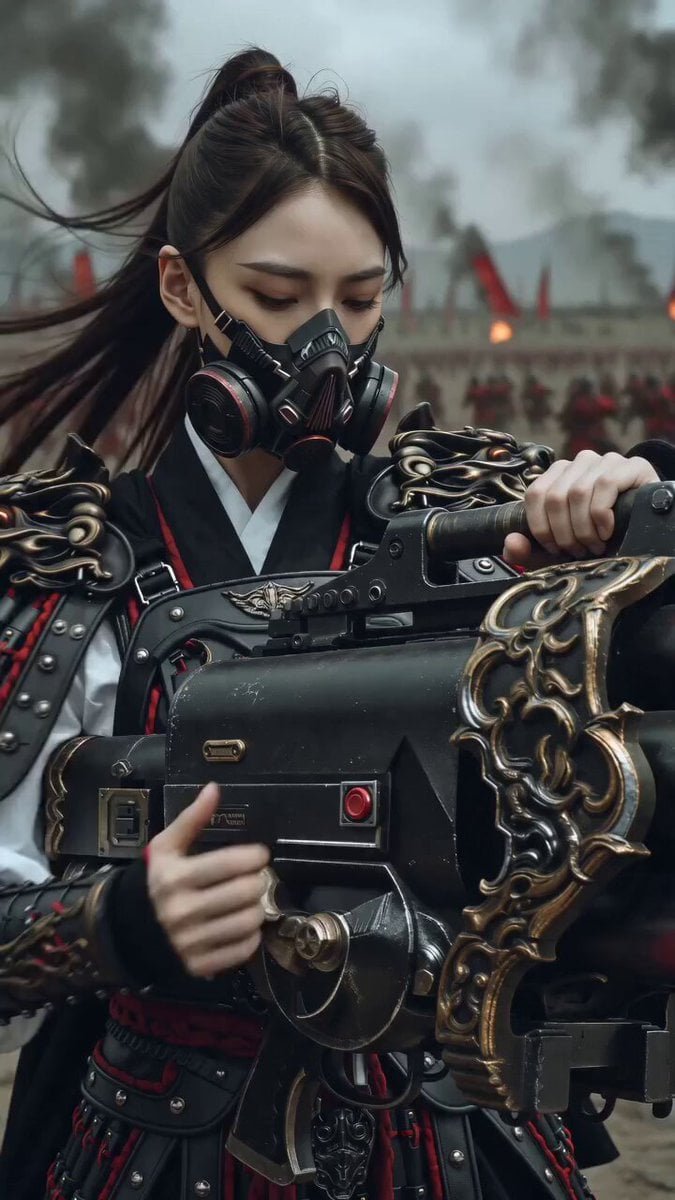
East Asian Female Warrior Mecha Transformation
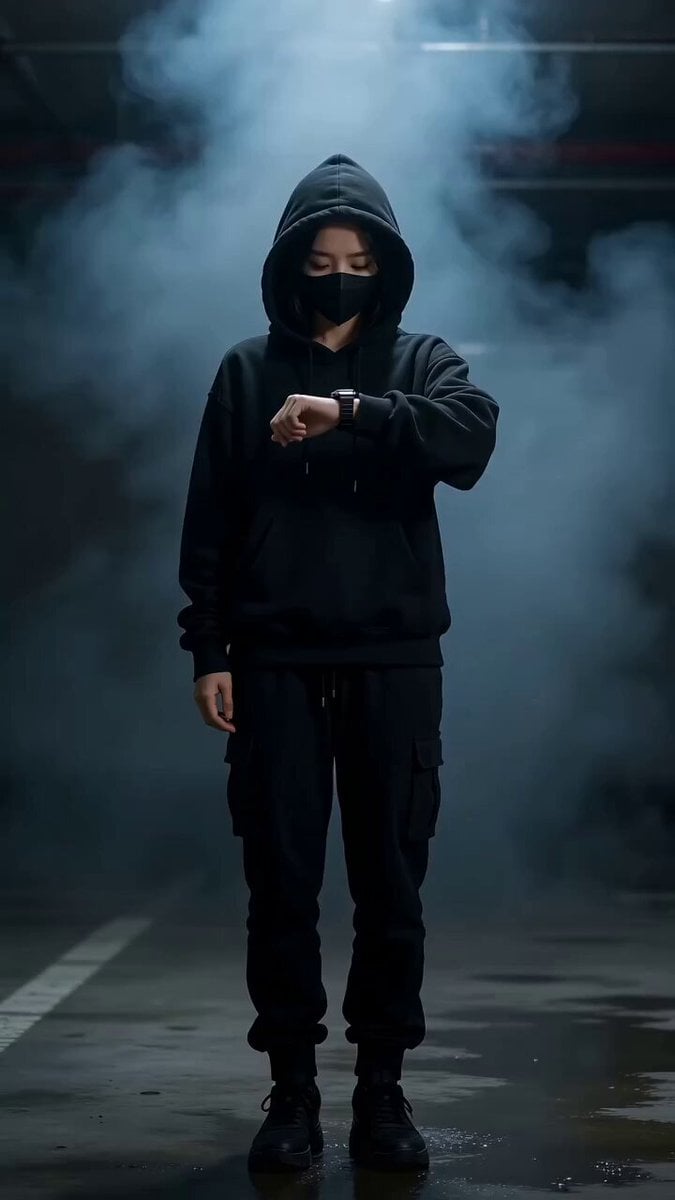
Cyberpunk Female Warrior Transformation Scene
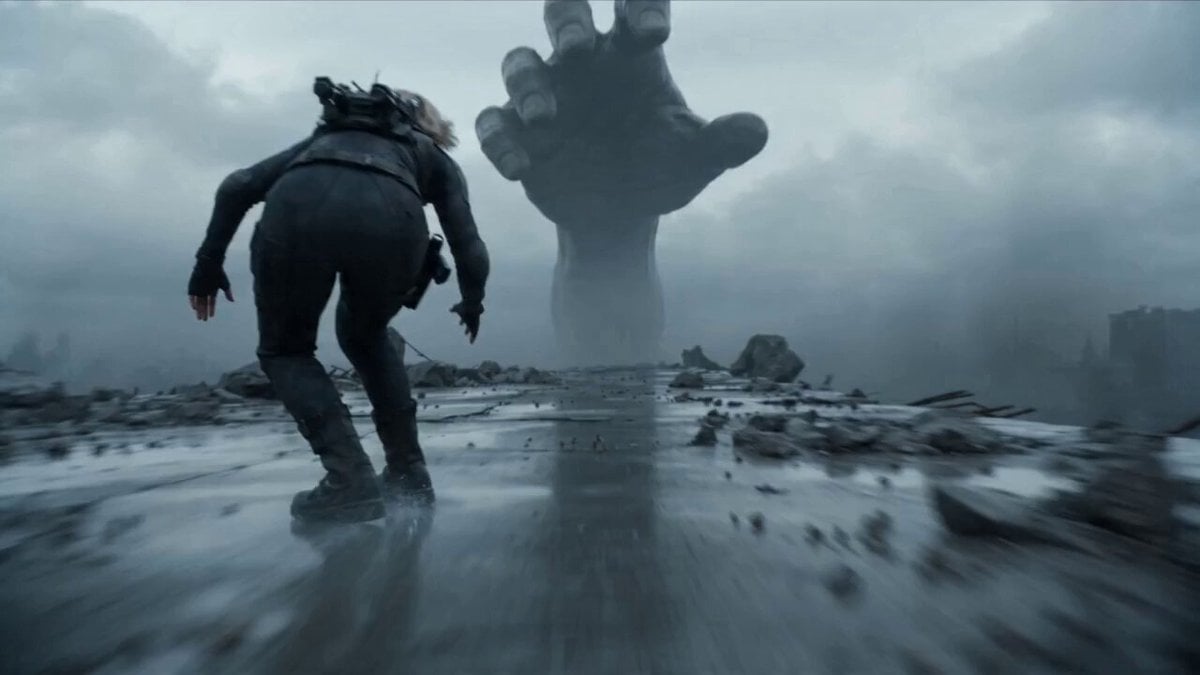
Female Warrior in Tactical Suit at High Speed
Epic Ink-Wash Fantasy Warrior Scene
Make it yours
Fantasy Female Warrior Journey works as-is. These are the safest ways to change it without losing the look.
Change one field
Copy a single group, rewrite it, and generate again so you can see what that field is doing.
Keep the frame, change the subject
Hold the composition and light of Fantasy Female Warrior Journey, then swap wardrobe, props or the person for a new take.
| If the result… | Why | Fix |
|---|---|---|
| The result drifts from the preview | Too many fields changed at once. | Reuse Fantasy Female Warrior Journey as-is first, then change one group — subject, light, or setting. |
| The model over-stylizes the scene | The prose prompt leaves finish and camera underspecified. | Add one camera or lighting sentence and stay on Seedance 2.0. |
More Seedance 2.0 templates
Other prompts made for Seedance 2.0.

Comical Martial Arts Punch Scene

Maglev Train Action Sequence

Martial Arts Fight Sequence

Wuxia Protection and Trust Script

Vintage Korean Arcade MiniDV Vlog

Mercedes 190 SL Luxury Ad

Rainy Night Supernatural Reverse Comedy Video Script

Amazon Civilization Discovery

Futuristic South Asian City Transformation

Cozy Luxury Cafe Commercial
More video prompts
Fresh picks from across the catalog.
Hyper-Realistic Dune-Style Character Transformation
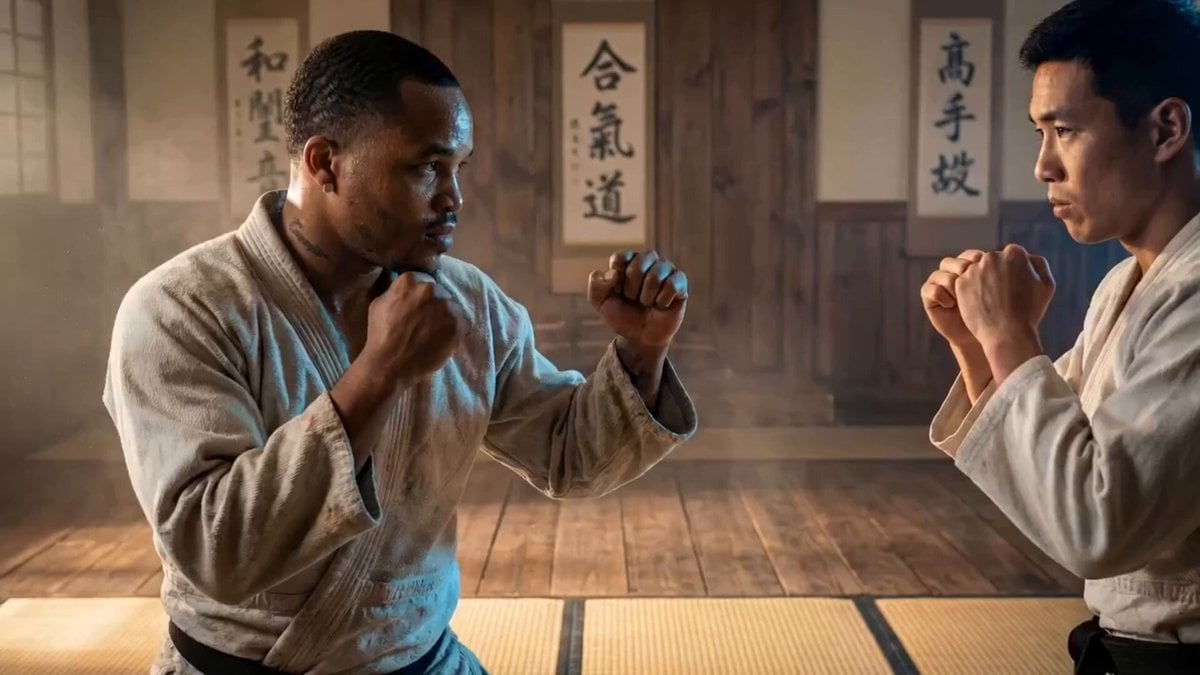
AI Dojo Fight Scene with Dimensional Style Shifts
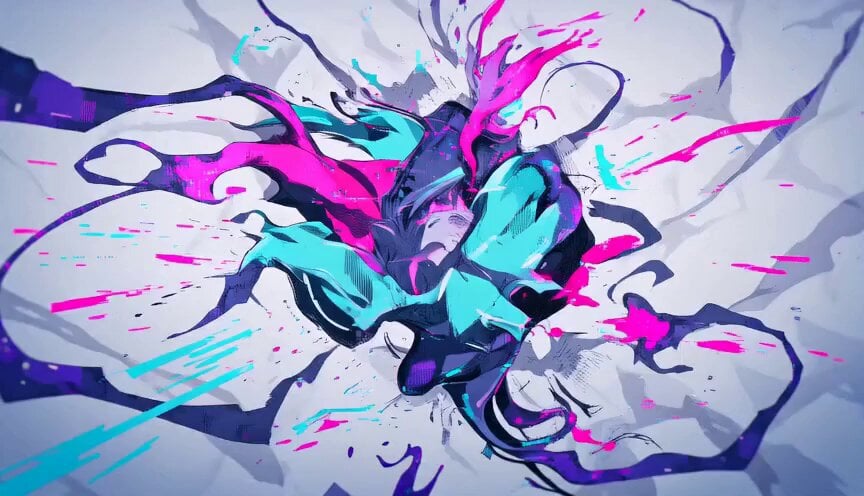
Abstract Glitch Art Animation
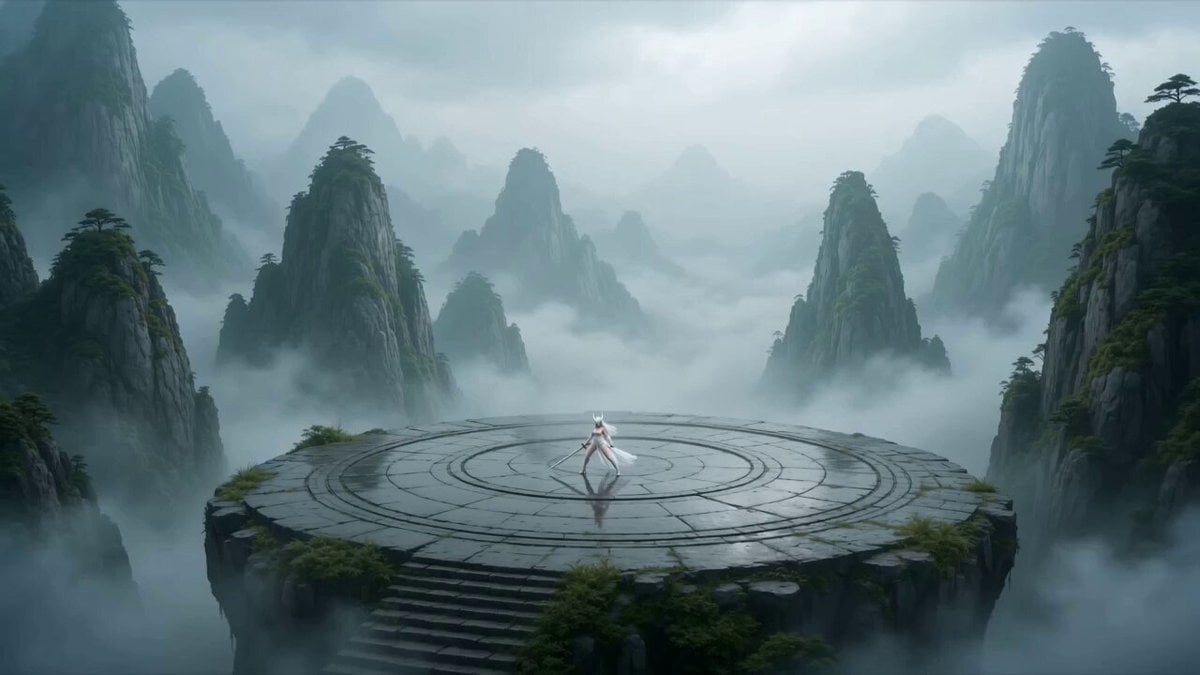
Anime Fantasy Wuxia Fight
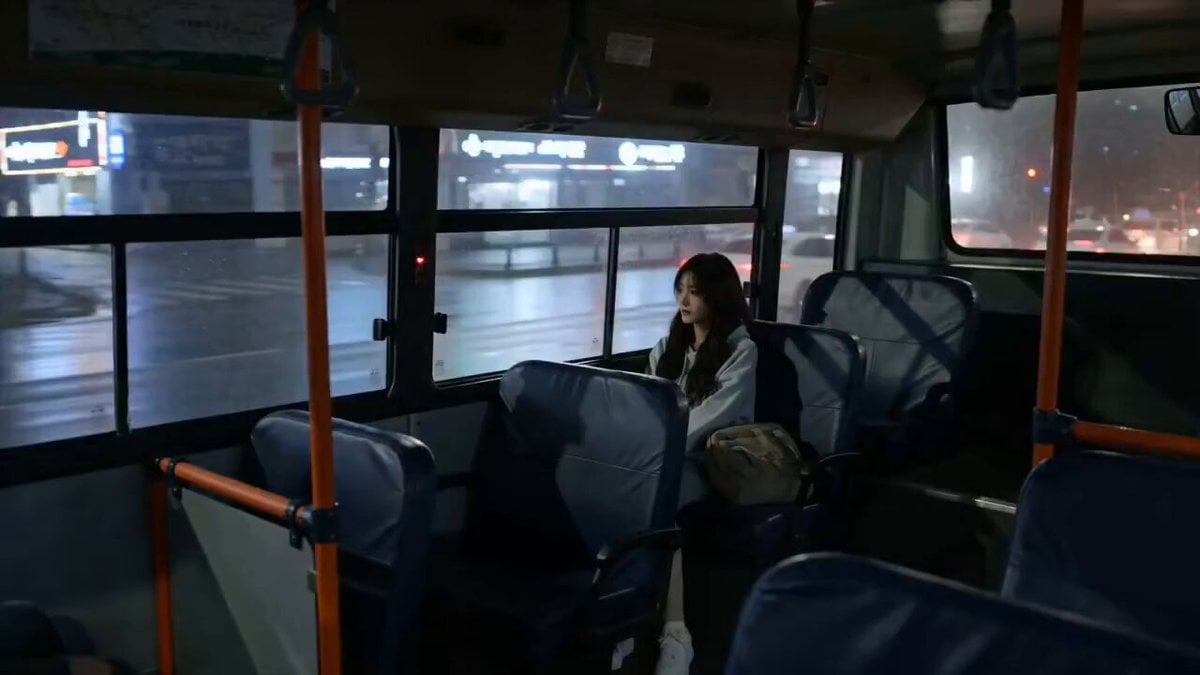
Melancholic Rain Window Close-up
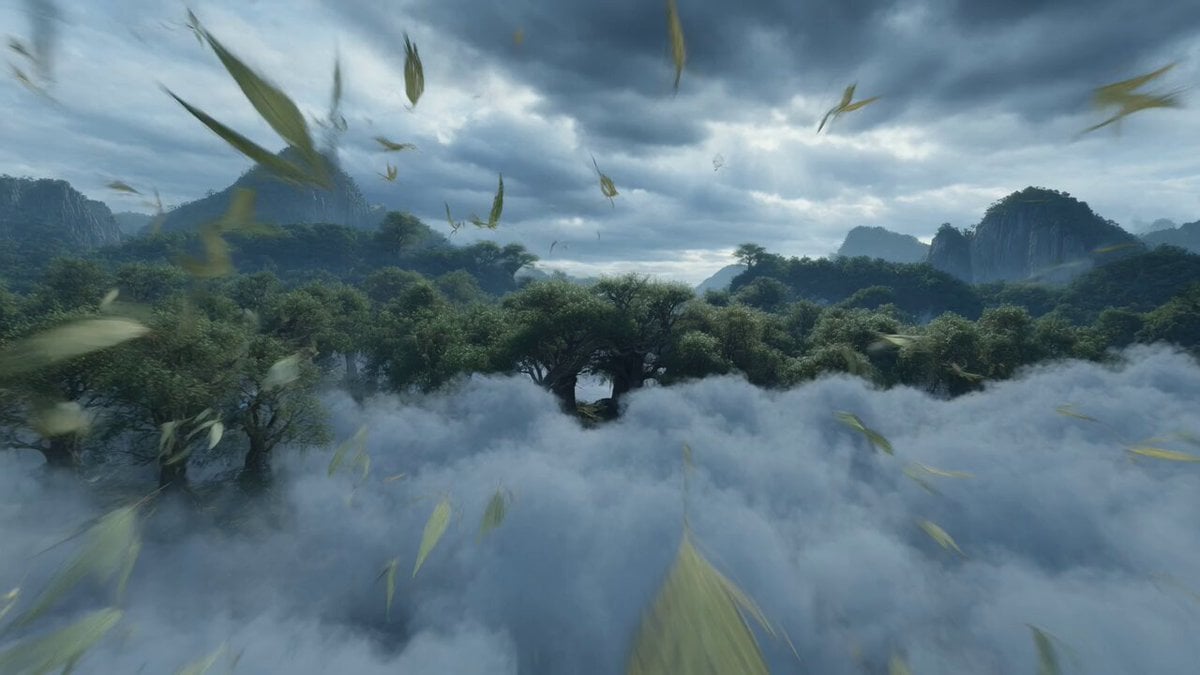
Dynamic FPV Flight Over Mountain and River Video Prompt
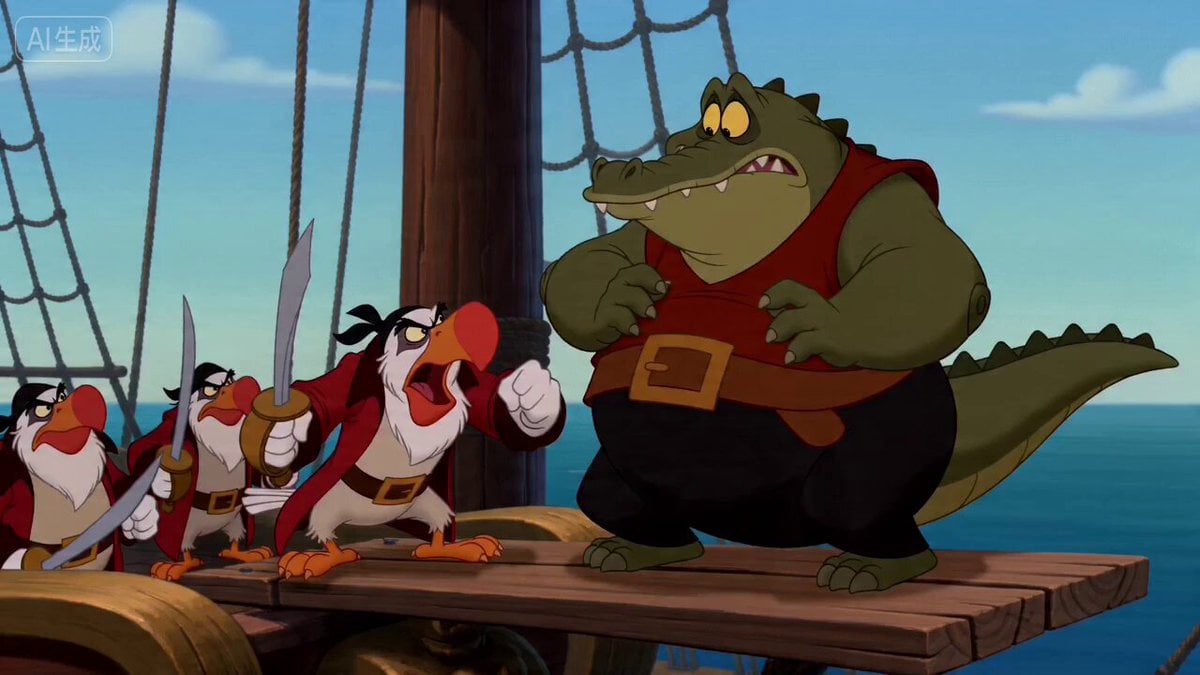
Vintage Disney Style Pirate Crocodile Animation
Skybridge Rescue — Supertall Tower Collapse (Seedance)
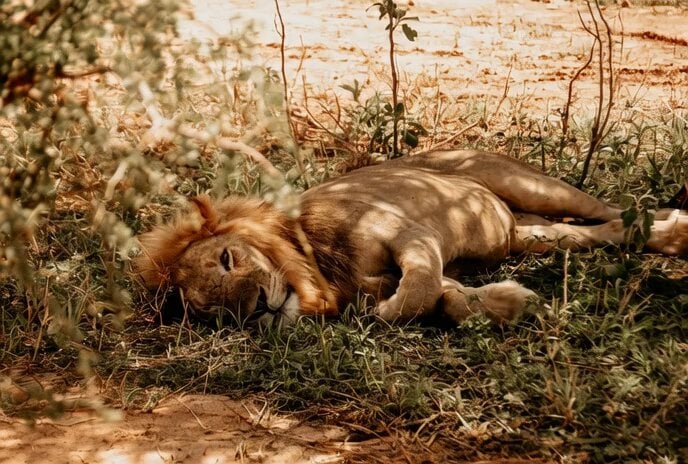
Vlog style animal group shot video prompt
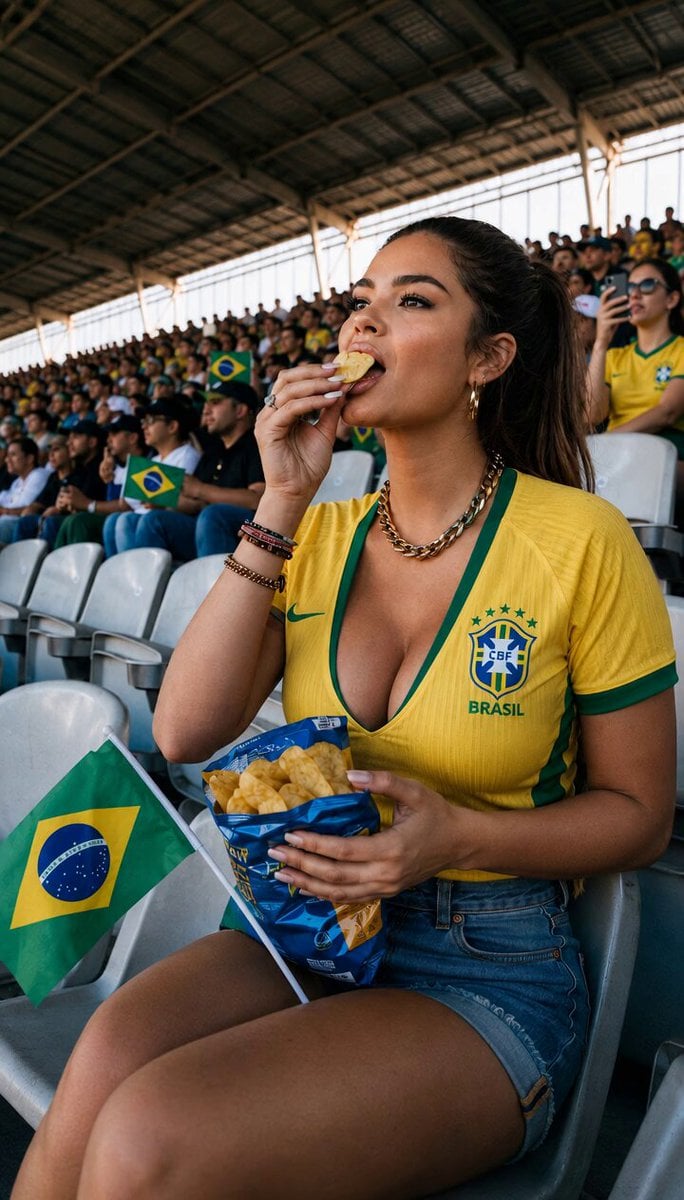
Candid Stadium Footage of a Quiet Spectator
Browse template categories
Fantasy Female Warrior Journey questions
How do I use the Fantasy Female Warrior Journey template?
Add your photo if the template asks for one, edit the prompt if you like — the template's model and format are already selected — and press Generate. Your version opens in PicX Studio.
Can I customize the Fantasy Female Warrior Journey template?
Yes. You can change the subject, setting, lighting, mood, format, and available model controls before creating your video.
Is the Fantasy Female Warrior Journey template free?
Opening and editing this template is free. Generating uses credits, shown on the Generate button when you are signed in.
Which AI model should I use?
Start with Seedance 2.0, which is the model associated with this template. You can compare another compatible model for a different finish.
Looking for something else? Browse all templates.

Your photo, any look
Thousands of ready templates for every top image and video model, from one credit balance.