How do I use the Dynamic FPV Flight Over Mountain and River Video Prompt template?
Edit the prompt in the box under the preview — the template's model and format are already selected — and press Generate. Your version appears right on this page.
A detailed Chinese prompt for Grok Imagine describing a dynamic FPV (First-Person View) high-speed flight sequence.
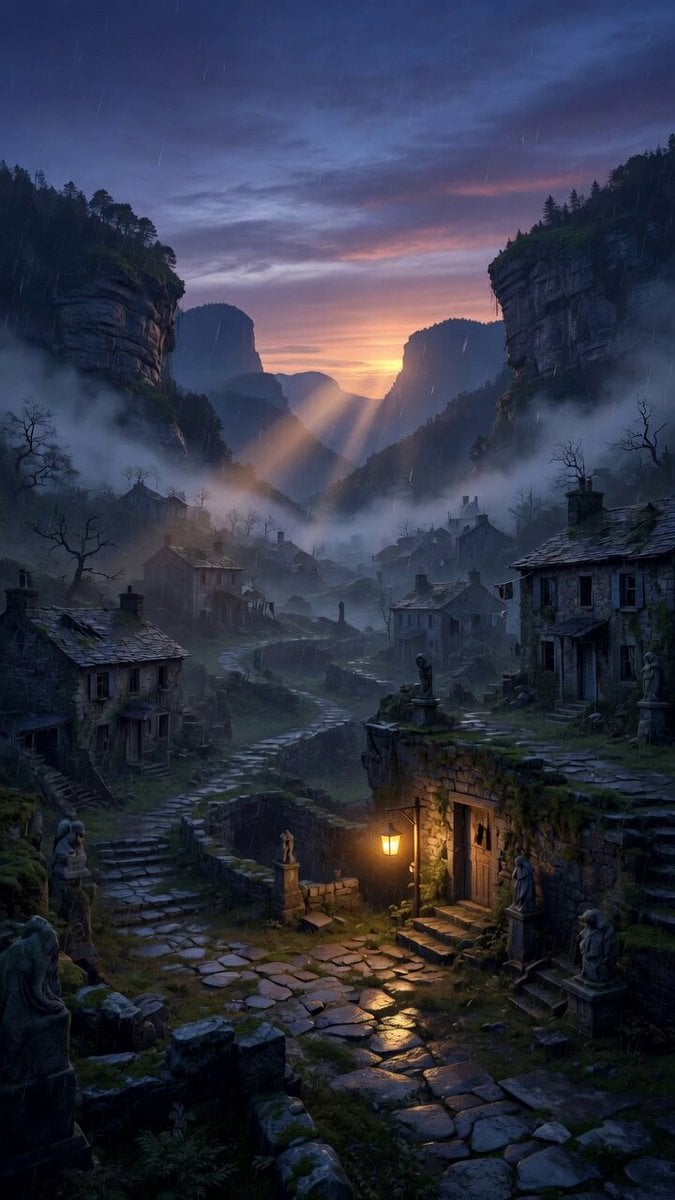
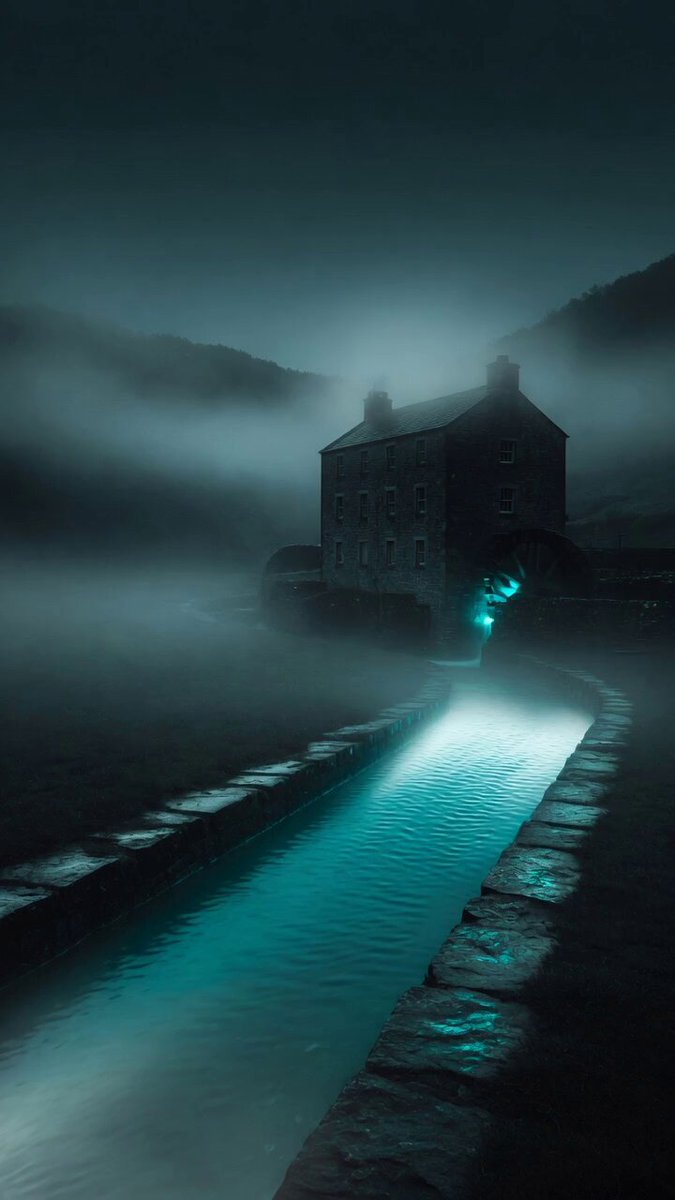
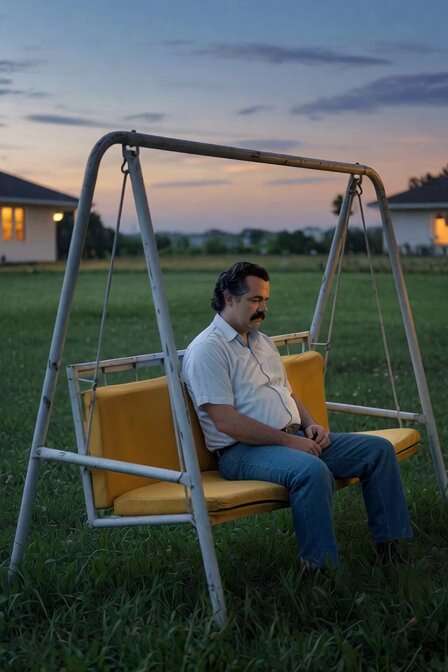
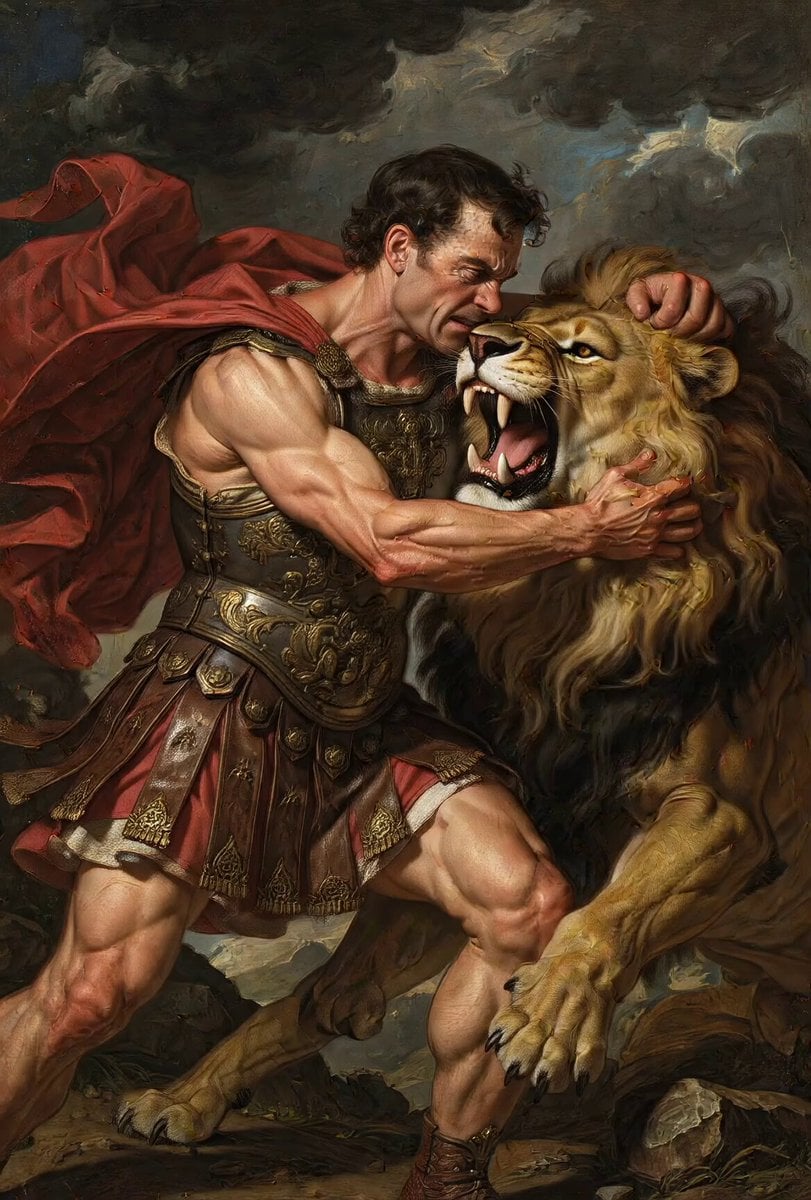
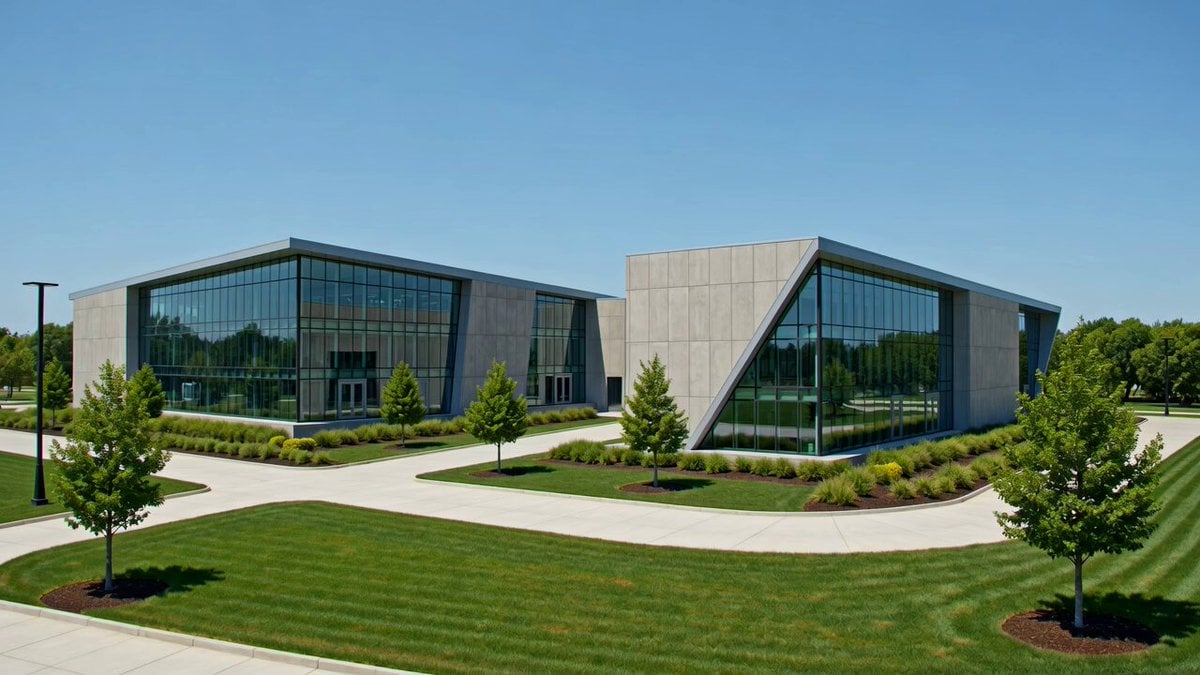
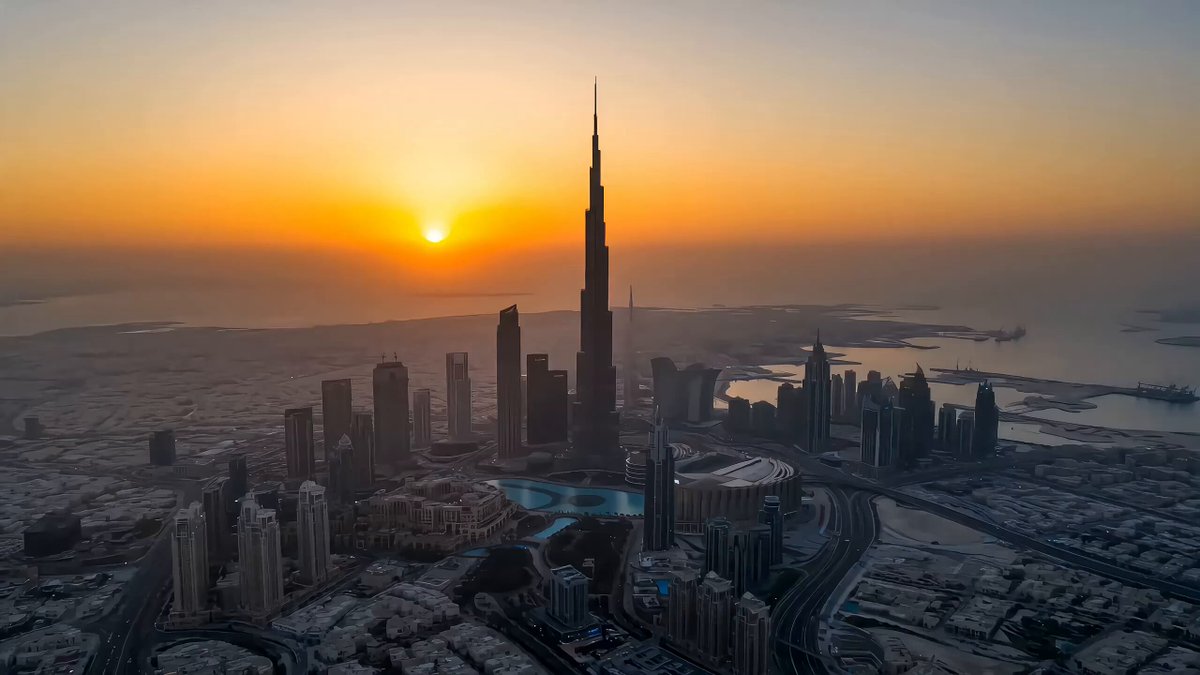
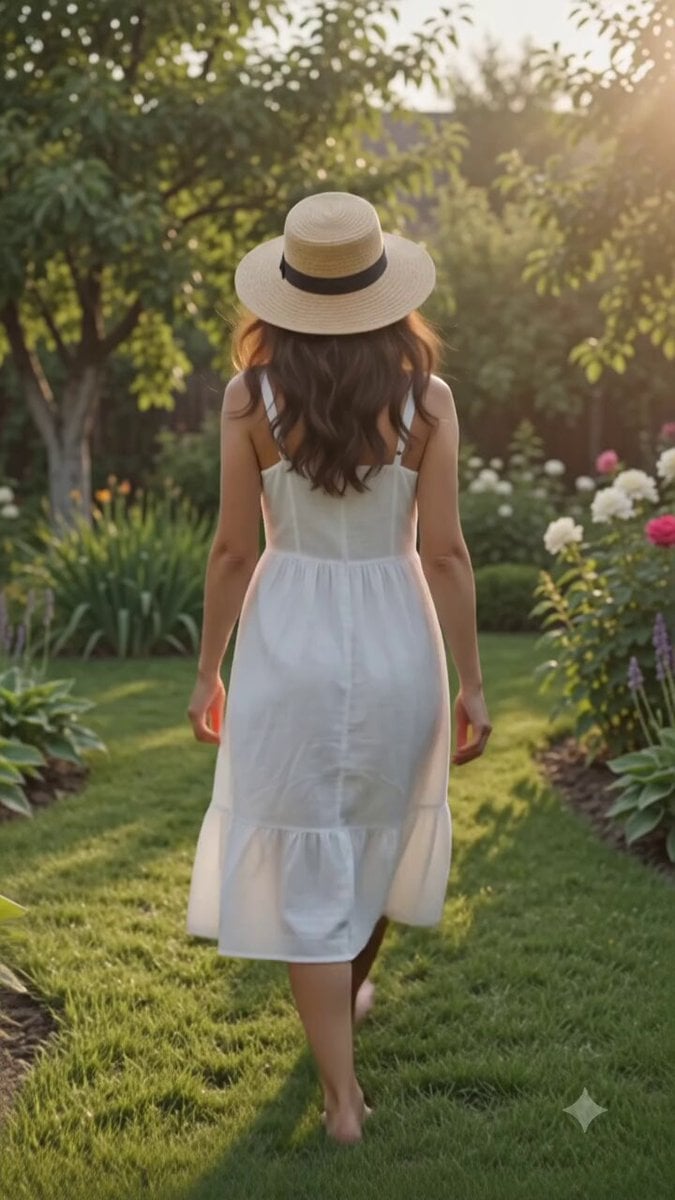
将图1增加【@图片1】增加数字CG风格,不改变地形,UES渲染,超广角构图,充满神秘感且细节繁复的云雾缭绕、前景柳叶飞溅点缀,动态模糊,天空被云雾覆盖,狂风肆虐,张力十足,恢宏浩荡,柳叶满天飞,极具压迫感的景象。FPV超高速镜头,从图1【@图片1】山脊飞过树尖俯冲而下,穿过浓厚的丛林迷雾下方,一条大江河在迷雾中若隐若现,镜头旋式下降,险些撞到树木,风呼啸而过,一直飞到江边,江面雾气飘飘,镜头向平移向右边大桥飞去,镜头离水面50CM高度贴近水面飞行,空过层层江面水雾,一条跨江大桥【@图片2】在迷雾
将图1增加【@图片1】增加数字CG风格,不改变地形,UES渲染,超广角构图,充满神秘感且细节繁复的云雾缭绕、前景柳叶飞溅点缀,动态模糊,天空被云雾覆盖,狂风肆虐,张力十足,恢宏浩荡,柳叶满天飞,极具压迫感的景象。FPV超高速镜头,从图1【@图片1】山脊飞过树尖俯冲而下,穿过浓厚的丛林迷雾下方,一条大江河在迷雾中若隐若现,镜头旋式下降,险些撞到树木,风呼啸而过,一直飞到江边,江面雾气飘飘,镜头向平移向右边大桥飞去,镜头离水面50CM高度贴近水面飞行,空过层层江面水雾,一条跨江大桥【@图片2】在迷雾
Edit the prompt in the box under the preview — the template's model and format are already selected — and press Generate. Your version appears right on this page.
Yes. You can change the subject, setting, lighting, mood, format, and available model controls before creating your video.
Opening and editing this template is free. Generating uses credits, shown on the Generate button when you are signed in.
Start with Grok Imagine, which is the model associated with this template. You can compare another compatible model for a different finish.
Follow a topic to a crawlable collection of related PicX Studio templates.