
Elderly Man Playing Piano with Dynamic Camera Movement
A highly detailed, 10-second video prompt for Grok Imagine, describing an elderly man playing an upright piano in a cozy room, specifying textures, color palette, resolution, and complex camera movements (close-up, side…

- Prompt included
- Model and format preset
- Free template
The prompt behind this video
Copy the exact prompt behind Elderly Man Playing Piano with Dynamic Camera Movement, or open it in the studio and make it yours.
An elderly man playing an old upright piano in a cozy living room, soft afternoon light through lace curtains, sheet music on the stand, a cat sleeping on the sofa nearby, ultra-detailed textures – piano keys, wrinkled hands, lace curtain movement, realistic warm nostalgic style, cozy color palette of browns, creams and soft golds, 16k resolution. Animation (10 seconds): STRONG START – At 0–2 seconds sudden close-up on fingers pressing keys with first chord ringing out. At 3 seconds the camera transitions into smooth side tracking around the piano. Final 4 seconds: the tracking rises gently upward revealing the full room and cat, ending with powerful hold on his peaceful smile as he finishes the melody. Soundtrack: Warm piano notes at start, layered with soft cat purring and curtain rustle, gentle nostalgic melody rising to emotional climax.
How to use Elderly Man Playing Piano with Dynamic Camera Movement in 3 steps
- 1
Open
The prompt is already in the box next to the preview, with the template's model and format selected.
- 2…a portrait of your subject in softgolden-hour light, 85mm…
Personalize
Edit the subject and creative details for your destination.
- 3Generate
Generate
Press Generate — your video is created in PicX Studio, so you can compare it with the original and refine one variable at a time.
More like this
Templates with the same subject, style or setup. Open one to see its prompt.

Slow motion scene with dynamic camera movement
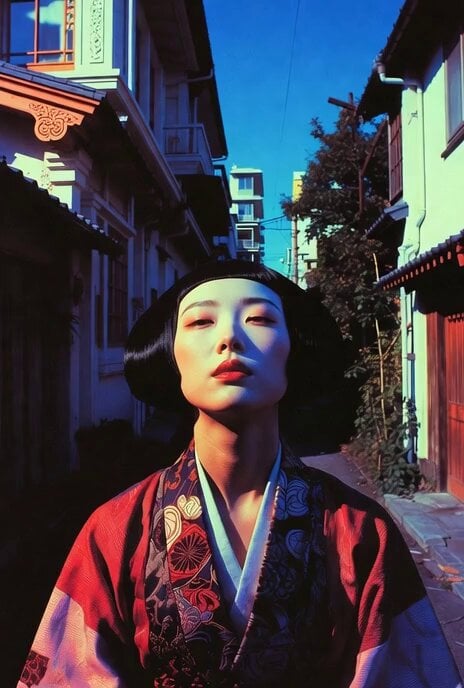
Dynamic Drone Camera Movement on Subject
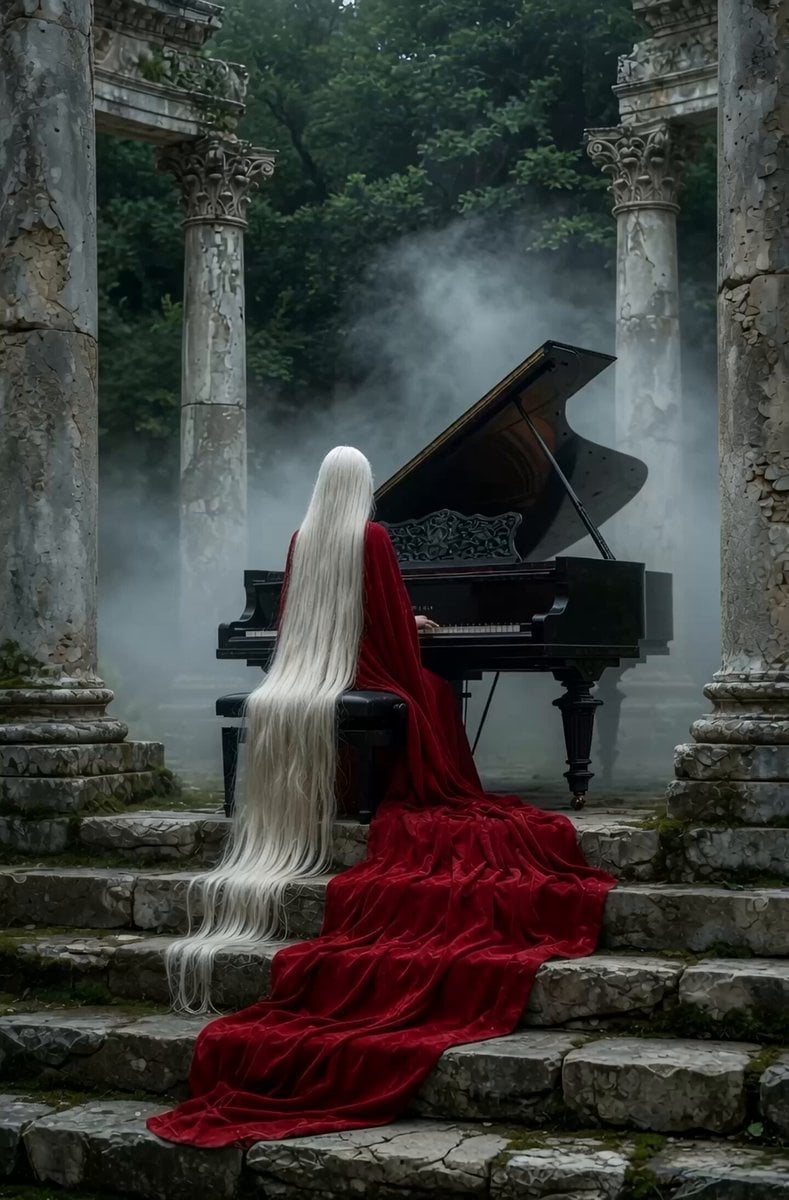
Masterpiece Piano Woman Video
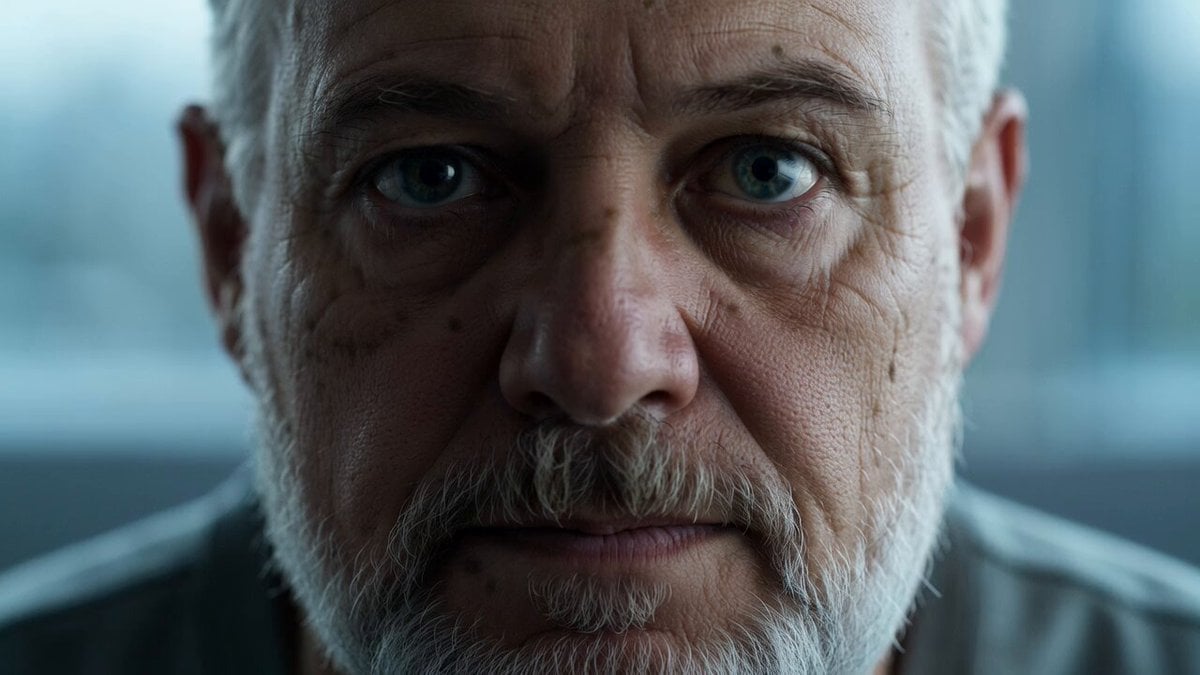
Reflective Elderly Man Documentary Portrait
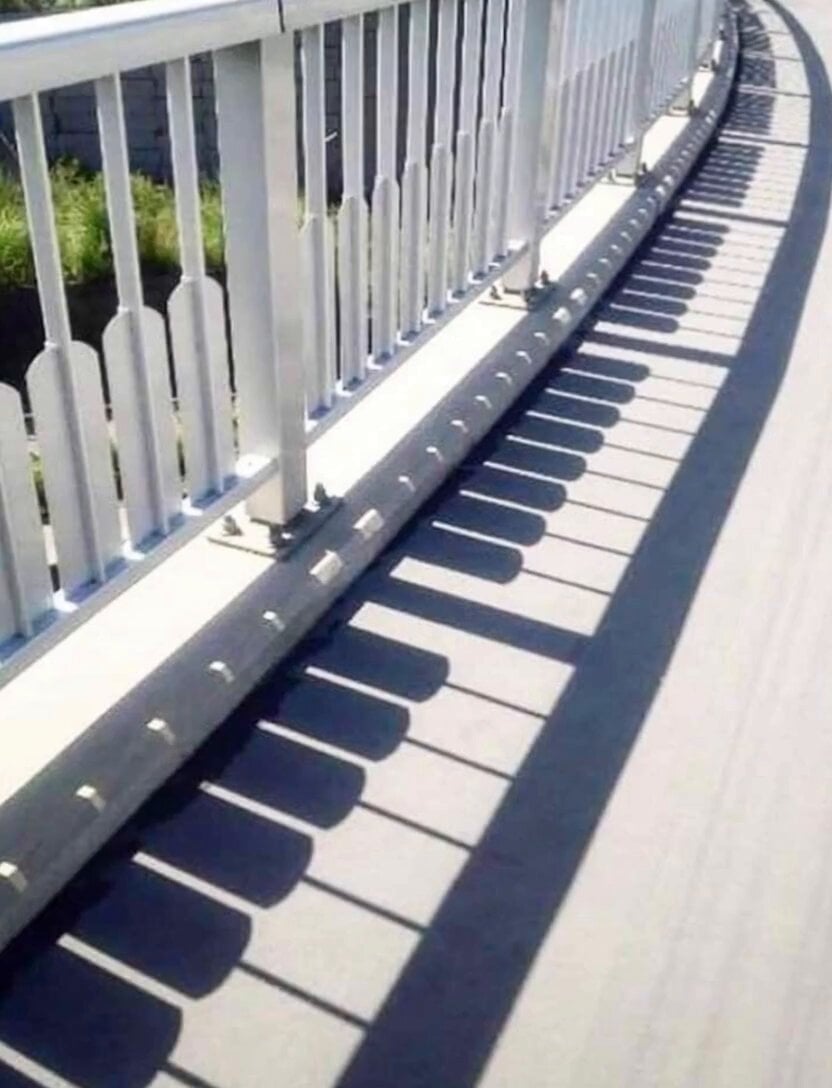
Piano Key Shadow Performance
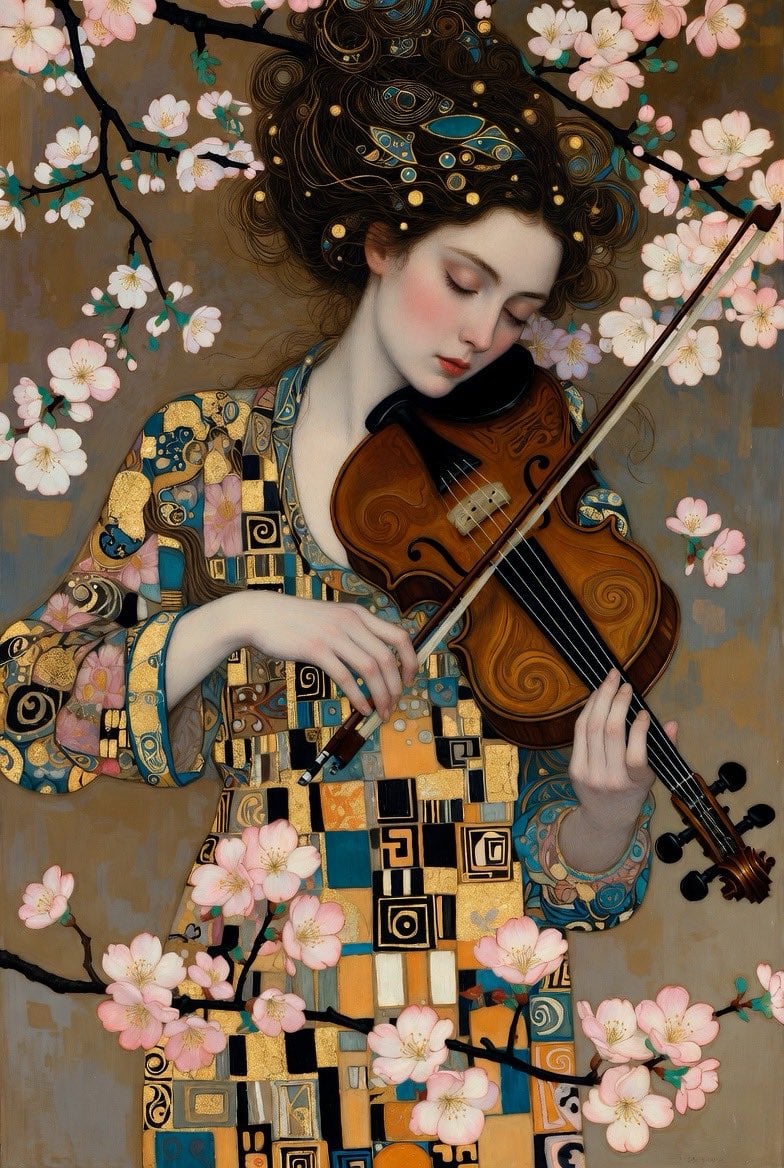
Highly Detailed Digital Painting of a Serene Woman Playing a Violin in Klimt's Golden Mosaic Style
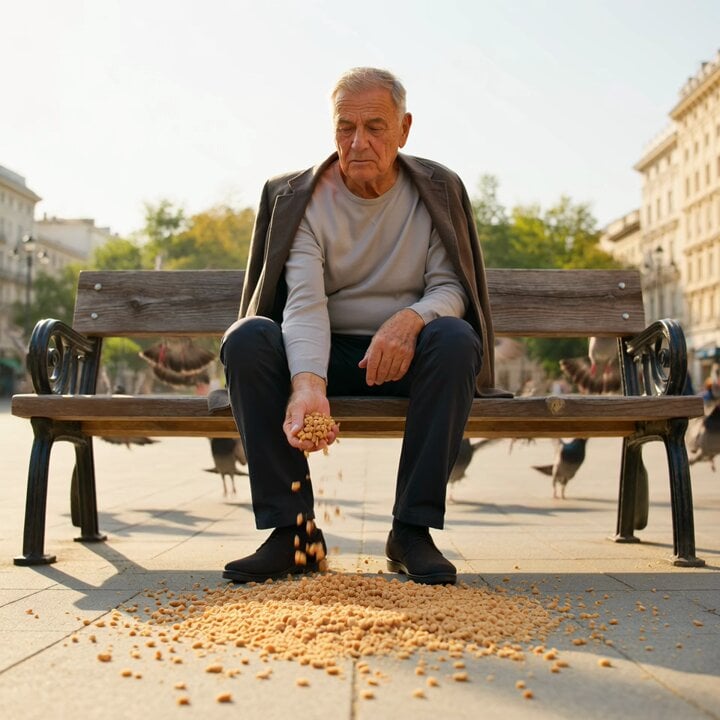
Elderly Man Feeding Pigeons Video Prompt
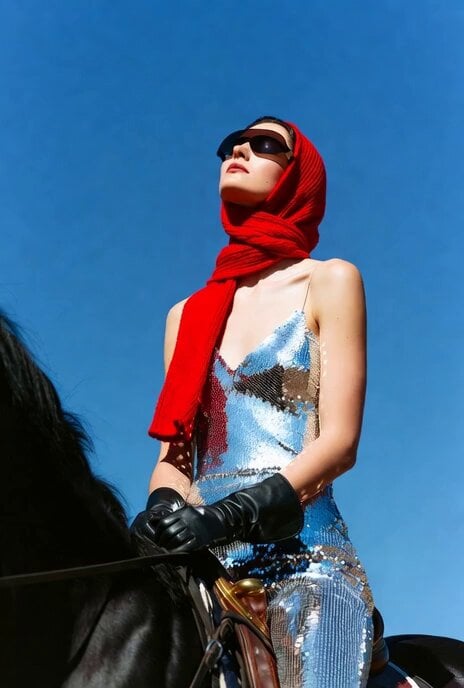
Video Prompt for Stationary Camera and Model Movement

Multi-stage video generation prompt with camera movements

Slow motion snow scene with drone camera movement

360 orbit camera movement prompt

Woman in Digital Space with Cinematic Camera
Make it yours
Elderly Man Playing Piano with Dynamic Camera Movement works as-is. These are the safest ways to change it without losing the look.
Change one field
Copy a single group, rewrite it, and generate again so you can see what that field is doing.
Keep the frame, change the subject
Hold the composition and light of Elderly Man Playing Piano with Dynamic Camera Movement, then swap wardrobe, props or the person for a new take.
| If the result… | Why | Fix |
|---|---|---|
| The result drifts from the preview | Too many fields changed at once. | Reuse Elderly Man Playing Piano with Dynamic Camera Movement as-is first, then change one group — subject, light, or setting. |
| The model over-stylizes the scene | The prose prompt leaves finish and camera underspecified. | Add one camera or lighting sentence and stay on Grok Imagine. |
More Grok Imagine templates
Other prompts made for Grok Imagine.

Kaleidoscopic Cosmic Dolphin Video

Horror Daffy Duck Video Transition

America 250th Anniversary Celebration

Glowing Water Forest Night Prompt

Soft Pink Roses Dreamer Prompt

Ninja Wizard Levitation Jump

Coffee Cup Interaction Motion

Voice Controlled Water Animation

Pterodactyl Transformation Journey

Psychedelic Purple Disc World Video
More video prompts
Fresh picks from across the catalog.
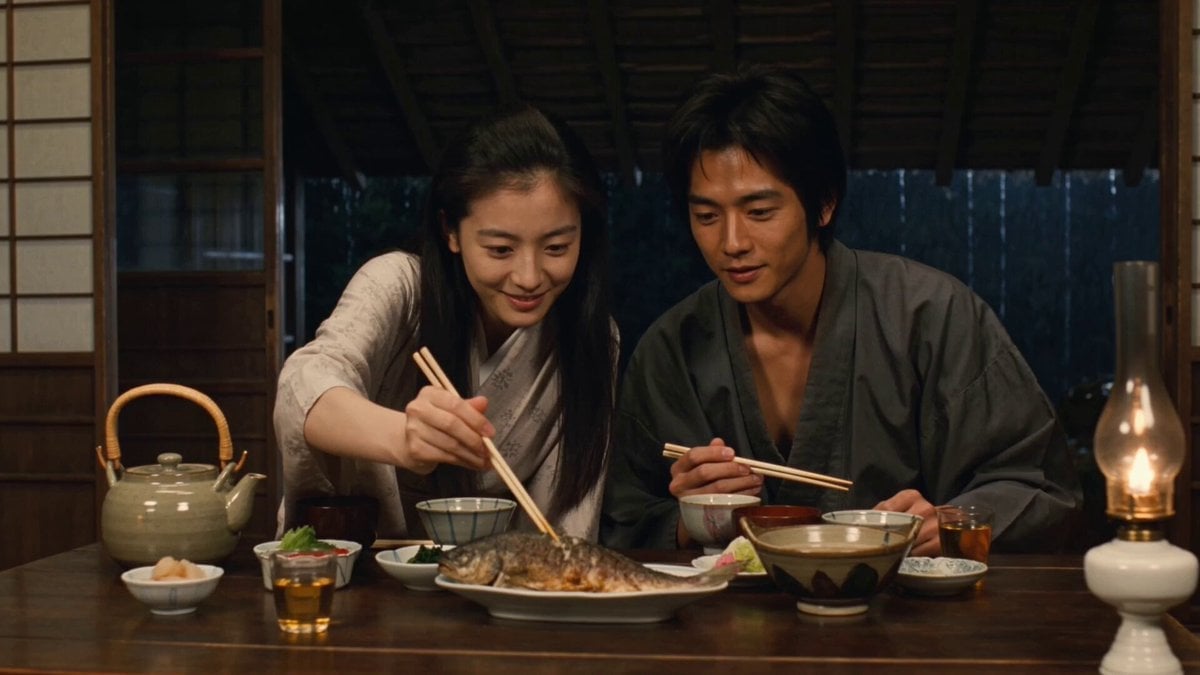
Traditional Japanese Farmhouse Dinner Scene
Surreal Hakone Ekiden Gliding Marathon
FPV Video of Ancient London
80s OVA Skate Run Storyboard

VTuber Style Cooking Live Video
Nano Banana Pro Prompt: 3D City Diorama Map (Reference)
Training
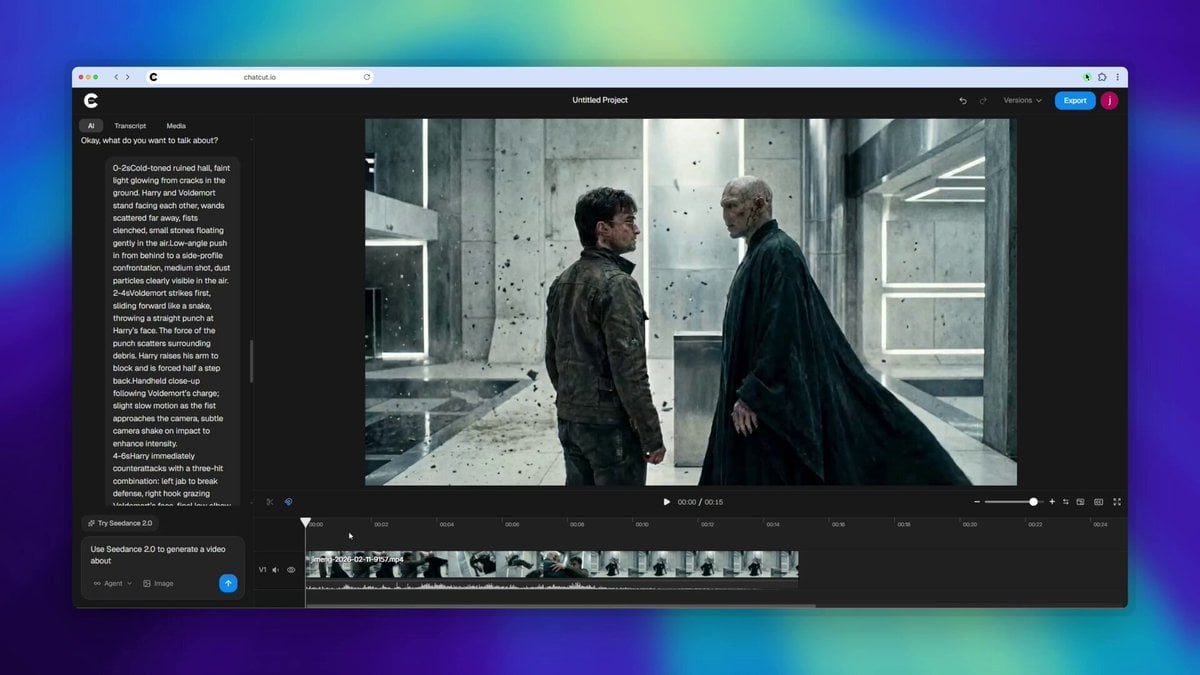
Harry Potter vs Voldemort Fight Scene

Cinematic Black Woman on Mountain at Golden Hour
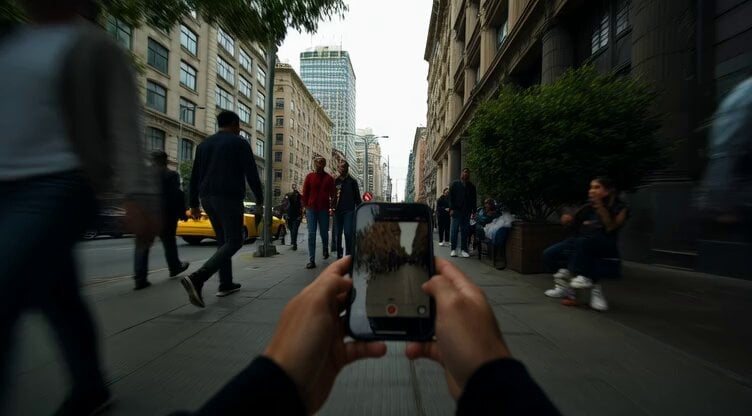
First-Person Guerilla Style Footage

Browse template categories
Elderly Man Playing Piano with Dynamic Camera Movement questions
How do I use the Elderly Man Playing Piano with Dynamic Camera Movement template?
Add your photo if the template asks for one, edit the prompt if you like — the template's model and format are already selected — and press Generate. Your version opens in PicX Studio.
Can I customize the Elderly Man Playing Piano with Dynamic Camera Movement template?
Yes. You can change the subject, setting, lighting, mood, format, and available model controls before creating your video.
Is the Elderly Man Playing Piano with Dynamic Camera Movement template free?
Opening and editing this template is free. Generating uses credits, shown on the Generate button when you are signed in.
Which AI model should I use?
Start with Grok Imagine, which is the model associated with this template. You can compare another compatible model for a different finish.
Looking for something else? Browse all templates.

Your photo, any look
Thousands of ready templates for every top image and video model, from one credit balance.