How do I use the Piano Key Shadow Performance template?
Edit the prompt in the box under the preview — the template's model and format are already selected — and press Generate. Your version appears right on this page.
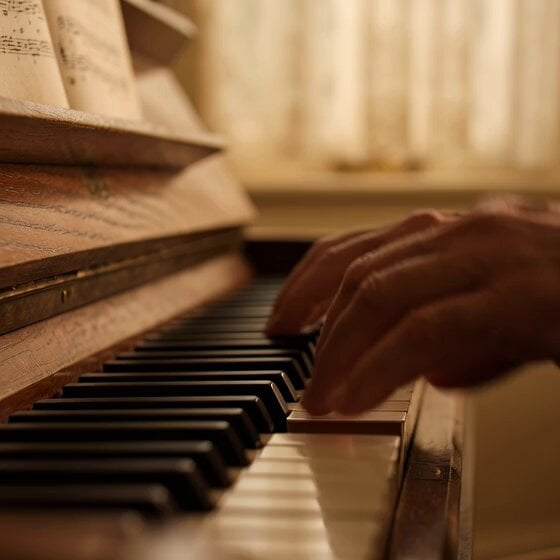
A creative prompt that transforms a shadow resembling piano keys into an animated video where the keys are played to the tune of the Chopsticks March.
사진의 그림자가 피아노 건반처럼 보이는데, 마치 사람이 연주하는 것처럼 건반이 움직이는 동영상을 만들어주시고 연주하는 음악은 젓가락 행진곡입니다.
사진의 그림자가 피아노 건반처럼 보이는데, 마치 사람이 연주하는 것처럼 건반이 움직이는 동영상을 만들어주시고 연주하는 음악은 젓가락 행진곡입니다.
Edit the prompt in the box under the preview — the template's model and format are already selected — and press Generate. Your version appears right on this page.
Yes. You can change the subject, setting, lighting, mood, format, and available model controls before creating your video.
Opening and editing this template is free. Generating uses credits, shown on the Generate button when you are signed in.
Start with Grok Imagine, which is the model associated with this template. You can compare another compatible model for a different finish.
Follow a topic to a crawlable collection of related PicX Studio templates.