How do I use the High-End Cinematic Food Reel template?
Edit the prompt in the box under the preview — the template's model and format are already selected — and press Generate. Your version appears right on this page.
A detailed image-to-video prompt for Seedance 2.0 to create a high-end cinematic food reel based on a reference image, specifying ultra-close macro shots, dynamic micro-cuts, professional lighting, and rich texture…
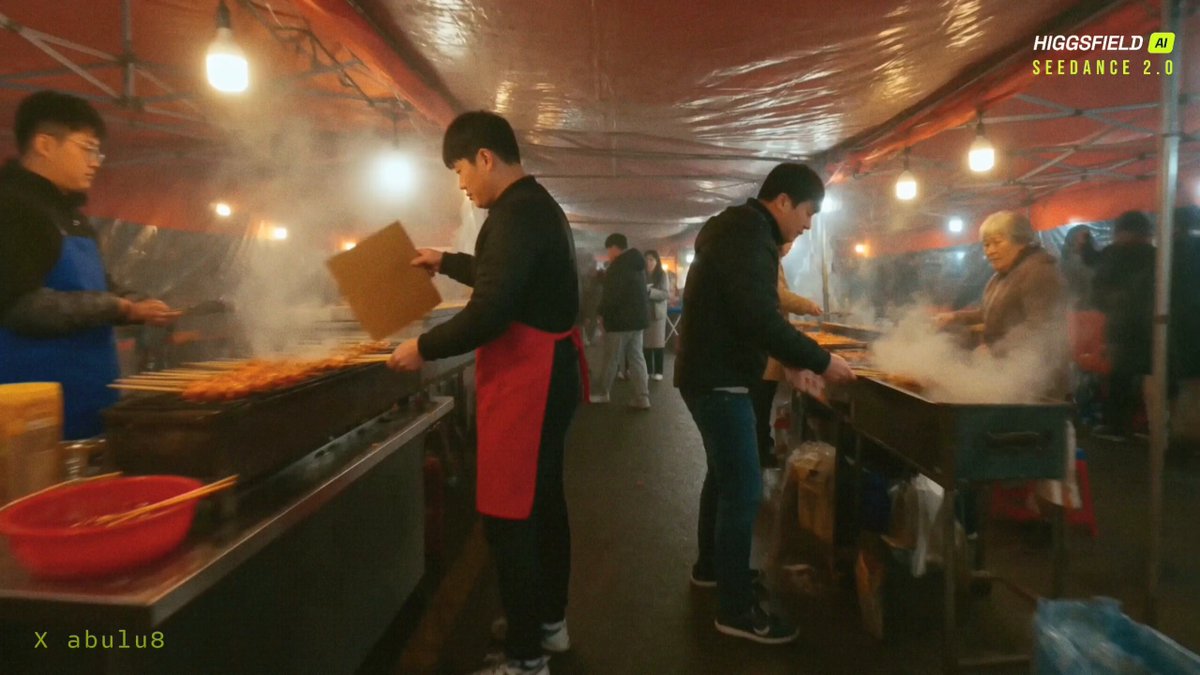
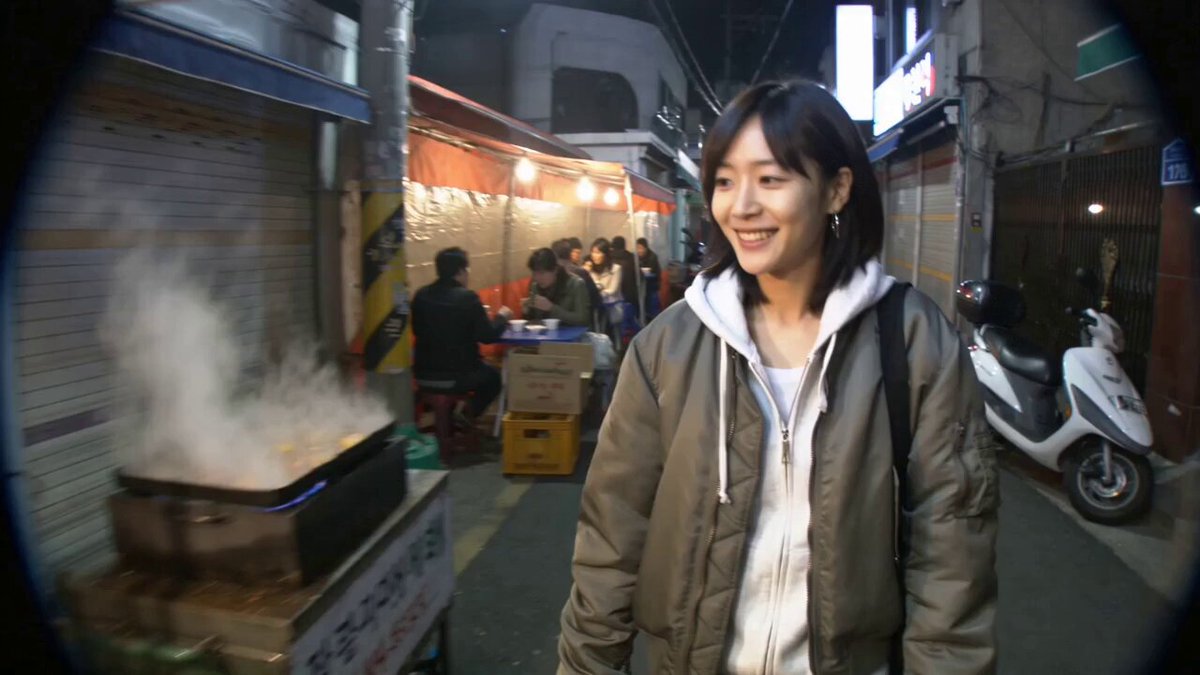
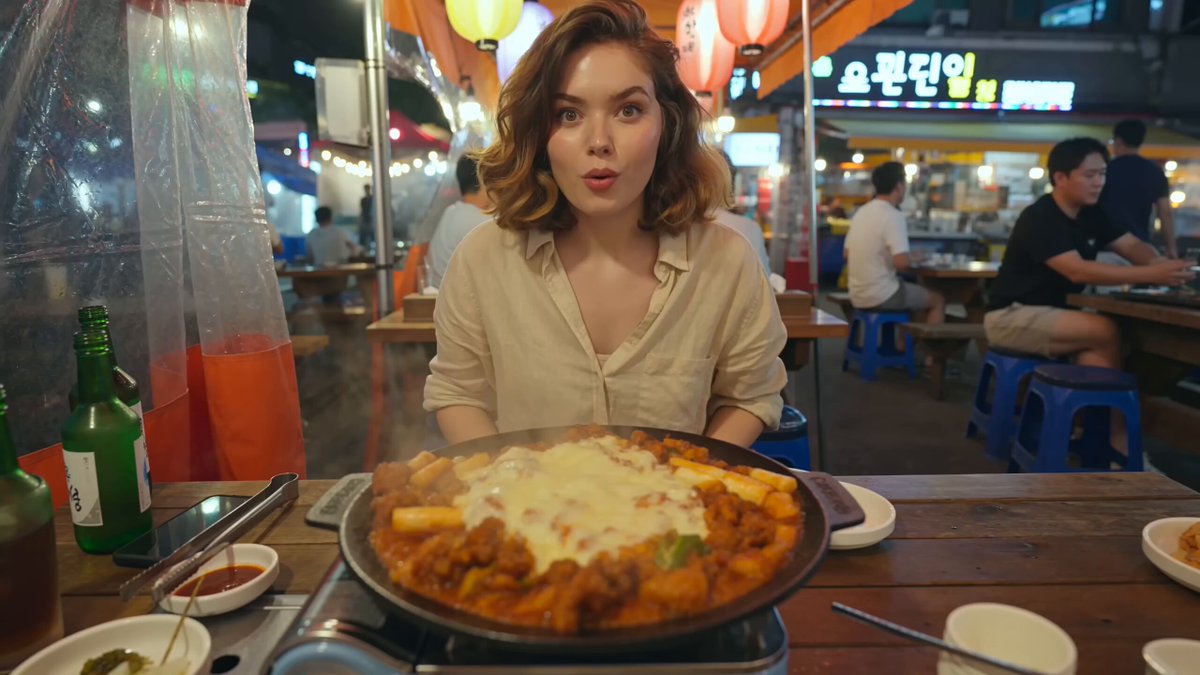
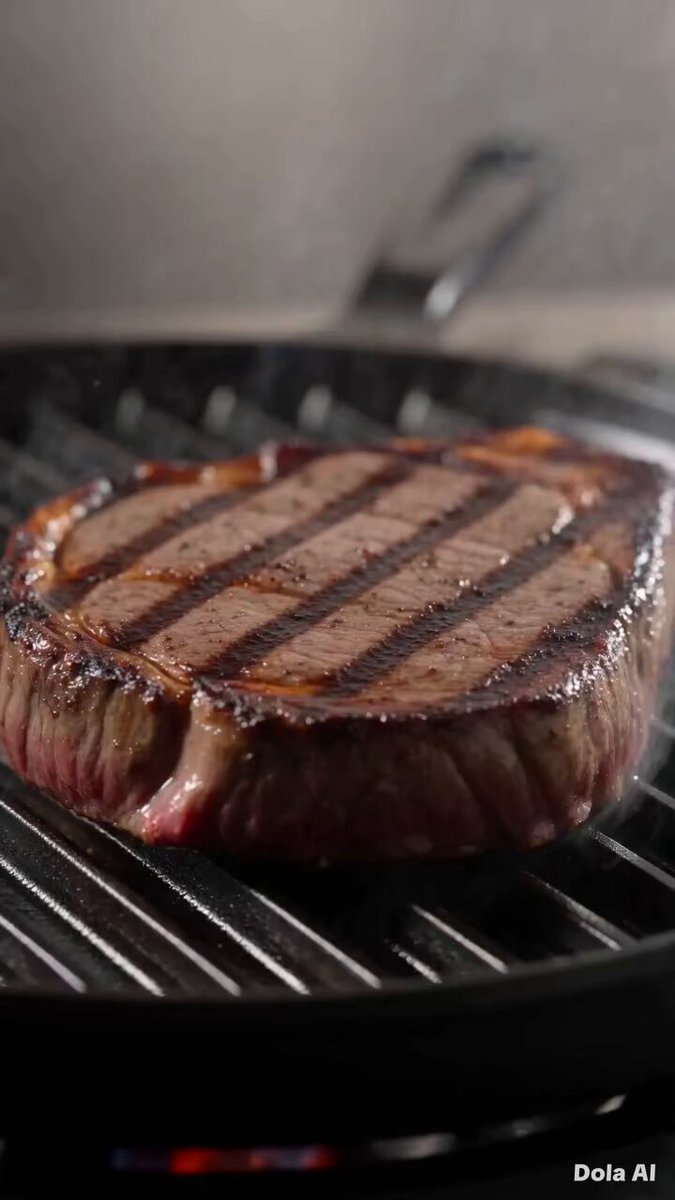
"Create a high-end cinematic food reel video based on the provided reference image, preserving the exact dish, ingredients, plating, textures, and colors. Use ultra-close macro shots with fast, dynamic micro-cuts at 50 frames per second for smooth premium slow motion, including tight push-ins, subtle lateral slides, shallow depth of field, precise focus pulls, and sensory details like steam, glossy sauce, crispy textures, or gentle drizzles if relevant. Lighting should be professional studio food photography with soft highlights, controlled shadows, rich texture definition, and natural warm color grading with high dynamic range. No text overlays"
"Create a high-end cinematic food reel video based on the provided reference image, preserving the exact dish, ingredients, plating, textures, and colors. Use ultra-close macro shots with fast, dynamic micro-cuts at 50 frames per second for smooth premium slow motion, including tight push-ins, subtle lateral slides, shallow depth of field, precise focus pulls, and sensory details like steam, glossy sauce, crispy textures, or gentle drizzles if relevant. Lighting should be professional studio food photography with soft highlights, controlled shadows, rich texture definition, and natural warm color grading with high dynamic range. No text overlays"
Edit the prompt in the box under the preview — the template's model and format are already selected — and press Generate. Your version appears right on this page.
Yes. You can change the subject, setting, lighting, mood, format, and available model controls before creating your video.
Opening and editing this template is free. Generating uses credits, shown on the Generate button when you are signed in.
Start with Seedance 2.0, which is the model associated with this template. You can compare another compatible model for a different finish.
Follow a topic to a crawlable collection of related PicX Studio templates.