
Dead End Express Zombie Outbreak
A multi-shot cinematic prompt for a zombie outbreak on a train, detailing character transformation and passenger panic over 30 seconds.
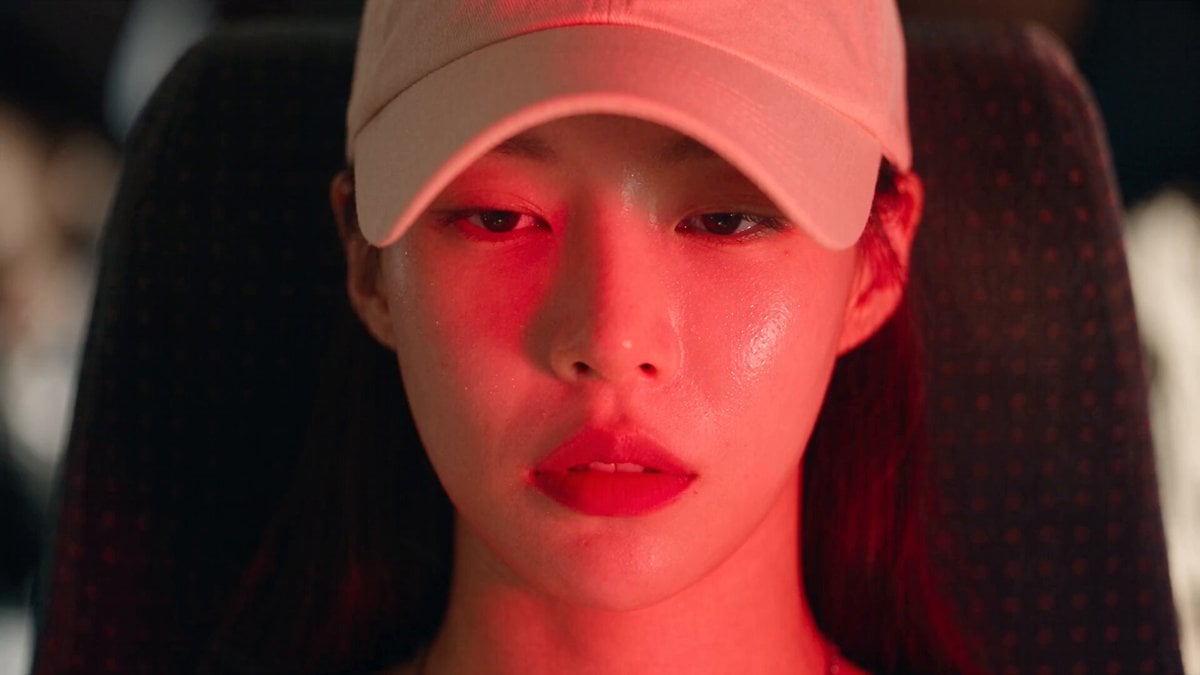
- Prompt included
- Model and format preset
- Free template
The prompt behind this video
Copy the exact prompt behind Dead End Express Zombie Outbreak, or open it in the studio and make it yours.
Shot 1 (0–1.2s): Character matching reference image, seated on a stopped train, feverish and sweating as red checkpoint lights sweep outside. Shot 2 (1.2–2.4s): Soldiers and officials board, inspecting passengers with flashlights while everyone watches nervously. Shot 3 (2.4–3.6s): Close-up of her trembling hand; veins darken beneath her skin as her breathing becomes shallow. Shot 4 (3.6–4.8s): Official checks documents and stops beside her, unaware of the danger. Shot 5 (4.8–6s): Her eyes cloud white and her head tilts unnaturally toward him. Shot 6 (6–7.2s): She suddenly bites his arm; extreme close-up, shocked reaction, cinematic slow motion. Shot 7 (7.2–8.4s): Passengers scream and retreat as the injured official stumbles into the aisle. Shot 8 (8.4–9.6s): His bite wound rapidly develops branching dark veins as the infection spreads. Shot 9 (9.6–10.8s): Soldiers outside notice the chaos through the windows and raise the alarm. Shot 10 (10.8–12s): The official convulses violently under flickering lights. Shot 11 (12–13s): His eyes snap open bloodshot and empty—the transformation complete. Shot 12 (13–14s): He attacks a nearby passenger, triggering mass panic inside the confined car. Shot 13 (14–15s): Passengers rush for the doors, but soldiers outside slam and lock them shut. Shot 14 (15–16.2s): Soldier seals the exterior lock as passengers pound desperately on the glass. Shot 15 (16.2–17.4s): Wide view: passengers realize they are trapped inside the sealed train car. Shot 16 (17.4–18.6s): A newly bitten passenger transforms within seconds and attacks others. Shot 17 (18.6–19.8s): Survivors retreat toward the back, trapped between sealed doors. Shot 18 (19.8–21s): A passenger grabs a fire extinguisher and braces against the approaching infected. Shot 19 (21–22.2s): He blasts them with white extinguisher spray, filling the car with fog. Shot 20 (22.2–23.4s): Soldiers watch silently from outside with weapons raised, unsure whether to intervene. Shot 21 (23.4–24.6s): Fully infected character presses against the sealed door glass while survivors corner themselves. Shot 22 (24.6–25.8s): Survivors barricade inside a restroom as pounding and screams echo outside. Shot 23 (25.8–27s): Wide shot of infected and survivors battling inside the sealed car beneath harsh checkpoint lights. Shot 24 (27–28.2s): Soldier radios for backup as the train rocks from the chaos within. Shot 25 (28.2–30s): Exterior wide shot: motionless train at the checkpoint, sealed doors, fogged windows and silhouettes struggling inside trapped-horror ending.
How to use Dead End Express Zombie Outbreak in 3 steps
- 1Upload ImagePNG, JPG or paste
Add your photo
Upload the photo the template builds on. The prompt, model and format are already set.
- 2…a portrait of your subject in softgolden-hour light, 85mm…
Personalize
Edit the subject and creative details for your destination.
- 3Generate
Generate
Press Generate — your video is created in PicX Studio, so you can compare it with the original and refine one variable at a time.
More like this
Templates with the same subject, style or setup. Open one to see its prompt.
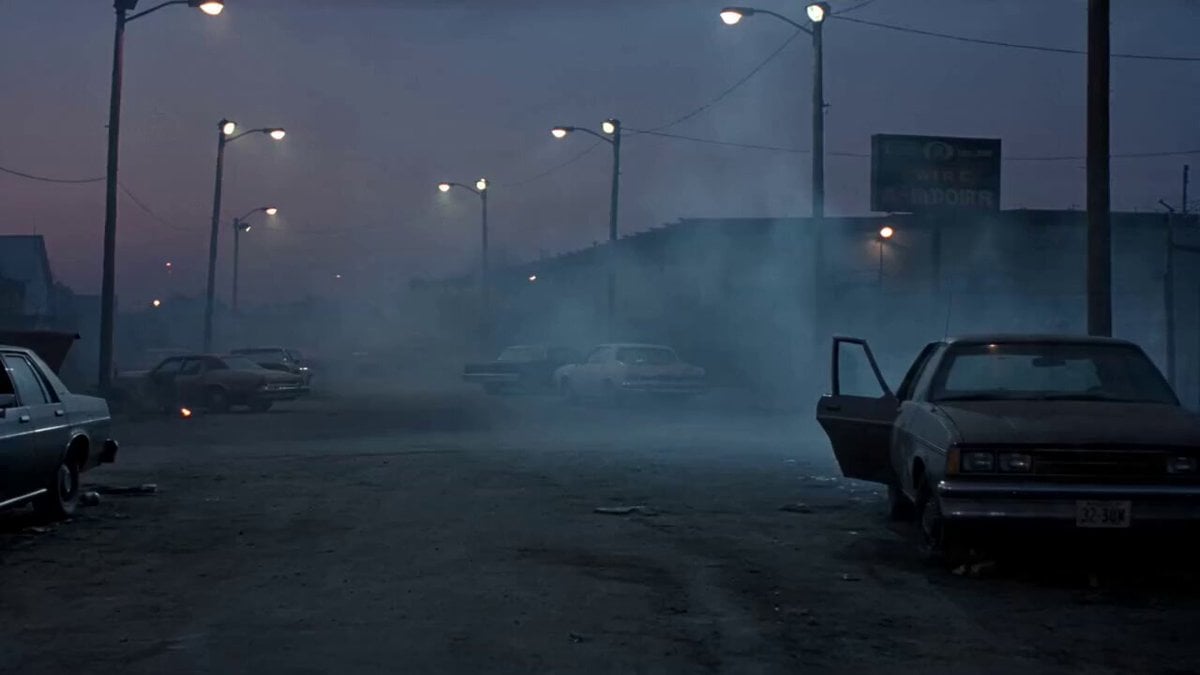
1990s Horror Zombie Outbreak

Valkyrie Descending on Undead Battlefield
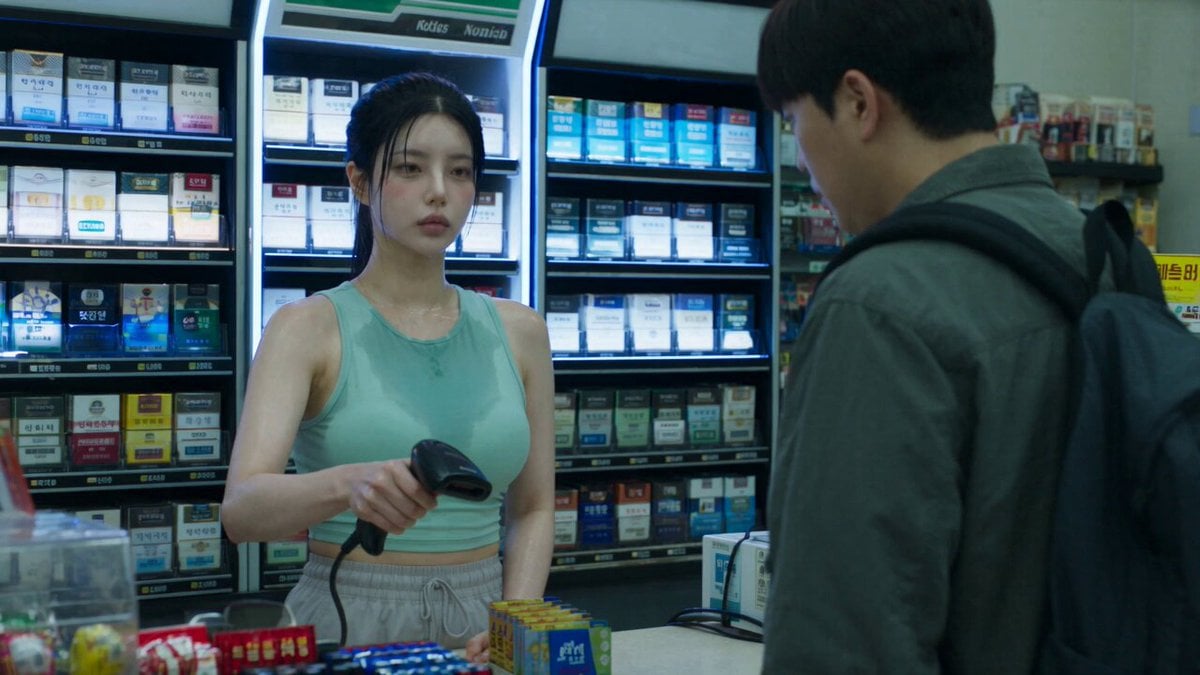
Korean Horror Zombie Convenience Store Attack
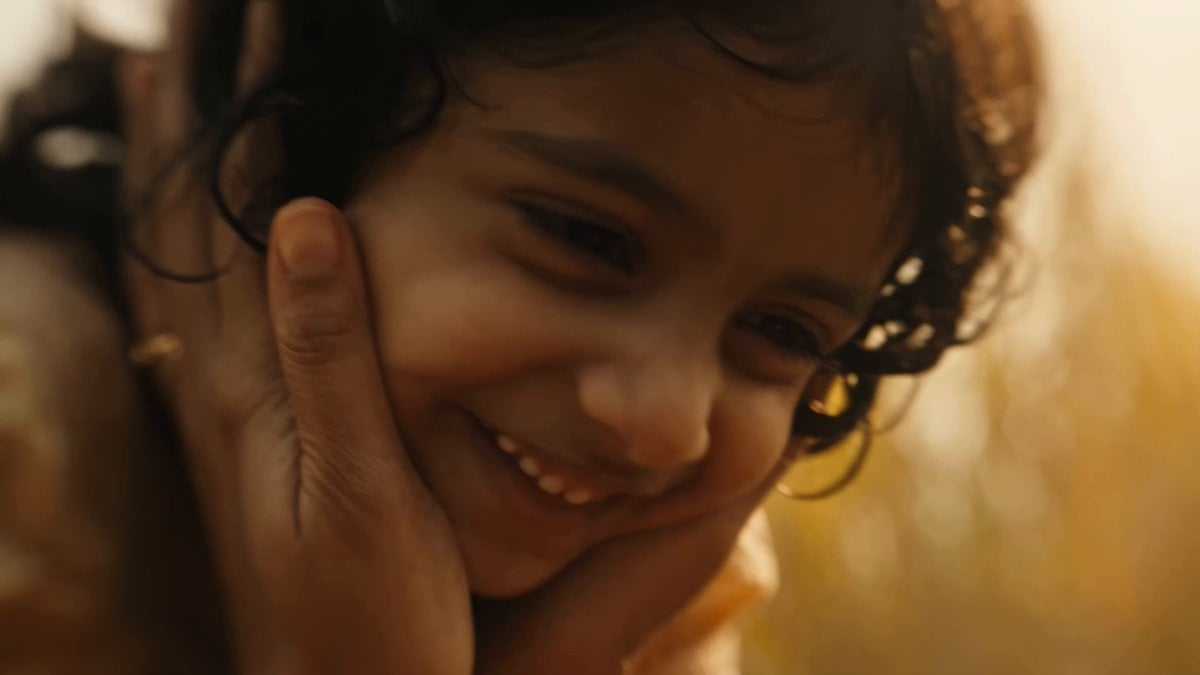
Indian Village Zombie Chase Intercut
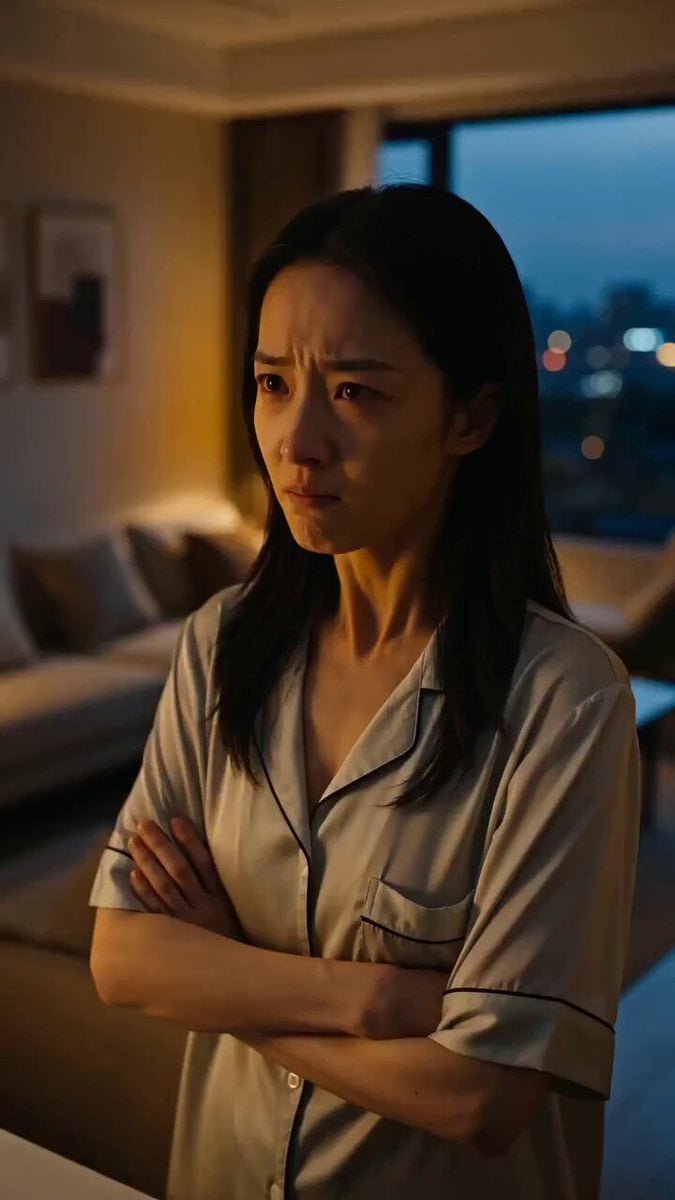
Seedance Micro-Expression Emotional Sequence
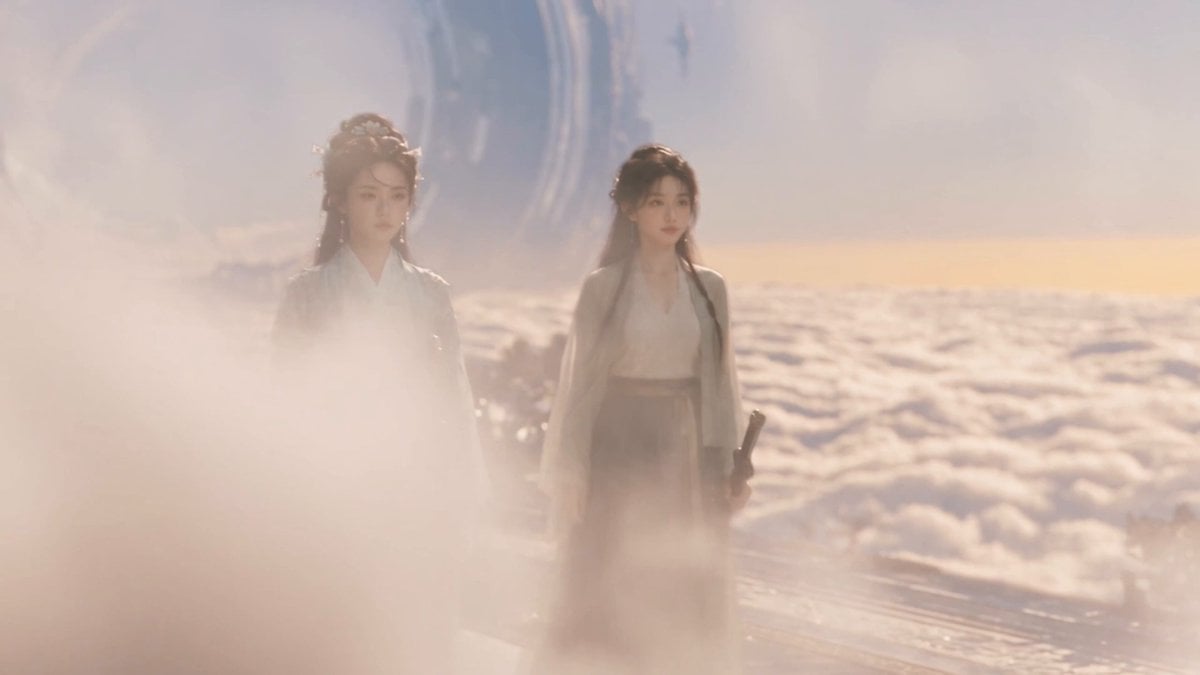
Wuxia micro-expression comedy prompt

Funny Pet Dancing Expression Video
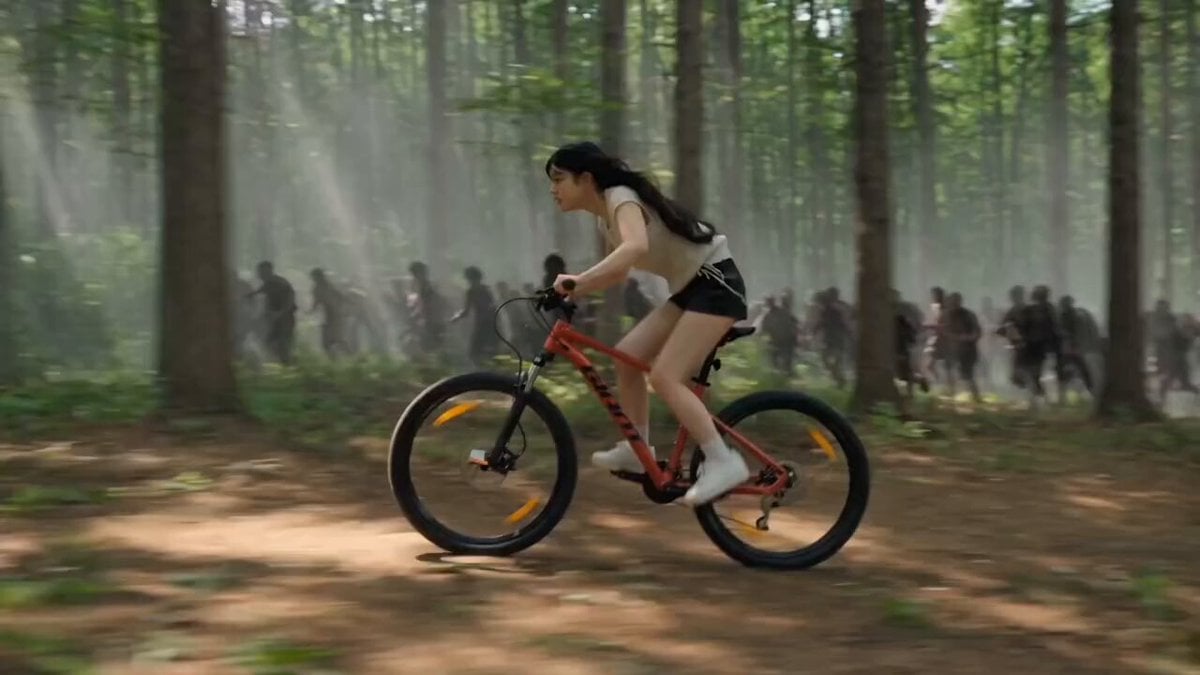
Woman Bicycle Zombie Chase Action Scene
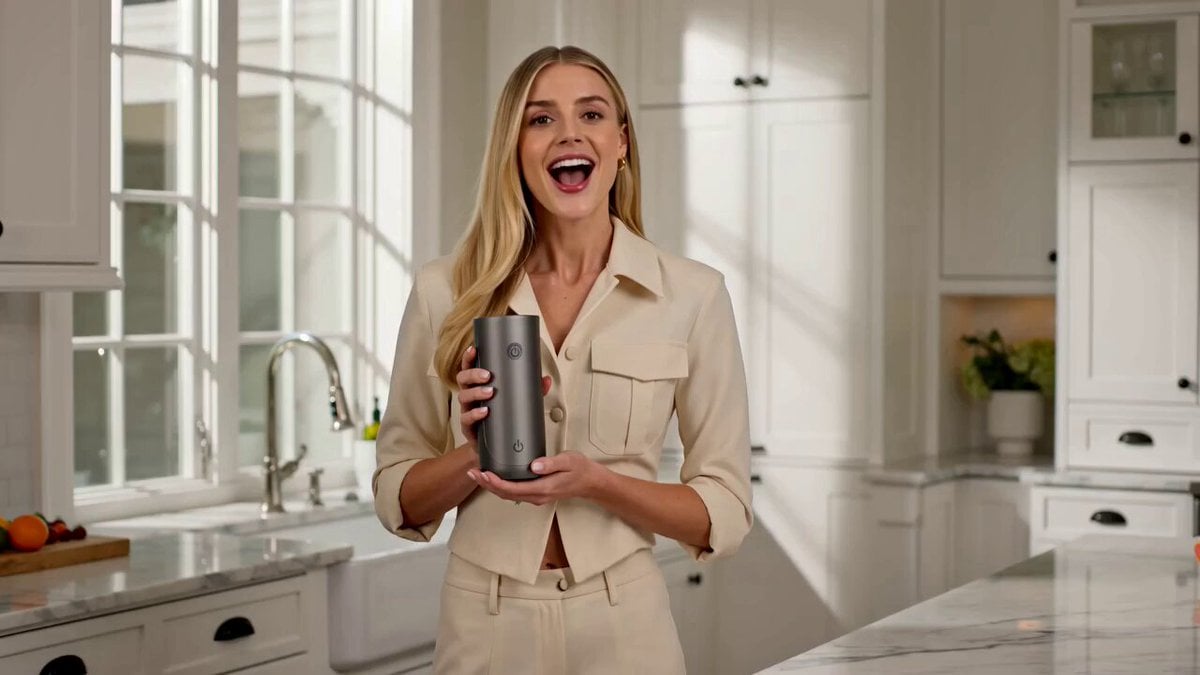
Luxury Portable Blender Commercial featuring Aria
Futuristic Motorcycle Zombie Chase
Last Ride Train Outbreak Horror
Zombie Apocalypse Convenience Store Shot
Make it yours
Dead End Express Zombie Outbreak works as-is. These are the safest ways to change it without losing the look.
Change one field
Copy a single group, rewrite it, and generate again so you can see what that field is doing.
Keep the frame, change the subject
Hold the composition and light of Dead End Express Zombie Outbreak, then swap wardrobe, props or the person for a new take.
| If the result… | Why | Fix |
|---|---|---|
| The result drifts from the preview | Too many fields changed at once. | Reuse Dead End Express Zombie Outbreak as-is first, then change one group — subject, light, or setting. |
| The model over-stylizes the scene | The prose prompt leaves finish and camera underspecified. | Add one camera or lighting sentence and stay on Seedance 2.0. |
More Seedance 2.0 templates
Other prompts made for Seedance 2.0.

Comical Martial Arts Punch Scene

Maglev Train Action Sequence

Martial Arts Fight Sequence

Wuxia Protection and Trust Script

Vintage Korean Arcade MiniDV Vlog

Mercedes 190 SL Luxury Ad

Rainy Night Supernatural Reverse Comedy Video Script

Amazon Civilization Discovery

Futuristic South Asian City Transformation

Cozy Luxury Cafe Commercial
More video prompts
Fresh picks from across the catalog.

Fluffy Kitten in Outdoor Setting
IPL Broadcast Crowd Camera Video
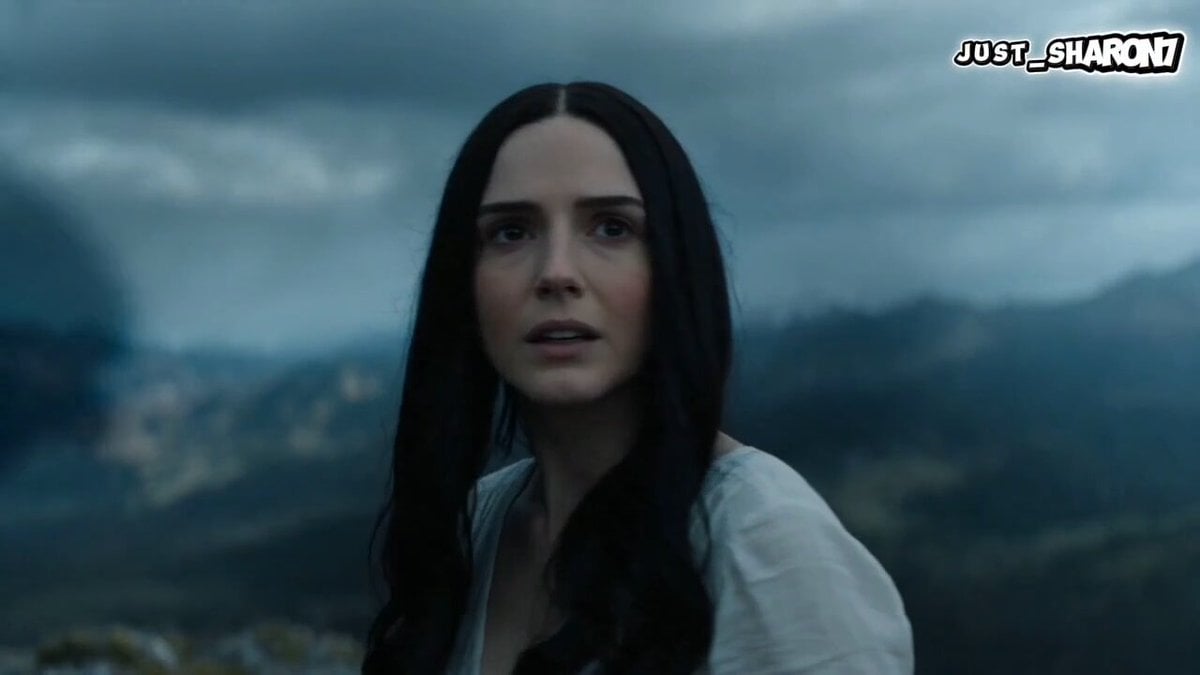
Cinematic Dragon Fantasy Reel
Wink and Laugh Animation
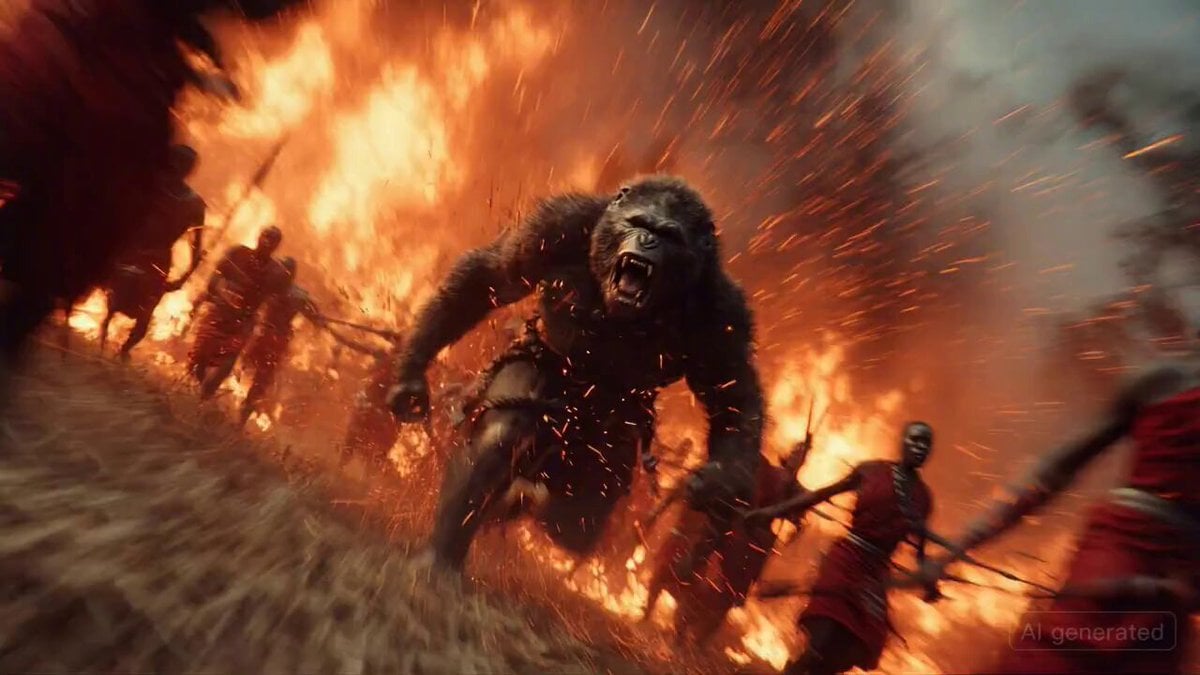
Chaos erupts in a Maasai village
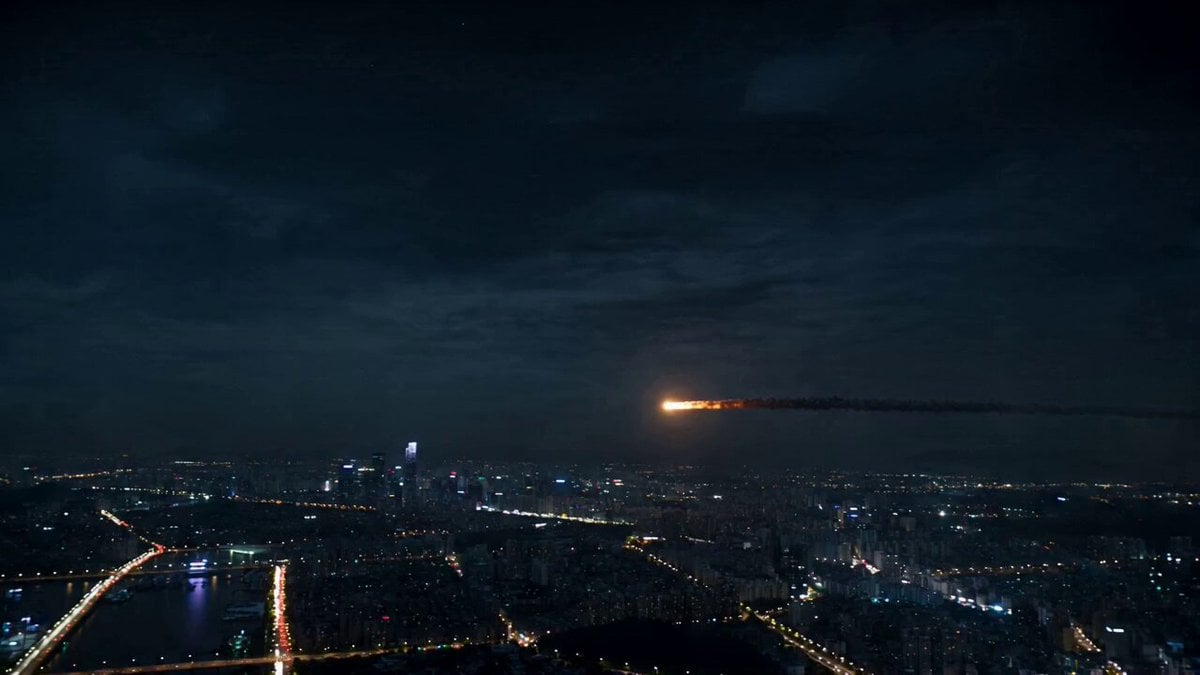
Asteroid City Impact Scene
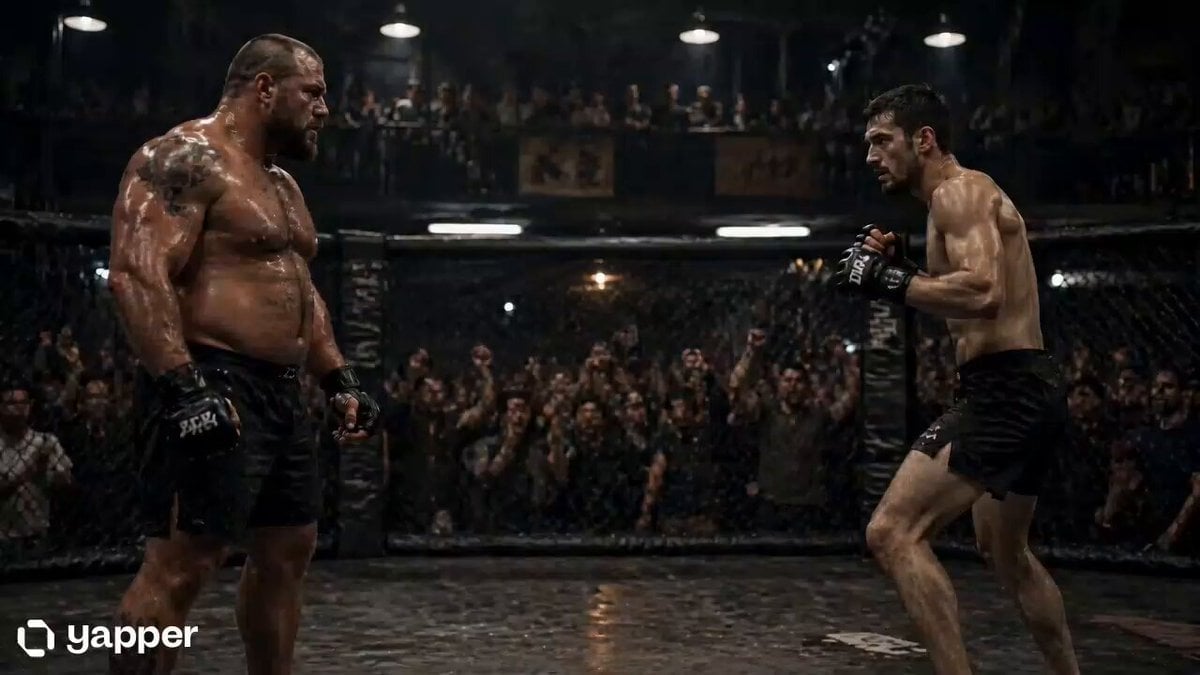
Underground Fight Club Sequence
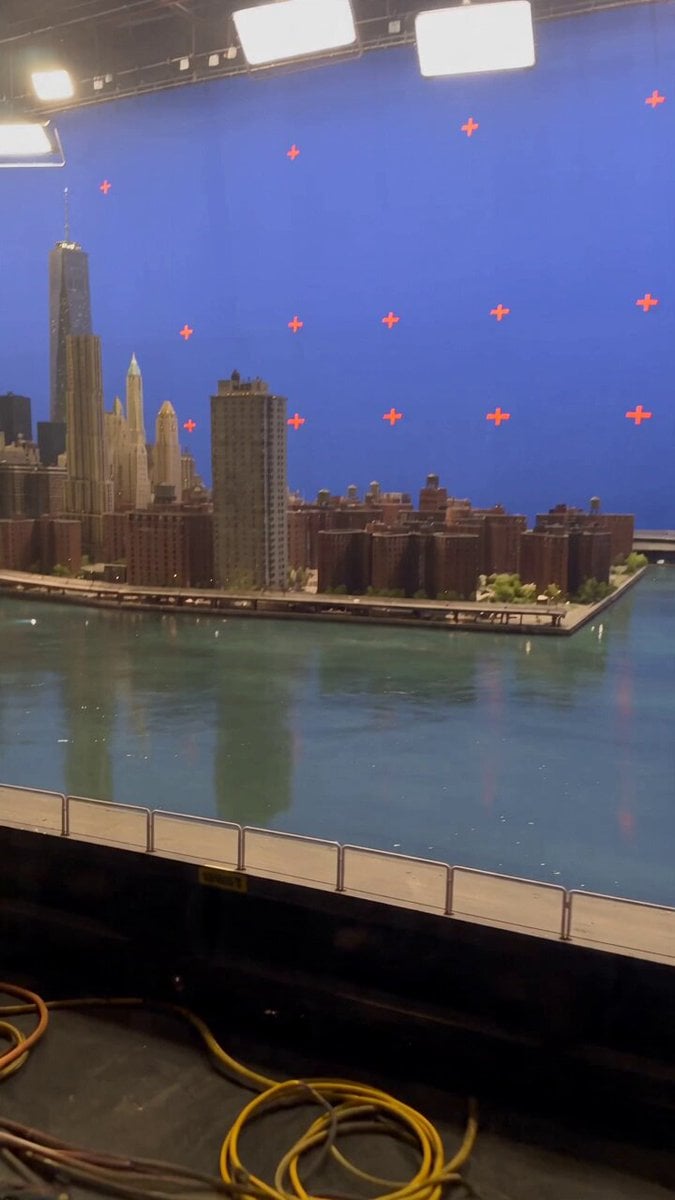
Miniature City Flood Soundstage
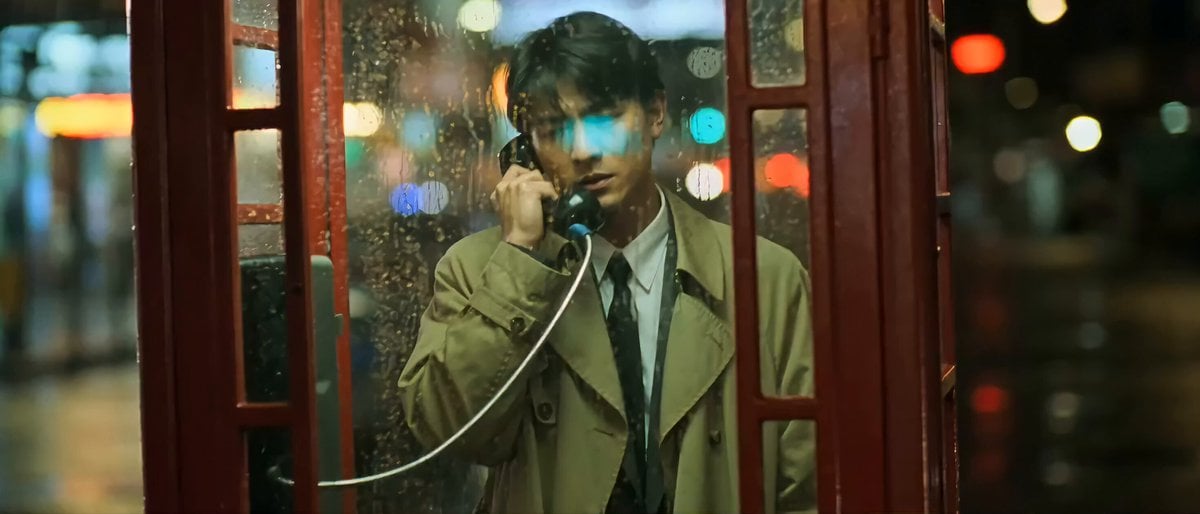
Wong Kar-wai Style Melancholy Phone Booth Scene
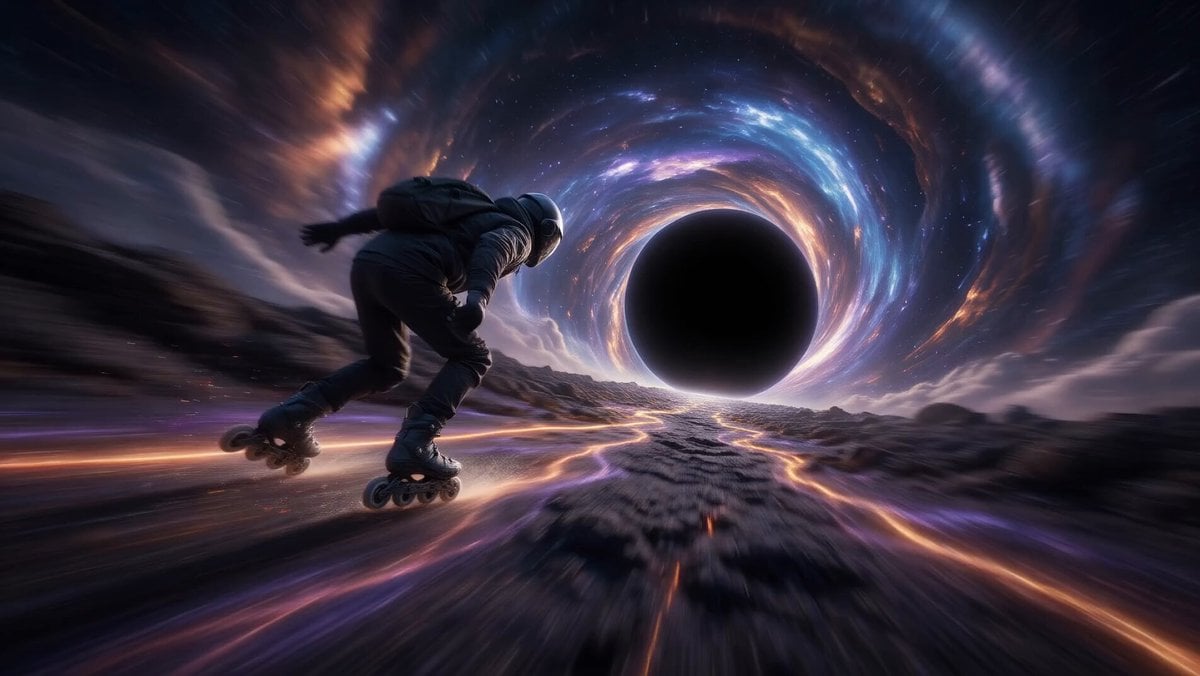
Rollerblading on a Black Hole
Browse template categories
Dead End Express Zombie Outbreak questions
How do I use the Dead End Express Zombie Outbreak template?
Add your photo if the template asks for one, edit the prompt if you like — the template's model and format are already selected — and press Generate. Your version opens in PicX Studio.
Can I customize the Dead End Express Zombie Outbreak template?
Yes. You can change the subject, setting, lighting, mood, format, and available model controls before creating your video.
Is the Dead End Express Zombie Outbreak template free?
Opening and editing this template is free. Generating uses credits, shown on the Generate button when you are signed in.
Which AI model should I use?
Start with Seedance 2.0, which is the model associated with this template. You can compare another compatible model for a different finish.
Looking for something else? Browse all templates.

Your photo, any look
Thousands of ready templates for every top image and video model, from one credit balance.