
Cinematic Dragon Fantasy Reel
A highly detailed cinematic prompt for a 15-second fantasy sequence featuring a woman and an ancient dragon, optimized for short-form video pacing and emotional impact.
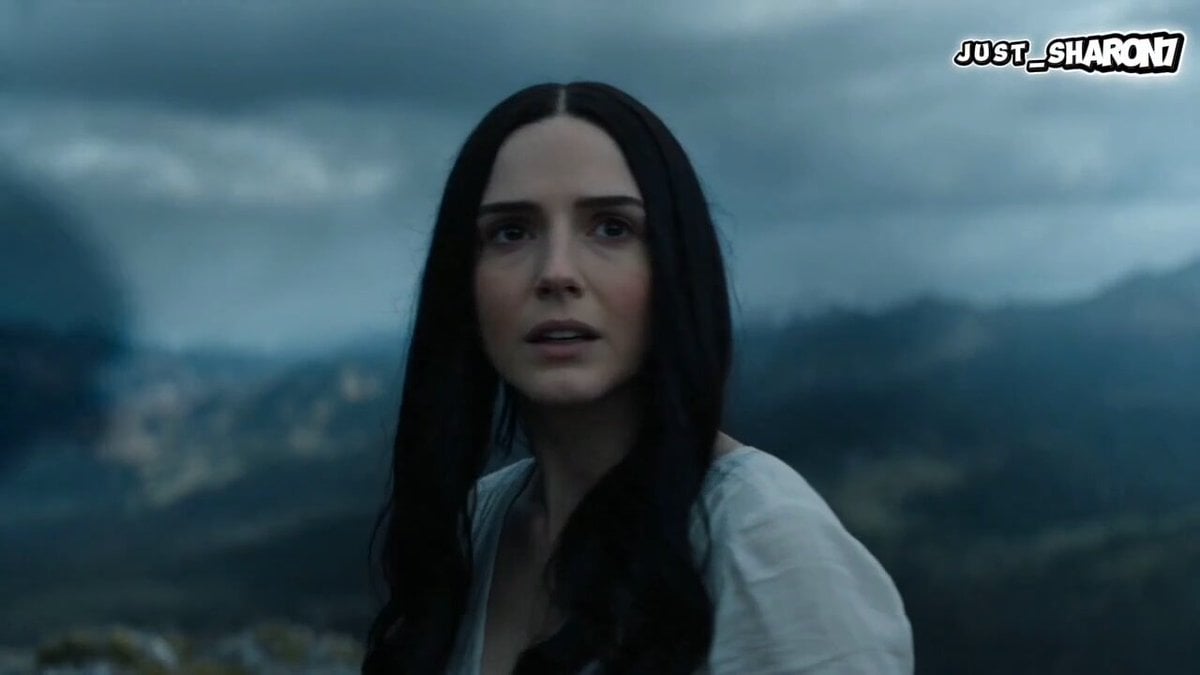
- Prompt included
- Model and format preset
- Free template
The prompt behind this video
Copy the exact prompt behind Cinematic Dragon Fantasy Reel, or open it in the studio and make it yours.
A hyper-cinematic 15-second Instagram Reels-style fantasy sequence featuring a beautiful western woman and a massive intelligent dragon bonded as companions. The dragon is calm, protective, and emotionally connected to her. The video is designed for extreme short-form pacing, with 0.3–1.5 second cuts, beat-synced transitions, speed ramps, and continuous visual escalation from mystery → connection → flight → emotional payoff. 🎥 VISUAL STYLE ultra-realistic cinematic fantasy rendering shallow depth of field, anamorphic lens look handheld + drone hybrid motion heavy motion blur on transitions film grain + light bloom + HDR lighting epic scale environments (cliffs, clouds, skies) Color grading: teal–orange cinematic base cool blue shadows for dragon moments golden highlights for emotional peak 🐉 CHARACTERS Western woman: elegant, strong, cinematic presence wind-swept hair, soft fantasy outfit (minimal armor / flowing fabric) emotional focus: calm → awe → empowerment Dragon: enormous, ancient, hyper-detailed intelligent, non-threatening, loyal behavior subtle glowing eyes, slow emotional movement 🎬 CUT SCENE STRUCTURE (15 SECONDS TOTAL) 🔥 SCENE 1 — HOOK (0–2s) Extreme close-up: woman turns toward camera on cliff edge dragon shadow passes over her face instant tension + mystery Hard beat cut 🌬️ SCENE 2 — FIRST CONTACT (2–5s) dragon lowers head near her she touches its scale particles + wind explosion effect emotional recognition moment Speed ramp into flight 🐉 SCENE 3 — MOUNT & TAKEOFF (5–8s) she sits on dragon’s back instant launch into sky camera rotates around them mid-air clouds rush past violently Beat-synced cut 🌪️ SCENE 4 — RAPID SKY MONTAGE (8–12s) Ultra-fast cuts (0.3–0.8s each): diving through storm clouds flying between mountain peaks dragon wings in slow motion close-up her hair whipping in wind horizon flipping perspective shot 🌅 SCENE 5 — FINAL PAYOFF (12–15s) golden sky above clouds dragon stabilizes mid-air she stands confidently on its back cinematic wide shot freeze feel emotional calm + awe ending frame 🎧 AUDIO DIRECTION trending cinematic/fantasy beat strong bass drop at 2s and 8s airy ambient rise in final 3 seconds 🧠 CORE FEEL mythical friendship emotional bond between human and ancient creature freedom + power + ascension cinematic viral storytelling optimized for retention to
How to use Cinematic Dragon Fantasy Reel in 3 steps
- 1
Open
The prompt is already in the box next to the preview, with the template's model and format selected.
- 2…a portrait of your subject in softgolden-hour light, 85mm…
Personalize
Edit the subject and creative details for your destination.
- 3Generate
Generate
Press Generate — your video is created in PicX Studio, so you can compare it with the original and refine one variable at a time.
More like this
Templates with the same subject, style or setup. Open one to see its prompt.

Dragon Rider Cinematic Flight — Seedance 2.5
Dragon Rescue — Volcanic Kingdom Collapse (Seedance)
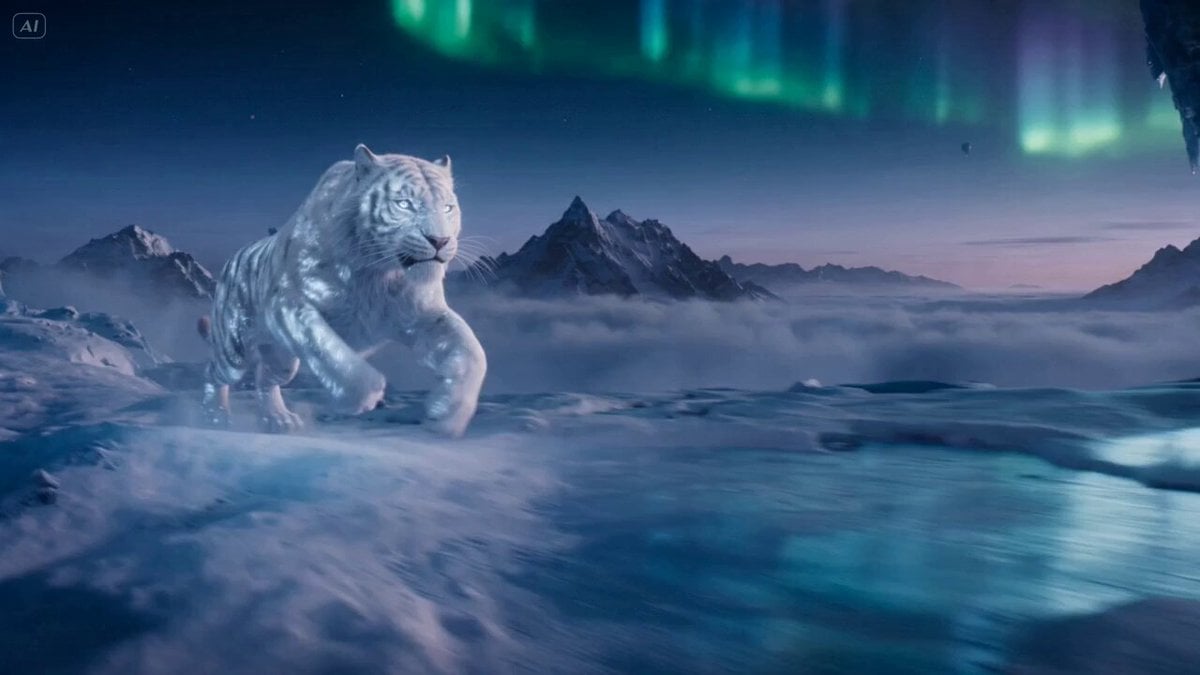
Ice Tiger vs Dragon - Seedance 2.0

Forest Fantasy Girl Short Film

Necromancer Battlefield Orbit
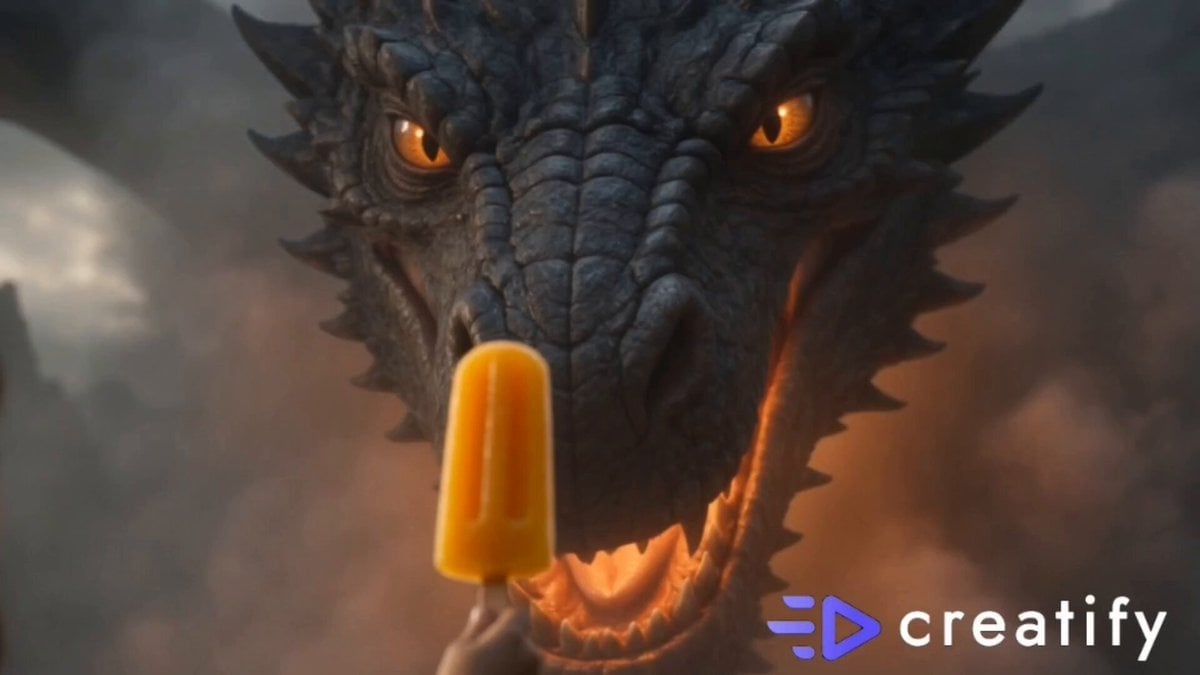
Dragon and Ice Cream Fantasy
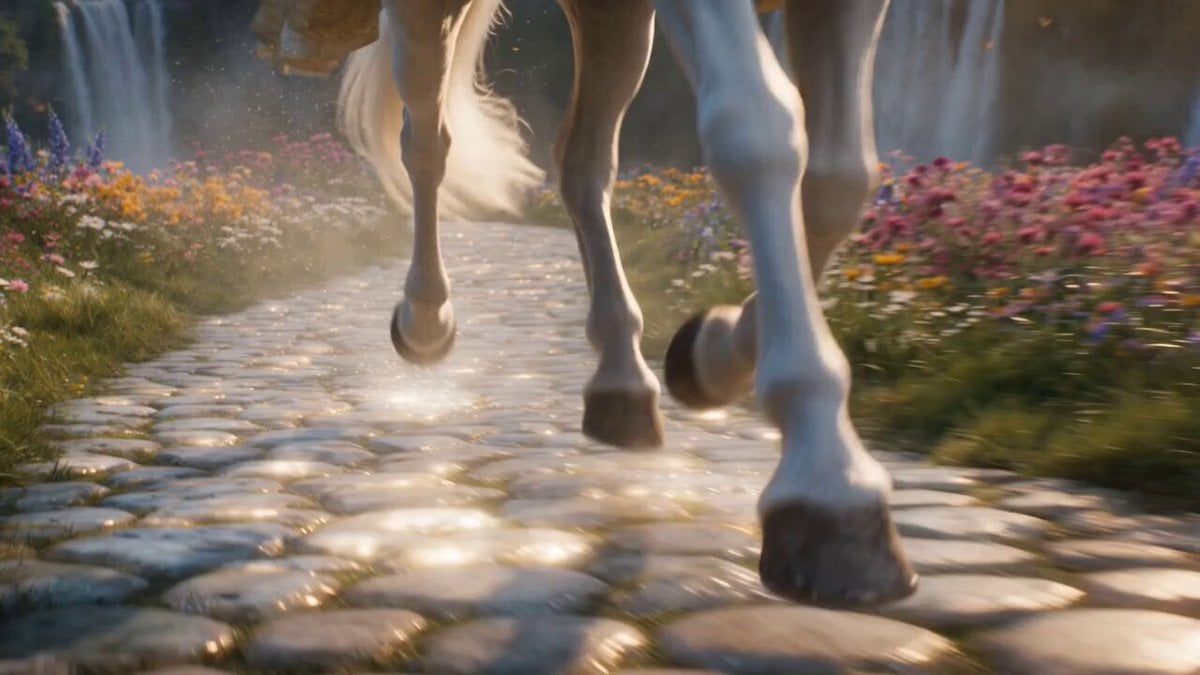
Cinematic Fantasy Princess Dragon Flight
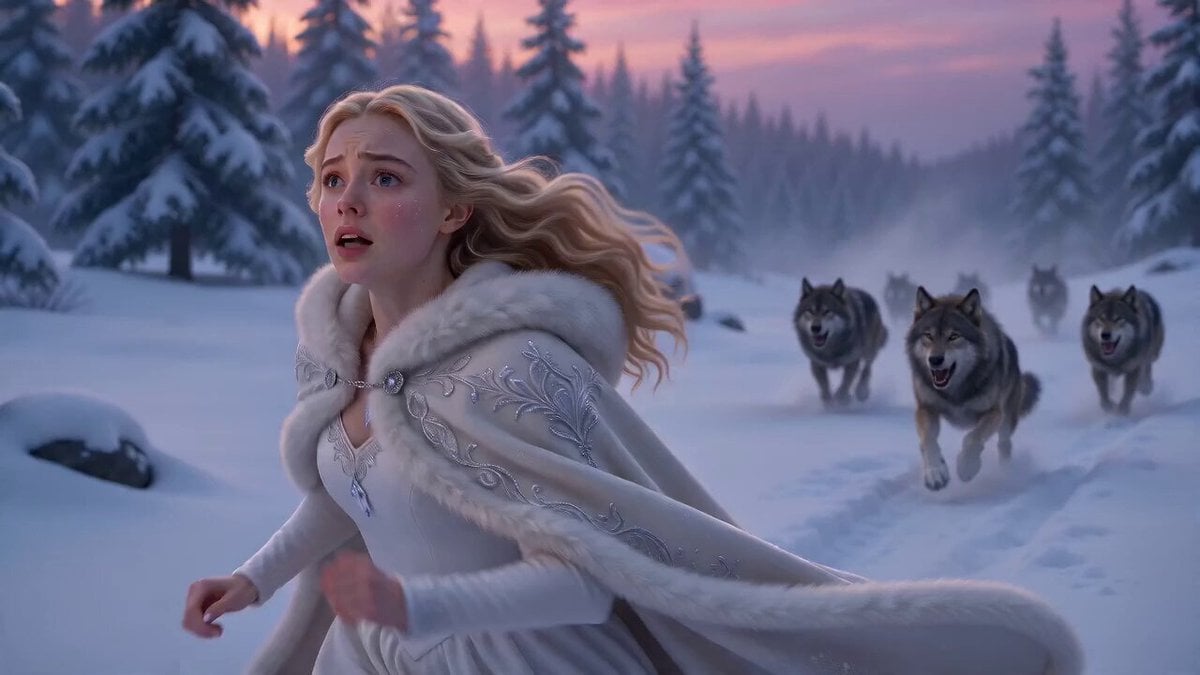
Ice Dragon Fantasy Encounter

Fantasy Dragon Chase Sequence
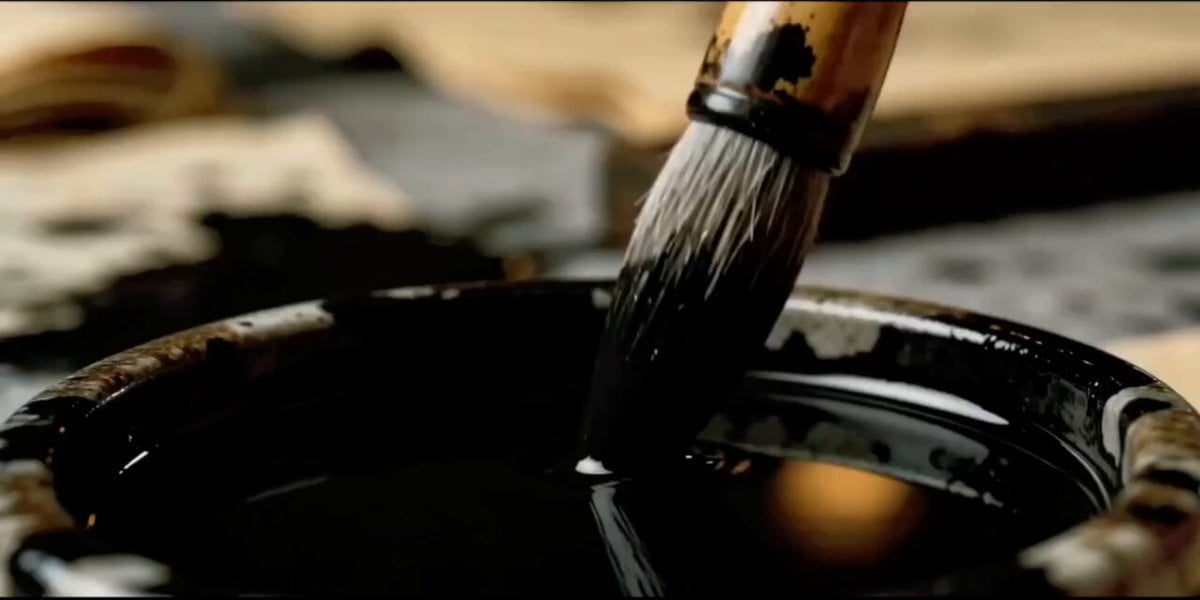
Dark Fantasy Calligraphy Ink Dragon
Griffin Knight Mountain Kingdom — Seedance 2.0
Ice Queen — Frozen Battlefield Time Control (Seedance)
Make it yours
Cinematic Dragon Fantasy Reel works as-is. These are the safest ways to change it without losing the look.
Change one field
Copy a single group, rewrite it, and generate again so you can see what that field is doing.
Keep the frame, change the subject
Hold the composition and light of Cinematic Dragon Fantasy Reel, then swap wardrobe, props or the person for a new take.
| If the result… | Why | Fix |
|---|---|---|
| The result drifts from the preview | Too many fields changed at once. | Reuse Cinematic Dragon Fantasy Reel as-is first, then change one group — subject, light, or setting. |
| The model over-stylizes the scene | The prose prompt leaves finish and camera underspecified. | Add one camera or lighting sentence and stay on Seedance 2.0. |
More Seedance 2.0 templates
Other prompts made for Seedance 2.0.

Comical Martial Arts Punch Scene

Maglev Train Action Sequence

Martial Arts Fight Sequence

Wuxia Protection and Trust Script

Vintage Korean Arcade MiniDV Vlog

Mercedes 190 SL Luxury Ad

Rainy Night Supernatural Reverse Comedy Video Script

Amazon Civilization Discovery

Futuristic South Asian City Transformation

Cozy Luxury Cafe Commercial
More video prompts
Fresh picks from across the catalog.
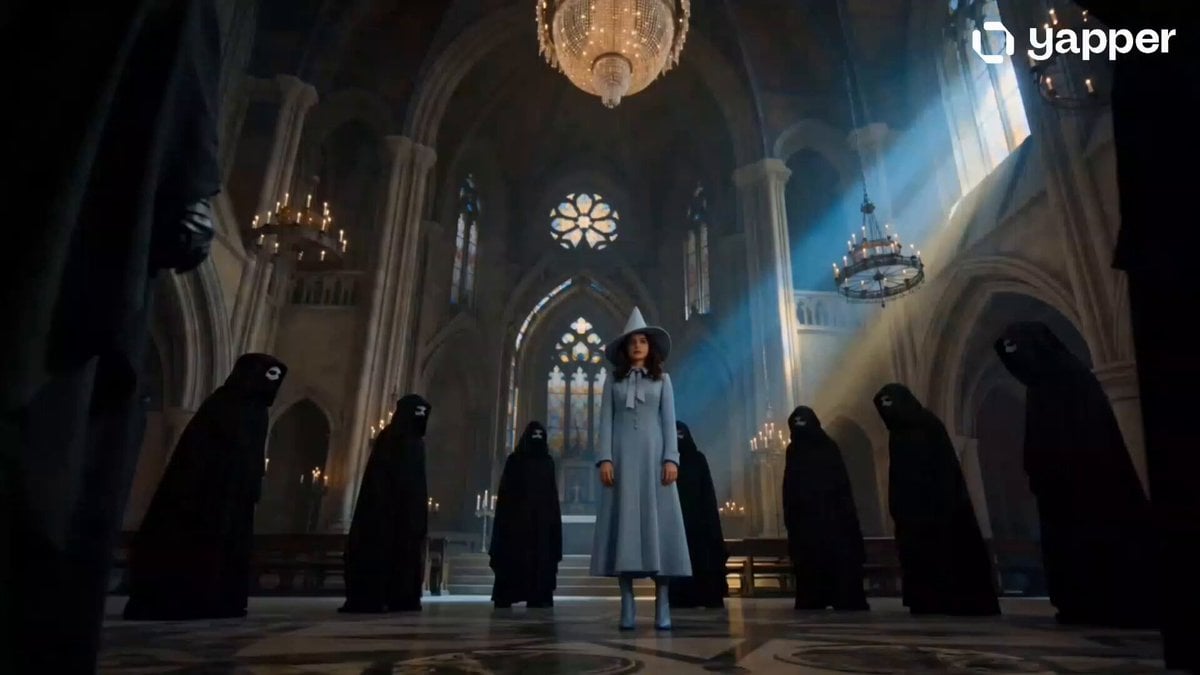
Beauxbatons Witch Magic Vortex Animation
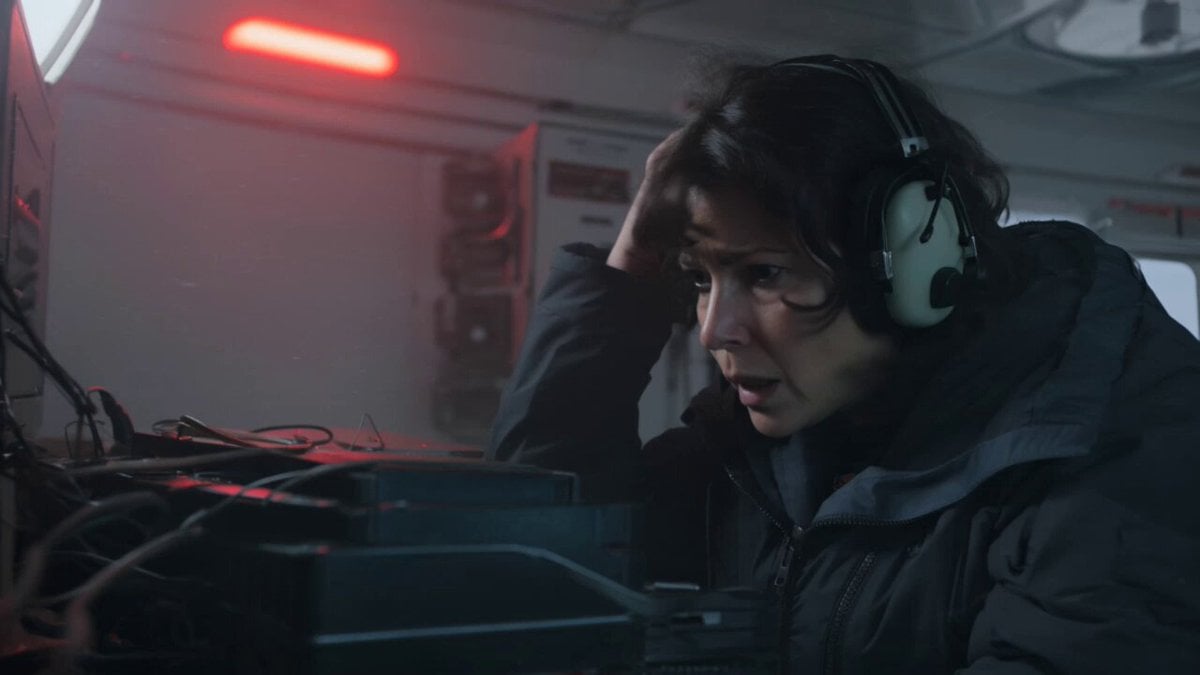
Kling 3.0 Antarctic Station Sci-Fi Horror Prompt
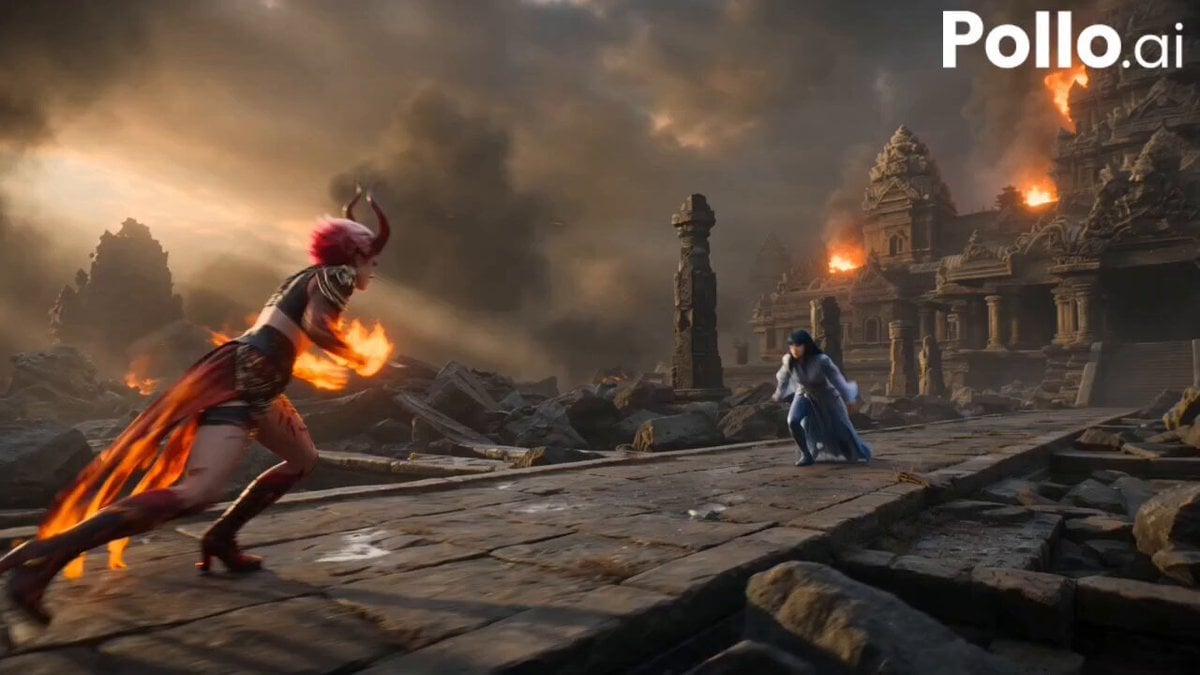
Fire Phoenix vs Water Dragon Battle
Samurai Sword Slash and Noto Ritual
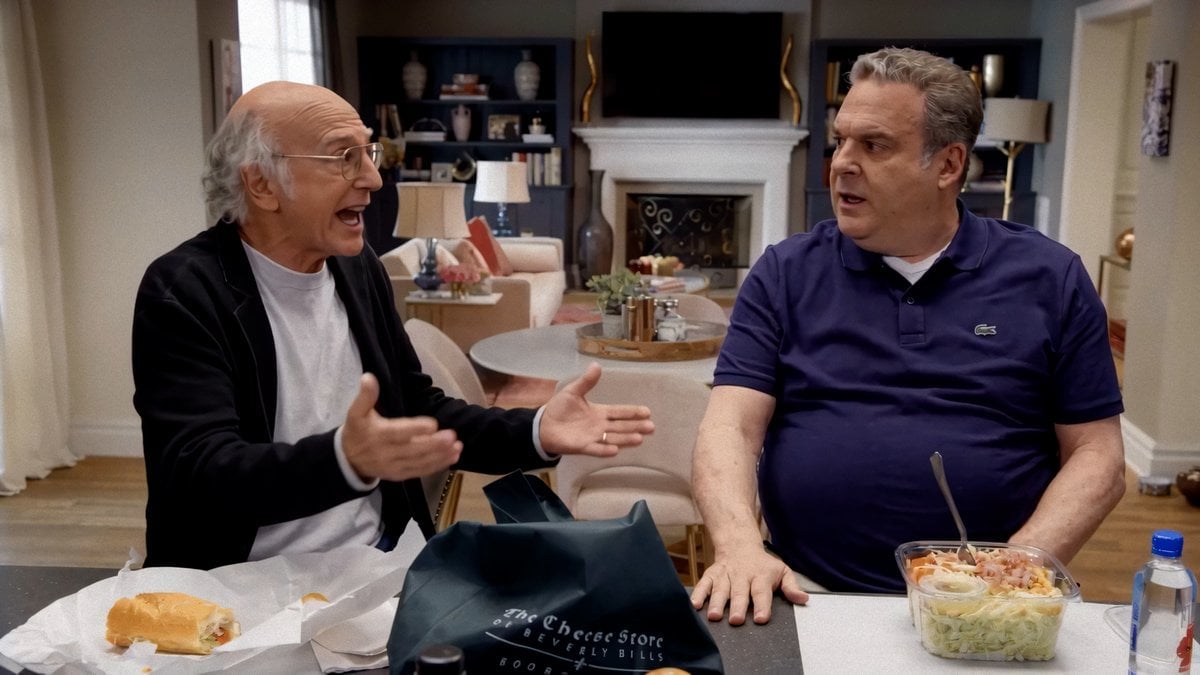
Larry David Seedance 2 Trouble Prompt
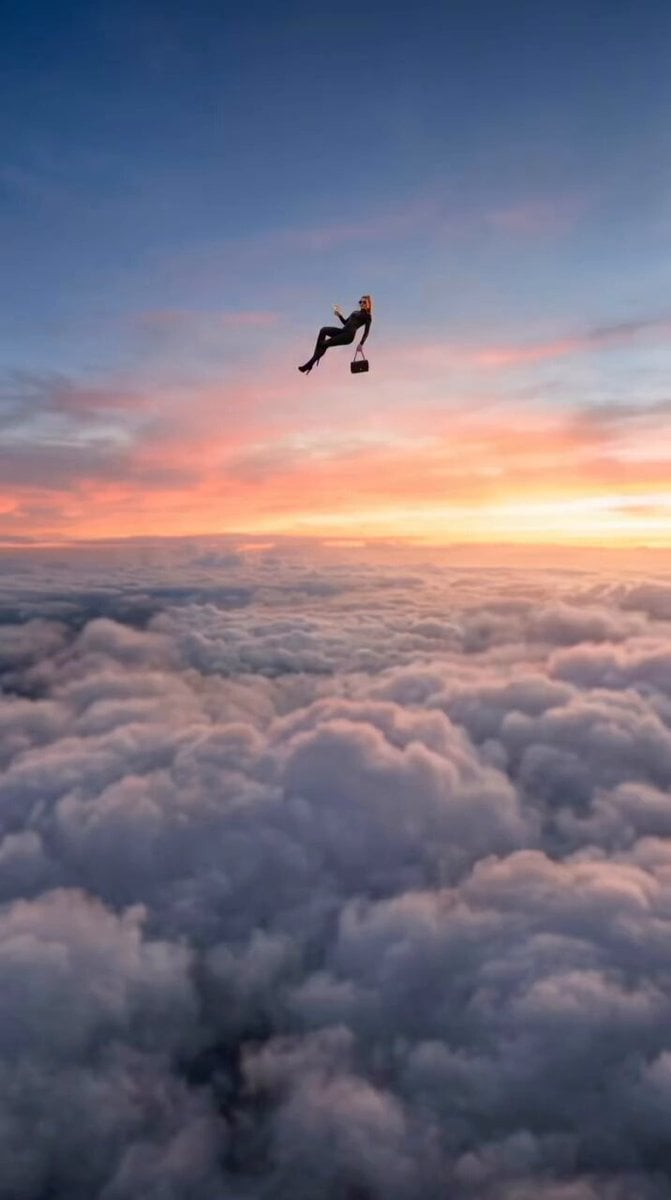
Floating Woman Sunset Cloudscape

Cinematic Ink Library Storyboard
UGC Aesthetic Grocery Shopping
Mumbai Tsunami Emergency Smartphone Vlog
Nani Banana Pro + Seedance 2.0 Cinematic Lifestyle
Browse template categories
Cinematic Dragon Fantasy Reel questions
How do I use the Cinematic Dragon Fantasy Reel template?
Add your photo if the template asks for one, edit the prompt if you like — the template's model and format are already selected — and press Generate. Your version opens in PicX Studio.
Can I customize the Cinematic Dragon Fantasy Reel template?
Yes. You can change the subject, setting, lighting, mood, format, and available model controls before creating your video.
Is the Cinematic Dragon Fantasy Reel template free?
Opening and editing this template is free. Generating uses credits, shown on the Generate button when you are signed in.
Which AI model should I use?
Start with Seedance 2.0, which is the model associated with this template. You can compare another compatible model for a different finish.
Looking for something else? Browse all templates.

Your photo, any look
Thousands of ready templates for every top image and video model, from one credit balance.