
UGC Aesthetic Grocery Shopping
A realistic, smartphone-style lifestyle prompt for a video sequence of a young woman shopping in a premium organic grocery store.
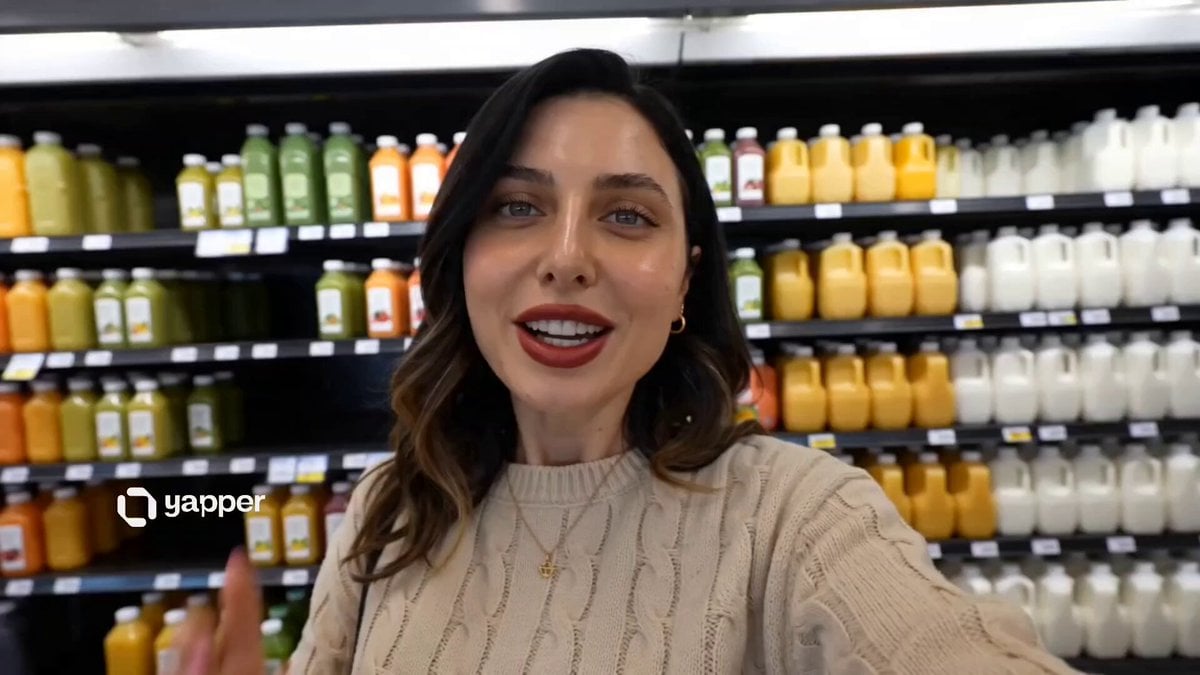
- Prompt included
- Model and format preset
- Free template
The prompt behind this video
Copy the exact prompt behind UGC Aesthetic Grocery Shopping, or open it in the studio and make it yours.
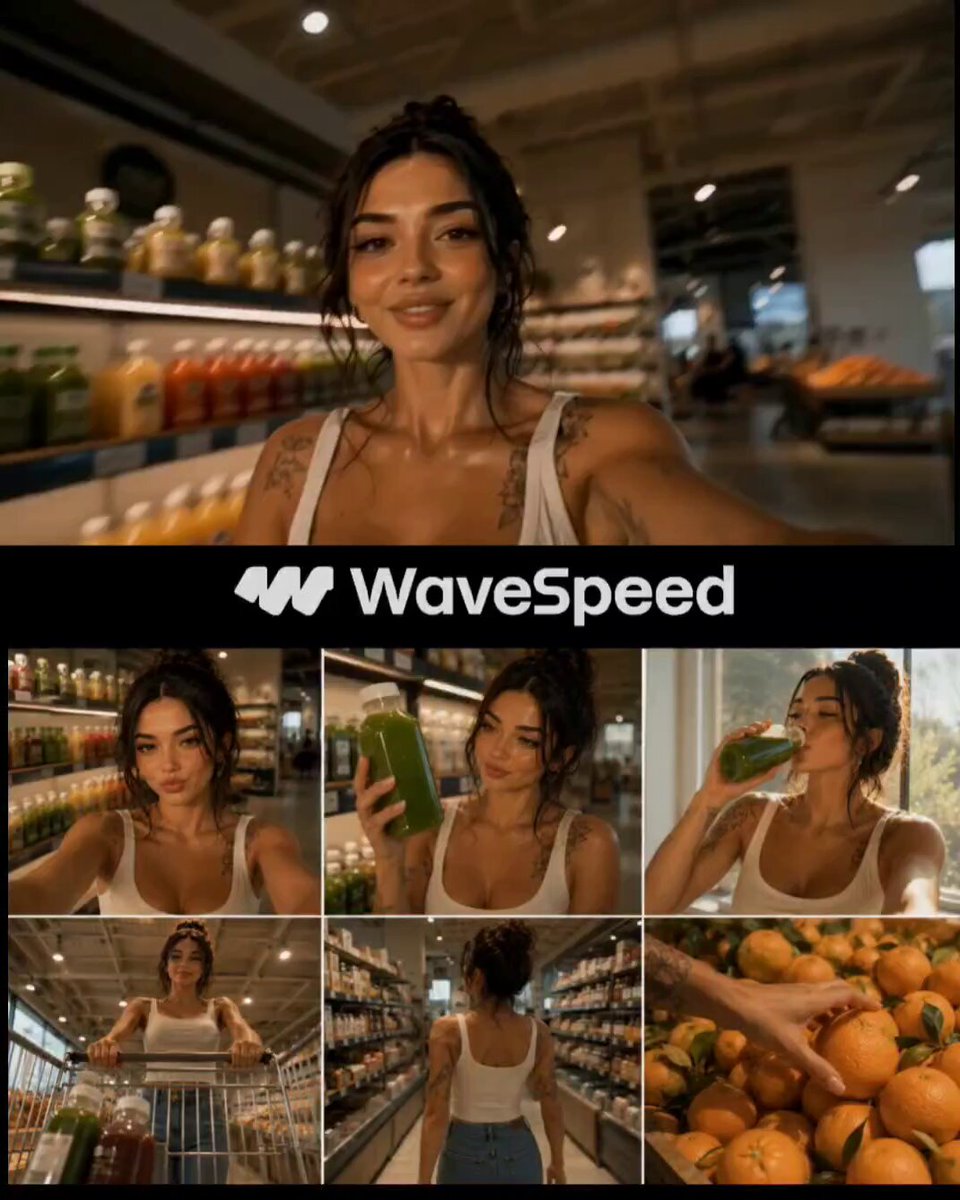
A realistic UGC-style lifestyle video of a young woman inside a modern, aesthetic grocery store with clean shelves, warm lighting, and a premium organic feel. Shot handheld on a smartphone with natural movement and slight camera shake.\nScene 1:\nFront-facing selfie shot. The woman smiles casually and says, “Come with me, let’s do a quick grocery run.” Background shows neatly arranged juice bottles and minimal interior design.\nScene 2:\nShe picks up a green cold-pressed juice bottle from a shelf. Medium close-up of the product in her hand. She says naturally: “I always grab one of these, it’s my favorite.”\nScene 3:\nSoft window-lit shot. Warm sunlight hits her face. She opens the bottle, takes a sip, and reacts subtly: “So fresh… I love this.”\nScene 4:\nPOV angle from inside a shopping cart looking upward as she pushes it forward. A couple of drinks sit in the cart. She looks down briefly and smiles.\nScene 5:\nOver-the-shoulder walking shot through clean grocery aisles. Smooth movement, modern interior, neutral tones.\nScene 6:\nClose-up of her hand picking up fresh oranges from a display. She says casually: “Let’s grab some fruits too.”\nScene 7:\nClose-up of her picking a dragon fruit. Bright natural colors, slight rotation of the fruit in hand.\nStyle & Feel:\nNatural, lifestyle-focused, soft lighting, warm tones, minimal grading, clean aesthetic, shallow depth of field, realistic textures, 4K quality.\nAudio:\nLight ambient store sounds, soft background music, natural conversational tone.
How to use UGC Aesthetic Grocery Shopping in 3 steps
- 1
Open
The prompt is already in the box next to the preview, with the template's model and format selected.
- 2…a portrait of your subject in softgolden-hour light, 85mm…
Personalize
Edit the subject and creative details for your destination.
- 3Generate
Generate
Press Generate — your video is created in PicX Studio, so you can compare it with the original and refine one variable at a time.
More like this
Templates with the same subject, style or setup. Open one to see its prompt.

Everyday Grocery Shopping Lifestyle Vlog
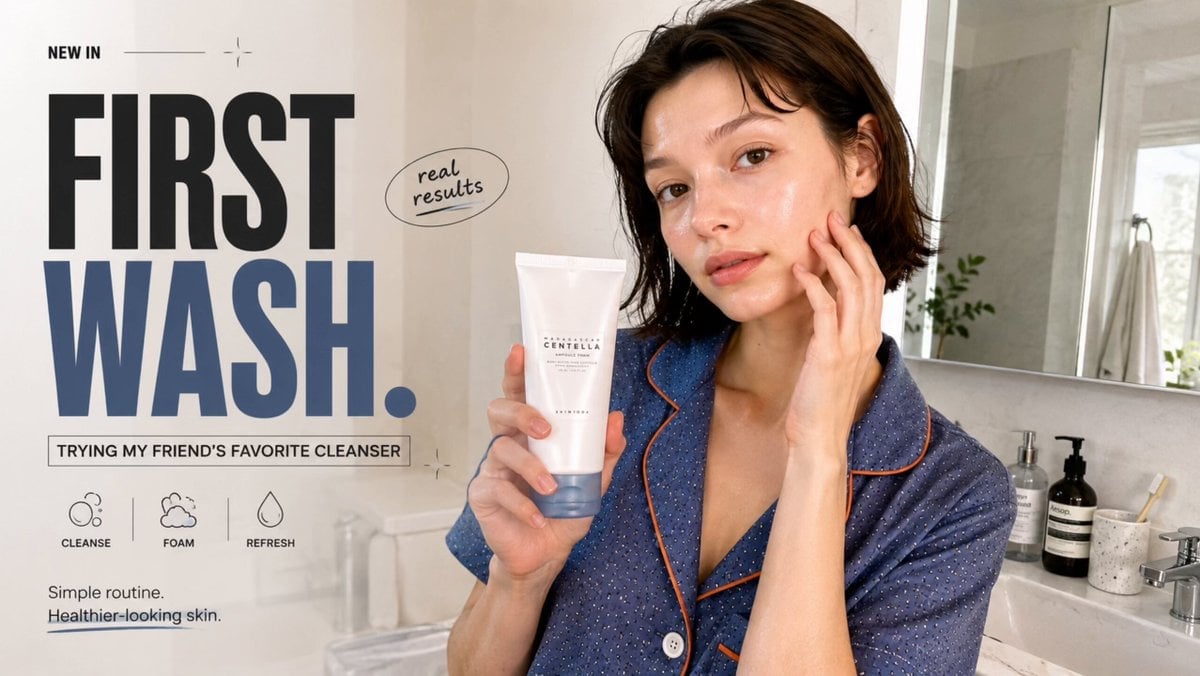
Realistic UGC Cleanser Review - Seedance 2.5

Definitive Anti-Slop AI Video Protocol — Qwen / Nano Banana / Grok
Realistic Japanese Grocery Shopping Vlog
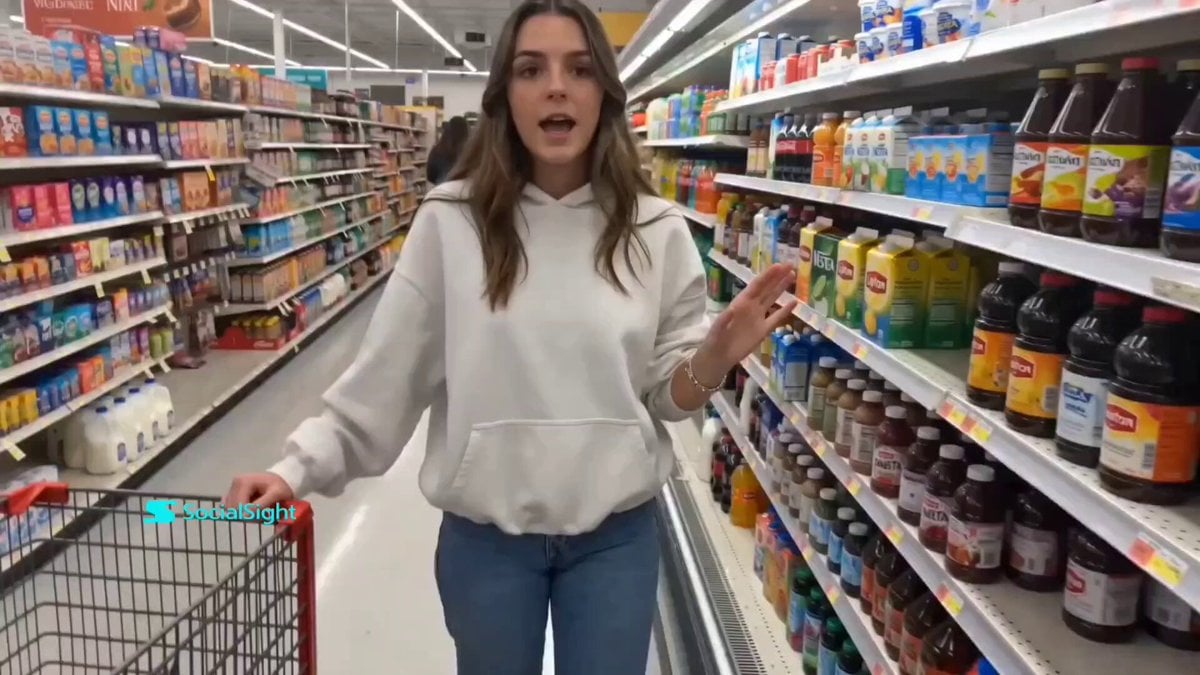
Supermarket Grocery Shopping Vlog
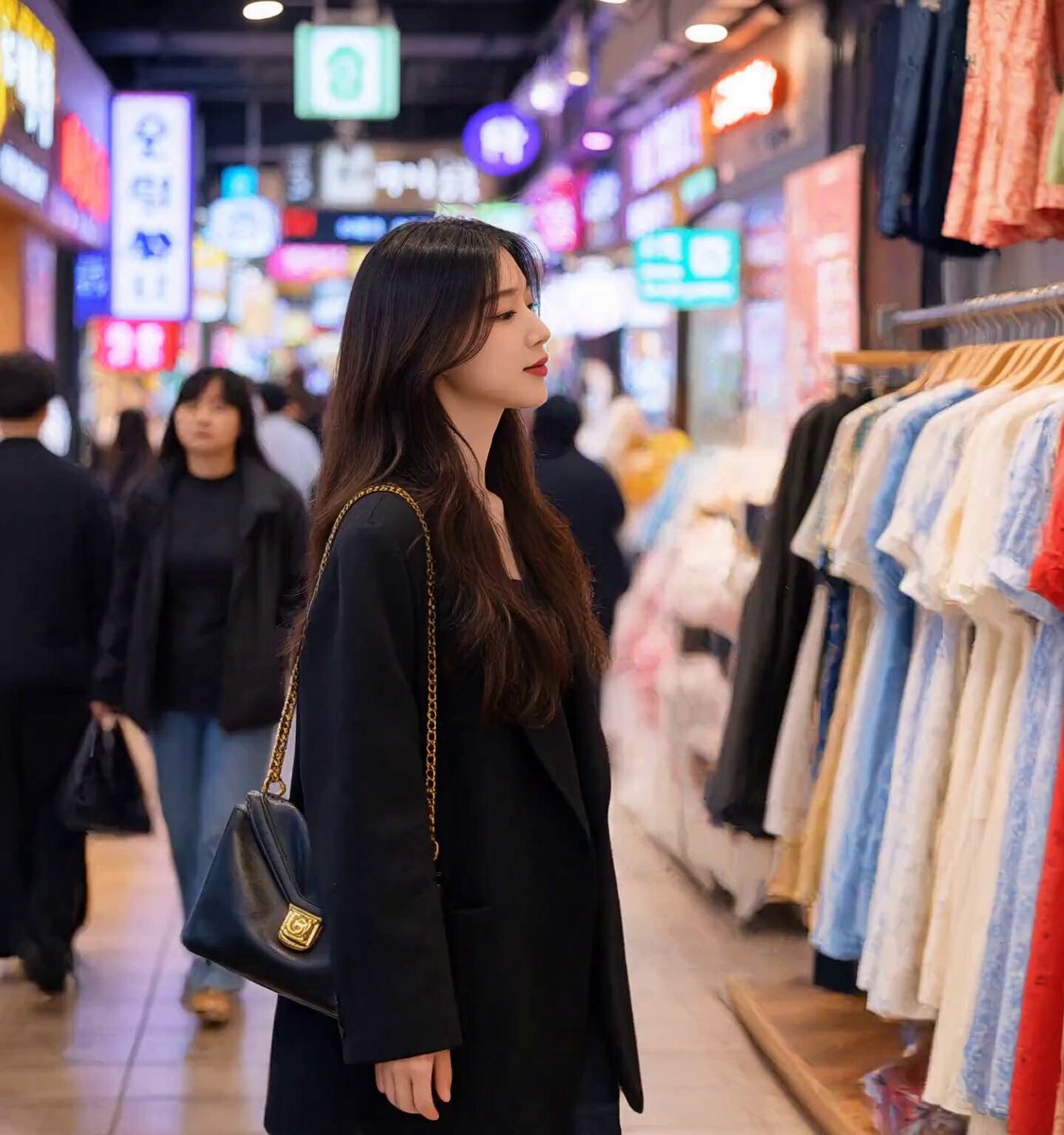
Korean Market Fashion Shopping Sequence
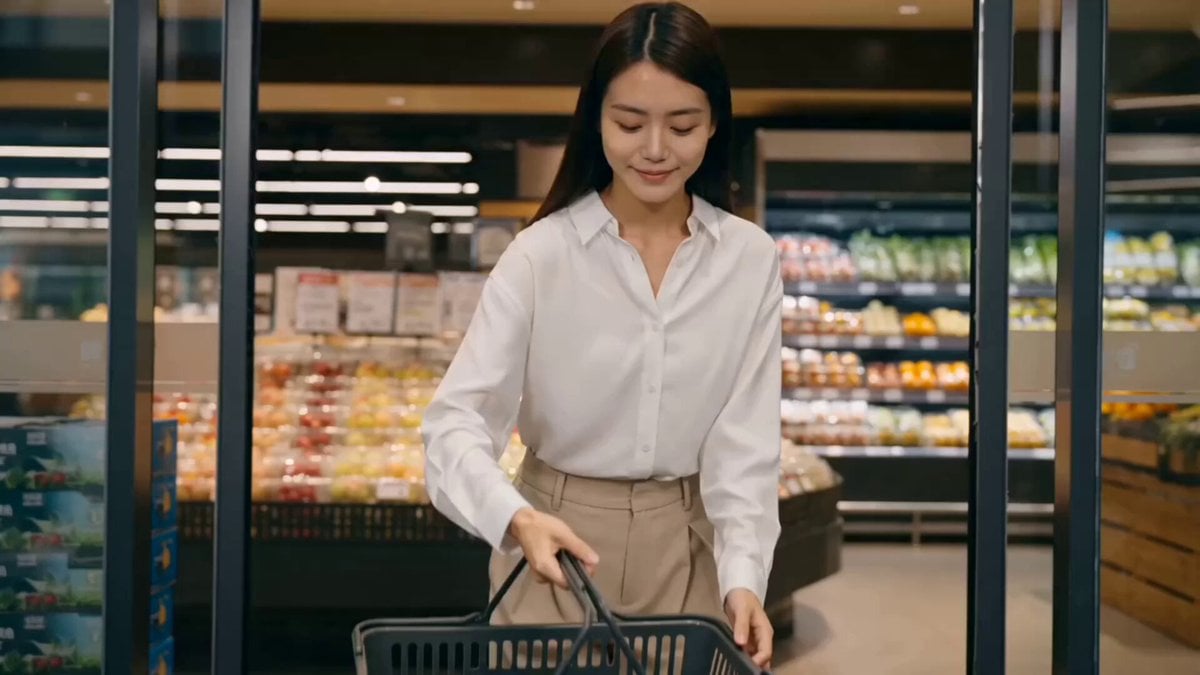
Luxury Grocery Run Lifestyle Vlog Prompt

Open-World RPG Grocery Store Quest Prompt
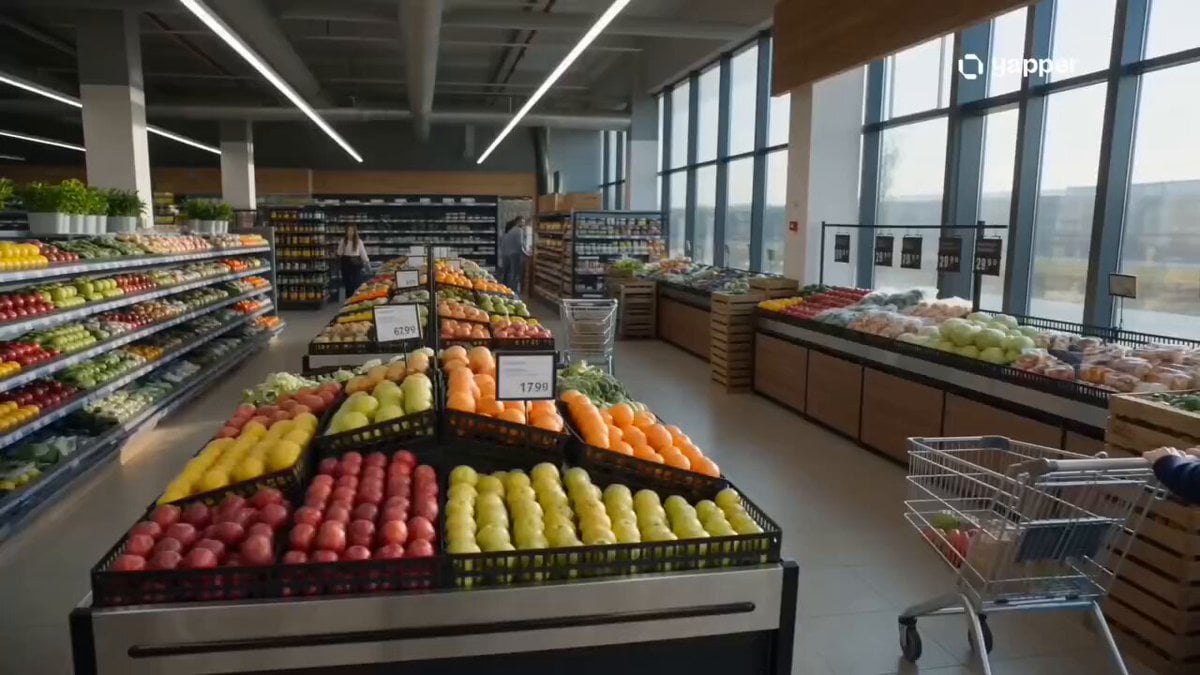
Cinematic Grocery Store Sequence
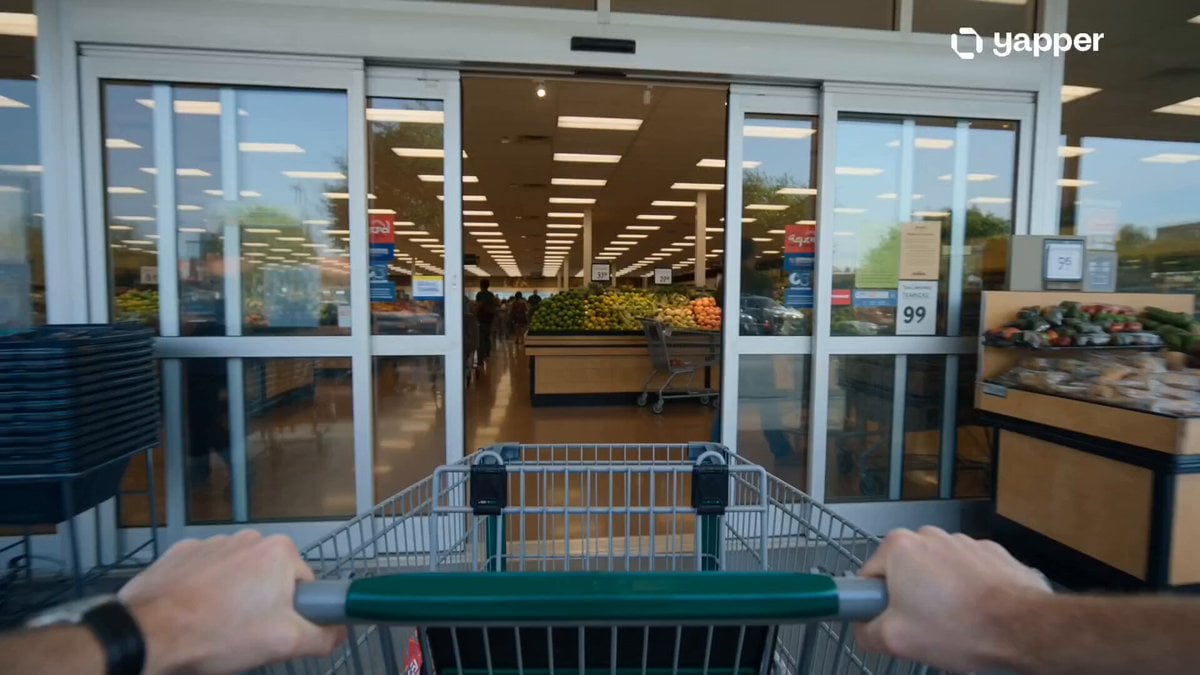
Grocery Store Slice-of-Life Realism
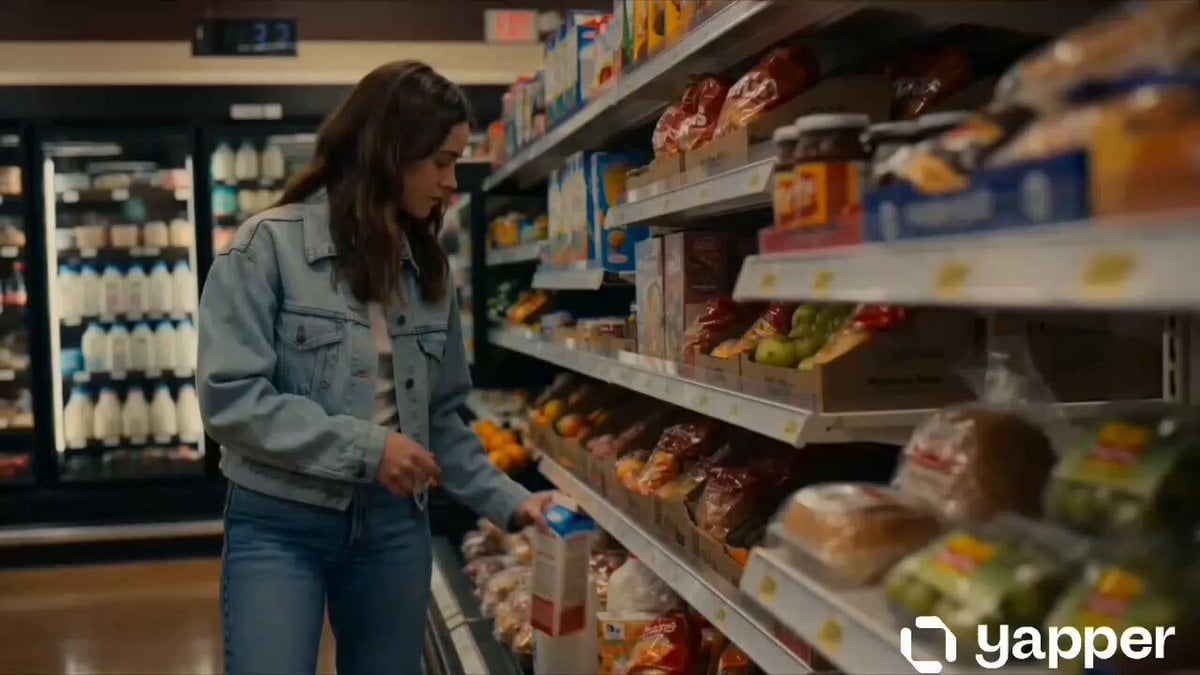
Cinematic Grocery Store Emotional Story
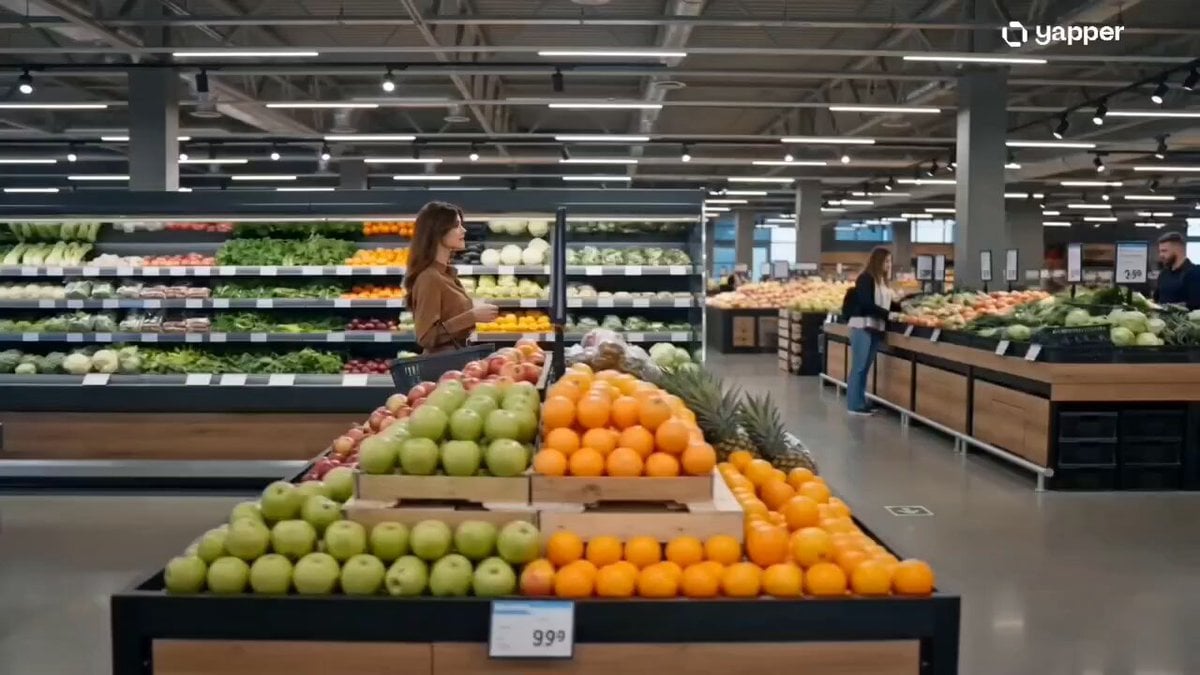
Luxury Modern Grocery Market Ad
Make it yours
UGC Aesthetic Grocery Shopping works as-is. These are the safest ways to change it without losing the look.
Change one field
Copy a single group, rewrite it, and generate again so you can see what that field is doing.
Keep the frame, change the subject
Hold the composition and light of UGC Aesthetic Grocery Shopping, then swap wardrobe, props or the person for a new take.
| If the result… | Why | Fix |
|---|---|---|
| The result drifts from the preview | Too many fields changed at once. | Reuse UGC Aesthetic Grocery Shopping as-is first, then change one group — subject, light, or setting. |
| The model over-stylizes the scene | The prose prompt leaves finish and camera underspecified. | Add one camera or lighting sentence and stay on Seedance 2.0. |
More Seedance 2.0 templates
Other prompts made for Seedance 2.0.

Comical Martial Arts Punch Scene

Maglev Train Action Sequence

Martial Arts Fight Sequence

Wuxia Protection and Trust Script

Vintage Korean Arcade MiniDV Vlog

Mercedes 190 SL Luxury Ad

Rainy Night Supernatural Reverse Comedy Video Script

Amazon Civilization Discovery

Futuristic South Asian City Transformation

Cozy Luxury Cafe Commercial
More video prompts
Fresh picks from across the catalog.
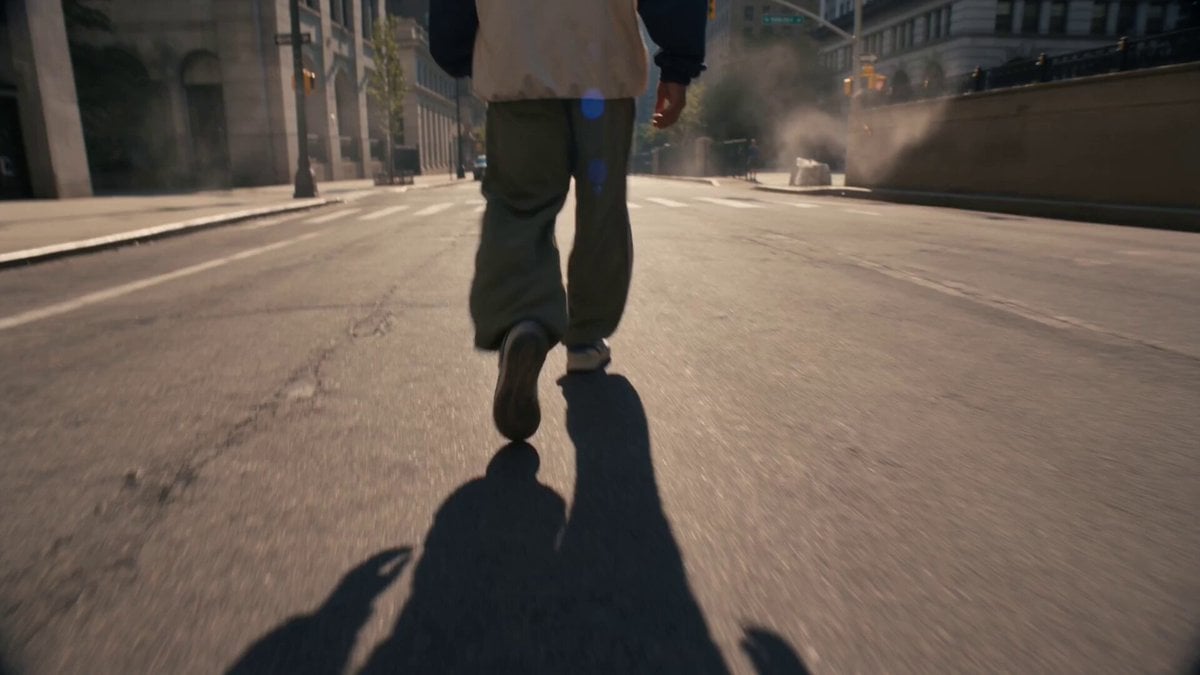
Floating Soda Bottle Urban Magic
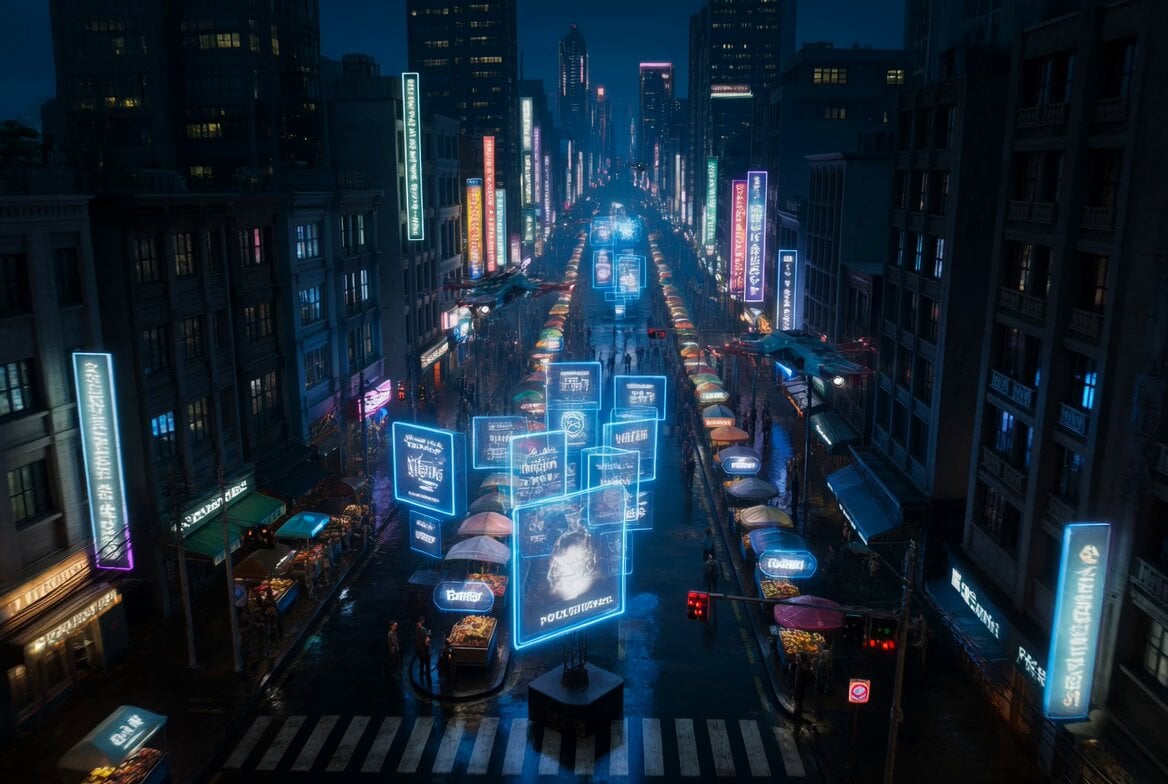
Cyberpunk Bounty Hunter Neon Chase
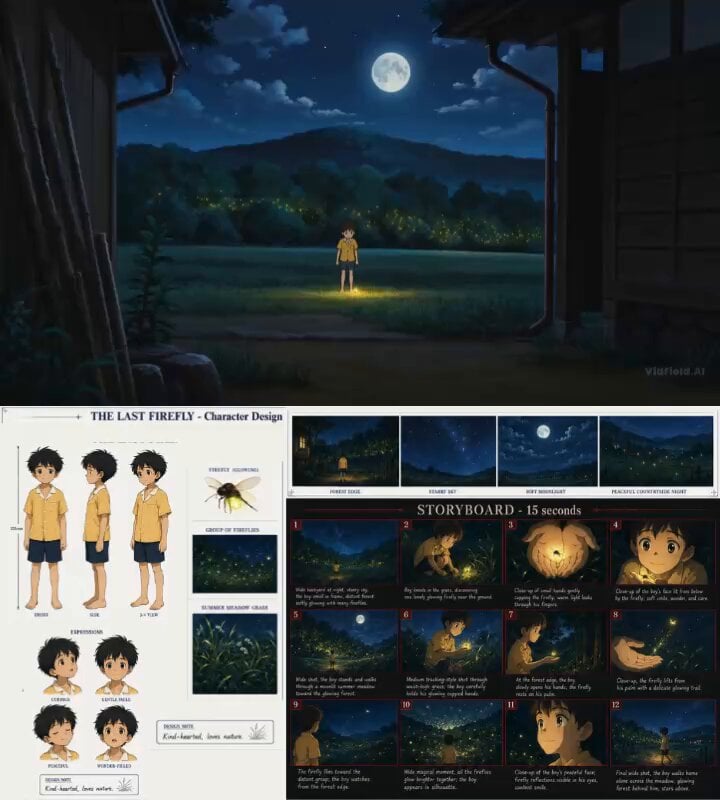
Cinematic Anime Storyboard Video Prompt

Cinematic Wuxia-Comedy with Cats

Space Elevator Psychedelic Journey
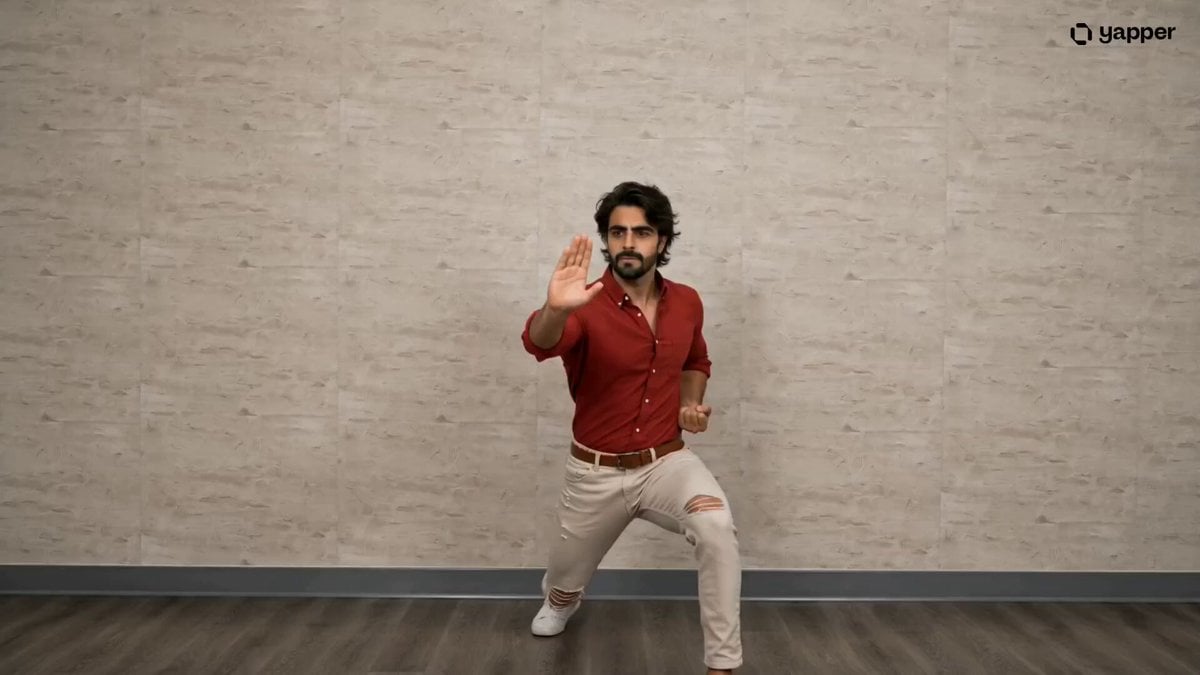
Pencak Silat Martial Arts Sequence

Firefighter Rescue Cinematic Sequence

Cinematic Desert Combat Sequence

Surfer McTwist Skateboarding Style

Continuous Life Transformation Sequence
Browse template categories
UGC Aesthetic Grocery Shopping questions
How do I use the UGC Aesthetic Grocery Shopping template?
Add your photo if the template asks for one, edit the prompt if you like — the template's model and format are already selected — and press Generate. Your version opens in PicX Studio.
Can I customize the UGC Aesthetic Grocery Shopping template?
Yes. You can change the subject, setting, lighting, mood, format, and available model controls before creating your video.
Is the UGC Aesthetic Grocery Shopping template free?
Opening and editing this template is free. Generating uses credits, shown on the Generate button when you are signed in.
Which AI model should I use?
Start with Seedance 2.0, which is the model associated with this template. You can compare another compatible model for a different finish.
Looking for something else? Browse all templates.

Your photo, any look
Thousands of ready templates for every top image and video model, from one credit balance.