
Korean Market Fashion Shopping Sequence
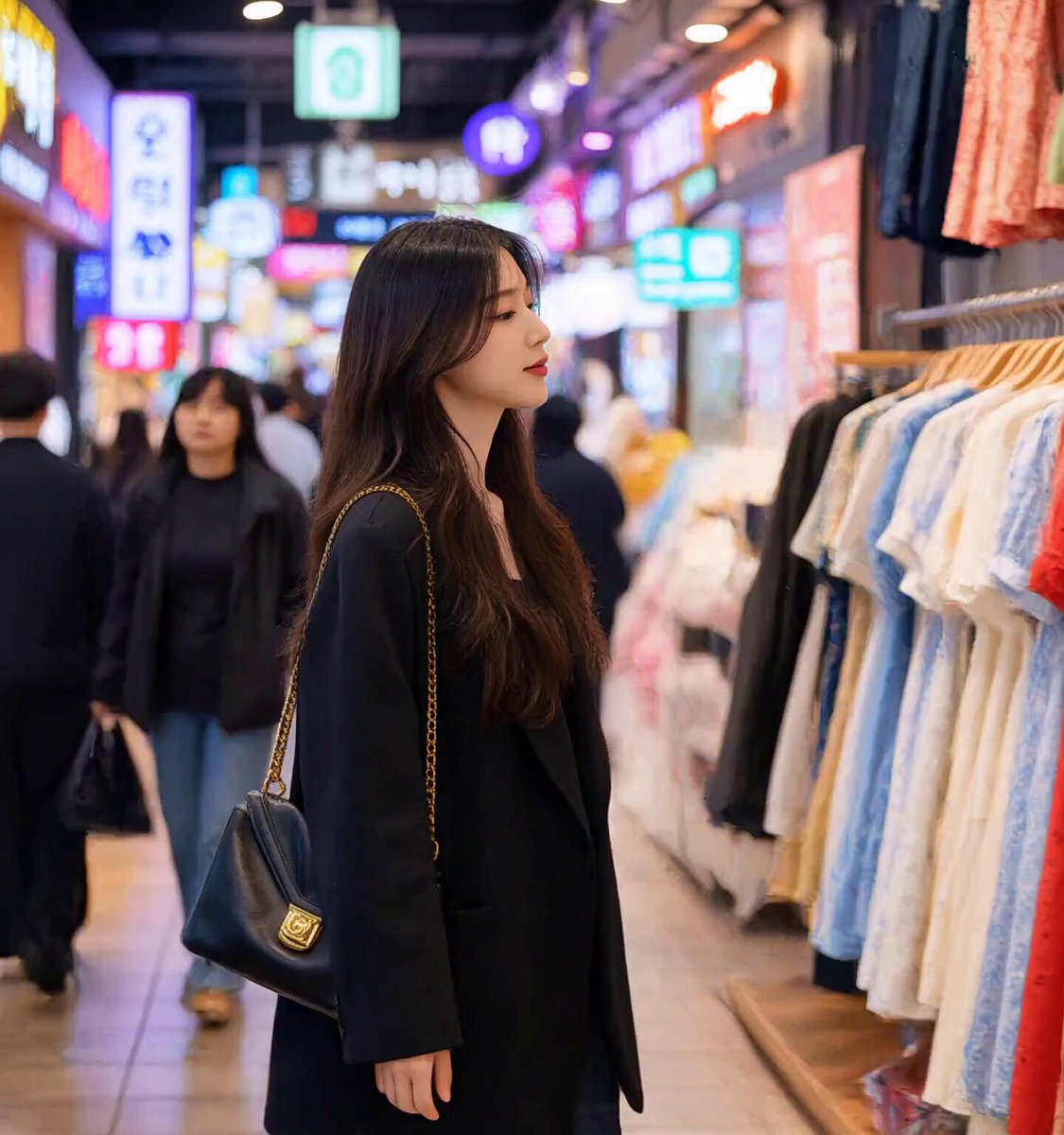
A multi-scene cinematic video of a girl shopping in a Korean market, focusing on shot-to-shot consistency and smooth transitions.
- Prompt included
- Model and format preset
- Free template
The prompt behind this video
Copy the exact prompt behind Korean Market Fashion Shopping Sequence, or open it in the studio and make it yours.
A young Korean girl shopping in a busy Korean fashion market. Keep the SAME Korean girl, SAME face, SAME hairstyle, SAME outfit, SAME body proportions, and SAME black handbag throughout the entire video. Maintain strong character and visual consistency between every shot. Scene 1 — 0–2 sec: The Korean girl walks through a lively Korean market and stops at a clothing stall. She looks through a large rack filled with beautiful dresses. Show colorful Korean signs, crowded shoppers, warm indoor lighting, and a realistic Korean market atmosphere. Use a smooth medium side-tracking shot. Scene 2 — 2–4 sec: She carefully selects a dress from the rack and examines the fabric and details with her hands. Use a cinematic close-up of her hands and the dress, followed by a subtle close-up of her face reacting positively. Scene 3 — 4–6 sec: She holds the selected dress against herself and checks her appearance in a large mirror inside the shop. Show her reflection clearly. Use a smooth medium shot with shallow depth of field and natural realistic movement. Scene 4 — 6–8 sec: She decides to buy the dress. A Korean shop assistant neatly folds the dress and places it into a clean shopping bag. Show a close-up of the packing process, hands, dress, and shopping bag. Scene 5 — 8–10 sec: The girl leaves the clothing stall carrying the shopping bag in one hand and her black handbag on her shoulder. She walks naturally through the busy Korean market. Use a smooth tracking shot from the front/side. Scene 6 — 10–12 sec: She reaches an AUTOMATIC ESCALATOR going DOWN from the market. She steps onto the moving downward escalator and begins descending while holding her shopping bag. Make it clearly an escalator, NOT normal stairs. Use a rear three-quarter tracking shot following her downward. Scene 7 — 12–14 sec: While riding down the escalator, show a cinematic close-up of the girl looking slightly upward and around at the market. Her hair moves naturally with her movement. Keep the escalator clearly visible behind and beside her. Scene 8 — 14–15 sec: Wide rear shot as she reaches the bottom of the downward escalator and walks away into the busy Korean market crowd, still carrying her shopping bag. End with a smooth cinematic fade-out. Visual style: photorealistic, cinematic Korean fashion-market atmosphere, warm soft lighting, realistic skin texture, natural facial expressions, shallow depth of field, subtle film grain, realistic crowd movement, smooth camera motion, premium commercial look, high detail, 4K quality. Important: Keep the same girl's identity and appearance consistent in every shot. The transition from the market to the escalator must feel continuous and realistic. The escalator must be an AUTOMATIC MOVING DOWN ESCALATOR, not stationary stairs.
How to use Korean Market Fashion Shopping Sequence in 3 steps
- 1
Open
The prompt is already in the box next to the preview, with the template's model and format selected.
- 2…a portrait of your subject in softgolden-hour light, 85mm…
Personalize
Edit the subject and creative details for your destination.
- 3Generate
Generate
Press Generate — your video is created in PicX Studio, so you can compare it with the original and refine one variable at a time.
More like this
Templates with the same subject, style or setup. Open one to see its prompt.
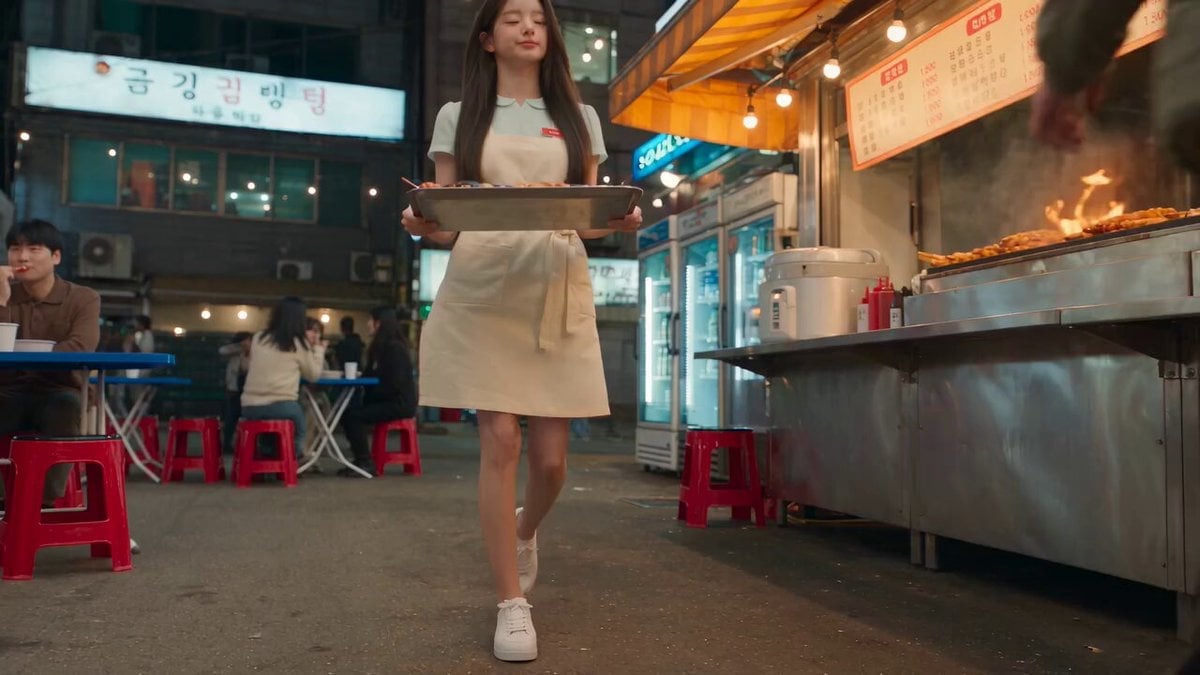
Korean Night Market Bullet-Time Scene - Seedance 2.5
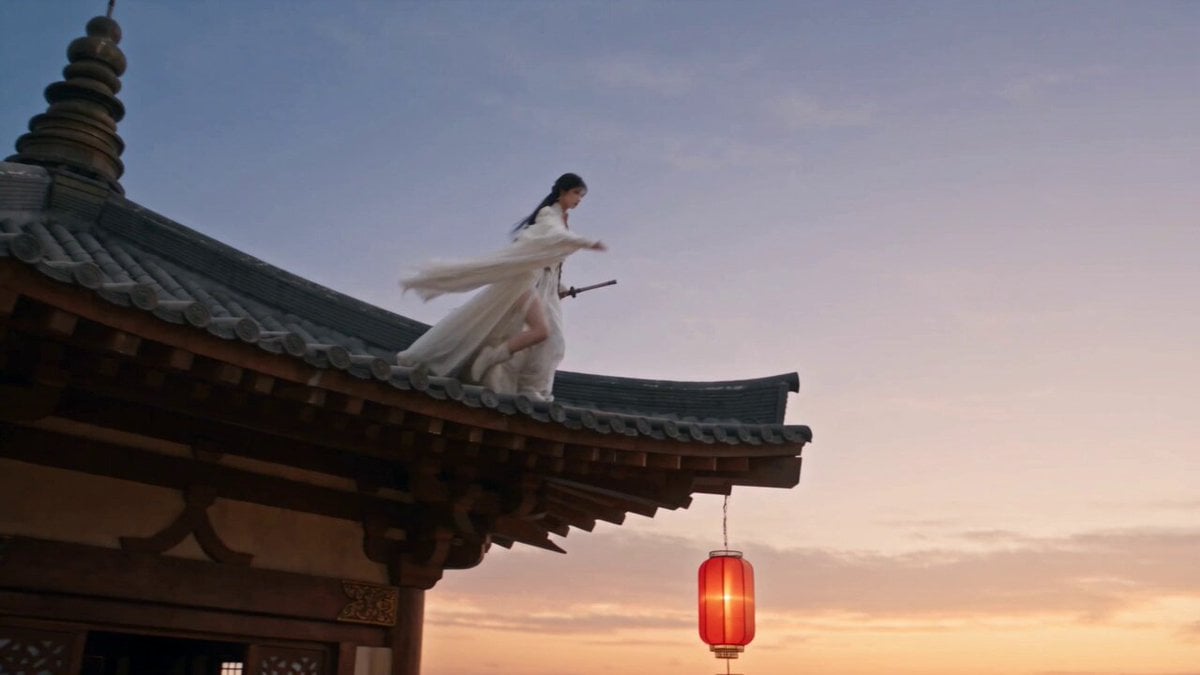
Cinematic Swordswoman Night Market Sequence

Sneaker Product Commercial
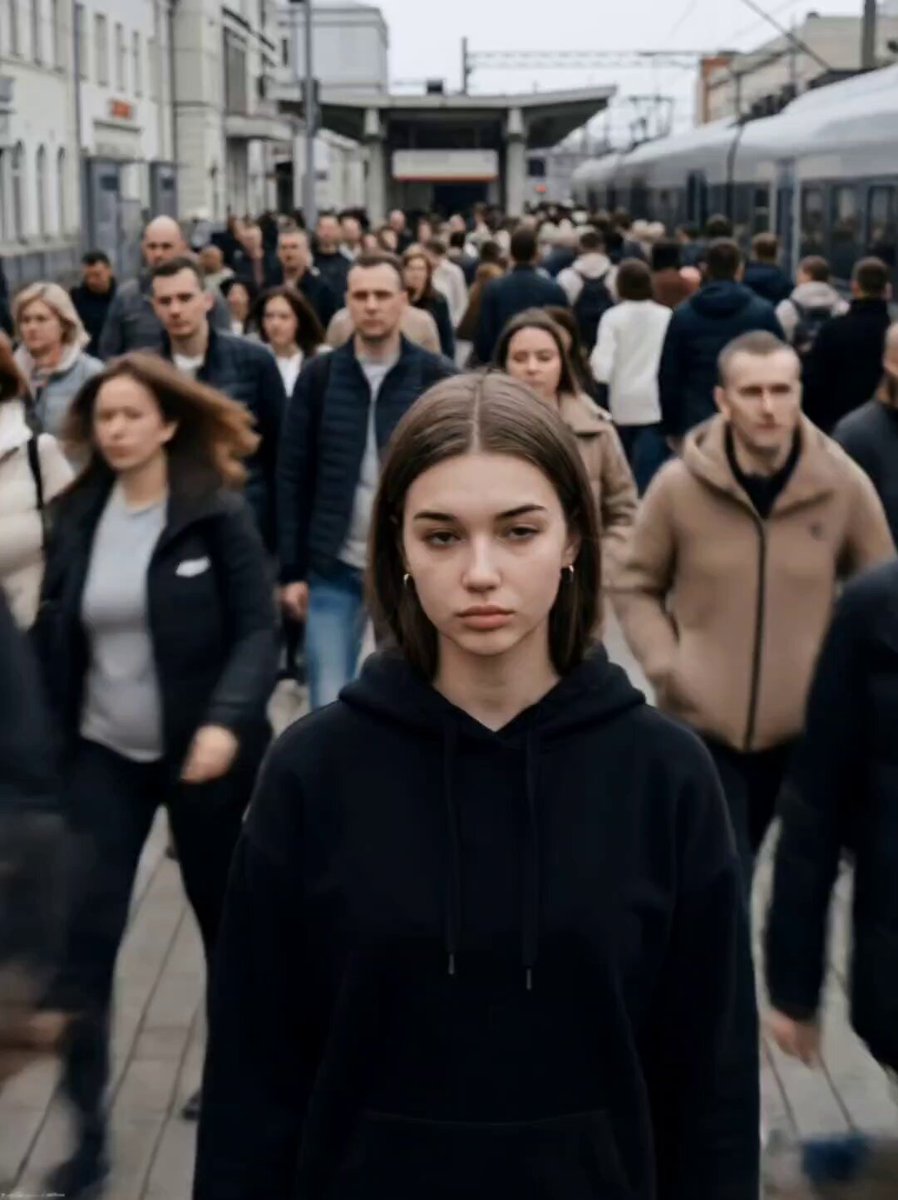
Cinematic Short Film Scene

Luxury Lifestyle Day Vlog
Iced Coffee Dog Good-News Montage
Sunny Morning Laundry Vlog
Korean Woman Laundry Folding DV Camcorder Morning
Realistic Korean Fish Market Auction
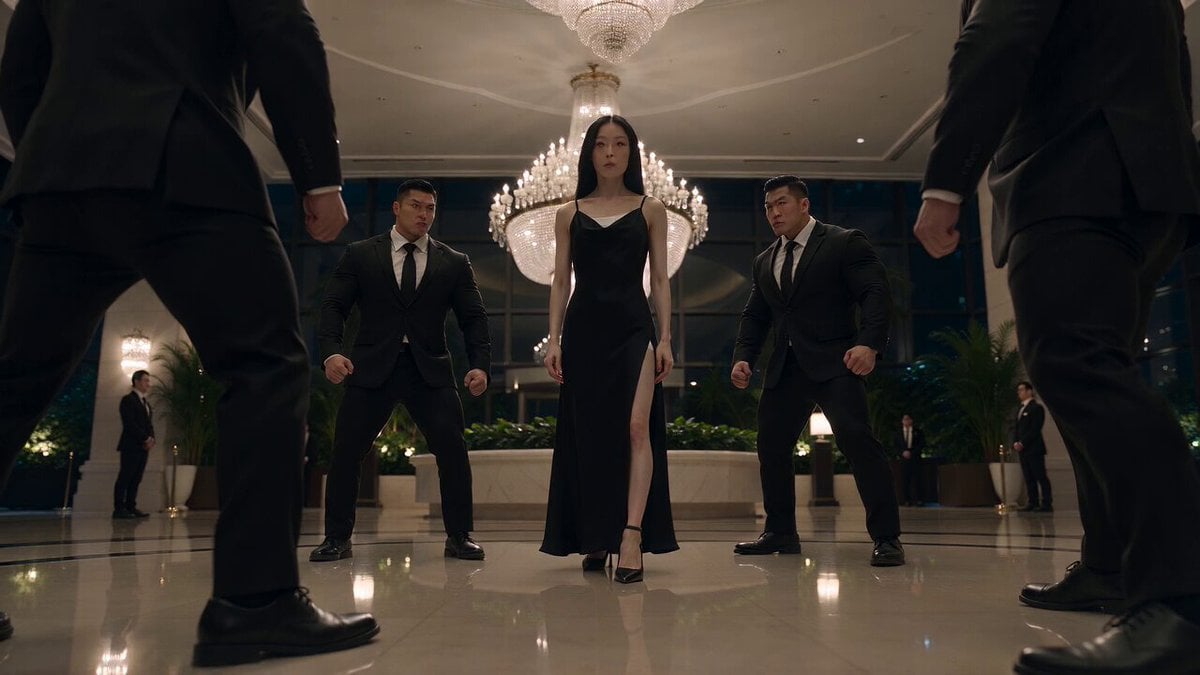
Cinematic Korean Action Stunt Sequence
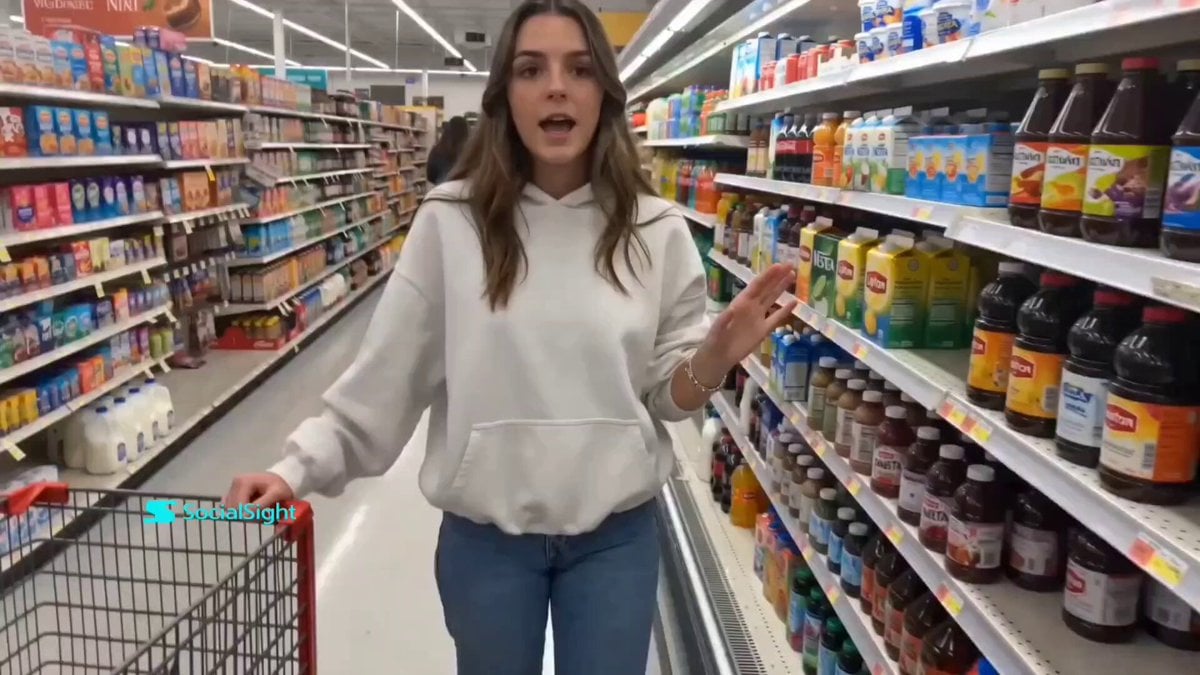
Supermarket Grocery Shopping Vlog
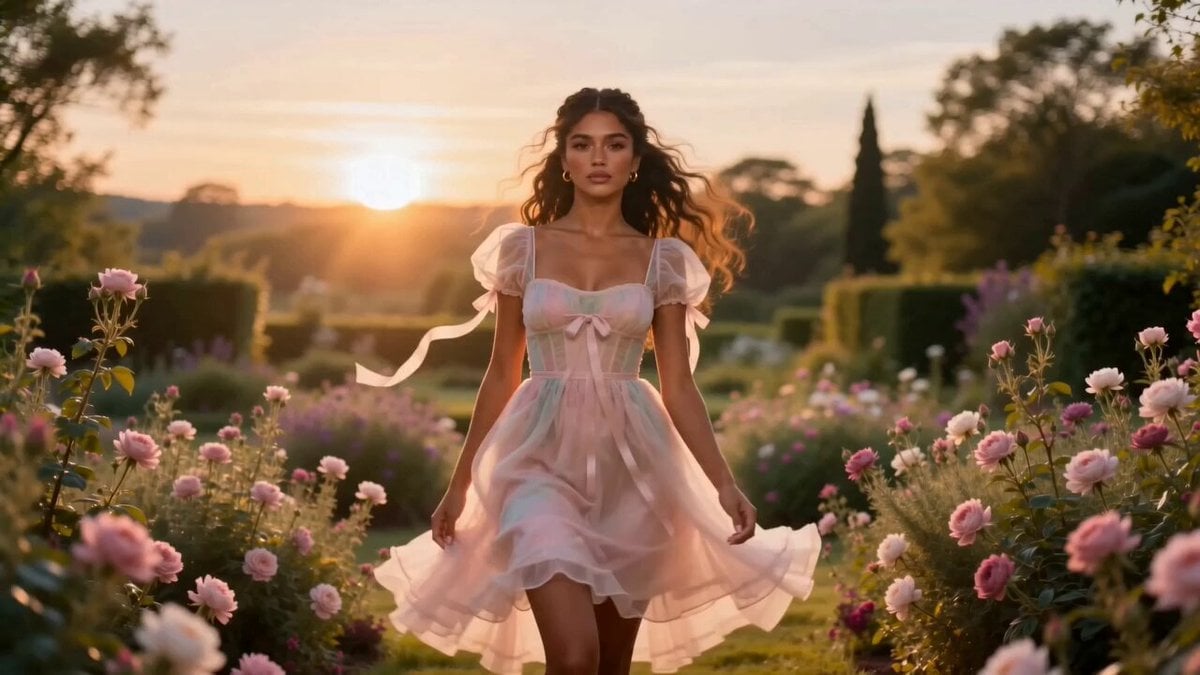
Fashion Aesthetic Transformation Sequence
Make it yours
Korean Market Fashion Shopping Sequence works as-is. These are the safest ways to change it without losing the look.
Change one field
Copy a single group, rewrite it, and generate again so you can see what that field is doing.
Keep the frame, change the subject
Hold the composition and light of Korean Market Fashion Shopping Sequence, then swap wardrobe, props or the person for a new take.
| If the result… | Why | Fix |
|---|---|---|
| The result drifts from the preview | Too many fields changed at once. | Reuse Korean Market Fashion Shopping Sequence as-is first, then change one group — subject, light, or setting. |
| The model over-stylizes the scene | The prose prompt leaves finish and camera underspecified. | Add one camera or lighting sentence and stay on Seedance 2.0. |
More Seedance 2.0 templates
Other prompts made for Seedance 2.0.

Comical Martial Arts Punch Scene

Maglev Train Action Sequence

Martial Arts Fight Sequence

Wuxia Protection and Trust Script

Vintage Korean Arcade MiniDV Vlog

Mercedes 190 SL Luxury Ad

Rainy Night Supernatural Reverse Comedy Video Script

Amazon Civilization Discovery

Futuristic South Asian City Transformation

Cozy Luxury Cafe Commercial
More video prompts
Fresh picks from across the catalog.
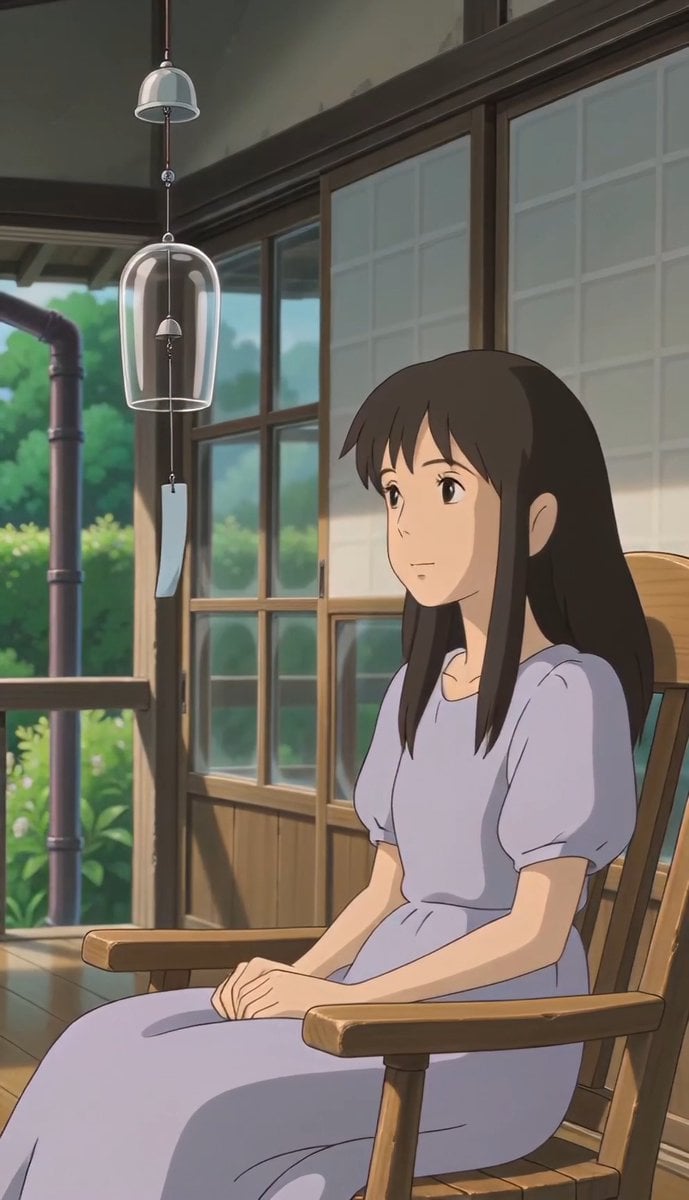
Ghibli Style Afternoon Tranquility
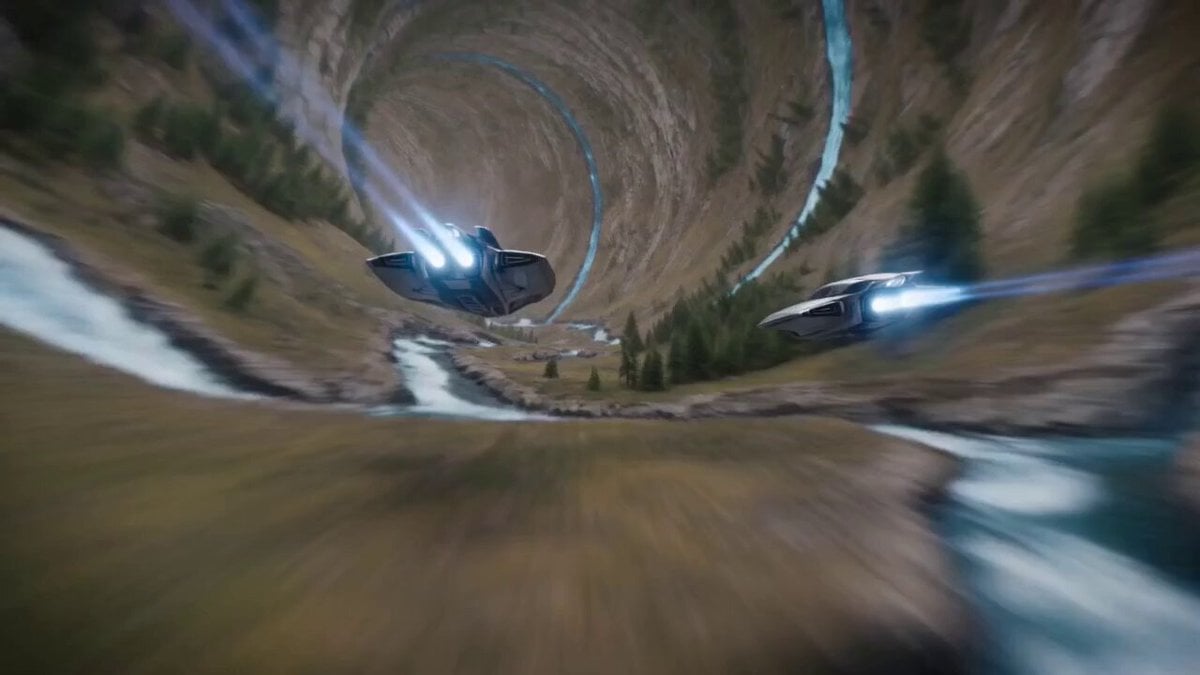
Inverted Geometry Hollow World Traversal
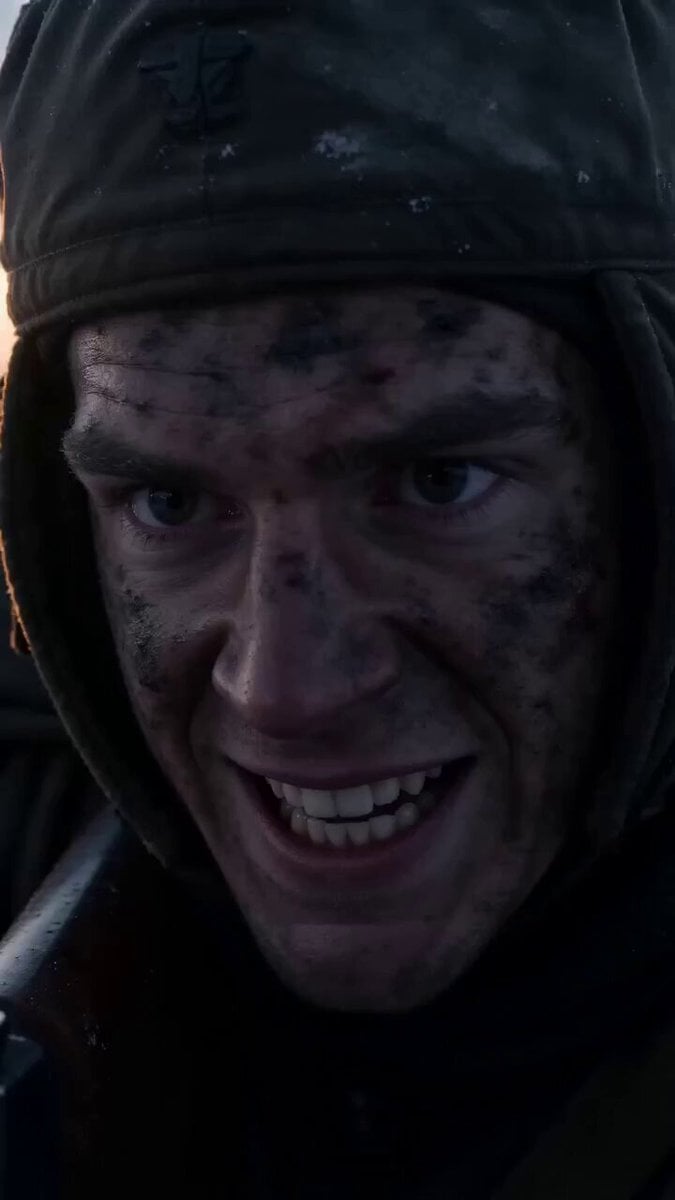
Soldier Close-up Combat Scene
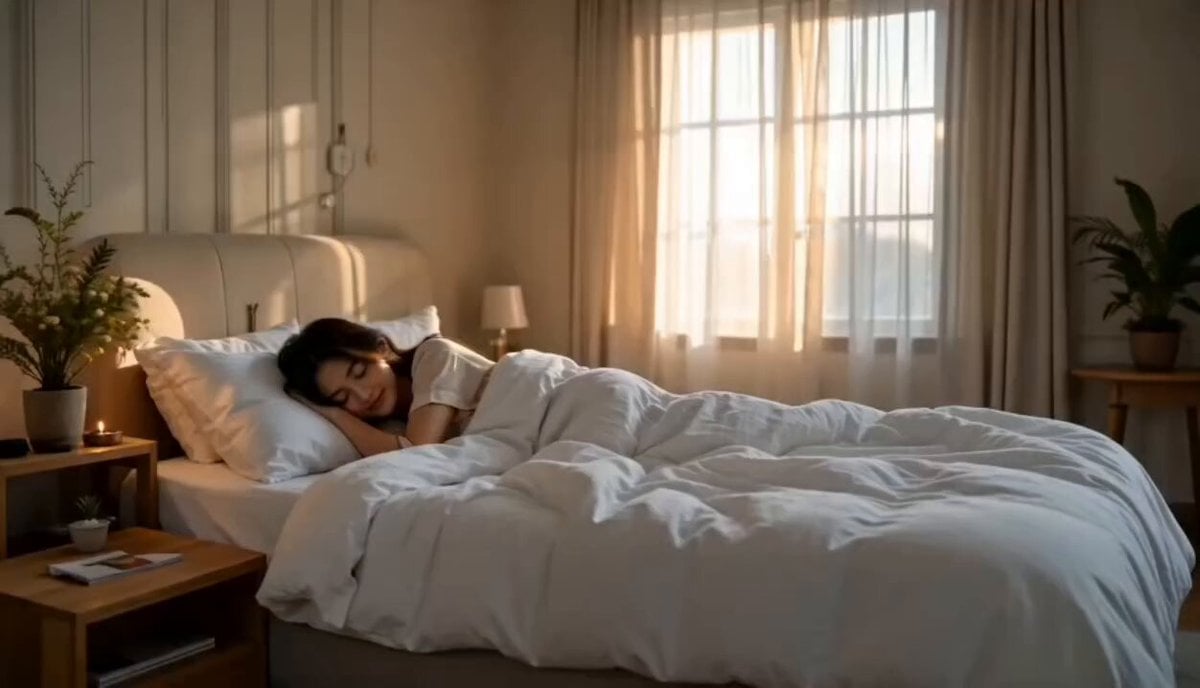
Cinematic Morning Routine Bedroom
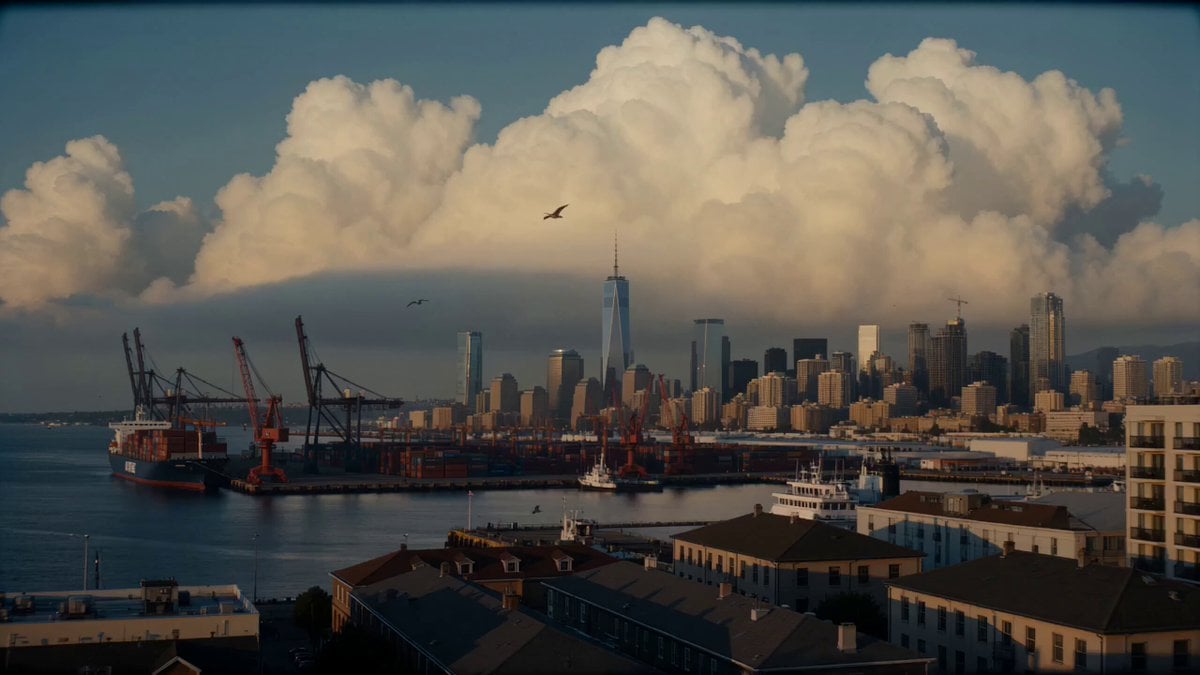
English Cinematic Whale in the Clouds Video Prompt
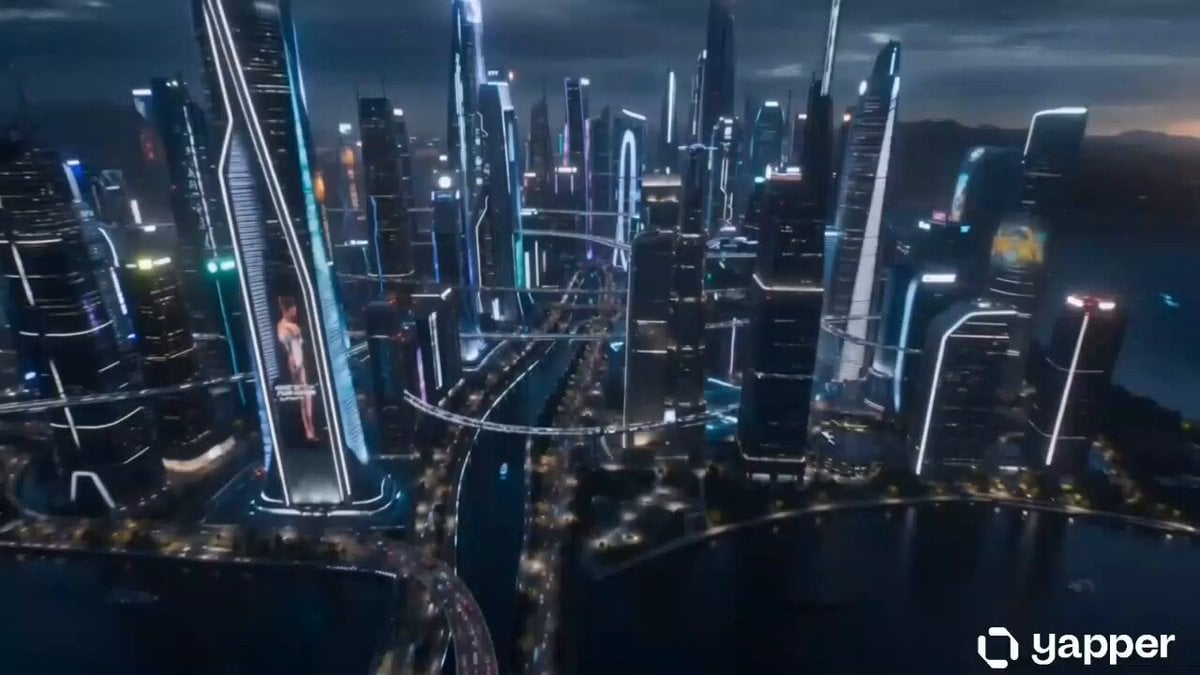
Futuristic China City Exploration
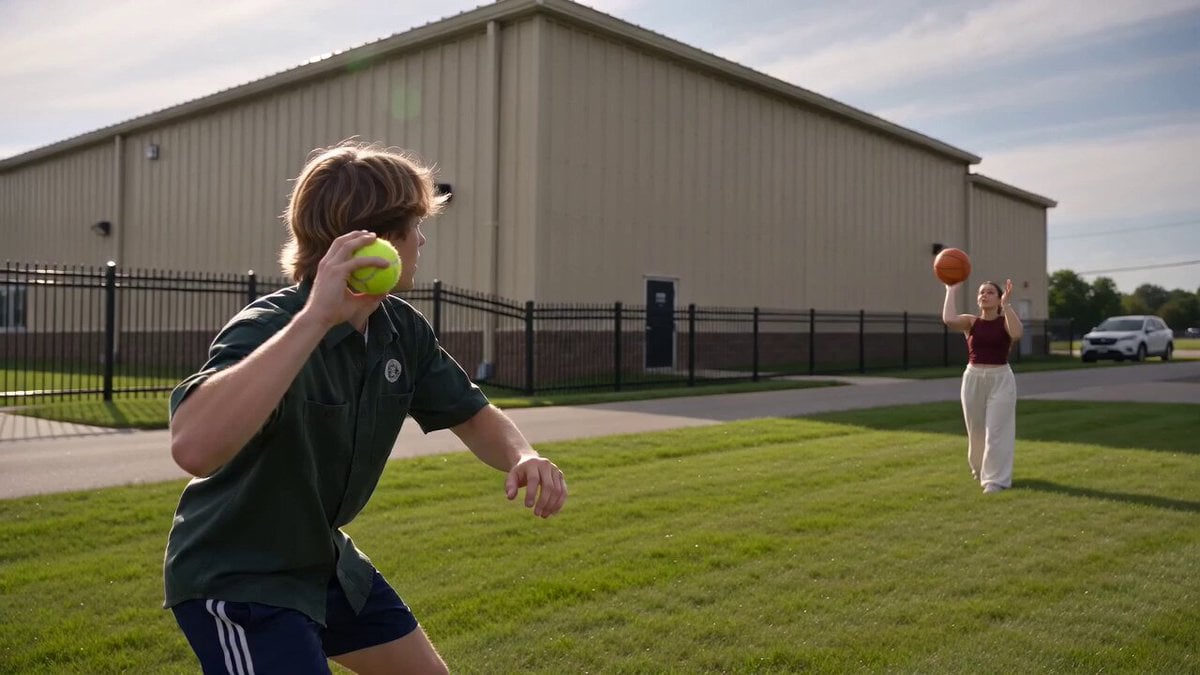
Second Social Sports Video

Seedance 2.0 Ancient Chinese Mythology Epic Scene
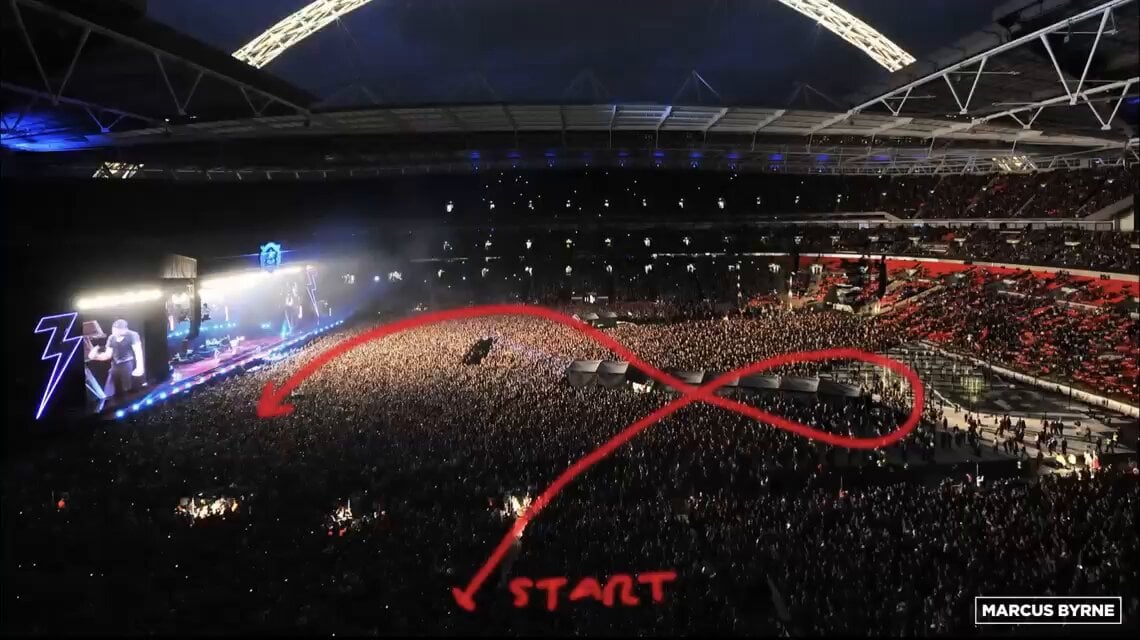
FPV Drone Stadium Flythrough
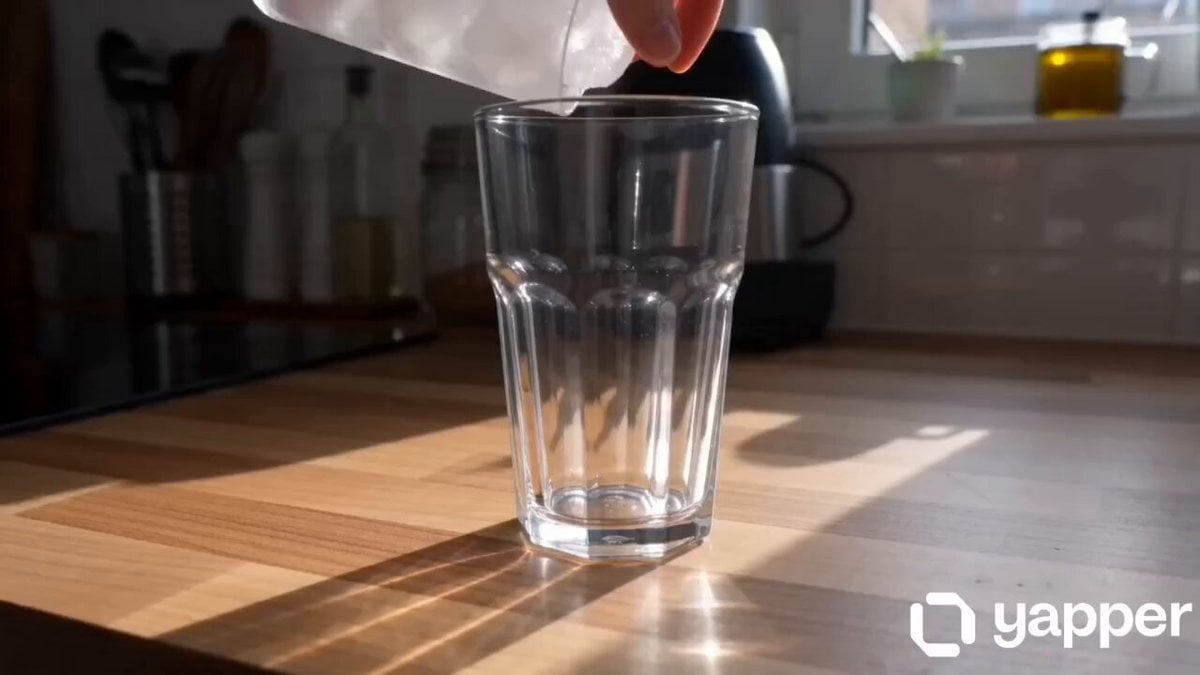
Cinematic Morning Coffee Ritual
Browse template categories
Korean Market Fashion Shopping Sequence questions
How do I use the Korean Market Fashion Shopping Sequence template?
Add your photo if the template asks for one, edit the prompt if you like — the template's model and format are already selected — and press Generate. Your version opens in PicX Studio.
Can I customize the Korean Market Fashion Shopping Sequence template?
Yes. You can change the subject, setting, lighting, mood, format, and available model controls before creating your video.
Is the Korean Market Fashion Shopping Sequence template free?
Opening and editing this template is free. Generating uses credits, shown on the Generate button when you are signed in.
Which AI model should I use?
Start with Seedance 2.0, which is the model associated with this template. You can compare another compatible model for a different finish.
Looking for something else? Browse all templates.

Your photo, any look
Thousands of ready templates for every top image and video model, from one credit balance.