
Soldier Close-up Combat Scene
A detailed prompt for Seedance 2.0 to generate an extreme close-up shot of a cloaked soldier shouting 'All units, move out!
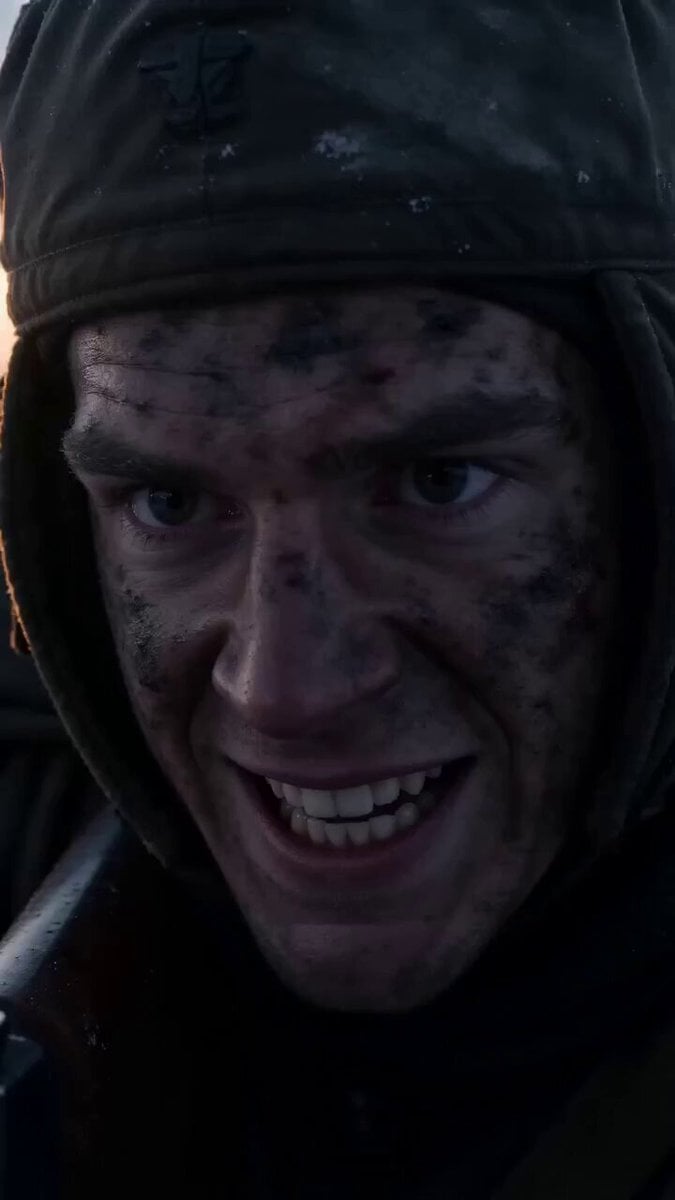
- Prompt included
- Model and format preset
- Free template
The prompt behind this video
Copy the exact prompt behind Soldier Close-up Combat Scene, or open it in the studio and make it yours.
极端特写镜头开始:一名身披斗篷的士兵,大声用英语喊出“All units, move out! Fire at will!”并同时持续射击步枪,枪口喷射明亮的蓝白色火焰,弹壳高速从侧面不断弹出,步枪后坐力明显震动他的肩膀,连续射击导致枪管上方出现空气热扭曲效果,画面极具真实感;背景音效包含史诗级战争战鼓音乐、坦克炮轰声、导弹发射尖啸声以及履带碾压冰面的碎裂声,整体呈现电影级画面、超真实光影与沉浸式战场氛围。
How to use Soldier Close-up Combat Scene in 3 steps
- 1
Open
The prompt is already in the box next to the preview, with the template's model and format selected.
- 2…a portrait of your subject in softgolden-hour light, 85mm…
Personalize
Edit the subject and creative details for your destination.
- 3Generate
Generate
Press Generate — your video is created in PicX Studio, so you can compare it with the original and refine one variable at a time.
More like this
Templates with the same subject, style or setup. Open one to see its prompt.
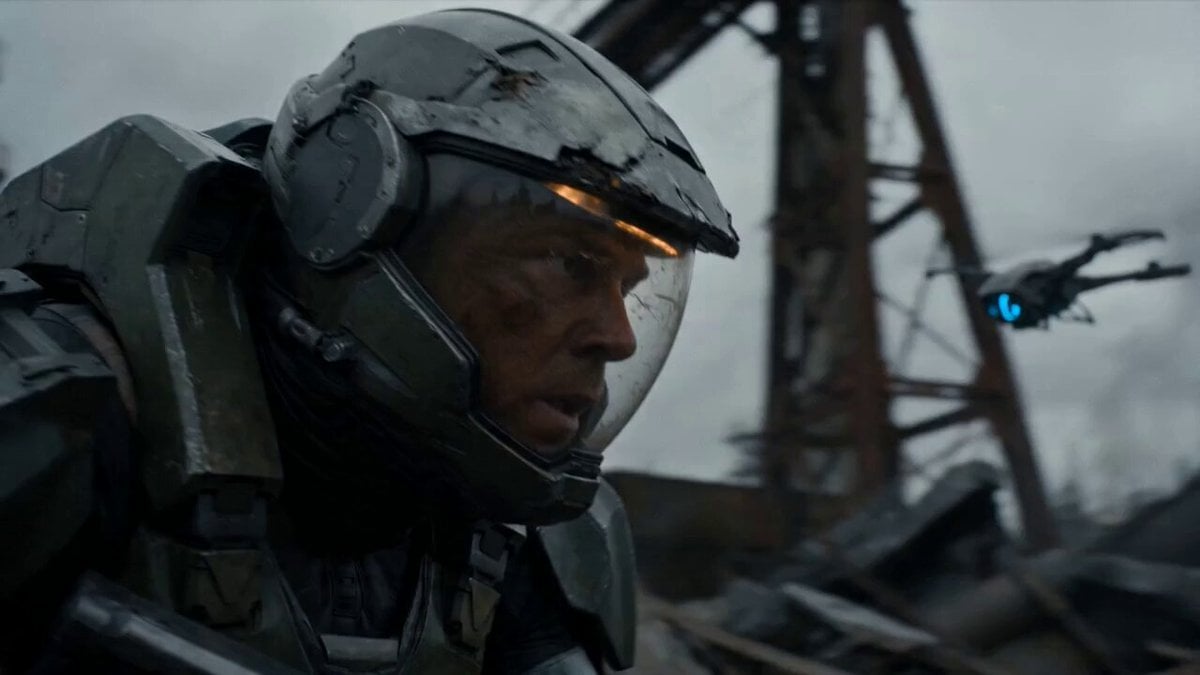
Post-Apocalyptic Sci-Fi Soldier Combat
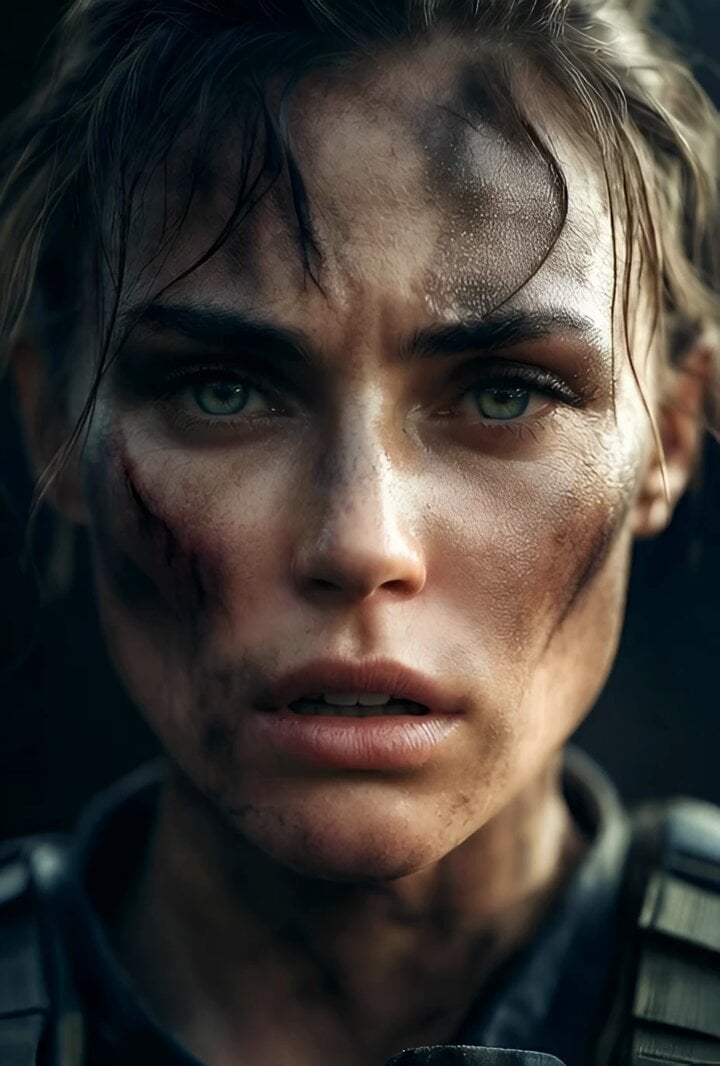
Cinematic Hyperrealistic Close-up of a Female Soldier
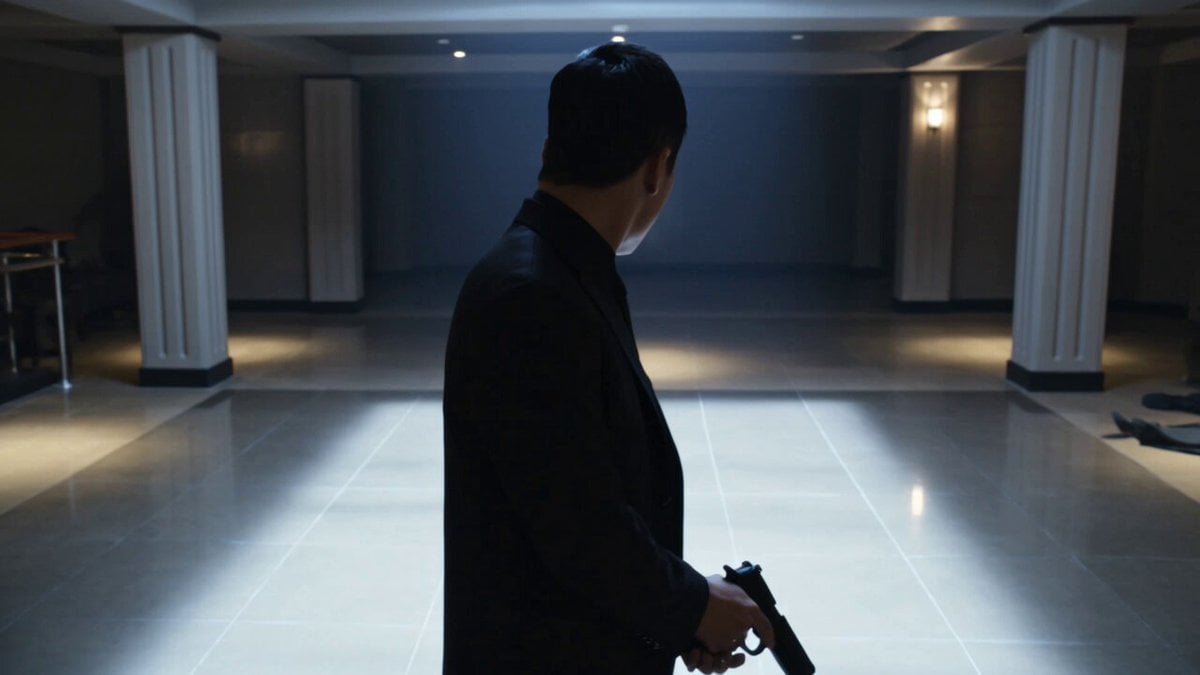
Complex Close Combat Sequence
Floating Magic City Aerial Combat
Mecha vs Titan Dragon Cinematic Combat
Medieval Knight and Queen Cinematic Close-up

Cinematic Roman Soldier Mountain Escape
Brutal Anime Combat Tournament
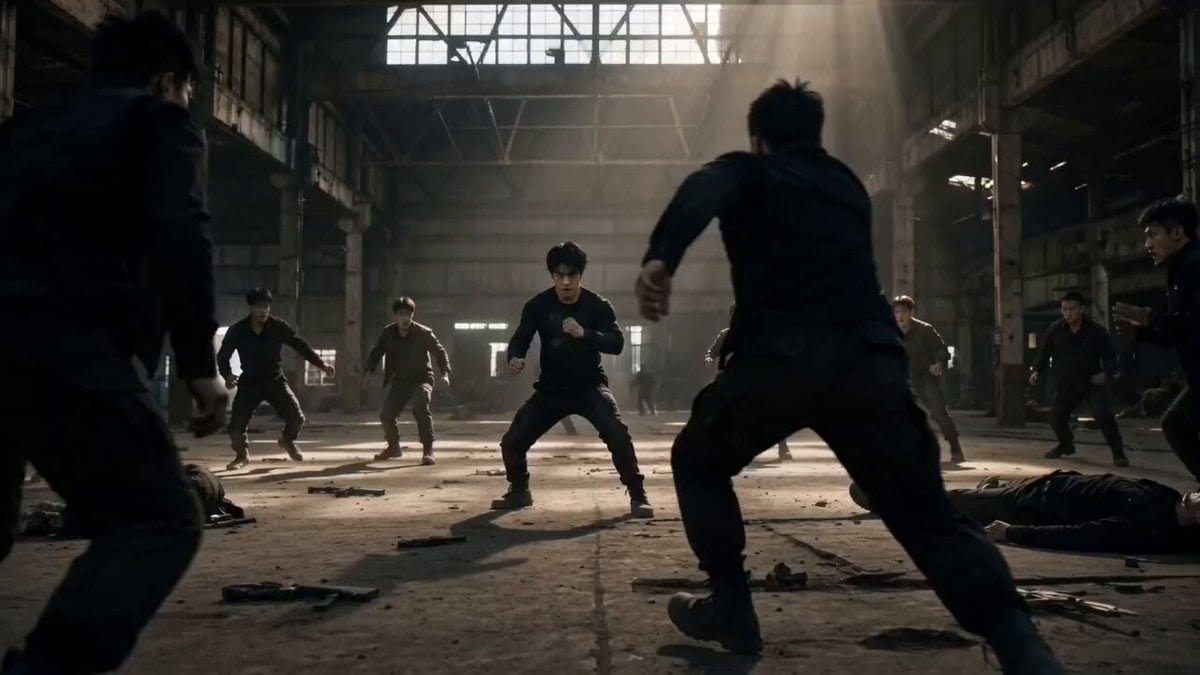
Martial Arts Warehouse Combat Sequence
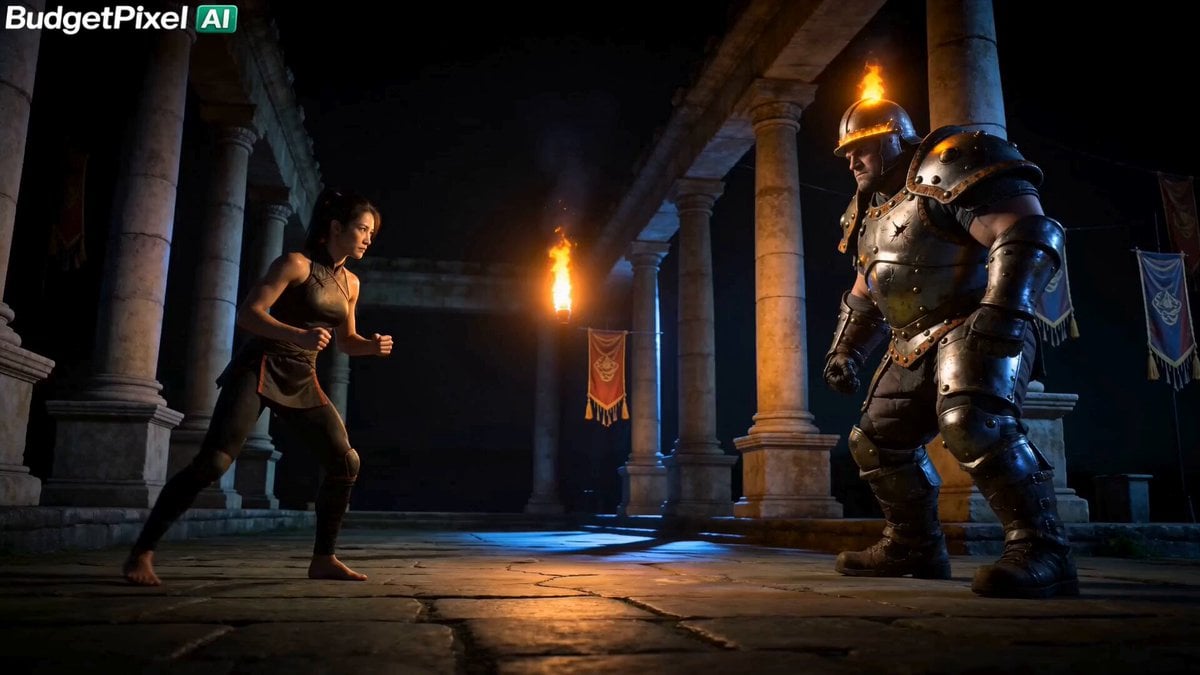
Iron Lotus Strike Combat Scene
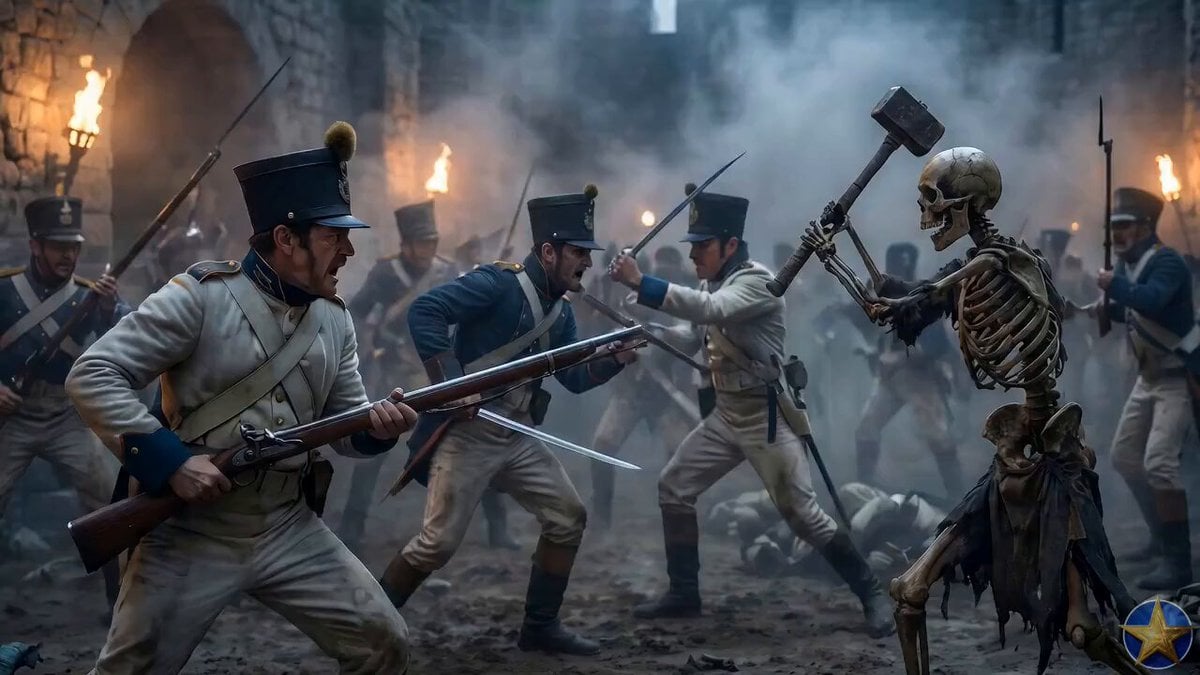
Austrian Soldier Castle Dracula Battle
Urban Fantasy RPG Combat Animation
Make it yours
Soldier Close-up Combat Scene works as-is. These are the safest ways to change it without losing the look.
Change one field
Copy a single group, rewrite it, and generate again so you can see what that field is doing.
Keep the frame, change the subject
Hold the composition and light of Soldier Close-up Combat Scene, then swap wardrobe, props or the person for a new take.
| If the result… | Why | Fix |
|---|---|---|
| The result drifts from the preview | Too many fields changed at once. | Reuse Soldier Close-up Combat Scene as-is first, then change one group — subject, light, or setting. |
| The model over-stylizes the scene | The prose prompt leaves finish and camera underspecified. | Add one camera or lighting sentence and stay on Seedance 2.0. |
More Seedance 2.0 templates
Other prompts made for Seedance 2.0.

Comical Martial Arts Punch Scene

Maglev Train Action Sequence

Martial Arts Fight Sequence

Wuxia Protection and Trust Script

Vintage Korean Arcade MiniDV Vlog

Mercedes 190 SL Luxury Ad

Rainy Night Supernatural Reverse Comedy Video Script

Amazon Civilization Discovery

Futuristic South Asian City Transformation

Cozy Luxury Cafe Commercial
More video prompts
Fresh picks from across the catalog.
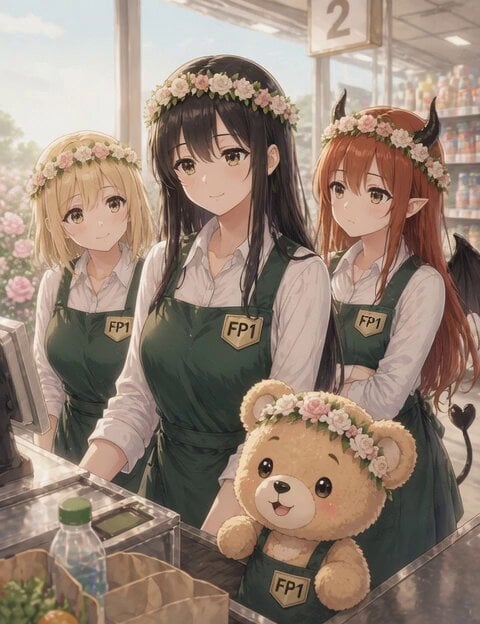
Anime Supermarket Scene with Talking Teddy Bear
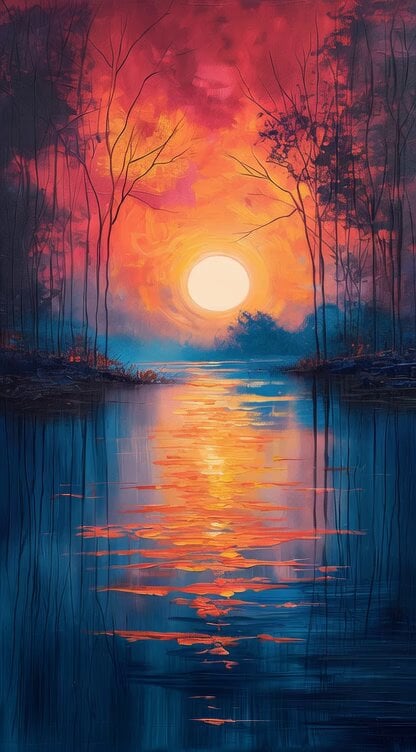
Impressionist Painting with Time Span
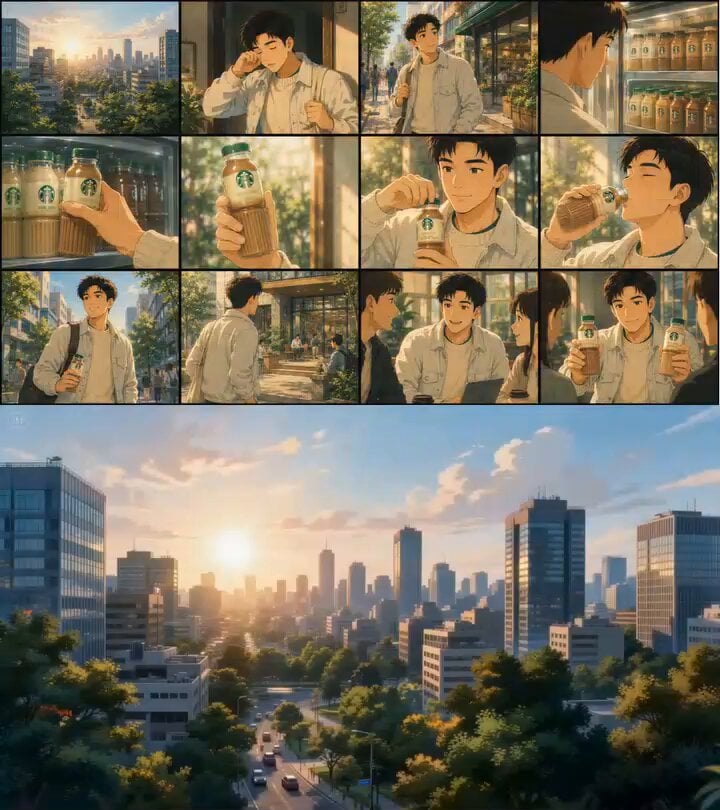
Ghibli Inspired Starbucks Commercial
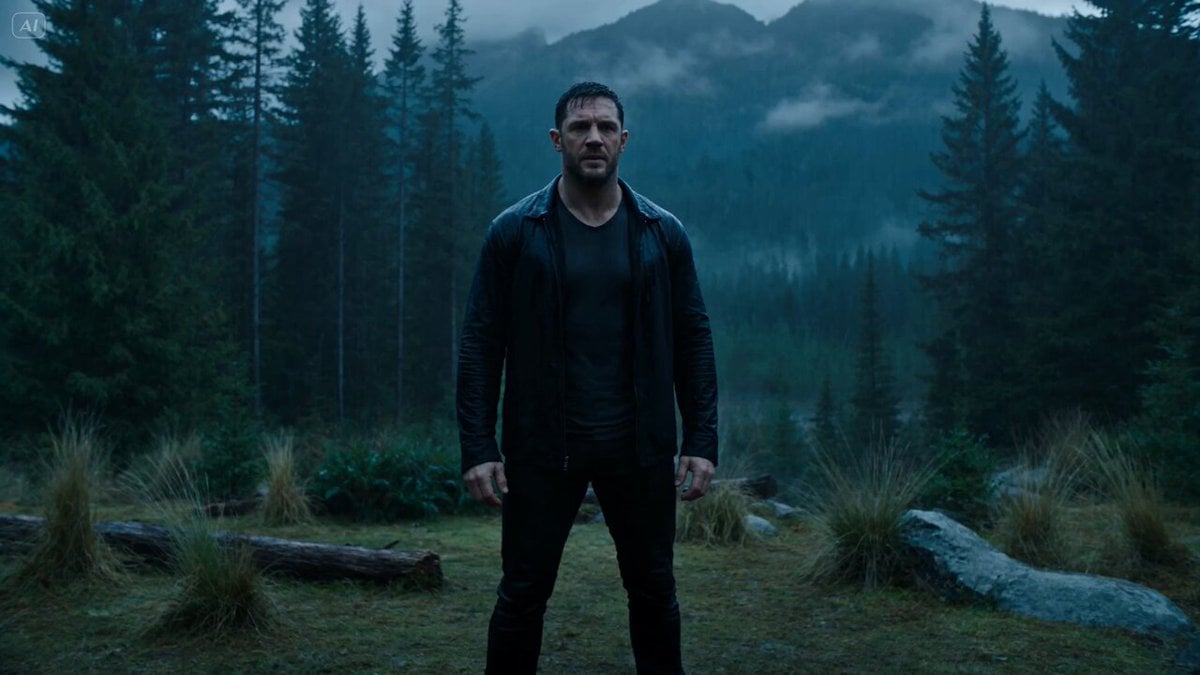
Dark Fantasy Forest Bear Transformation
Claude Prompt: Deep KPI and Trend Dashboard Generator
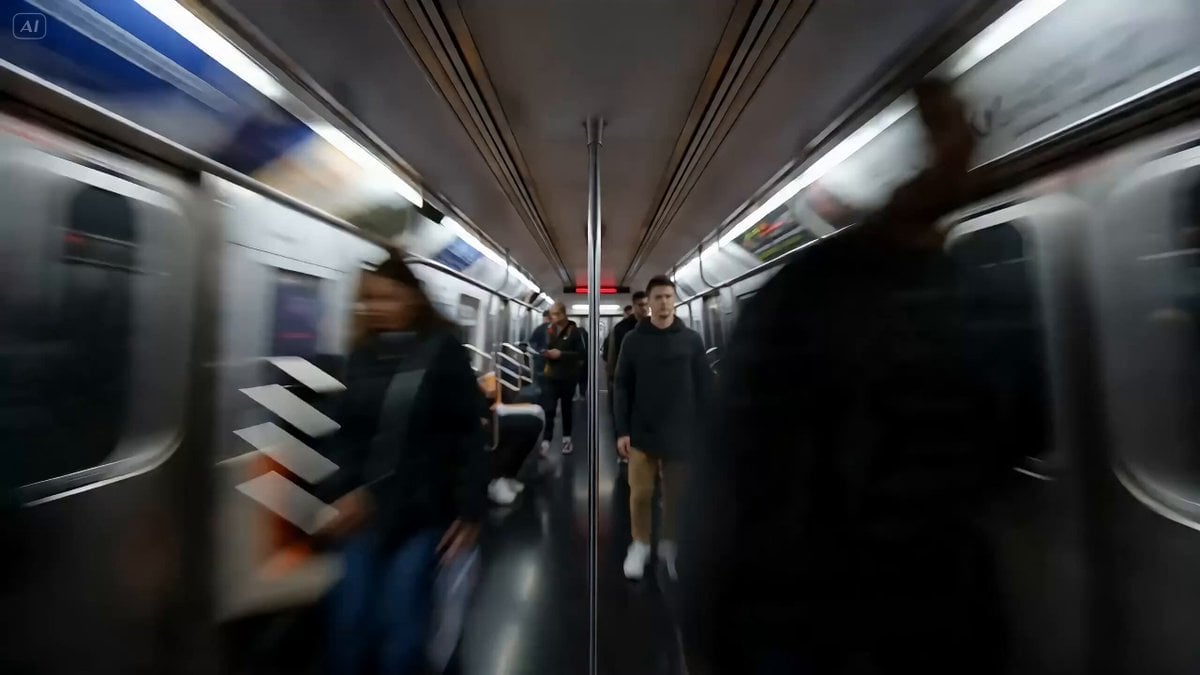
Gen Z Commercial Prompt (Metaimage + Seedance 2)
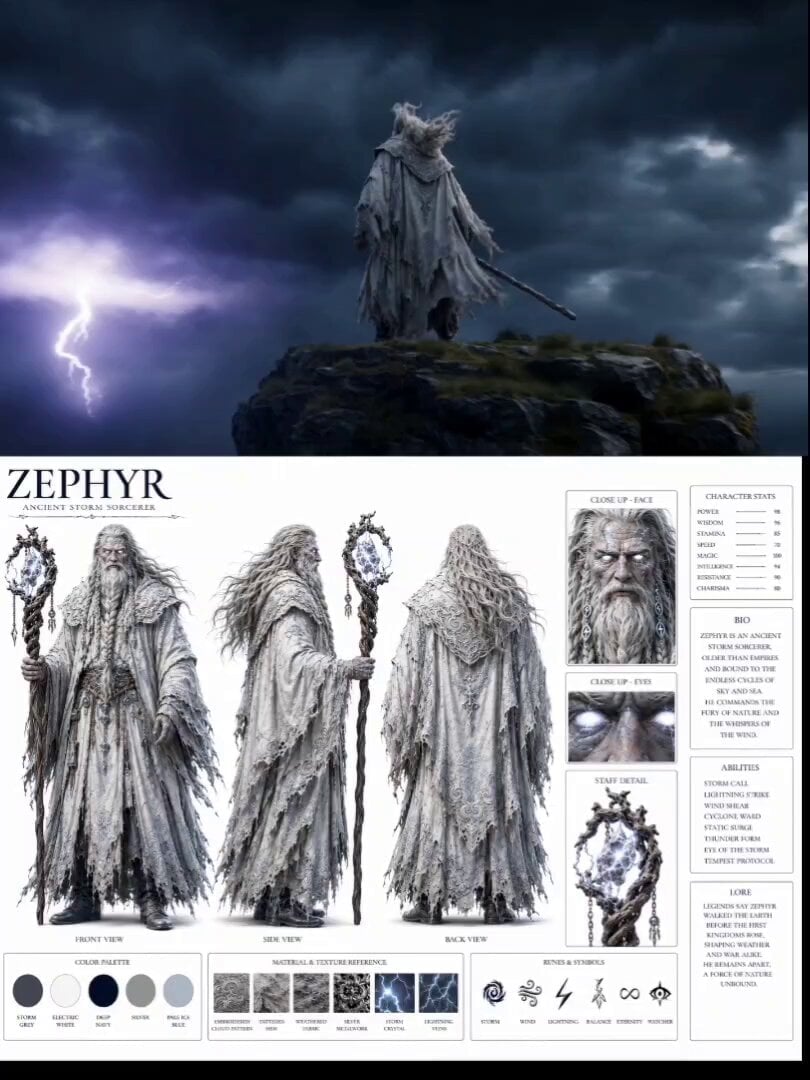
Ancient Storm Mage Cinematic Sequence
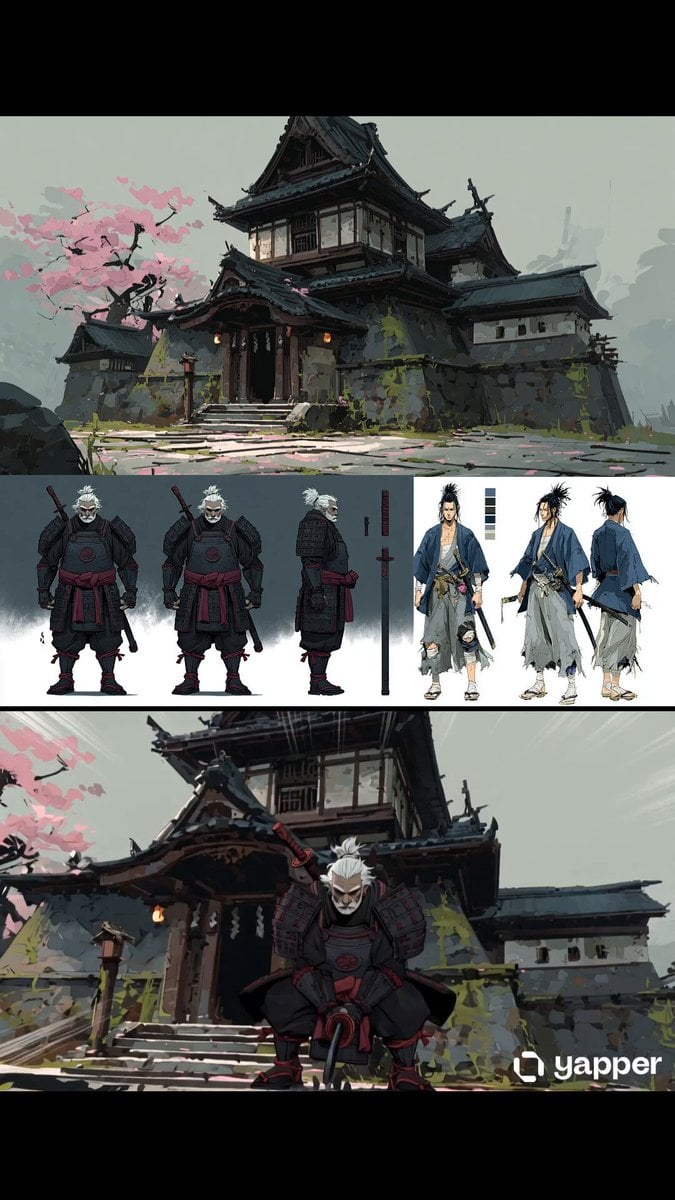
Samurai Odachi Overhead Strike
Cinematic Paris Travel Sequence
Nostalgic Japanese Summer Path
Browse template categories
Soldier Close-up Combat Scene questions
How do I use the Soldier Close-up Combat Scene template?
Add your photo if the template asks for one, edit the prompt if you like — the template's model and format are already selected — and press Generate. Your version opens in PicX Studio.
Can I customize the Soldier Close-up Combat Scene template?
Yes. You can change the subject, setting, lighting, mood, format, and available model controls before creating your video.
Is the Soldier Close-up Combat Scene template free?
Opening and editing this template is free. Generating uses credits, shown on the Generate button when you are signed in.
Which AI model should I use?
Start with Seedance 2.0, which is the model associated with this template. You can compare another compatible model for a different finish.
Looking for something else? Browse all templates.

Your photo, any look
Thousands of ready templates for every top image and video model, from one credit balance.