
Ancient Storm Mage Cinematic Sequence
A 15-second cinematic video prompt for a storm mage named Zephyr, featuring lightning strikes, staff activation, and storm manipulation.
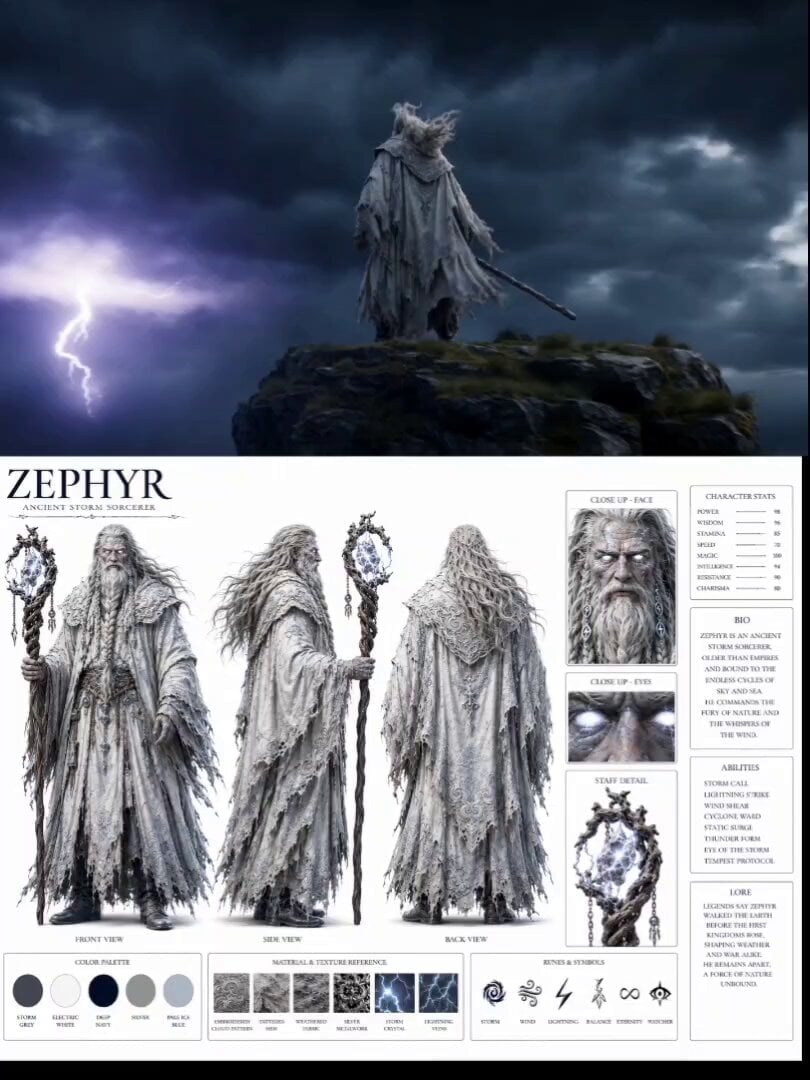
- Prompt included
- Model and format preset
- Premium template
The prompt behind this video
Copy the exact prompt behind Ancient Storm Mage Cinematic Sequence, or open it in the studio and make it yours.
A highly detailed realistic character design sheet for "ZEPHYR" an ancient storm sorcerer. Front, side, back view. Age appears 60 but immortal. Long white flowing robes with silver storm cloud embroidery, tattered at edges from centuries of magic. Long silver beard braided with lightning rune charms. Staff: twisted driftwood topped with crackling storm crystal. Skin: faint blue veins glowing under pale skin. Eyes: solid white with storm clouds visible inside. Color palette: storm grey, electric white, deep navy, silver, pale ice blue. Character stats panel. White background. Realistic 3D render style. [0-3s] Zephyr stands on edge of floating sky island above storm clouds, robes billowing violently in wind. Lightning strikes around him constantly. Camera wide low angle sky filled with apocalyptic storm. [3-7s] He raises staff slowly. Storm responds — clouds spiral inward toward him like a vortex. His white eyes begin glowing intensely. Camera push-in on face as wind reaches hurricane force around him. [7-11s] He slams staff down — CRACK. Massive lightning bolt strikes down from sky through his body and into the earth below. Slow motion captures the bolt frozen mid-strike. Thunder shockwave ripples visibly through clouds. [11-15s] Storm clears instantly. He stands in perfect calm, staff planted, surrounded by drifting storm clouds below his feet like a god above weather. Camera pulls back into massive aerial reveal. Absolute silence after chaos.
How to use Ancient Storm Mage Cinematic Sequence in 3 steps
- 1
Open
The prompt is already in the box next to the preview, with the template's model and format selected.
- 2…a portrait of your subject in softgolden-hour light, 85mm…
Personalize
Edit the subject and creative details for your destination.
- 3Generate
Generate
Press Generate — your video is created in PicX Studio, so you can compare it with the original and refine one variable at a time.
More like this
Templates with the same subject, style or setup. Open one to see its prompt.
Stone Colossus Desert Riders — Golden Fire Reveal
Ancient Dragon Storm Entrance
Martian Storm Sci-Fi Mystery Sequence
Dark Stormy Town Action Sequence
Desert Warrior Sandstorm Sequence
Ancient Book Stormy Sea Diorama
High-Speed Ship Descent with Seedance 2.0
Colossal Sea Creature — Stormy Shore Charge (Seedance)
Sea Serpent vs Crab Titan — Ocean Battle

Maglev Train Action Sequence

Martial Arts Fight Sequence

Ancient Roman Celestial Flight
Make it yours
Ancient Storm Mage Cinematic Sequence works as-is. These are the safest ways to change it without losing the look.
Change one field
Copy a single group, rewrite it, and generate again so you can see what that field is doing.
Keep the frame, change the subject
Hold the composition and light of Ancient Storm Mage Cinematic Sequence, then swap wardrobe, props or the person for a new take.
| If the result… | Why | Fix |
|---|---|---|
| The result drifts from the preview | Too many fields changed at once. | Reuse Ancient Storm Mage Cinematic Sequence as-is first, then change one group — subject, light, or setting. |
| The model over-stylizes the scene | The prose prompt leaves finish and camera underspecified. | Add one camera or lighting sentence and stay on Seedance 2.0. |
More Seedance 2.0 templates
Other prompts made for Seedance 2.0.

Comical Martial Arts Punch Scene

Wuxia Protection and Trust Script

Vintage Korean Arcade MiniDV Vlog

Mercedes 190 SL Luxury Ad

Rainy Night Supernatural Reverse Comedy Video Script

Amazon Civilization Discovery

Futuristic South Asian City Transformation

Cozy Luxury Cafe Commercial

Cyber Ronin Nanotech Transformation Video

Desert Courier and Sandstorm Leviathan Chase
More video prompts
Fresh picks from across the catalog.
Cinematic Underwater Monster Encounter Video
K-Pop Dance Choreography Sketch
Cinematic Food and Character Rendering Prompt
Live-Action Sci-Fi Warrior Prompt
Johnnywang Tokyo Time Freeze
Multiverse Dimensional Portal Fall
Toaster Rocket Jumpscare
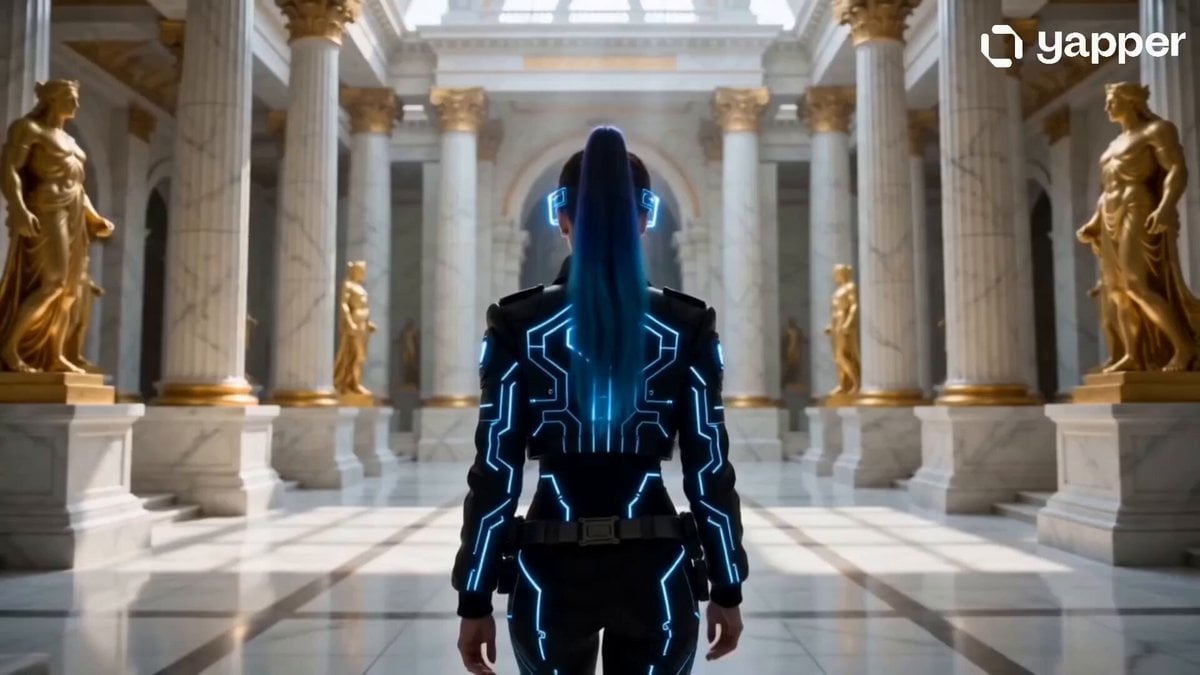
Cyberpunk Woman in Royal Palace
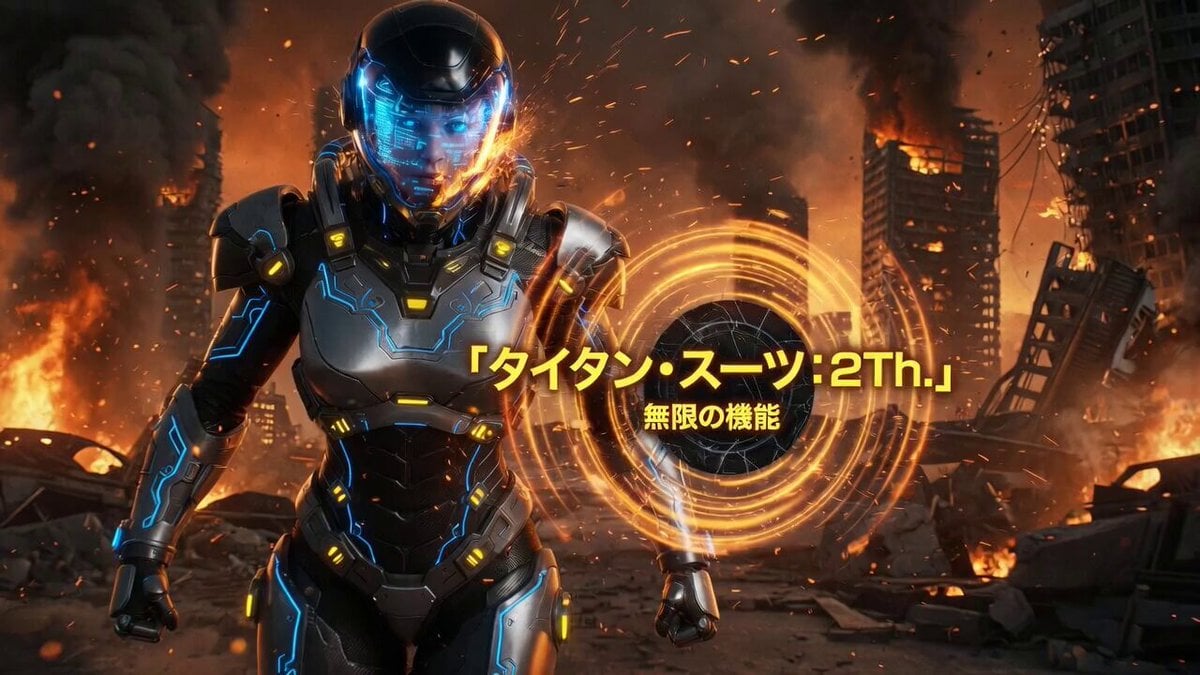
Futuristic Titan Power Armor Warrior
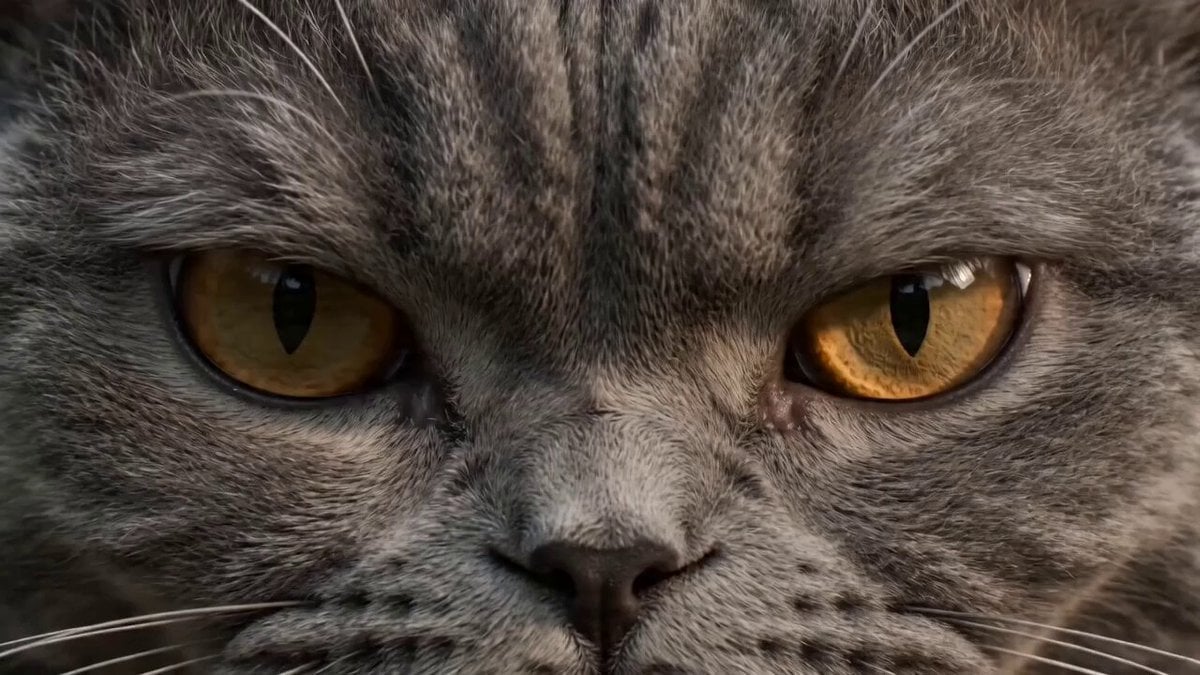
Ultra-realistic martial arts choreography between a cat and a master
Browse template categories
Ancient Storm Mage Cinematic Sequence questions
How do I use the Ancient Storm Mage Cinematic Sequence template?
Add your photo if the template asks for one, edit the prompt if you like — the template's model and format are already selected — and press Generate. Your version opens in PicX Studio.
Can I customize the Ancient Storm Mage Cinematic Sequence template?
Yes. You can change the subject, setting, lighting, mood, format, and available model controls before creating your video.
Is the Ancient Storm Mage Cinematic Sequence template free?
Opening and editing this template is free. Generating uses credits, shown on the Generate button when you are signed in.
Which AI model should I use?
Start with Seedance 2.0, which is the model associated with this template. You can compare another compatible model for a different finish.
Looking for something else? Browse all templates.

Your photo, any look
Thousands of ready templates for every top image and video model, from one credit balance.