
Cyberpunk Woman in Royal Palace
A cinematic story of a cyberpunk woman exploring an abandoned marble palace, waking ancient stone guardians.
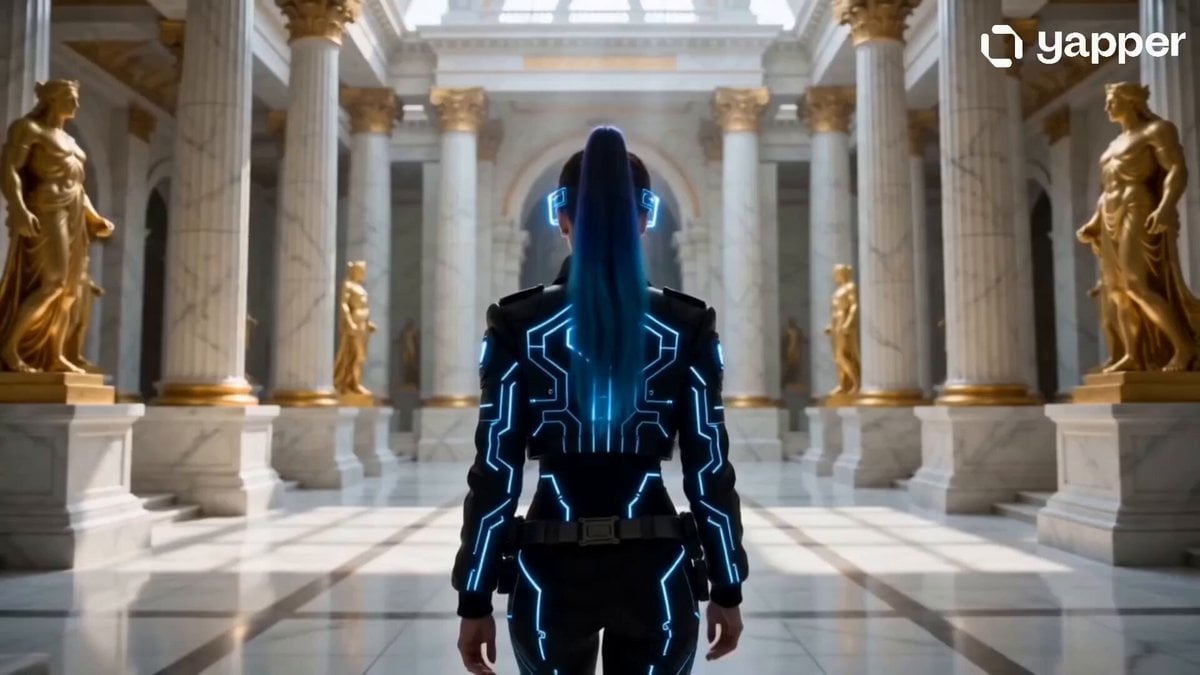
- Prompt included
- Model and format preset
- Free template
The prompt behind this video
Copy the exact prompt behind Cyberpunk Woman in Royal Palace, or open it in the studio and make it yours.
[Character] Young cyberpunk woman with neon-blue hair, futuristic black jacket with glowing LED patterns, holographic glasses, realistic skin texture, cinematic cyberpunk style, confident expression. Same face as reference image. [Place] Magnificent ancient royal palace with white marble architecture, grand courtyards, elegant fountains, towering columns, intricate carvings, golden sunlight, majestic royal atmosphere, highly detailed, ultra-realistic fantasy environment. [Camera] Smooth cinematic tracking shot from behind the character while walking, realistic motion, stable camera movement, immersive storytelling, shallow depth of field, movie-quality cinematography. [Story] A cyberpunk woman walks through an abandoned royal palace. The camera follows behind her across silent marble courtyards. Ancient stone guardians suddenly awaken and block her path. She activates her holographic glasses and scans mysterious symbols on the palace walls, revealing a hidden command. The guardians kneel and open the massive palace gates, revealing a breathtaking golden city glowing beyond the horizon. Epic cinematic storytelling, fantasy cyberpunk atmosphere, dramatic lighting, ultra-realistic visuals, volumetric effects, 4K movie quality.
How to use Cyberpunk Woman in Royal Palace in 3 steps
- 1Upload ImagePNG, JPG or paste
Add your photo
Upload the photo the template builds on. The prompt, model and format are already set.
- 2…a portrait of your subject in softgolden-hour light, 85mm…
Personalize
Edit the subject and creative details for your destination.
- 3Generate
Generate
Press Generate — your video is created in PicX Studio, so you can compare it with the original and refine one variable at a time.
More like this
Templates with the same subject, style or setup. Open one to see its prompt.

Cyberpunk Holographic Dance Performance - Seedance 2.5
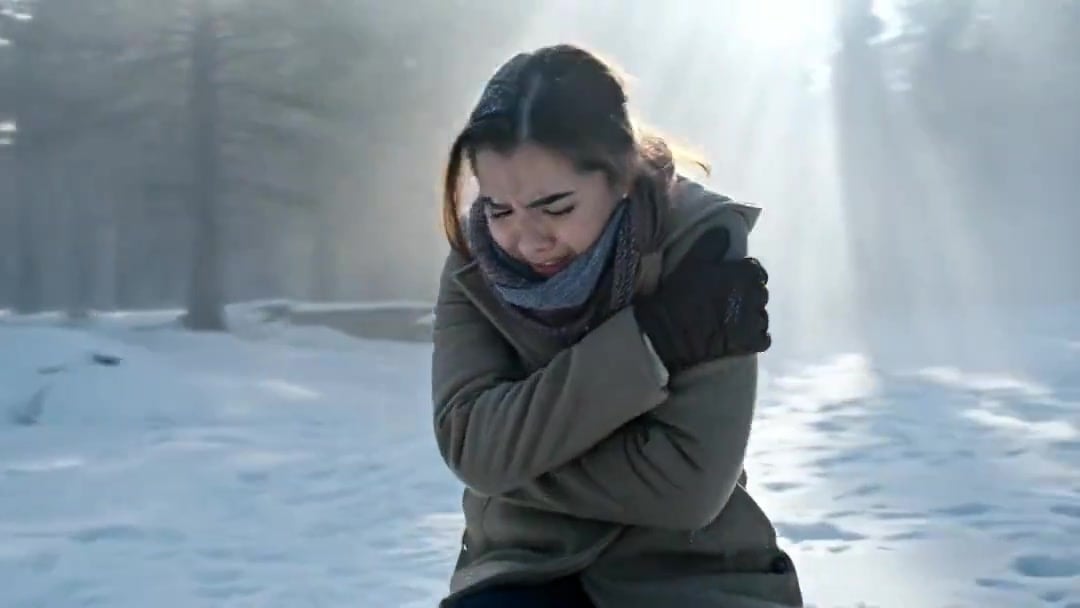
Arc Shot Frozen Woman Snow — Kling 3.0 v3 Pro
Arc Shot Frozen Woman Snow — Kling 3.0 v3 Pro

RX-7 to Mech Transformation Cyberpunk

Blonde Woman Driving Green 1960s Mustang Golden Hour
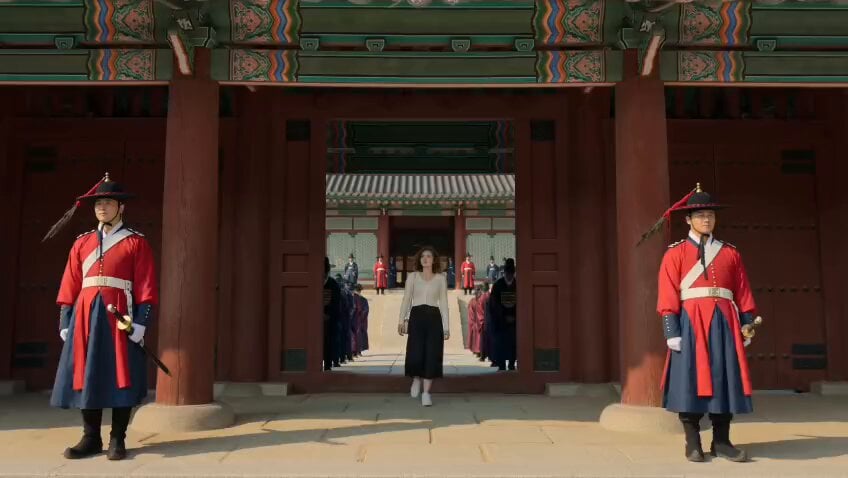
Korean Woman in Joseon Palace Documentary
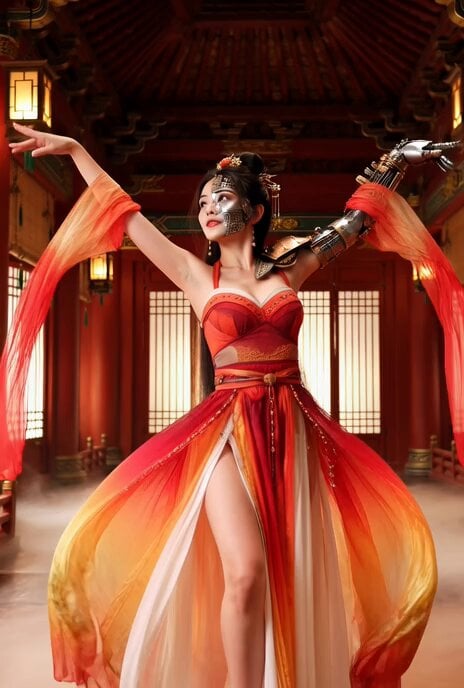
Better Version: Half-Cyberpunk Chinese Dancer in Classical Palace

Chibi Royal Couple in Baroque Gothic Palace (30s Continuous Video)
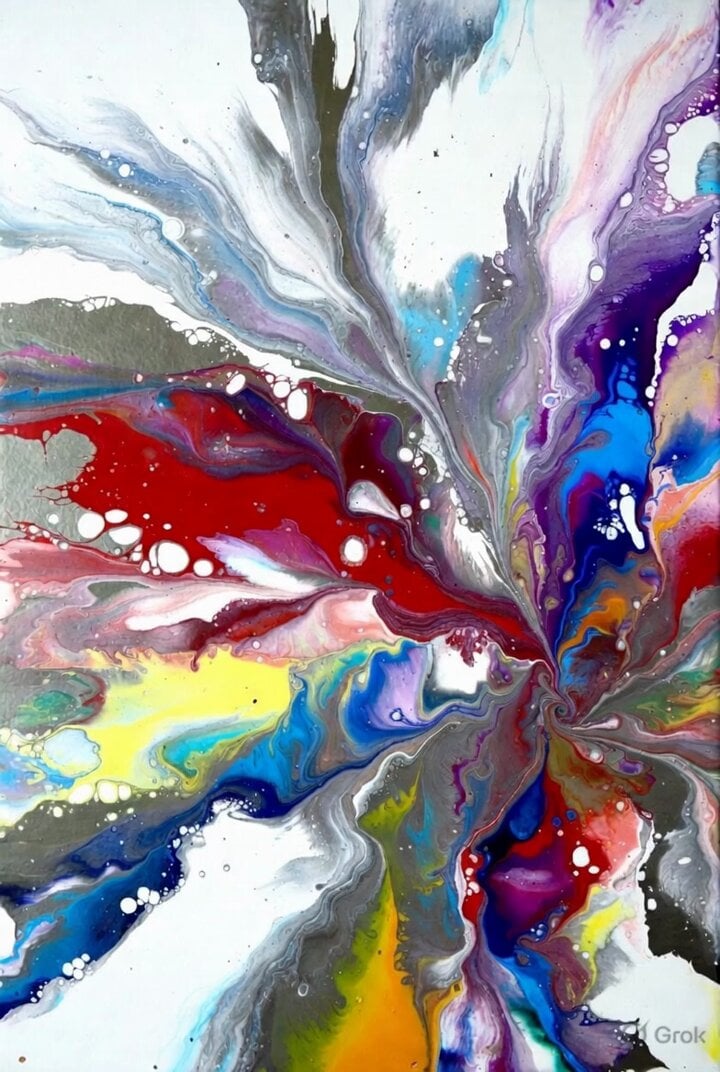
Grok Imagine prompt: Ultra-realistic cinematic fantasy portrait of a royal woman
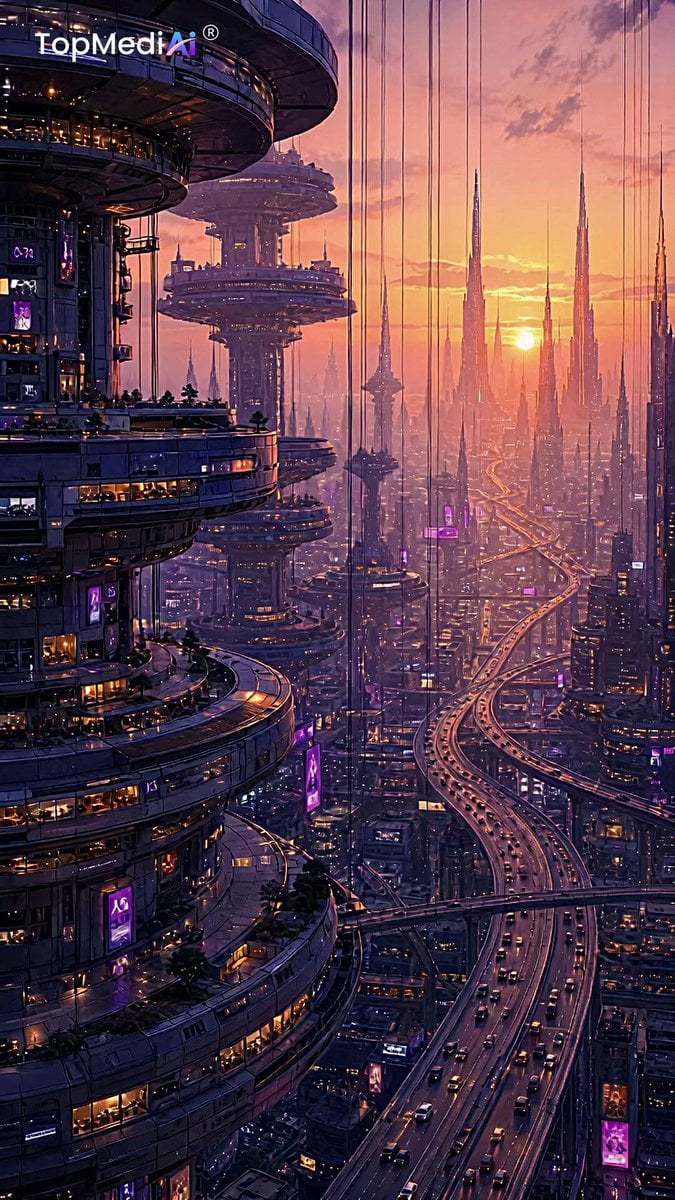
Futuristic Palace Architectural Tour
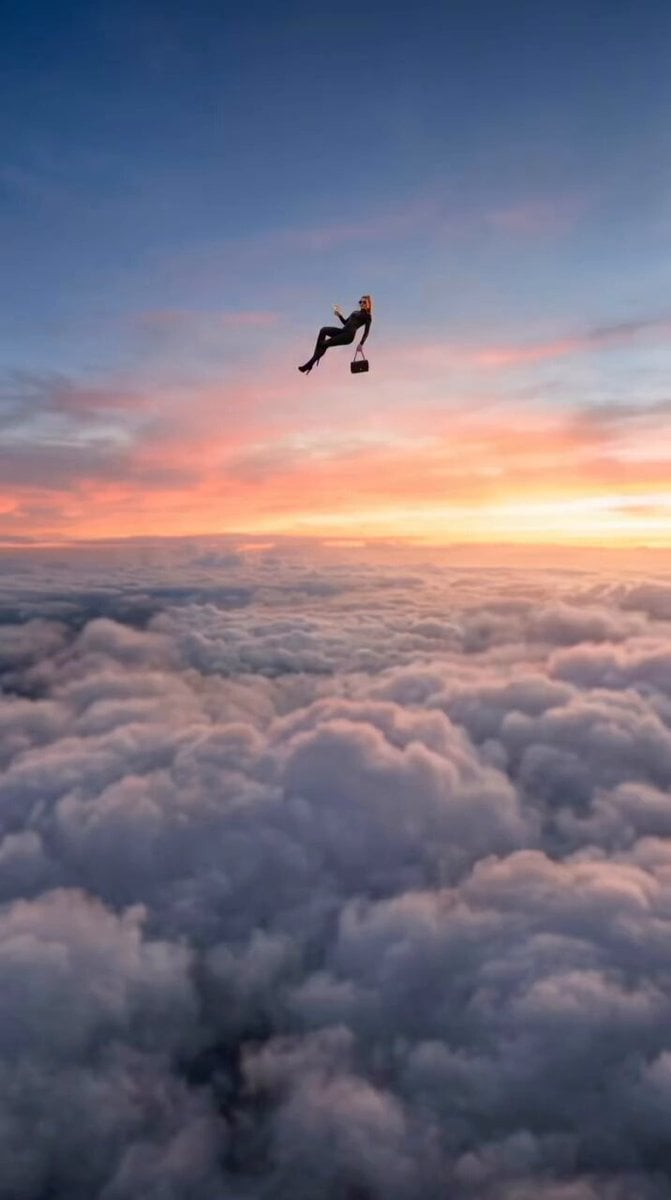
Floating Woman Sunset Cloudscape

Cyberpunk RPG Anime Action
Make it yours
Cyberpunk Woman in Royal Palace works as-is. These are the safest ways to change it without losing the look.
Change one field
Copy a single group, rewrite it, and generate again so you can see what that field is doing.
Keep the frame, change the subject
Hold the composition and light of Cyberpunk Woman in Royal Palace, then swap wardrobe, props or the person for a new take.
| If the result… | Why | Fix |
|---|---|---|
| The result drifts from the preview | Too many fields changed at once. | Reuse Cyberpunk Woman in Royal Palace as-is first, then change one group — subject, light, or setting. |
| The model over-stylizes the scene | The prose prompt leaves finish and camera underspecified. | Add one camera or lighting sentence and stay on Seedance 2.0. |
More Seedance 2.0 templates
Other prompts made for Seedance 2.0.

Comical Martial Arts Punch Scene

Maglev Train Action Sequence

Martial Arts Fight Sequence

Wuxia Protection and Trust Script

Vintage Korean Arcade MiniDV Vlog

Mercedes 190 SL Luxury Ad

Rainy Night Supernatural Reverse Comedy Video Script

Amazon Civilization Discovery

Futuristic South Asian City Transformation

Cozy Luxury Cafe Commercial
More video prompts
Fresh picks from across the catalog.

Pharma Commercial Headache Relief
Animated Dragon Logo Interaction
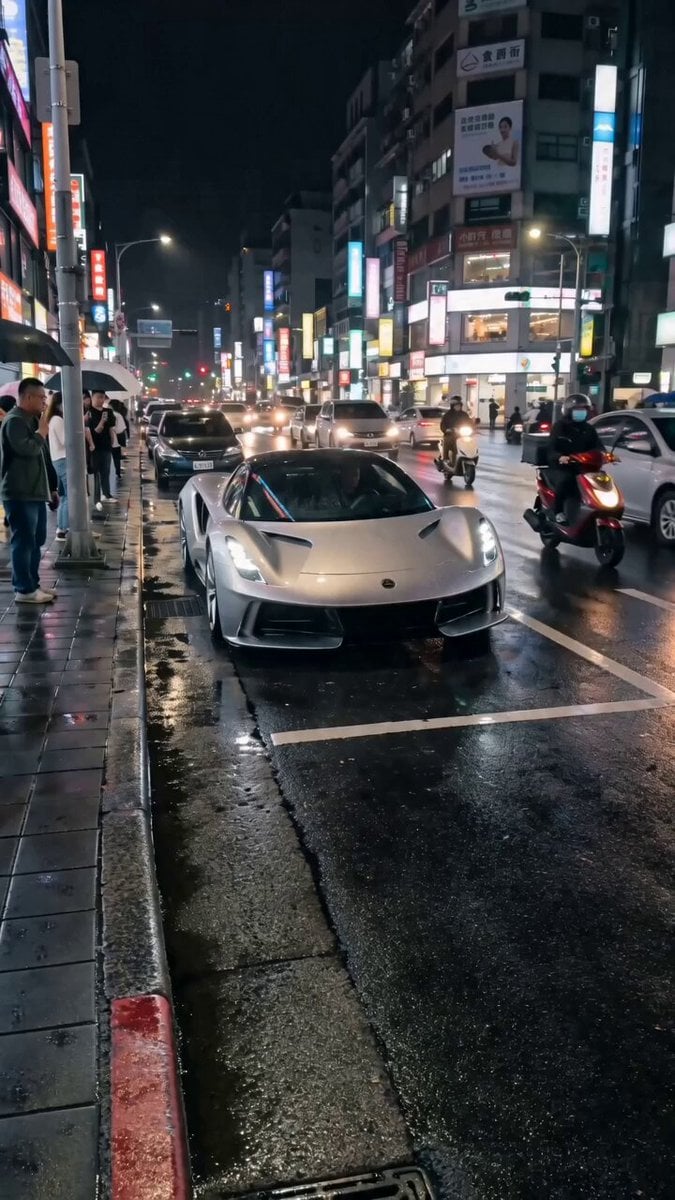
Silver Lotus Evija Urban Night Drift
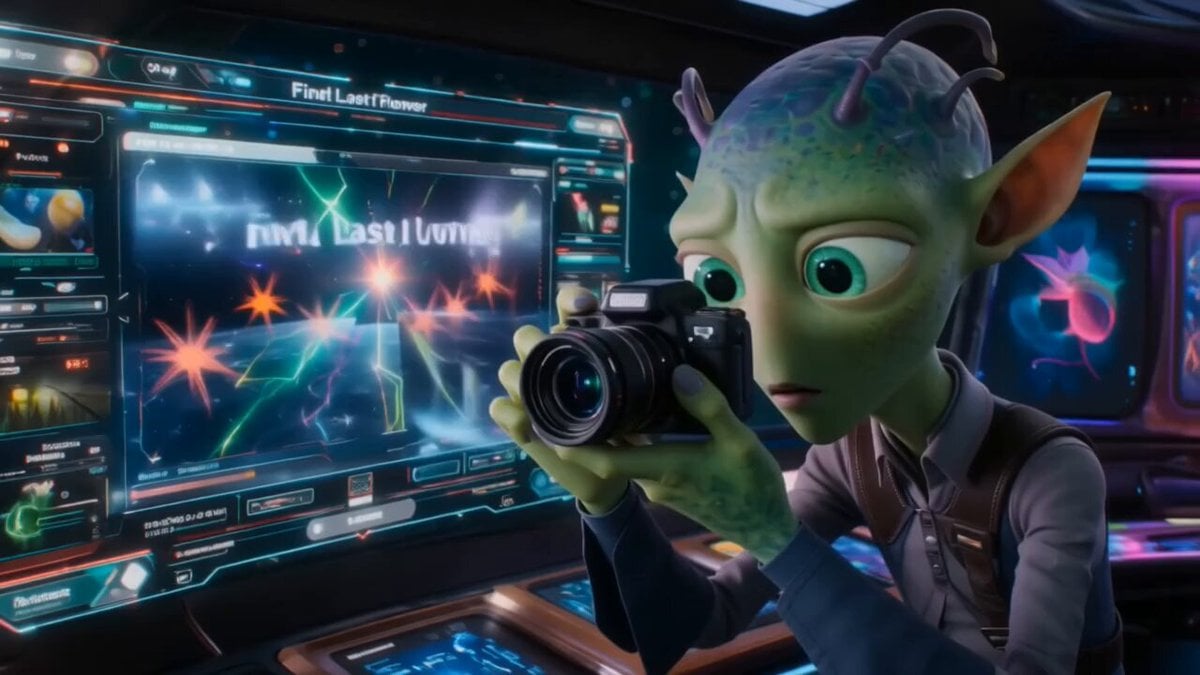
Alien Space Photographer Quest
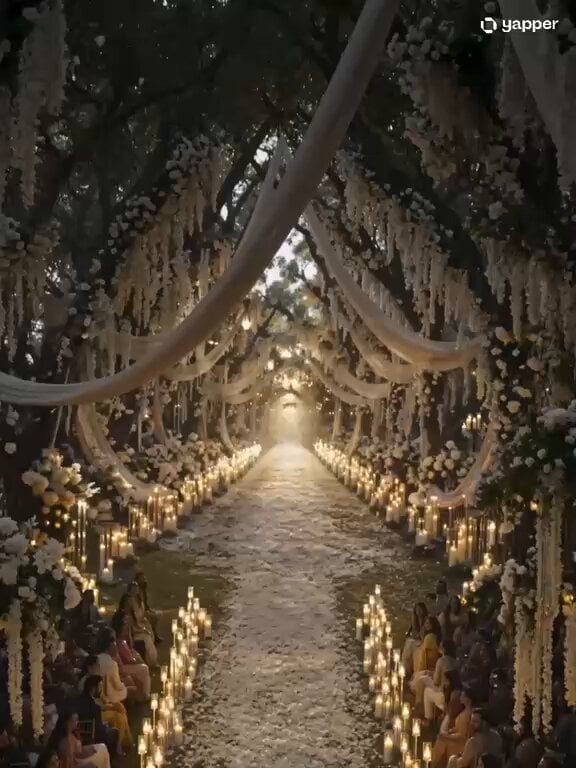
Ethereal Cathedral Forest Wedding

3D Cartoon Park Scene

Singing Performance Video

Anime Chibi Fusion in Tokyo

Seedance 2.0 Video Generation Prompt for Text Effects
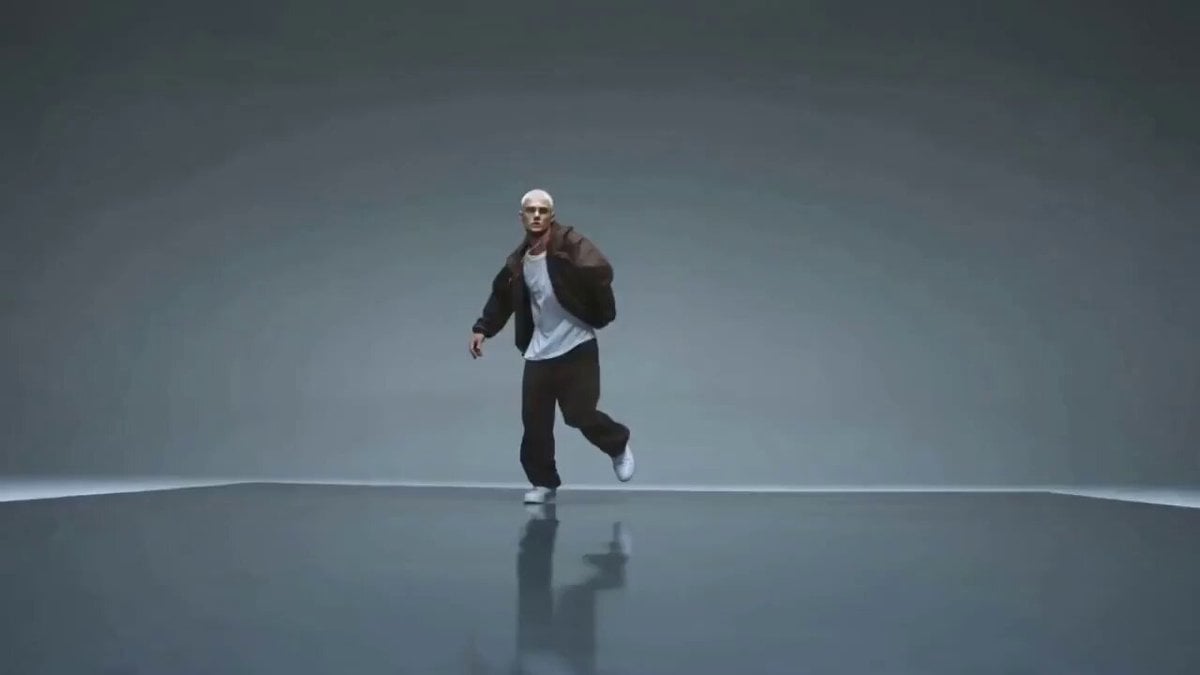
Cinematic Street Dance Sequence
Browse template categories
Cyberpunk Woman in Royal Palace questions
How do I use the Cyberpunk Woman in Royal Palace template?
Add your photo if the template asks for one, edit the prompt if you like — the template's model and format are already selected — and press Generate. Your version opens in PicX Studio.
Can I customize the Cyberpunk Woman in Royal Palace template?
Yes. You can change the subject, setting, lighting, mood, format, and available model controls before creating your video.
Is the Cyberpunk Woman in Royal Palace template free?
Opening and editing this template is free. Generating uses credits, shown on the Generate button when you are signed in.
Which AI model should I use?
Start with Seedance 2.0, which is the model associated with this template. You can compare another compatible model for a different finish.
Looking for something else? Browse all templates.

Your photo, any look
Thousands of ready templates for every top image and video model, from one credit balance.