
Seedance 2.0 Video Generation Prompt for Text Effects
A detailed, multi-scene prompt designed for Seedance 2.0 to generate a video featuring dynamic text effects, focusing on the character '李岳' (Li Yue), with specific instructions for visuals, camera movement, sound…
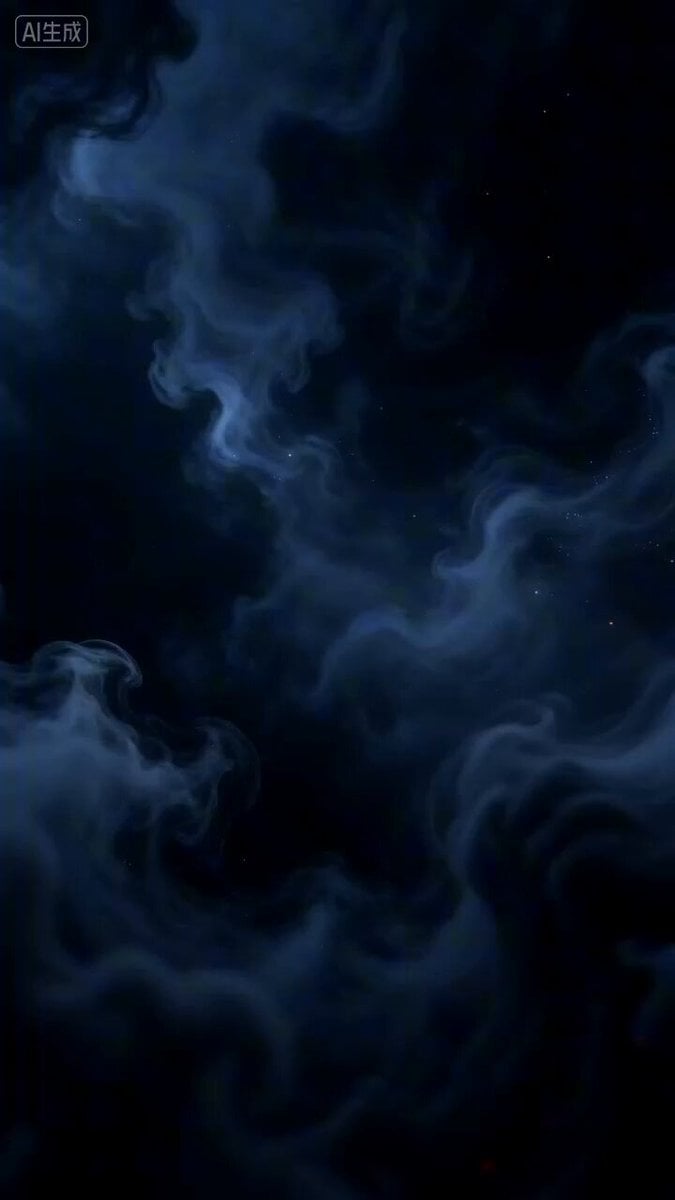
- Prompt included
- Model and format preset
- Premium template
The prompt behind this video
Copy the exact prompt behind Seedance 2.0 Video Generation Prompt for Text Effects, or open it in the studio and make it yours.
Chaos Just Parting * Frame: Pure black background, no elements at all, only extremely faint ink-colored mist slowly swirling at the center of the frame, as if the universe were still undivided primordial chaos. * Camera movement: Fixed position, the lens breathing gently, creating an oppressive tension. * Sound: Low, deep drumbeats and string tremolo, the tempo gradually quickening. * Effects: Ink-mist particles spreading outward from the center, the edges showing a translucent ink-wash bleed texture, particle density increasing over time. A Brushstroke Like a Startled Swan * Frame: A lightning-like streak of white ink tears down from the top of the frame, the tip of the stroke sharp as a blade, with motion blur as if tearing through the air, suddenly stopping at the center of the frame, forming the first stroke of the character "李" (Li). * Camera movement: The camera follows the ink streak in a rapid dive, shaking slightly the instant the brush-tip stops, intensifying the impact. * Effects: Golden particle fragments burst from the edges of the ink streak, scattering outward like stardust, flowing golden light patterns woven within the ink, a brief burst of glow at the tip of the stroke. * Sound: Metal-tearing sound + heavy drumbeat, accompanied by a sharp whooshing wind sound as the ink streak slashes through. A Reverse Stroke Builds Momentum * Frame: From the finishing point of the character "李" (Li), a winding ribbon of ink extends, coiling downward like a spirit snake, the brushwork shifting from firm to soft, suddenly reversing at the bottom of the frame, starting with a reverse-tip stroke that outlines the shape of the character "岳" (Yue). The ink ribbon bursts with ink-wash particles at its turning points, forming shattered ripple patterns. * Camera movement: The camera slowly rotates around the ink ribbon, capturing the flow of the ribbon's path from above and to the side, pushing in quickly as the stroke for "岳" (Yue) begins, focusing on the power of the brush-tip. * Effects: Golden light streams swirl within the ink ribbon, particle density doubling at the turning points, forming a fusion of ink-wash and metallic textures, the edges showing a translucent glow. * Sound: A rapid turn of strings + accented drumbeat, accompanied by a low dragon's roar as the ink ribbon reverses. * Particle system: Ink-wash particles (density: 0.8, size: 2-8px, lifespan: 1.2s, spread speed: 15px/s), golden light pattern (flow speed: 0.5s/loop, glow intensity: 0.6) * Lighting: Main light source is a golden beam from above (intensity: 0.9, color temperature: 3200K, beam width: 15%), fill light is a cool-toned side light (intensity: 0.3, color temperature: 6500K) * Materials: The ink characters are matte white + metallic edges (roughness: 0.3, metalness: 0.7), the seal is matte red + flame edges (roughness: 0.5, metalness: 0.4) * Post-processing: Contrast +20%, sharpening +15%, vignette intensity: 0.2, color grading: shadows shifted cool blue, highlights shifted warm gold.
How to use Seedance 2.0 Video Generation Prompt for Text Effects in 3 steps
- 1
Open
The prompt is already in the box next to the preview, with the template's model and format selected.
- 2…a portrait of your subject in softgolden-hour light, 85mm…
Personalize
Edit the subject and creative details for your destination.
- 3Generate
Generate
Press Generate — your video is created in PicX Studio, so you can compare it with the original and refine one variable at a time.
More like this
Templates with the same subject, style or setup. Open one to see its prompt.

Wholesome Puppy and Kitten Story - Seedance 2.5

Mysterious Home Exploration Vlog - Seedance 2.5

Dark Tokusatsu Transformation - Seedance 2.5

Cinematic Xinjiang Drone Landscapes - Seedance 2.5

Late Night Kitchen Phone Recording - Seedance 2.5

3D Animated Cat and Old Man - Seedance

Realistic City Street Story Cinematic Video - Seedance

Seedance 2.0 First Test — Dynamic Motion Showcase

Dragon Rider Cinematic Flight — Seedance 2.5

Sneaker Product Commercial
Cinematic Short Film Scene 2

Cinematic Short Film Scene
Make it yours
Seedance 2.0 Video Generation Prompt for Text Effects works as-is. These are the safest ways to change it without losing the look.
Change one field
Copy a single group, rewrite it, and generate again so you can see what that field is doing.
Keep the frame, change the subject
Hold the composition and light of Seedance 2.0 Video Generation Prompt for Text Effects, then swap wardrobe, props or the person for a new take.
| If the result… | Why | Fix |
|---|---|---|
| The result drifts from the preview | Too many fields changed at once. | Reuse Seedance 2.0 Video Generation Prompt for Text Effects as-is first, then change one group — subject, light, or setting. |
| The model over-stylizes the scene | The prose prompt leaves finish and camera underspecified. | Add one camera or lighting sentence and stay on Seedance 2.0. |
More Seedance 2.0 templates
Other prompts made for Seedance 2.0.

Comical Martial Arts Punch Scene

Maglev Train Action Sequence

Martial Arts Fight Sequence

Wuxia Protection and Trust Script

Vintage Korean Arcade MiniDV Vlog

Mercedes 190 SL Luxury Ad

Rainy Night Supernatural Reverse Comedy Video Script

Amazon Civilization Discovery

Futuristic South Asian City Transformation

Cozy Luxury Cafe Commercial
More video prompts
Fresh picks from across the catalog.
3D Rotating Earth in Space
The Missing Sound Button Animation
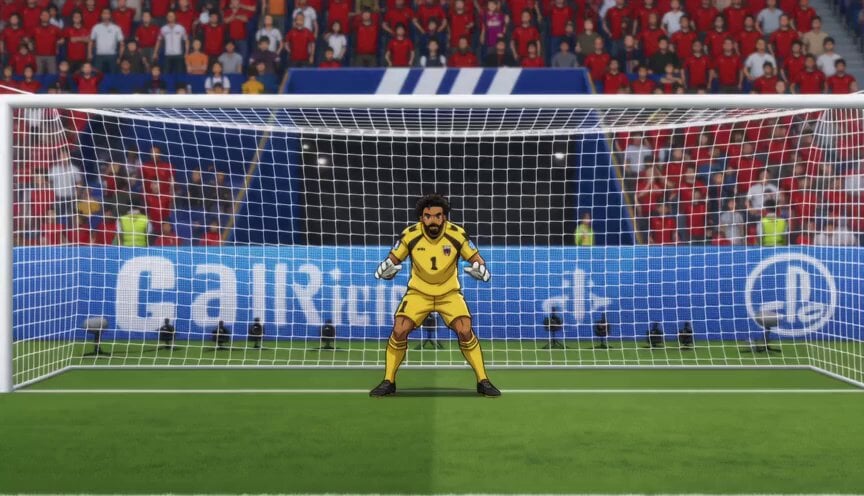
Anime Soccer Goalkeeper Epic Save
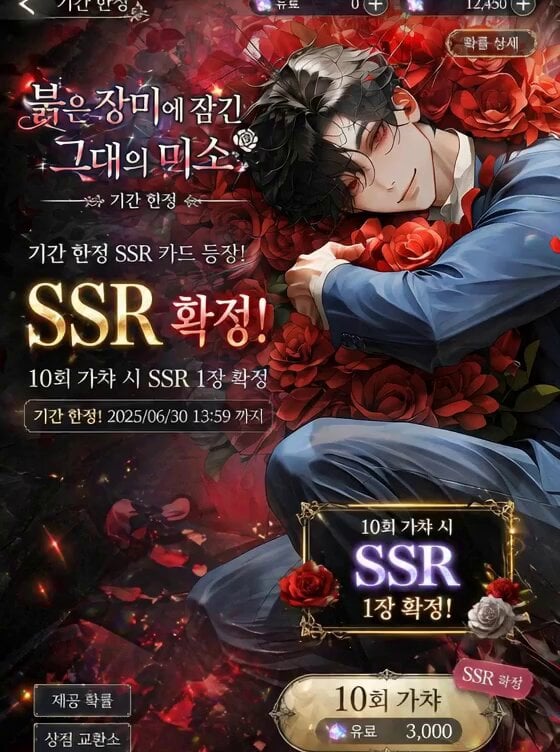
Mobile Game Gacha Animation Prompt
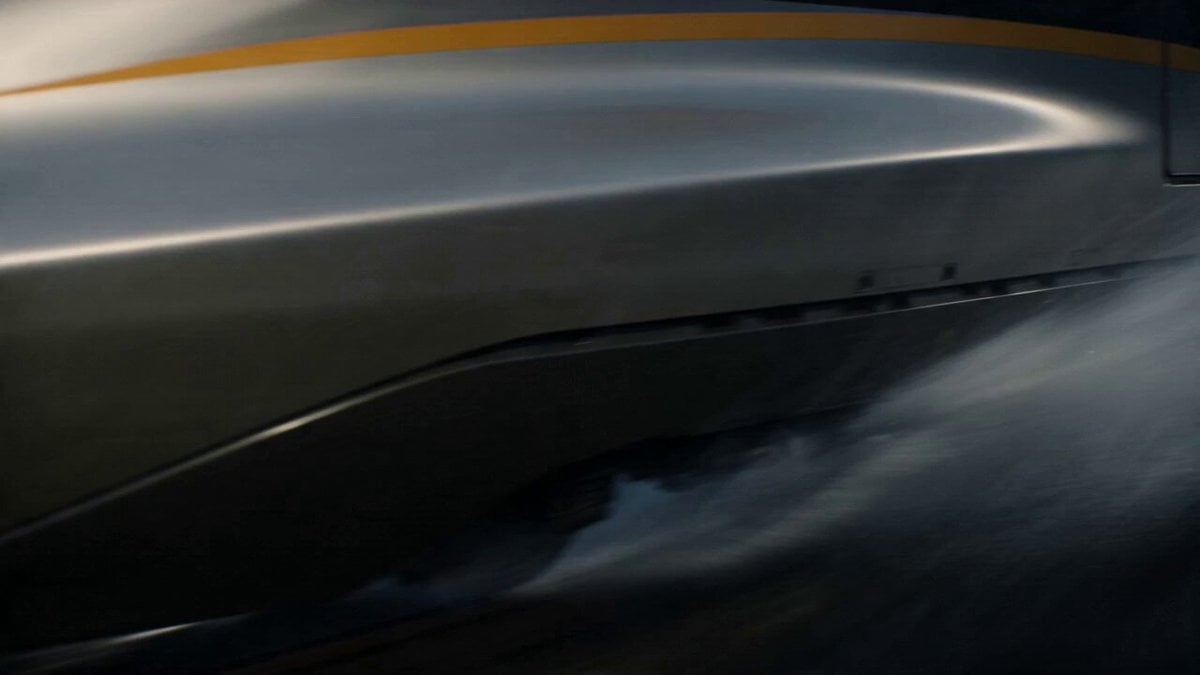
Kaiju Train Attack
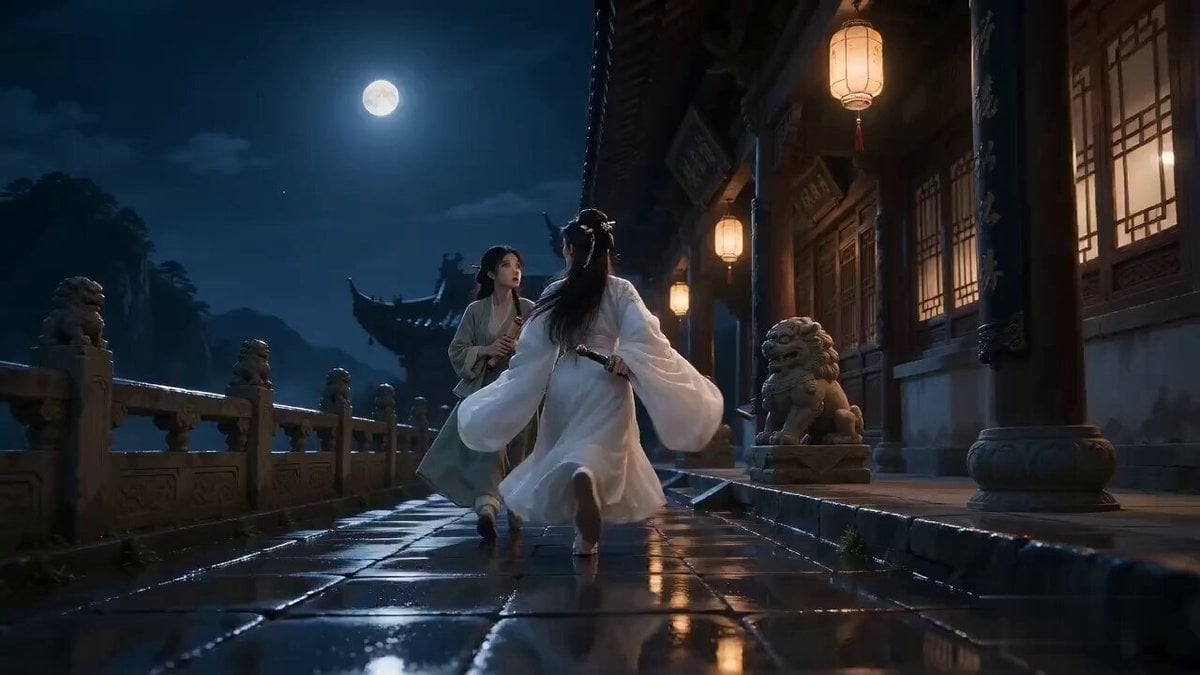
Seedance 2.0 Xianxia Mystery Library Video Prompt
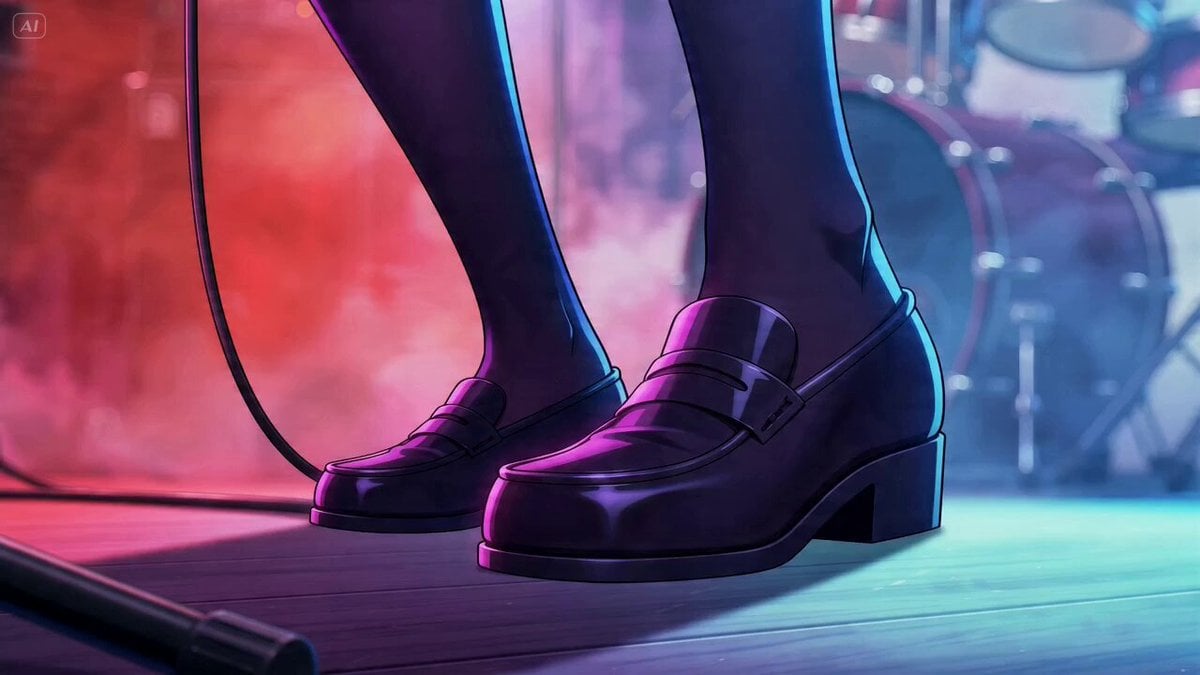
Dramatic Live Scene PV Style
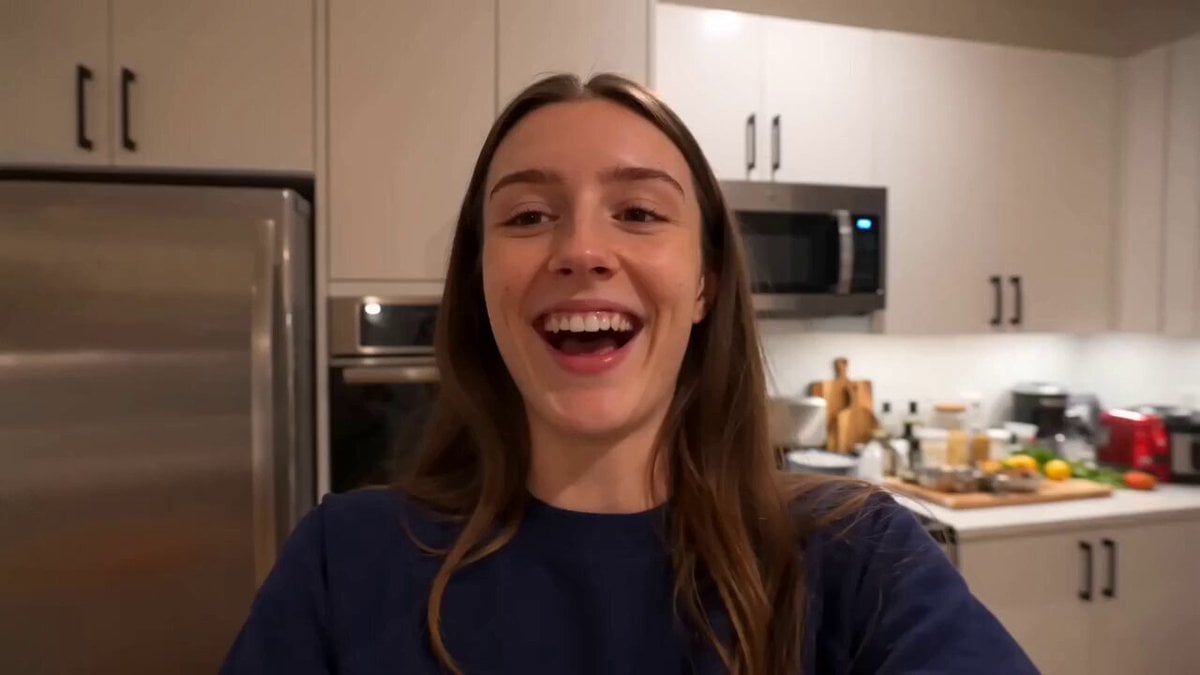
Friendsgiving Smartphone Home Video
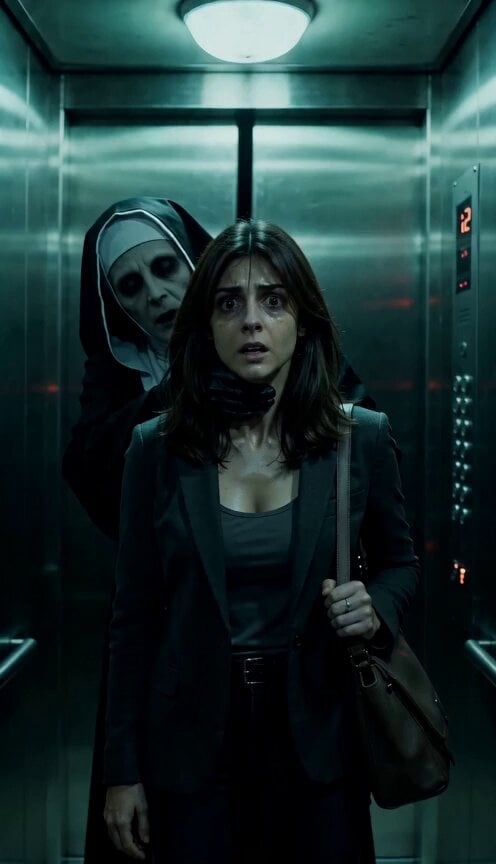
Skeletal Decay Horror Transformation
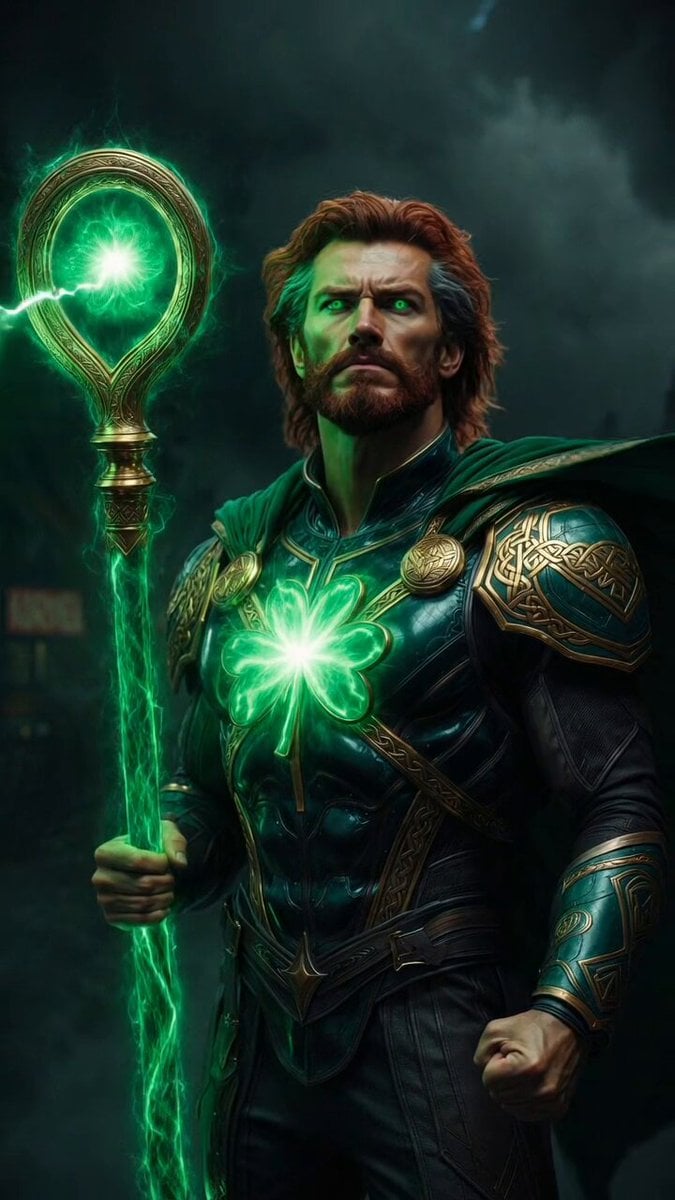
Epic Marvel Avengers Style Video Prompt for Grok Imagine
Browse template categories
Seedance 2.0 Video Generation Prompt for Text Effects questions
How do I use the Seedance 2.0 Video Generation Prompt for Text Effects template?
Add your photo if the template asks for one, edit the prompt if you like — the template's model and format are already selected — and press Generate. Your version opens in PicX Studio.
Can I customize the Seedance 2.0 Video Generation Prompt for Text Effects template?
Yes. You can change the subject, setting, lighting, mood, format, and available model controls before creating your video.
Is the Seedance 2.0 Video Generation Prompt for Text Effects template free?
Opening and editing this template is free. Generating uses credits, shown on the Generate button when you are signed in.
Which AI model should I use?
Start with Seedance 2.0, which is the model associated with this template. You can compare another compatible model for a different finish.
Looking for something else? Browse all templates.

Your photo, any look
Thousands of ready templates for every top image and video model, from one credit balance.