
The Missing Sound Button Animation
A Pixar-style 3D cartoon prompt about a boy in a magical factory who accidentally silences the world by pressing a red button.
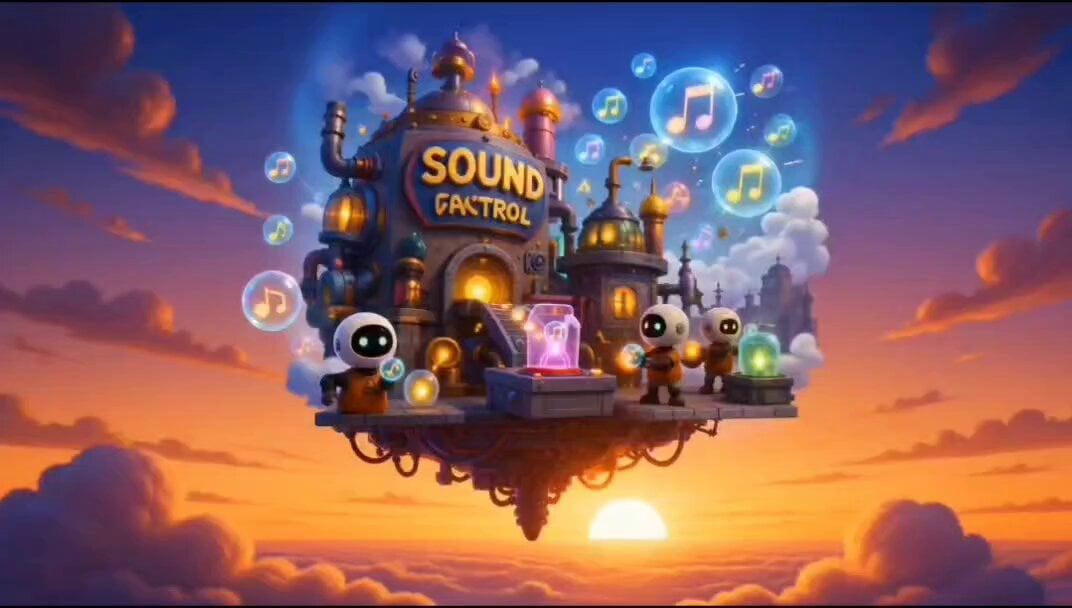
- Prompt included
- Model and format preset
- Free template
The prompt behind this video
Copy the exact prompt behind The Missing Sound Button Animation, or open it in the studio and make it yours.
Create a fast-paced cinematic animated short called “The Missing Sound Button.” Style: colorful 3D cartoon mixed with Looney Tunes / Pixar-style slapstick comedy, expressive characters, exaggerated reactions, dynamic camera movement, glowing neon colors, ultra detailed lighting, high energy chaos, cinematic depth of field. Scene 1: A magical floating “Sound Factory” in the sky at sunset. Tiny robot workers store music notes, laughter, car horns, bird chirps, and sound waves inside glowing floating bubbles. Whimsical fantasy machinery everywhere. Camera slowly pushes in. Scene 2: A curious little boy with spiky hair enters a secret control room filled with blinking buttons, giant speakers, wave monitors, and glowing cables. He notices a huge red button labeled “SOUND CONTROL.” Dramatic zoom-in. Funny suspicious expression. Scene 3: The boy accidentally slams the button. Massive electric shockwave explodes outward. Sound waves visibly shatter like glass. Neon audio lines disappear. Lights flicker. Slow motion reaction shot. Scene 4: Entire city suddenly becomes silent. Cars move with no noise. People scream but nothing comes out. Birds flap silently. A dog barks silently. Everyone overreacts in dramatic mime-style panic. Funny exaggerated facial expressions. Fast cinematic cuts. Scene 5: Chaotic silent communication everywhere. People use crazy hand signs, drawings, dance moves, and ridiculous gestures to communicate. A cat and a tiny robot argue silently using sketches. Slapstick comedy energy. Camera shakes slightly for comedic effect. Scene 6: The boy rushes back to the giant sound machine room. Sparks flying, giant glowing speakers, colorful cables everywhere. He reconnects wires dramatically while giant energy pulses build inside the machine. Intense cinematic lighting. Scene 7: BOOM. Sound returns explosively in a rainbow shockwave. Music notes burst through the city. Birds chirp loudly, cars honk, people cheer, cats scream, alarms ring all at once. Confetti-like sound symbols fill the air. Everyone celebrates wildly while the boy laughs proudly. Freeze-frame ending with huge energetic finale. Animation style: highly expressive cartoon physics, vibrant neon glow, cinematic lighting, volumetric fog, exaggerated motion blur, detailed textures, dynamic camera angles, smooth transitions, comedic timing, emotional reactions, polished movie-quality rendering. Aspect ratio: 16:9 Duration: 15 seconds Quality: ultra detailed, cinematic, smooth animation, high motion energy
How to use The Missing Sound Button Animation in 3 steps
- 1
Open
The prompt is already in the box next to the preview, with the template's model and format selected.
- 2…a portrait of your subject in softgolden-hour light, 85mm…
Personalize
Edit the subject and creative details for your destination.
- 3Generate
Generate
Press Generate — your video is created in PicX Studio, so you can compare it with the original and refine one variable at a time.
More like this
Templates with the same subject, style or setup. Open one to see its prompt.

3D Glossy Fairy Animation - Seedance 2.5

Silk Road Pomegranate Folk Animation

Multilingual Creative Typography Loop

Walking Factory with Rebel on Hoverbike - Wasteland
Cartoon Bullfight Arena — Girl vs Bull (Seedance)
Dim Sum Chase — Shrimp Dumpling Monster
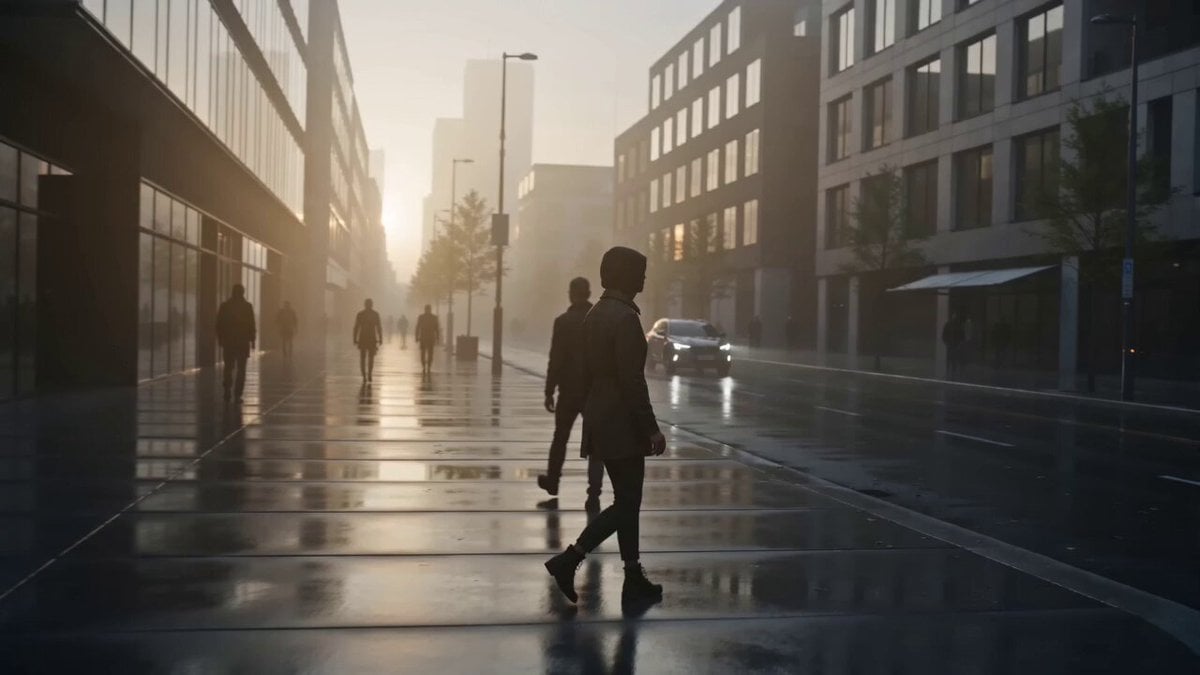
Collecting City Sounds Surrealism
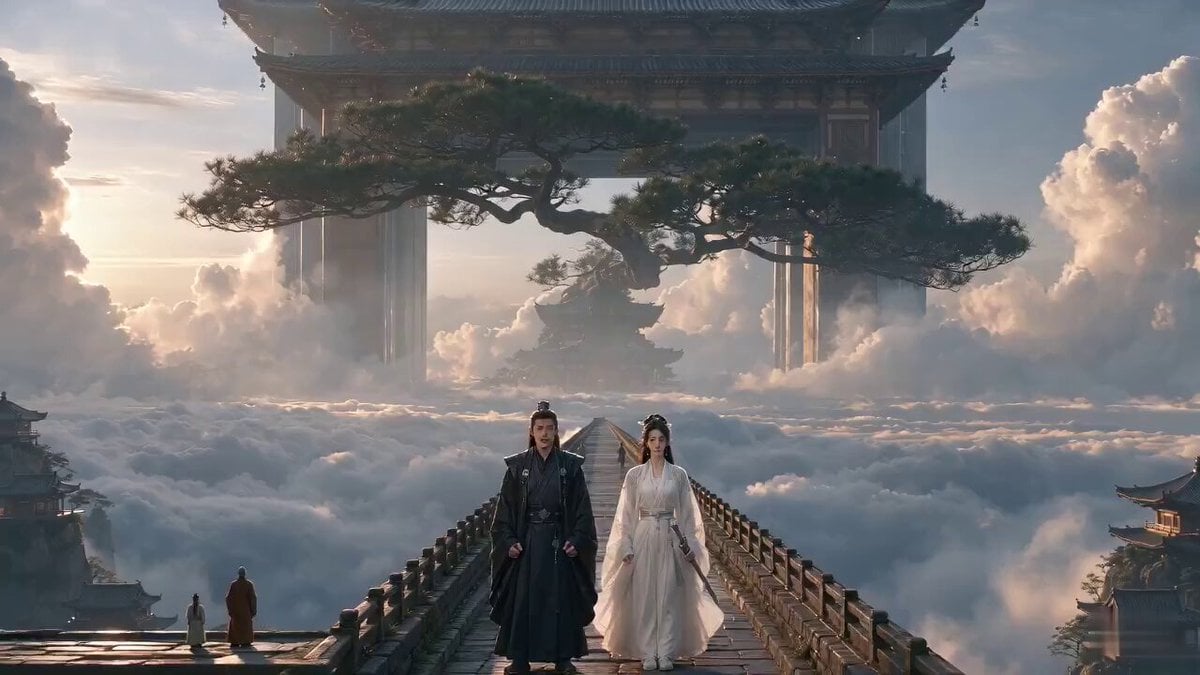
Xianxia Comedy - Hearing a Sound
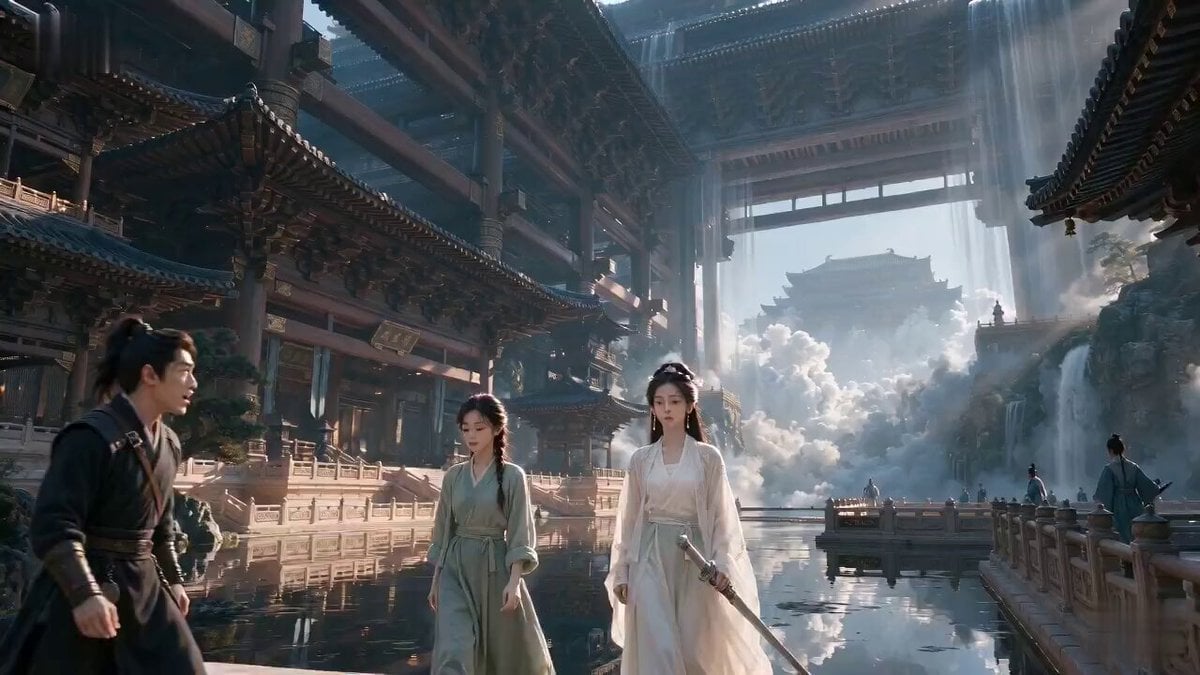
Wuxia Deadpan Comedy "Just a Sound"
Dialogue-Driven Realistic Scene with Ambient Sound Video

Goku Punching a Buy Button and Going Super Saiyan
Man working in a lab with ambient sound
Make it yours
The Missing Sound Button Animation works as-is. These are the safest ways to change it without losing the look.
Change one field
Copy a single group, rewrite it, and generate again so you can see what that field is doing.
Keep the frame, change the subject
Hold the composition and light of The Missing Sound Button Animation, then swap wardrobe, props or the person for a new take.
| If the result… | Why | Fix |
|---|---|---|
| The result drifts from the preview | Too many fields changed at once. | Reuse The Missing Sound Button Animation as-is first, then change one group — subject, light, or setting. |
| The model over-stylizes the scene | The prose prompt leaves finish and camera underspecified. | Add one camera or lighting sentence and stay on Seedance 2.0. |
More Seedance 2.0 templates
Other prompts made for Seedance 2.0.

Comical Martial Arts Punch Scene

Maglev Train Action Sequence

Martial Arts Fight Sequence

Wuxia Protection and Trust Script

Vintage Korean Arcade MiniDV Vlog

Mercedes 190 SL Luxury Ad

Rainy Night Supernatural Reverse Comedy Video Script

Amazon Civilization Discovery

Futuristic South Asian City Transformation

Cozy Luxury Cafe Commercial
More video prompts
Fresh picks from across the catalog.
Cat Spinning and Singing Gorillaz
Static Gallery Reconstruction Timelapse
Futuristic Armor Heroine

Multi-Panel Shutter MV Anime

Rooftop Martial Arts Fight at Sunset
Cinematic Mecha Transformation Scene
Smartphone Office Celebration Montage
Ancient Indian Kingdom FPV Flyover
Handheld Indonesian Summer Vlog
Emotional Parisian Apartment Drama
Browse template categories
The Missing Sound Button Animation questions
How do I use the The Missing Sound Button Animation template?
Add your photo if the template asks for one, edit the prompt if you like — the template's model and format are already selected — and press Generate. Your version opens in PicX Studio.
Can I customize the The Missing Sound Button Animation template?
Yes. You can change the subject, setting, lighting, mood, format, and available model controls before creating your video.
Is the The Missing Sound Button Animation template free?
Opening and editing this template is free. Generating uses credits, shown on the Generate button when you are signed in.
Which AI model should I use?
Start with Seedance 2.0, which is the model associated with this template. You can compare another compatible model for a different finish.
Looking for something else? Browse all templates.

Your photo, any look
Thousands of ready templates for every top image and video model, from one credit balance.