
Collecting City Sounds Surrealism
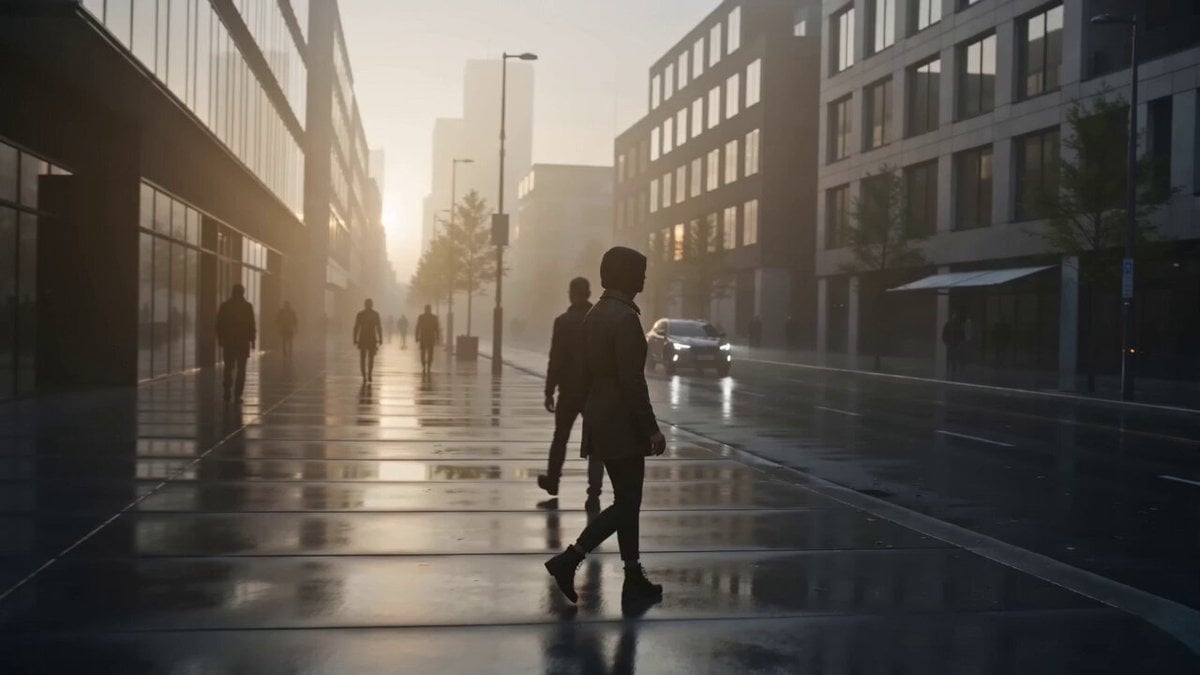
A complex cinematic surrealist prompt where a character physically collects urban sounds until the city falls silent.
- Prompt included
- Model and format preset
- Free template
The prompt behind this video
Copy the exact prompt behind Collecting City Sounds Surrealism, or open it in the studio and make it yours.
CAMERA: One continuous cinematic shot with no cuts. Begin with a slow tracking shot at street level. Follow the character from a three-quarter rear angle. Gradually move closer to the character's hands as the invisible sounds become visible. Finish with a dramatic pullback. SETTING: A realistic modern city street at dawn. Soft morning light, light fog, distant traffic, pedestrians, birds, bicycles and subtle urban movement. Photorealistic environment. 0–3 SECONDS: The character walks through the street. Everything sounds normal: distant traffic, footsteps, birds and wind. Suddenly, the character stops. A faint translucent ripple appears in the air beside a passing car, shaped like a small floating ribbon of vibrating glass. 3–6 SECONDS: The character reaches out and gently grabs the floating ripple. The instant they touch it, the surrounding car becomes completely silent. The character looks at the glowing vibrating ribbon in their hand. 6–10 SECONDS: More sound becomes visible. Birdsong appears as tiny glowing waves. Footsteps become small translucent pulses. Traffic noise becomes long vibrating ribbons. The character calmly gathers them with both hands. As each sound is collected, that part of the city becomes completely silent. 10–12 SECONDS: The character compresses all the collected sounds between their palms. Thousands of glowing sound waves collapse into one tiny luminous sphere. The entire city suddenly becomes completely silent. 12–15 SECONDS: The character releases the sphere. It rises a few meters into the air. The sphere suddenly expands into a gigantic invisible-looking shockwave made entirely of luminous sound patterns. For one instant, every sound returns simultaneously. Birds fly upward, cars move, people react, leaves shake violently. Then CUT TO BLACK. VISUAL STYLE: Photorealistic cinematic surrealism, original visual design, realistic urban environment, subtle atmospheric lighting, physically believable particle motion, translucent sound structures, restrained VFX, natural human performance, premium cinematic composition. SOUND DESIGN: Begin with realistic city ambience. Introduce a faint crystalline vibration when the first sound becomes visible. Gradually remove environmental sounds as the character collects them. Create complete silence at 12 seconds. At the final release, restore all accumulated sounds simultaneously for one overwhelming cinematic moment. NEGATIVE: No copyrighted characters, no recognizable movie scenes, no logos, no text, no subtitles, no watermark, no famous franchise references, no imitation of any specific director or artist, no cartoon aesthetic, no supernatural creatures, no explosions, no random objects, no scene cuts, no inconsist
How to use Collecting City Sounds Surrealism in 3 steps
- 1
Open
The prompt is already in the box next to the preview, with the template's model and format selected.
- 2…a portrait of your subject in softgolden-hour light, 85mm…
Personalize
Edit the subject and creative details for your destination.
- 3Generate
Generate
Press Generate — your video is created in PicX Studio, so you can compare it with the original and refine one variable at a time.
More like this
Templates with the same subject, style or setup. Open one to see its prompt.
Realistic City Street Story Cinematic Video - Seedance

Luxury Lifestyle Day Vlog
NYC Wingsuit Hot Dog Landing

Luxury Airport Travel Vlog
Iced Coffee Dog Good-News Montage
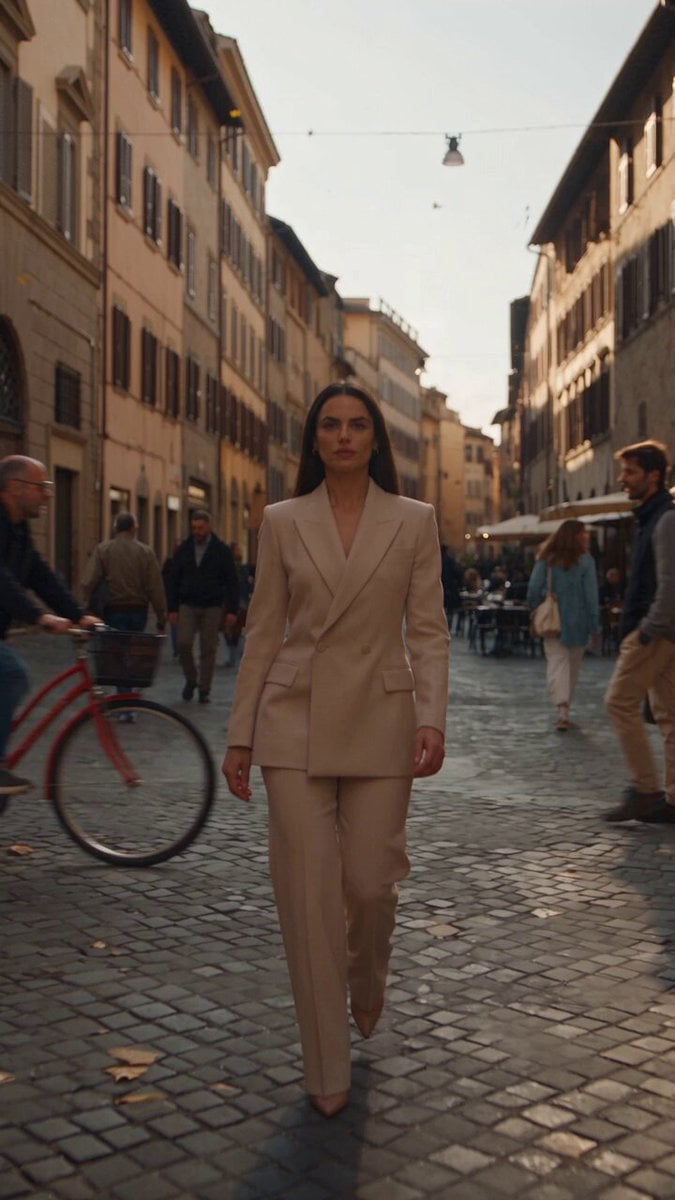
Italian Old-Town Time-Freeze Walk
Nano Banana Seedance Environment Render Walk
City Timelapse Growth — Seedance 2.0
Whale in the Sky — City Shadows (Kling AI)
Porsche 911 GT3 RS Night Racing — Neon City Streets
Stone Colossus Desert Riders — Golden Fire Reveal
Time Freeze — Snap Shockwave Scene Seedance
Make it yours
Collecting City Sounds Surrealism works as-is. These are the safest ways to change it without losing the look.
Change one field
Copy a single group, rewrite it, and generate again so you can see what that field is doing.
Keep the frame, change the subject
Hold the composition and light of Collecting City Sounds Surrealism, then swap wardrobe, props or the person for a new take.
| If the result… | Why | Fix |
|---|---|---|
| The result drifts from the preview | Too many fields changed at once. | Reuse Collecting City Sounds Surrealism as-is first, then change one group — subject, light, or setting. |
| The model over-stylizes the scene | The prose prompt leaves finish and camera underspecified. | Add one camera or lighting sentence and stay on Seedance 2.0. |
More Seedance 2.0 templates
Other prompts made for Seedance 2.0.

Comical Martial Arts Punch Scene

Maglev Train Action Sequence

Martial Arts Fight Sequence

Wuxia Protection and Trust Script

Vintage Korean Arcade MiniDV Vlog

Mercedes 190 SL Luxury Ad

Rainy Night Supernatural Reverse Comedy Video Script

Amazon Civilization Discovery

Futuristic South Asian City Transformation

Cozy Luxury Cafe Commercial
More video prompts
Fresh picks from across the catalog.

Sith Green Goblin Spider-Man Crossover
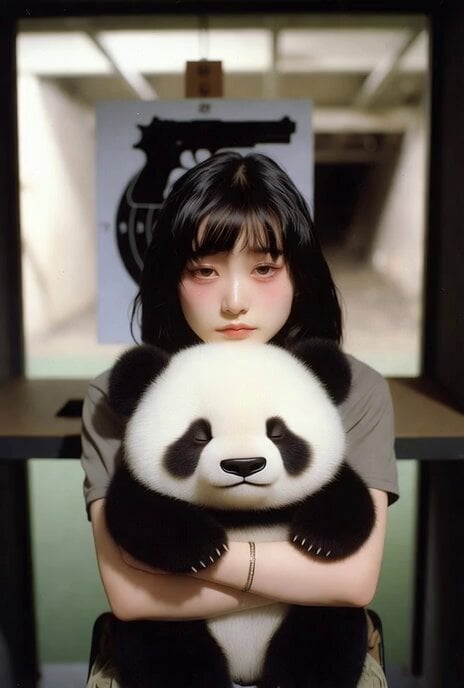
Panda with Guns Painting
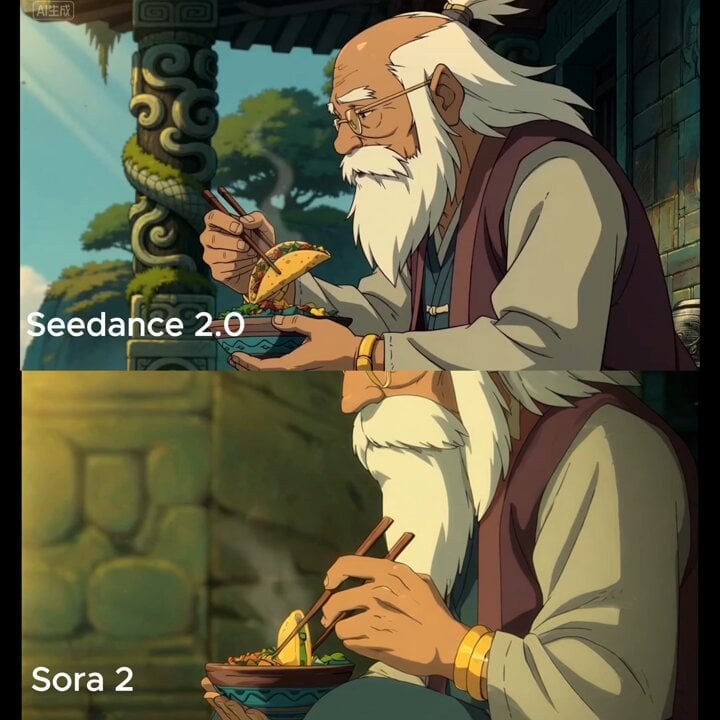
Medium shot of man lifting taco with chopsticks

Festive Mushroom City Anime Chase
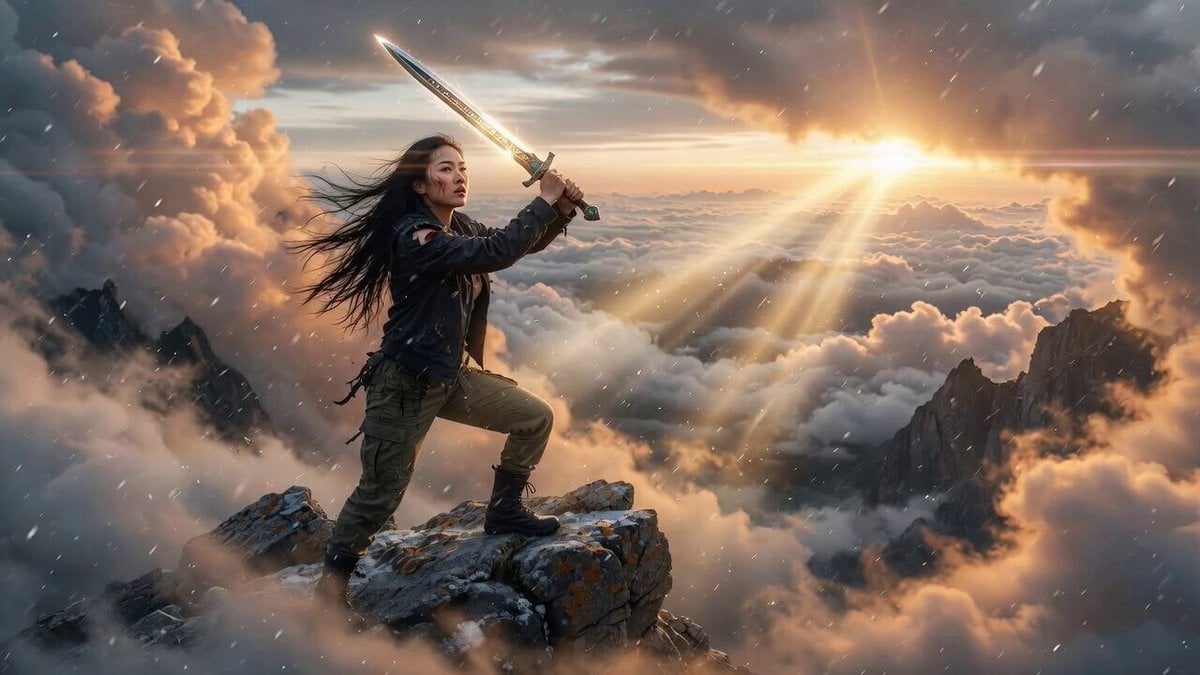
Cinematic Sunrise Mountain Ridge Video

Futuristic Anime Skating Tunnel
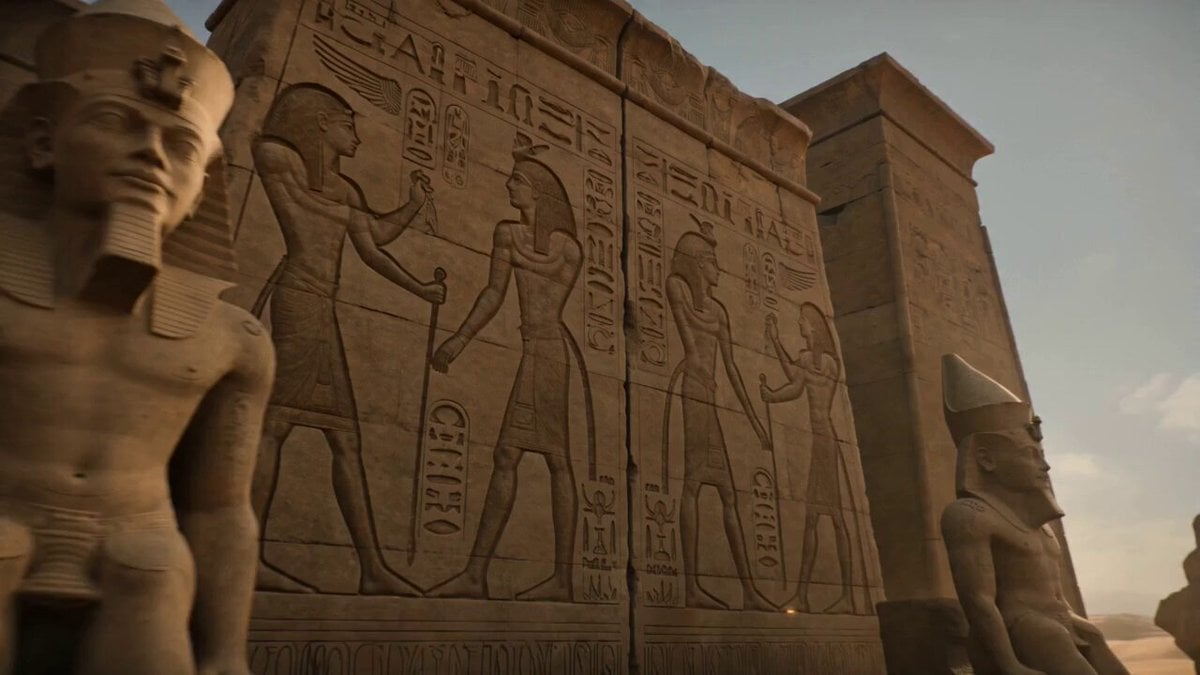
Pharaonic Pylon Gate Animation
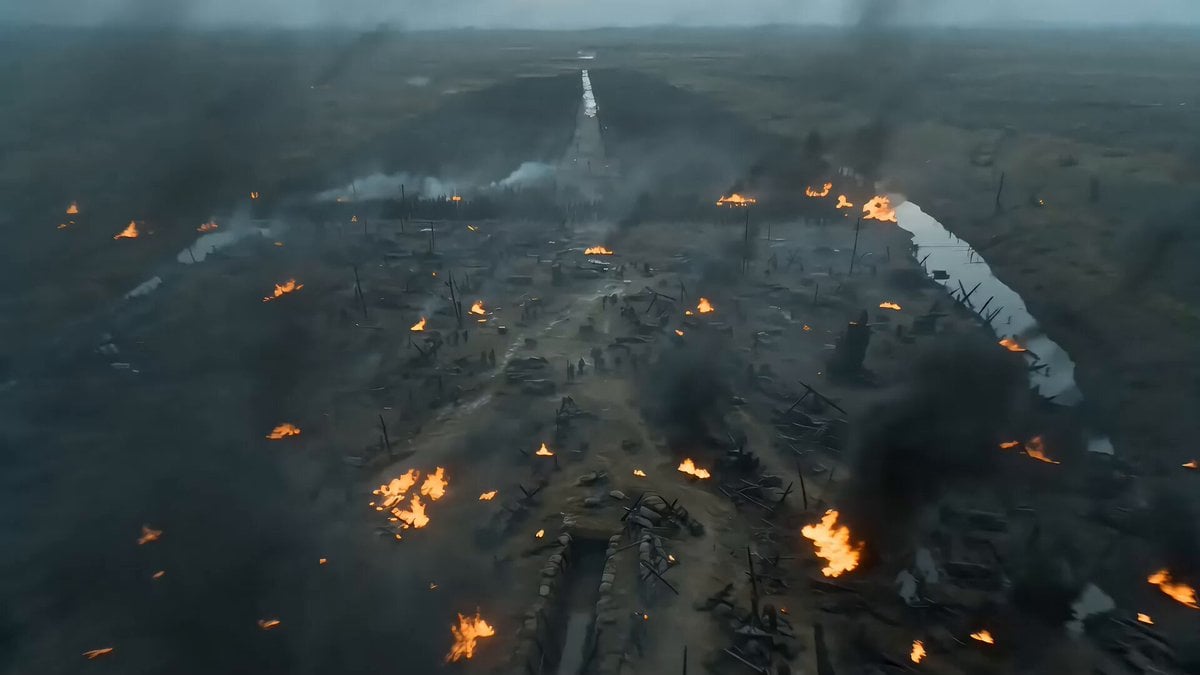
Seedance 2.0 Video Prompt: Cyberpunk Heroine in War and Desert
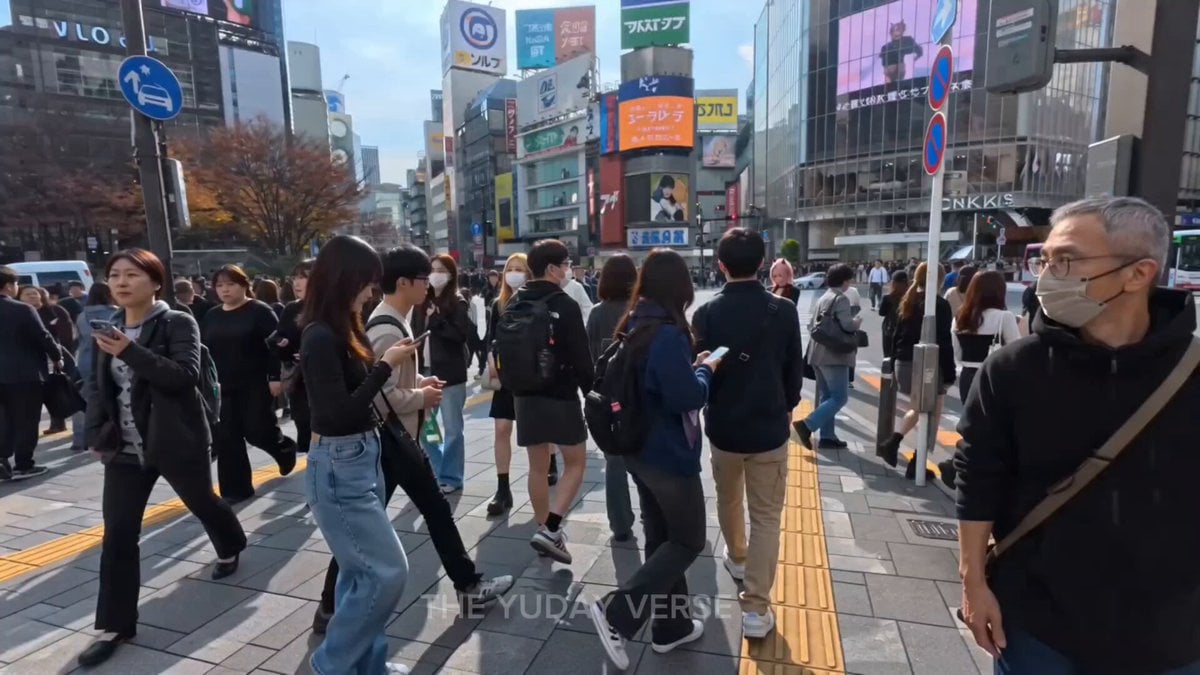
Shibuya Street Photography POV

Luxury Skincare Serum Commercial
Browse template categories
Collecting City Sounds Surrealism questions
How do I use the Collecting City Sounds Surrealism template?
Add your photo if the template asks for one, edit the prompt if you like — the template's model and format are already selected — and press Generate. Your version opens in PicX Studio.
Can I customize the Collecting City Sounds Surrealism template?
Yes. You can change the subject, setting, lighting, mood, format, and available model controls before creating your video.
Is the Collecting City Sounds Surrealism template free?
Opening and editing this template is free. Generating uses credits, shown on the Generate button when you are signed in.
Which AI model should I use?
Start with Seedance 2.0, which is the model associated with this template. You can compare another compatible model for a different finish.
Looking for something else? Browse all templates.

Your photo, any look
Thousands of ready templates for every top image and video model, from one credit balance.