
Festive Mushroom City Anime Chase
A high-energy anime escape sequence set in a vibrant festival mushroom city, featuring a thief girl dodging crowds and leaping across rooftops with cinematic lighting and dynamic angles.
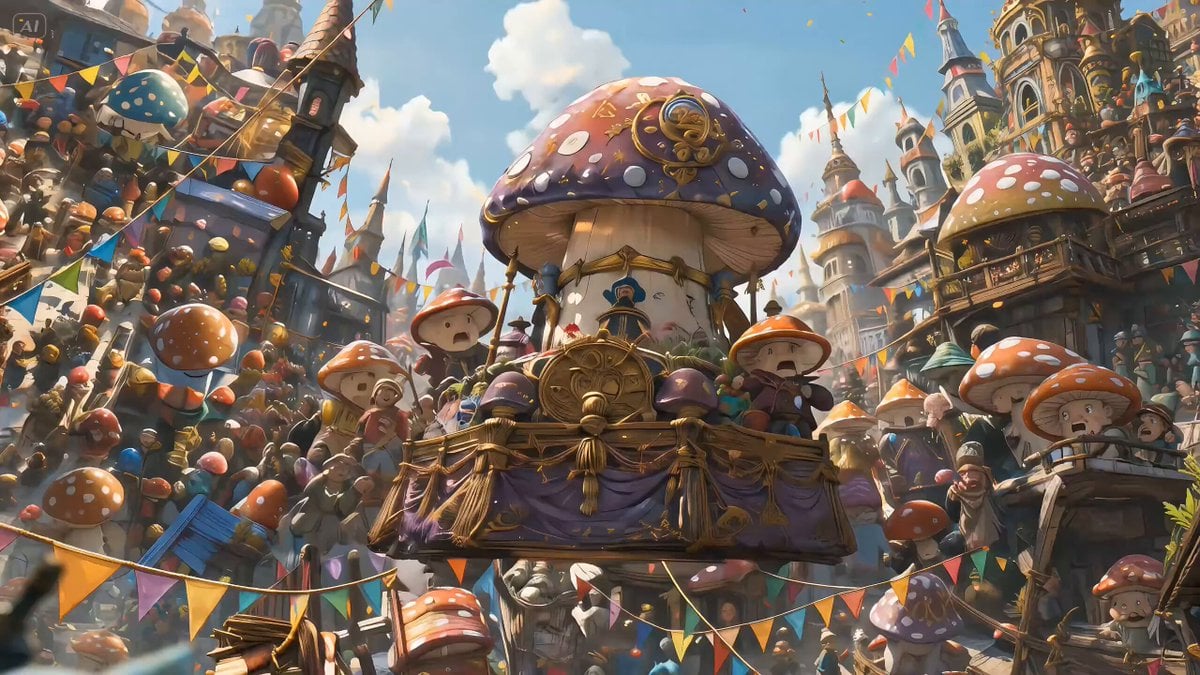
- Prompt included
- Model and format preset
- Free template
The prompt behind this video
Copy the exact prompt behind Festive Mushroom City Anime Chase, or open it in the studio and make it yours.
@画像1=主人公キャラクター。 @画像2=絵コンテの参照。 添付された絵コンテ画像をもとに、15秒の横型16:9アニメハラハラドキドキ逃走シーン動画を作成してください。 テーマ:盗人少女 絵コンテのパネル順に沿って、テンポの速い颯爽シーンとして動画化してください。 流れ: 祝祭感のある巨大きのこ都市を俯瞰で見せるところから始まり、青いフードの盗人少女が人混みの熱気と装飾に紛れながら、祭りの中心にある希少な発光きのこを盗みます。 盗みの瞬間は手元の寄りや表情の寄りを交え、成功した直後は少し楽しんでいるようなスリルのある笑みを見せてください。 その後、祭り会場の高低差のある足場、屋台の上、装飾の張られた通路、ロープや布のある空間を活かして、颯爽と逃走してください。 追手や周囲の群衆が驚き、少女を追い始め、少女は人々の間をすり抜け、飛び越え、滑り込み、軽快に逃げていきます。 最後は高所の足場や橋へ抜け、祝祭の光の中を駆け抜けて終わってください。 スタイル: 高品質なアニメ映画風、シネマティックなライティング、ハラハラドキドキの神作画、高精細、鮮やかな色彩、祝祭感のある華やかな空気感、賑やかな群衆、巨大きのこ装飾、紙吹雪や布飾りが舞うエネルギッシュな世界観。 少女は可愛さと俊敏さを両立し、楽しさと危うさが同居する雰囲気にしてください。 編集: リズム感のある高速カット、寄りカット、超接写、ローアングル、俯瞰ショット、素早いパン、気持ちのいいマッチカットを使用してください。 盗む瞬間の手元寄り、走り出しの表情寄り、群衆をすり抜ける追従カット、足場を飛び越える俯瞰、着地の足元超接写、ロープや布を使った移動のダイナミックな斜め構図などを織り交ぜてください。 エネルギッシュでスタイリッシュな映像にしつつ、祝祭都市ならではの高低差と混雑を活かしたスリリングな逃走にしてください。 重要: 静止画のスライドショーにはしないでください。 走りや盗みなど自然にアニメーションさせてください。 動画全体を通して、同じ祭りのきのこ都市の雰囲気と高品質アニメスタイルを維持してください。 文字、字幕、ロゴ、透かしは入れないでください。 颯爽シーンとしてハラハラドキドキを演じてください。 主人公の顔、青いフード、衣装、背負った籠、発光きのこの形状を全編で一貫して維持してください。
How to use Festive Mushroom City Anime Chase in 3 steps
- 1
Open
The prompt is already in the box next to the preview, with the template's model and format selected.
- 2…a portrait of your subject in softgolden-hour light, 85mm…
Personalize
Edit the subject and creative details for your destination.
- 3Generate
Generate
Press Generate — your video is created in PicX Studio, so you can compare it with the original and refine one variable at a time.
More like this
Templates with the same subject, style or setup. Open one to see its prompt.
Speeder Chase Across a Cliff City

Realistic City Street Story Cinematic Video - Seedance

MiniMax H3 Character Introduction

Luxury Lifestyle Day Vlog

Japanese Pure Love Short Film

NYC Wingsuit Hot Dog Landing

Luxury Airport Travel Vlog

Iced Coffee Dog Good-News Montage

Italian Old-Town Time-Freeze Walk
80s Anime Retro Cityscape

Cartoon Donut Heist Bakery Chase

Studio Ghibli Dumpling Kitchen Cooking Scene
Make it yours
Festive Mushroom City Anime Chase works as-is. These are the safest ways to change it without losing the look.
Change one field
Copy a single group, rewrite it, and generate again so you can see what that field is doing.
Keep the frame, change the subject
Hold the composition and light of Festive Mushroom City Anime Chase, then swap wardrobe, props or the person for a new take.
| If the result… | Why | Fix |
|---|---|---|
| The result drifts from the preview | Too many fields changed at once. | Reuse Festive Mushroom City Anime Chase as-is first, then change one group — subject, light, or setting. |
| The model over-stylizes the scene | The prose prompt leaves finish and camera underspecified. | Add one camera or lighting sentence and stay on Seedance 2.0. |
More Seedance 2.0 templates
Other prompts made for Seedance 2.0.

Comical Martial Arts Punch Scene

Maglev Train Action Sequence

Martial Arts Fight Sequence

Wuxia Protection and Trust Script

Vintage Korean Arcade MiniDV Vlog

Mercedes 190 SL Luxury Ad

Rainy Night Supernatural Reverse Comedy Video Script

Amazon Civilization Discovery

Futuristic South Asian City Transformation

Cozy Luxury Cafe Commercial
More video prompts
Fresh picks from across the catalog.
Abstract geometric flow around a void
Varanasi and Jemaa el-Fnaa Cinematic
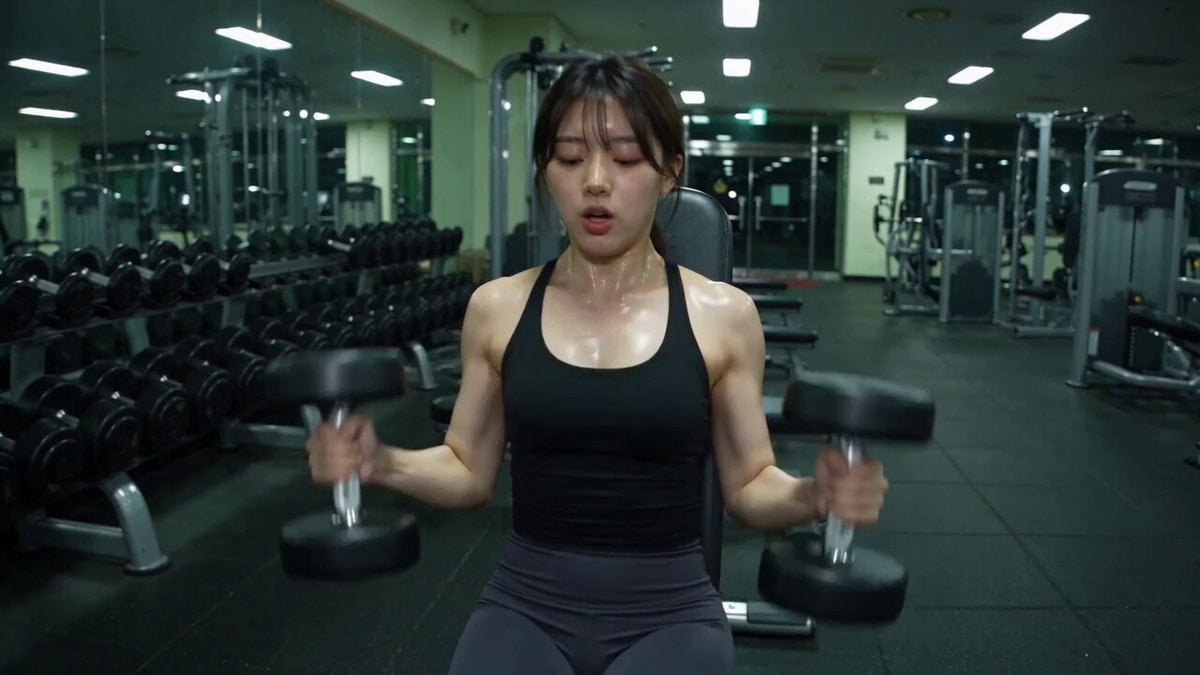
Late-Night Gym Found-Footage Horror
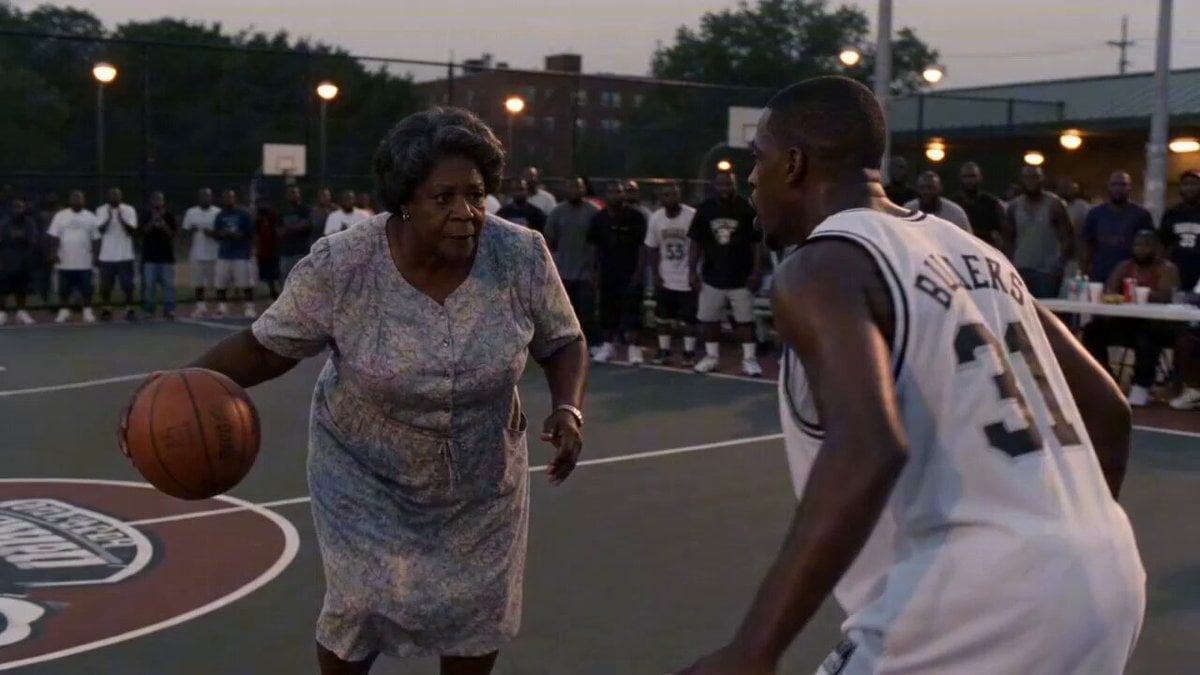
Rucker Park Slam Dunk Viral Video
In Each Other's Gravity — Dance Duo
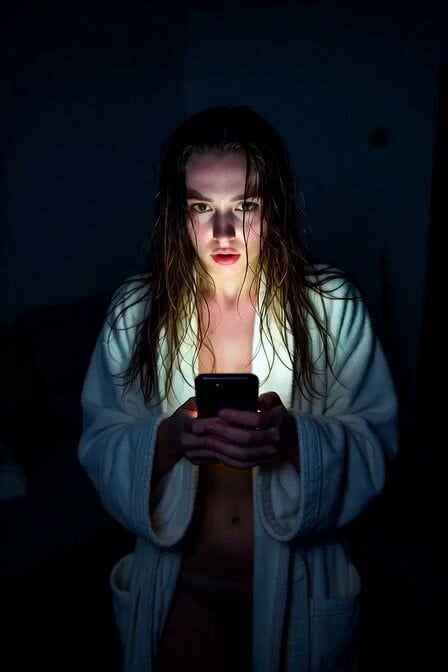
Horror Daffy Duck Video Transition
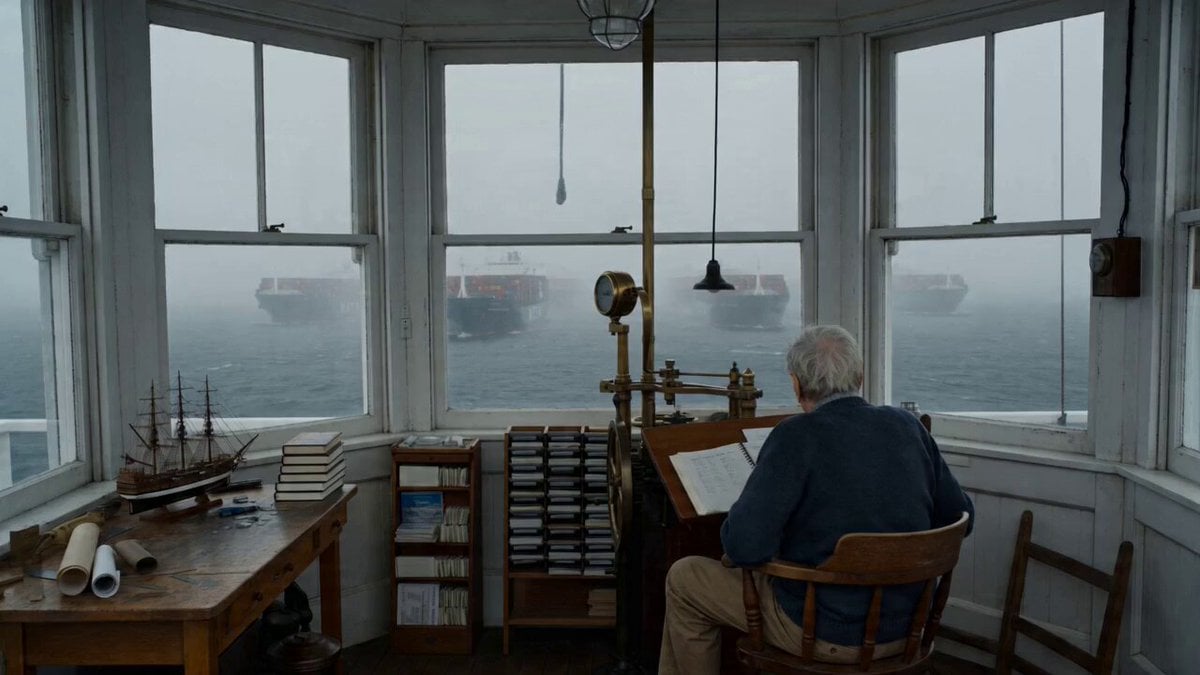
Maine Lighthouse Keeper Character Study
Cinematic Anime Eye Opening Sequence
Jello Wrestling Character Duplication
Jakarta Sunset Cyberpunk Action
Browse template categories
Festive Mushroom City Anime Chase questions
How do I use the Festive Mushroom City Anime Chase template?
Add your photo if the template asks for one, edit the prompt if you like — the template's model and format are already selected — and press Generate. Your version opens in PicX Studio.
Can I customize the Festive Mushroom City Anime Chase template?
Yes. You can change the subject, setting, lighting, mood, format, and available model controls before creating your video.
Is the Festive Mushroom City Anime Chase template free?
Opening and editing this template is free. Generating uses credits, shown on the Generate button when you are signed in.
Which AI model should I use?
Start with Seedance 2.0, which is the model associated with this template. You can compare another compatible model for a different finish.
Looking for something else? Browse all templates.

Your photo, any look
Thousands of ready templates for every top image and video model, from one credit balance.