
In Each Other's Gravity — Dance Duo
Cinematic dance competition duo — male and female dancer in dramatic spotlights, Midjourney + Seedance 2.0
- Prompt included
- Model and format preset
- Free template
The prompt behind this video
Copy the exact prompt behind In Each Other's Gravity — Dance Duo, or open it in the studio and make it yours.
I used Midjourney to generate the main visual as a reference SUBJECTS: Male dancer, Black, defined facial features, short curly hair, focused and intense gaze with a sense of pressure, broad shoulders and narrow waist; wearing an open black stage outfit. Female dancer, White, clear and delicate skin, elegant temperament, long neck, defined collarbones, smooth shoulder line; wearing a white stage outfit, elegant and stylish. ENVIRONMENT: Main stage of a dance competition, reflective floor, clean center stage with no clutter, precisely controlled overhead spotlights, sharp and clean light beams, overall environment minimal, restrained, and pure. MUSIC: Slow-building minimalist electronic music, supported by subtle percussive hits, minimal melody, restrained harmonic changes. The overall ton
How to use In Each Other's Gravity — Dance Duo in 3 steps
- 1
Open
The prompt is already in the box next to the preview, with the template's model and format selected.
- 2…a portrait of your subject in softgolden-hour light, 85mm…
Personalize
Edit the subject and creative details for your destination.
- 3Generate
Generate
Press Generate — your video is created in PicX Studio, so you can compare it with the original and refine one variable at a time.
More like this
Templates with the same subject, style or setup. Open one to see its prompt.
Out of Control — Seedance 2.0

Nano Banana Seedance Time Control Streets
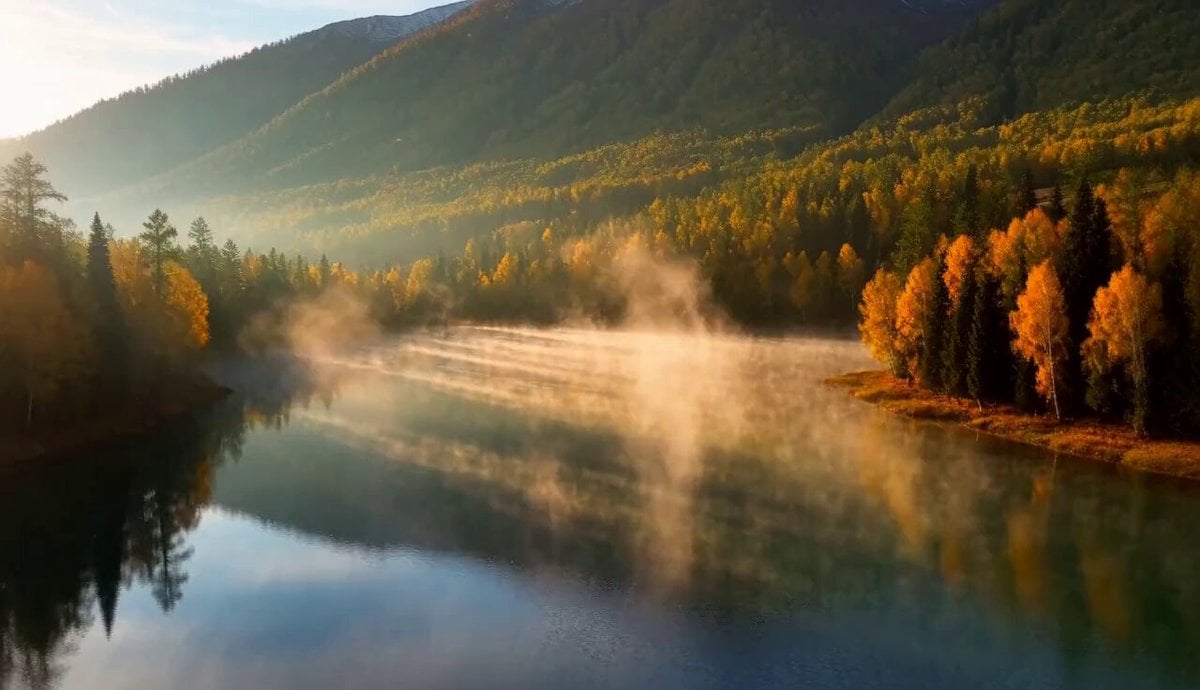
Cinematic Xinjiang Drone Landscapes - Seedance 2.5

Realistic City Street Story Cinematic Video - Seedance

Dragon Rider Cinematic Flight — Seedance 2.5

Cinematic Short Film Scene
Skybridge Rescue — Supertall Tower Collapse (Seedance)
Naval Painting Breach — Art Gallery Flood (Seedance)
Dragon Rescue — Volcanic Kingdom Collapse (Seedance)
Time Freeze — Snap Shockwave Scene Seedance

Sneaker Product Commercial
Cinematic Short Film Scene 2
Make it yours
In Each Other's Gravity — Dance Duo works as-is. These are the safest ways to change it without losing the look.
Change one field
Copy a single group, rewrite it, and generate again so you can see what that field is doing.
Keep the frame, change the subject
Hold the composition and light of In Each Other's Gravity — Dance Duo, then swap wardrobe, props or the person for a new take.
| If the result… | Why | Fix |
|---|---|---|
| The result drifts from the preview | Too many fields changed at once. | Reuse In Each Other's Gravity — Dance Duo as-is first, then change one group — subject, light, or setting. |
| The model over-stylizes the scene | The prose prompt leaves finish and camera underspecified. | Add one camera or lighting sentence and stay on Video Seedance. |
More Video Seedance templates
Other prompts made for Video Seedance.
X Johnagi168 Work Seedance Video
X Johnagi168 This Is My Work Gpt Image 2 Seedance 2 0
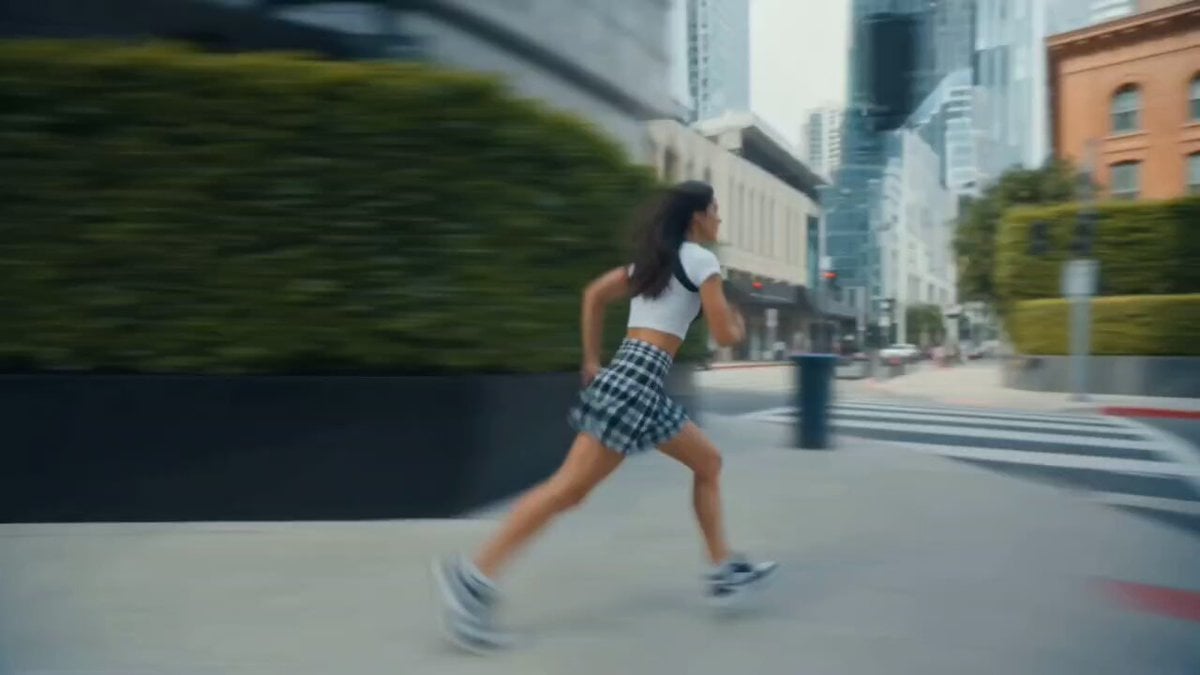
X Chillaikalan Nano Banana Pro Seedance 20

Gpt2 Gpt2 Seedance Storyboard to Video
Emily Seedance Pixel Horror Rpg
Mrdasonx Quantum Missile Bullet Time
Ai Gezgini Hiroshima Fpv
Olivio Sarikas Shrinking Girl Bee
Emily Seedance Tokusatsu Sisters
Alla Kling World Acceleration
More video prompts
Fresh picks from across the catalog.
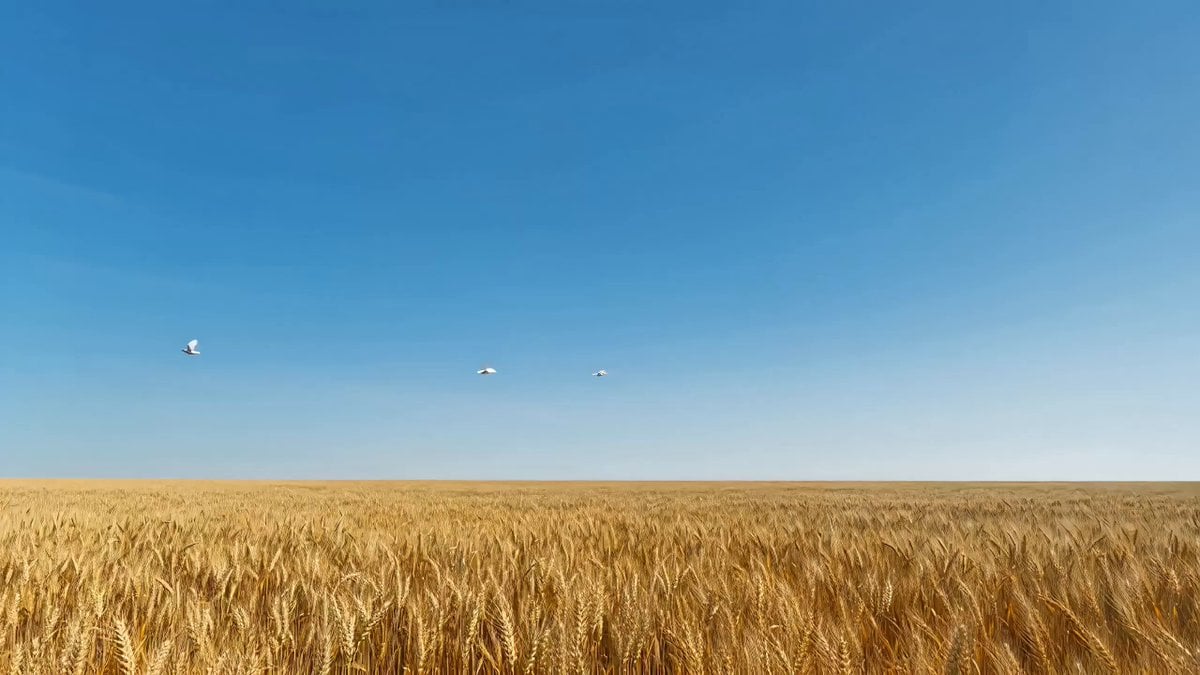
Surrealist Megalophobia Sci-Fi Reveal Prompt

Red Carpet Fashion Entrance
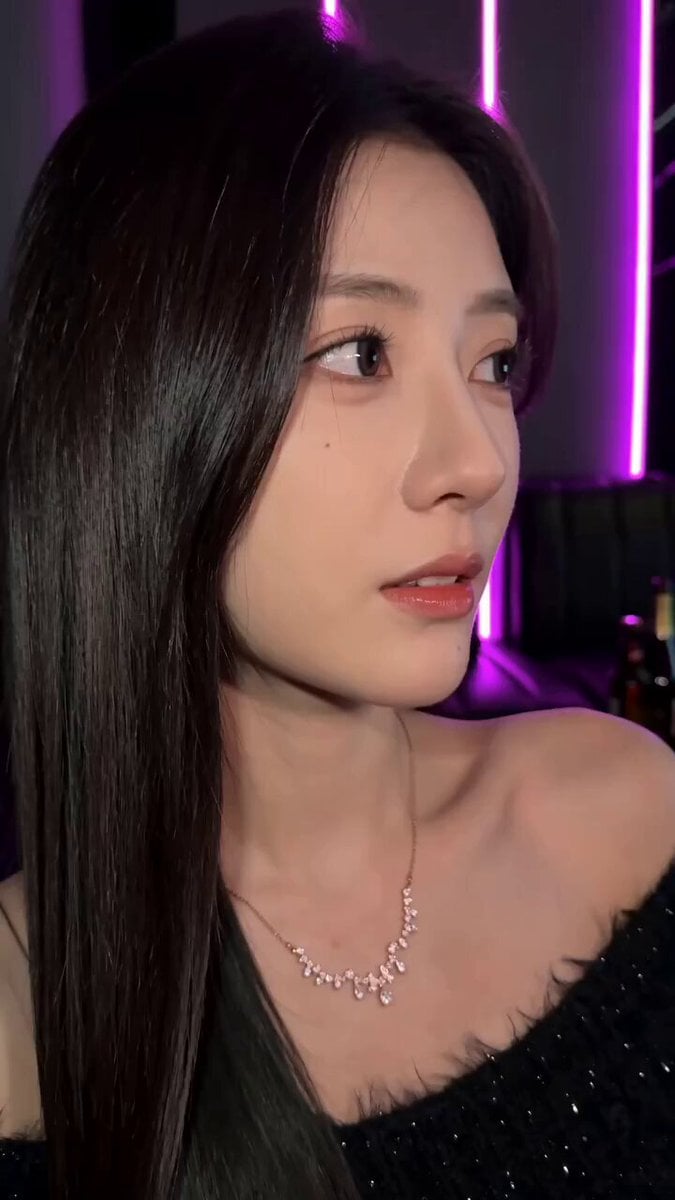
KTV Girlfriend POV Video Prompt
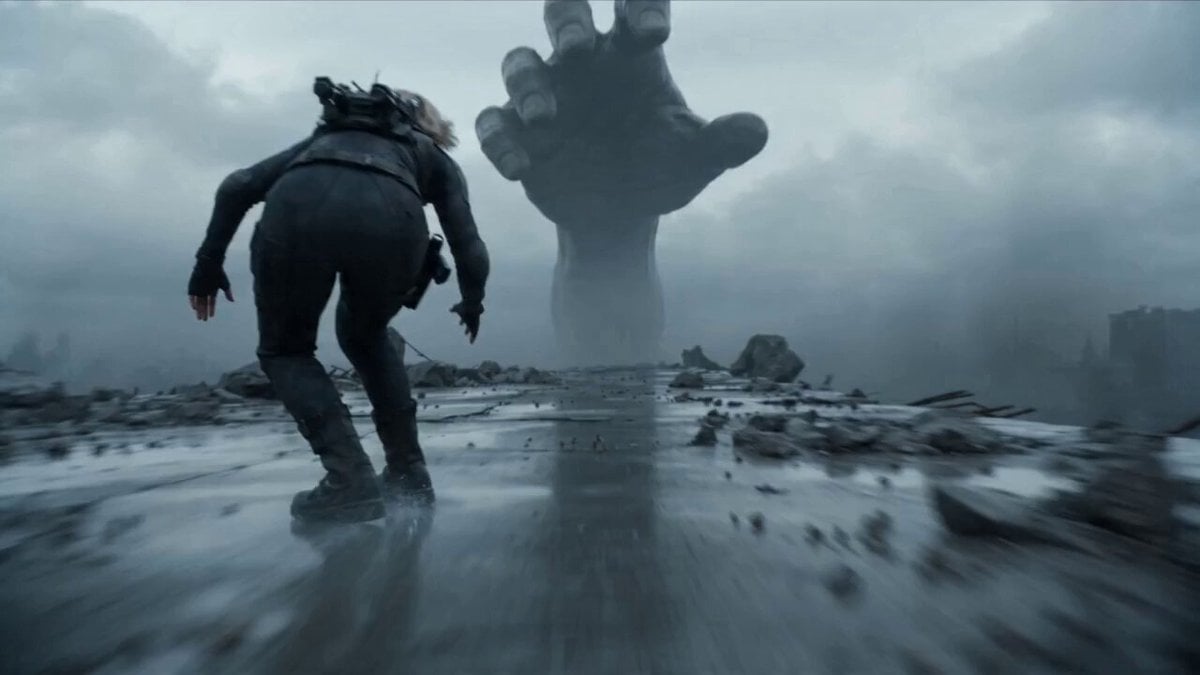
Female Warrior in Tactical Suit at High Speed

Colossal Stone Gargoyle Awakening
Skincare Product Commercial
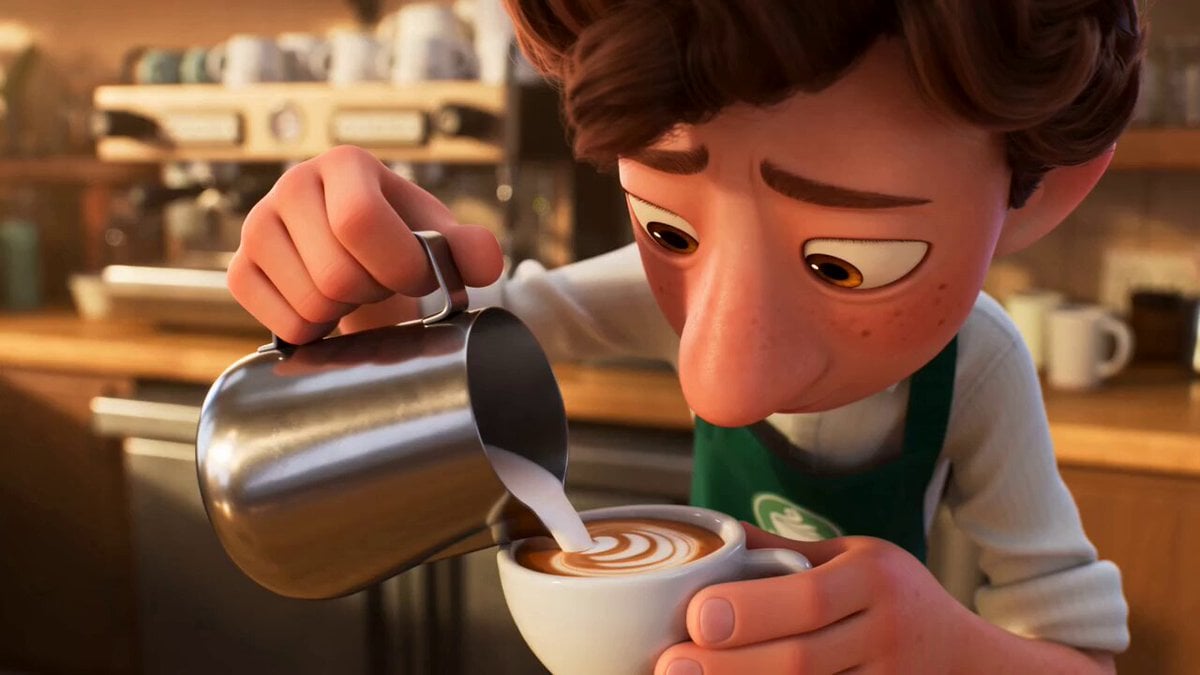
Pixar Style Coffee Shop Kindness
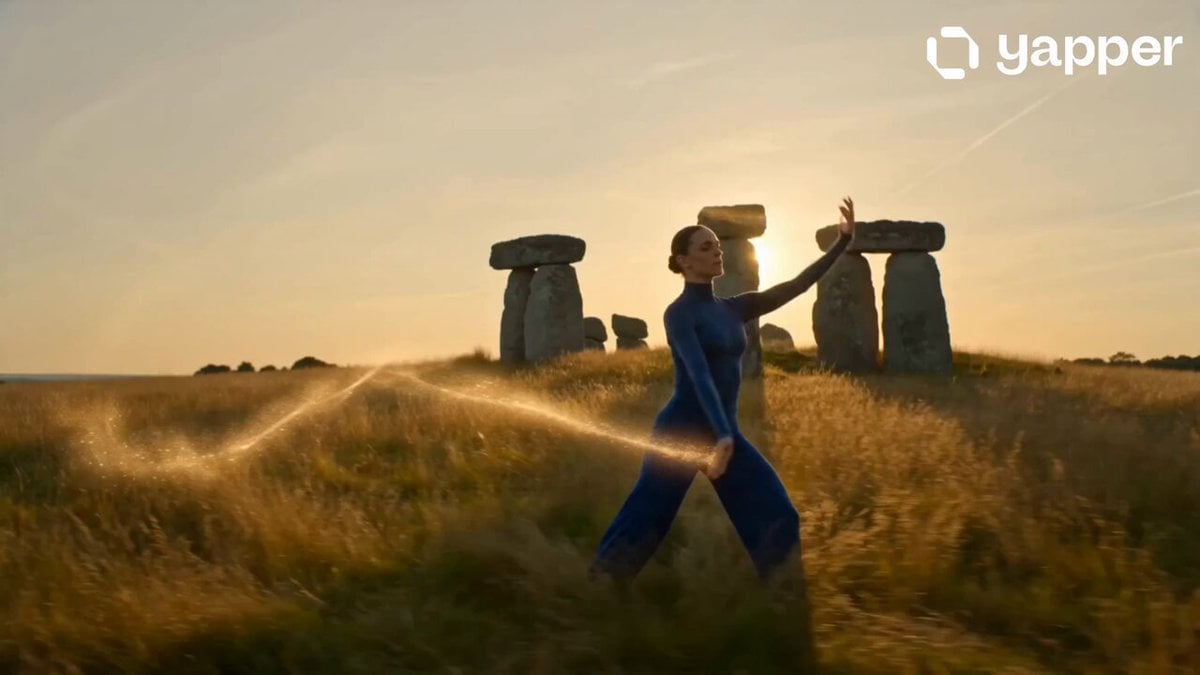
Cinematic Morning Lifestyle Commercial
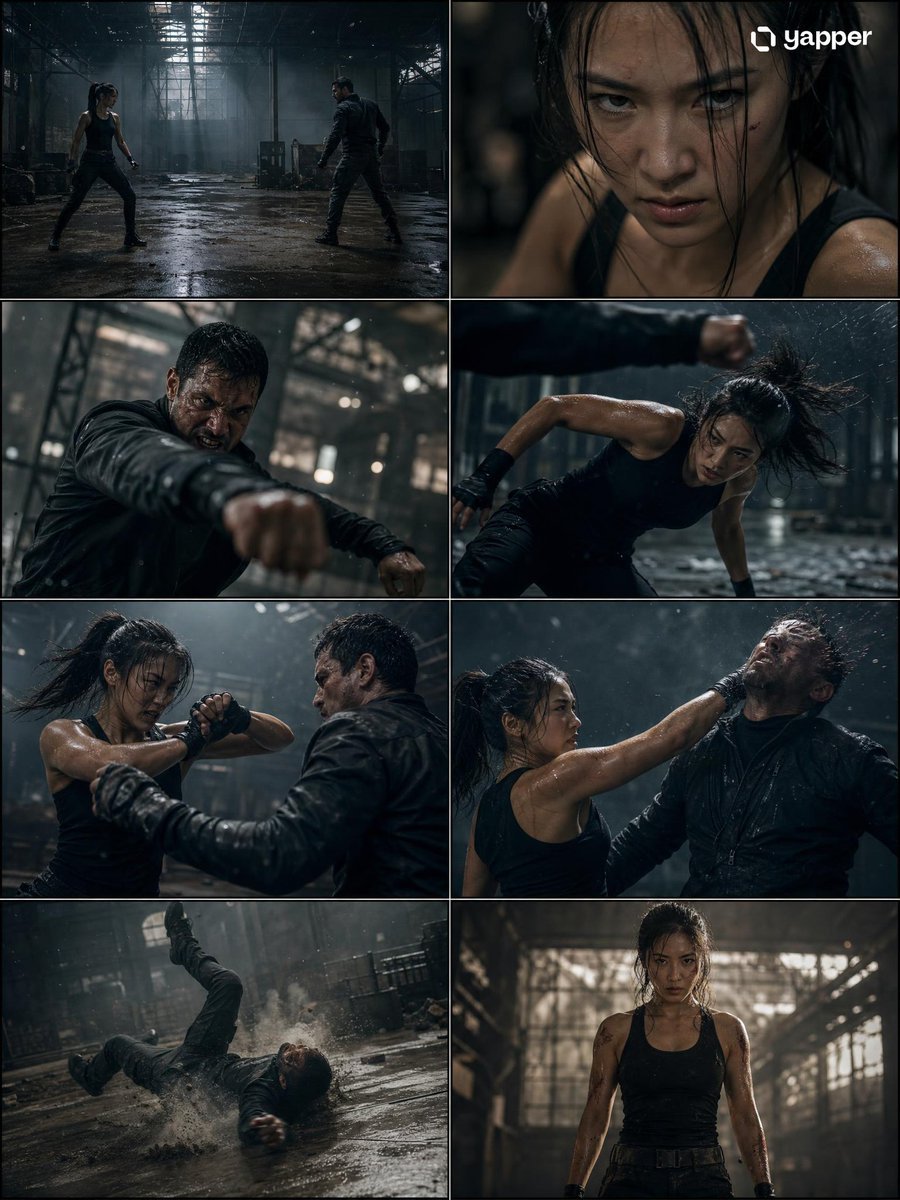
Cinematic Action Fight Storyboard
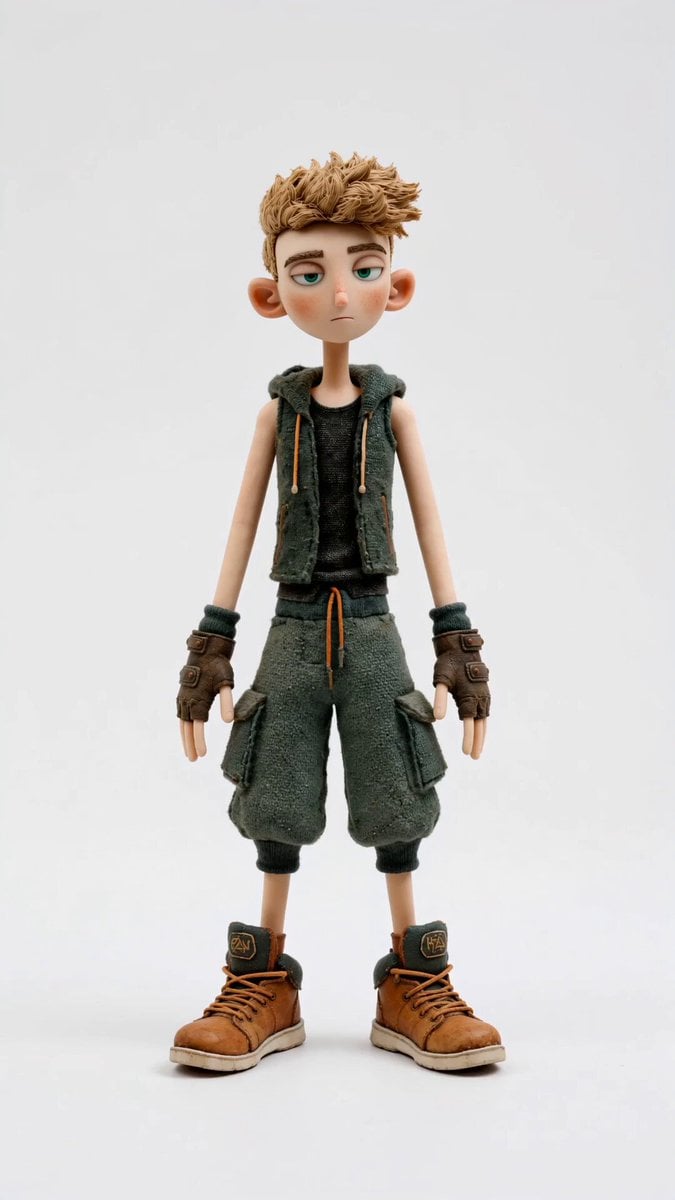
Stop-Motion Character Turntable Showcase
Browse template categories
In Each Other's Gravity — Dance Duo questions
How do I use the In Each Other's Gravity — Dance Duo template?
Add your photo if the template asks for one, edit the prompt if you like — the template's model and format are already selected — and press Generate. Your version opens in PicX Studio.
Can I customize the In Each Other's Gravity — Dance Duo template?
Yes. You can change the subject, setting, lighting, mood, format, and available model controls before creating your video.
Is the In Each Other's Gravity — Dance Duo template free?
Opening and editing this template is free. Generating uses credits, shown on the Generate button when you are signed in.
Which AI model should I use?
Start with Video Seedance, which is the model associated with this template. You can compare another compatible model for a different finish.
Looking for something else? Browse all templates.

Your photo, any look
Thousands of ready templates for every top image and video model, from one credit balance.