
Cinematic Action Fight Storyboard
A detailed 8-panel cinematic storyboard for an action movie sequence featuring a female protagonist in a gritty warehouse fight.
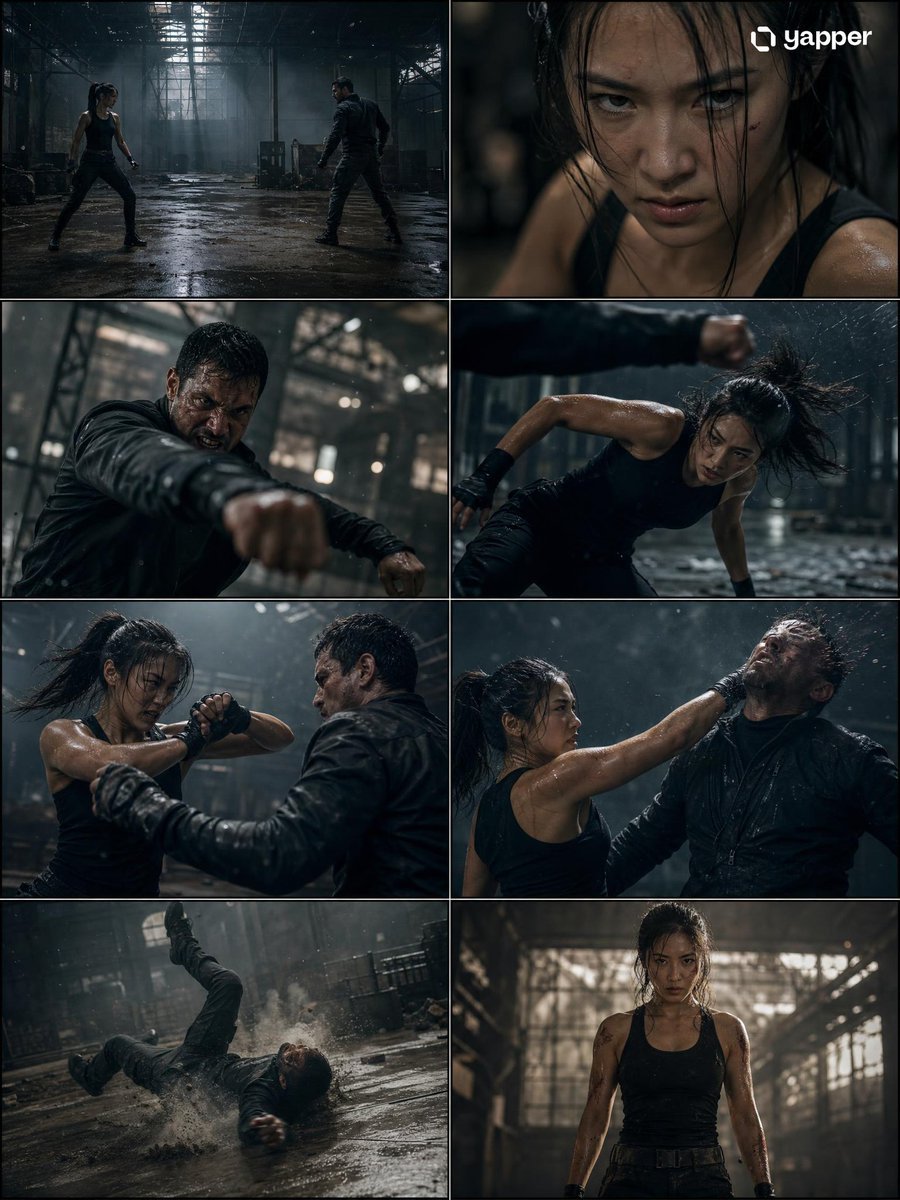
- Prompt included
- Model and format preset
- Free template
The prompt behind this video
Copy the exact prompt behind Cinematic Action Fight Storyboard, or open it in the studio and make it yours.
Create a high-quality 4K cinematic action movie storyboard with EXACTLY 8 PANELS ONLY (no more, no less), showing a female protagonist in a realistic fight sequence where she wins. Use dramatic lighting, high contrast shadows, realistic environments (abandoned warehouse, rooftop, or underground fight arena), and a gritty film tone. No text anywhere. The storyboard must include exactly these 8 scenes: Wide establishing shot of a dark, intense location (rain, dust, or low light atmosphere), both fighters facing each other Close-up of the woman’s focused expression, controlled breathing, tension building Opponent attacks first with aggressive movement (punch or kick) She narrowly dodges—dynamic motion, fast reaction, camera tracking Close combat exchange—blocks, counters, and impact moments with cinematic slow motion Turning point—she reads the opponent and lands a clean, powerful counter move Decisive takedown—opponent falls hard, dramatic impact, environment reacting (dust, water splash, etc.) Final frame—she stands strong and calm, slightly injured but dominant, looking forward under dramatic lighting, clear victory Use varied camera angles (wide, close-up, over-shoulder, low angle), realistic fight choreography, motion blur, and physical impact details. Tone should feel like a Hollywood action film, focusing on tension, realism, and character strength—not stylized or social media aesthetic. Strict rule: only 8 panels, no repetition, no extra frames.
How to use Cinematic Action Fight Storyboard in 3 steps
- 1
Open
The prompt is already in the box next to the preview, with the template's model and format selected.
- 2…a portrait of your subject in softgolden-hour light, 85mm…
Personalize
Edit the subject and creative details for your destination.
- 3Generate
Generate
Press Generate — your video is created in PicX Studio, so you can compare it with the original and refine one variable at a time.
More like this
Templates with the same subject, style or setup. Open one to see its prompt.
Swordsman vs Shadow Monster — Bamboo Forest Battle
Parametric Fight Scenes Seedance

Cinematic Istanbul Night Fight - Seedance 2.5

3x3 Grid Storyboard Racing — Kling 3.0 O3 Pro

Dragon Rider Cinematic Flight — Seedance 2.5
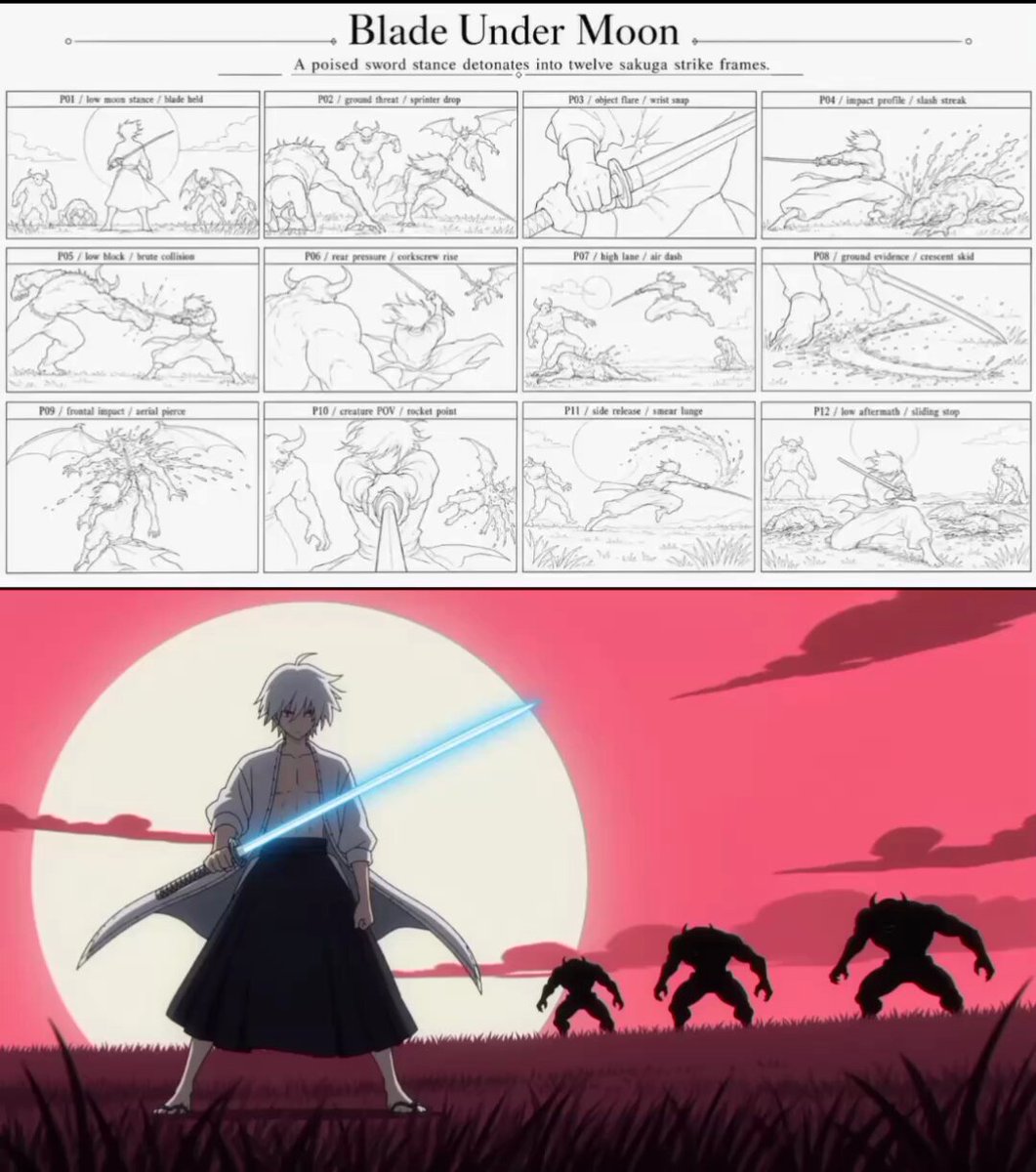
Sakuga Anime Action Storyboard

Walking Factory with Rebel on Hoverbike - Wasteland
Video Prompt: Cyber Wuxia Fight Sequence (Detailed Storyboard)

Gpt2 Gpt2 Seedance Storyboard to Video
Thornmaw Monarch — Crimson Glass Desert Beast
Warhorse Sprint on Cliff Aqueduct

Nano Banana Seedance Time Control Streets
Make it yours
Cinematic Action Fight Storyboard works as-is. These are the safest ways to change it without losing the look.
Change one field
Copy a single group, rewrite it, and generate again so you can see what that field is doing.
Keep the frame, change the subject
Hold the composition and light of Cinematic Action Fight Storyboard, then swap wardrobe, props or the person for a new take.
| If the result… | Why | Fix |
|---|---|---|
| The result drifts from the preview | Too many fields changed at once. | Reuse Cinematic Action Fight Storyboard as-is first, then change one group — subject, light, or setting. |
| The model over-stylizes the scene | The prose prompt leaves finish and camera underspecified. | Add one camera or lighting sentence and stay on Seedance 2.0. |
More Seedance 2.0 templates
Other prompts made for Seedance 2.0.

Comical Martial Arts Punch Scene

Maglev Train Action Sequence

Martial Arts Fight Sequence

Wuxia Protection and Trust Script

Vintage Korean Arcade MiniDV Vlog

Mercedes 190 SL Luxury Ad

Rainy Night Supernatural Reverse Comedy Video Script

Amazon Civilization Discovery

Futuristic South Asian City Transformation

Cozy Luxury Cafe Commercial
More video prompts
Fresh picks from across the catalog.

Ancient Sauvira Kingdom FPV

Prompt: Make the characters in each of the 12 grid
Family Picnic Home Video

Glacier Collapse Disaster Scene
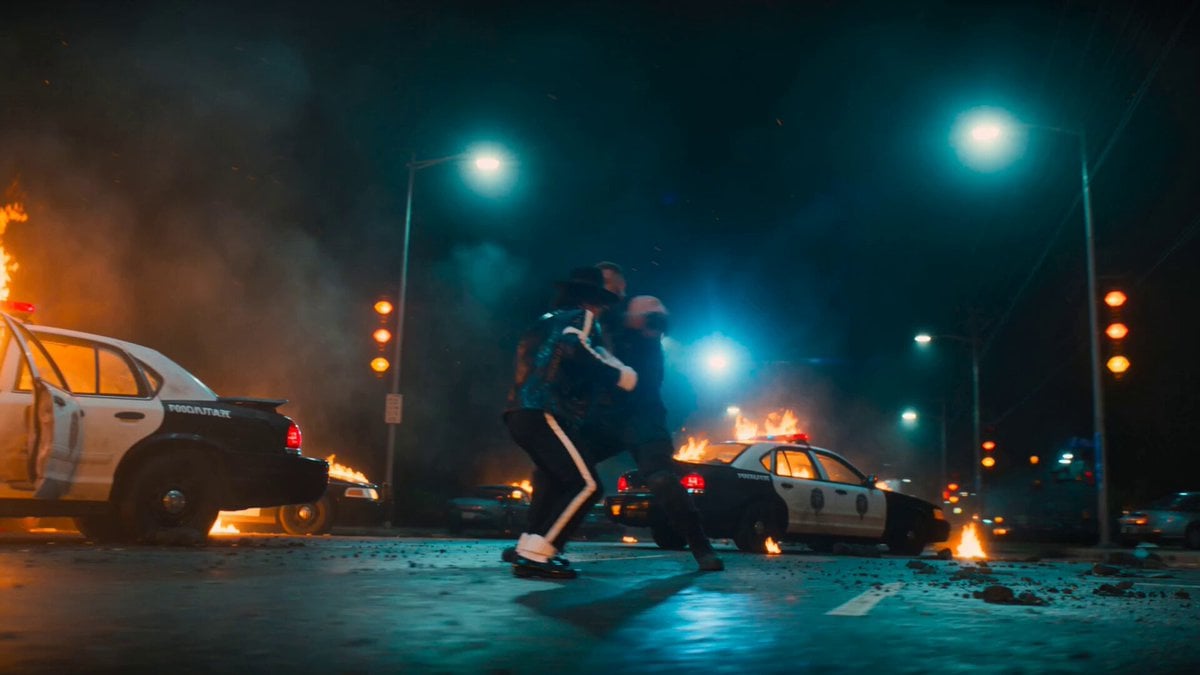
Michael Jackson Action Sequence
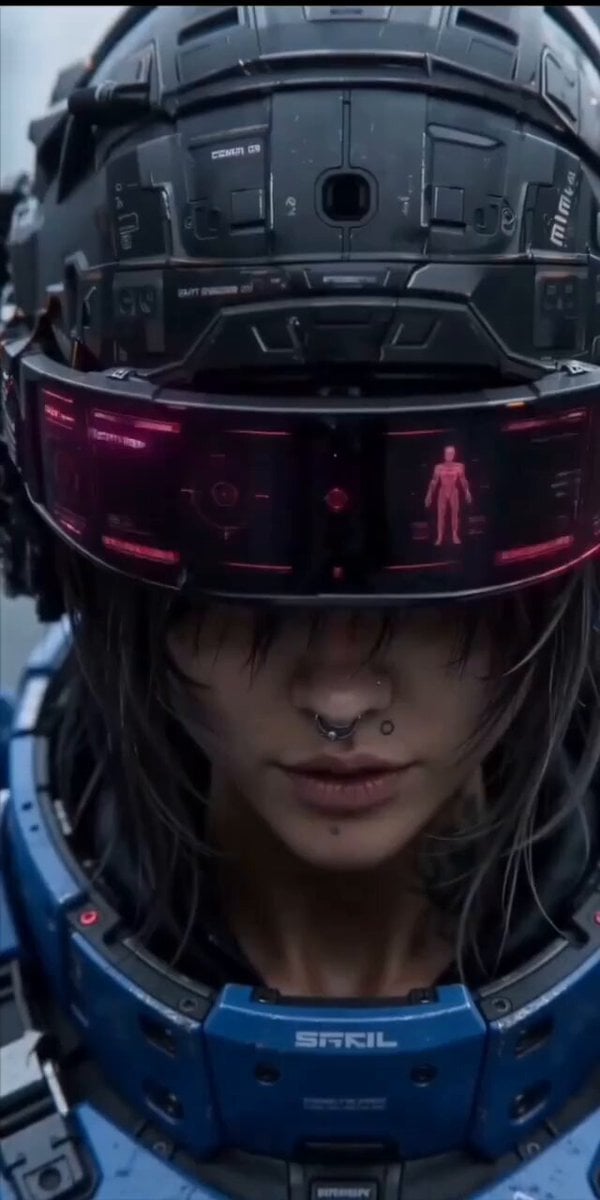
Cinematic action sequence video prompt of a futuristic female warrior
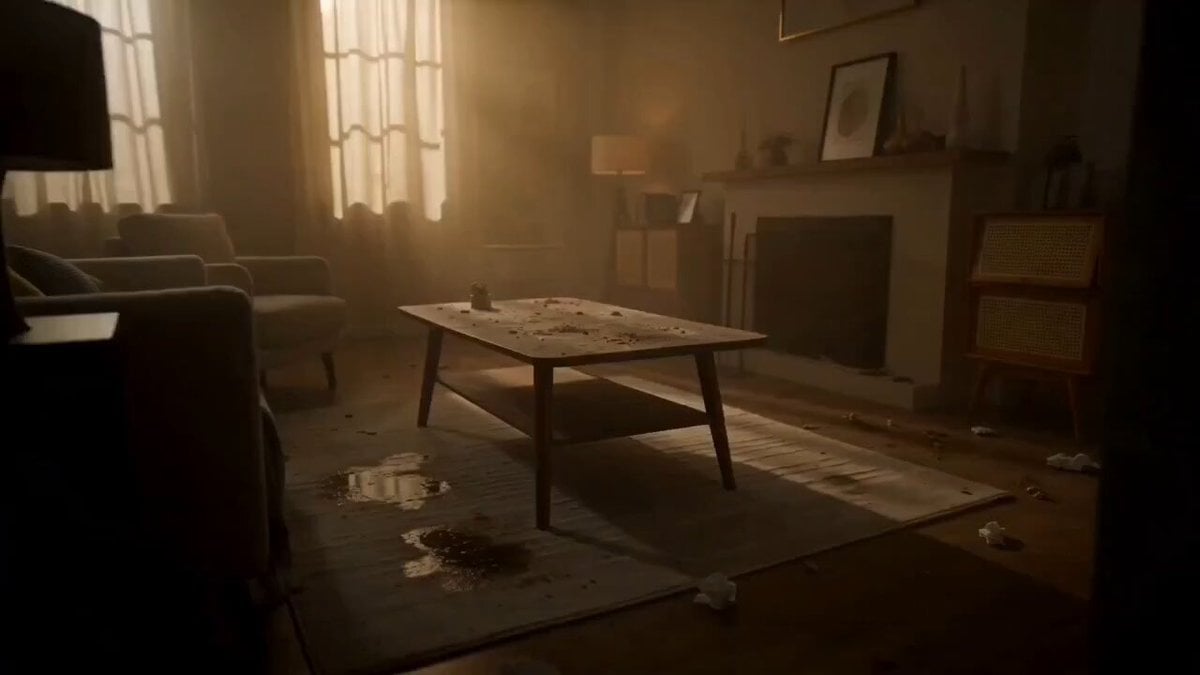
Room Detergent Product Ad
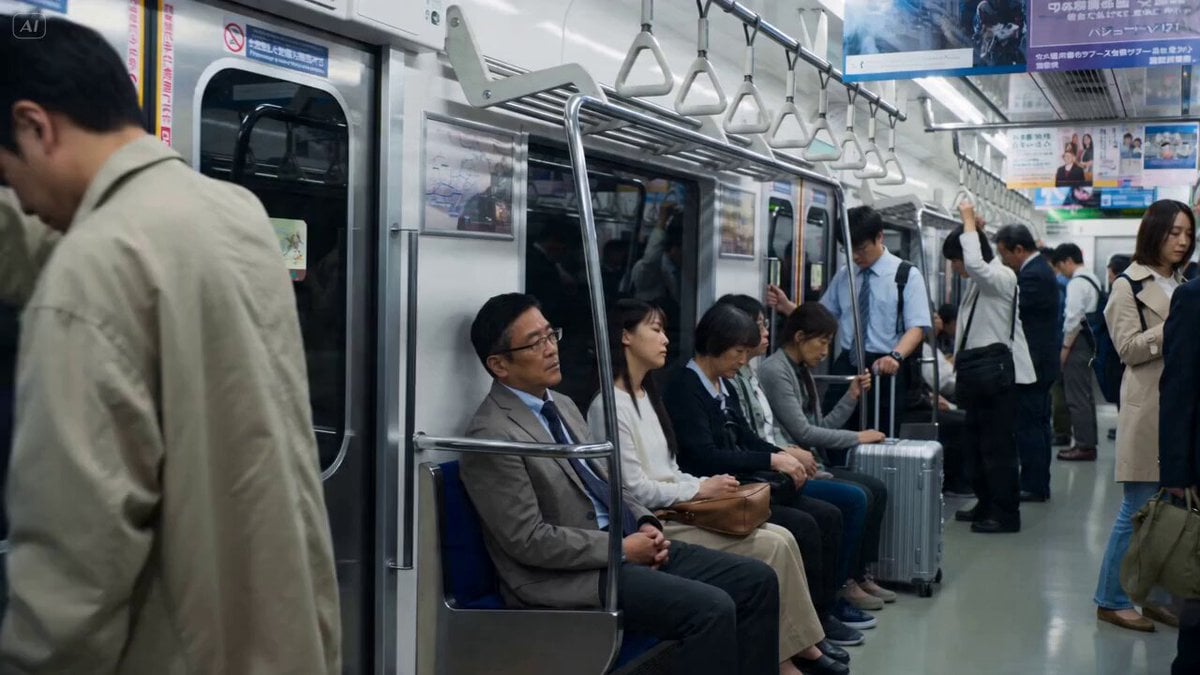
Cherry Blossom Invasion VFX Video Prompt

Cosmic Ecstatic Dance Scene
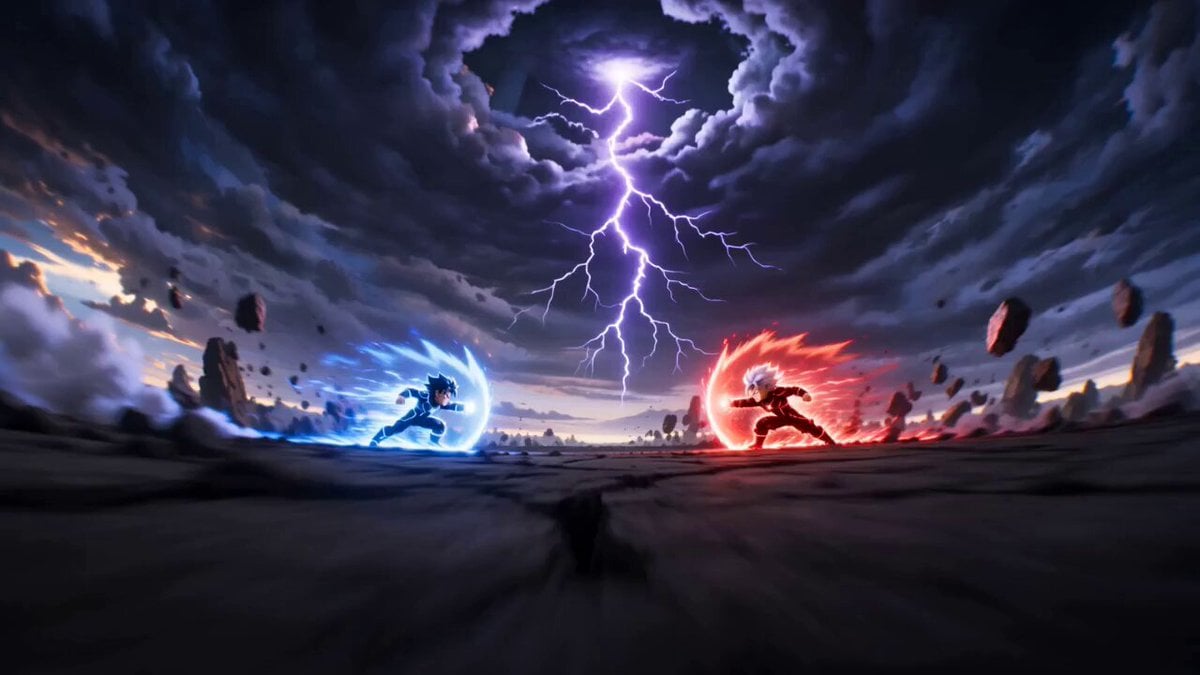
Cartoon Fight Scene Animation Frame
Browse template categories
Cinematic Action Fight Storyboard questions
How do I use the Cinematic Action Fight Storyboard template?
Add your photo if the template asks for one, edit the prompt if you like — the template's model and format are already selected — and press Generate. Your version opens in PicX Studio.
Can I customize the Cinematic Action Fight Storyboard template?
Yes. You can change the subject, setting, lighting, mood, format, and available model controls before creating your video.
Is the Cinematic Action Fight Storyboard template free?
Opening and editing this template is free. Generating uses credits, shown on the Generate button when you are signed in.
Which AI model should I use?
Start with Seedance 2.0, which is the model associated with this template. You can compare another compatible model for a different finish.
Looking for something else? Browse all templates.

Your photo, any look
Thousands of ready templates for every top image and video model, from one credit balance.