
Room Detergent Product Ad
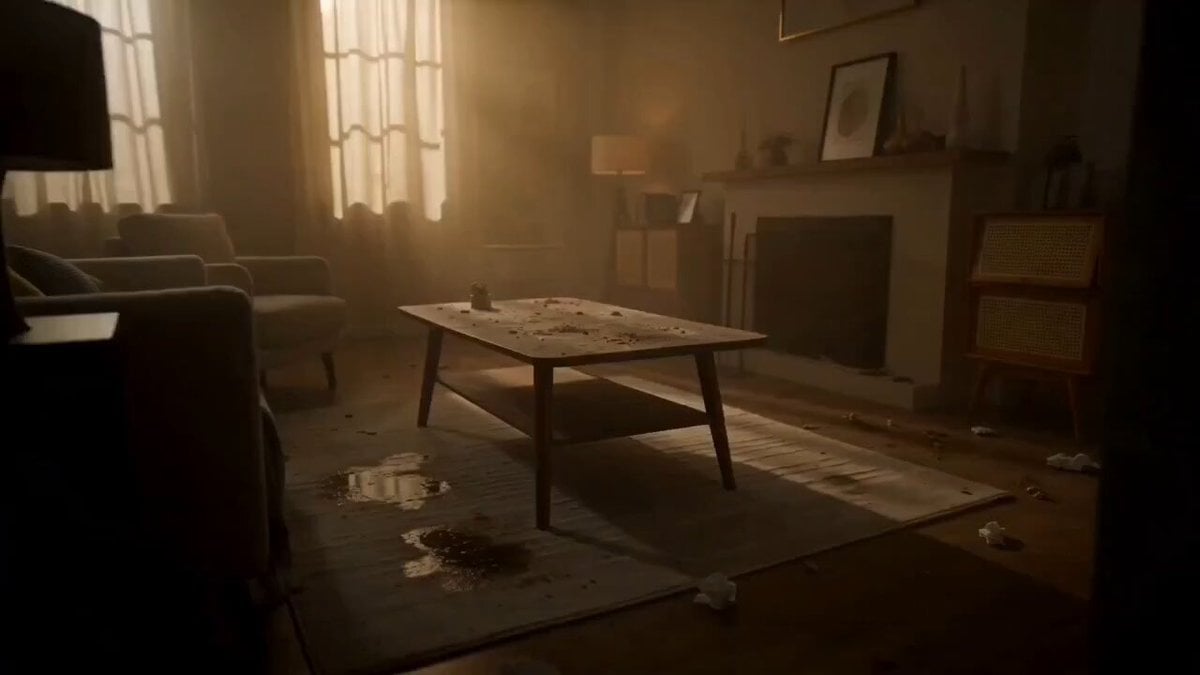
A 15-second cinematic commercial showing a dirty room being instantly cleaned by a glowing foam detergent wave, featuring a split-screen transition and a satisfied homeowner.
- Prompt included
- Model and format preset
- Free template
The prompt behind this video
Copy the exact prompt behind Room Detergent Product Ad, or open it in the studio and make it yours.
Create a 15-second ultra-realistic cinematic commercial video for a powerful room cleaning detergent. The scene begins inside a dirty, dull, and poorly lit room. Dust is visible on furniture, stains cover the floor, and the atmosphere feels heavy and lifeless. A hand applies the detergent on the surface. Instantly, bright glowing foam spreads rapidly across the room like a wave, removing dirt within seconds. The camera moves smoothly with cinematic tracking shots, showing detailed close-ups of surfaces becoming clean and glossy in real time. Fresh fragrance is visualized as soft glowing air waves flowing through the room. Lighting gradually transforms from dark, warm-yellow tones to bright natural daylight. A split-screen transition appears: one side dirty and the other side fully clean, highlighting instant cleaning power. In the final scene, the room is completely transformed—sparkling clean, fresh, and modern. Sunlight enters through the windows, curtains gently move with a soft breeze, and the environment feels peaceful and refreshing. A stylish young woman appears in the final shot, wearing elegant fashionable clothing matching soft fresh tones seen in the scene, standing confidently in the clean room with a satisfied and calm expression. Ultra-realistic visuals, high-end commercial advertising style, smooth slow-motion transitions, cinematic lighting, 4K resolution, premium detergent brand aesthetic.
How to use Room Detergent Product Ad in 3 steps
- 1
Open
The prompt is already in the box next to the preview, with the template's model and format selected.
- 2…a portrait of your subject in softgolden-hour light, 85mm…
Personalize
Edit the subject and creative details for your destination.
- 3Generate
Generate
Press Generate — your video is created in PicX Studio, so you can compare it with the original and refine one variable at a time.
More like this
Templates with the same subject, style or setup. Open one to see its prompt.

Magical Room Transformation - Seedance 2.5

Sneaker Product Commercial
Multi Panel Storyboard Sheet

Skincare Product Commercial 3

Cinematic Portrait Study 3

Product UGC Commercial

Cinematic Portrait Study

Iced Coffee Dog Good-News Montage
Deadpan Alien Bedroom Comedy
Hidden Cam Bedroom Dance
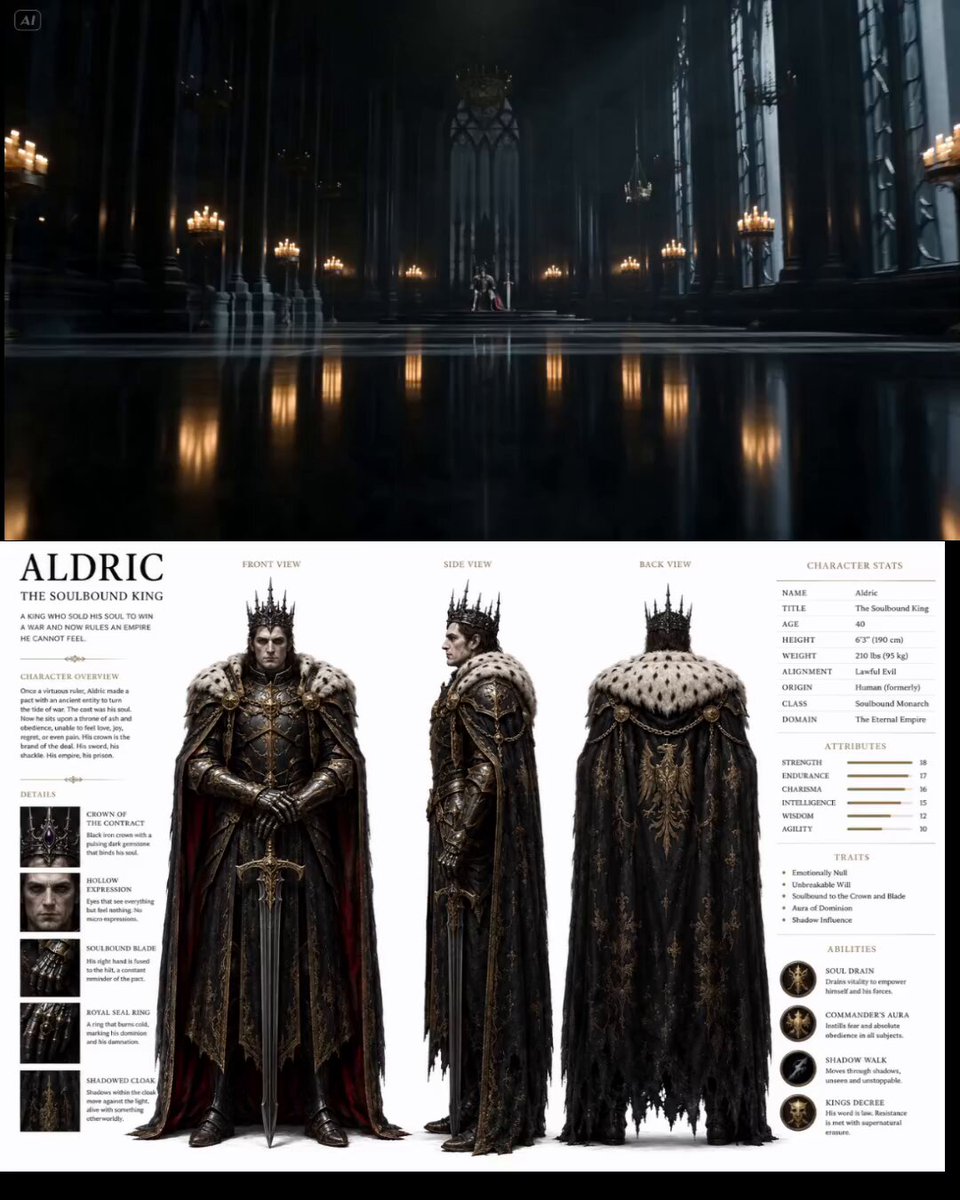
Cinematic Throne Room Sequence
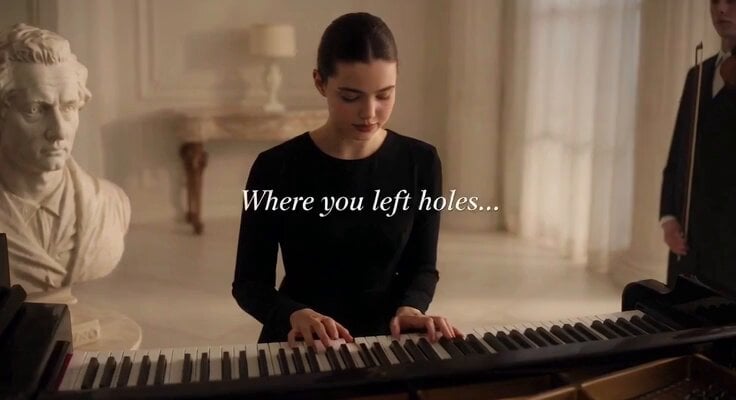
Cinematic Piano Room Commercial
Make it yours
Room Detergent Product Ad works as-is. These are the safest ways to change it without losing the look.
Change one field
Copy a single group, rewrite it, and generate again so you can see what that field is doing.
Keep the frame, change the subject
Hold the composition and light of Room Detergent Product Ad, then swap wardrobe, props or the person for a new take.
| If the result… | Why | Fix |
|---|---|---|
| The result drifts from the preview | Too many fields changed at once. | Reuse Room Detergent Product Ad as-is first, then change one group — subject, light, or setting. |
| The model over-stylizes the scene | The prose prompt leaves finish and camera underspecified. | Add one camera or lighting sentence and stay on Seedance 2.0. |
More Seedance 2.0 templates
Other prompts made for Seedance 2.0.

Comical Martial Arts Punch Scene

Maglev Train Action Sequence

Martial Arts Fight Sequence

Wuxia Protection and Trust Script

Vintage Korean Arcade MiniDV Vlog

Mercedes 190 SL Luxury Ad

Rainy Night Supernatural Reverse Comedy Video Script

Amazon Civilization Discovery

Futuristic South Asian City Transformation

Cozy Luxury Cafe Commercial
More video prompts
Fresh picks from across the catalog.
test
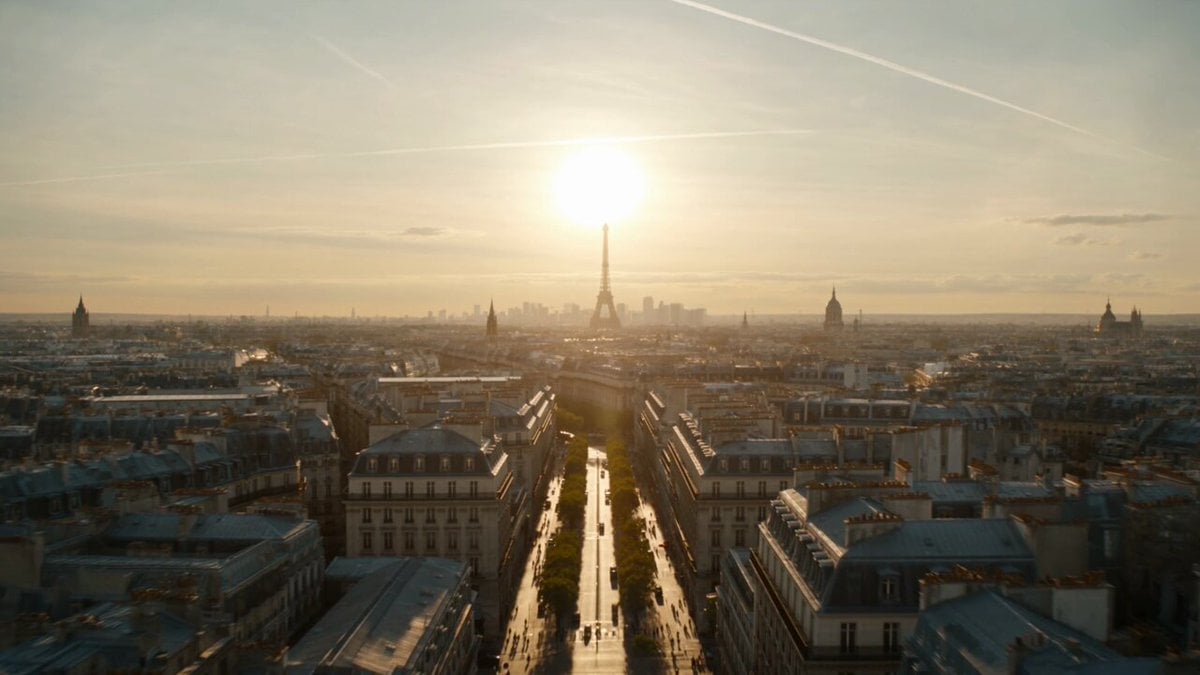
Apocalyptic Surreal Paris Eclipse Video

Synchronized TikTok Dance to Fight Chaos

Epic Sci-Fi Scene Prompt: Robot on Mountain Peak
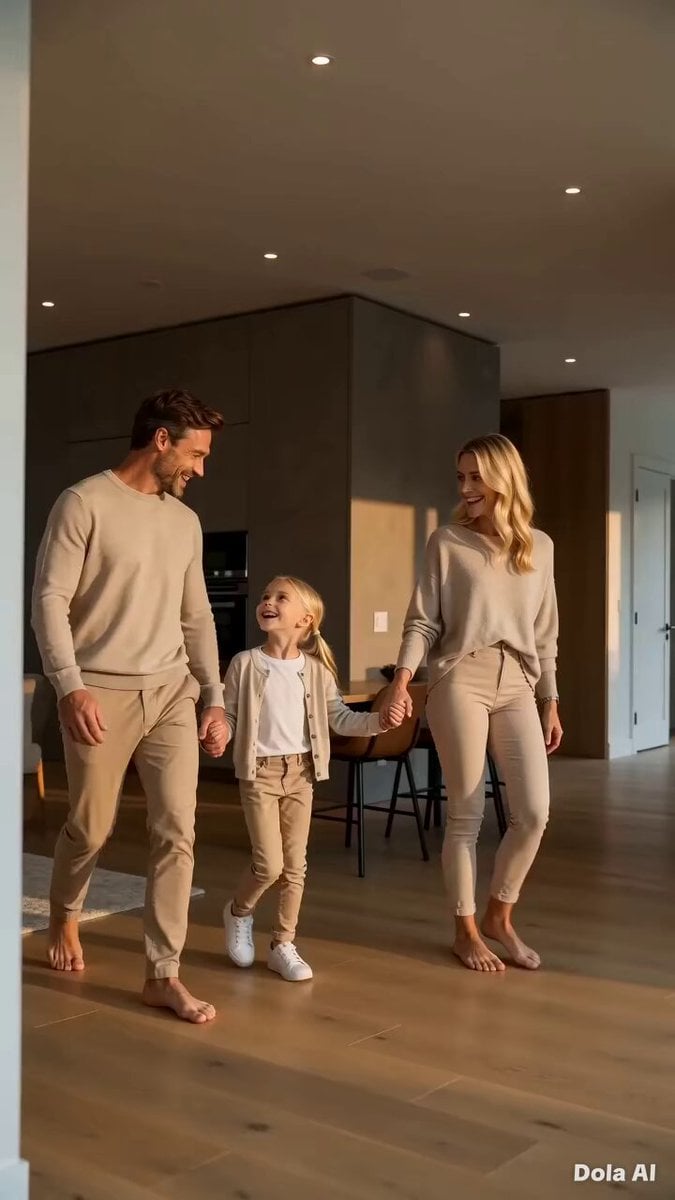
Modern Family Home Walkthrough

Character Reference Video Generation

Tesla FSD Instead of a Ring
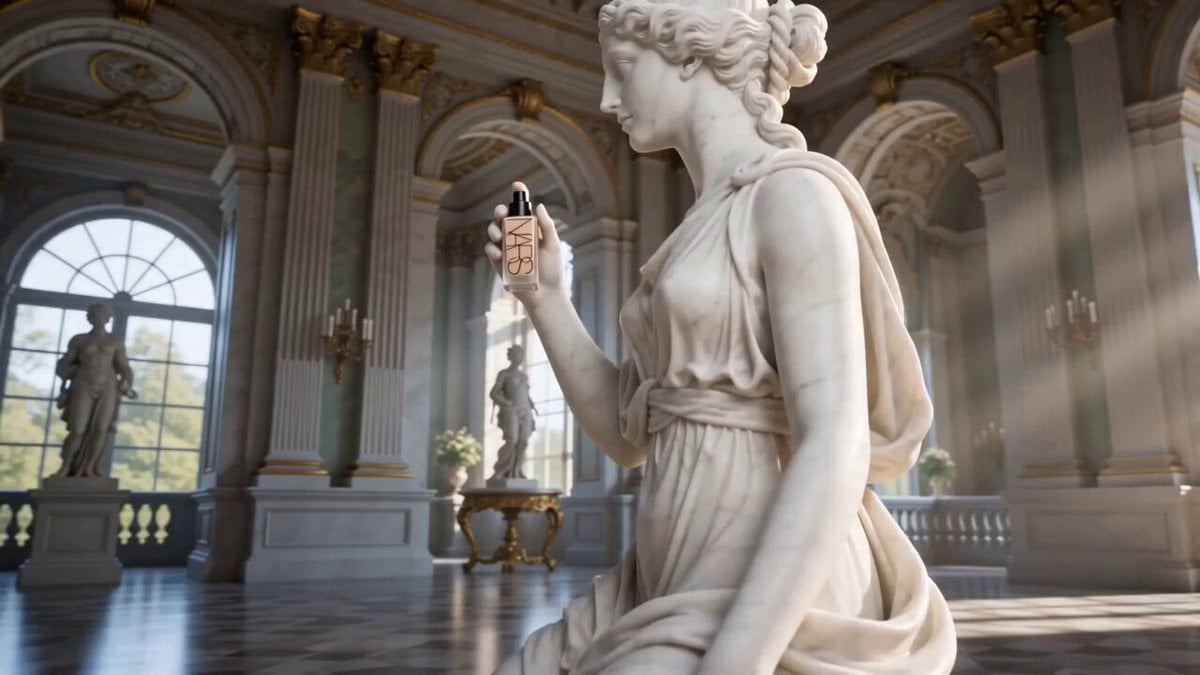
Luxury Foundation Reveal Commercial
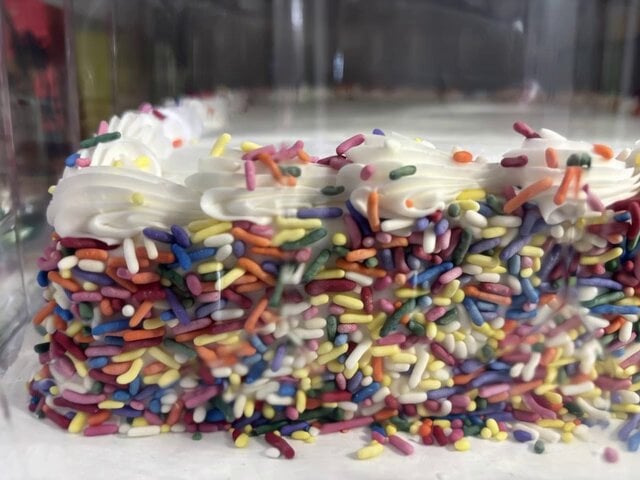
Cake Design and Eating Video Prompt
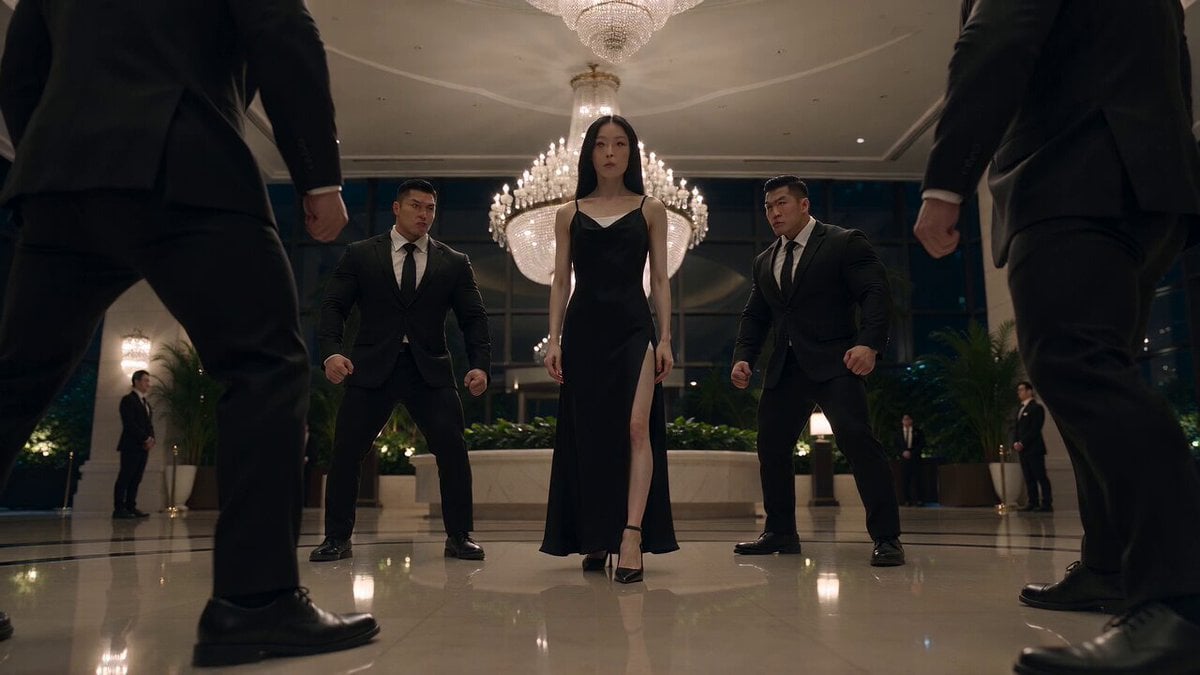
Cinematic Korean Action Stunt Sequence

Browse template categories
Room Detergent Product Ad questions
How do I use the Room Detergent Product Ad template?
Add your photo if the template asks for one, edit the prompt if you like — the template's model and format are already selected — and press Generate. Your version opens in PicX Studio.
Can I customize the Room Detergent Product Ad template?
Yes. You can change the subject, setting, lighting, mood, format, and available model controls before creating your video.
Is the Room Detergent Product Ad template free?
Opening and editing this template is free. Generating uses credits, shown on the Generate button when you are signed in.
Which AI model should I use?
Start with Seedance 2.0, which is the model associated with this template. You can compare another compatible model for a different finish.
Looking for something else? Browse all templates.

Your photo, any look
Thousands of ready templates for every top image and video model, from one credit balance.