
Ai Gezgini Hiroshima Fpv
Seedance 2.0 FPV Hiroshima — tight backstreet alleys, nuclear flash, synchronized shockwave collapse, mushroom cloud ascent.
- Prompt included
- Model and format preset
- Free template
The prompt behind this video
Copy the exact prompt behind Ai Gezgini Hiroshima Fpv, or open it in the studio and make it yours.
FPV drone perspective strict first-person point of view. The drone itself is never visible at any time: no body, no propellers, no shadows, no reflections, no silhouettes. Opening shot (immediate action no slow intro): The camera is already moving at high speed through tight, narrow backstreets of Hiroshima. Ultra-low altitude (just inches above ground), extremely dynamic FPV motion. The camera aggressively navigates: rapid left-right banking between wooden houses threading through very tight alleys with centimeter-level clearance sudden micro-adjustments and precise stabilization near-miss passes by walls, doors, and pedestrians No establishing shot, no pause instant immersion and velocity. Environment: fully traditional Japanese residential district wooden houses, sliding doors, paper screens, hanging laundry, bicycles, small storefronts. Fine details like dust particles and fabric movement are visible despite speed due to cinematic motion blur and focus shifts. Civilians in kimono and yukata move naturally through the streets. The camera weaves between them at speed, maintaining tight proximity. The camera bursts out of a narrow alley into a slightly wider street, accelerates further, then performs a fast vertical climb along a wooden facade, revealing a broader skyline still calm. Sudden nuclear flash. Instant full-frame whiteout. Extreme overexposure. No warning. Exposure recovers. A massive shockwave forms a dense, fast-moving wall filled with debris and air distortion. Synchronized total destruction: The shockwave impacts with overwhelming force entire blocks collapse simultaneously: wooden structures implode and explode outward roofs are ripped off and disintegrate mid-air support beams snap instantly walls fragment into high-velocity debris windows shatter outward in expanding shock rings The destruction behaves as a continuous collapsing front sweeping across the city. The camera is violently hit mid-flight: heavy shake sudden roll and tilt loss of stability But FPV continuity remains no cuts. Air fills with debris, ash, splinters visibility rapidly decreases. Fires ignite instantly across structures, spreading rapidly. Civilians are instantly engulfed no lingering motion. The camera pushes forward through chaos: narrowly avoiding collapsing beams flying through dense airborne debris cutting through turbulent shockwave air A powerful thermal updraft pulls the camera upward. In the distance, a mushroom cloud rises rapidly, dominating the skyline. Lighting shifts: warm golden hour → harsh, desaturated, high-contrast tones glowing fires + deep shadows The camera ascends unsteadily, revealing: flattened buildings widespread fires thick smoke columns Ash density increases, visibility drops further. Ending: The camera drifts into a dark, smoke-filled sky. The massive mushroom cloud dominates the horizon as the scene fades into dense atmospheric haze. Style: Hyper-realistic, physically accurate nuclear blast simulation. Strict FPV POV (drone never visible). High-speed aggressive FPV navigation from first frame. Volumetric shockwave propagation with synchronized collapse. Dynamic exposure adaptation. Cinematic lens effects (chromatic aberration, bloom, distortion). Extreme motion blur during high-speed movement and impact. Ultra-detailed debris physics. HDR, 4K, shallow depth of field. Seamless continuous shot, no cuts. High-intensity pacing.
How to use Ai Gezgini Hiroshima Fpv in 3 steps
- 1
Open
The prompt is already in the box next to the preview, with the template's model and format selected.
- 2…a portrait of your subject in softgolden-hour light, 85mm…
Personalize
Edit the subject and creative details for your destination.
- 3Generate
Generate
Press Generate — your video is created in PicX Studio, so you can compare it with the original and refine one variable at a time.
More like this
Templates with the same subject, style or setup. Open one to see its prompt.
Ankitpatel Time Freeze Viral
Duttasomrat Time Freeze Viral V2
Duttasomrat Time Freeze Viral
Seedance 2 Time Freeze Official
Emily Seedance Pixel Horror Rpg
Olivio Sarikas Shrinking Girl Bee
Emily Seedance Tokusatsu Sisters
Puppet Time Freeze - Sports Bar Chaos
Asteroid Impact City Destruction
Seedance Seedance 20 Urban Romance Wall Pin Kiss
Superhero Joyrides — Seedance 2.0
Pearl Harbor Attack — Seedance 2.0 FPV
Make it yours
Ai Gezgini Hiroshima Fpv works as-is. These are the safest ways to change it without losing the look.
Change one field
Copy a single group, rewrite it, and generate again so you can see what that field is doing.
Keep the frame, change the subject
Hold the composition and light of ai-gezgini-hiroshima-fpv, then swap wardrobe, props or the person for a new take.
| If the result… | Why | Fix |
|---|---|---|
| The result drifts from the preview | Too many fields changed at once. | Reuse ai-gezgini-hiroshima-fpv as-is first, then change one group — subject, light, or setting. |
| The model over-stylizes the scene | The prose prompt leaves finish and camera underspecified. | Add one camera or lighting sentence and stay on Video Seedance. |
More Video Seedance templates
Other prompts made for Video Seedance.
X Johnagi168 Work Seedance Video
X Johnagi168 This Is My Work Gpt Image 2 Seedance 2 0
X Chillaikalan Nano Banana Pro Seedance 20

Gpt2 Gpt2 Seedance Storyboard to Video
Mrdasonx Quantum Missile Bullet Time
Alla Kling World Acceleration
Time Stealer — Seedance 2.0
City Timelapse Growth — Seedance 2.0
Underground Temple Escape — Seedance 2.0
Coward King — Seedance 2.0 Dark Fantasy
More video prompts
Fresh picks from across the catalog.
Futuristic Energy Device Prototype
Holographic Crystal Tree Animation
Mystical Dragons Playful Walk
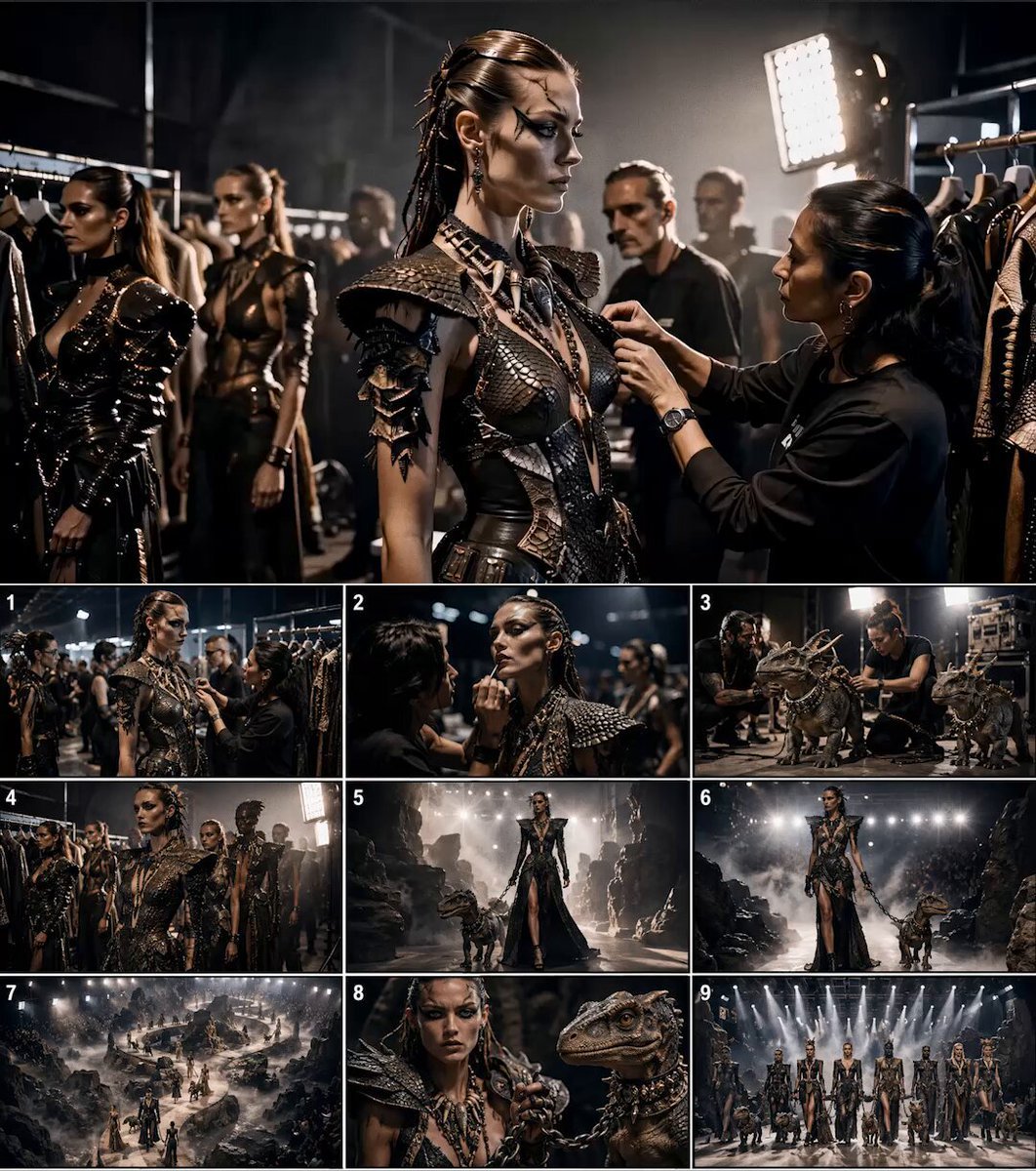
Paleolithic Haute Couture Fashion Film
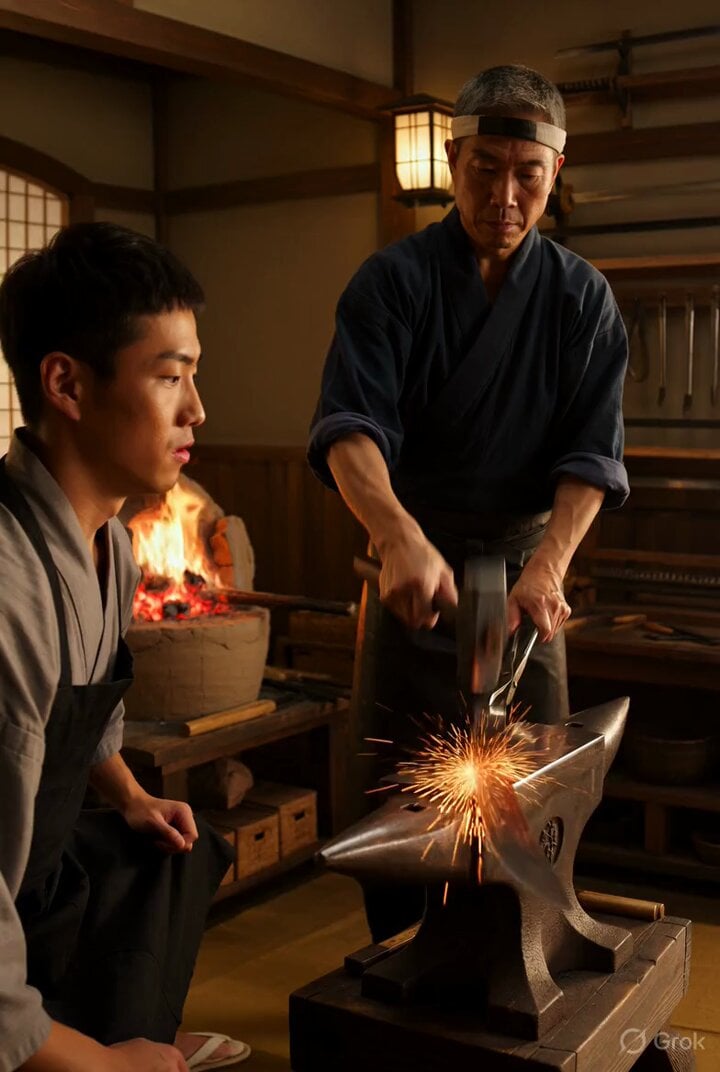
Video prompt for a traditional Japanese katana shop scene
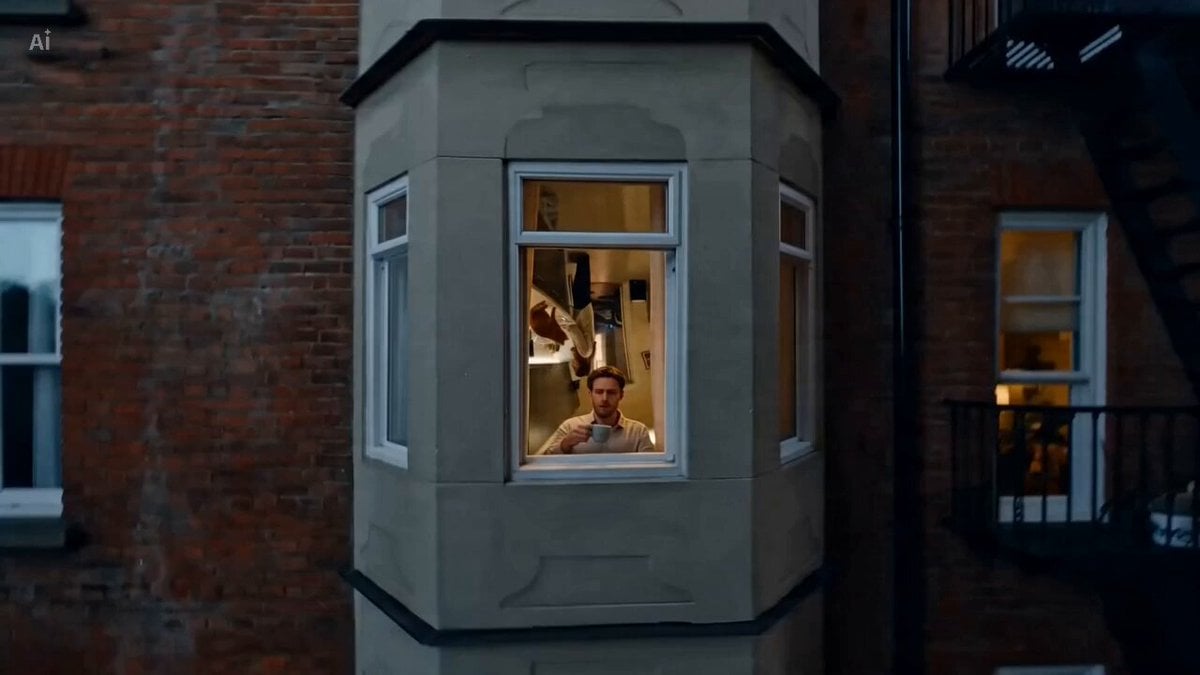
Creative AI Ads Continuous Single Take
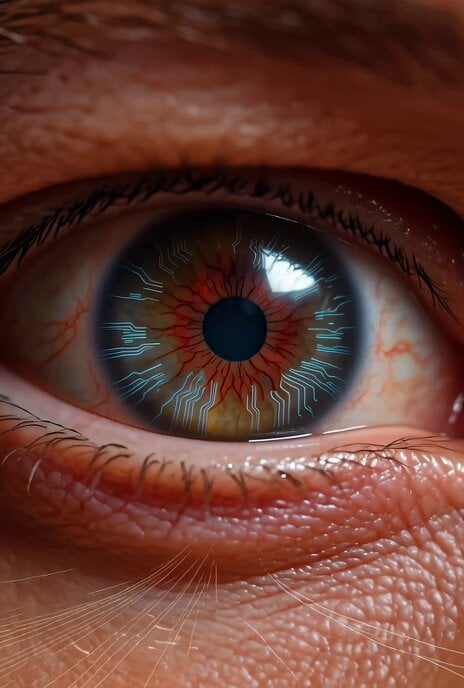
Grok Imagine prompt for a sci-fi video with internal monologue
Woman in Winter Storm with HUD Overlay

Grok Imagine Prompt: Jesus Christ Risen

White Lace Blooming Flowers
Browse template categories
Ai Gezgini Hiroshima Fpv questions
How do I use the ai-gezgini-hiroshima-fpv template?
Add your photo if the template asks for one, edit the prompt if you like — the template's model and format are already selected — and press Generate. Your version opens in PicX Studio.
Can I customize the ai-gezgini-hiroshima-fpv template?
Yes. You can change the subject, setting, lighting, mood, format, and available model controls before creating your video.
Is the ai-gezgini-hiroshima-fpv template free?
Opening and editing this template is free. Generating uses credits, shown on the Generate button when you are signed in.
Which AI model should I use?
Start with Video Seedance, which is the model associated with this template. You can compare another compatible model for a different finish.
Looking for something else? Browse all templates.

Your photo, any look
Thousands of ready templates for every top image and video model, from one credit balance.