
Underground Temple Escape — Seedance 2.0
15s: explorer vs stone guardian in collapsing underground temple, Seedance 2.0
- Prompt included
- Model and format preset
- Free template
The prompt behind this video
Copy the exact prompt behind Underground Temple Escape — Seedance 2.0, or open it in the studio and make it yours.
15-second video, single continuous shot. Underground temple chamber lit by torches, crumbling stone bridges, deep chasm, walls covered in gold glyphs. An explorer with a satchel and torch races across a collapsing causeway while a massive stone guardian awakens behind him. Camera starts high near the temple ceiling, circling downward through dust and torch smoke, then drops into a low chase along the bridge, capturing broken stones falling into darkness and the guardian's footsteps shaking debris loose. The camera darts ahead for a head-on pass as the explorer jumps a missing section, then whips around the torch flame into a rear tracking shot as the guardian swings a stone blade. Dramatic moment: the final bridge to daylight cracks apart before the exit, leaving only a narrow falling slab as a path. Resolution: the explorer runs up the shifting slab, launches through the collapsing doorway, and pulls a lever outside that seals the guardian behind a wall of stone. The camera bursts into sunlight with him and reveals a hidden jungle valley. Short dialogue at the end: he smiles at the sealed temple and says, 'That belongs to history.'
How to use Underground Temple Escape — Seedance 2.0 in 3 steps
- 1
Open
The prompt is already in the box next to the preview, with the template's model and format selected.
- 2…a portrait of your subject in softgolden-hour light, 85mm…
Personalize
Edit the subject and creative details for your destination.
- 3Generate
Generate
Press Generate — your video is created in PicX Studio, so you can compare it with the original and refine one variable at a time.
More like this
Templates with the same subject, style or setup. Open one to see its prompt.
Skybridge Rescue — Supertall Tower Collapse (Seedance)
Dragon Rescue — Volcanic Kingdom Collapse (Seedance)
Chibi Cave Adventure — He Doesn't Know What's Coming
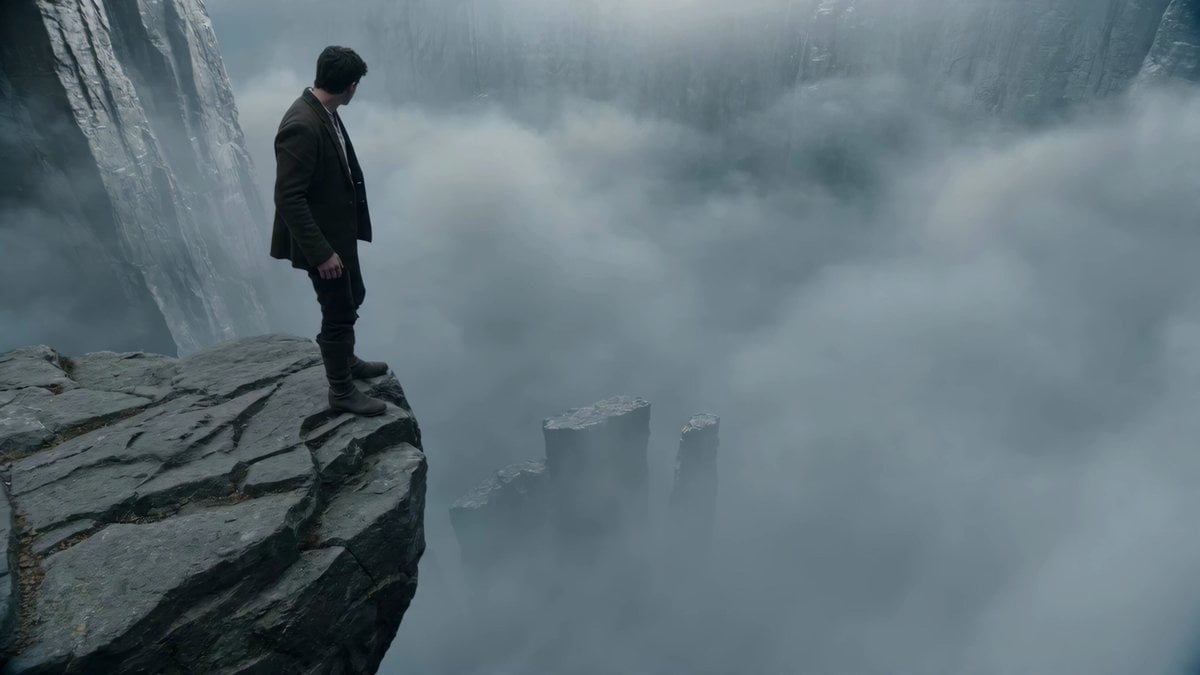
Adventurer Path Creator - Seedance 2

Cinematic Short Film Scene

Kyoto Morning Selfie Vlog
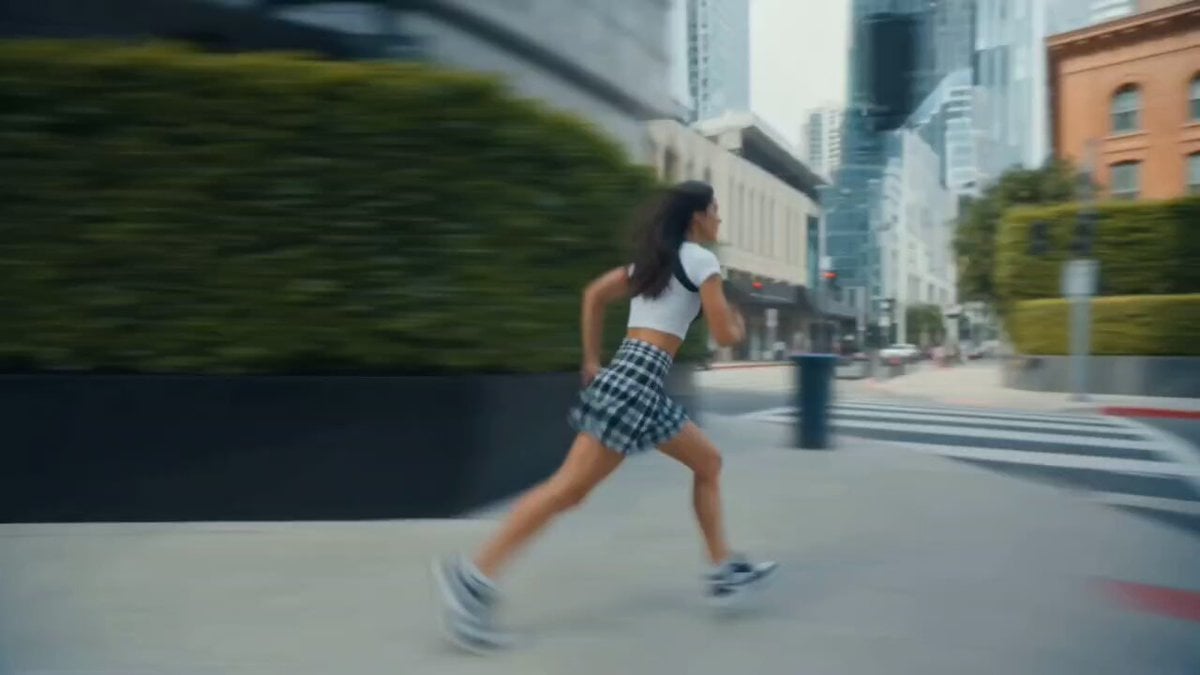
X Chillaikalan Nano Banana Pro Seedance 20

Gpt2 Gpt2 Seedance Storyboard to Video
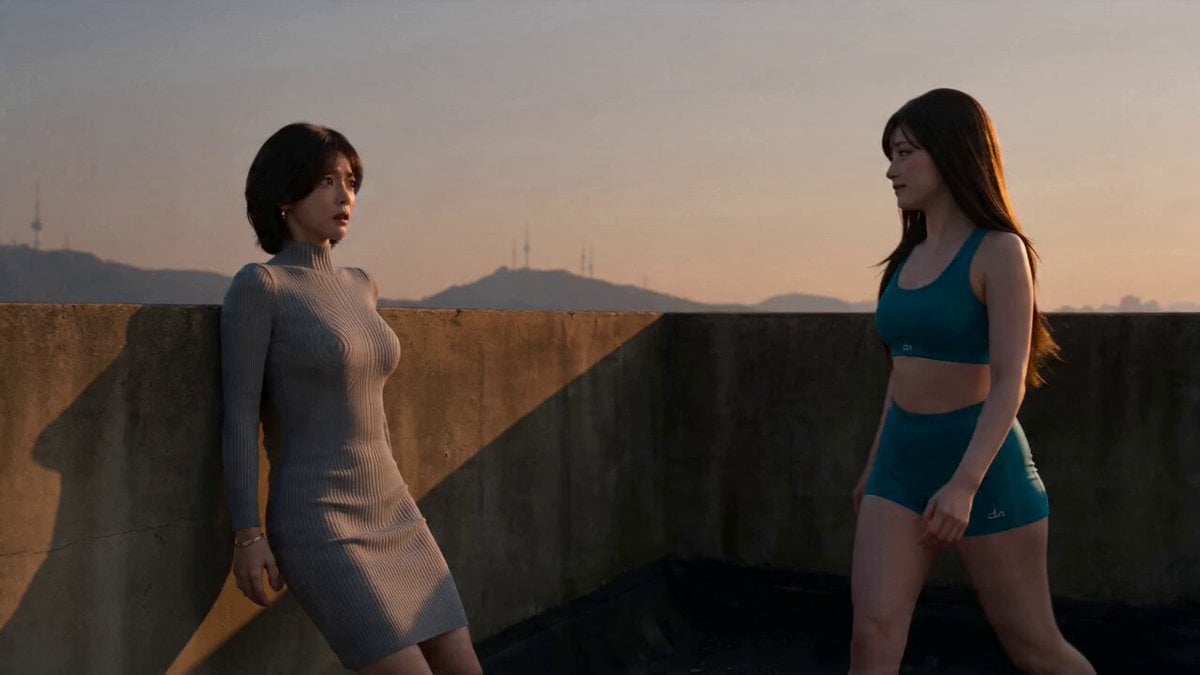
Seedance Seedance 20 Urban Romance Wall Pin Kiss
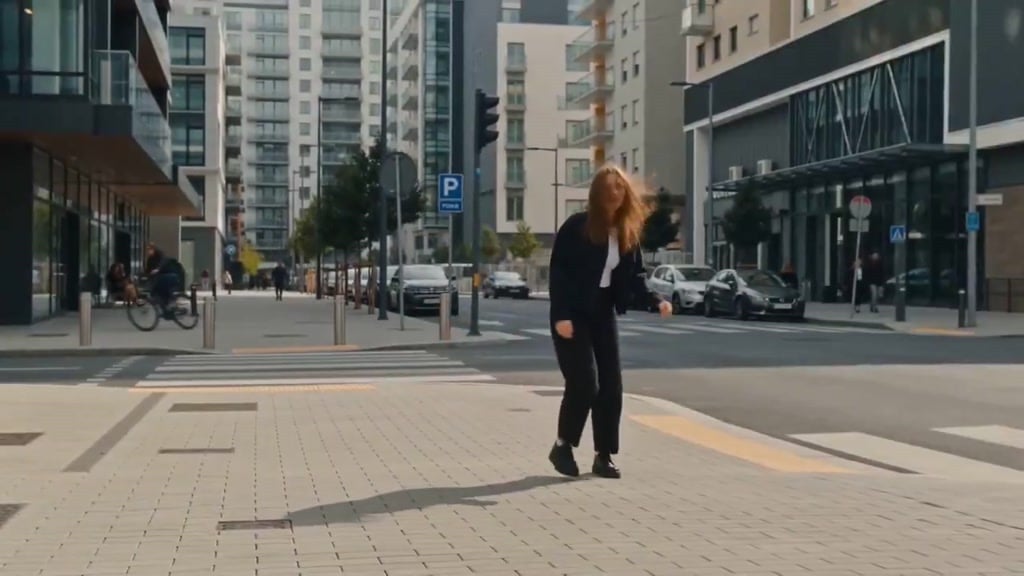
Seedance Wind Guides Path
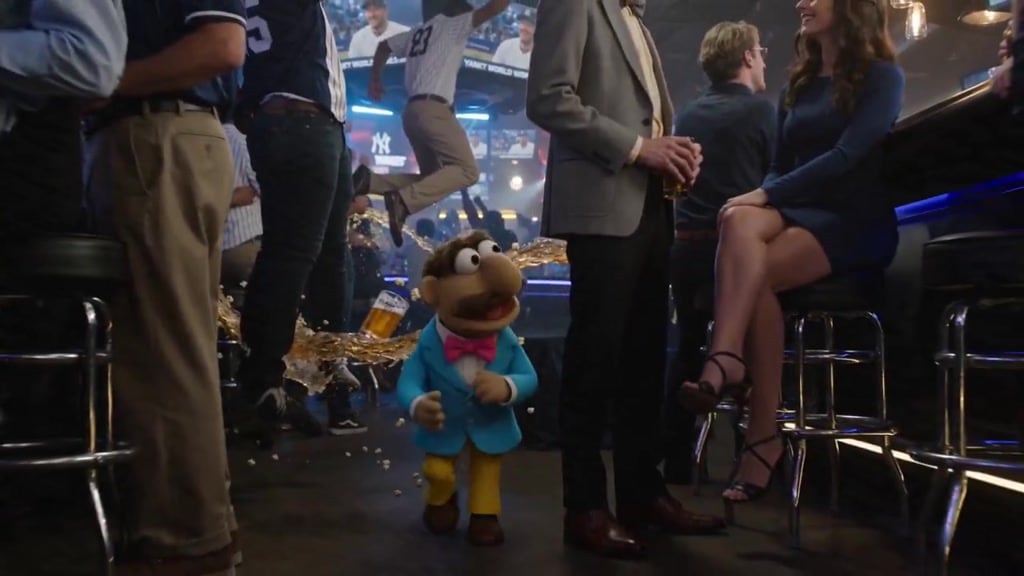
Puppet Time Freeze - Sports Bar Chaos
Superhero Joyrides — Seedance 2.0
Make it yours
Underground Temple Escape — Seedance 2.0 works as-is. These are the safest ways to change it without losing the look.
Change one field
Copy a single group, rewrite it, and generate again so you can see what that field is doing.
Keep the frame, change the subject
Hold the composition and light of Underground Temple Escape — Seedance 2.0, then swap wardrobe, props or the person for a new take.
| If the result… | Why | Fix |
|---|---|---|
| The result drifts from the preview | Too many fields changed at once. | Reuse Underground Temple Escape — Seedance 2.0 as-is first, then change one group — subject, light, or setting. |
| The model over-stylizes the scene | The prose prompt leaves finish and camera underspecified. | Add one camera or lighting sentence and stay on Video Seedance. |
More Video Seedance templates
Other prompts made for Video Seedance.
X Johnagi168 Work Seedance Video
X Johnagi168 This Is My Work Gpt Image 2 Seedance 2 0
Emily Seedance Pixel Horror Rpg
Mrdasonx Quantum Missile Bullet Time
Ai Gezgini Hiroshima Fpv
Olivio Sarikas Shrinking Girl Bee
Emily Seedance Tokusatsu Sisters
Alla Kling World Acceleration
Time Stealer — Seedance 2.0
City Timelapse Growth — Seedance 2.0
More video prompts
Fresh picks from across the catalog.
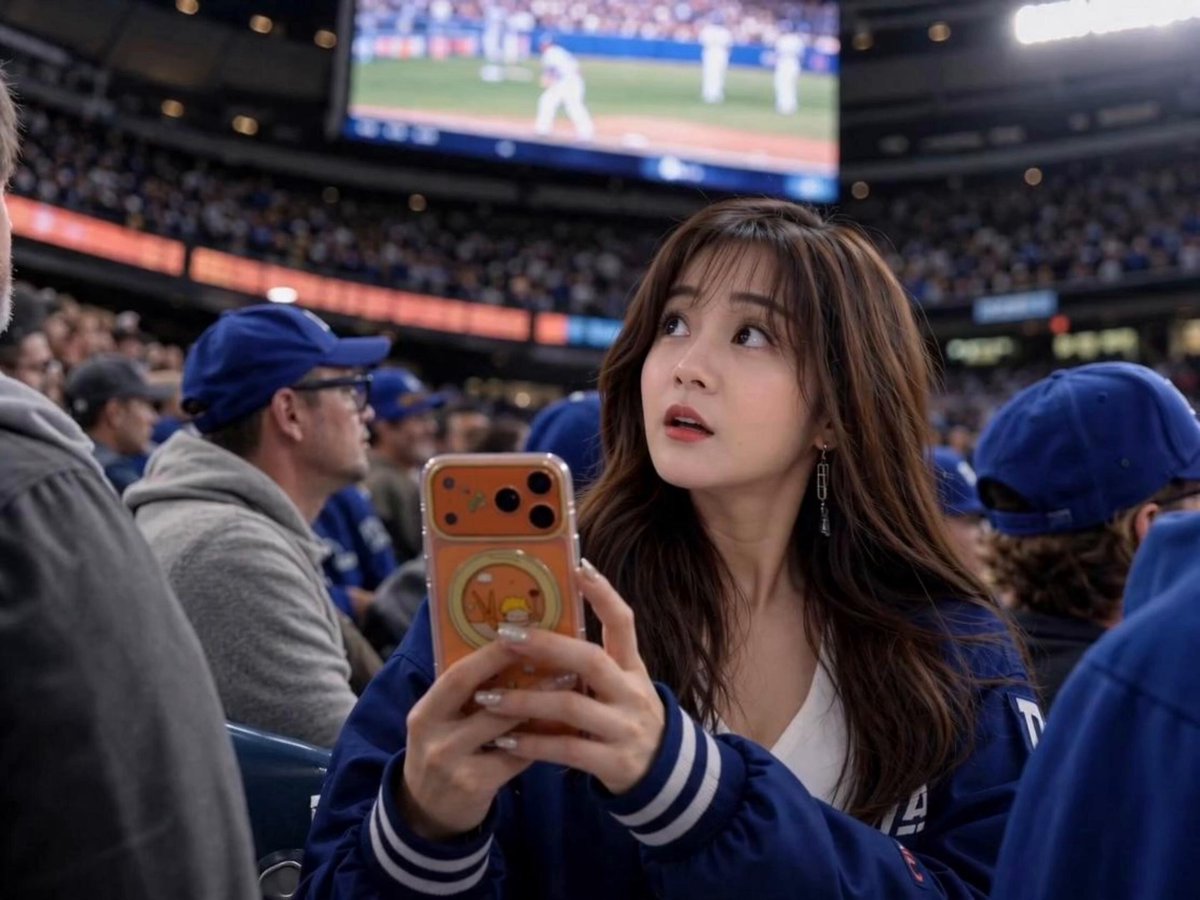
Sports Broadcast Jumbotron Reaction

Midjourney SREF Code Prompt
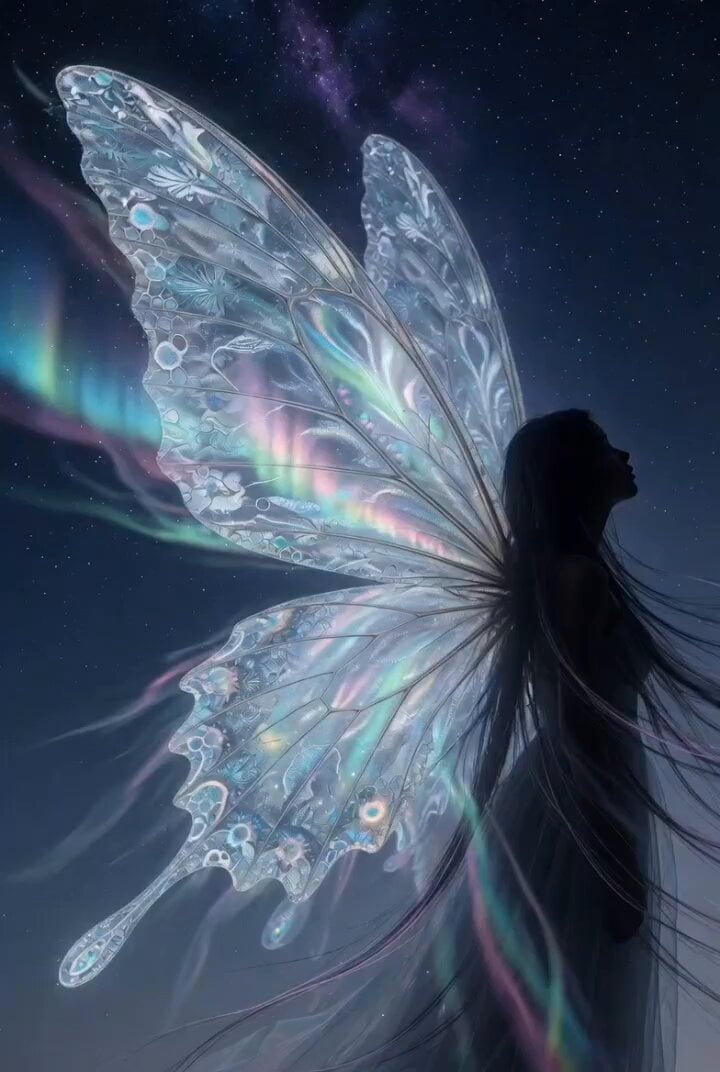
Chuck Palahniuk Pain Quote Video
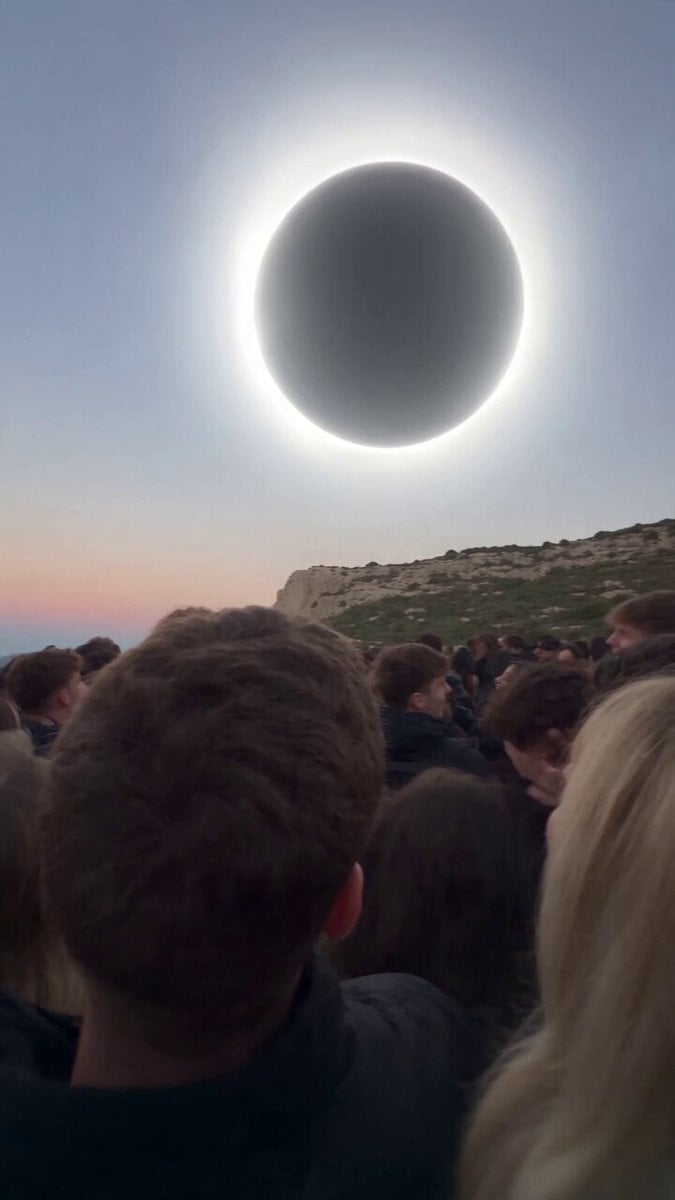
Red Moon Eclipse Chaos Video
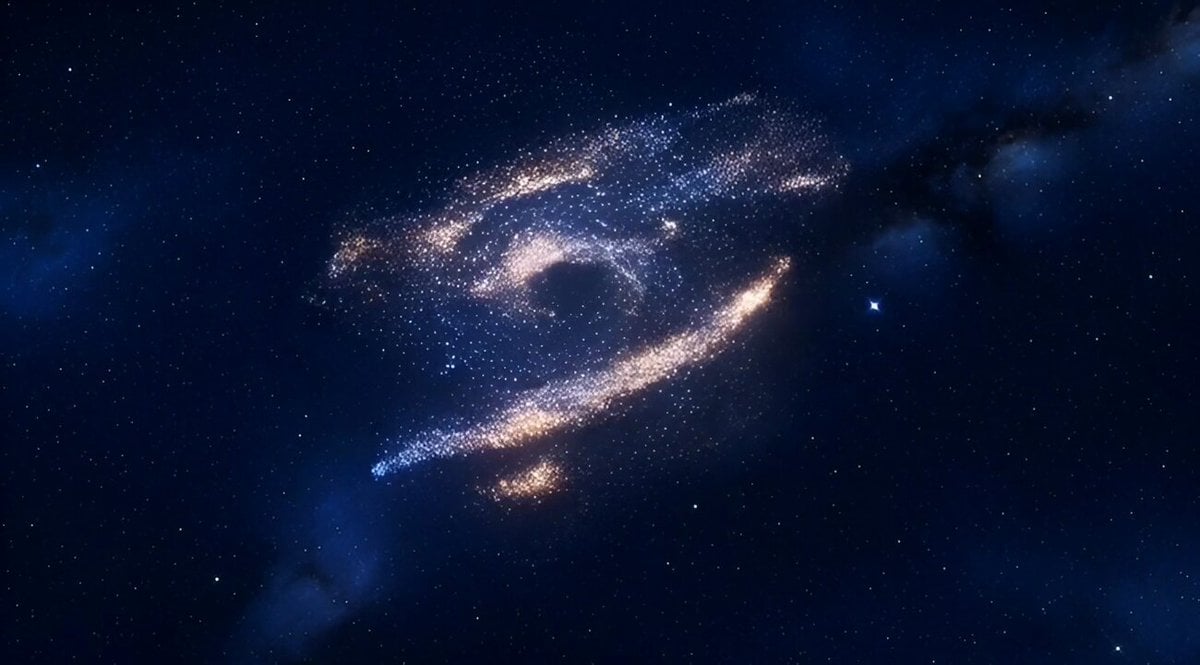
Cinematic Number 97 Particle Vortex Video
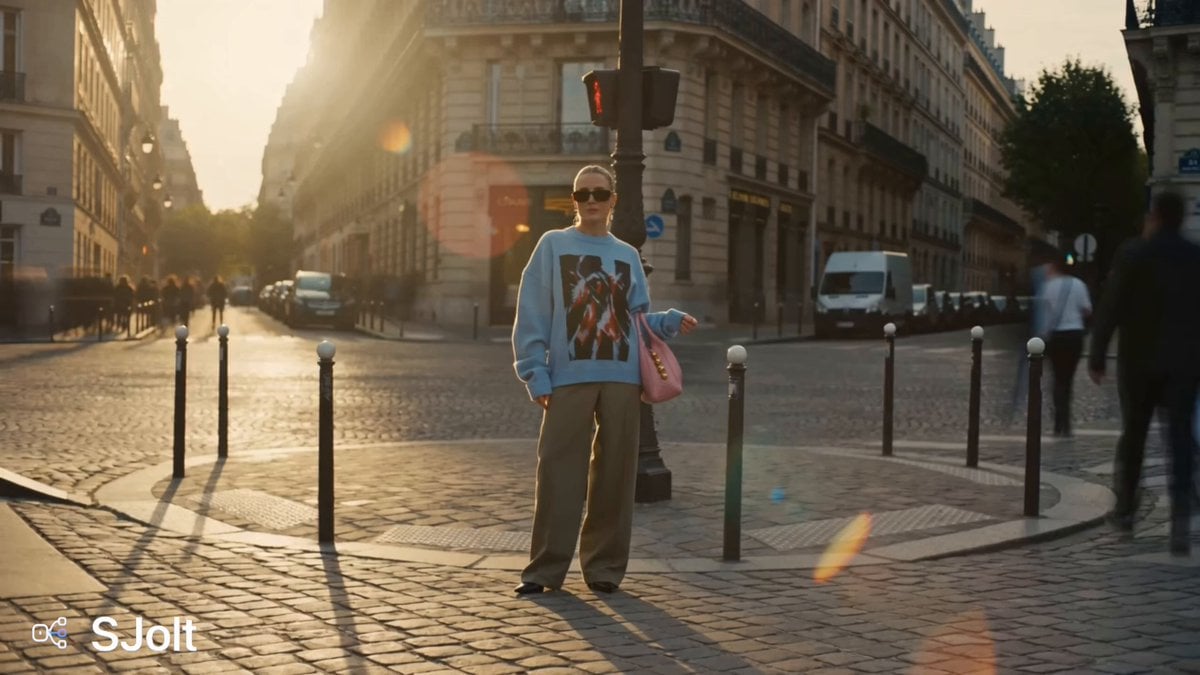
Parisian Fashion Campaign Streetwear Editorial
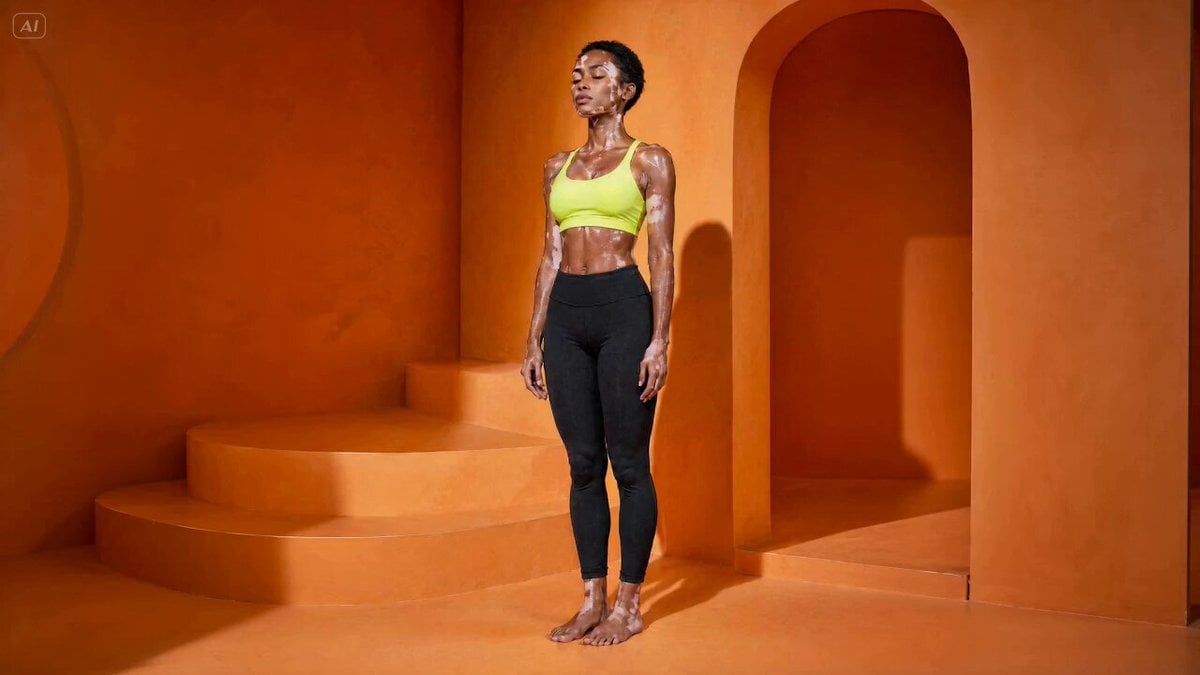
Handheld Yoga Vinyasa Flow Video

Psychedelic meditation lotus video

Cinematic Continuous Jet Ski Action
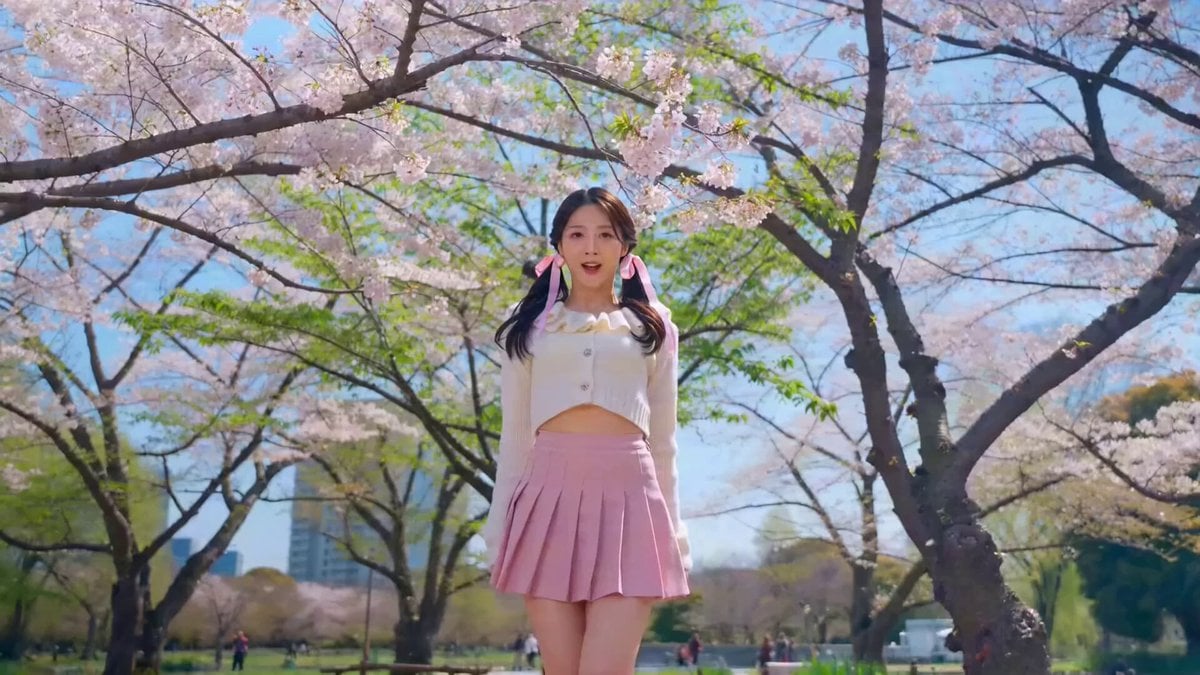
K-pop dance routine video prompt
Browse template categories
Underground Temple Escape — Seedance 2.0 questions
How do I use the Underground Temple Escape — Seedance 2.0 template?
Add your photo if the template asks for one, edit the prompt if you like — the template's model and format are already selected — and press Generate. Your version opens in PicX Studio.
Can I customize the Underground Temple Escape — Seedance 2.0 template?
Yes. You can change the subject, setting, lighting, mood, format, and available model controls before creating your video.
Is the Underground Temple Escape — Seedance 2.0 template free?
Opening and editing this template is free. Generating uses credits, shown on the Generate button when you are signed in.
Which AI model should I use?
Start with Video Seedance, which is the model associated with this template. You can compare another compatible model for a different finish.
Looking for something else? Browse all templates.

Your photo, any look
Thousands of ready templates for every top image and video model, from one credit balance.