How do I use the x-ChillaiKalan__-nano-banana-pro-seedance-20 template?
Edit the prompt in the box under the preview — the template's model and format are already selected — and press Generate. Your version appears right on this page.
Video — Seedance 2.0 prompt

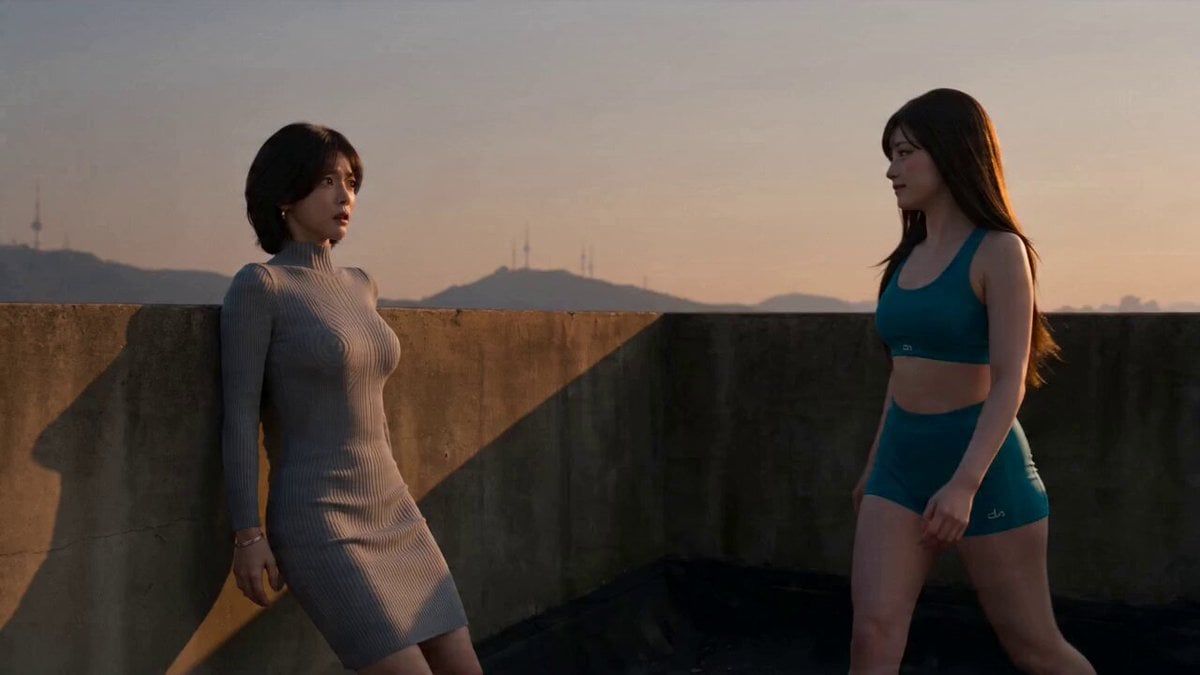
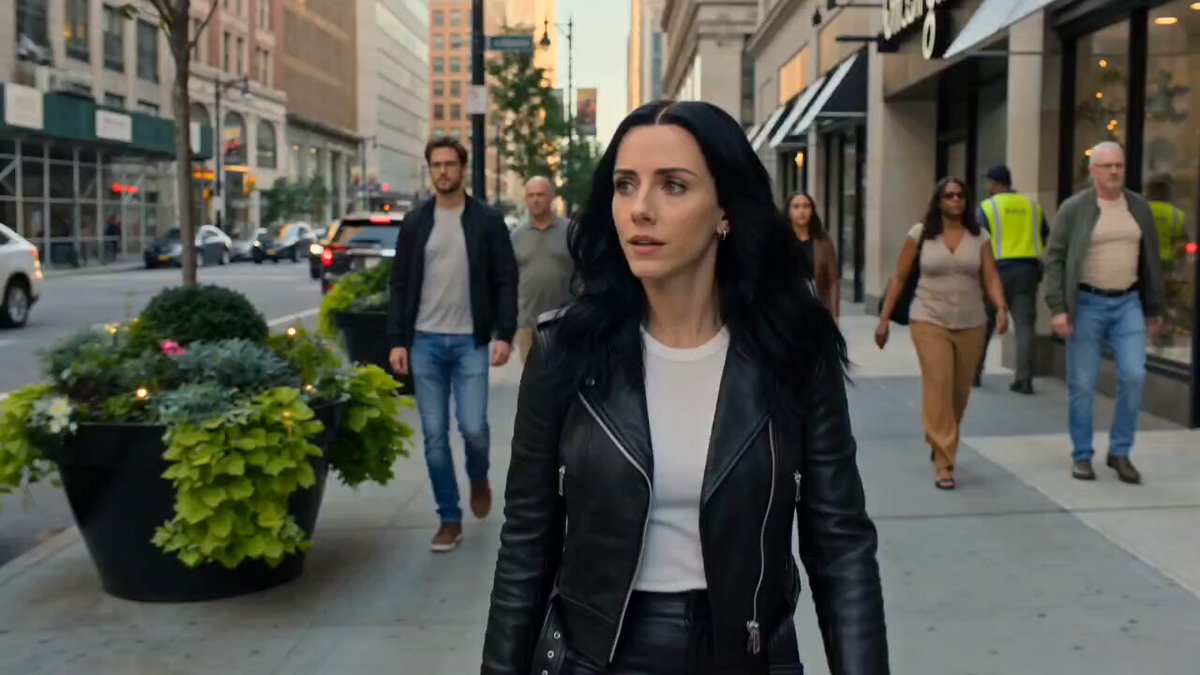
Nano Banana Pro + Seedance 2.0 Prompt: FORMAT: 15s / 150 BPM / 15 SHOTS SUBJECT: @[image1] WARDROBE: Streetwear ENVIRONMENT: Street / urban MOOD: Fast → dominant STYLE: Hyper-dynamic cinematic CORE IDEA: She moves faster than the camera can track SHOT FLOW: Camera tries to follow She exits frame instantly Whip pan She appears elsewhere Repeats faster Motion blur builds Camera struggles Quick cuts She pauses suddenly Perfect centered frame Calm look Walks slowly Camera stable now Control established End
Nano Banana Pro + Seedance 2.0 Prompt: FORMAT: 15s / 150 BPM / 15 SHOTS SUBJECT: @[image1] WARDROBE: Streetwear ENVIRONMENT: Street / urban MOOD: Fast → dominant STYLE: Hyper-dynamic cinematic CORE IDEA: She moves faster than the camera can track SHOT FLOW: Camera tries to follow She exits frame instantly Whip pan She appears elsewhere Repeats faster Motion blur builds Camera struggles Quick cuts She pauses suddenly Perfect centered frame Calm look Walks slowly Camera stable now Control established End
Edit the prompt in the box under the preview — the template's model and format are already selected — and press Generate. Your version appears right on this page.
Yes. You can change the subject, setting, lighting, mood, format, and available model controls before creating your video.
Opening and editing this template is free. Generating uses credits, shown on the Generate button when you are signed in.
Start with video-seedance, which is the model associated with this template. You can compare another compatible model for a different finish.
Follow a topic to a crawlable collection of related PicX Studio templates.