
Red Moon Eclipse Chaos Video
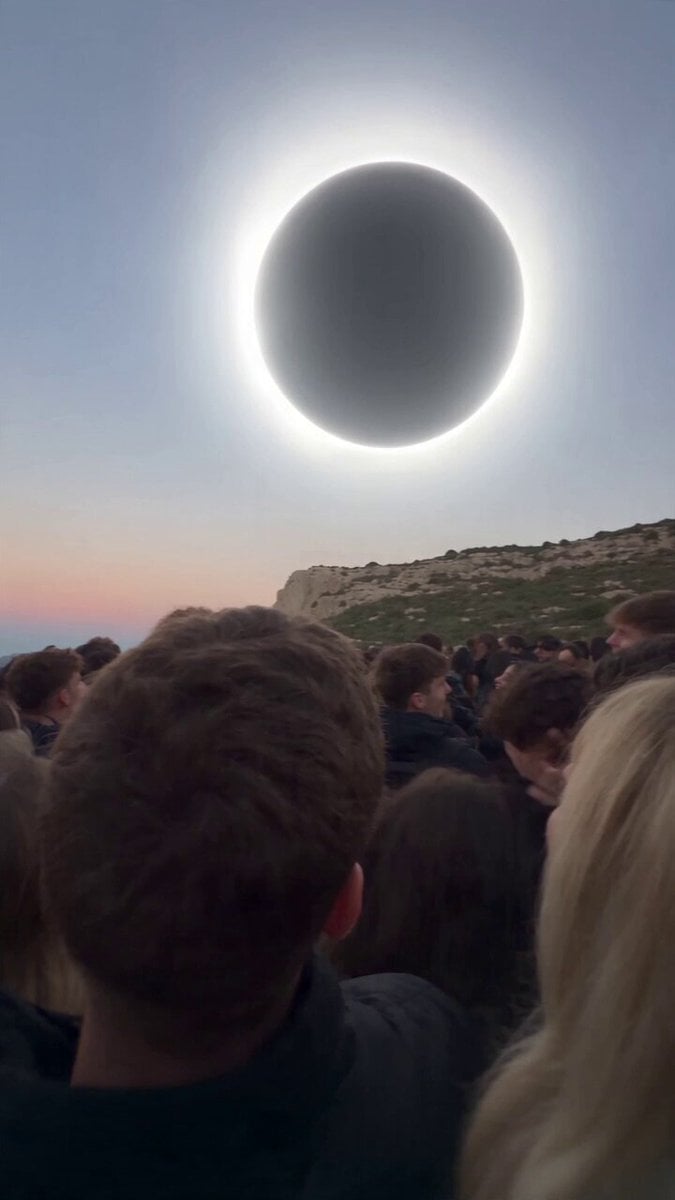
A cinematic first-person smartphone video prompt capturing a chaotic crowd witnessing a red moon eclipse and a mysterious portal.
- Prompt included
- Model and format preset
- Free template
The prompt behind this video
Copy the exact prompt behind Red Moon Eclipse Chaos Video, or open it in the studio and make it yours.
- Duration
- 20 seconds
- Aspect Ratio
- 9:16
- Style
- ultra photorealistic, raw handheld smartphone video, natural lighting, digital noise, realistic motion blur, found footage aesthetic
- Camera › Type
- handheld smartphone
- Camera › Movement
- shaky human hand movement, increasing panic shake, sudden tilts and jerks
- Camera › Perspective
- first-person from inside the dense crowd
- Camera › Lens
- wide phone lens, natural distortion, lens flare
- Scene
- Large excited crowd on a cliff in northern Spain during the August 12 2026 total solar eclipse. Late evening.
- Sequence › 0 › Time
- 0-5s
- Sequence › 0 › Action
- Totality begins. Normal black moon with bright white corona. People cheering and filming. Camera pans across the crowd.
- Sequence › 1 › Time
- 5-9s
- Sequence › 1 › Action
- Unexpectedly the black moon starts turning deep blood red. The corona shifts to glowing crimson. Crowd goes from cheering to confused gasps.
- Sequence › 2 › Time
- 9-14s
- Sequence › 2 › Action
- A circular glowing portal tears open around the red moon, expanding outward with swirling energy and light. Some people in the crowd begin slowly floating upward toward it.
- Sequence › 3 › Time
- 14-20s
- Sequence › 3 › Action
- Full chaos. People screaming and running. More bodies getting pulled into the air toward the red portal. Camera becomes extremely unstable as the filmer panics and tries to escape while still filming the red moon and portal.
- Audio Cues
- excited crowd noise → confused gasps → loud screaming, wind, running, heavy breathing, phone mic distortion and clipping
- Negative Prompt
- smooth camera, cinematic color grade, CGI look, text, watermarks, perfect focus, professional film, cartoon
Raw JSON
{ "duration": "20 seconds", "aspect_ratio": "9:16", "style": "ultra photorealistic, raw handheld smartphone video, natural lighting, digital noise, realistic motion blur, found footage aesthetic", "camera": { "type": "handheld smartphone", "movement": "shaky human hand movement, increasing panic shake, sudden tilts and jerks", "perspective": "first-person from inside the dense crowd", "lens": "wide phone lens, natural distortion, lens flare" }, "scene": "Large excited crowd on a cliff in northern Spain during the August 12 2026 total solar eclipse. Late evening.", "sequence": [ { "time": "0-5s", "action": "Totality begins. Normal black moon with bright white corona. People cheering and filming. Camera pans across the crowd." }, { "time": "5-9s", "action": "Unexpectedly the black moon starts turning deep blood red. The corona shifts to glowing crimson. Crowd goes from cheering to confused gasps." }, { "time": "9-14s", "action": "A circular glowing portal tears open around the red moon, expanding outward with swirling energy and light. Some people in the crowd begin slowly floating upward toward it." }, { "time": "14-20s", "action": "Full chaos. People screaming and running. More bodies getting pulled into the air toward the red portal. Camera becomes extremely unstable as the filmer panics and tries to escape while still filming the red moon and portal." } ], "audio_cues": "excited crowd noise → confused gasps → loud screaming, wind, running, heavy breathing, phone mic distortion and clipping", "negative_prompt": "smooth camera, cinematic color grade, CGI look, text, watermarks, perfect focus, professional film, cartoon" }How to use Red Moon Eclipse Chaos Video in 3 steps
- 1
Open
The prompt is already in the box next to the preview, with the template's model and format selected.
- 2…a portrait of your subject in softgolden-hour light, 85mm…
Personalize
Edit the subject and creative details for your destination.
- 3Generate
Generate
Press Generate — your video is created in PicX Studio, so you can compare it with the original and refine one variable at a time.
More like this
Templates with the same subject, style or setup. Open one to see its prompt.
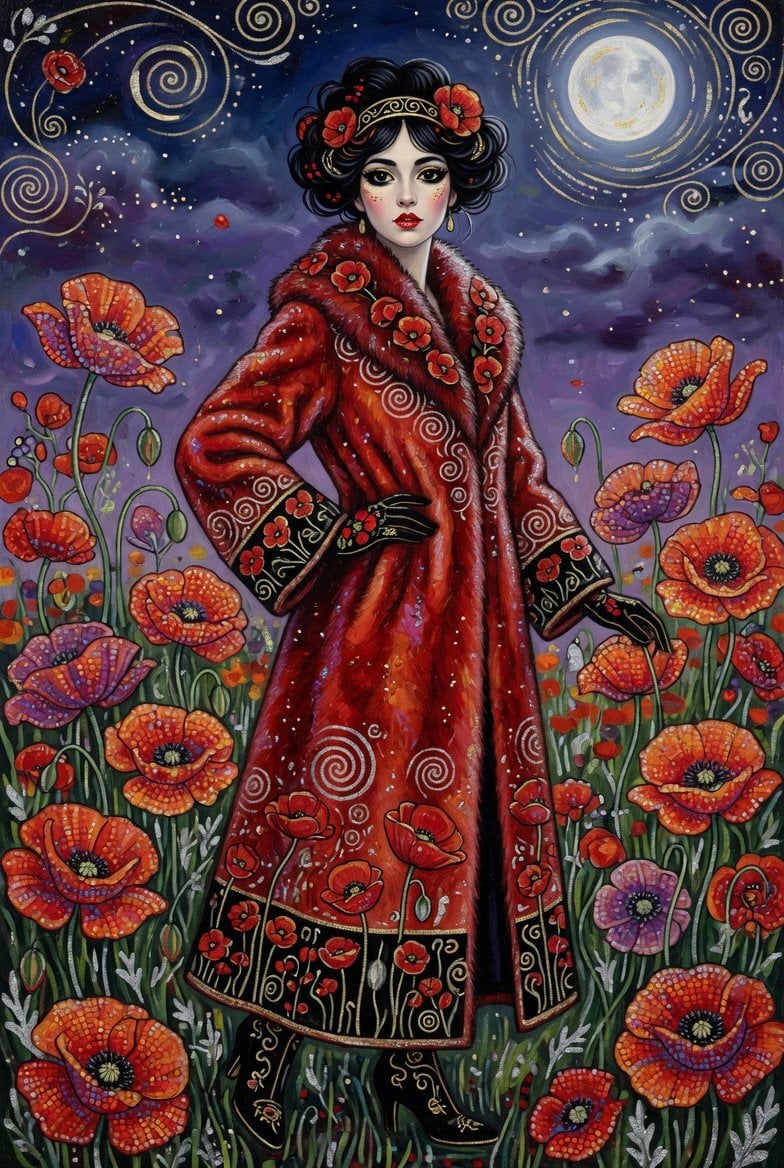
Elegant woman in red fur coat under moonlight
Red Dawn: Urban Mutation in Chaos
Naval Painting Breach — Art Gallery Flood (Seedance)
Subway Flood — Epic Tunnel Chaos

Anime Inspired Spider-Woman Swing
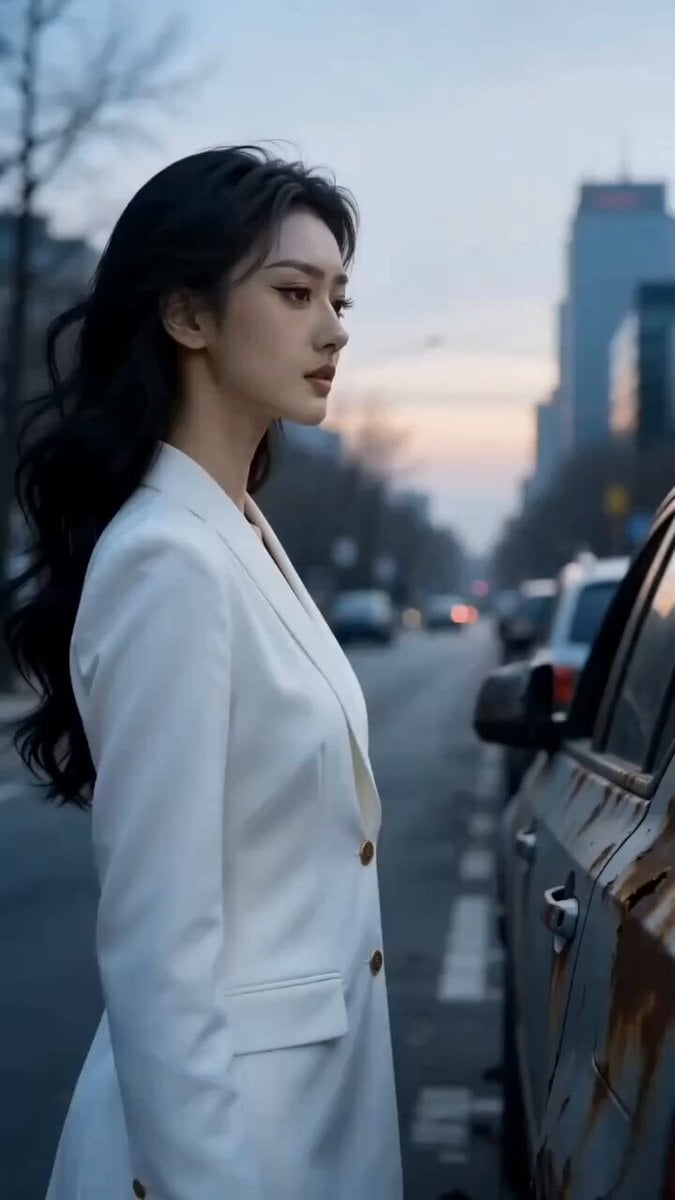
Dark Armored Warrior Transformation
Red Bull Formula 1 Commercial
Apocalyptic Surreal Paris Eclipse Video

First-Person Cooking Chaos
Blue Moon Over Porto Skyline
Moonlit Ballerina Hilltop Dance
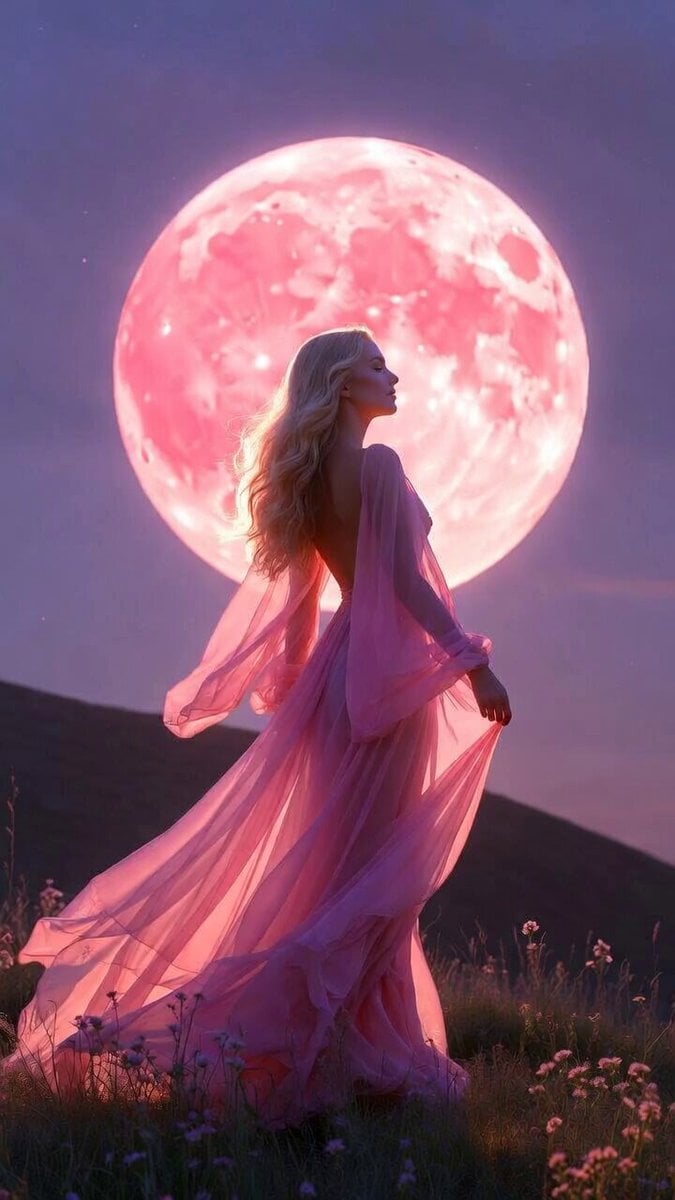
Blonde Woman Under Strawberry Moon
Make it yours
Red Moon Eclipse Chaos Video works as-is. These are the safest ways to change it without losing the look.
Change one field
Copy a single group, rewrite it, and generate again so you can see what that field is doing.
Keep the frame, change the subject
Hold the composition and light of Red Moon Eclipse Chaos Video, then swap wardrobe, props or the person for a new take.
| If the result… | Why | Fix |
|---|---|---|
| The result drifts from the preview | Too many fields changed at once. | Reuse Red Moon Eclipse Chaos Video as-is first, then change one group — subject, light, or setting. |
| Seedance 2.0 ignores part of the JSON | Some models flatten or skip nested keys. | Keep the same values and paste them as a short paragraph instead. |
More Seedance 2.0 templates
Other prompts made for Seedance 2.0.

Comical Martial Arts Punch Scene

Maglev Train Action Sequence

Martial Arts Fight Sequence

Wuxia Protection and Trust Script

Vintage Korean Arcade MiniDV Vlog

Mercedes 190 SL Luxury Ad

Rainy Night Supernatural Reverse Comedy Video Script

Amazon Civilization Discovery

Futuristic South Asian City Transformation

Cozy Luxury Cafe Commercial
More video prompts
Fresh picks from across the catalog.
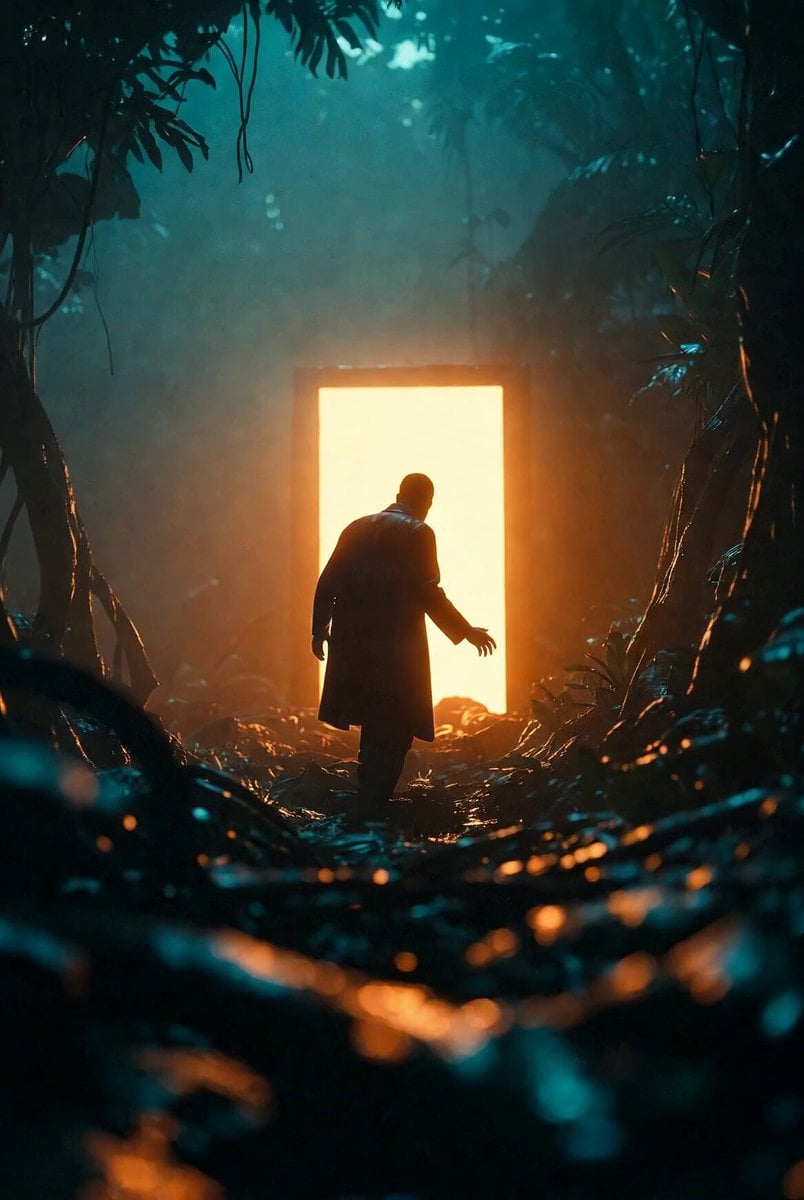
Portal Approach through Fire

Video Generation Prompt: JSON Format for Cute Kitten Bubble Chase
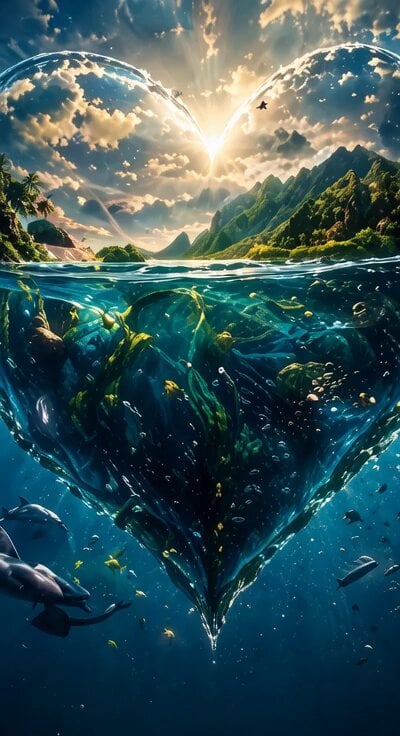
Cinematic heart-shaped ocean split view
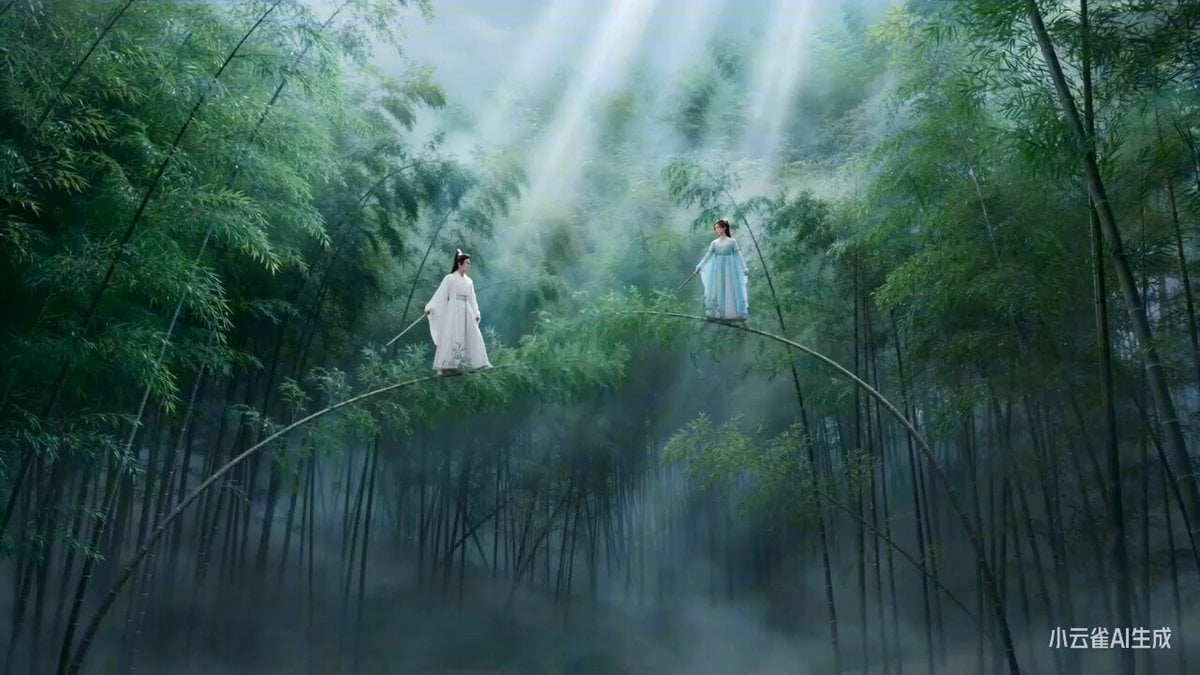
Moonlit Bamboo Forest Swordsman Scene
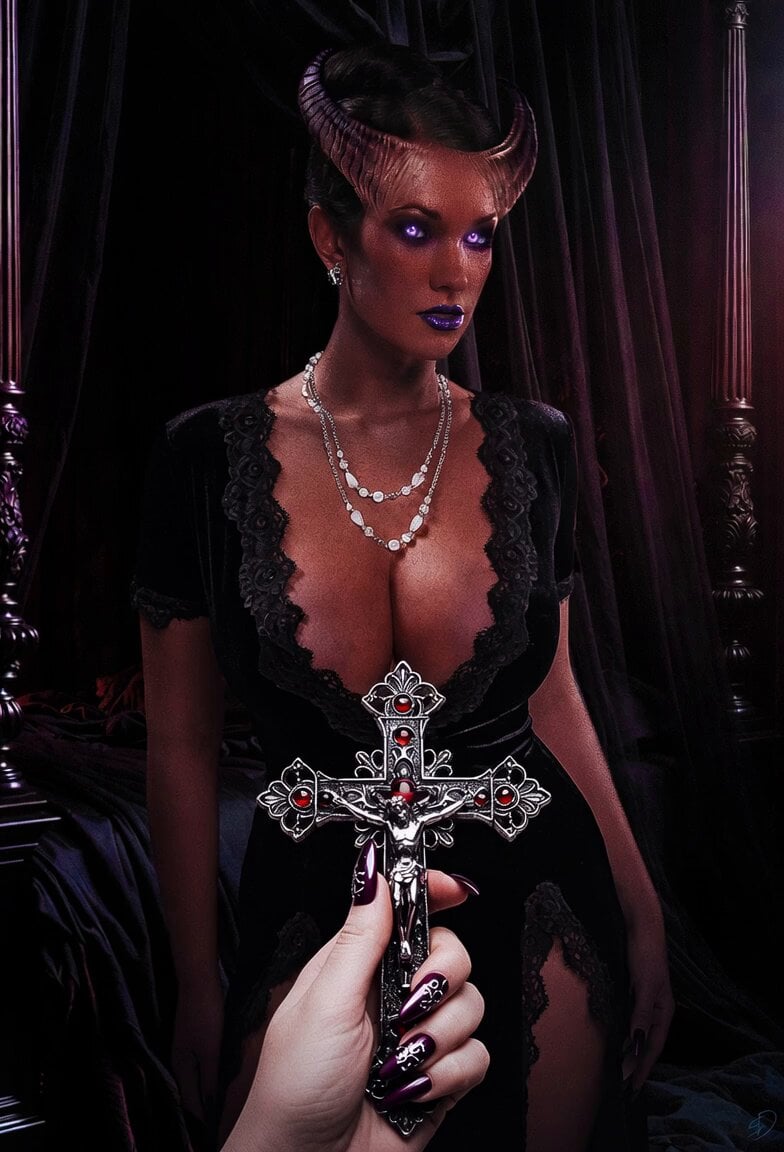
Female Demon Hunter First Encounter
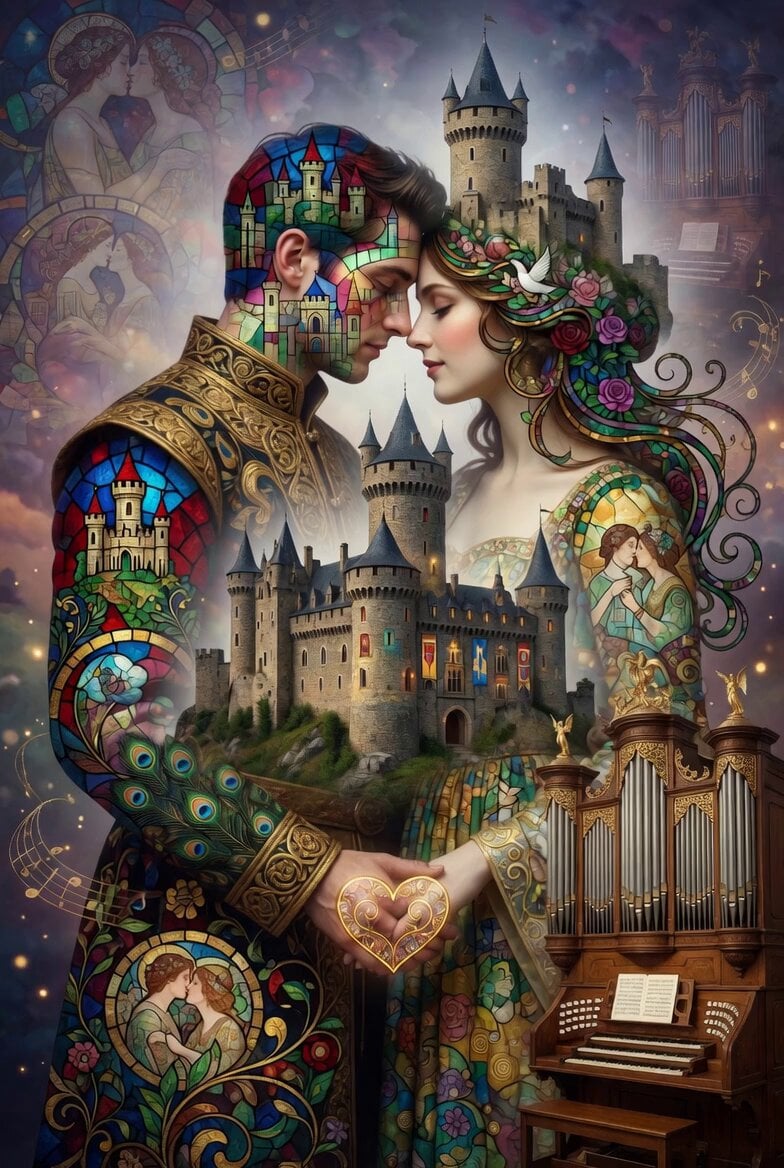
Medieval Double Exposure Animation

Emotional vlog-style Japanese woman video
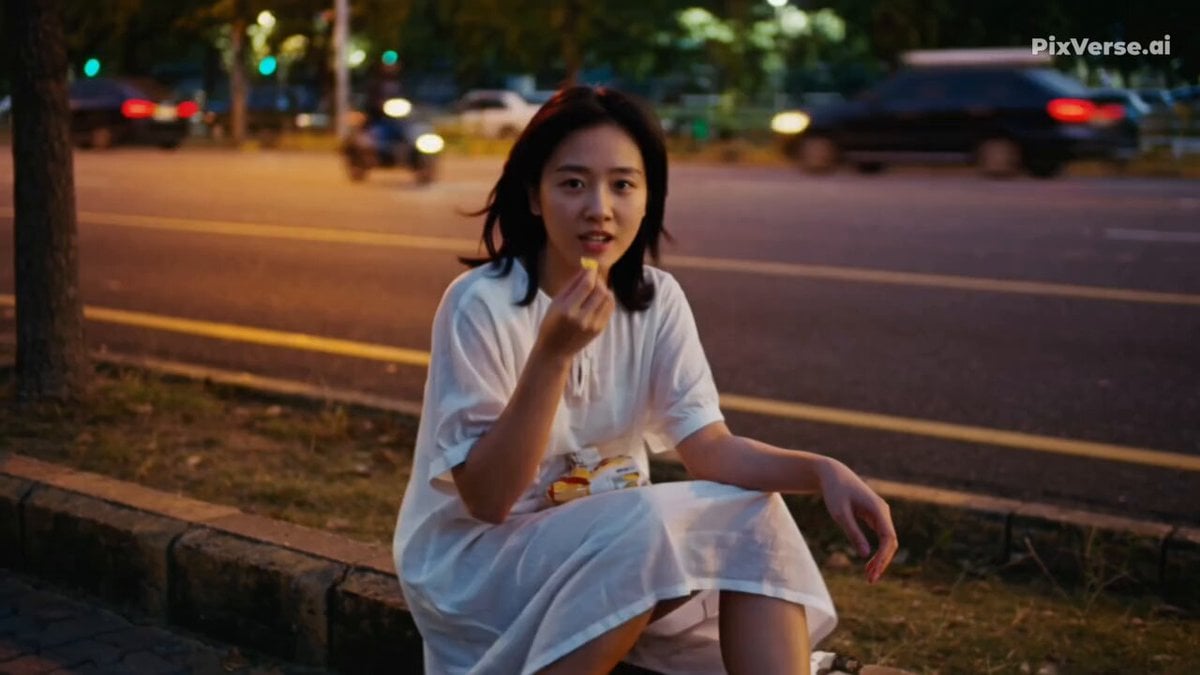
Realistic 2000s Home Video Snack Fail
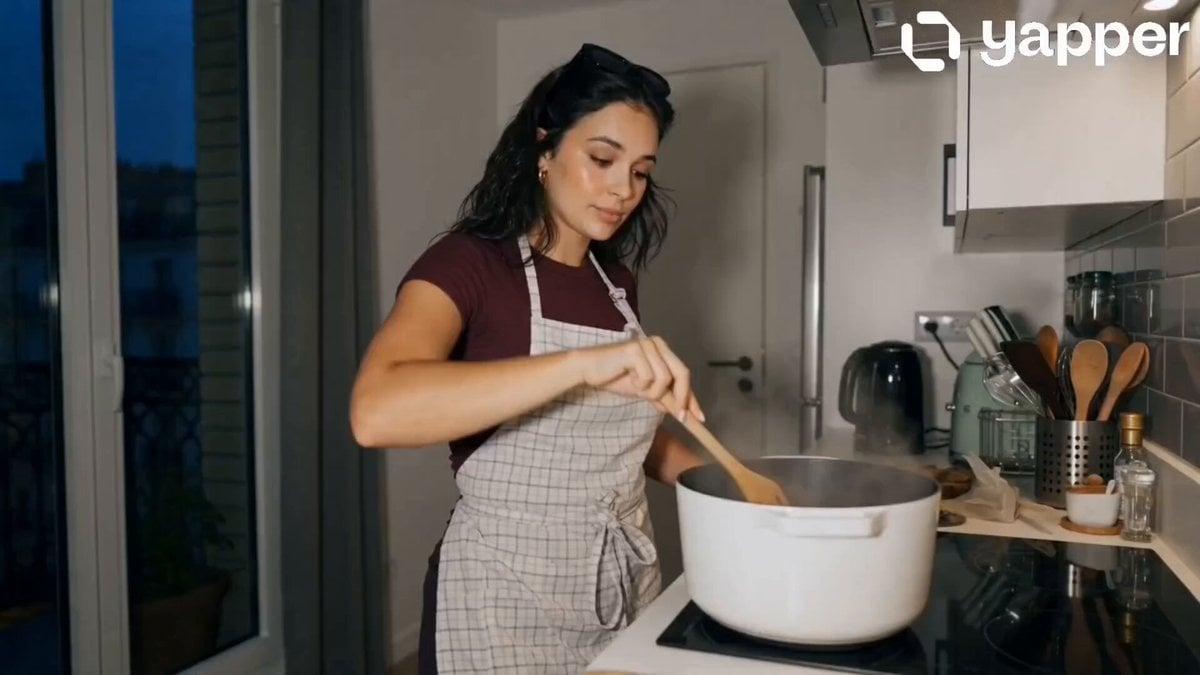
Peaceful Daily Routine Narrative Prompt
Live NHL Hockey Broadcast
Browse template categories
Red Moon Eclipse Chaos Video questions
How do I use the Red Moon Eclipse Chaos Video template?
Add your photo if the template asks for one, edit the prompt if you like — the template's model and format are already selected — and press Generate. Your version opens in PicX Studio.
Can I customize the Red Moon Eclipse Chaos Video template?
Yes. You can change the subject, setting, lighting, mood, format, and available model controls before creating your video.
Is the Red Moon Eclipse Chaos Video template free?
Opening and editing this template is free. Generating uses credits, shown on the Generate button when you are signed in.
Which AI model should I use?
Start with Seedance 2.0, which is the model associated with this template. You can compare another compatible model for a different finish.
Looking for something else? Browse all templates.

Your photo, any look
Thousands of ready templates for every top image and video model, from one credit balance.