
Peaceful Daily Routine Narrative Prompt
A multi-scene video prompt designed for Seedance 2.0 that depicts a relaxing evening routine at home.
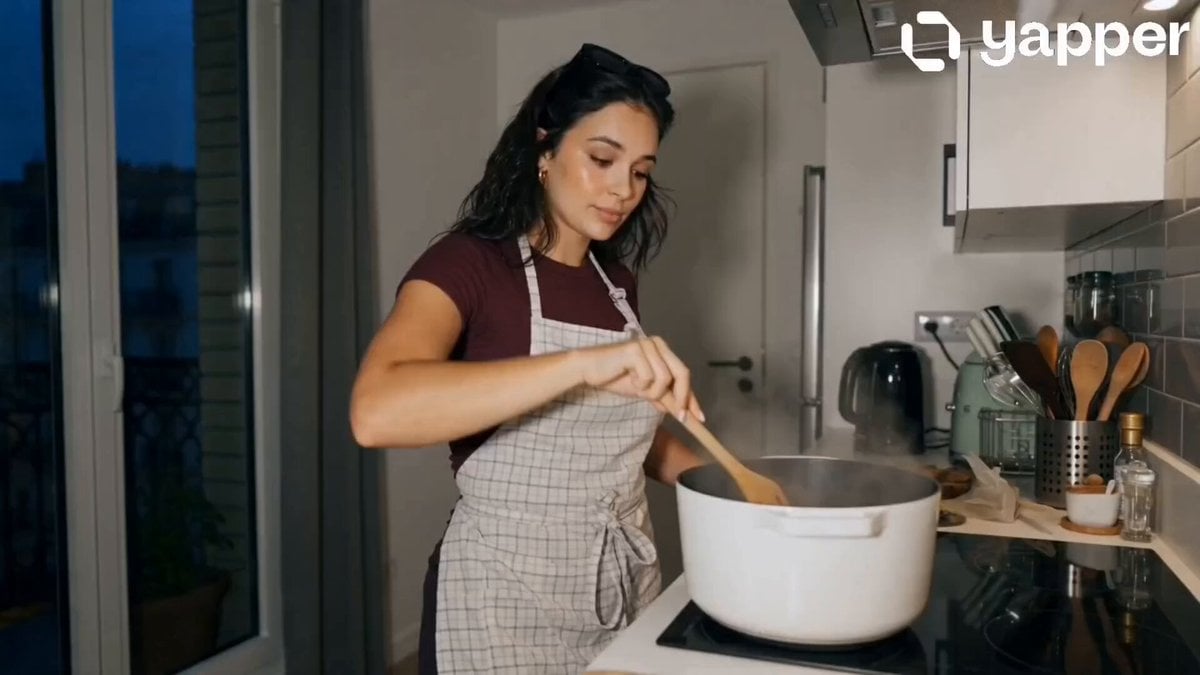
- Prompt included
- Model and format preset
- Premium template
The prompt behind this video
Copy the exact prompt behind Peaceful Daily Routine Narrative Prompt, or open it in the studio and make it yours.
Scene 1 (0–4s): A young girl in a cozy kitchen gently prepares dinner. Soft warm lighting, steam rising from the pan. Calm, focused expression. Slow, natural movements. Background minimal and aesthetic. Scene 2 (4–8s): She sits on a couch watching a drama on her laptop/TV. Screen light softly reflects on her face. Subtle emotional engagement—small smile or thoughtful gaze. Relaxed posture. Scene 3 (8–12s): In front of a mirror, she applies skincare. Smooth, gentle motions. Close-up shots capturing texture and glow. Soft ambient lighting, peaceful mood. Scene 4 (12–16s): She lies in bed reading a book, then slowly closes it, turns off the bedside lamp, and rests. Final frame: calm face, eyes closing, soft fade to black. Additional Settings: Lighting: Warm, soft, night ambiance Camera: Close-ups + slow cinematic transitions Mood: Calm, self-care, peaceful solitude Motion: Natural, minimal, realistic Audio (optional): Soft ambient night sounds, faint background music
How to use Peaceful Daily Routine Narrative Prompt in 3 steps
- 1
Open
The prompt is already in the box next to the preview, with the template's model and format selected.
- 2…a portrait of your subject in softgolden-hour light, 85mm…
Personalize
Edit the subject and creative details for your destination.
- 3Generate
Generate
Press Generate — your video is created in PicX Studio, so you can compare it with the original and refine one variable at a time.
More like this
Templates with the same subject, style or setup. Open one to see its prompt.

Realistic Morning Routine Lifestyle Vlog - Seedance 2.5

Stylish Orange Cat Daily Routine

Peaceful Morning Bedroom Routine
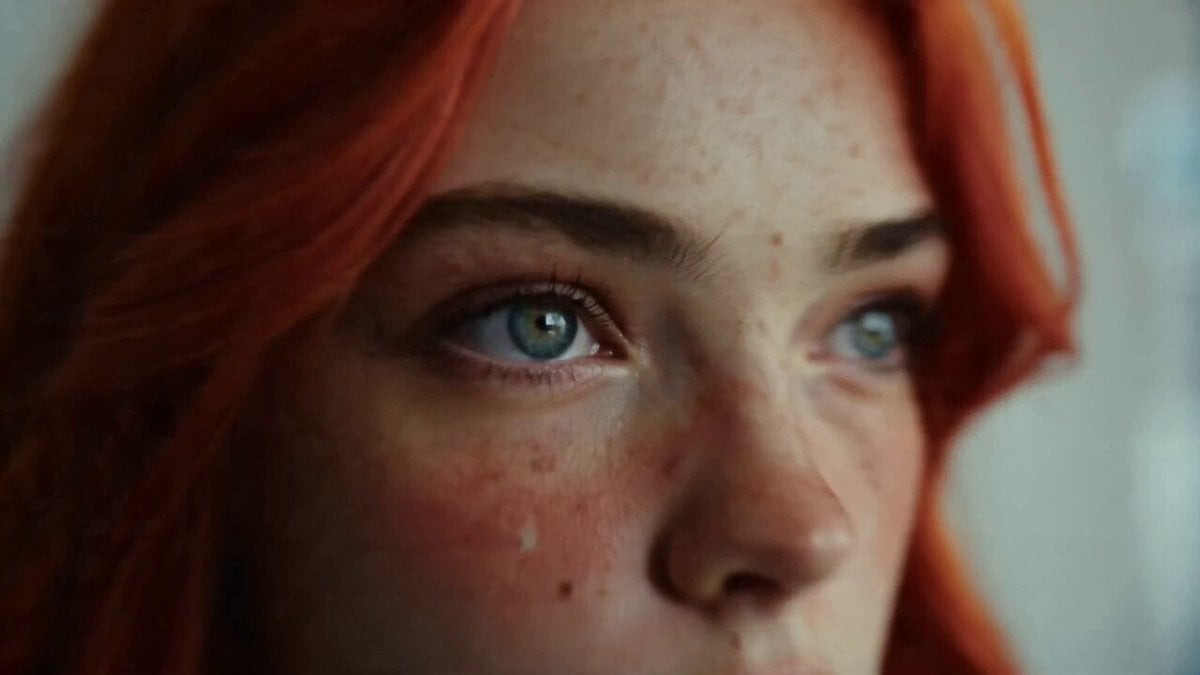
Daily Routine 15-Cut Sequence Prompt
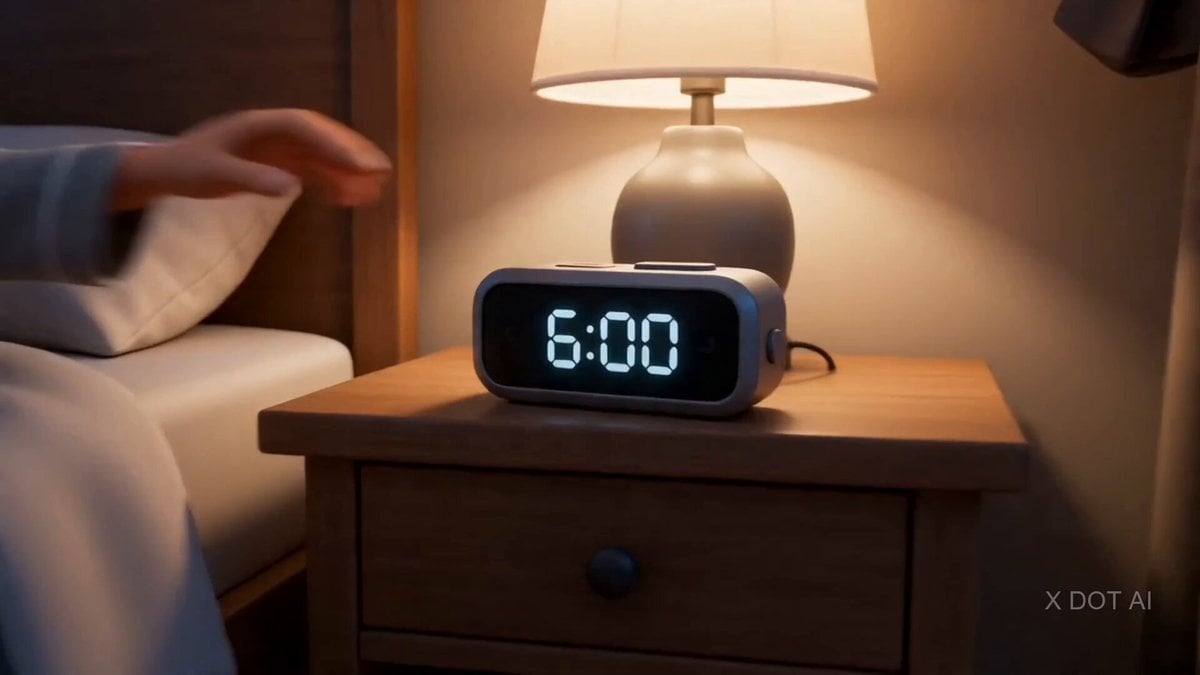
Daily Routine Split-Screen Comparison
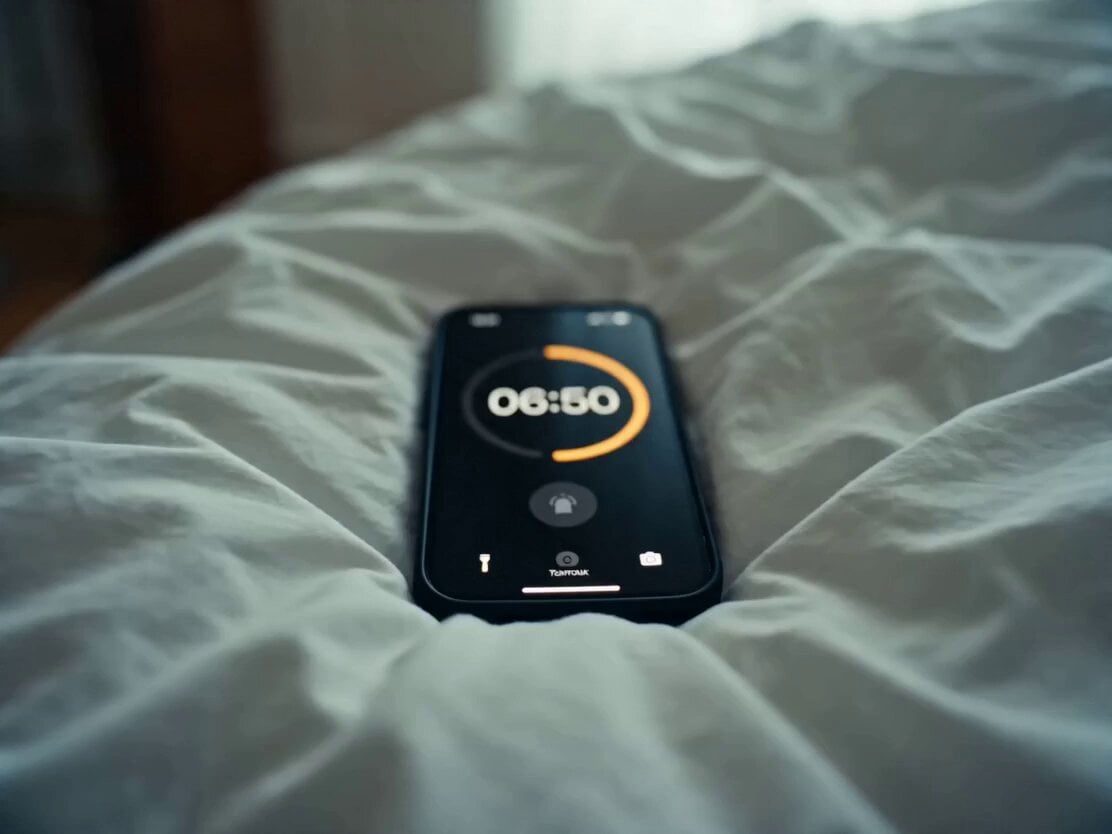
Daily Routine Multi-Shot Sequence
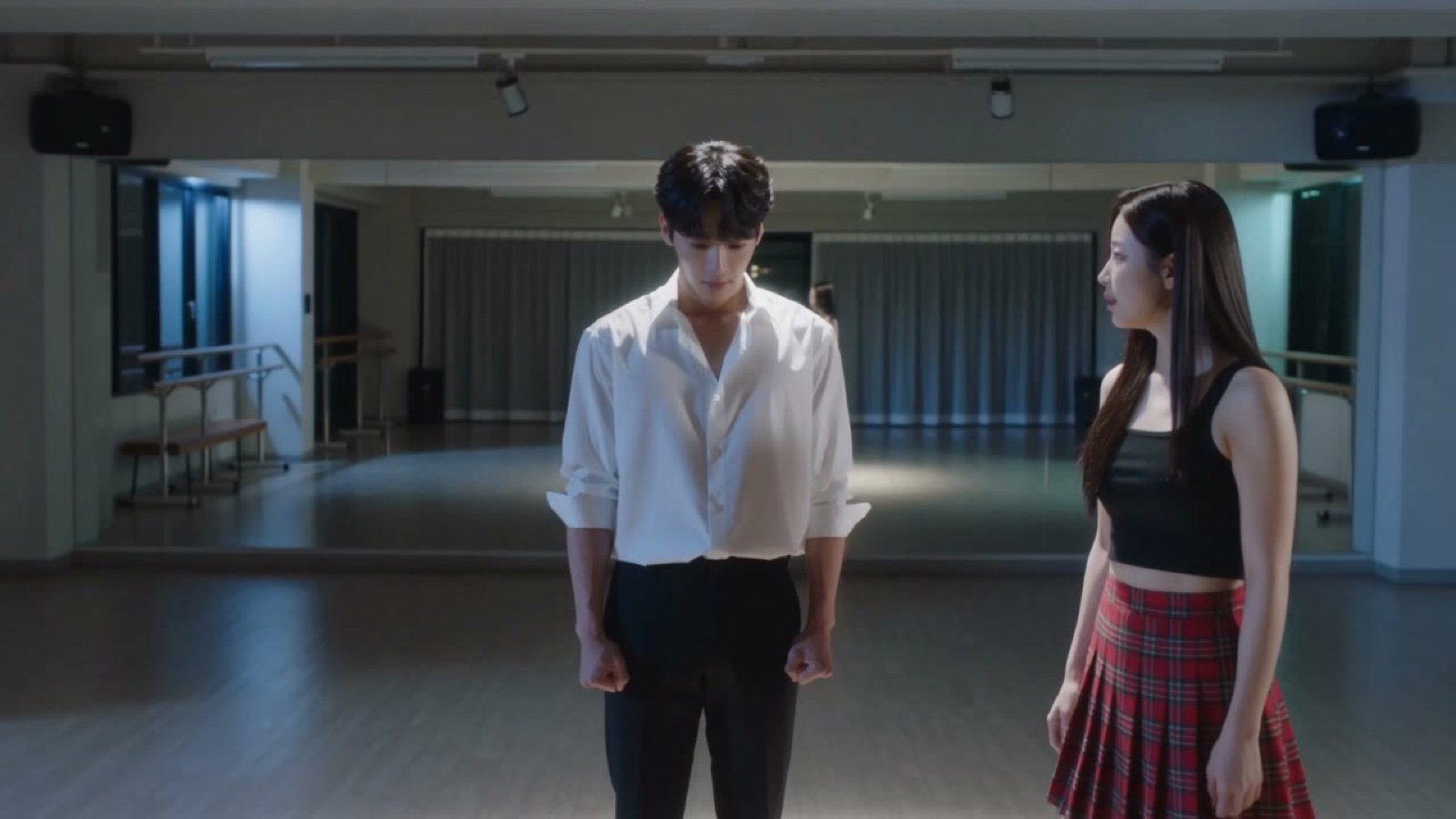
Seedance V2 One Minute K Drama Omni
Daily Routine
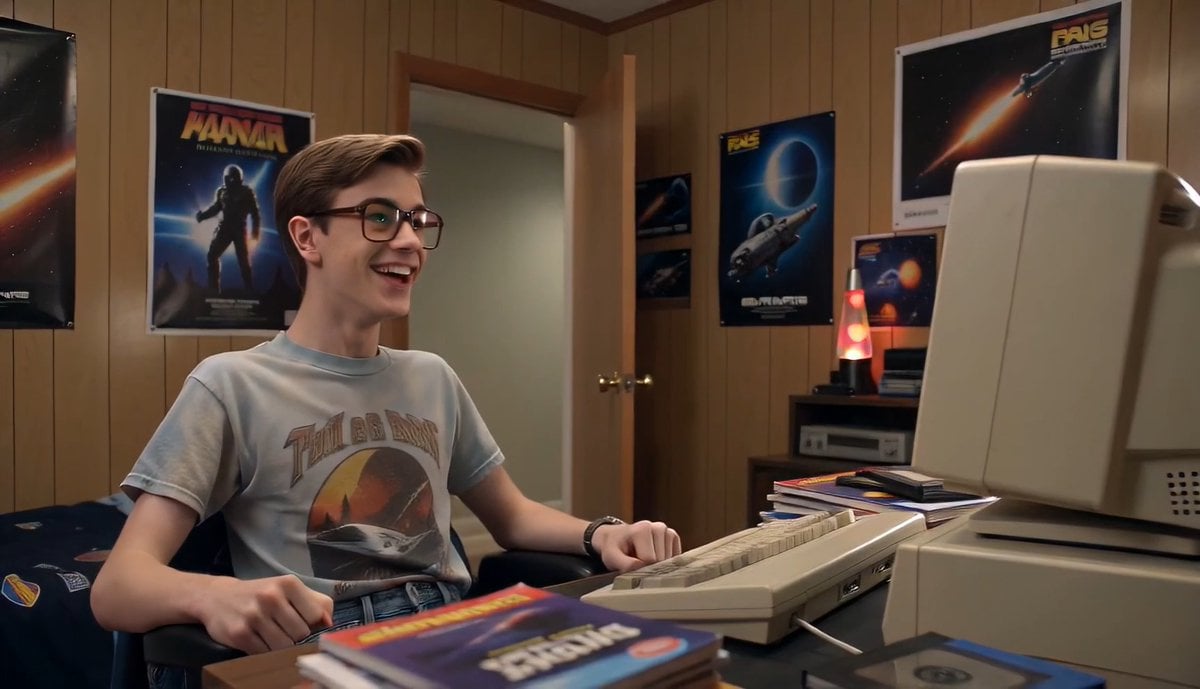
80s Computer Nerd Daily Life
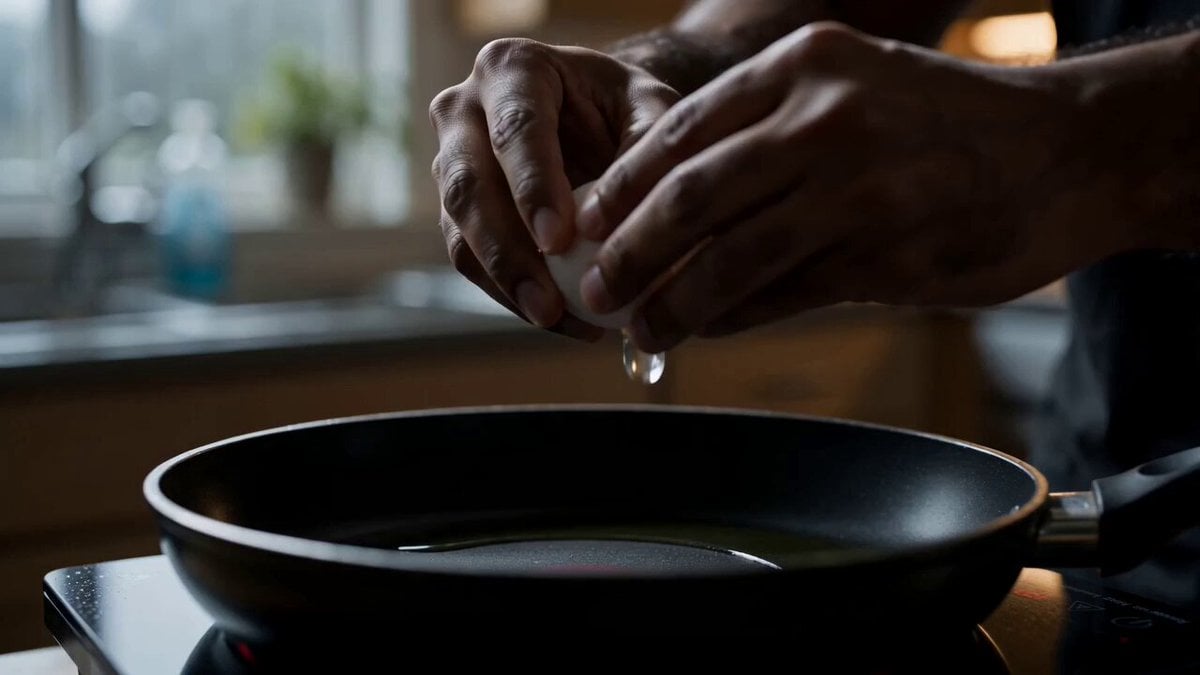
Morning Routine Lifestyle Vlog

Pixar Style Beauty Routine Animation
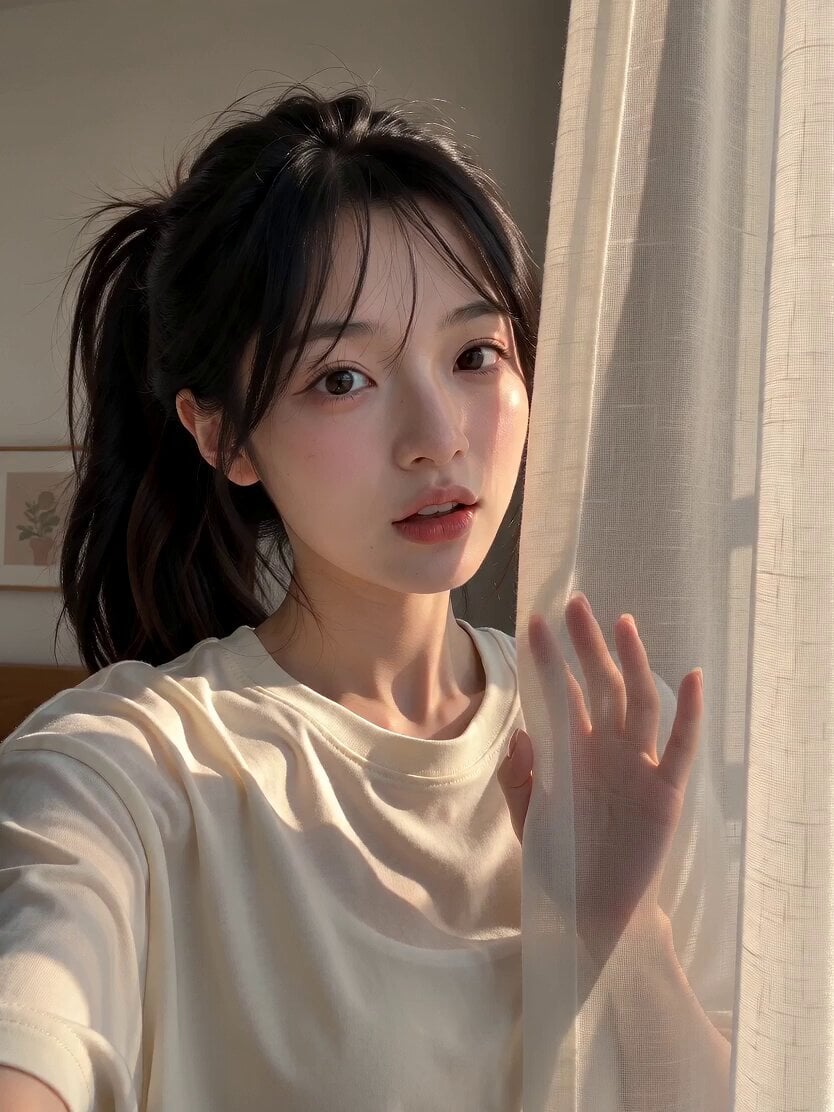
Morning Routine Vlog Aesthetic
Make it yours
Peaceful Daily Routine Narrative Prompt works as-is. These are the safest ways to change it without losing the look.
Change one field
Copy a single group, rewrite it, and generate again so you can see what that field is doing.
Keep the frame, change the subject
Hold the composition and light of Peaceful Daily Routine Narrative Prompt, then swap wardrobe, props or the person for a new take.
| If the result… | Why | Fix |
|---|---|---|
| The result drifts from the preview | Too many fields changed at once. | Reuse Peaceful Daily Routine Narrative Prompt as-is first, then change one group — subject, light, or setting. |
| The model over-stylizes the scene | The prose prompt leaves finish and camera underspecified. | Add one camera or lighting sentence and stay on Seedance 2.0. |
More Seedance 2.0 templates
Other prompts made for Seedance 2.0.

Comical Martial Arts Punch Scene

Maglev Train Action Sequence

Martial Arts Fight Sequence

Wuxia Protection and Trust Script

Vintage Korean Arcade MiniDV Vlog

Mercedes 190 SL Luxury Ad

Rainy Night Supernatural Reverse Comedy Video Script

Amazon Civilization Discovery

Futuristic South Asian City Transformation

Cozy Luxury Cafe Commercial
More video prompts
Fresh picks from across the catalog.
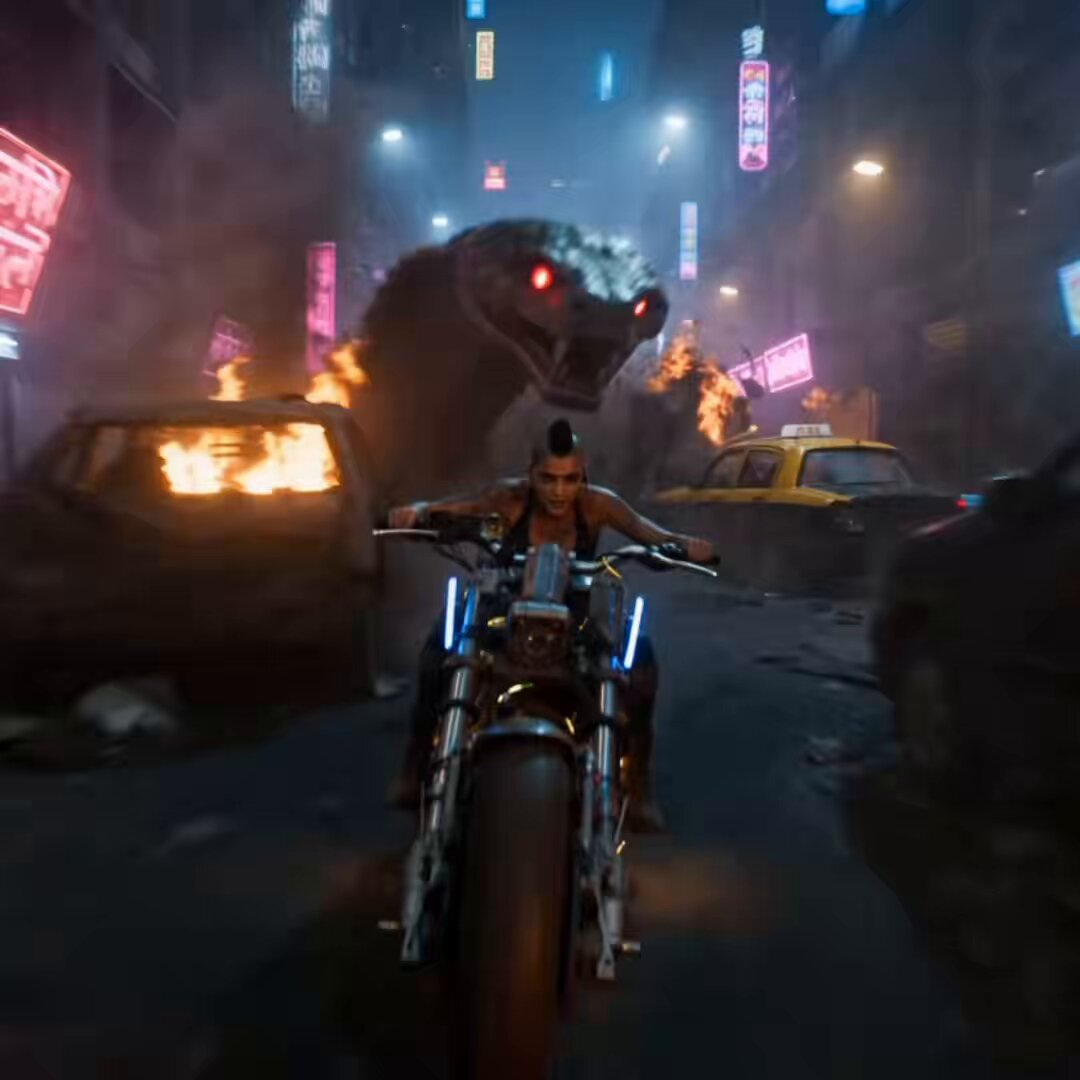
Cybernetic Anaconda Pursuit in Dystopian Mumbai
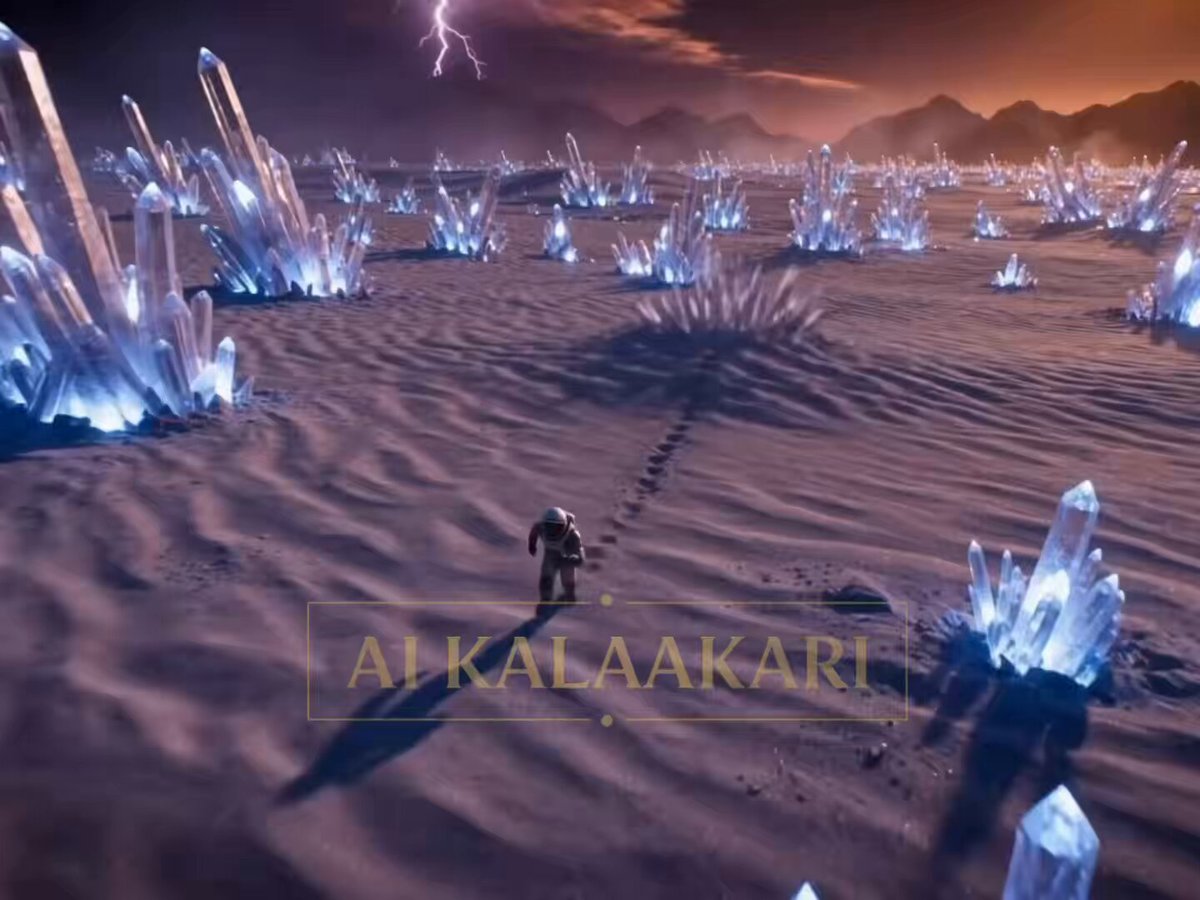
The Crystal Worm Ambush Video Prompt
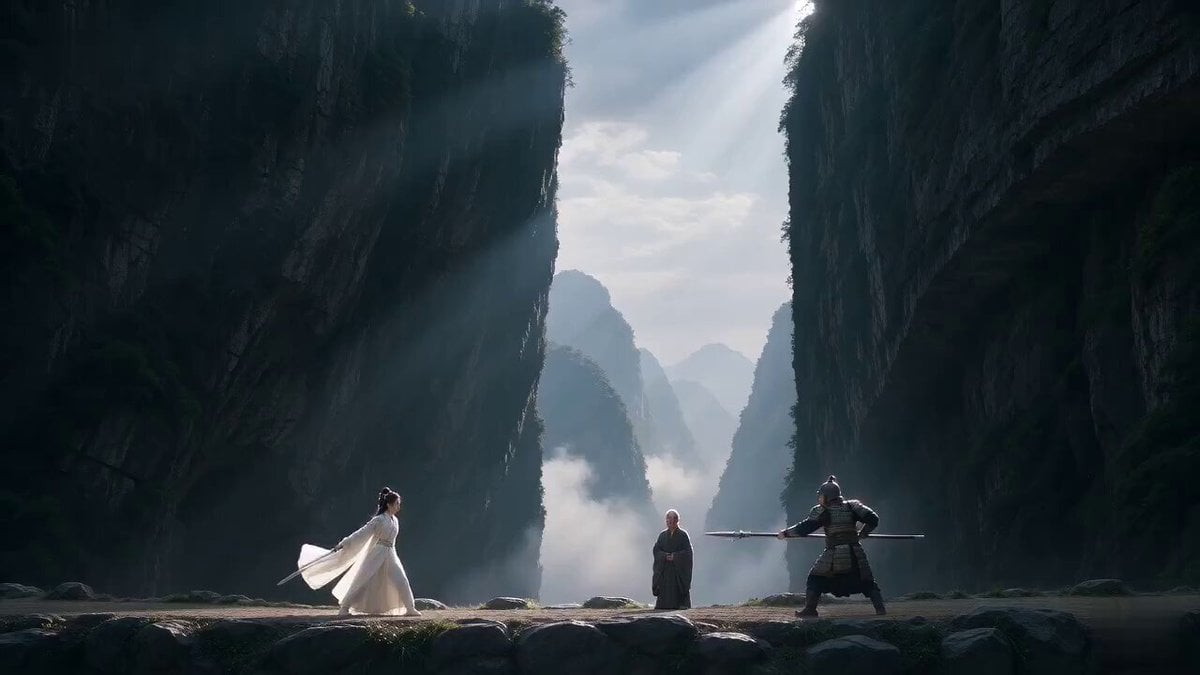
Hardcore Xianxia Dual Spears vs Sword Combat

Product Reveal: Ice Thaw and Seasonal Transition
Bullet Time Selfie — Modular Parameter Template (Seedance)
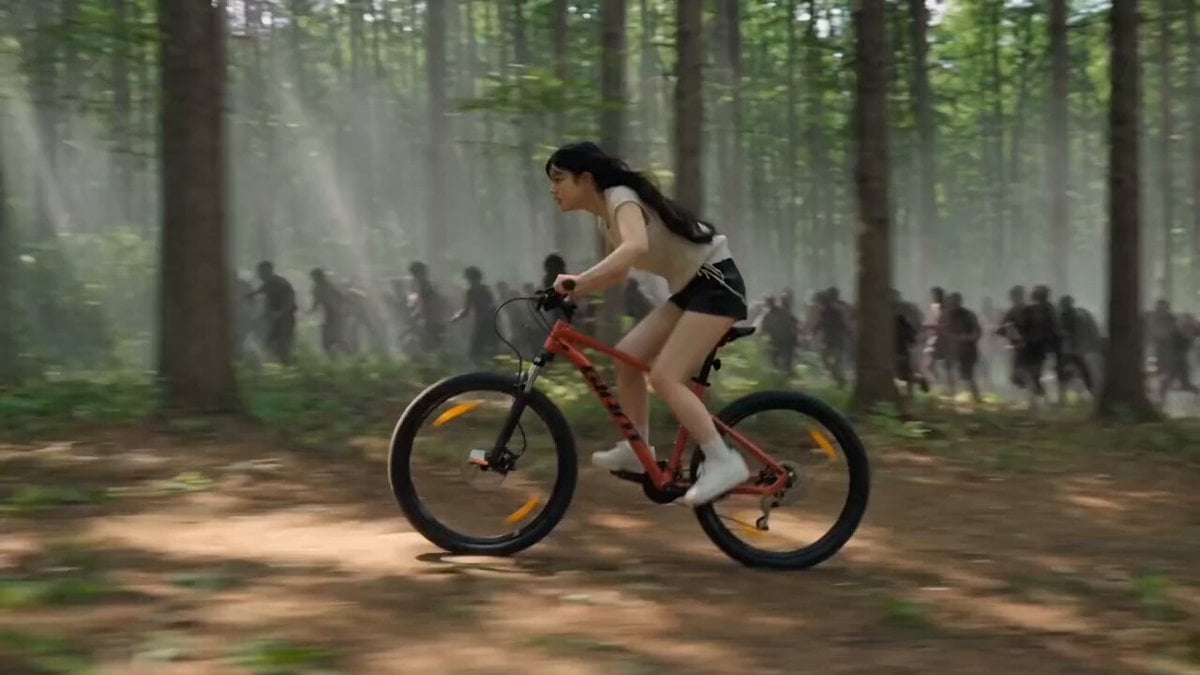
Woman Bicycle Zombie Chase Action Scene
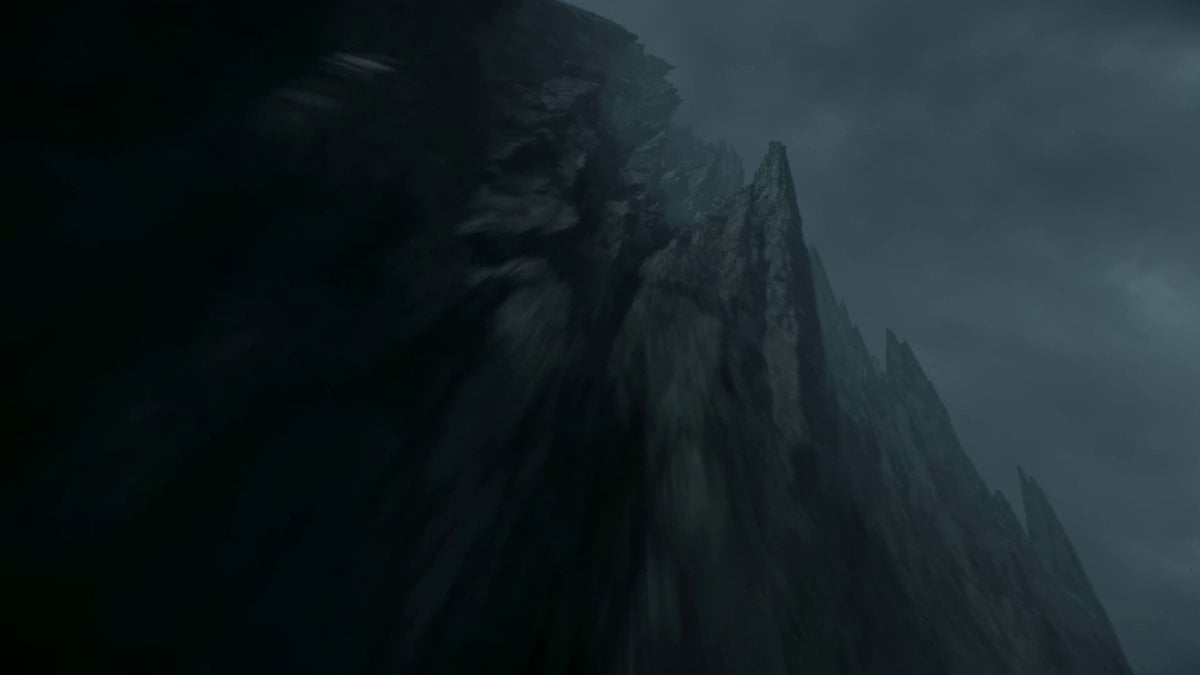
Cinematic Clifftop Samurai Reveal
Scrolling to Building Narrative
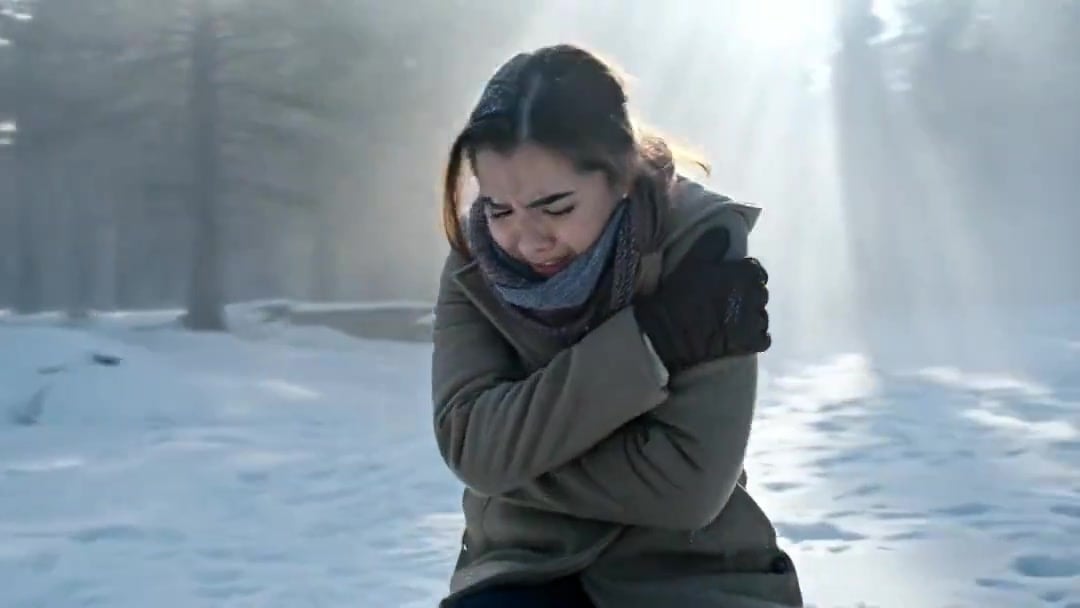
Arc Shot Frozen Woman Snow — Kling 3.0 v3 Pro
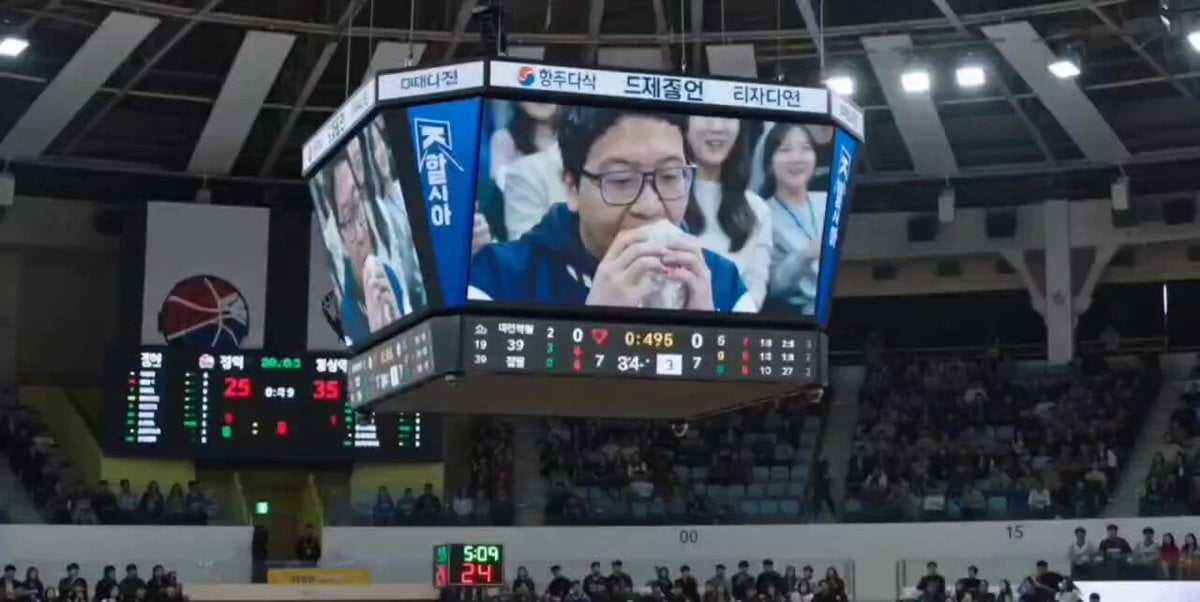
NBA Jumbotron Reaction Shot
Browse template categories
Peaceful Daily Routine Narrative Prompt questions
How do I use the Peaceful Daily Routine Narrative Prompt template?
Add your photo if the template asks for one, edit the prompt if you like — the template's model and format are already selected — and press Generate. Your version opens in PicX Studio.
Can I customize the Peaceful Daily Routine Narrative Prompt template?
Yes. You can change the subject, setting, lighting, mood, format, and available model controls before creating your video.
Is the Peaceful Daily Routine Narrative Prompt template free?
Opening and editing this template is free. Generating uses credits, shown on the Generate button when you are signed in.
Which AI model should I use?
Start with Seedance 2.0, which is the model associated with this template. You can compare another compatible model for a different finish.
Looking for something else? Browse all templates.

Your photo, any look
Thousands of ready templates for every top image and video model, from one credit balance.