
The Crystal Worm Ambush Video Prompt
A highly detailed, multi-stage storyboard prompt for Seedance 2.0 depicting an astronaut escaping a giant crystal worm on an alien planet.
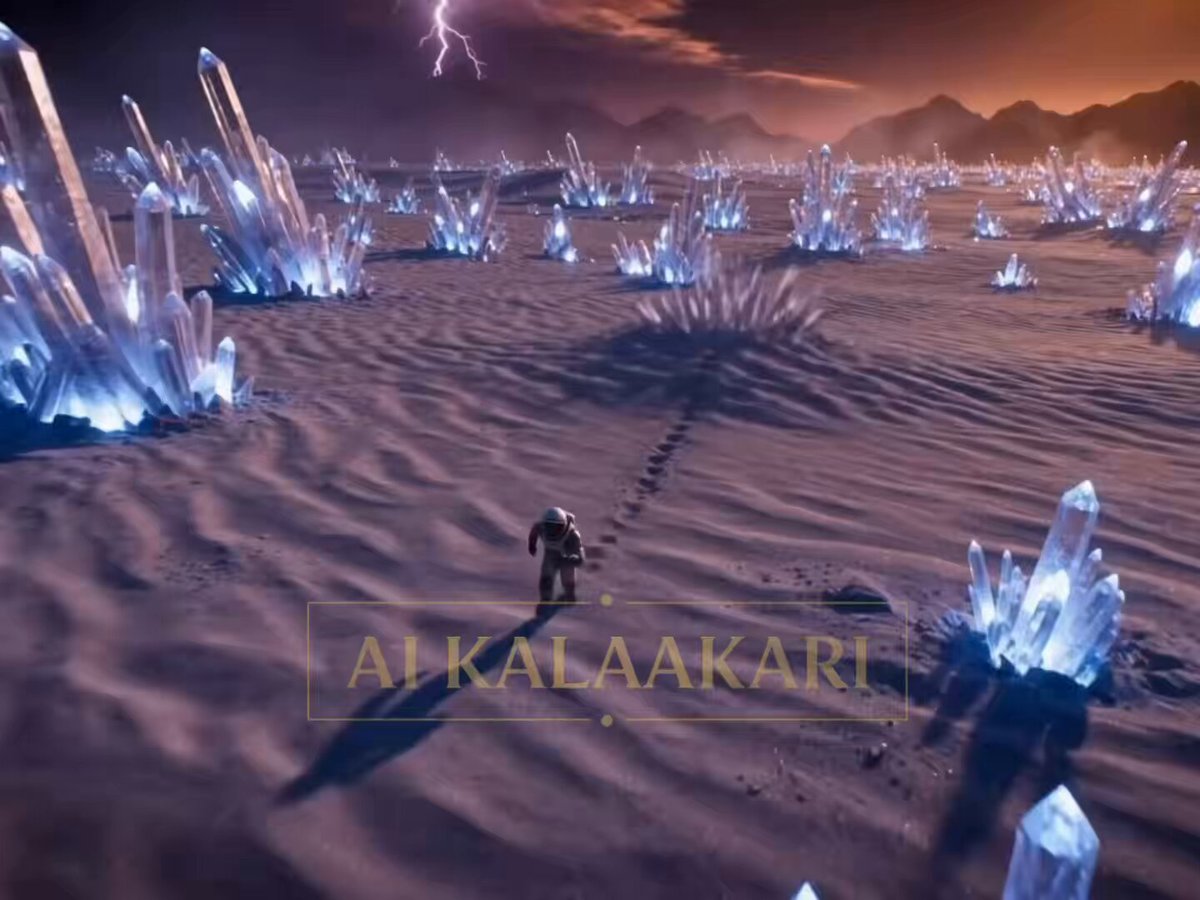
- Prompt included
- Model and format preset
- Free template
The prompt behind this video
Copy the exact prompt behind The Crystal Worm Ambush Video Prompt, or open it in the studio and make it yours.
Ultra-hostile alien planet. Endless desert made entirely of gigantic glowing crystal formations. Violet skies, twin suns, electrical storms in the distance. Every crystal emits strange bioluminescent pulses. Survival horror action. Chaotic handheld camera, aggressive speed ramps, rapid cut-tos, dynamic camera angles. Sound: crystal resonance hums, astronaut breathing, deep underground rumbling. ⸻ 0–2s — HOOK Wide aerial shot. An astronaut is already sprinting across a glowing crystal desert. Suddenly— The ground erupts behind him. A colossal alien crystal worm explodes upward. Hundreds of meters long. Its body covered in razor-sharp translucent crystal plates. ⸻ 2–5s — ESCALATION Helmet POV. The worm crashes back underground. Crystal shards rain everywhere. The astronaut dodges flying debris while running. The desert ahead begins rippling. The worm is moving beneath him. Fast. Very fast. ⸻ 5–8s — BUILD Low angle tracking shot. The astronaut spots a gigantic crystal spire ahead. He jumps onto its base and begins climbing. The worm erupts again. This time directly beside him. Its jaws snap shut inches from his body. The impact fractures the entire spire. ⸻ 8–11s — CHAOS Wide shot. The crystal tower begins collapsing. The astronaut slides down the falling structure. Crystal fragments the size of vehicles tumble everywhere. The worm smashes through multiple crystal formations trying to intercept him. The entire landscape explodes into chaos. ⸻ 11–13s — THE PLAN The astronaut lands hard. Rolls. Pulls a distress flare from his suit. The worm erupts directly ahead. Its mouth opens wide. Rows of crystalline teeth. Bullet time. The astronaut throws the flare. ⸻ 13–15s — PAYOFF The flare disappears into the worm’s throat. A pulse travels through its transparent crystal body. The entire creature begins glowing. Brighter. Brighter. Then— A massive resonance explosion tears through its body from the inside. Crystal shards erupt across the desert. The astronaut shields himself. Silence. Only glowing fragments falling from the sky
How to use The Crystal Worm Ambush Video Prompt in 3 steps
- 1
Open
The prompt is already in the box next to the preview, with the template's model and format selected.
- 2…a portrait of your subject in softgolden-hour light, 85mm…
Personalize
Edit the subject and creative details for your destination.
- 3Generate
Generate
Press Generate — your video is created in PicX Studio, so you can compare it with the original and refine one variable at a time.
More like this
Templates with the same subject, style or setup. Open one to see its prompt.

Crystal Ball Match-Cut Brand Film
Crystal Cavern Mag-Lev Race — Seedance 2.0
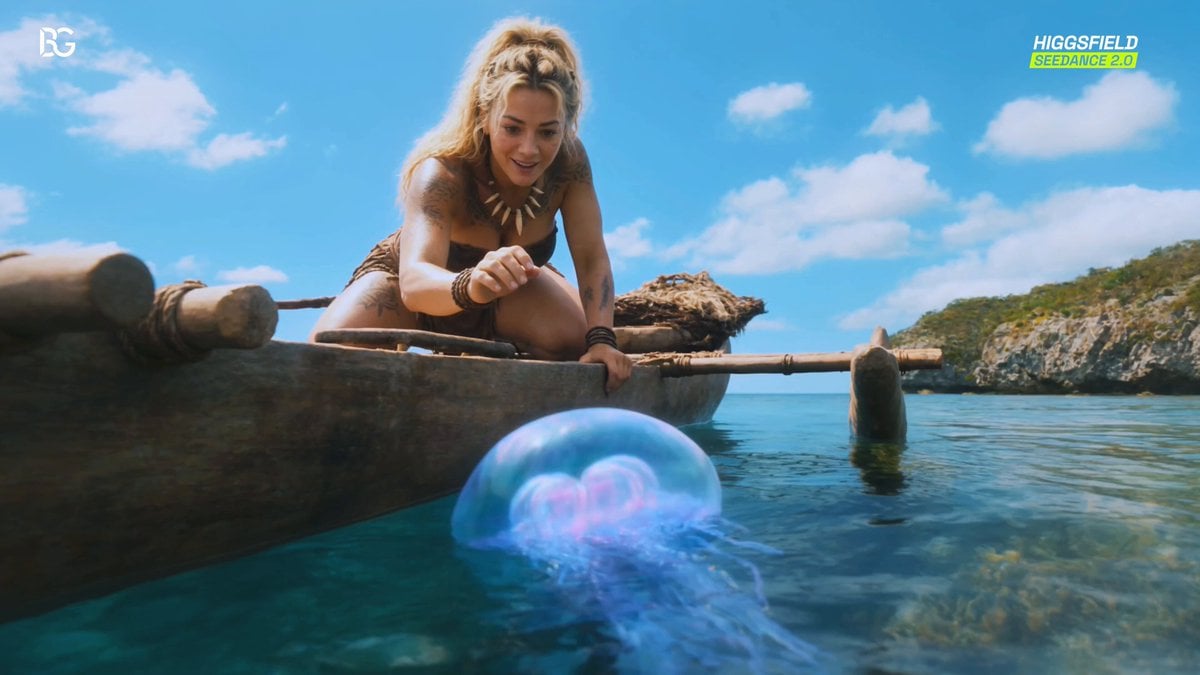
Luminous Jellyfish and Kronosaurus Ambush
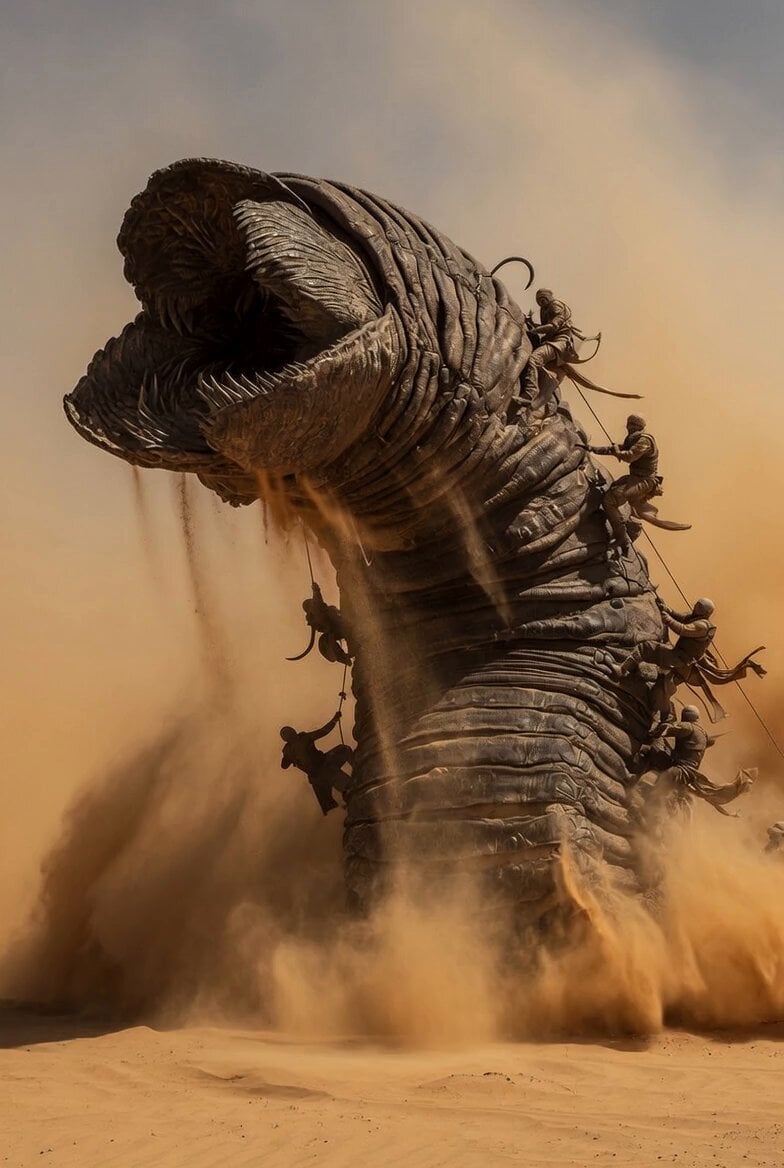
Dune Sand Worm Movement
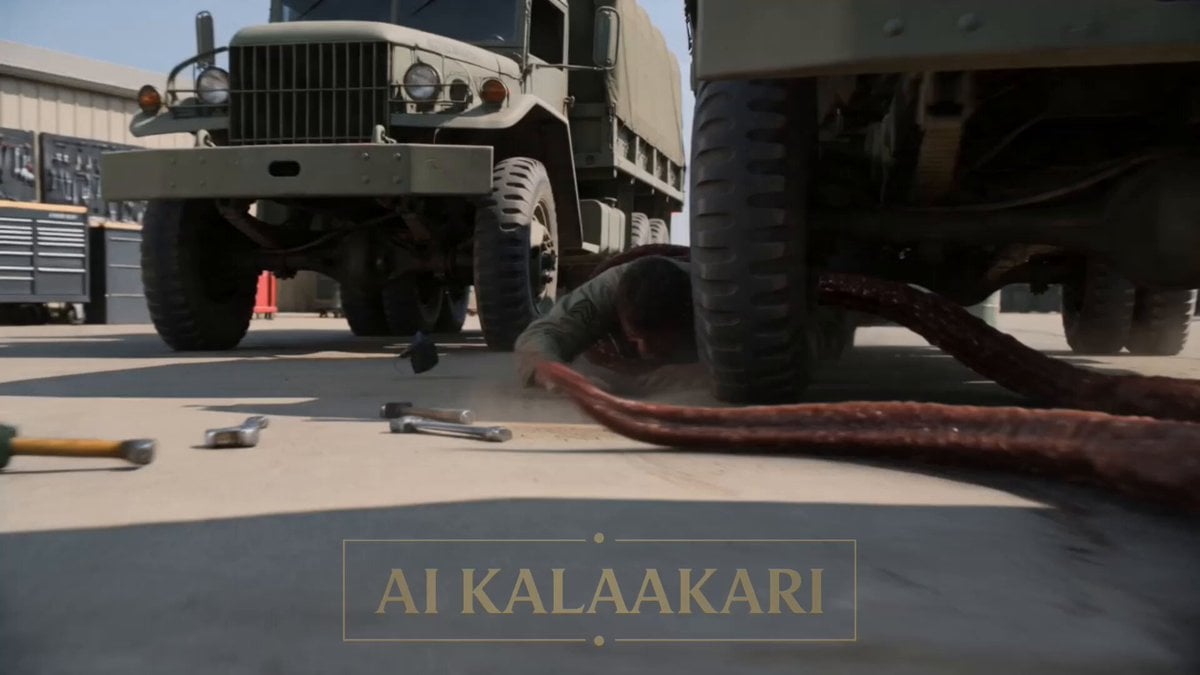
Alien Ambush Action Sequence

Crocodile Ambush Action Sequence
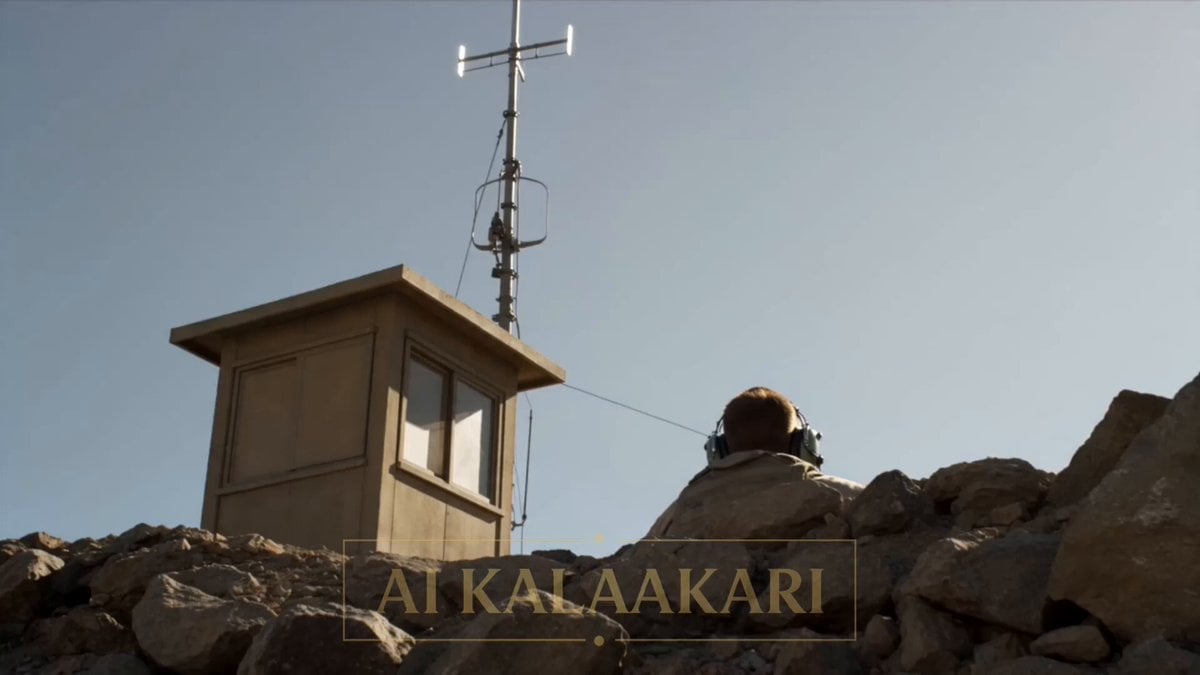
Giant Scorpion Ridge Ambush
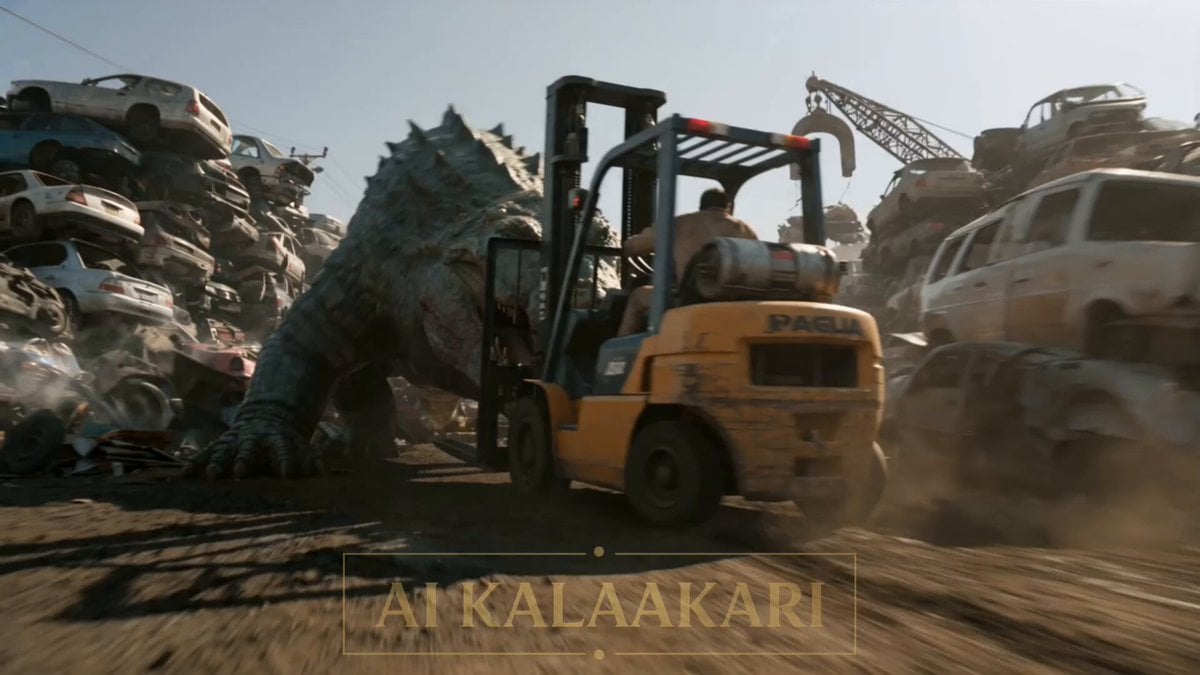
Scrapyard Mega Crocodile Ambush
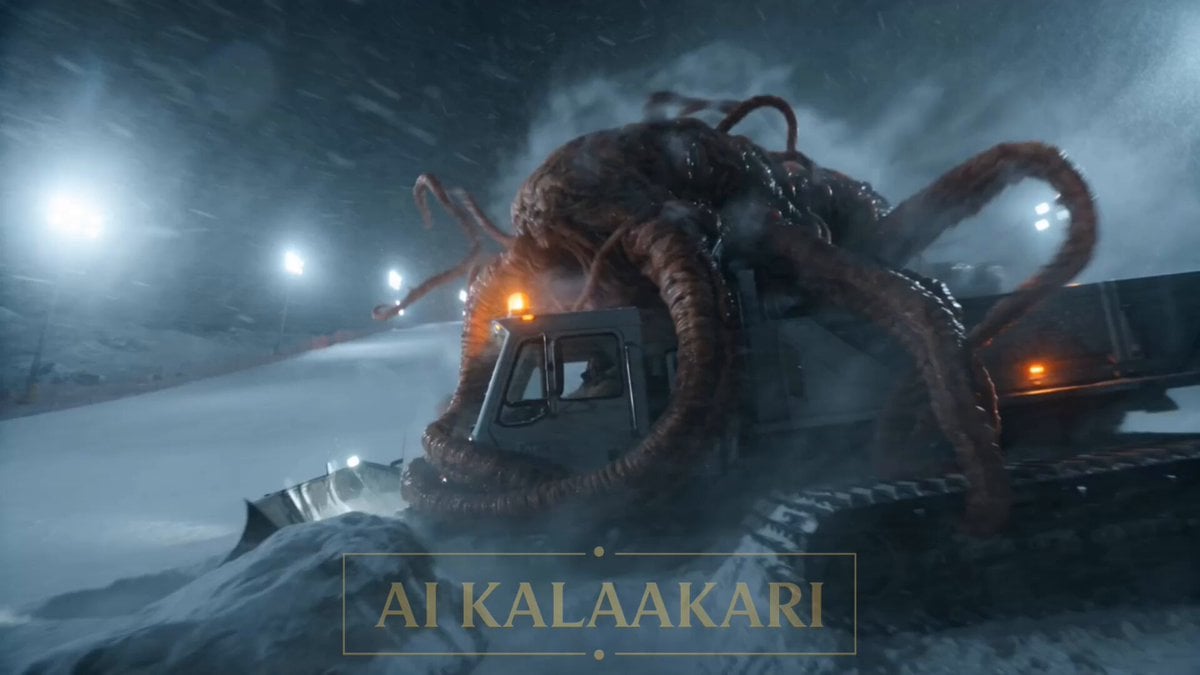
Alien Ski Station Night Ambush
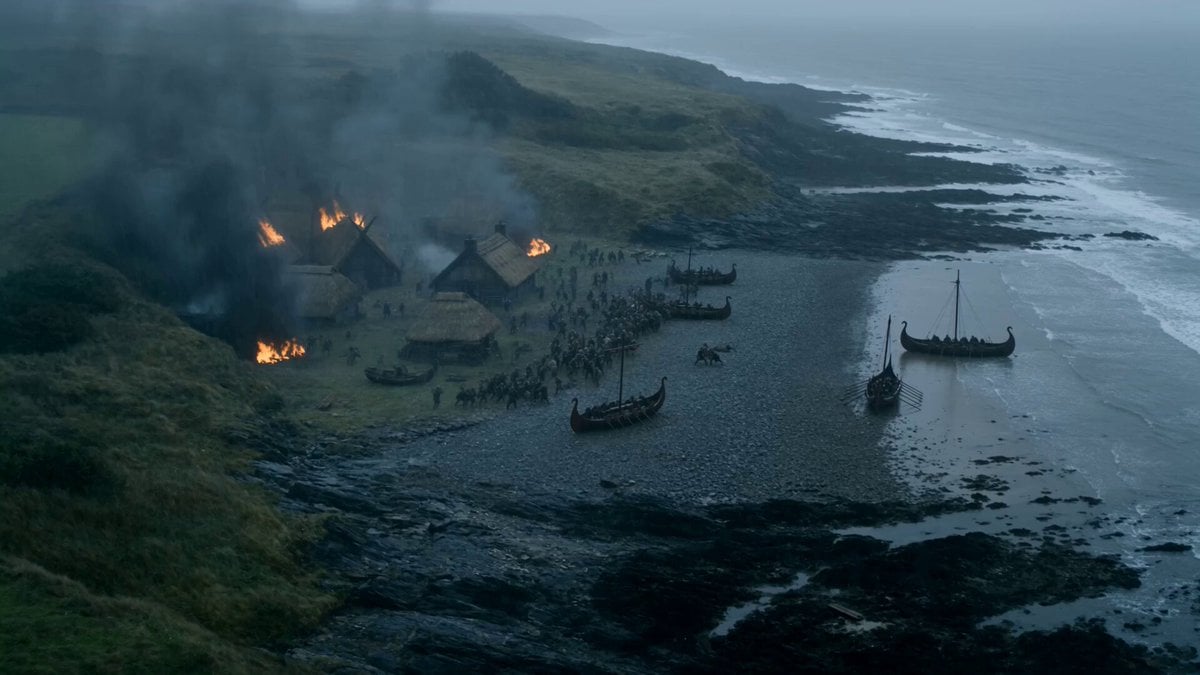
Viking Raid Coastal Ambush

Alien Cornfield Ambush Horror
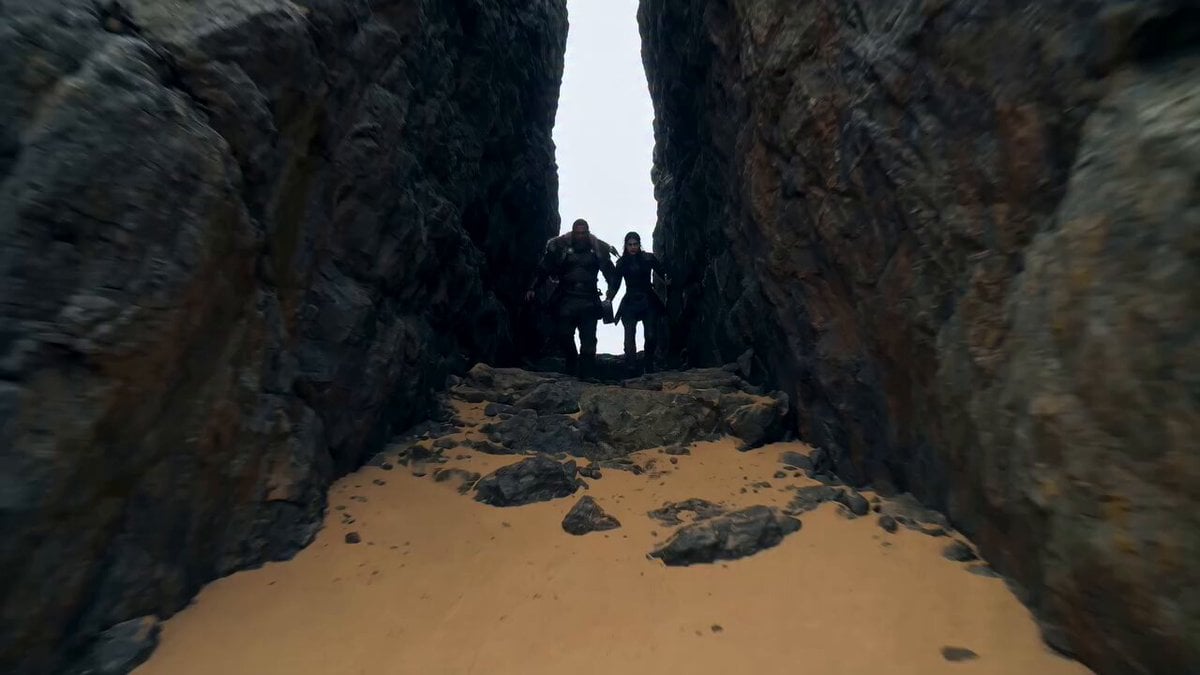
Viking Warrior and Massive Sand Worm
Make it yours
The Crystal Worm Ambush Video Prompt works as-is. These are the safest ways to change it without losing the look.
Change one field
Copy a single group, rewrite it, and generate again so you can see what that field is doing.
Keep the frame, change the subject
Hold the composition and light of The Crystal Worm Ambush Video Prompt, then swap wardrobe, props or the person for a new take.
| If the result… | Why | Fix |
|---|---|---|
| The result drifts from the preview | Too many fields changed at once. | Reuse The Crystal Worm Ambush Video Prompt as-is first, then change one group — subject, light, or setting. |
| The model over-stylizes the scene | The prose prompt leaves finish and camera underspecified. | Add one camera or lighting sentence and stay on Seedance 2.0. |
More Seedance 2.0 templates
Other prompts made for Seedance 2.0.

Comical Martial Arts Punch Scene

Maglev Train Action Sequence

Martial Arts Fight Sequence

Wuxia Protection and Trust Script

Vintage Korean Arcade MiniDV Vlog

Mercedes 190 SL Luxury Ad

Rainy Night Supernatural Reverse Comedy Video Script

Amazon Civilization Discovery

Futuristic South Asian City Transformation

Cozy Luxury Cafe Commercial
More video prompts
Fresh picks from across the catalog.
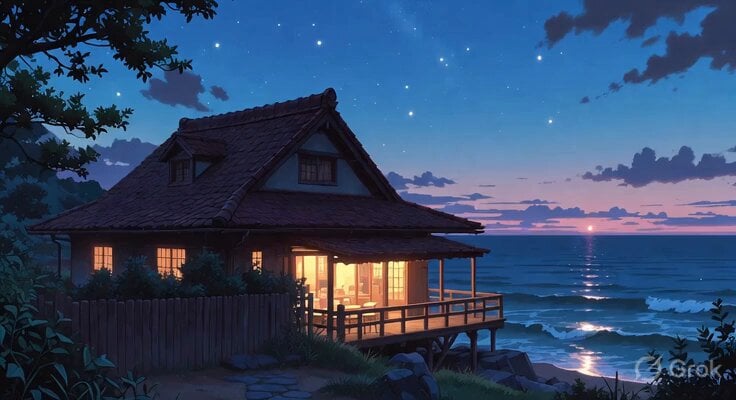
Ghibli Style Seaside Cottage
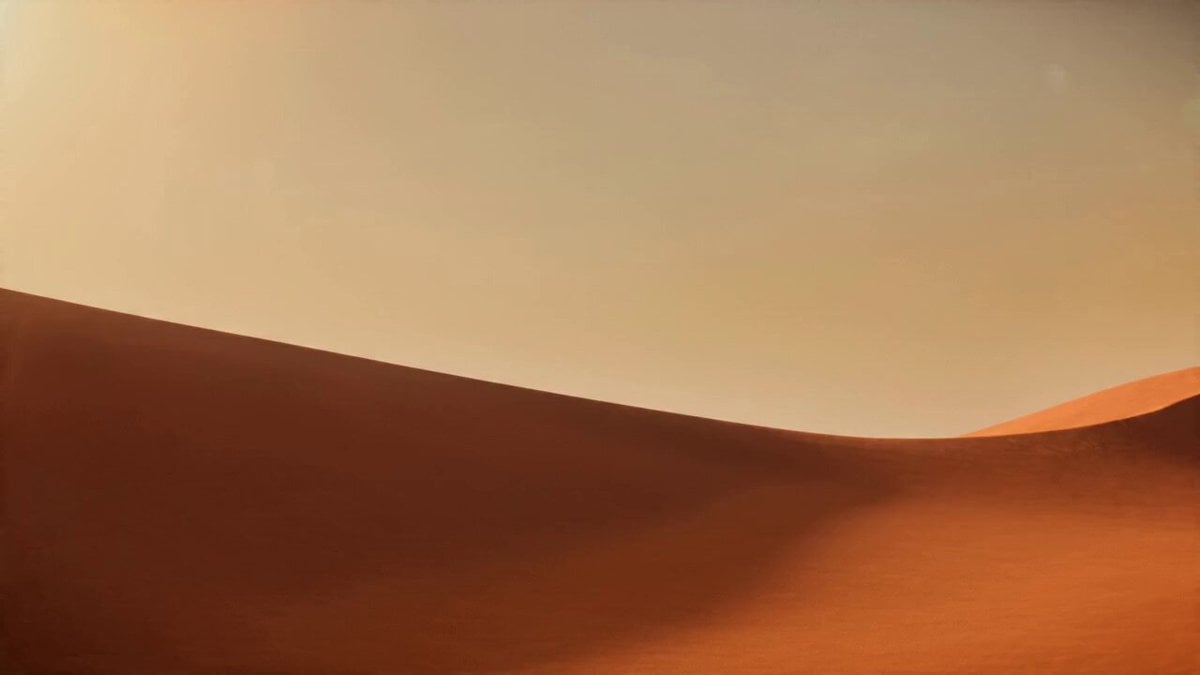
Desert Leviathan and Shamanic Belly Dancer
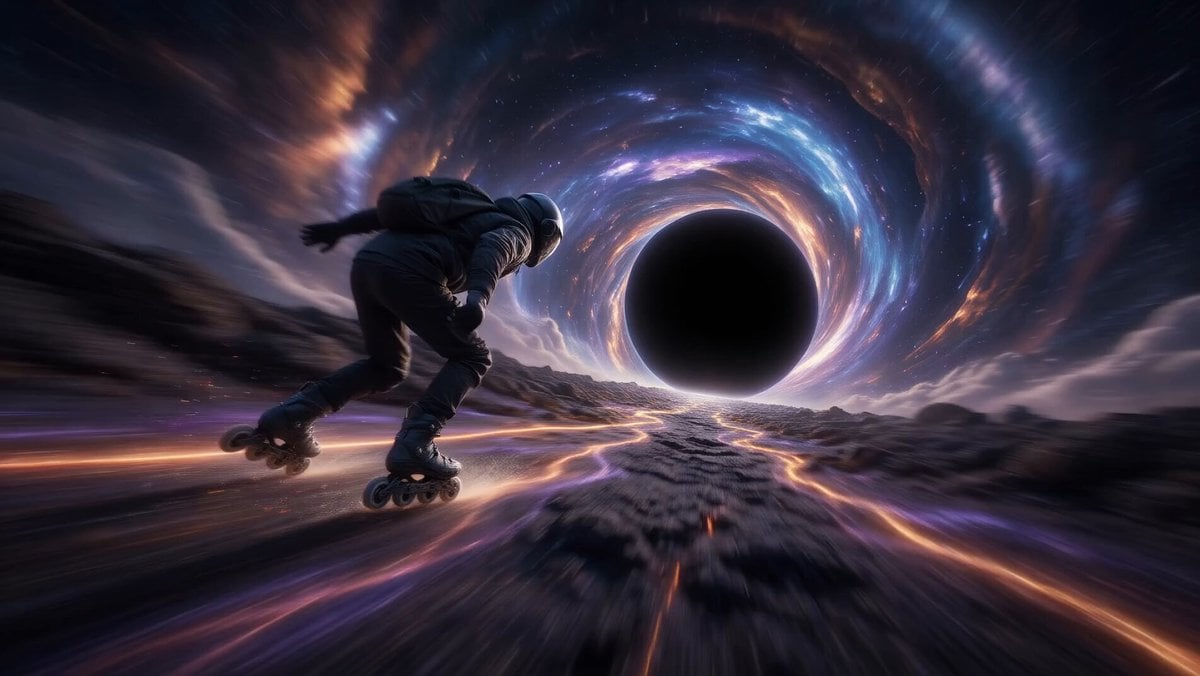
Rollerblading on a Black Hole
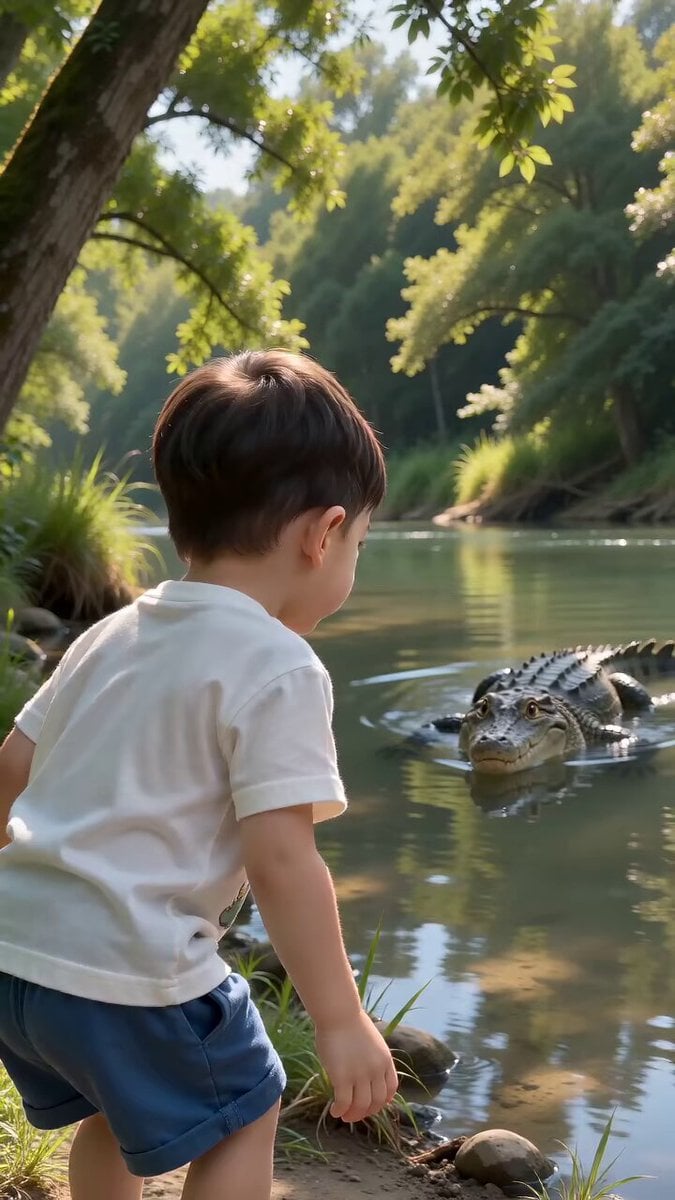
Boy and Crocodile Mud Encounter
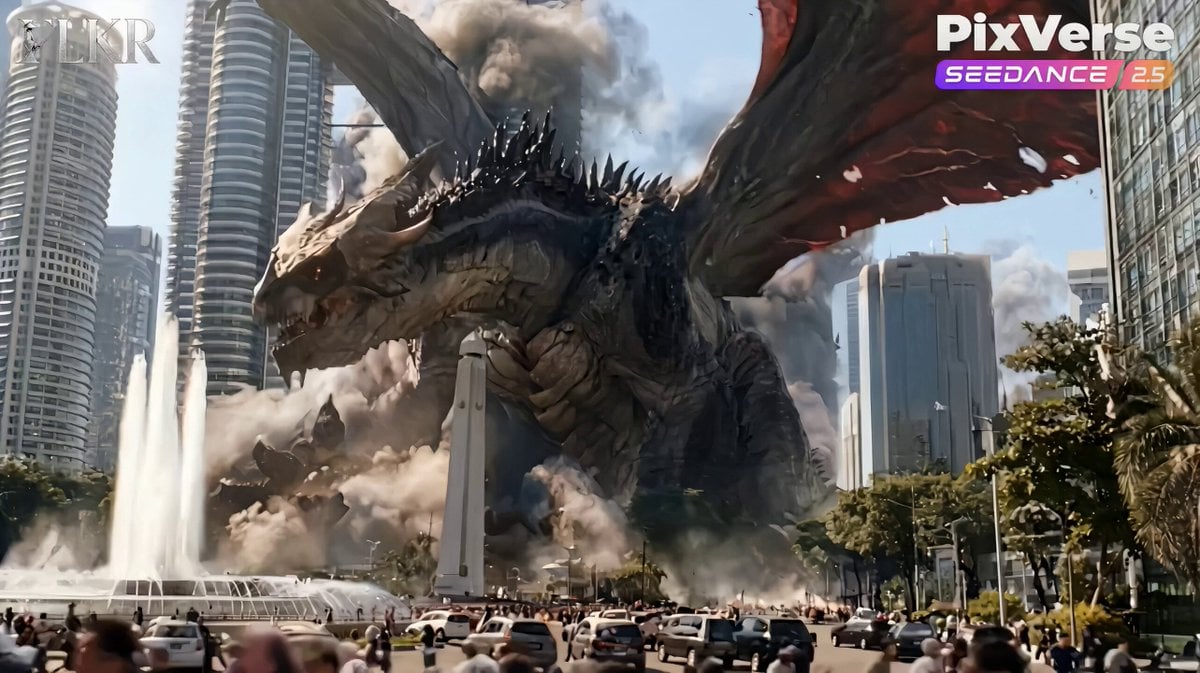
Colossal Dragon Disaster Scene Prompt
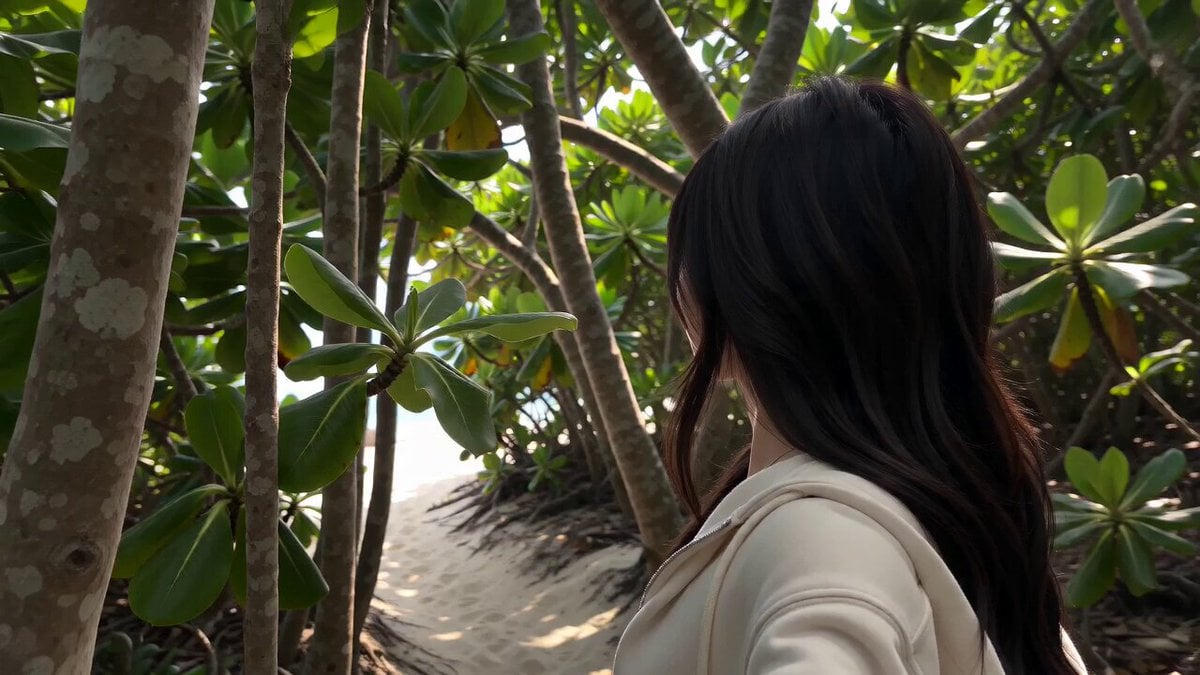
Ultra-Real Mobile Phone Vlog
Cinematic Underwater Office Zoom Out Prompt
Cosmic Goddess Spirit Above Water
Rooftop Airport Action Scene
Dubai Skybridge Motorbike Stunt Video Prompt
Browse template categories
The Crystal Worm Ambush Video Prompt questions
How do I use the The Crystal Worm Ambush Video Prompt template?
Add your photo if the template asks for one, edit the prompt if you like — the template's model and format are already selected — and press Generate. Your version opens in PicX Studio.
Can I customize the The Crystal Worm Ambush Video Prompt template?
Yes. You can change the subject, setting, lighting, mood, format, and available model controls before creating your video.
Is the The Crystal Worm Ambush Video Prompt template free?
Opening and editing this template is free. Generating uses credits, shown on the Generate button when you are signed in.
Which AI model should I use?
Start with Seedance 2.0, which is the model associated with this template. You can compare another compatible model for a different finish.
Looking for something else? Browse all templates.

Your photo, any look
Thousands of ready templates for every top image and video model, from one credit balance.