How do I use the Giant Scorpion Ridge Ambush template?
Edit the prompt in the box under the preview — the template's model and format are already selected — and press Generate. Your version appears right on this page.
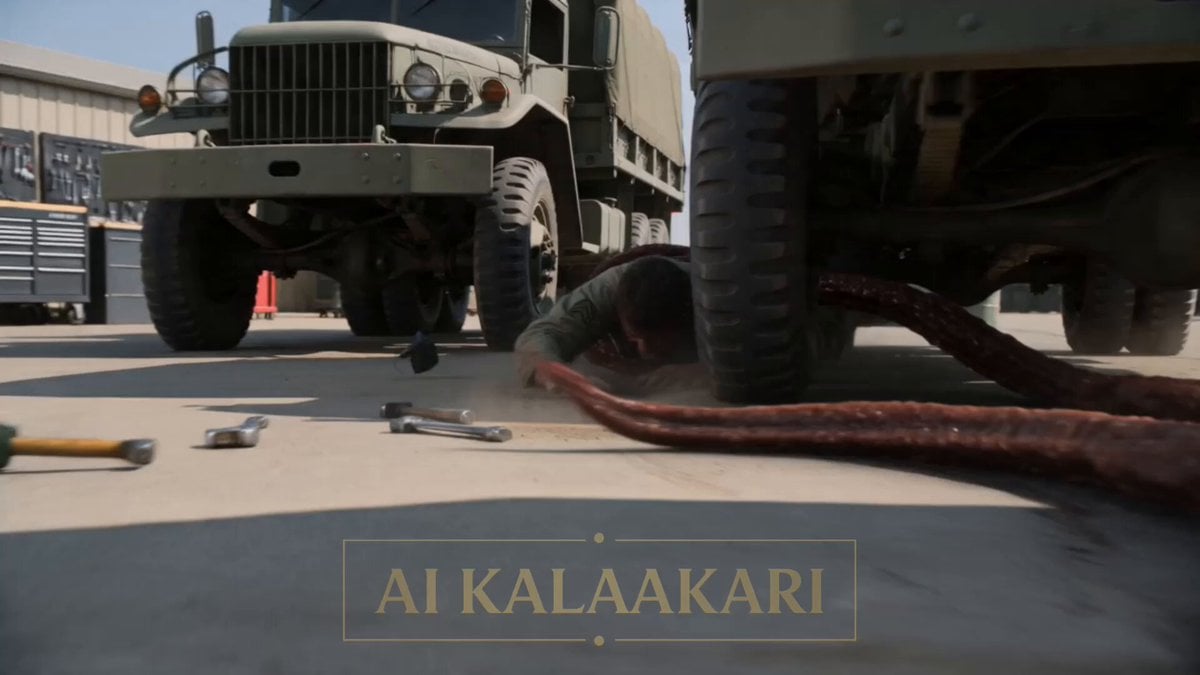
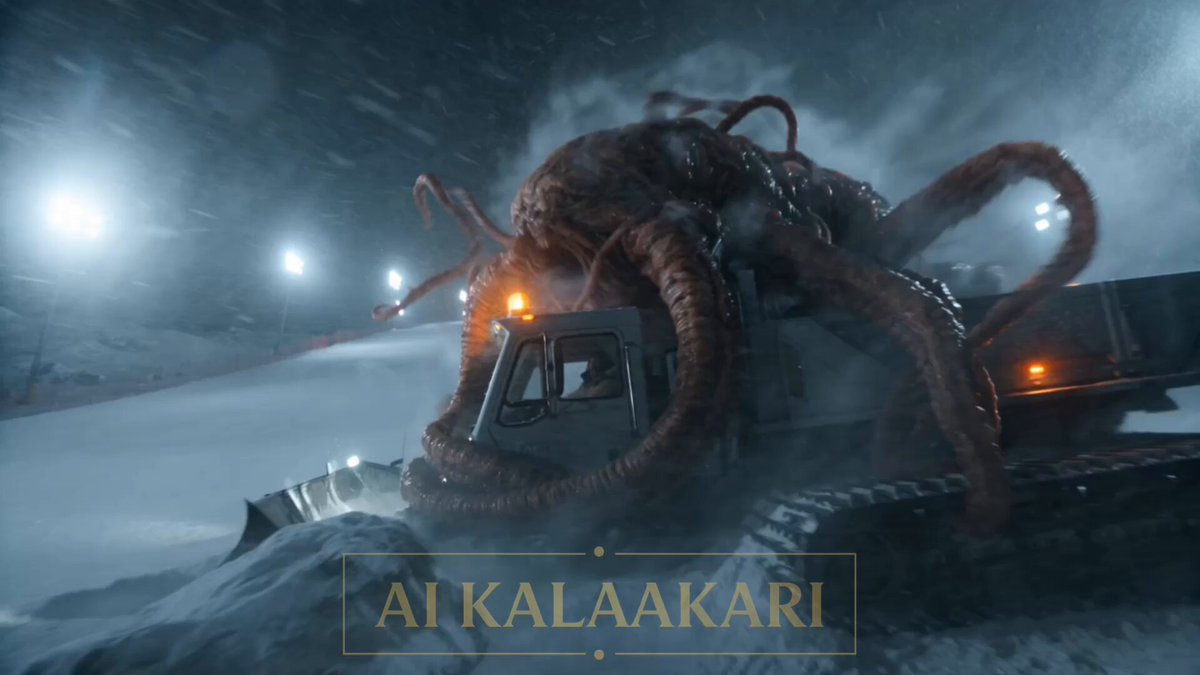
A structured multi-shot action prompt for a desert military ambush featuring a giant scorpion attack on a relay post.
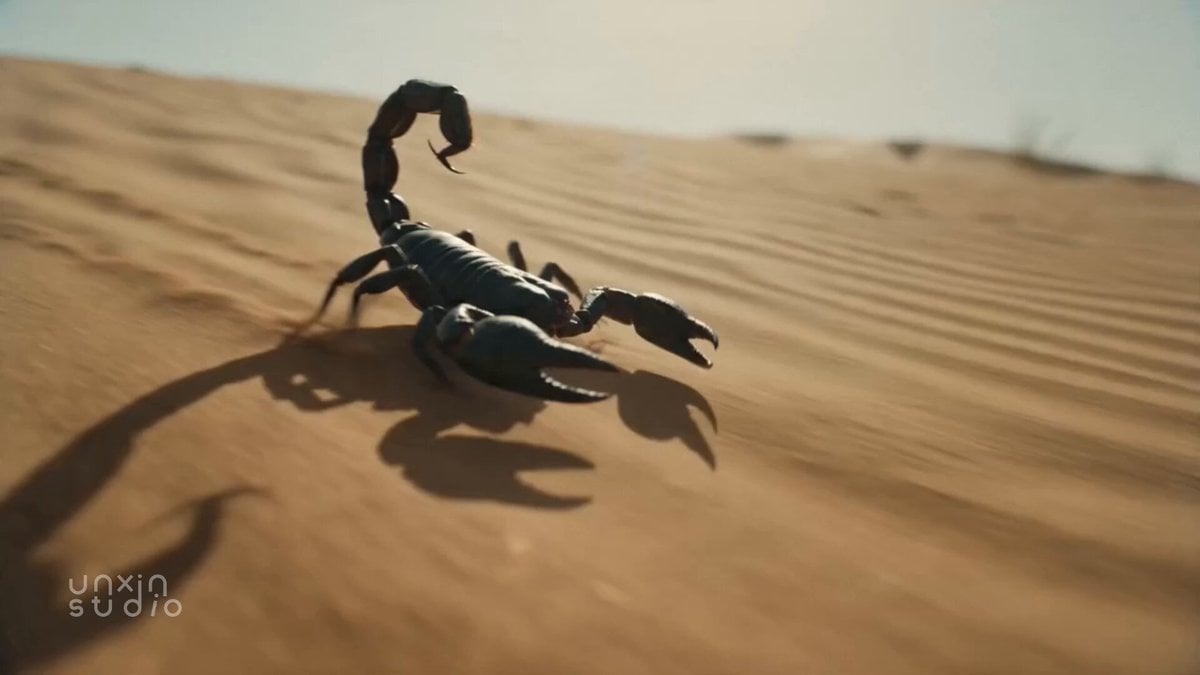
A rocky ridge above an army camp in bright daylight, a small radio relay post with an antenna mast standing at the top. A giant scorpion, armored with a whipping stinger tail, bursts up from the rocks near the relay post and grabs the operator. Lower on the ridge slope, a gunner is already loaded, posted there to watch this signal ridge every day. Sound: cracking rock, scraping armor, shouting, the scorpion's hiss, radio voices. Shot 1 (0–3s) — THE HOOK: Low shot at the relay post. The giant scorpion bursts up from between the rocks, claws snapping around the operator's arm, its tail whipping over its back near the antenna mast. He shouts into his radio: "IT'S GOT ME AT THE RELAY POST!" Shot 2 (3–6s): Lower on the slope, the gunner lifts the bazooka onto his shoulder, tracking the scorpion up near the ridge line — but holds his fire, the operator still too close. He calls on the radio: "Slide down the slope! Now!" Shot 3 (6–9s): The operator wrenches free and slides down the loose rock slope away from the relay post. The scorpion turns and climbs onto the open ridge line above him, alone now, claws snapping against the empty sky. Shot 4 (9–13s) — BIG SLOW-MOTION MOMENT: The scorpion stands alone on the open ridge now. The gunner fires from lower on the slope. Bullet time — the bazooka kicks back, smoke bursting from the tube, the rocket streaking up the ridge in slow motion, dust and loose rock hanging in the air. Shot 5 (13–15s): Time snaps back. A massive blast tears through the scorpion at the top of the ridge, fire and rock scattering against the sky. The operator lies flat lower on the slope, safe, as smoke drifts off the ridge line.
A rocky ridge above an army camp in bright daylight, a small radio relay post with an antenna mast standing at the top. A giant scorpion, armored with a whipping stinger tail, bursts up from the rocks near the relay post and grabs the operator. Lower on the ridge slope, a gunner is already loaded, posted there to watch this signal ridge every day. Sound: cracking rock, scraping armor, shouting, the scorpion's hiss, radio voices. Shot 1 (0–3s) — THE HOOK: Low shot at the relay post. The giant scorpion bursts up from between the rocks, claws snapping around the operator's arm, its tail whipping over its back near the antenna mast. He shouts into his radio: "IT'S GOT ME AT THE RELAY POST!" Shot 2 (3–6s): Lower on the slope, the gunner lifts the bazooka onto his shoulder, tracking the scorpion up near the ridge line — but holds his fire, the operator still too close. He calls on the radio: "Slide down the slope! Now!" Shot 3 (6–9s): The operator wrenches free and slides down the loose rock slope away from the relay post. The scorpion turns and climbs onto the open ridge line above him, alone now, claws snapping against the empty sky. Shot 4 (9–13s) — BIG SLOW-MOTION MOMENT: The scorpion stands alone on the open ridge now. The gunner fires from lower on the slope. Bullet time — the bazooka kicks back, smoke bursting from the tube, the rocket streaking up the ridge in slow motion, dust and loose rock hanging in the air. Shot 5 (13–15s): Time snaps back. A massive blast tears through the scorpion at the top of the ridge, fire and rock scattering against the sky. The operator lies flat lower on the slope, safe, as smoke drifts off the ridge line.
Edit the prompt in the box under the preview — the template's model and format are already selected — and press Generate. Your version appears right on this page.
Yes. You can change the subject, setting, lighting, mood, format, and available model controls before creating your video.
Opening and editing this template is free. Generating uses credits, shown on the Generate button when you are signed in.
Start with Seedance 2.0, which is the model associated with this template. You can compare another compatible model for a different finish.
Follow a topic to a crawlable collection of related PicX Studio templates.