
Traditional Korean Village Lo-Fi Vlog
A highly detailed video prompt for a 15-second slice-of-life vlog in a traditional Korean rural village, using a late-2000s handheld flip-cam aesthetic with realistic imperfections.

- Prompt included
- Model and format preset
- Free template
The prompt behind this video
Copy the exact prompt behind Traditional Korean Village Lo-Fi Vlog, or open it in the studio and make it yours.
**SCENE** Seedance 2.0 slice-of-life, 15 seconds. @ image1 = Main Subject. Preserve exact face, hairstyle, features, skin tone, and body proportions throughout. **OUTFIT:** Oversized olive sleeveless linen shirt loosely tucked into wide-leg dusty burgundy trousers, flat brown leather sandals, small gold hoop earrings. Shirt naturally damp/sweat-stained at collar, underarms, chest. Hair loosely down, natural waves, few strands sticking to face and neck. Completely unglamorous. **LOCATION:** Authentic traditional Korean rural village. Dirt/gravel paths. Mossy stone walls. Hanok houses with aged clay tile roofs. Wooden fences. Overgrown grass. Gnarled old trees. Stone water basin. Hanging dried chili peppers. Cracked stone steps. Ceramic facial jars. Free-roaming roosters. Morning cooking smoke. Dense hillside vegetation. Zero modern elements. **CAMERA:** Late-2000s flip cam vlog. Heavy handheld shake. Imperfect reframing. Subject frequently off-center or cropped. Aggressive autofocus hunting. Lens breathing. Strong exposure swings. Rolling shutter. Heavy motion blur. Warm faded washed-out muddy tones. Blown highlights. Crushed blacks. Heavy digital noise and compression artifacts. Maximum home-video imperfection. --- **00:00–00:02** — Mossy stone wall path. Loose sweaty arm's-length self-shot. Woman smiles tiredly, speaks casually to lens while walking. Weeds brush past. Camera tilts mid-walk. **00:02–00:04** — Hanok courtyard. Handheld from behind. Woman walks through; stray dog trots alongside. Jangdok jars along wall. Morning smoke drifts low. **00:04–00:06** — Stone water basin. Handheld close. Woman crouches, splashes cool water on sweaty face and neck, exhales with relief, laughs softly. Focus hunts aggressively. **00:06–00:08** — Gnarled tree, stone wall. Low handheld. Woman crouches, hand-feeds stray dog. Camera breathes between her face and the dog. **00:08–00:10** — Village path. Handheld side tracking. Woman walks slowly, wipes sweat from forehead, glances around. Rooster crosses ahead. Camera sways, reframes late. **00:10–00:12** — Shaded hanok exterior, stacked ceramic pots. Woman sits on cracked stone step, sips from battered tin cup. Shirt visibly damp. Elderly woman moves in background. Breeze lifts hair. **00:12–00:15** — Dirt path near gnarled tree. Self-shot. Woman raises camera to sweaty face, laughs tiredly, speaks casually, gives small wave. Recording cuts abruptly mid-moment. --- No posing. No fashion look. No perfect composition. No stabilization. No cinematic glamour. No modern grading. No music. **AUDIO:** Morning birds, roosters, distant village chatter, dog, water on stone, crackling fire, footsteps on dirt, rustling leaves, wind, ceramic sounds. **16:9.**
How to use Traditional Korean Village Lo-Fi Vlog in 3 steps
- 1
Open
The prompt is already in the box next to the preview, with the template's model and format selected.
- 2…a portrait of your subject in softgolden-hour light, 85mm…
Personalize
Edit the subject and creative details for your destination.
- 3Generate
Generate
Press Generate — your video is created in PicX Studio, so you can compare it with the original and refine one variable at a time.
More like this
Templates with the same subject, style or setup. Open one to see its prompt.
Sunny Morning Laundry Vlog

Vintage Korean Arcade MiniDV Vlog

Mediterranean Coffee Run Vlog - Seedance 2.5

Mysterious Home Exploration Vlog - Seedance 2.5

Realistic Morning Routine Lifestyle Vlog - Seedance 2.5

Handheld Tokyo Travel Vlog - Seedance 2.5

Nostalgic MiniDV Convenience Store Vlog - Seedance 2.5

Korean Night Market Bullet-Time Scene - Seedance 2.5

Mediterranean Morning Coffee Run Vlog (Seedance 2.5)
Korean Idol Vlog Camcorder

Luxury Lifestyle Day Vlog

Luxury Airport Travel Vlog
Make it yours
Traditional Korean Village Lo-Fi Vlog works as-is. These are the safest ways to change it without losing the look.
Change one field
Copy a single group, rewrite it, and generate again so you can see what that field is doing.
Keep the frame, change the subject
Hold the composition and light of Traditional Korean Village Lo-Fi Vlog, then swap wardrobe, props or the person for a new take.
| If the result… | Why | Fix |
|---|---|---|
| The result drifts from the preview | Too many fields changed at once. | Reuse Traditional Korean Village Lo-Fi Vlog as-is first, then change one group — subject, light, or setting. |
| The model over-stylizes the scene | The prose prompt leaves finish and camera underspecified. | Add one camera or lighting sentence and stay on Seedance 2.0. |
More Seedance 2.0 templates
Other prompts made for Seedance 2.0.

Comical Martial Arts Punch Scene

Maglev Train Action Sequence

Martial Arts Fight Sequence

Wuxia Protection and Trust Script

Mercedes 190 SL Luxury Ad

Rainy Night Supernatural Reverse Comedy Video Script

Amazon Civilization Discovery

Futuristic South Asian City Transformation

Cozy Luxury Cafe Commercial

Cyber Ronin Nanotech Transformation Video
More video prompts
Fresh picks from across the catalog.

Watercolor forest lake under a starry sky with fireflies and a wooden boat

Chubby Golden Shorthair Cat Eating Chinese Food
Jungle Woods Fire Video Prompt
Cinematic Cyberpunk Armor Transformation

Evil Space Sci-Fi Power Threshold

Dynamic Martial Arts Fight Sequence
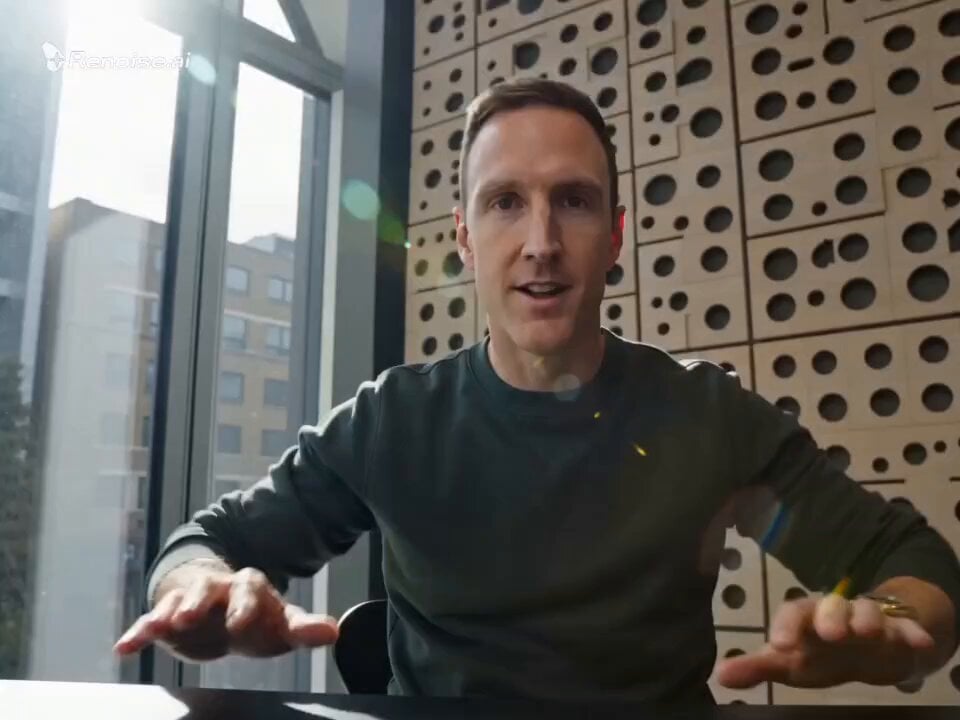
Motivational Speaker Studio Scene

Multi-Shot Laboratory Drink Commercial
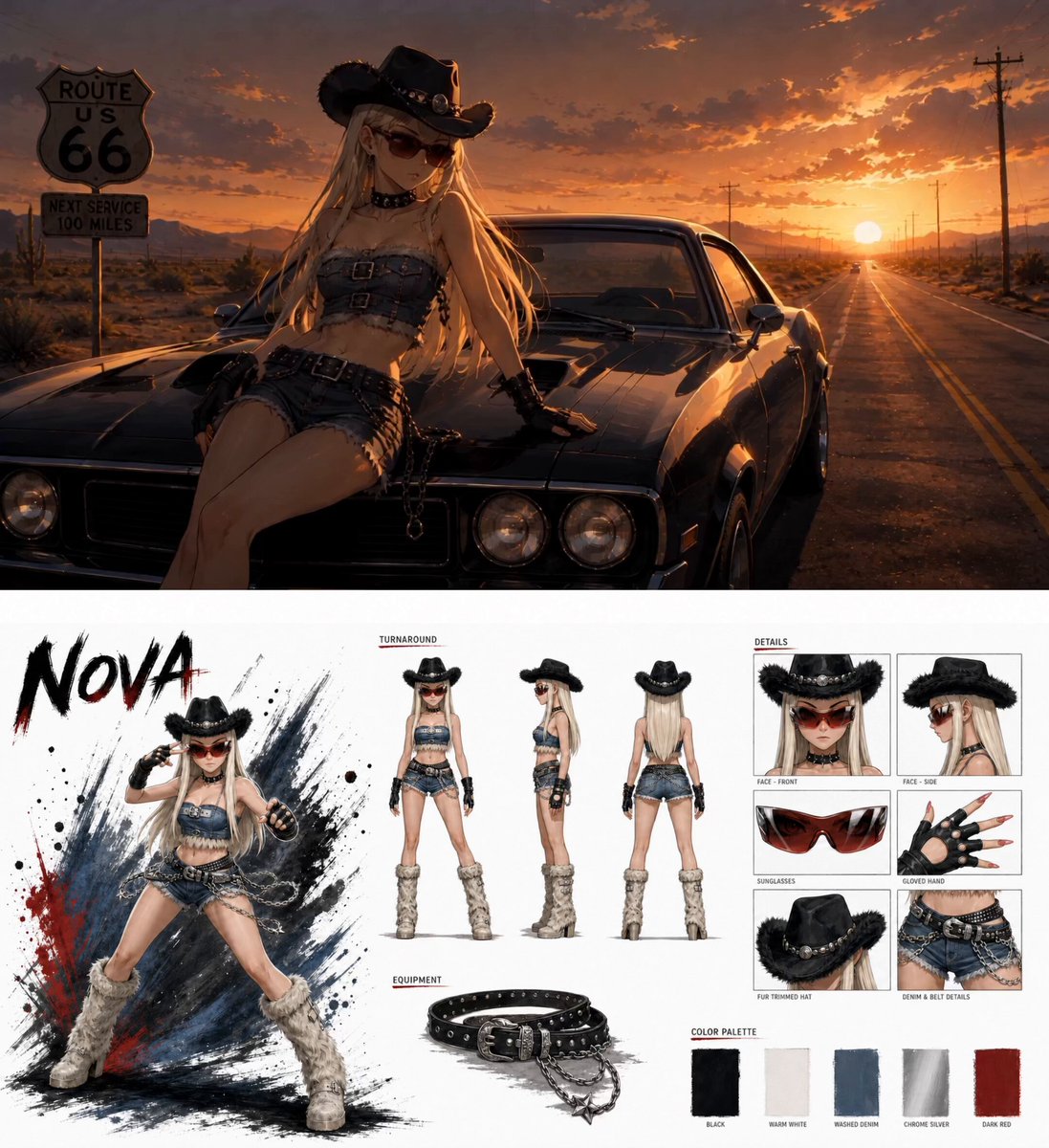
Anime Fashion Short on Route 66

Shield Deflection Action Sequence
Browse template categories
Traditional Korean Village Lo-Fi Vlog questions
How do I use the Traditional Korean Village Lo-Fi Vlog template?
Add your photo if the template asks for one, edit the prompt if you like — the template's model and format are already selected — and press Generate. Your version opens in PicX Studio.
Can I customize the Traditional Korean Village Lo-Fi Vlog template?
Yes. You can change the subject, setting, lighting, mood, format, and available model controls before creating your video.
Is the Traditional Korean Village Lo-Fi Vlog template free?
Opening and editing this template is free. Generating uses credits, shown on the Generate button when you are signed in.
Which AI model should I use?
Start with Seedance 2.0, which is the model associated with this template. You can compare another compatible model for a different finish.
Looking for something else? Browse all templates.

Your photo, any look
Thousands of ready templates for every top image and video model, from one credit balance.