How do I use the Dynamic Martial Arts Fight Sequence template?
Edit the prompt in the box under the preview — the template's model and format are already selected — and press Generate. Your version appears right on this page.
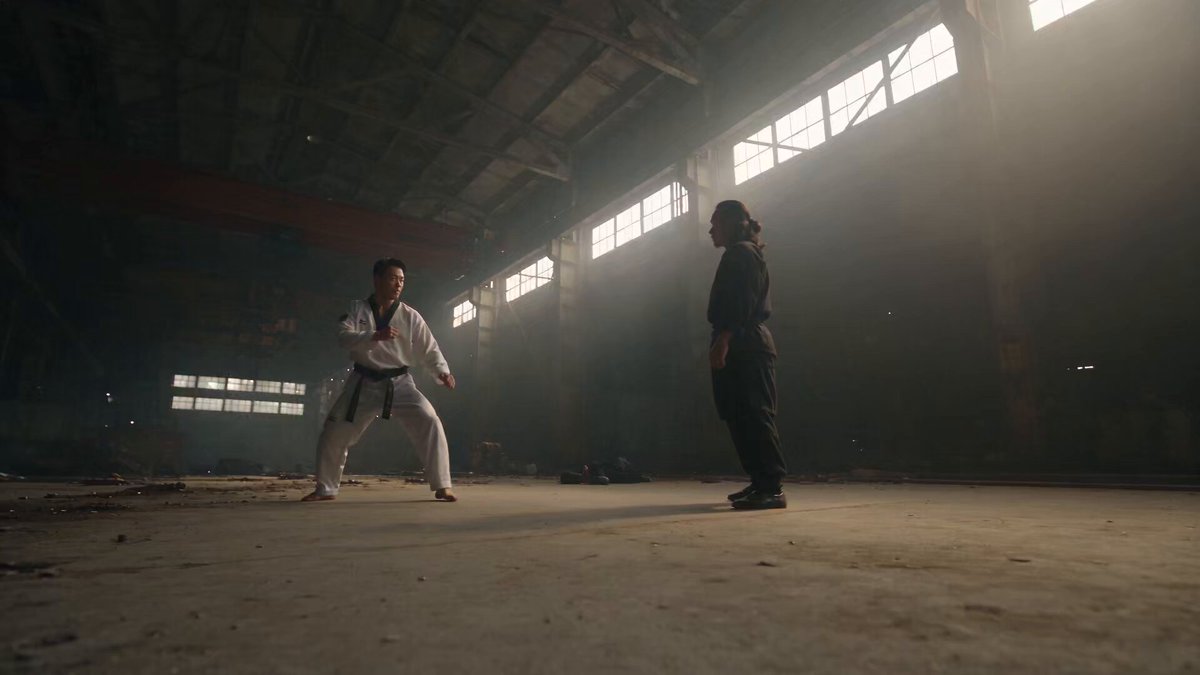
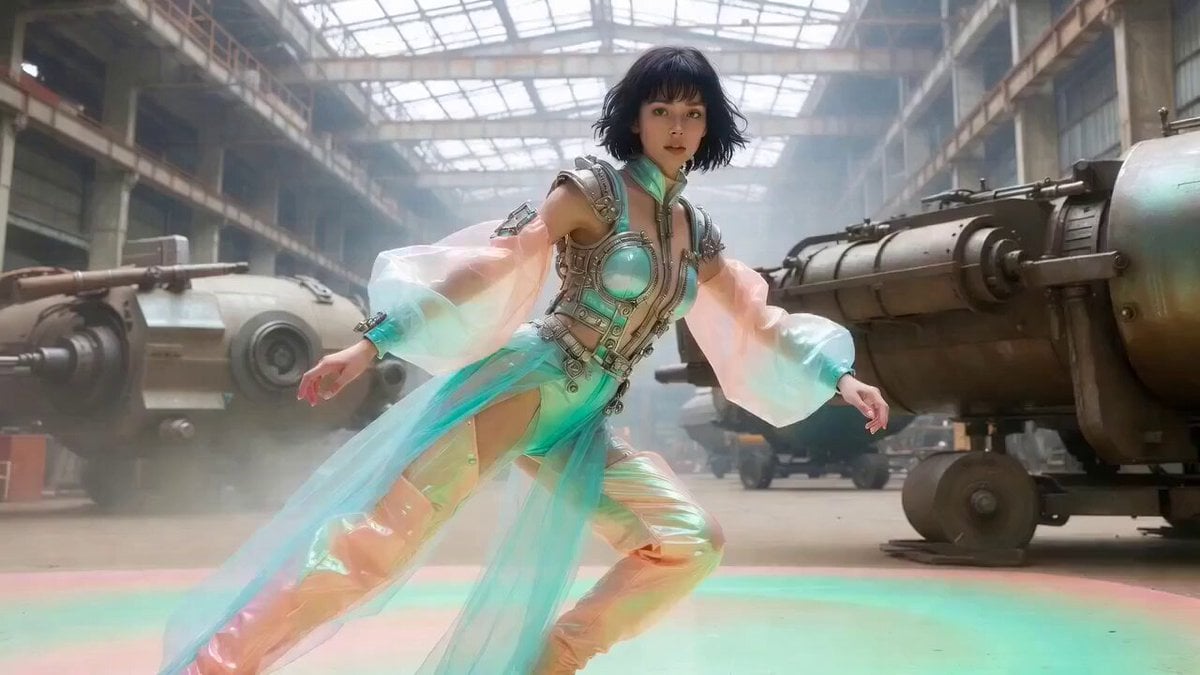
A comprehensive prompt for generating high-energy, acrobatic martial arts sequences with cinematic camera work and fluid motion.
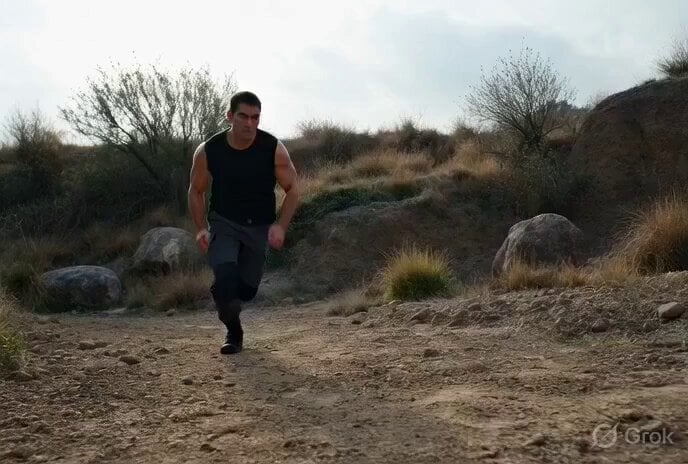
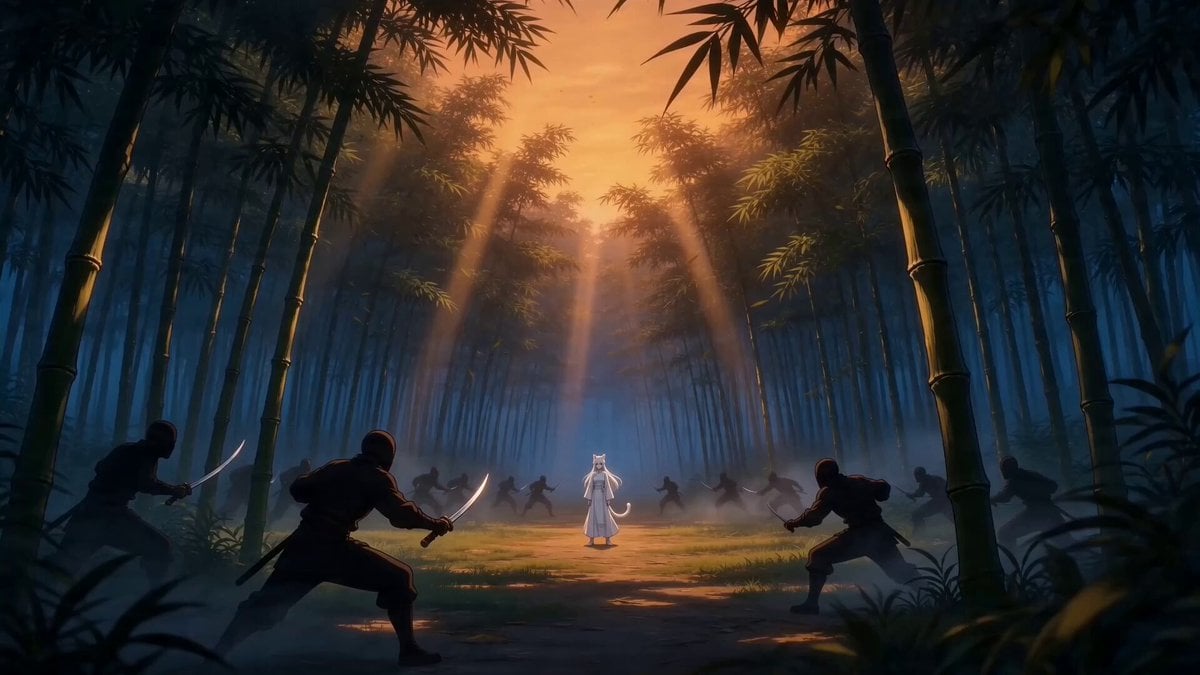
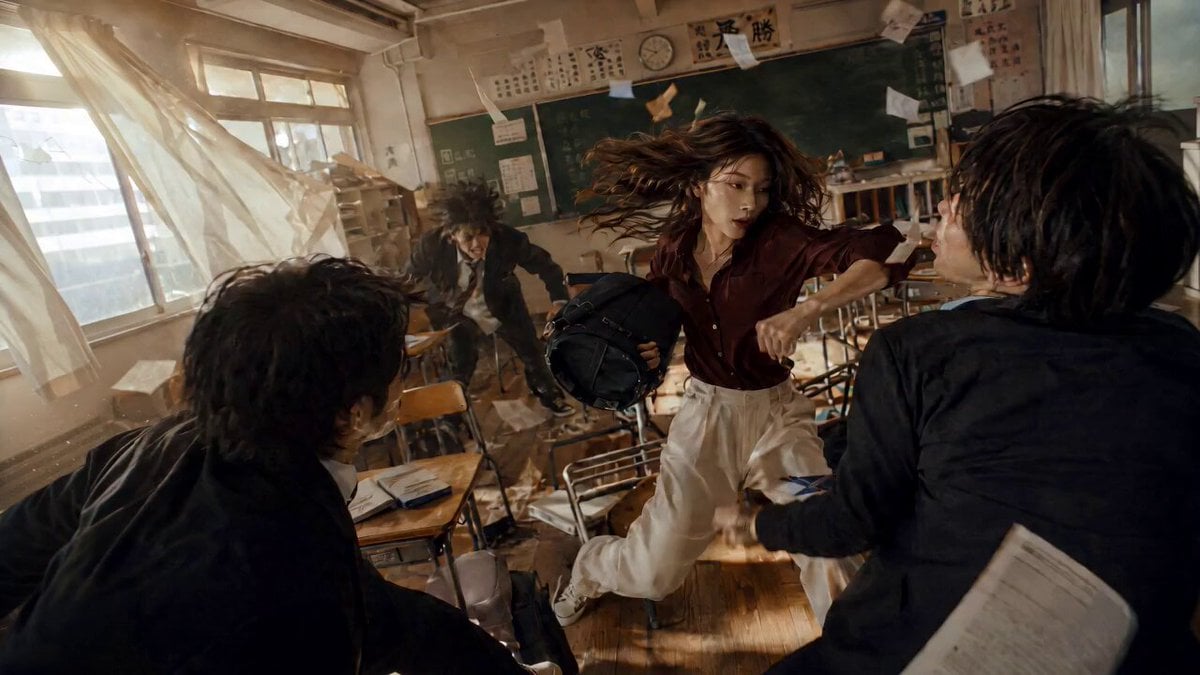
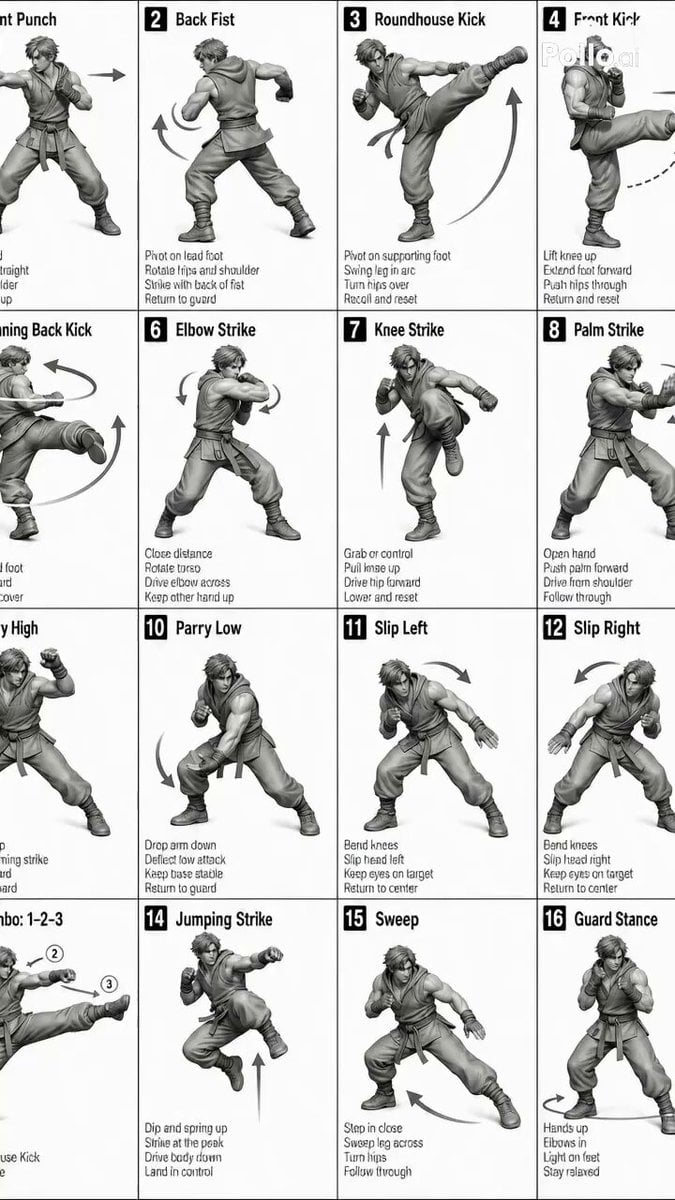
* No cut scenes. No transitions. Dynamic, high-energy acrobatic fight sequence. Fluid, powerful, and cinematic movement with excellent motion clarity. The character performs fast-paced martial arts combos including spinning kicks, flying knees, aerial flips, wall runs, jumps, rolls, and brutal takedowns. Smooth, athletic, and realistic physics with strong momentum and weight behind every strike. Dynamic camera work — tracking shots, circling camera, dramatic angles, occasional slow-motion on impact. High intensity, graceful yet powerful choreography, excellent fluidity and speed. Cinematic lighting, sharp motion details, no stiffness, highly dynamic and exciting fight scene, masterpiece quality, 6-second video...., highly dynamic and exciting fight scene, smooth fluid motion, masterpiece quality, 6-second video.
* No cut scenes. No transitions. Dynamic, high-energy acrobatic fight sequence. Fluid, powerful, and cinematic movement with excellent motion clarity. The character performs fast-paced martial arts combos including spinning kicks, flying knees, aerial flips, wall runs, jumps, rolls, and brutal takedowns. Smooth, athletic, and realistic physics with strong momentum and weight behind every strike. Dynamic camera work — tracking shots, circling camera, dramatic angles, occasional slow-motion on impact. High intensity, graceful yet powerful choreography, excellent fluidity and speed. Cinematic lighting, sharp motion details, no stiffness, highly dynamic and exciting fight scene, masterpiece quality, 6-second video...., highly dynamic and exciting fight scene, smooth fluid motion, masterpiece quality, 6-second video.
Edit the prompt in the box under the preview — the template's model and format are already selected — and press Generate. Your version appears right on this page.
Yes. You can change the subject, setting, lighting, mood, format, and available model controls before creating your video.
Opening and editing this template is free. Generating uses credits, shown on the Generate button when you are signed in.
Start with Grok Imagine, which is the model associated with this template. You can compare another compatible model for a different finish.
Follow a topic to a crawlable collection of related PicX Studio templates.