
Botanical Pumpkin Growth Timelapse
An extremely detailed 10-second timelapse prompt capturing the full life cycle of a pumpkin plant from germination to fruit set.
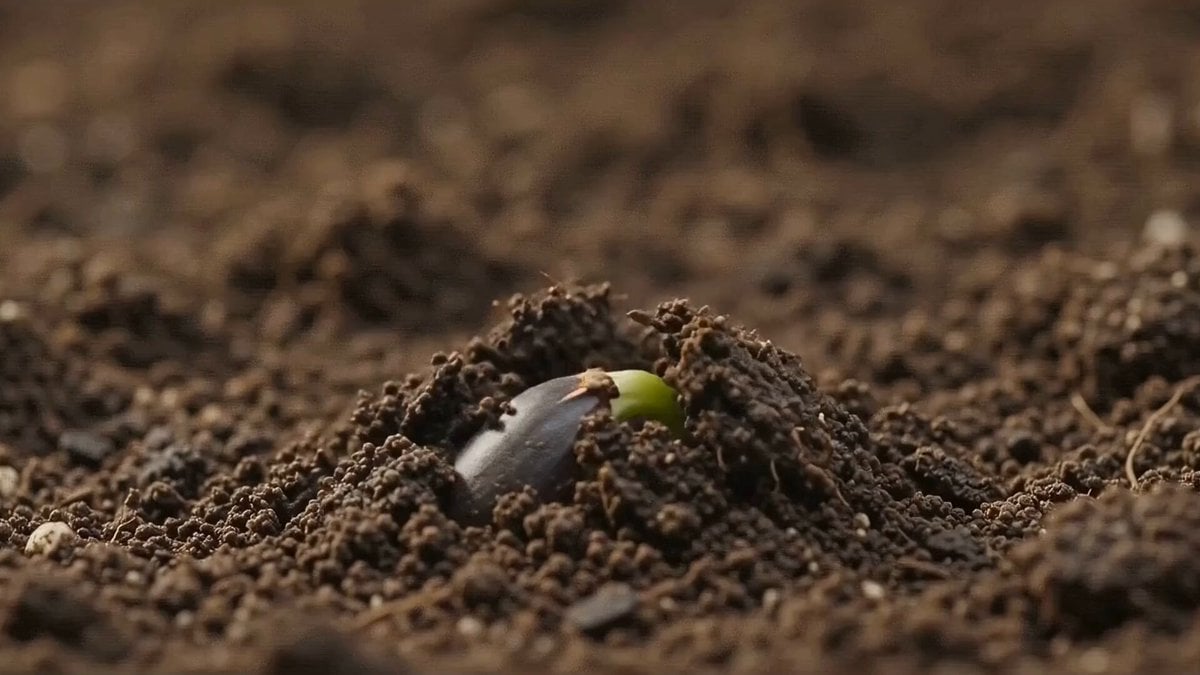
- Prompt included
- Model and format preset
- Free template
The prompt behind this video
Copy the exact prompt behind Botanical Pumpkin Growth Timelapse, or open it in the studio and make it yours.
A cinematic 10-second botanical timelapse video showing the complete life cycle of a squash/pumpkin plant from seed germination to first fruit set. NO humans, NO hands. Pure plant and nature footage only. Smooth seamless transitions between each growth interval. SHOT BREAKDOWN (each ~1.5-2 seconds): [0:00-0:01.5] — GERMINATION (Interval 1) Extreme ground-level macro shot: Dark moist soil filling the frame, a single seed slowly cracking apart, tiny pale green shoot curling and pushing upward through the soil in timelapse motion, soil particles shifting, warm earthy brown tones, shallow depth of field [0:01.5-0:03] — SEEDLING EMERGENCE (Interval 2) Slow pull-back from close-up: Two small oval cotyledon leaves unfurling open from a closed position, fresh bright green, stem straightening upright, small white pot on clean surface, soft white studio light from above [0:03-0:04.5] — LEAF DEVELOPMENT (Interval 3) Gentle upward tilt shot: Plant growing taller in accelerated timelapse, true leaves sprouting and expanding outward one by one, stems thickening, vivid green foliage filling frame, clean grey background, smooth camera rise [0:04.5-0:06] — BUD FORMATION (Interval 4) Slow push-in macro: A tightly closed flower bud emerging from between large textured green leaves, bud slowly elongating and swelling, fuzzy green sepals visible, warm diffused light, bokeh leaf background, anticipation building [0:06-0:08] — BLOOM (Interval 5) Hero beauty shot: The yellow flower bud slowly blooming open in timelapse, petals peeling back one by one, revealing vibrant golden yellow interior, full open bloom held for a moment, soft natural light catching petal texture, slight slow-motion effect at peak bloom [0:08-0:10] — FRUIT SET REVEAL (Interval 6) Slow pull-back reveal shot: Camera starts tight on open yellow flower then slowly pulls back to reveal a small green fruit swelling at the base, flower and developing fruit in frame together, lush green leaves surrounding, cinematic final freeze-frame or slow fade to black STYLE SPECS: - Aspect ratio: 16:9 widescreen cinematic - Color grade: Natural greens enhanced, warm golden highlights on flower, rich dark soil tones, clean grey backgrounds, slightly boosted saturation for botanical beauty - Camera motion: Ultra-smooth slow push-ins, gentle tilts, no handheld shake - Transitions: Organic dissolve cuts, matching green-to-green color transitions - Lighting: Soft diffused natural window light, single overhead key light for studio panels - Speed: Mix of real-time and timelapse — timelapse for growth stages, slow-motion for bloom opening moment - NO humans, NO hands, NO faces at any point - Sound suggestion: Ambient nature sounds — gentle wind, soft nature ambience
How to use Botanical Pumpkin Growth Timelapse in 3 steps
- 1
Open
The prompt is already in the box next to the preview, with the template's model and format selected.
- 2…a portrait of your subject in softgolden-hour light, 85mm…
Personalize
Edit the subject and creative details for your destination.
- 3Generate
Generate
Press Generate — your video is created in PicX Studio, so you can compare it with the original and refine one variable at a time.
More like this
Templates with the same subject, style or setup. Open one to see its prompt.
City Timelapse Growth — Seedance 2.0
Civilization Timelapse — Centuries in One Shot

Human Growth Timelapse

Botanical Garden Future Scenery

Botanical Garden Fantasy Anime MV
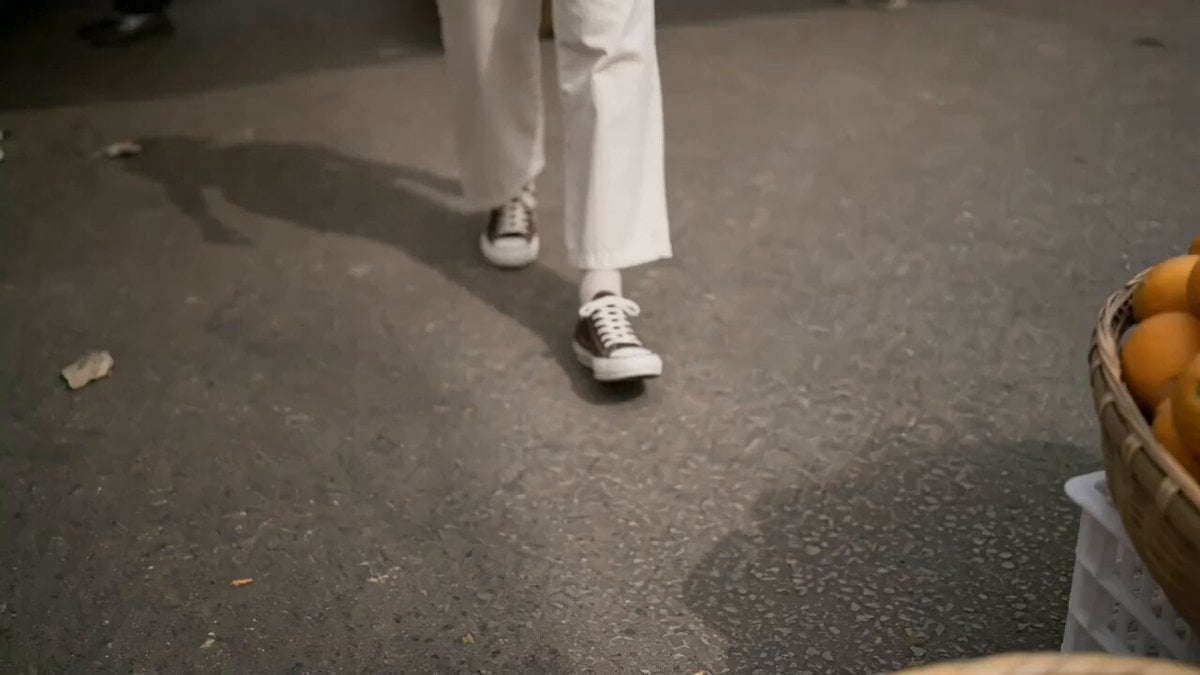
Girl Struggling with Large Pumpkin Market Scene
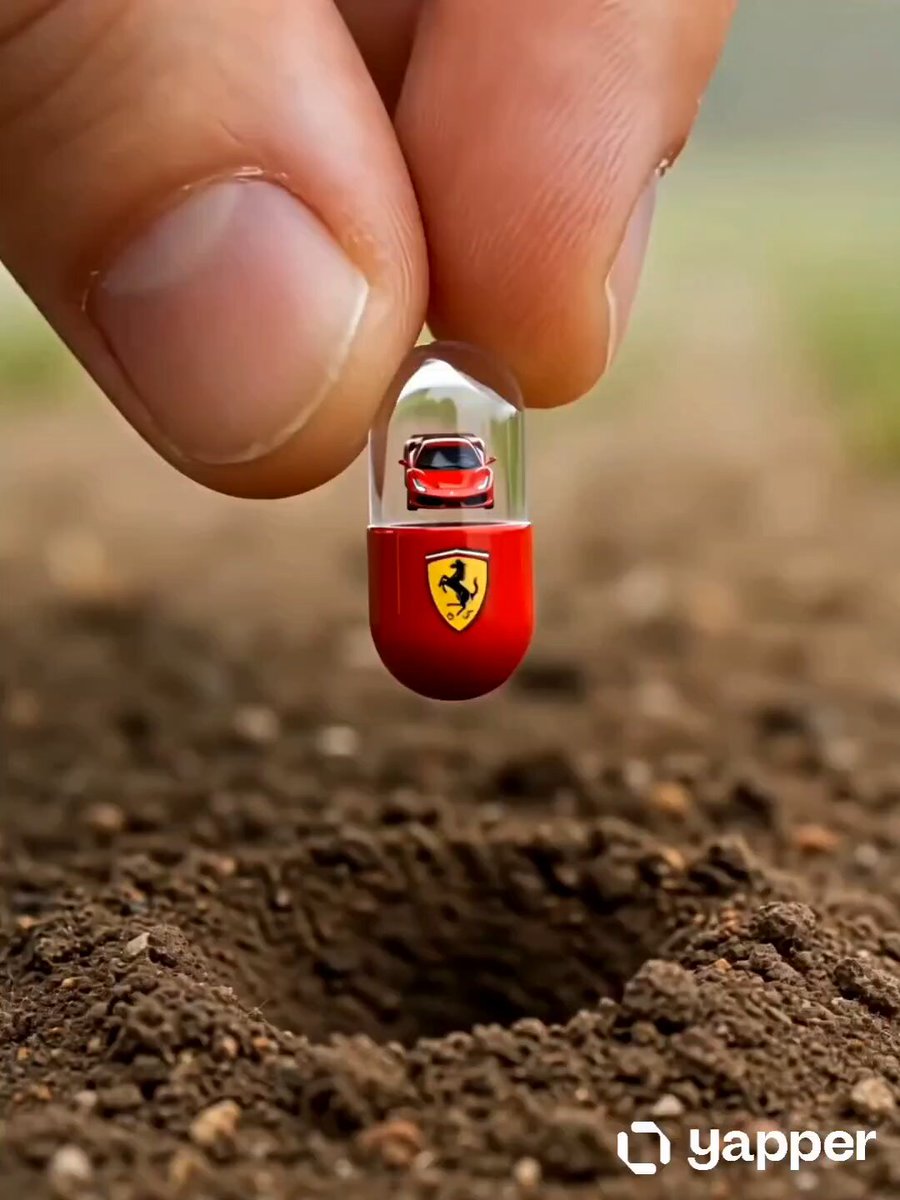
Ferrari Miracle Growth Reveal

Luxury Botanical Storyboard Animation
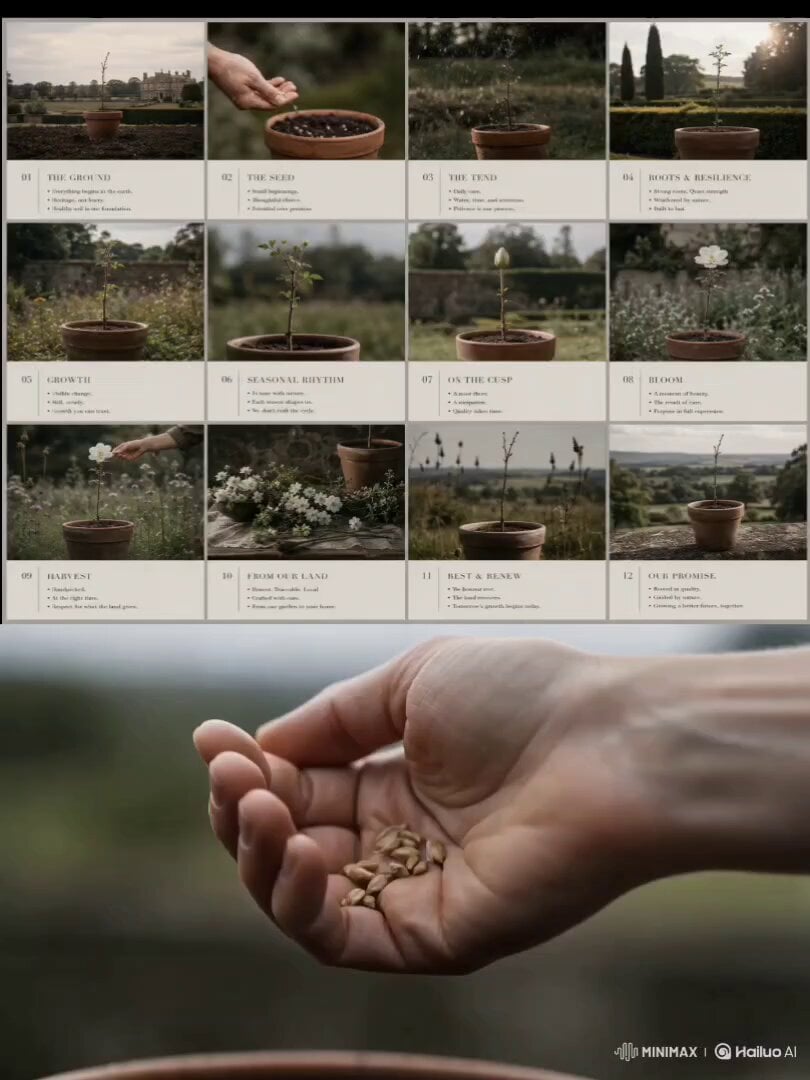
Luxury Garden Growth Animation

AI Tools Content Creator Growth Journey
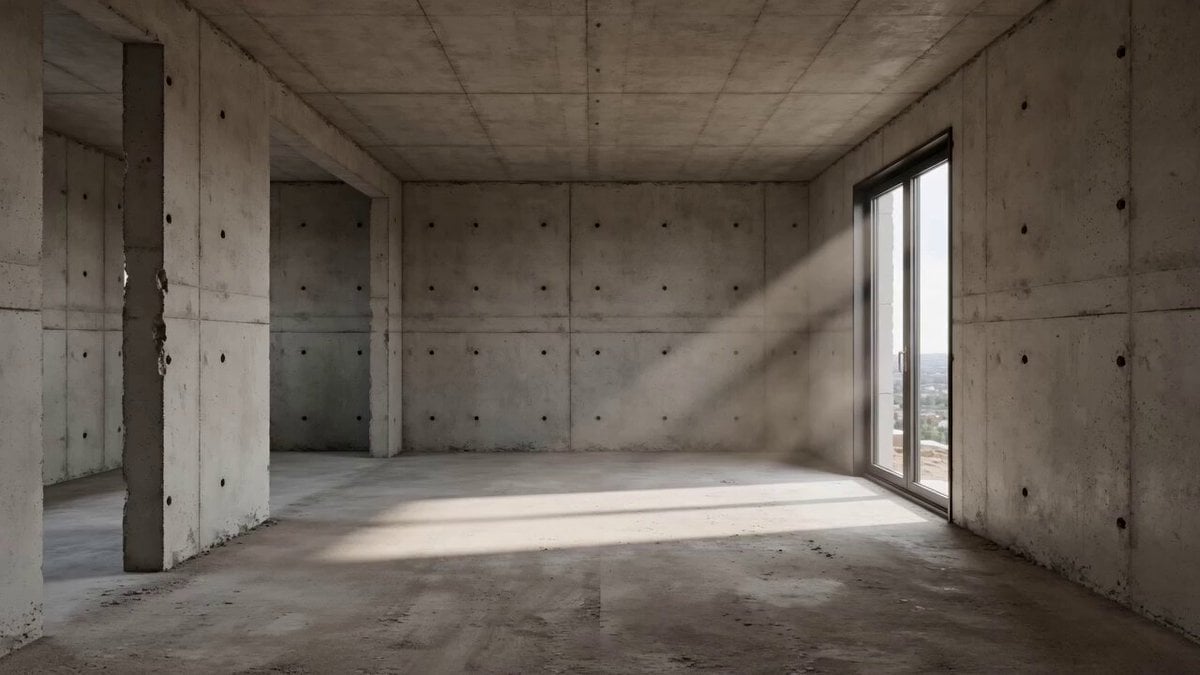
Architectural Space Renovation Timelapse
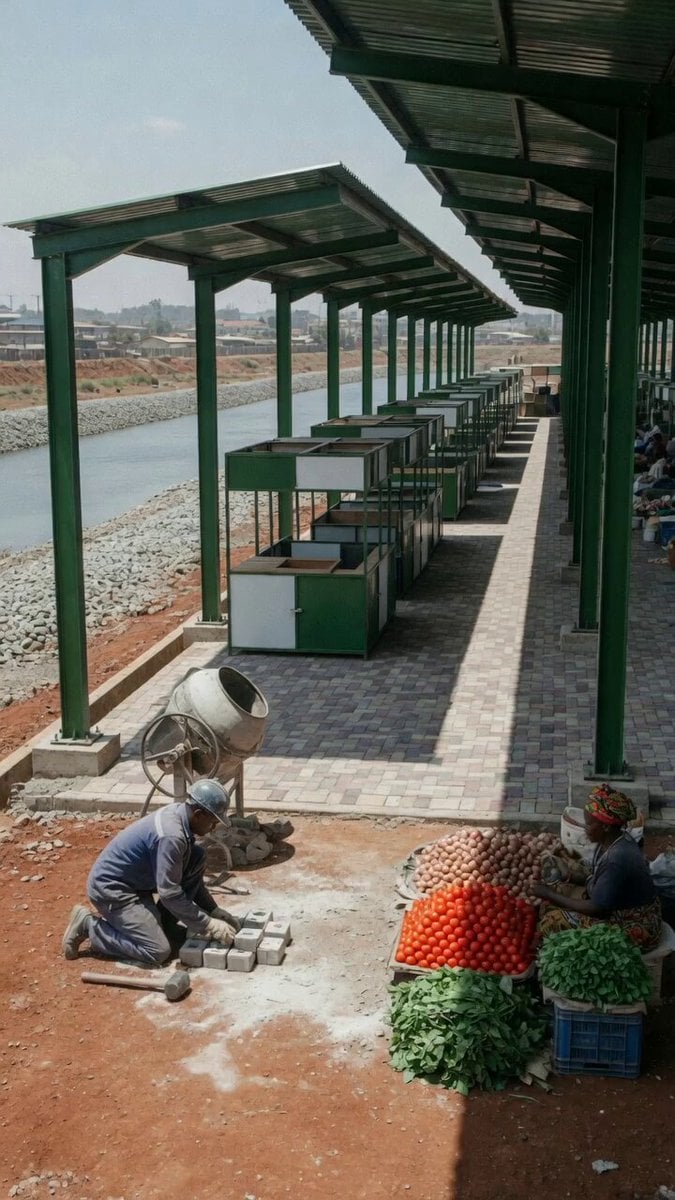
Market Restoration Crane-Up Timelapse
Make it yours
Botanical Pumpkin Growth Timelapse works as-is. These are the safest ways to change it without losing the look.
Change one field
Copy a single group, rewrite it, and generate again so you can see what that field is doing.
Keep the frame, change the subject
Hold the composition and light of Botanical Pumpkin Growth Timelapse, then swap wardrobe, props or the person for a new take.
| If the result… | Why | Fix |
|---|---|---|
| The result drifts from the preview | Too many fields changed at once. | Reuse Botanical Pumpkin Growth Timelapse as-is first, then change one group — subject, light, or setting. |
| The model over-stylizes the scene | The prose prompt leaves finish and camera underspecified. | Add one camera or lighting sentence and stay on Seedance 2.0. |
More Seedance 2.0 templates
Other prompts made for Seedance 2.0.

Comical Martial Arts Punch Scene

Maglev Train Action Sequence

Martial Arts Fight Sequence

Wuxia Protection and Trust Script

Vintage Korean Arcade MiniDV Vlog

Mercedes 190 SL Luxury Ad

Rainy Night Supernatural Reverse Comedy Video Script

Amazon Civilization Discovery

Futuristic South Asian City Transformation

Cozy Luxury Cafe Commercial
More video prompts
Fresh picks from across the catalog.

Winning the War Statement
Nano Banana Seedance Environment Render Walk

Hanfu Character Dance and Motion Transfer

Cinematic Montage Video Prompt for Seedance 2.0

Luxury Family Football Celebration Scene

Shark Chasing Tuna on Fishing Boat

Warrior vs Jungle Gorilla Battle

Festive Mushroom City Anime Chase
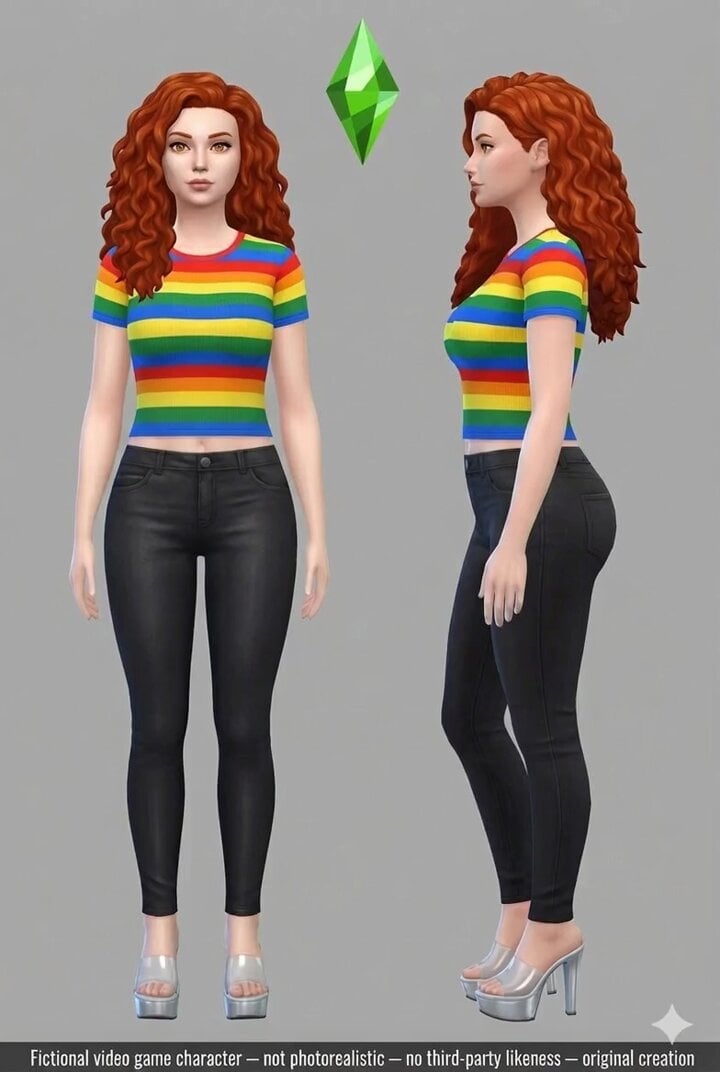
Cinematic 10-second ultra-realistic video prompt

NJPW Women's Championship Match
Browse template categories
Botanical Pumpkin Growth Timelapse questions
How do I use the Botanical Pumpkin Growth Timelapse template?
Add your photo if the template asks for one, edit the prompt if you like — the template's model and format are already selected — and press Generate. Your version opens in PicX Studio.
Can I customize the Botanical Pumpkin Growth Timelapse template?
Yes. You can change the subject, setting, lighting, mood, format, and available model controls before creating your video.
Is the Botanical Pumpkin Growth Timelapse template free?
Opening and editing this template is free. Generating uses credits, shown on the Generate button when you are signed in.
Which AI model should I use?
Start with Seedance 2.0, which is the model associated with this template. You can compare another compatible model for a different finish.
Looking for something else? Browse all templates.

Your photo, any look
Thousands of ready templates for every top image and video model, from one credit balance.