
Sequence and Movement Instruction for Martial Arts Video
A video prompt for Seedance 2.0 that instructs the model to animate a sequence based on a character sheet, focusing on specific movements and steps.
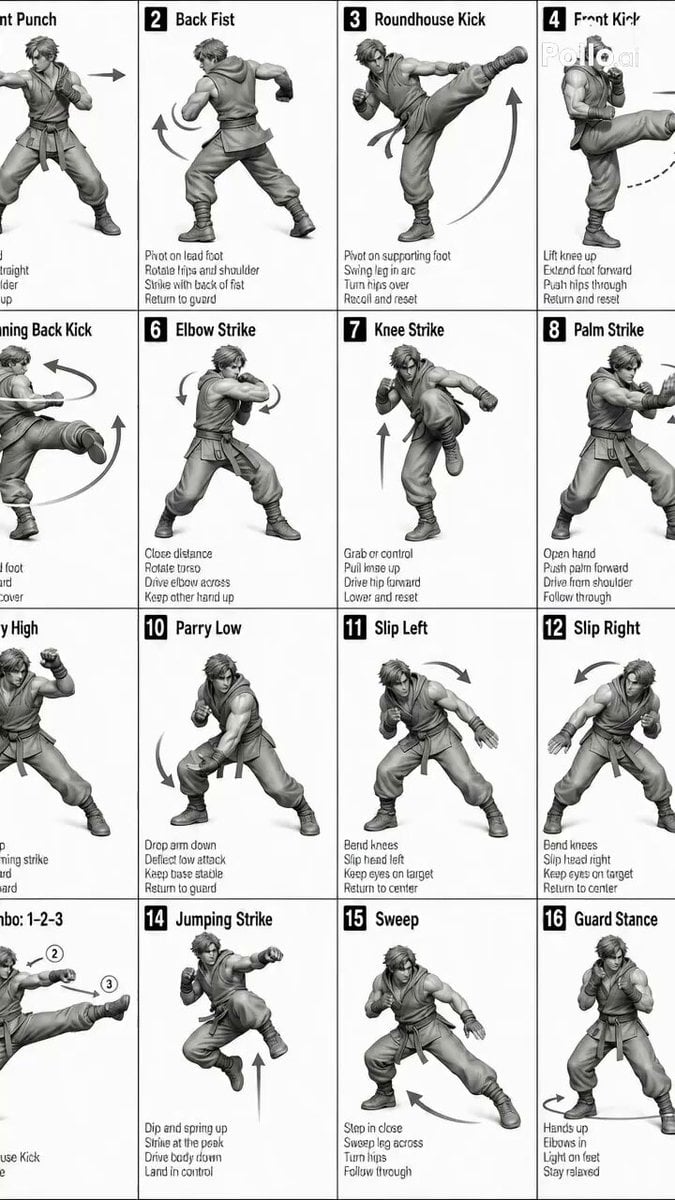
- Prompt included
- Model and format preset
- Premium template
The prompt behind this video
Copy the exact prompt behind Sequence and Movement Instruction for Martial Arts Video, or open it in the studio and make it yours.
[STYLE] Monochrome grayscale illustration, 3D-rendered character, clean instructional reference sheet, white background, comic-style cell grid layout, technical diagram aesthetic. [LAYOUT] 4×4 grid layout with a total of 16 panels. Each panel is separated by thin black border lines. Cells are numbered from 1 to 16, with consistent panel sizes. [CHARACTER] image1 (the same character appears consistently in all panels) [PANEL STRUCTURE – per cell] Top-left: bold number badge + English title text Center: full-body character pose illustration Bottom-left: English description text (3–4 lines) Overlay: directional arrows indicating movement [ARROWS / MOTION INDICATORS] Curved arrows, straight arrows, and circular rotation indicators placed around the character to show motion flow and direction. [RENDERING STYLE] Highly detailed 3D sculpted style, soft studio lighting, subtle shadows, no color, grayscale shading, clean linework, game concept art quality. [NEGATIVE] No background scenery, no color tones, no additional characters, no complex background. Create img2 that follows the exact sequence and movements from steps 1–16 shown in img1. The music should be aud1. There should be no dialogue, text, or narration.
How to use Sequence and Movement Instruction for Martial Arts Video in 3 steps
- 1Upload ImagePNG, JPG or paste
Add your photo
Upload the photo the template builds on. The prompt, model and format are already set.
- 2…a portrait of your subject in softgolden-hour light, 85mm…
Personalize
Edit the subject and creative details for your destination.
- 3Generate
Generate
Press Generate — your video is created in PicX Studio, so you can compare it with the original and refine one variable at a time.
More like this
Templates with the same subject, style or setup. Open one to see its prompt.

Martial Arts Fight Sequence
Martial Arts Warehouse Combat Sequence
Taiqi Martial Arts Fight Sequence
Pencak Silat Martial Arts Sequence
Cinematic Martial Arts Sequence for Seedance 2
Fantasy Martial Arts Live Action

Comical Martial Arts Punch Scene
Martial Arts Comedy Verbal Guidance
High School Martial Arts One-Shot
Martial Arts Comedy: The Echoing Secret
Poetic Martial Arts Comedy: Zither and Cranes
Martial Arts Cyborg Battle and Transformation
Make it yours
Sequence and Movement Instruction for Martial Arts Video works as-is. These are the safest ways to change it without losing the look.
Change one field
Copy a single group, rewrite it, and generate again so you can see what that field is doing.
Keep the frame, change the subject
Hold the composition and light of Sequence and Movement Instruction for Martial Arts Video, then swap wardrobe, props or the person for a new take.
| If the result… | Why | Fix |
|---|---|---|
| The result drifts from the preview | Too many fields changed at once. | Reuse Sequence and Movement Instruction for Martial Arts Video as-is first, then change one group — subject, light, or setting. |
| The model over-stylizes the scene | The prose prompt leaves finish and camera underspecified. | Add one camera or lighting sentence and stay on Seedance 2.0. |
More Seedance 2.0 templates
Other prompts made for Seedance 2.0.

Maglev Train Action Sequence

Wuxia Protection and Trust Script

Vintage Korean Arcade MiniDV Vlog

Mercedes 190 SL Luxury Ad

Rainy Night Supernatural Reverse Comedy Video Script

Amazon Civilization Discovery

Futuristic South Asian City Transformation

Cozy Luxury Cafe Commercial

Cyber Ronin Nanotech Transformation Video

Desert Courier and Sandstorm Leviathan Chase
More video prompts
Fresh picks from across the catalog.
Rooftop Parkour Motion Control
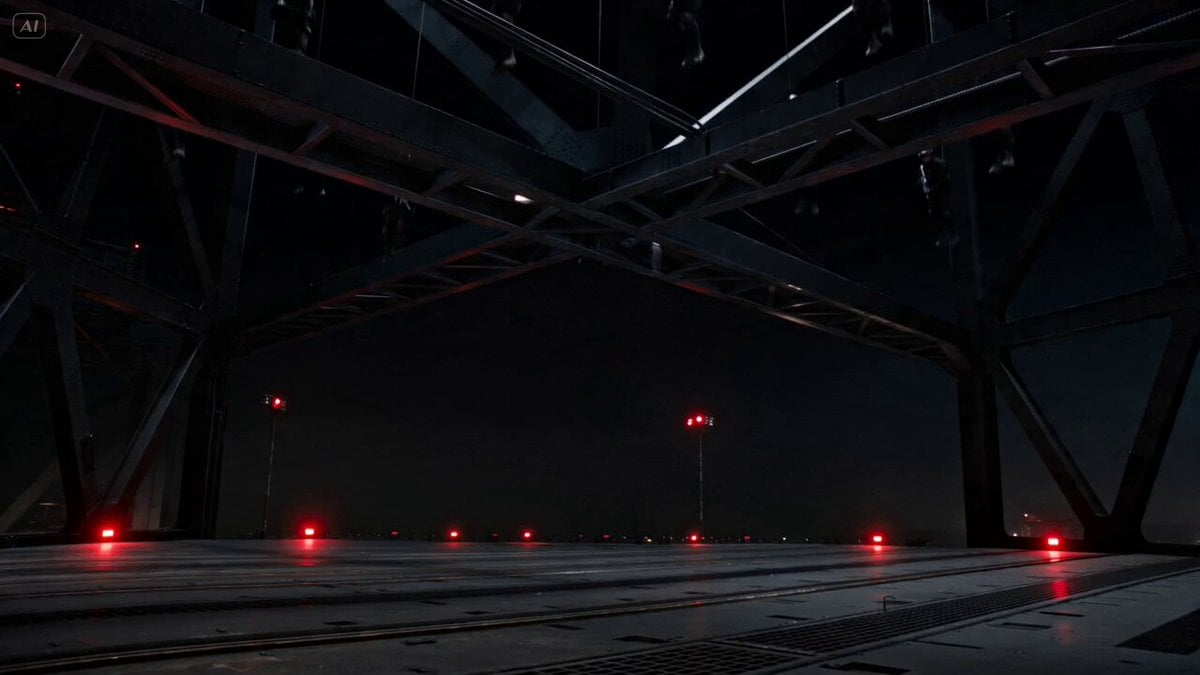
Industrial Platform Spectral Battle
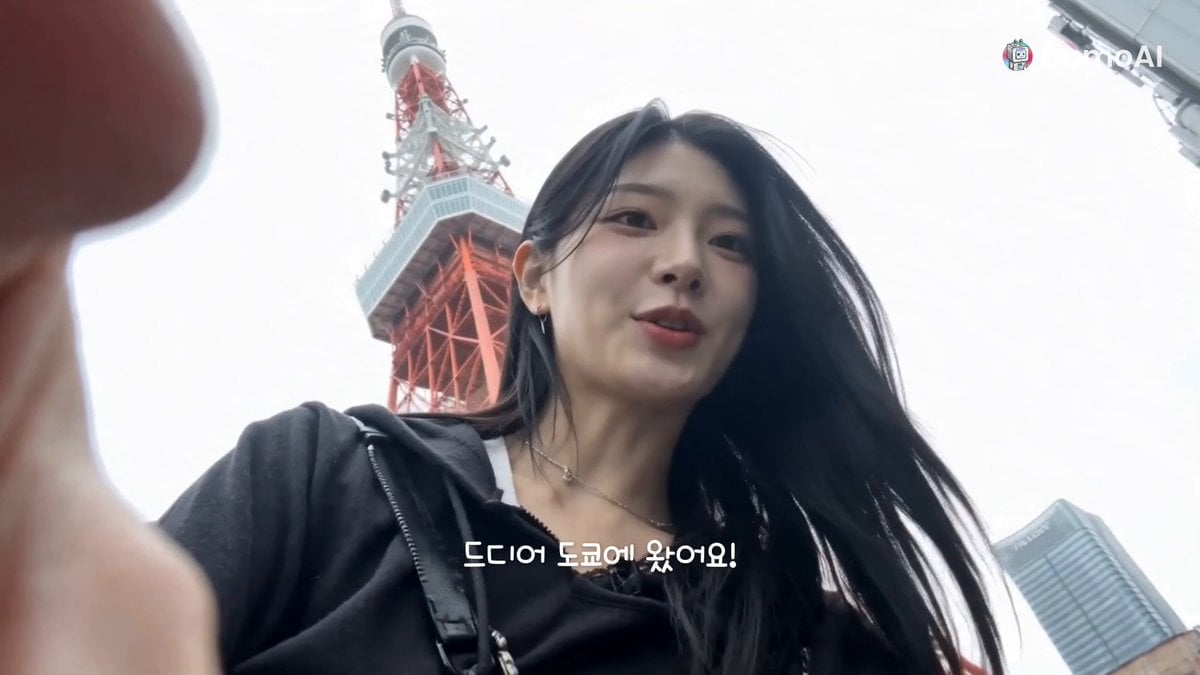
Tokyo Travel Vlog Music Cut
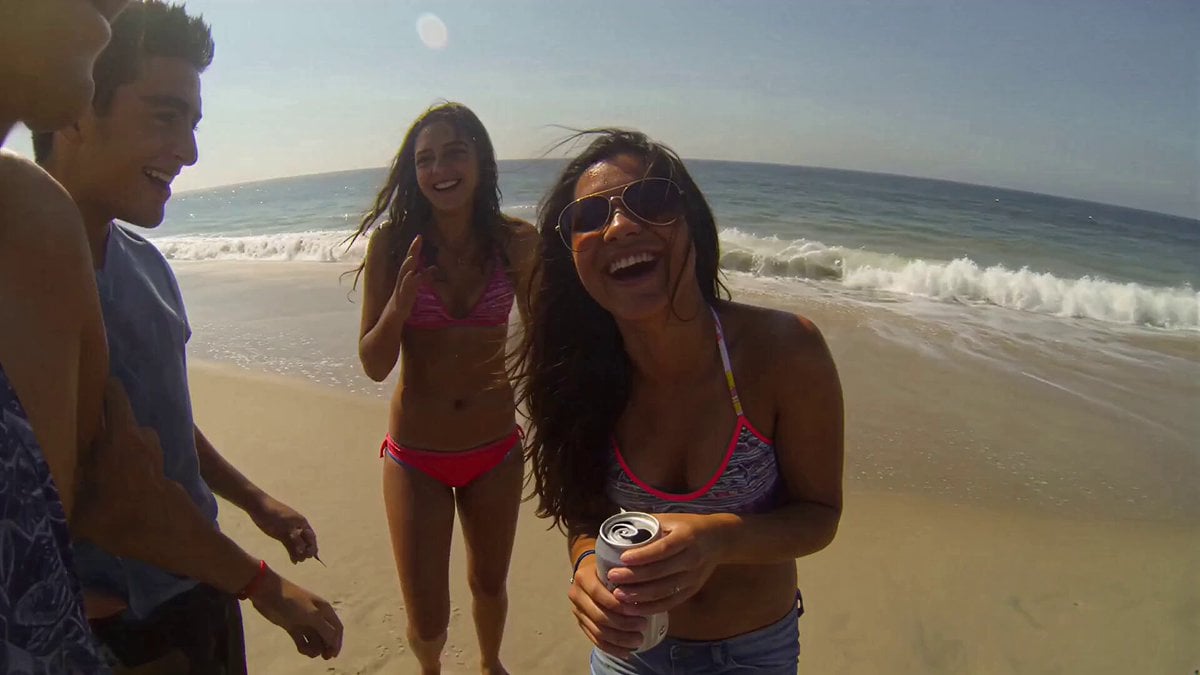
Handheld Smartphone Beach Video
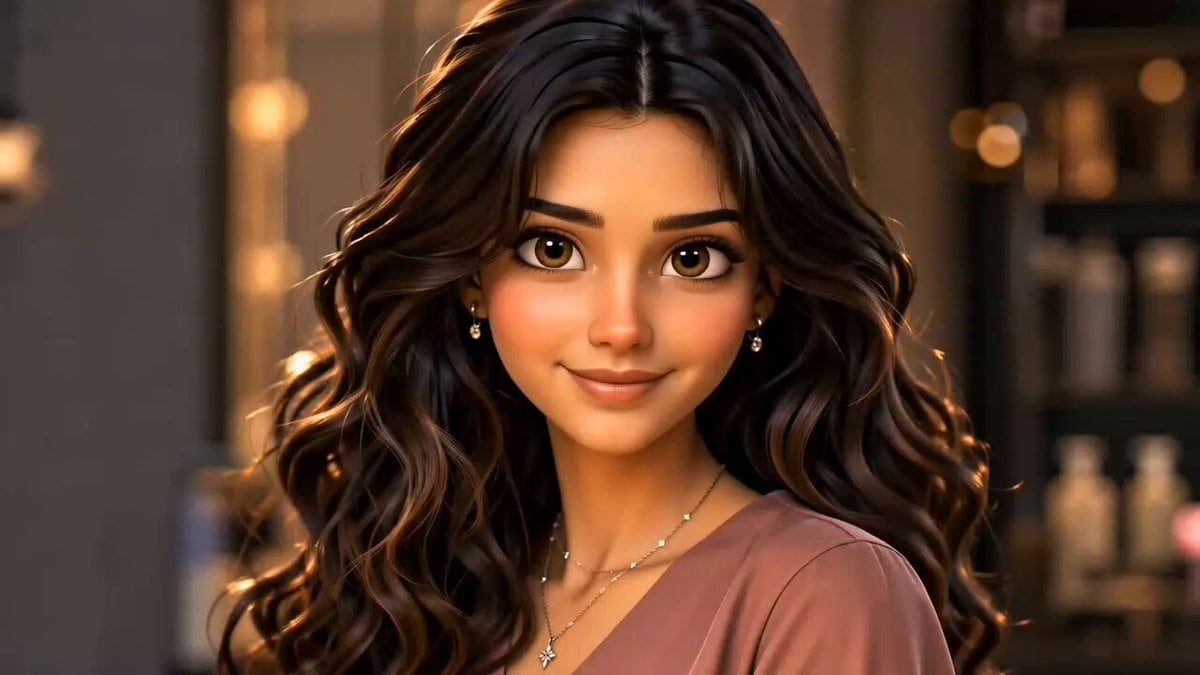
Hair Salon Transformation Ad Prompt
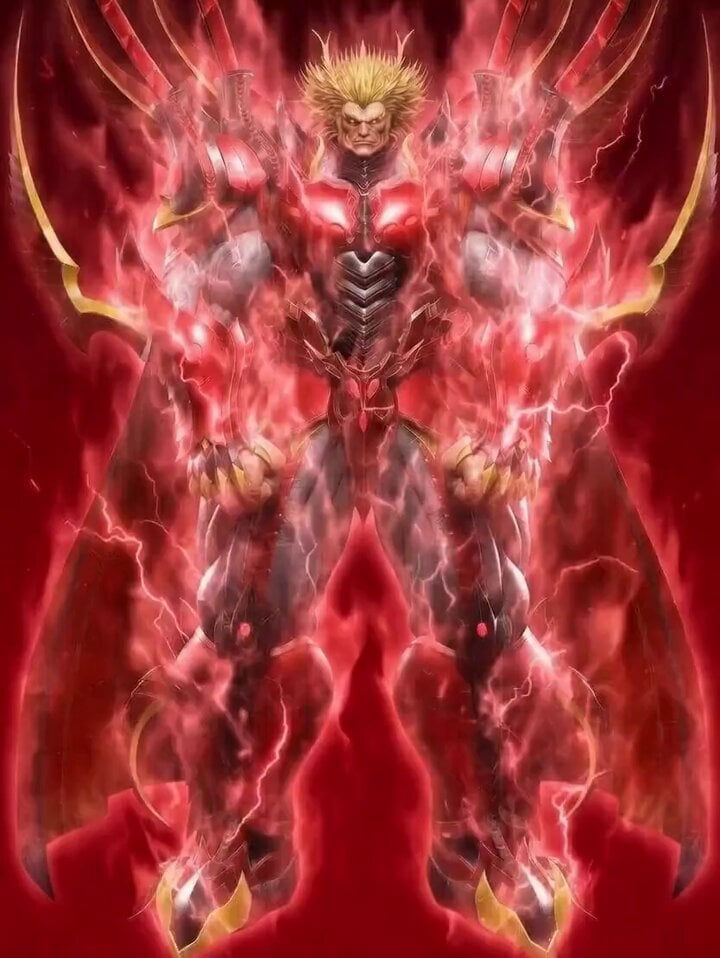
Obelisk The Tormentor Punch Prompt

Field harvesting vegetables
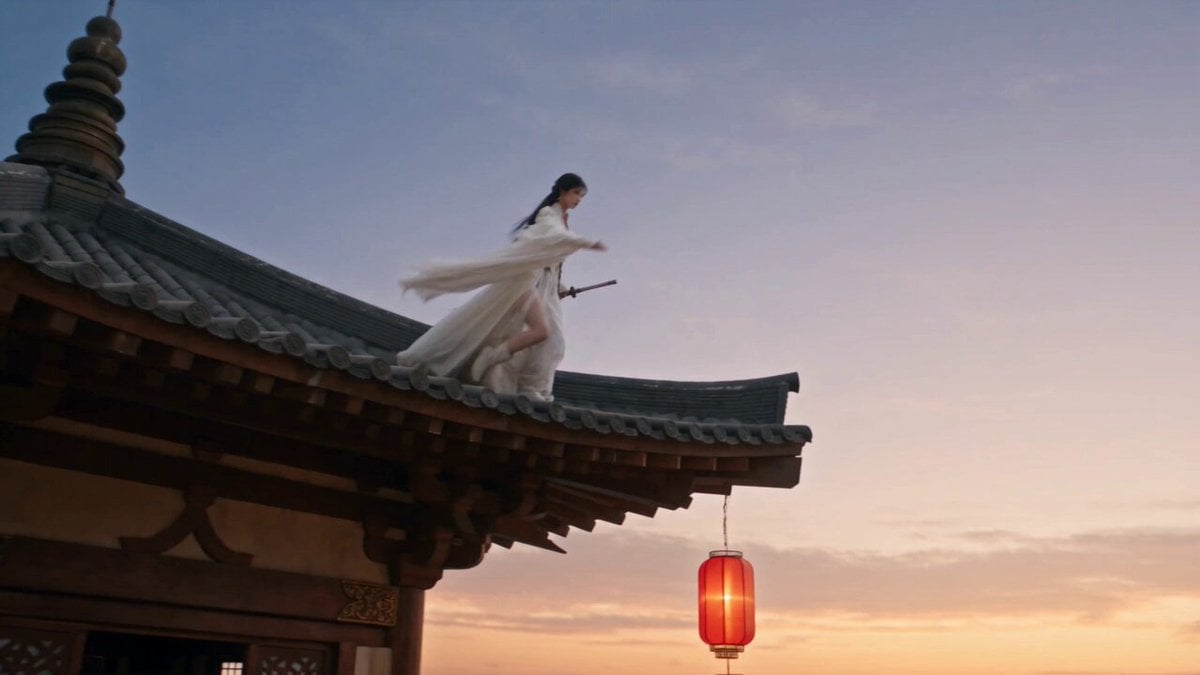
Cinematic Swordswoman Night Market Sequence

Nostalgic Disney Family Conversation
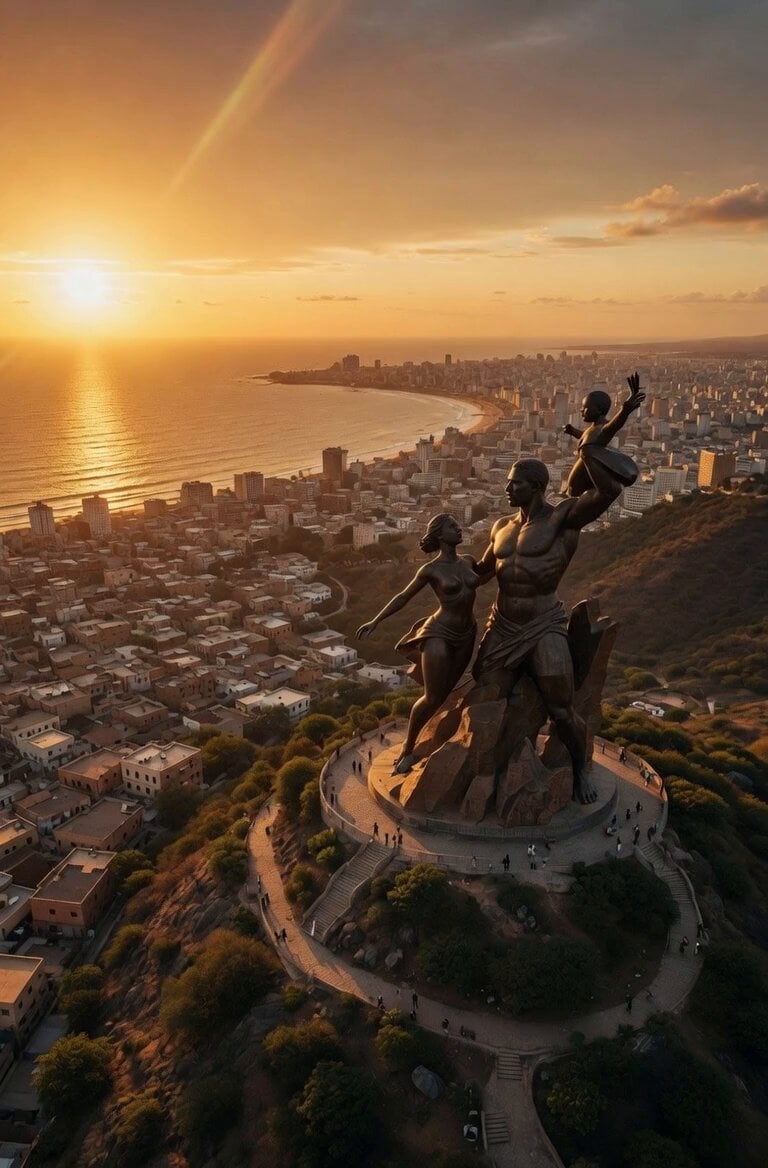
Cinematic 8K FPV Drone Tour of Senegal
Browse template categories
Sequence and Movement Instruction for Martial Arts Video questions
How do I use the Sequence and Movement Instruction for Martial Arts Video template?
Add your photo if the template asks for one, edit the prompt if you like — the template's model and format are already selected — and press Generate. Your version opens in PicX Studio.
Can I customize the Sequence and Movement Instruction for Martial Arts Video template?
Yes. You can change the subject, setting, lighting, mood, format, and available model controls before creating your video.
Is the Sequence and Movement Instruction for Martial Arts Video template free?
Opening and editing this template is free. Generating uses credits, shown on the Generate button when you are signed in.
Which AI model should I use?
Start with Seedance 2.0, which is the model associated with this template. You can compare another compatible model for a different finish.
Looking for something else? Browse all templates.

Your photo, any look
Thousands of ready templates for every top image and video model, from one credit balance.