How do I use the Nostalgic Disney Family Conversation template?
Edit the prompt in the box under the preview — the template's model and format are already selected — and press Generate. Your version appears right on this page.
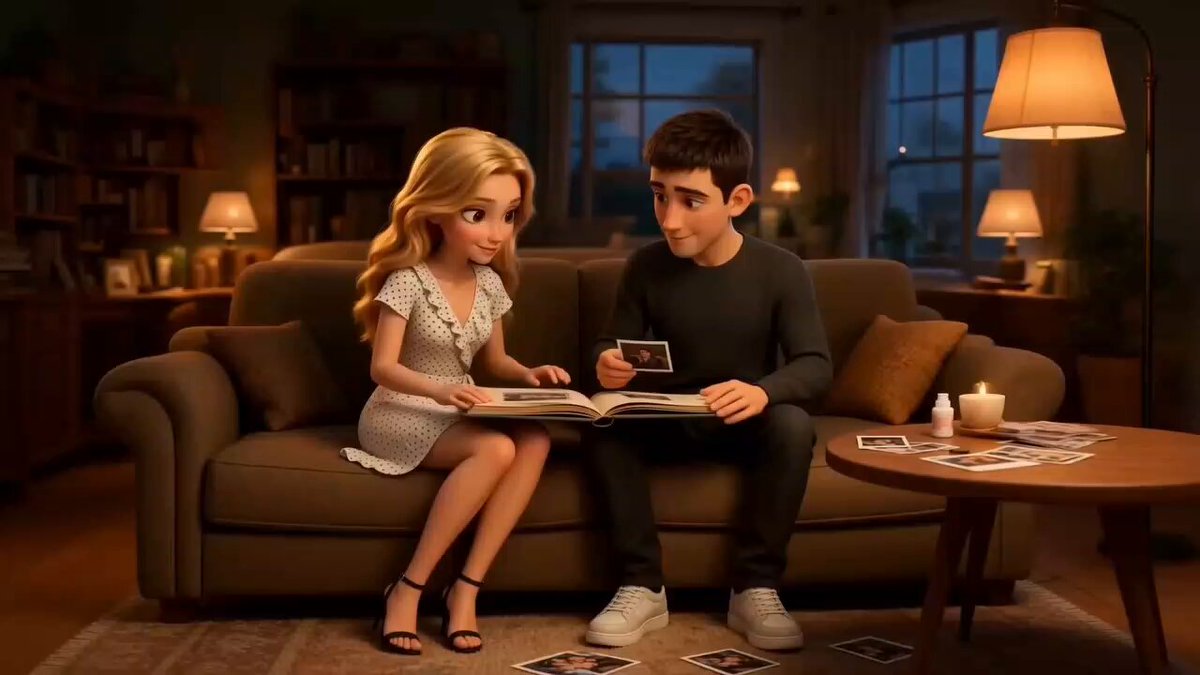
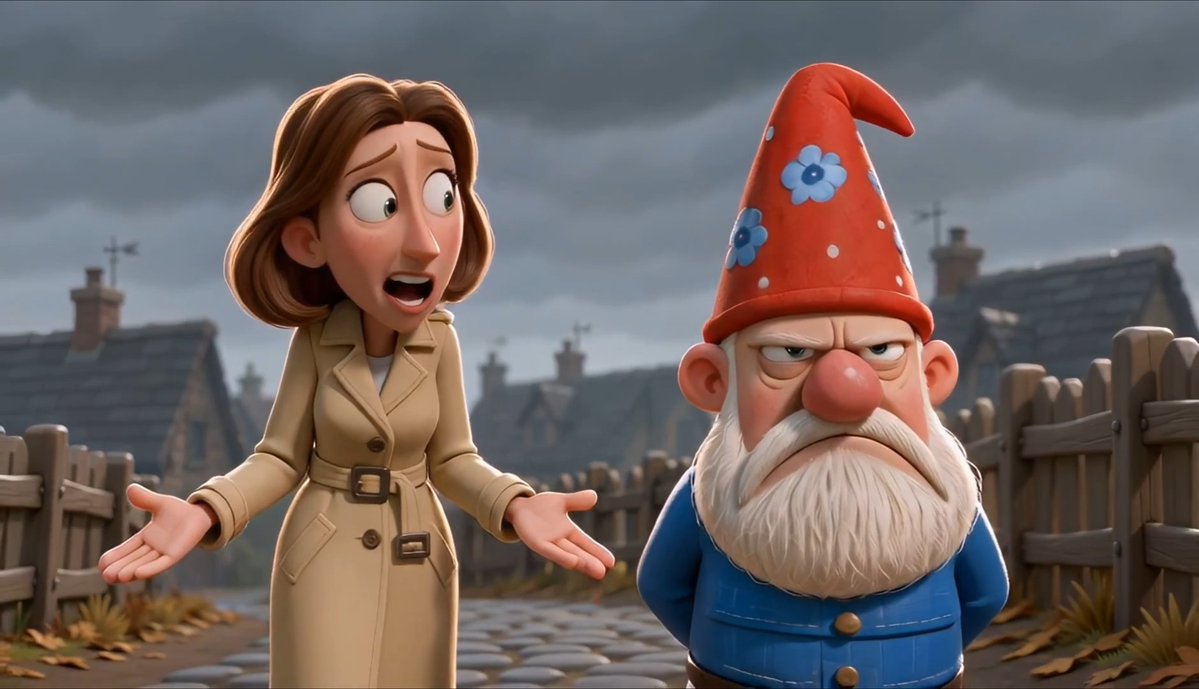
A nostalgic old Disney-style animation prompt featuring a conversation between a father and daughter about getting a pet dog, using multiple reference images.
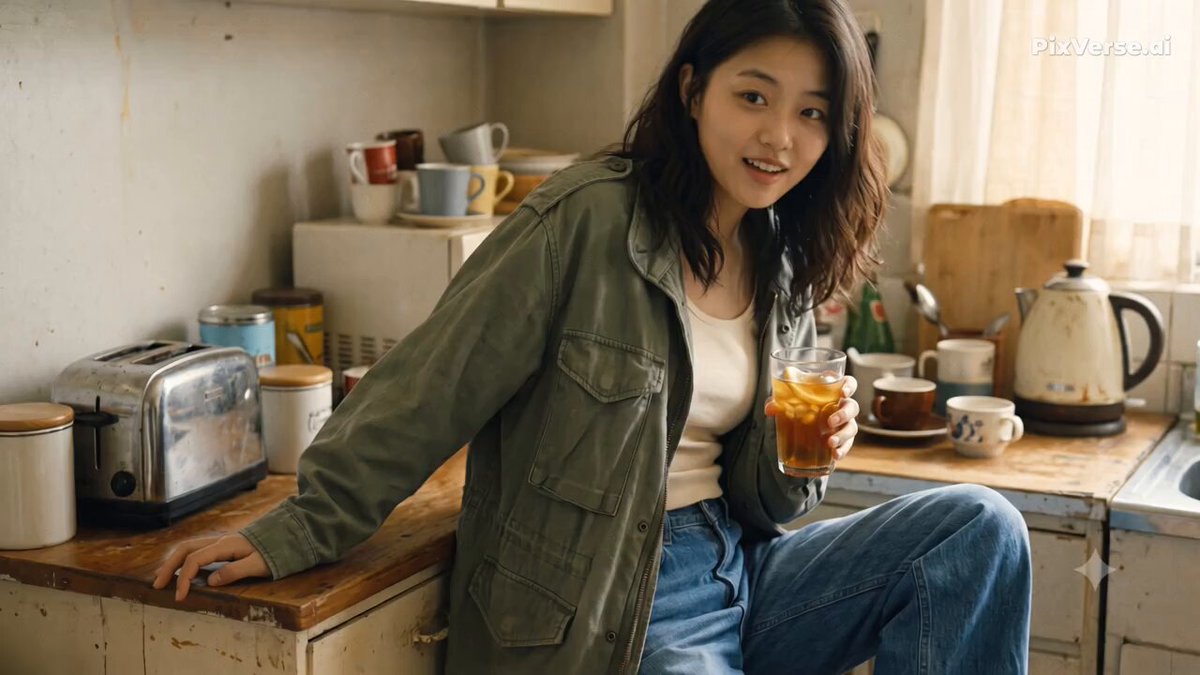
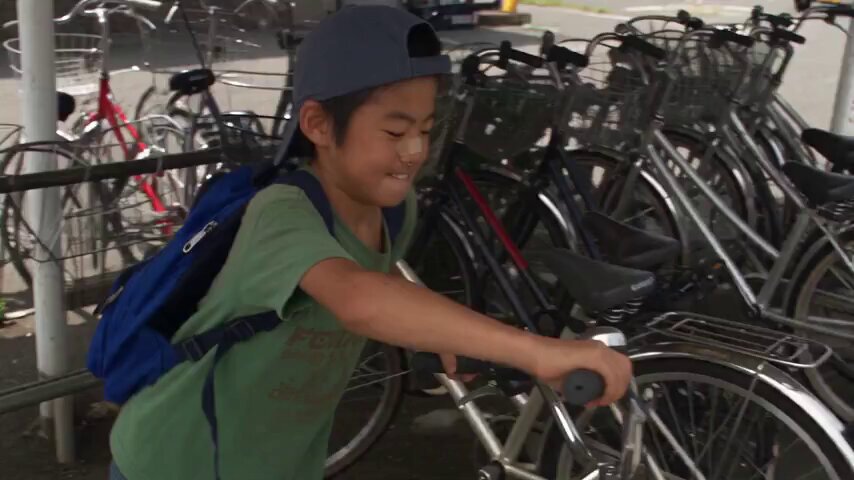
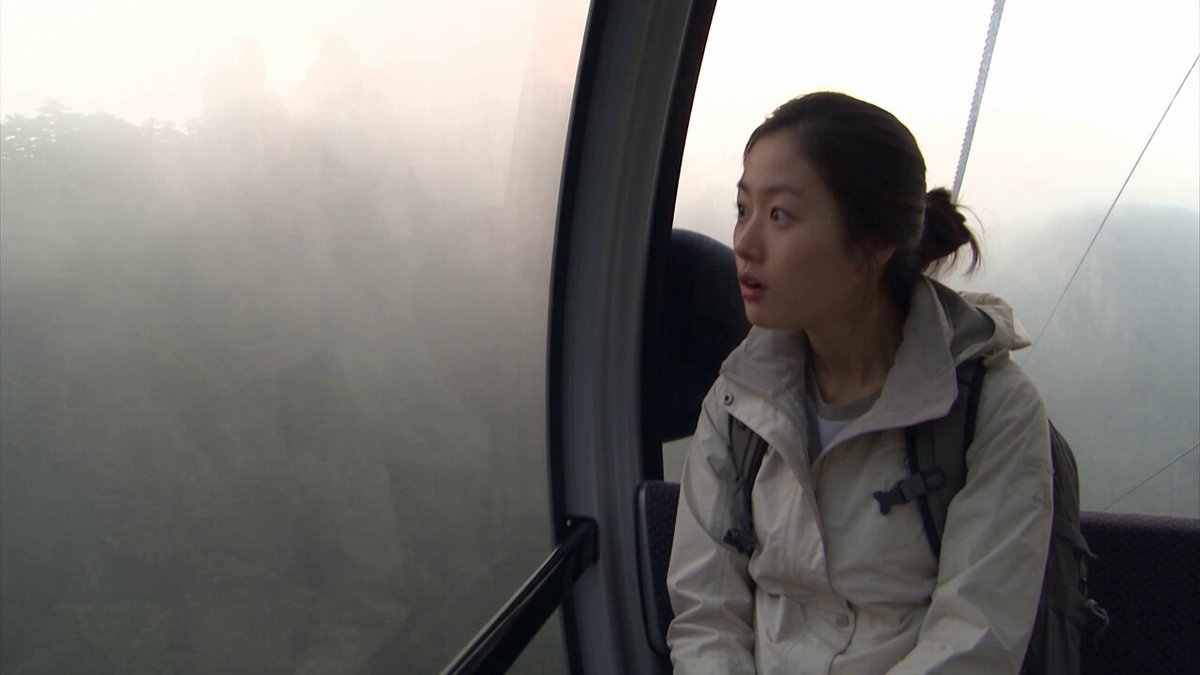
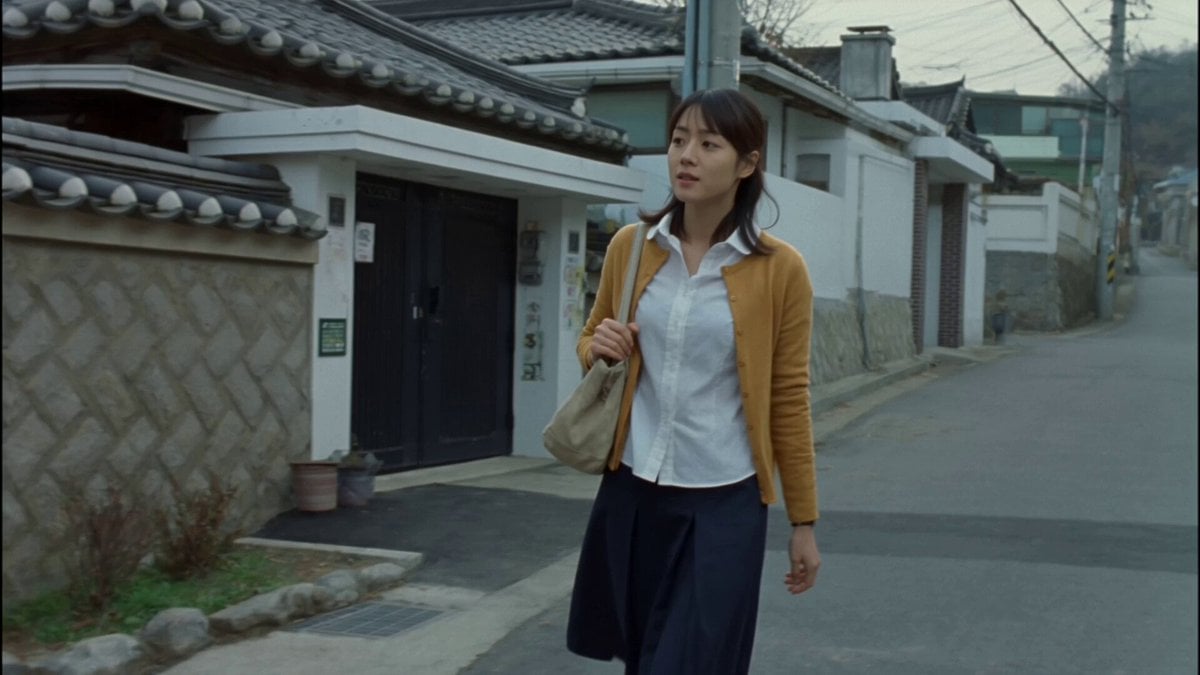
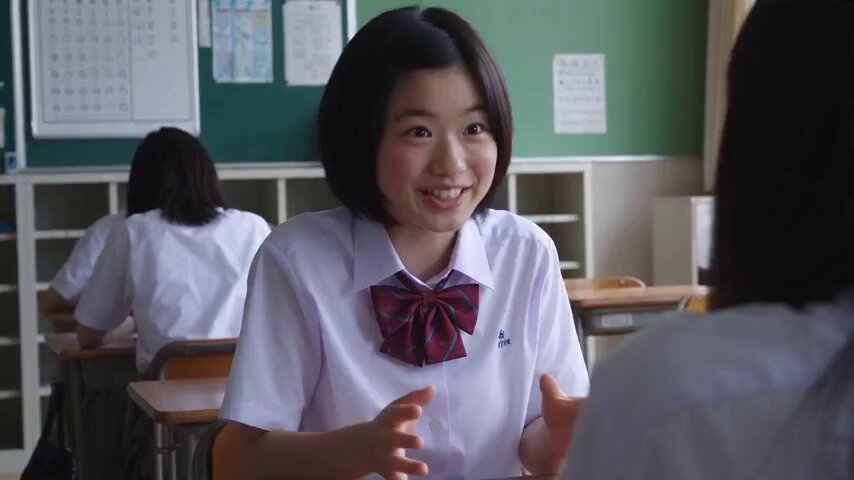
A conversation of the daughter in image @image1 and the dad in image @image2. The daughter is sitting dreaming of a pet dog, she imagines the dogs in @image3, @image4 and @image5 one after another, when she imagine them they were happy showing through their eyes, face, mouth, and tail. Then she tells her dad they should get a pet dog, but the dad doesn't want a dog, she keeps begging and asking and telling him how amazing it is to have a pet dog to convince him, he keeps saying he doesn't like dogs, they go one after another alternating, at the end the dad finally says "fine, we'll get a dog". Old disney movie aesthetic and animation style.
A conversation of the daughter in image @image1 and the dad in image @image2. The daughter is sitting dreaming of a pet dog, she imagines the dogs in @image3, @image4 and @image5 one after another, when she imagine them they were happy showing through their eyes, face, mouth, and tail. Then she tells her dad they should get a pet dog, but the dad doesn't want a dog, she keeps begging and asking and telling him how amazing it is to have a pet dog to convince him, he keeps saying he doesn't like dogs, they go one after another alternating, at the end the dad finally says "fine, we'll get a dog". Old disney movie aesthetic and animation style.
Edit the prompt in the box under the preview — the template's model and format are already selected — and press Generate. Your version appears right on this page.
Yes. You can change the subject, setting, lighting, mood, format, and available model controls before creating your video.
Opening and editing this template is free. Generating uses credits, shown on the Generate button when you are signed in.
Start with Seedance 2.0, which is the model associated with this template. You can compare another compatible model for a different finish.
Follow a topic to a crawlable collection of related PicX Studio templates.