
Grumblebert Flowerbottom Garden Conversation
A multi-shot narrative prompt for Seedance 2.0 Mini featuring a dialogue between a grumpy character and a local woman in a garden setting.

- Prompt included
- Model and format preset
- Free template
The prompt behind this video
Copy the exact prompt behind Grumblebert Flowerbottom Garden Conversation, or open it in the studio and make it yours.
Main Character: Grumblebert Flowerbottom @[image1] @[image2] (keep his facial features consistent and the exact same visual style) Location: Village lane beside Grumblebert’s garden. Overcast afternoon. A friendly local woman walks beside him. Shot 1 — 0:00–0:02She looks toward the cloudy sky.Woman: “Lovely weather.” Shot 2 — 0:02–0:03.5Grumblebert immediately frowns.Grumblebert: “Too dry.” Shot 3 — 0:03.5–0:05Woman nods.Woman: “Could rain later.” Shot 4 — 0:05–0:06.5Grumblebert looks offended by the possibility.Grumblebert: “Too much rain.” Shot 5 — 0:06.5–0:08.5Woman pauses.Woman: “What weather do you actually like?” Shot 6 — 0:08.5–0:10.5Grumblebert thinks seriously for a moment. Shot 7 — 0:10.5–0:13Close-up.Grumblebert: “Yesterday was acceptable.” Shot 8 — 0:13–0:15Woman stares at him.Woman: “You complained all day yesterday.”Grumblebert keeps walking.Grumblebert: “Exactly. Consistent.”
How to use Grumblebert Flowerbottom Garden Conversation in 3 steps
- 1Upload ImagePNG, JPG or paste
Add your photo
Upload the photo the template builds on. The prompt, model and format are already set.
- 2…a portrait of your subject in softgolden-hour light, 85mm…
Personalize
Edit the subject and creative details for your destination.
- 3Generate
Generate
Press Generate — your video is created in PicX Studio, so you can compare it with the original and refine one variable at a time.
More like this
Templates with the same subject, style or setup. Open one to see its prompt.

Childhood Toys Conversation Prompt
Nostalgic Disney Family Conversation
Japanese Slice-of-Life Conversation with Lip Sync
Intimate Future Conversation Couple
Cinematic Car Conversation Lip Sync

Clay Model Conversation Sequence

Japanese Slice-of-Life Street Conversation
Omegle Conversation Reveal
Anime conversation scene with micro zoom
Childhood Conversation Video Prompt
The Secret Garden Hidden Door
Rooftop Garden Scorching Bench Moment
Make it yours
Grumblebert Flowerbottom Garden Conversation works as-is. These are the safest ways to change it without losing the look.
Change one field
Copy a single group, rewrite it, and generate again so you can see what that field is doing.
Keep the frame, change the subject
Hold the composition and light of Grumblebert Flowerbottom Garden Conversation, then swap wardrobe, props or the person for a new take.
| If the result… | Why | Fix |
|---|---|---|
| The result drifts from the preview | Too many fields changed at once. | Reuse Grumblebert Flowerbottom Garden Conversation as-is first, then change one group — subject, light, or setting. |
| The model over-stylizes the scene | The prose prompt leaves finish and camera underspecified. | Add one camera or lighting sentence and stay on Seedance 2.0. |
More Seedance 2.0 templates
Other prompts made for Seedance 2.0.

Comical Martial Arts Punch Scene

Maglev Train Action Sequence

Martial Arts Fight Sequence

Wuxia Protection and Trust Script

Vintage Korean Arcade MiniDV Vlog

Mercedes 190 SL Luxury Ad

Rainy Night Supernatural Reverse Comedy Video Script

Amazon Civilization Discovery

Futuristic South Asian City Transformation

Cozy Luxury Cafe Commercial
More video prompts
Fresh picks from across the catalog.
Frozen Party Handheld Camera Shot
Transform subject into stylized 3D animated character
Cinematic Casino Card Handling

Cinematic Short Film Scene 2
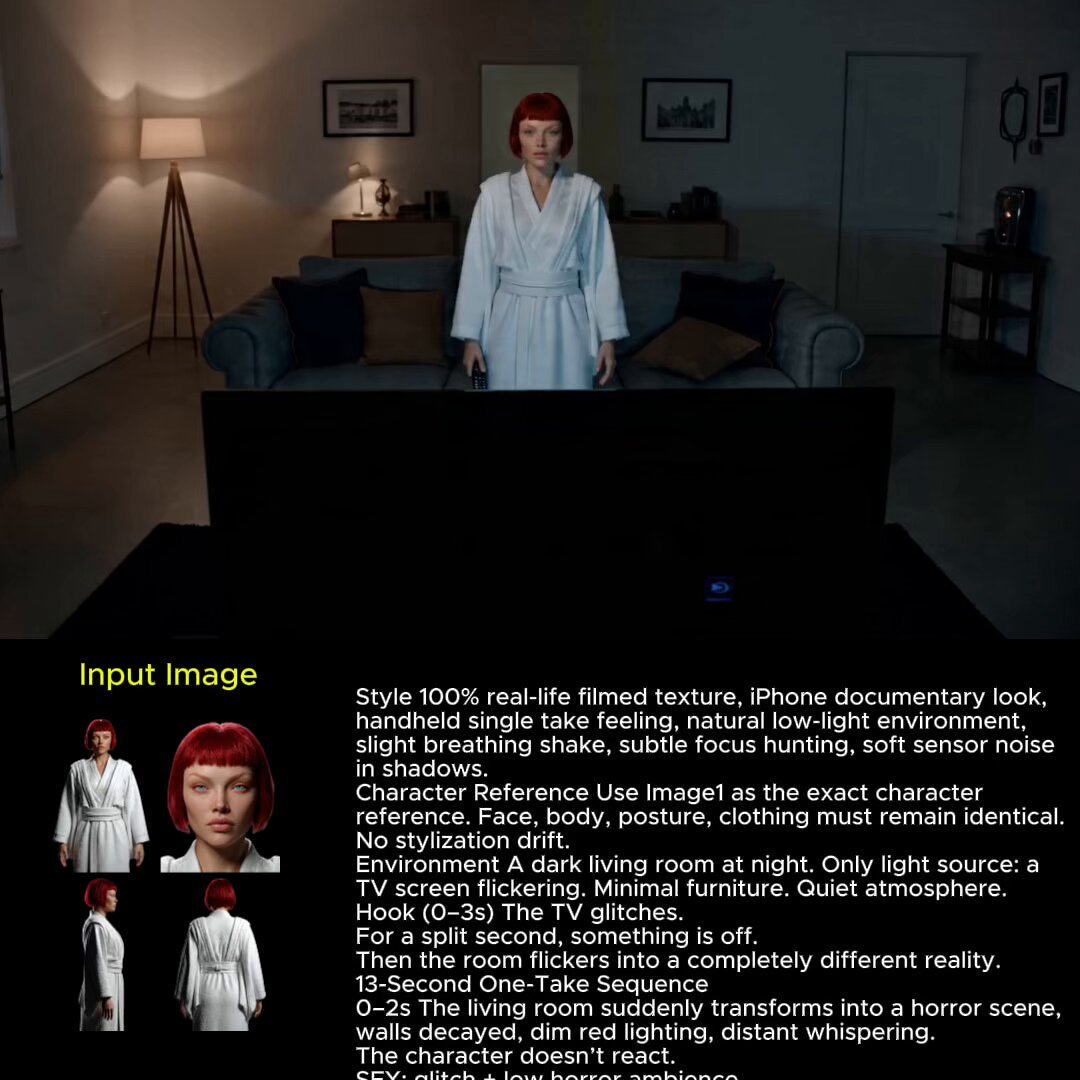
Glitch Reality Living Room Transition
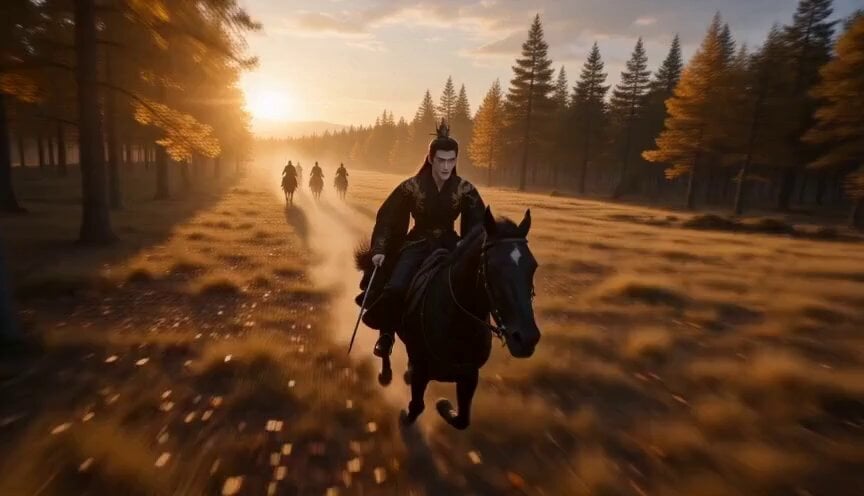
Chinese Fantasy Fox Spirit Video Drama
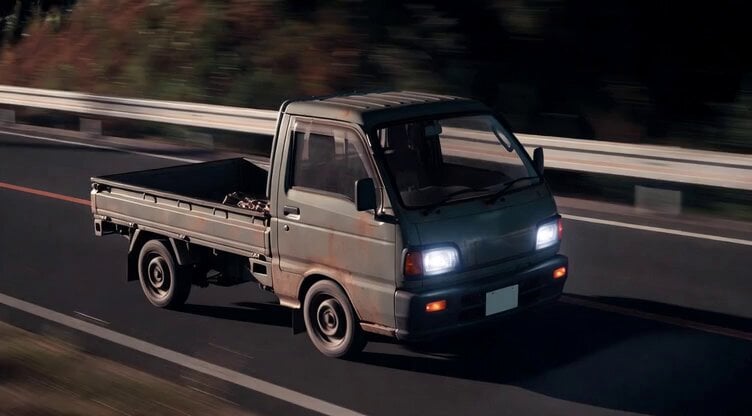
Kei Truck Street Racer Drifting on Japanese Highway

FPV Drone Flight Over Fantasy Port
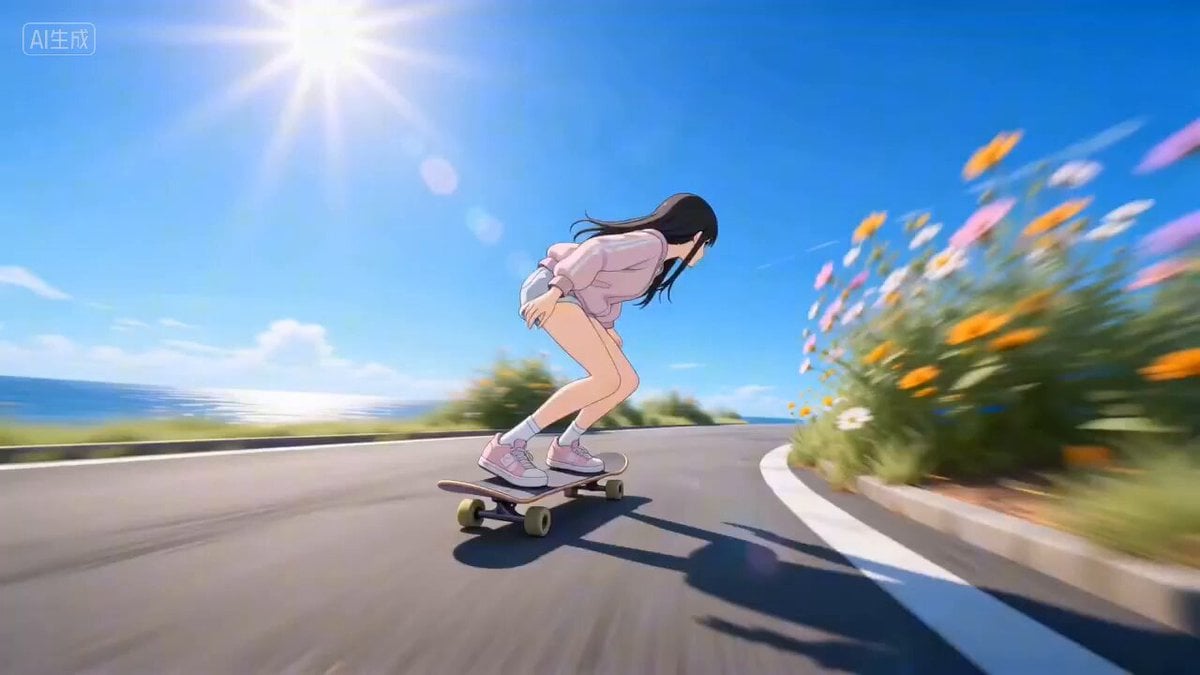
Four Seasons Skateboard/Snowboard Video Prompt for Seedance 2.0

Mech Warfare Post-Apocalyptic Thriller
Browse template categories
Grumblebert Flowerbottom Garden Conversation questions
How do I use the Grumblebert Flowerbottom Garden Conversation template?
Add your photo if the template asks for one, edit the prompt if you like — the template's model and format are already selected — and press Generate. Your version opens in PicX Studio.
Can I customize the Grumblebert Flowerbottom Garden Conversation template?
Yes. You can change the subject, setting, lighting, mood, format, and available model controls before creating your video.
Is the Grumblebert Flowerbottom Garden Conversation template free?
Opening and editing this template is free. Generating uses credits, shown on the Generate button when you are signed in.
Which AI model should I use?
Start with Seedance 2.0, which is the model associated with this template. You can compare another compatible model for a different finish.
Looking for something else? Browse all templates.

Your photo, any look
Thousands of ready templates for every top image and video model, from one credit balance.