
Japanese Slice-of-Life Street Conversation
Creates a cinematic video of two friends chatting on a quiet Japanese street during late afternoon with natural lip-sync and warm golden hour lighting.

- Prompt included
- Model and format preset
- Free template
The prompt behind this video
Copy the exact prompt behind Japanese Slice-of-Life Street Conversation, or open it in the studio and make it yours.
A cinematic Japanese slice-of-life scene.Two young Japanese women (age 20 and 22) are sitting together and chatting happily. They are close friends having a relaxed conversation. Their lips move naturally with synchronized dialogue (accurate lip sync).Scene: a quiet residential street in Japan in the late afternoon. Warm golden sunlight, gentle breeze, peaceful everyday composition, medium two-shot, natural framing, slightly handheld camera, soft natural sunlight, realistic skin tones, subtle film color grading.Visual style: Japanese indie film aesthetics, shallow depth of field, soft background blur, realistic acting.Dialogue (spoken in Japanese, natural lip sync):Woman 1: 「今日ほんとうにあたたかいね。春って感じしない?」Woman 2: 「うん、こういう日に外で話すの気持ちいいよね。」Woman 1: 「最近どう?大学はいそがしい?」Woman 2: 「ちょっといそがしいけど、こうやって話すと元気出る。」They smile, laugh lightly, and continue their casual conversation.Ultra realistic, cinematic storytelling, natural acting, 4K film look.
How to use Japanese Slice-of-Life Street Conversation in 3 steps
- 1
Open
The prompt is already in the box next to the preview, with the template's model and format selected.
- 2…a portrait of your subject in softgolden-hour light, 85mm…
Personalize
Edit the subject and creative details for your destination.
- 3Generate
Generate
Press Generate — your video is created in PicX Studio, so you can compare it with the original and refine one variable at a time.
More like this
Templates with the same subject, style or setup. Open one to see its prompt.
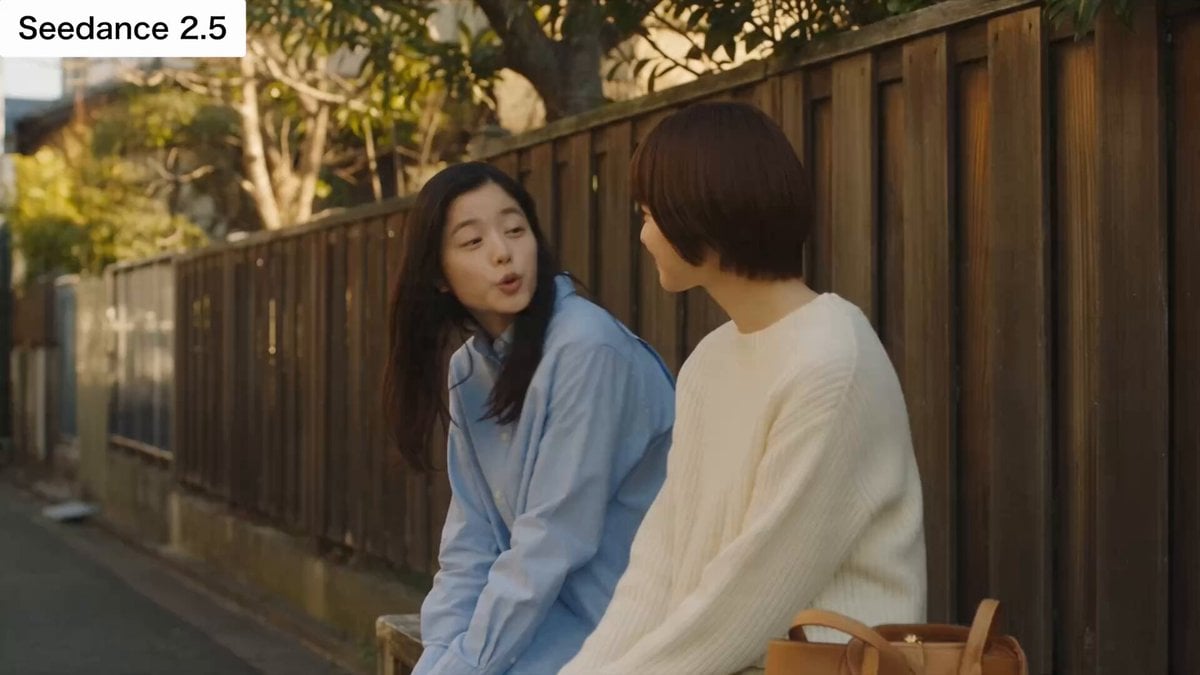
Japanese Slice-of-Life Conversation with Lip Sync

Rural Japanese Slice of Life Journey
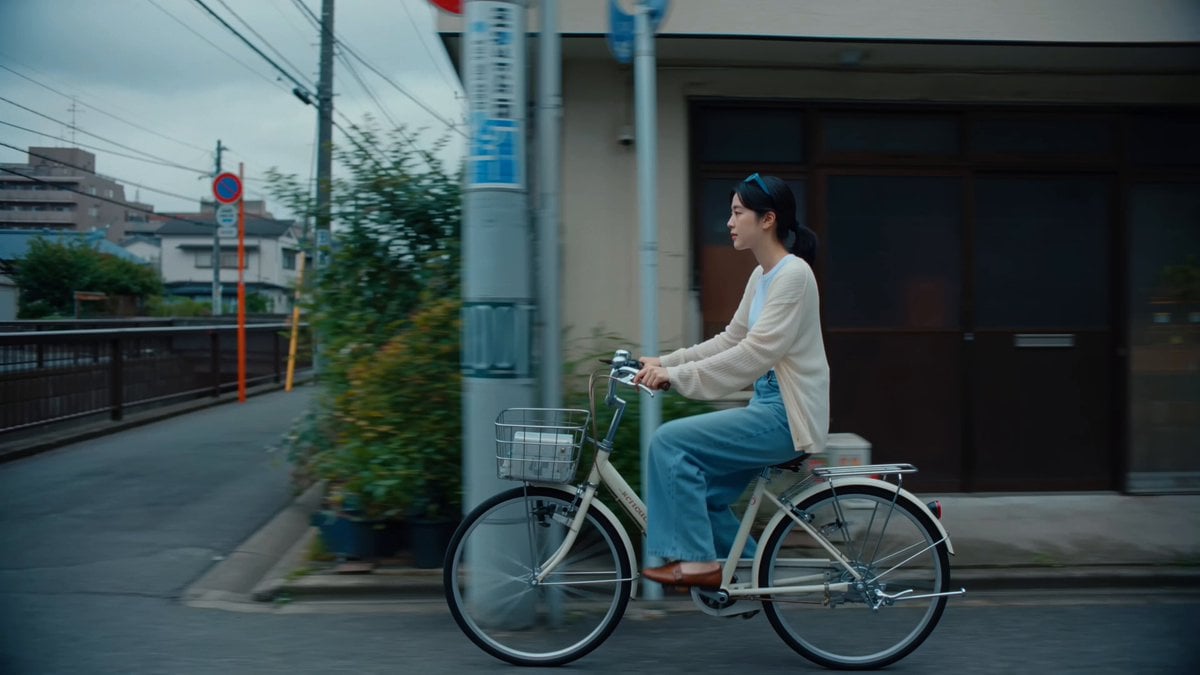
Japanese Shitamachi Neighborhood Slice-of-Life
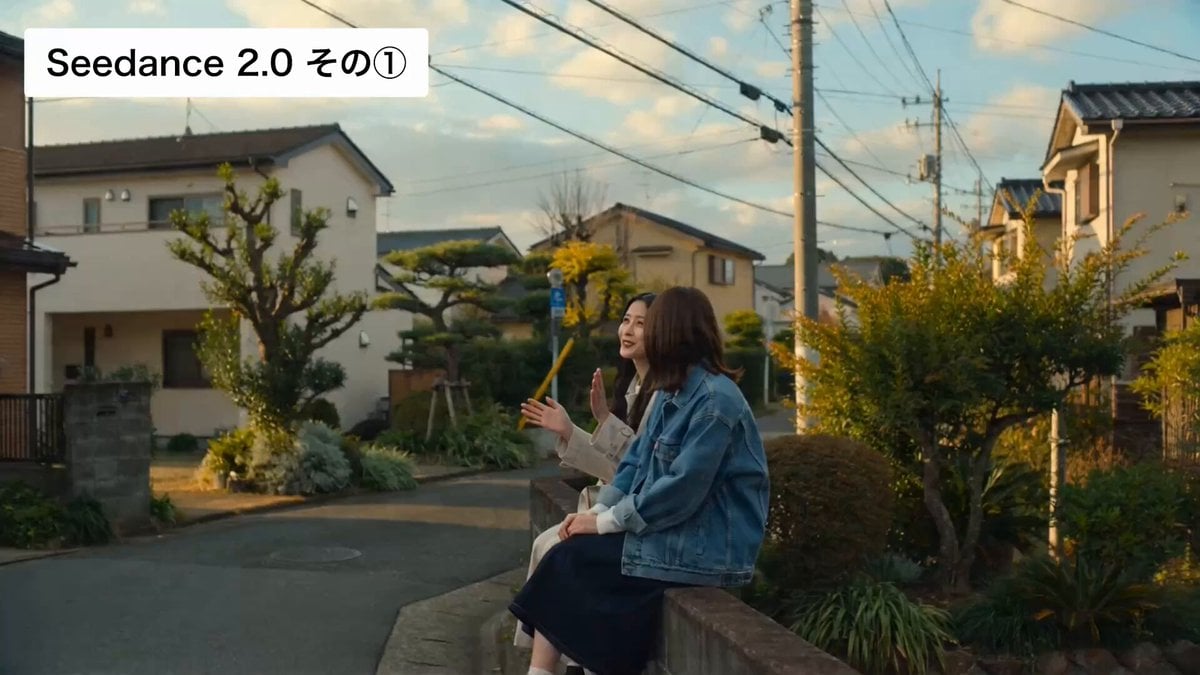
Cinematic Japanese Slice-of-Life Scene with Lip-Synced Dialogue
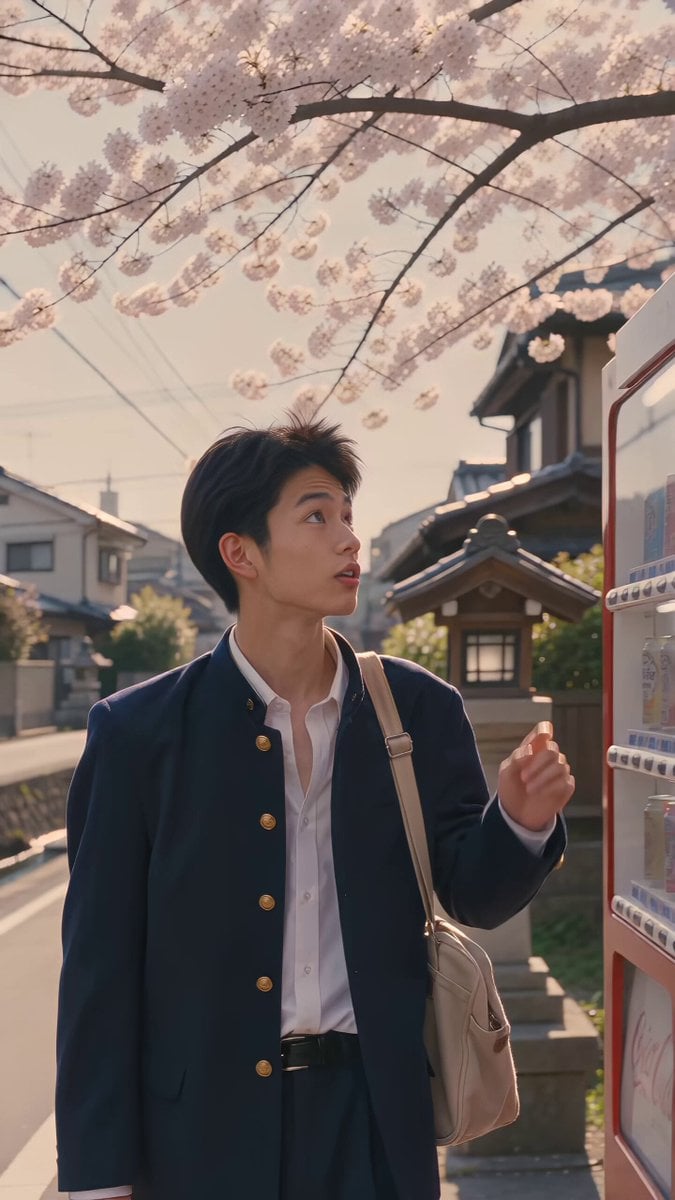
Kyoto 1987 VHS Slice of Life
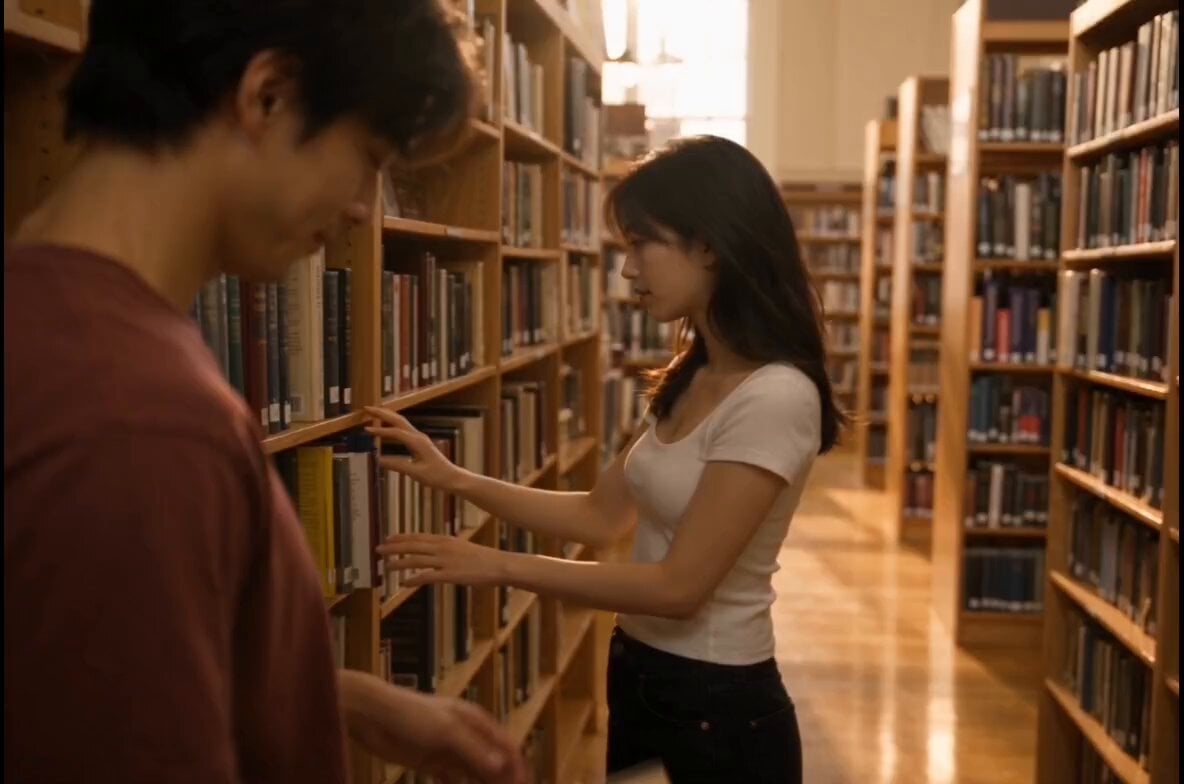
Bookstore Slice-of-Life Encounter

Realistic City Street Story Cinematic Video - Seedance

Japanese Pure Love Short Film

Kyoto Morning Selfie Vlog
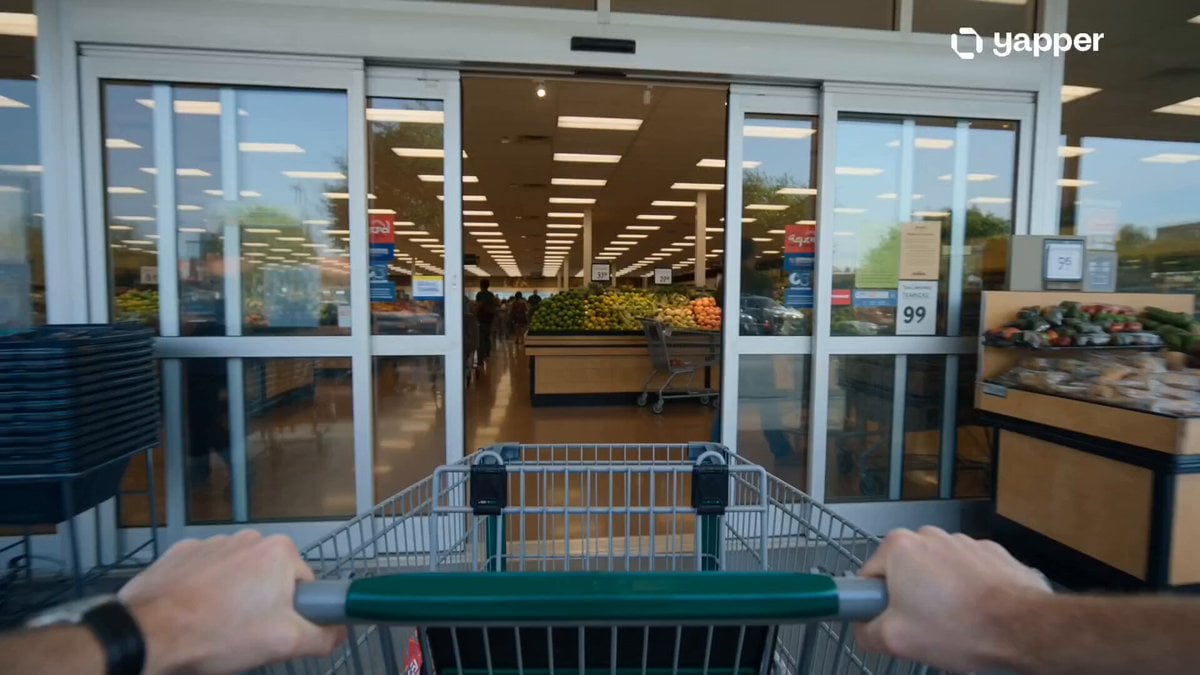
Grocery Store Slice-of-Life Realism
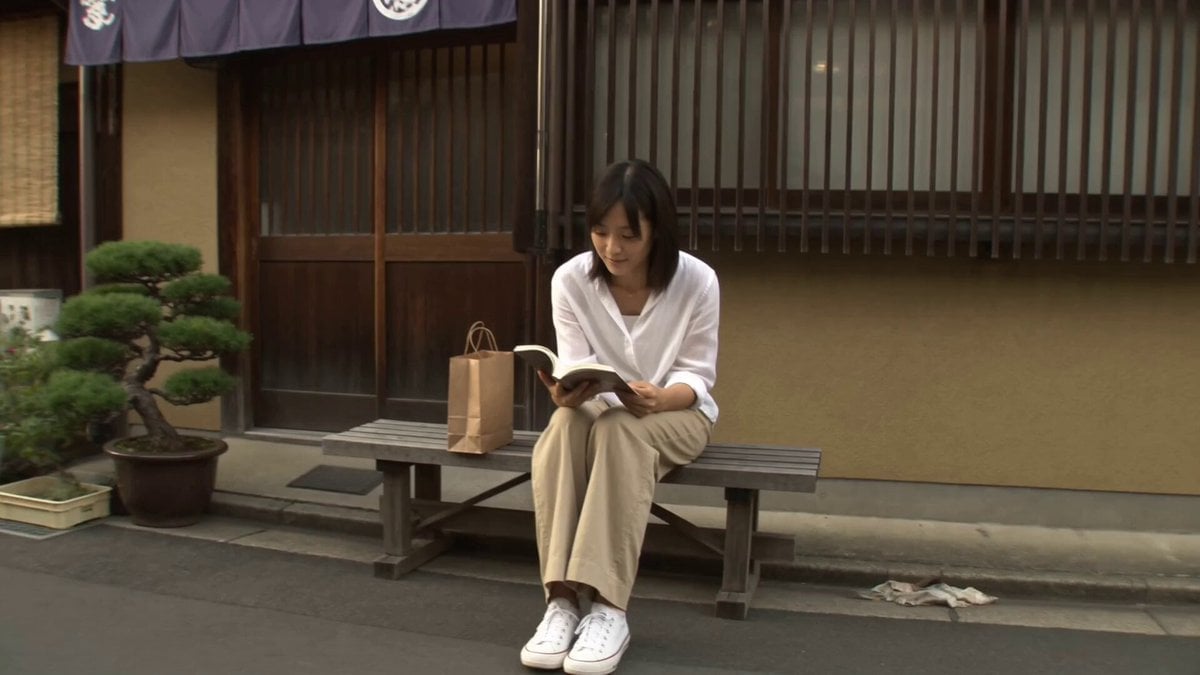
Tokyo Consumer DV Camcorder Slice of Life

Cinematic Slice-of-Life Comedy: Dropping a Coffee Mug
Make it yours
Japanese Slice-of-Life Street Conversation works as-is. These are the safest ways to change it without losing the look.
Change one field
Copy a single group, rewrite it, and generate again so you can see what that field is doing.
Keep the frame, change the subject
Hold the composition and light of Japanese Slice-of-Life Street Conversation, then swap wardrobe, props or the person for a new take.
| If the result… | Why | Fix |
|---|---|---|
| The result drifts from the preview | Too many fields changed at once. | Reuse Japanese Slice-of-Life Street Conversation as-is first, then change one group — subject, light, or setting. |
| The model over-stylizes the scene | The prose prompt leaves finish and camera underspecified. | Add one camera or lighting sentence and stay on Seedance 2.0. |
More Seedance 2.0 templates
Other prompts made for Seedance 2.0.

Comical Martial Arts Punch Scene

Maglev Train Action Sequence

Martial Arts Fight Sequence

Wuxia Protection and Trust Script

Vintage Korean Arcade MiniDV Vlog

Mercedes 190 SL Luxury Ad

Rainy Night Supernatural Reverse Comedy Video Script

Amazon Civilization Discovery

Futuristic South Asian City Transformation

Cozy Luxury Cafe Commercial
More video prompts
Fresh picks from across the catalog.

Grok Imagine Video Prompt: Woman Leaning Against Vintage Car

Futuristic Warrior Mother in Flower Field
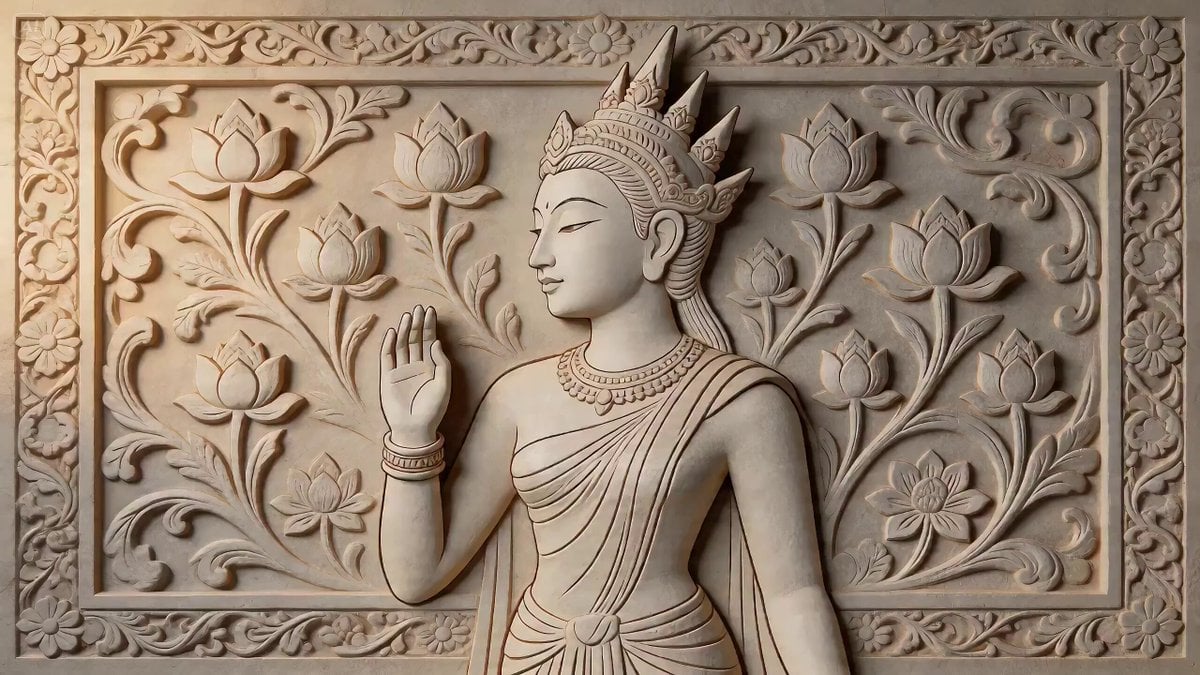
2D Carving Morphing into Human Woman

Seedance 2.0 Video Prompt: The Disruptor (Grok vs. Sora/Seedance)

Futuristic Desert Off-Road Racing Prompt
Animated Goat-Man Tea Ceremony Sequence
Motivational Noir Silhouette Run

K-Pop Rooftop Dance Music Video

Dongbei Sweet Girl Livestream Video Prompt

First-Person Flying Broom POV
Browse template categories
Japanese Slice-of-Life Street Conversation questions
How do I use the Japanese Slice-of-Life Street Conversation template?
Add your photo if the template asks for one, edit the prompt if you like — the template's model and format are already selected — and press Generate. Your version opens in PicX Studio.
Can I customize the Japanese Slice-of-Life Street Conversation template?
Yes. You can change the subject, setting, lighting, mood, format, and available model controls before creating your video.
Is the Japanese Slice-of-Life Street Conversation template free?
Opening and editing this template is free. Generating uses credits, shown on the Generate button when you are signed in.
Which AI model should I use?
Start with Seedance 2.0, which is the model associated with this template. You can compare another compatible model for a different finish.
Looking for something else? Browse all templates.

Your photo, any look
Thousands of ready templates for every top image and video model, from one credit balance.