
Dongbei Sweet Girl Livestream Video Prompt
A detailed, multi-scene prompt for Seedance 2.0 to generate a 15-second vertical video (9:16) featuring a 'Northeast Sweet Girl' performing a slow-roll MC routine in a high-end, cyberpunk-style livestream studio…
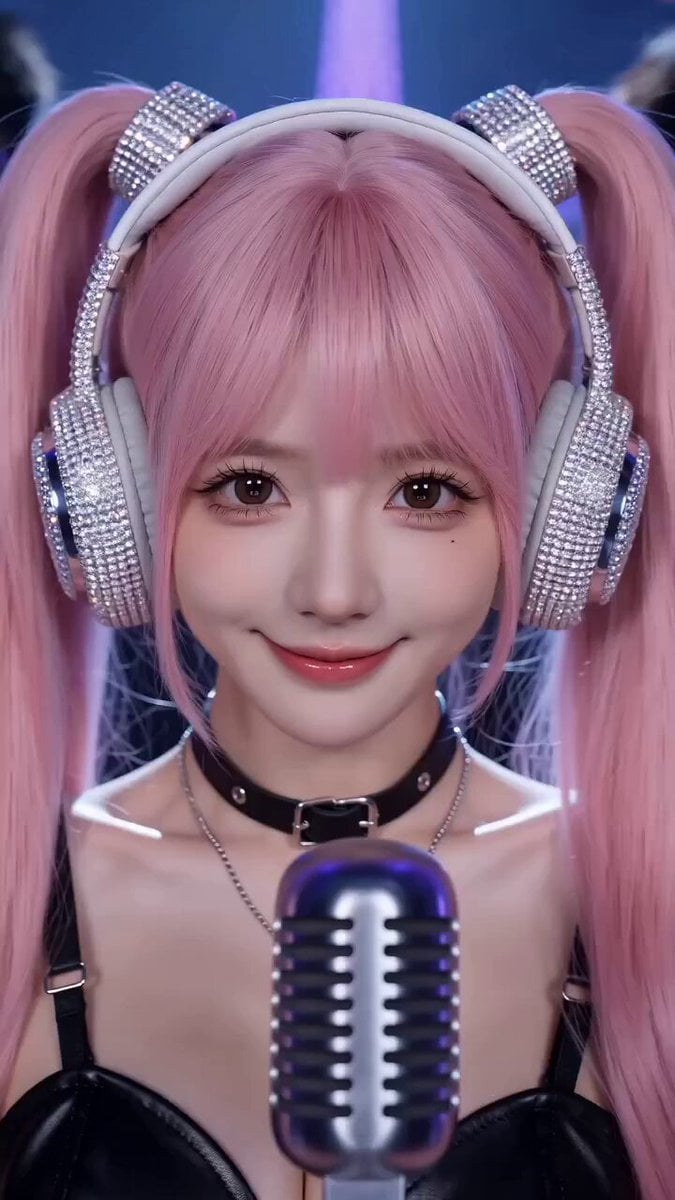
- Prompt included
- Model and format preset
- Free template
The prompt behind this video
Copy the exact prompt behind Dongbei Sweet Girl Livestream Video Prompt, or open it in the studio and make it yours.
[Style] Douyin/Kuaishou vertical format (TikTok Portrait 9:16), high-end influencer livestream studio (High-end Livestream Studio), cyberpunk neon lighting, 4K quality, Northeast MC slow-shake style (Dongbei MC Slow Roll), an extremely strong sense of rhythm. [Duration] 15 seconds [BGM] "Night Paris" (夜巴黎), DJ slow-shake remix version. [Characters] 1. Lead: the Northeast Sweet Girl (Northeast Sweet Girl), extremely sweet and cute-looking (twin ponytails/big eyes), but dressed in a "sweet-and-edgy" style (pink fluffy jacket + tight tank top), wearing giant rhinestone headphones, holding a professional condenser mic. 2. Supporting: two backup guys in black (Backups), wearing sunglasses, expressionless, standing on either side behind the sweet girl, cool like bodyguards. [00:00-00:05] Shot 1: The Sweet Girl Strikes a Pose (The Intro). Frame: the lighting focuses on the sweet girl's face. She flashes a sweet smile at the camera, then in an instant her gaze turns sharp (entering "MC chant" mode). Action: to the "thump-thump" heavy bass rhythm, she presses one hand to her headphones, her body starting to sway rhythmically side to side (Swaying). Background: the two backup guys in black behind her start nodding and rolling their shoulders in perfect sync, their movements uniform, radiating an intimidating presence. [Mood] High-end, hazy, decadent luxury. [00:05-00:10] Shot 2: Night Paris Climax (The Climax). Frame: the big screen in the background of the livestream studio flashes dazzling neon text "夜巴黎(Night Paris)" along with a laser projection of the Eiffel Tower. Action: the sweet girl grips the mic with both hands, her expression rapt and confident, her body swaying broadly to the rhythm. The two backup guys behind her sync up with "hand-flower waving" moves, cranking the atmosphere up to the max. [Visual detail] Gold ribbons and champagne-colored light flecks drift through the air, the lighting flashing wildly to the beat. [00:10-00:15] Shot 3: Maximum Swagger (The Finale). Frame: the camera pulls back slightly to reveal the entire luxurious livestream studio. Action: the sweet girl makes an extremely cool finger-gun gesture at the camera (with a wink). The two backup guys behind her simultaneously pull sunglasses from their jackets, put them on straight, then cross their arms — too cool for words. [Effects] The screen fills with virtual gift effects (sports cars, yachts) exploding around the sweet girl, the frame freezing on the three of them striking their coolest poses.
How to use Dongbei Sweet Girl Livestream Video Prompt in 3 steps
- 1
Open
The prompt is already in the box next to the preview, with the template's model and format selected.
- 2…a portrait of your subject in softgolden-hour light, 85mm…
Personalize
Edit the subject and creative details for your destination.
- 3Generate
Generate
Press Generate — your video is created in PicX Studio, so you can compare it with the original and refine one variable at a time.
More like this
Templates with the same subject, style or setup. Open one to see its prompt.
Cartoon Bullfight Arena — Girl vs Bull (Seedance)
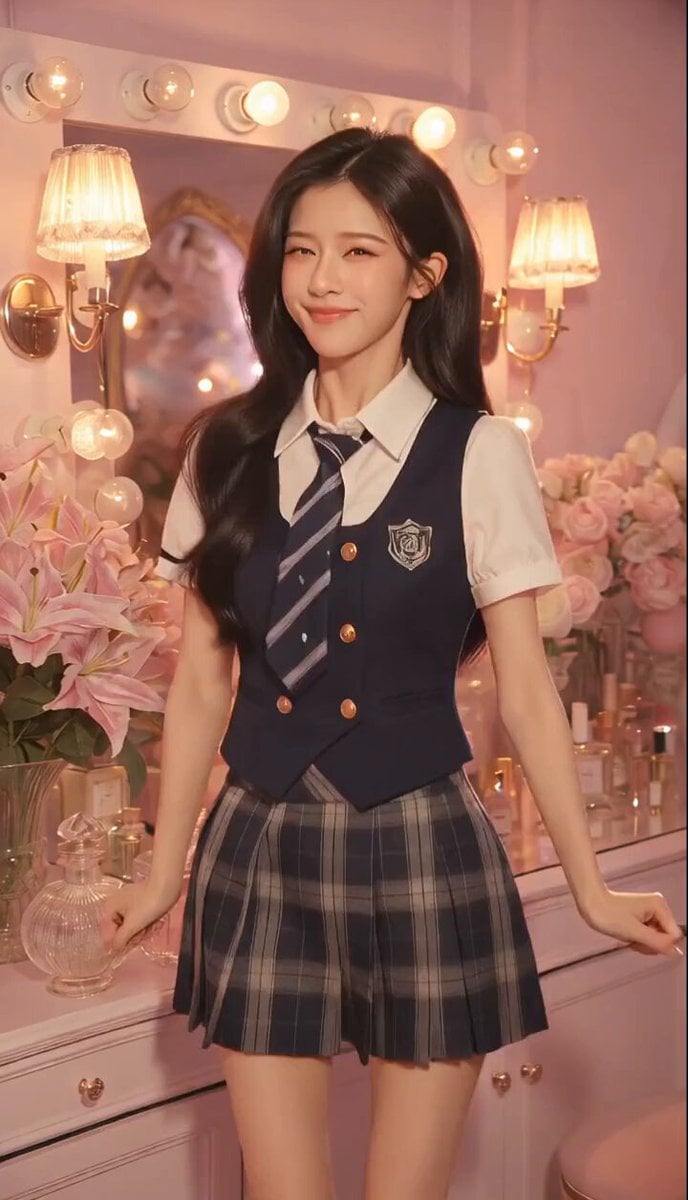
Sweet and Cool Rapid Outfit Change
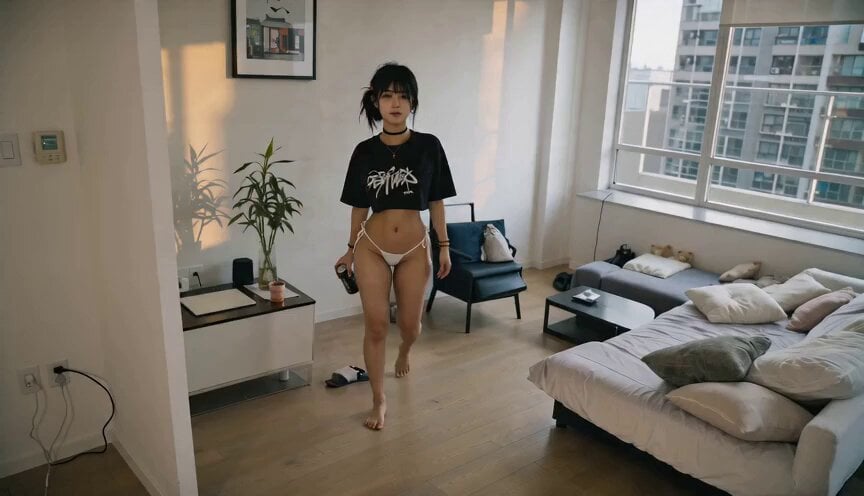
Sweet Boyfriend POV Interaction Video
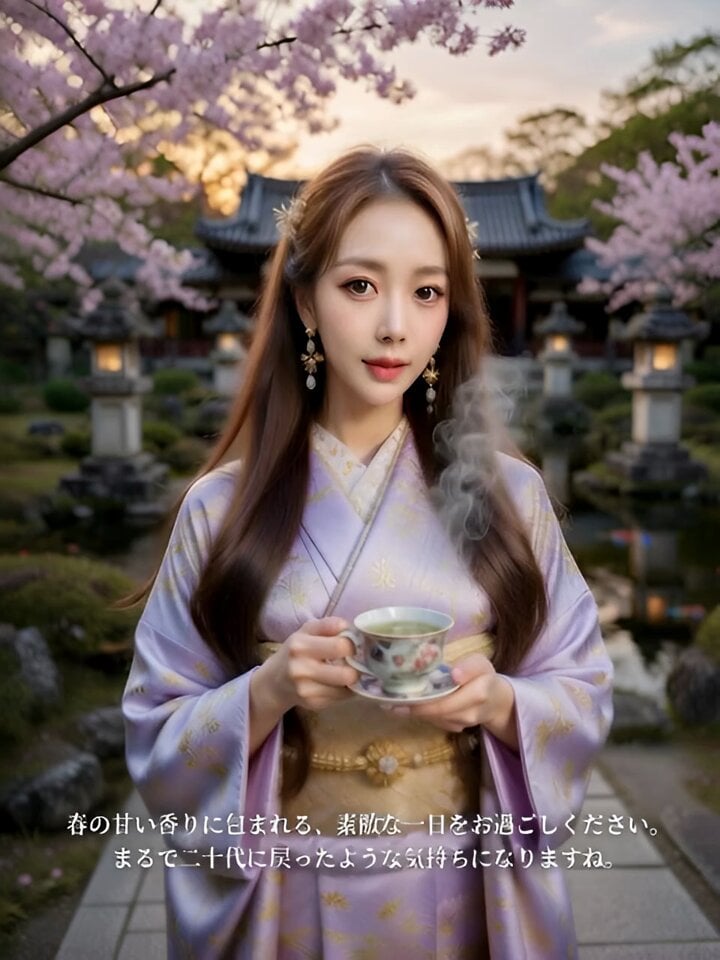
Sweet Scent of Spring
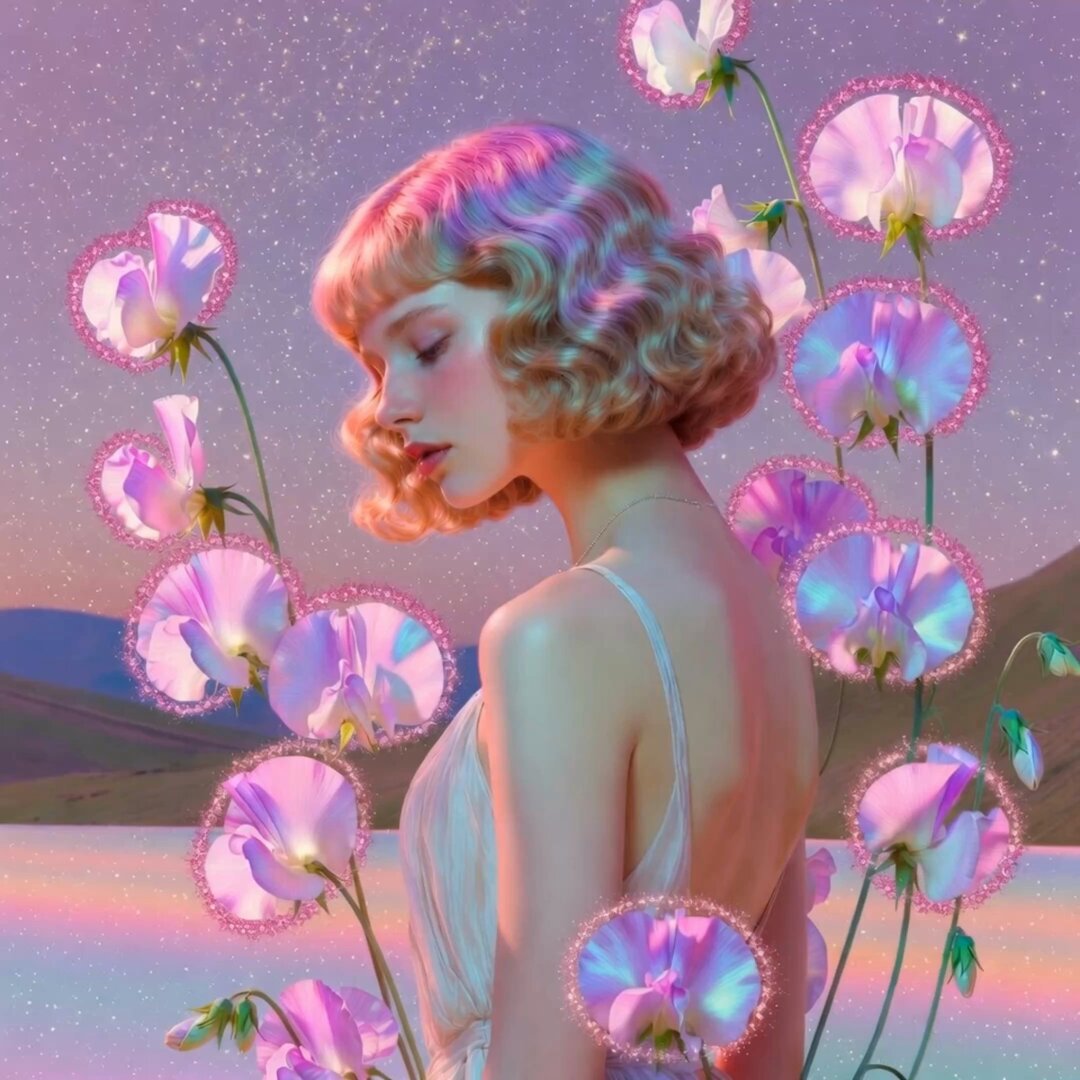
Pink Holographic Sweet Peas Video
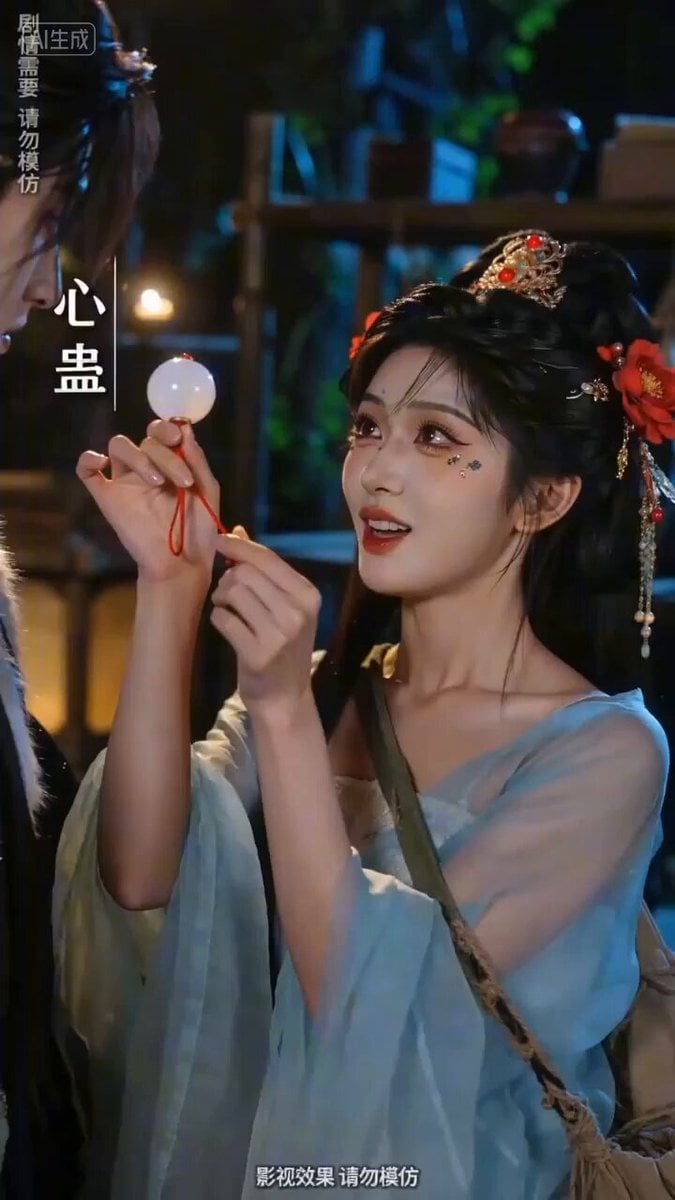
Sweet and Reversing Ancient Romance Short Drama Video Prompt
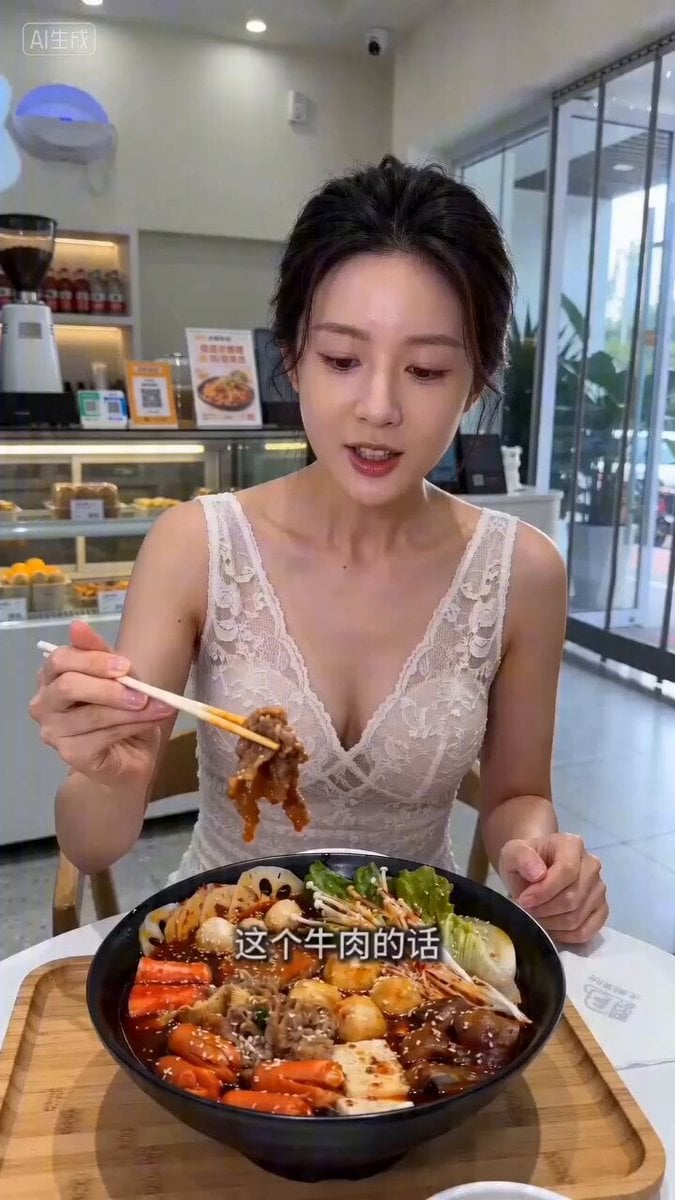
Livestream Selling Video Prompt (Mala Tang)

E-commerce livestream video suite
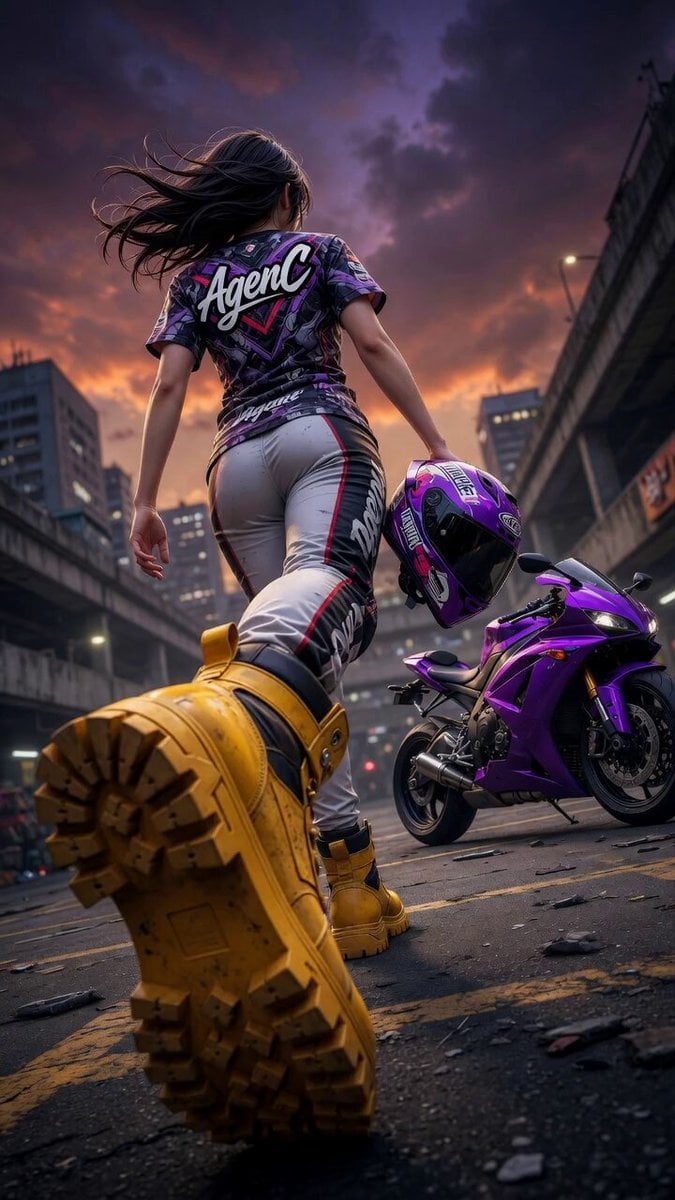
Cinematic Anime Racing Girl in Urban Parking Lot

Floating Girl with Star Light
Forest Fantasy Girl Short Film
AI Korean Girl Content Creator Vlog Prompt
Make it yours
Dongbei Sweet Girl Livestream Video Prompt works as-is. These are the safest ways to change it without losing the look.
Change one field
Copy a single group, rewrite it, and generate again so you can see what that field is doing.
Keep the frame, change the subject
Hold the composition and light of Dongbei Sweet Girl Livestream Video Prompt, then swap wardrobe, props or the person for a new take.
| If the result… | Why | Fix |
|---|---|---|
| The result drifts from the preview | Too many fields changed at once. | Reuse Dongbei Sweet Girl Livestream Video Prompt as-is first, then change one group — subject, light, or setting. |
| The model over-stylizes the scene | The prose prompt leaves finish and camera underspecified. | Add one camera or lighting sentence and stay on Seedance 2.0. |
More Seedance 2.0 templates
Other prompts made for Seedance 2.0.

Comical Martial Arts Punch Scene

Maglev Train Action Sequence

Martial Arts Fight Sequence

Wuxia Protection and Trust Script

Vintage Korean Arcade MiniDV Vlog

Mercedes 190 SL Luxury Ad

Rainy Night Supernatural Reverse Comedy Video Script

Amazon Civilization Discovery

Futuristic South Asian City Transformation

Cozy Luxury Cafe Commercial
More video prompts
Fresh picks from across the catalog.
Cinematic Ogre Army Drone Shot
Football Stadium Fan Broadcast Shot

Body Moving Up Through Clouds Animation
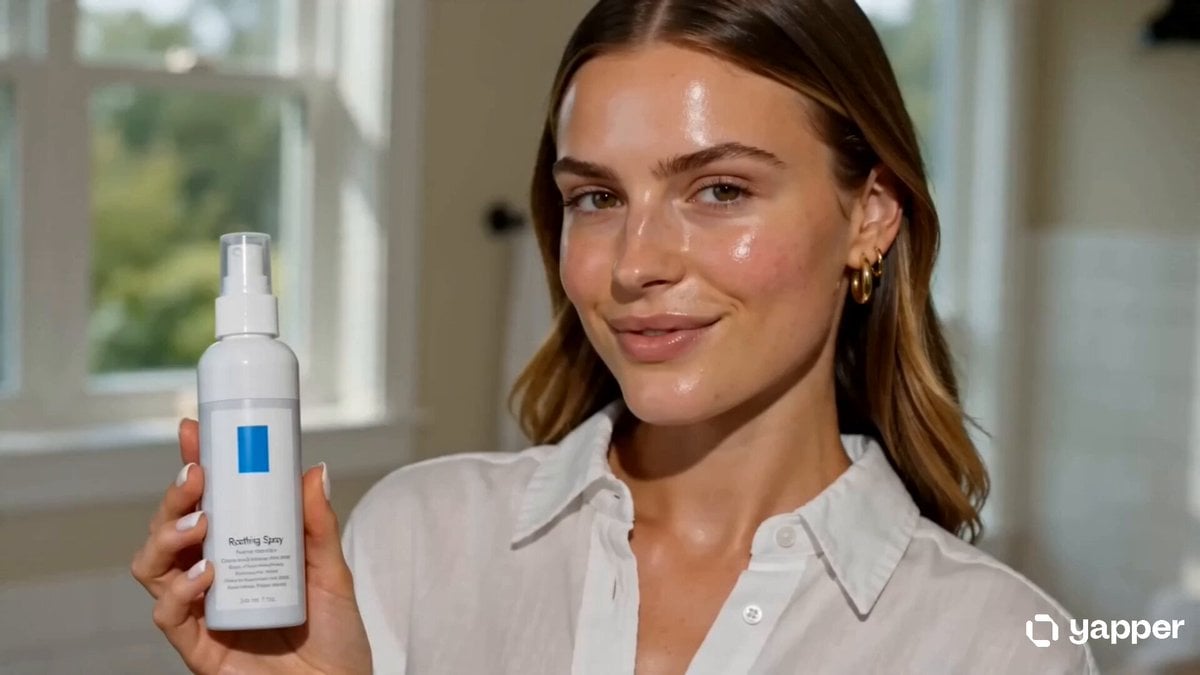
Skincare UGC Reel
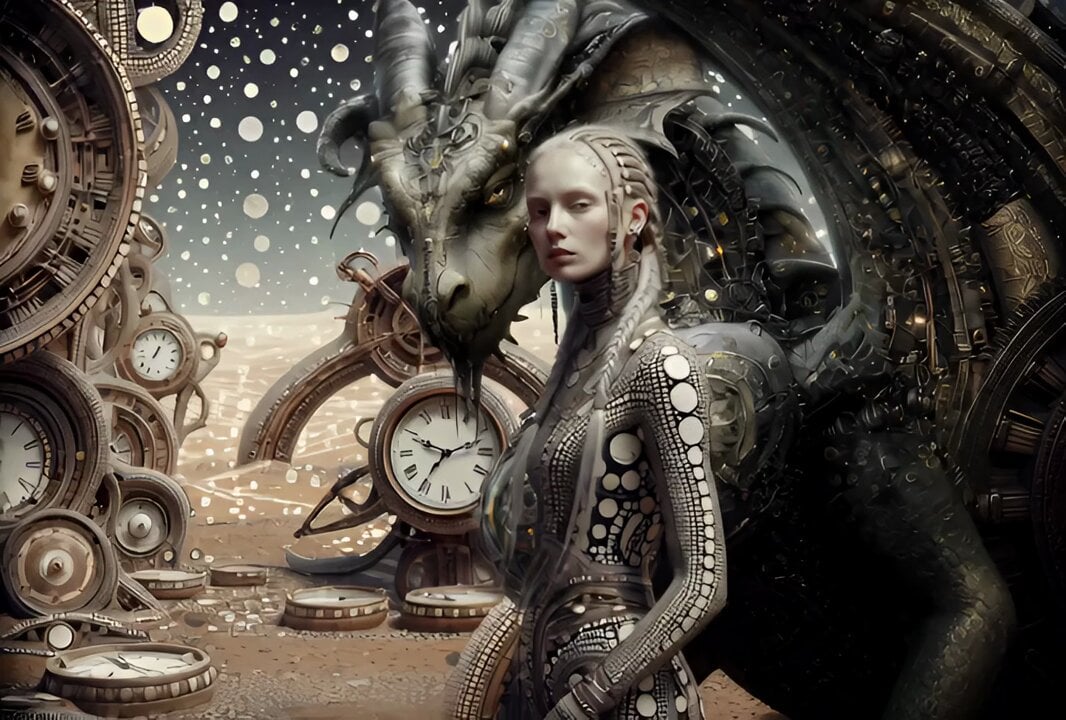
Cinematic IMAX Video Blending Two Images
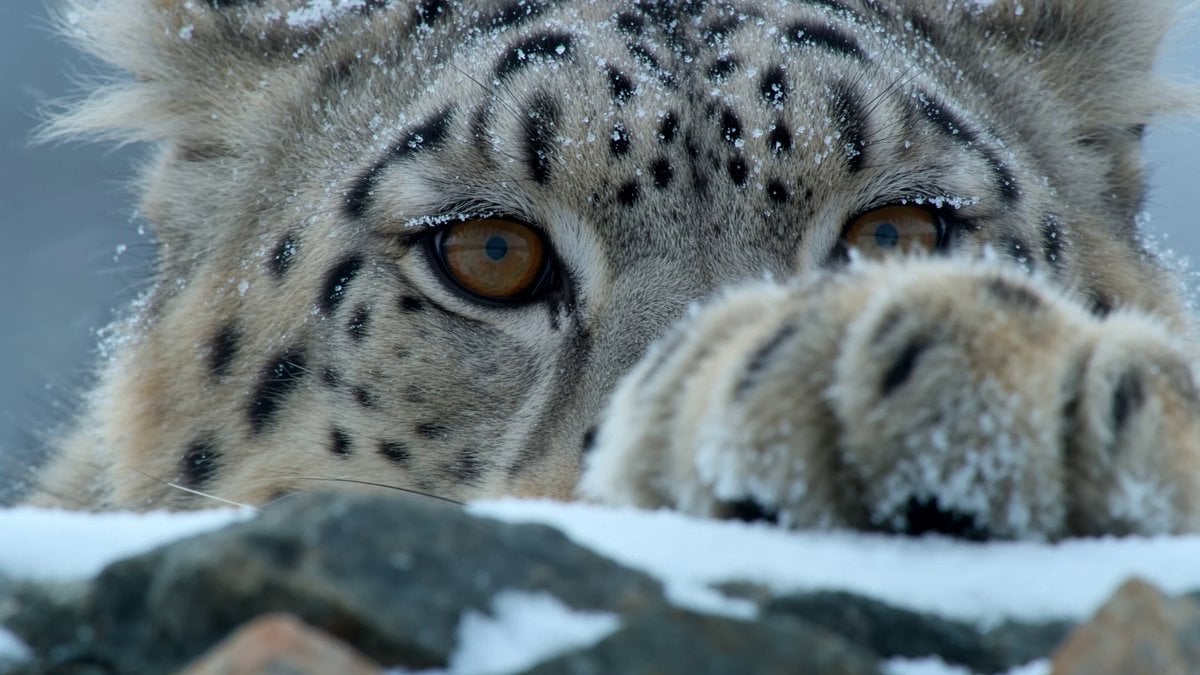
Snow Leopard Wildlife Documentary Scene

Mafia Cat Meeting

Cinematic Bridge of Light Video
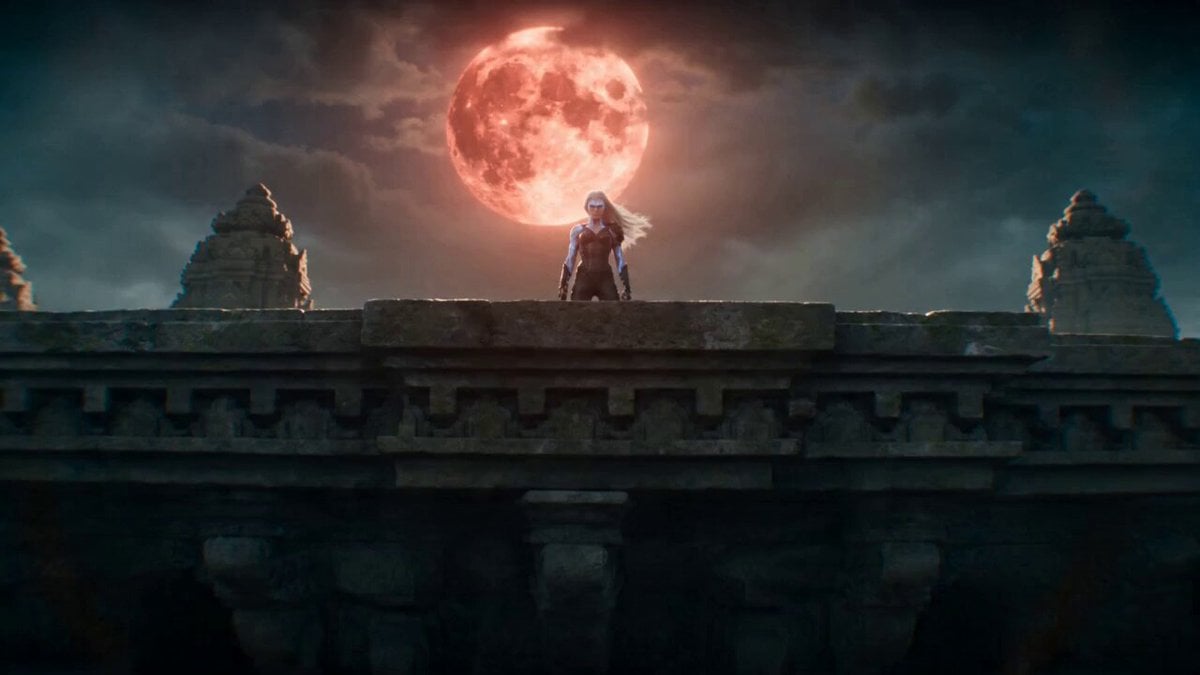
Temple Rooftop Chase Animation
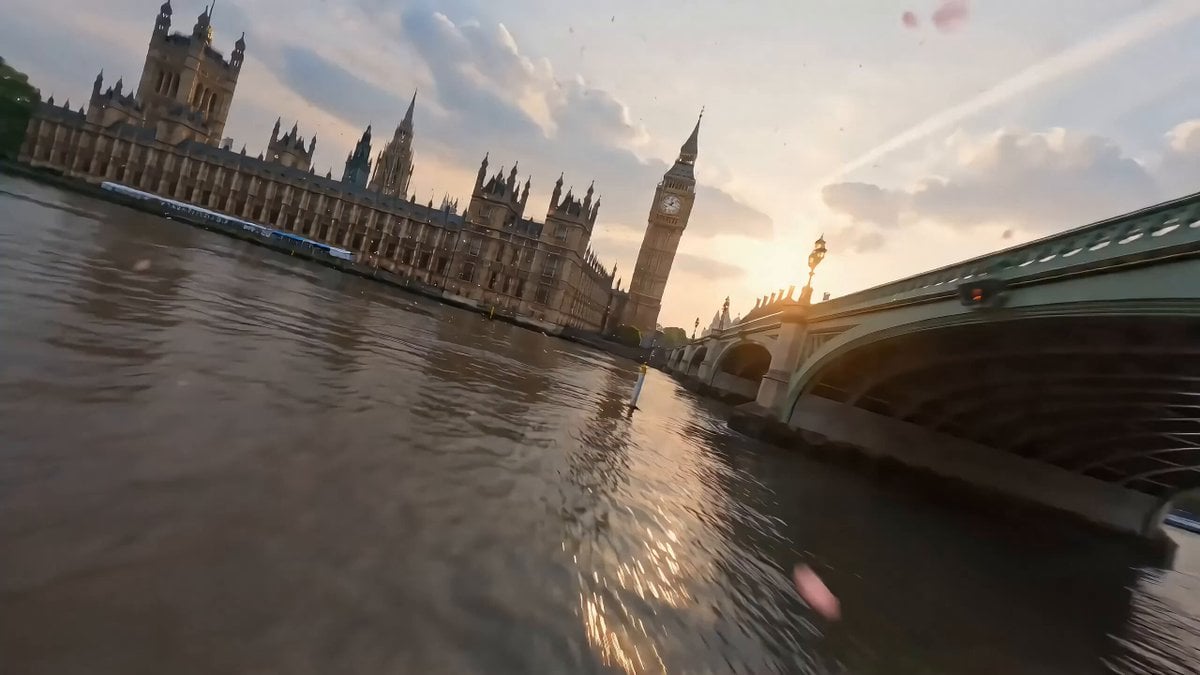
Cinematic Scene of London in Bloom
Browse template categories
Dongbei Sweet Girl Livestream Video Prompt questions
How do I use the Dongbei Sweet Girl Livestream Video Prompt template?
Add your photo if the template asks for one, edit the prompt if you like — the template's model and format are already selected — and press Generate. Your version opens in PicX Studio.
Can I customize the Dongbei Sweet Girl Livestream Video Prompt template?
Yes. You can change the subject, setting, lighting, mood, format, and available model controls before creating your video.
Is the Dongbei Sweet Girl Livestream Video Prompt template free?
Opening and editing this template is free. Generating uses credits, shown on the Generate button when you are signed in.
Which AI model should I use?
Start with Seedance 2.0, which is the model associated with this template. You can compare another compatible model for a different finish.
Looking for something else? Browse all templates.

Your photo, any look
Thousands of ready templates for every top image and video model, from one credit balance.