
E-commerce livestream video suite
A comprehensive prompt package for generating high-realism e-commerce livestream scenes, including motion, interaction, and audio design.

- Prompt included
- Model and format preset
- Free template
The prompt behind this video
Copy the exact prompt behind E-commerce livestream video suite, or open it in the studio and make it yours.
图片:生成一张9:16比例的带货直播画面手机截图高清的主播直播间在带货,细节丰富,文字正确 视频:高真实感电商直播间,黑金科技质感背景,灯光聚焦人物,氛围紧张热烈,强成交感 人物:使用用户指定人物形象,站立或坐在直播台中央,正对镜头,表情自信、有压迫感,情绪夸张且富有感染力 表演要求:语音慷慨激昂,有明显节奏起伏,从开场拉高气氛,到中段压节奏,再到结尾爆发;语气带“控场感”,像顶级主播 手部动作设计: 开场:手指镜头点人,快速扫视镜头(建立压迫感) 中段:手掌下压(强调“福利”与“机会”),再向前推(引导行动) 结尾:右手做倒数手势“1-2-3”,最后指向屏幕下方(上链接动作) 互动氛围: 实时弹幕快速滚动,直播间礼物特效:火箭特效从下往上飞,带光效和尾焰 观众氛围热烈,有“刷礼物”“抢购”的紧张感 口播内容: 想上车的现在就上,来,123,上链接! 音效设计: 背景音乐:强节奏电商带货BGM(逐步递进) 关键节点加入节奏鼓点强化 火箭礼物配合升空音效,最后“123上链接”叠加点击+提示音 画质:超清写实,人物面部细节清晰,光影层次分明,商业广告级质感
How to use E-commerce livestream video suite in 3 steps
- 1
Open
The prompt is already in the box next to the preview, with the template's model and format selected.
- 2…a portrait of your subject in softgolden-hour light, 85mm…
Personalize
Edit the subject and creative details for your destination.
- 3Generate
Generate
Press Generate — your video is created in PicX Studio, so you can compare it with the original and refine one variable at a time.
More like this
Templates with the same subject, style or setup. Open one to see its prompt.

Dongbei Sweet Girl Livestream Video Prompt
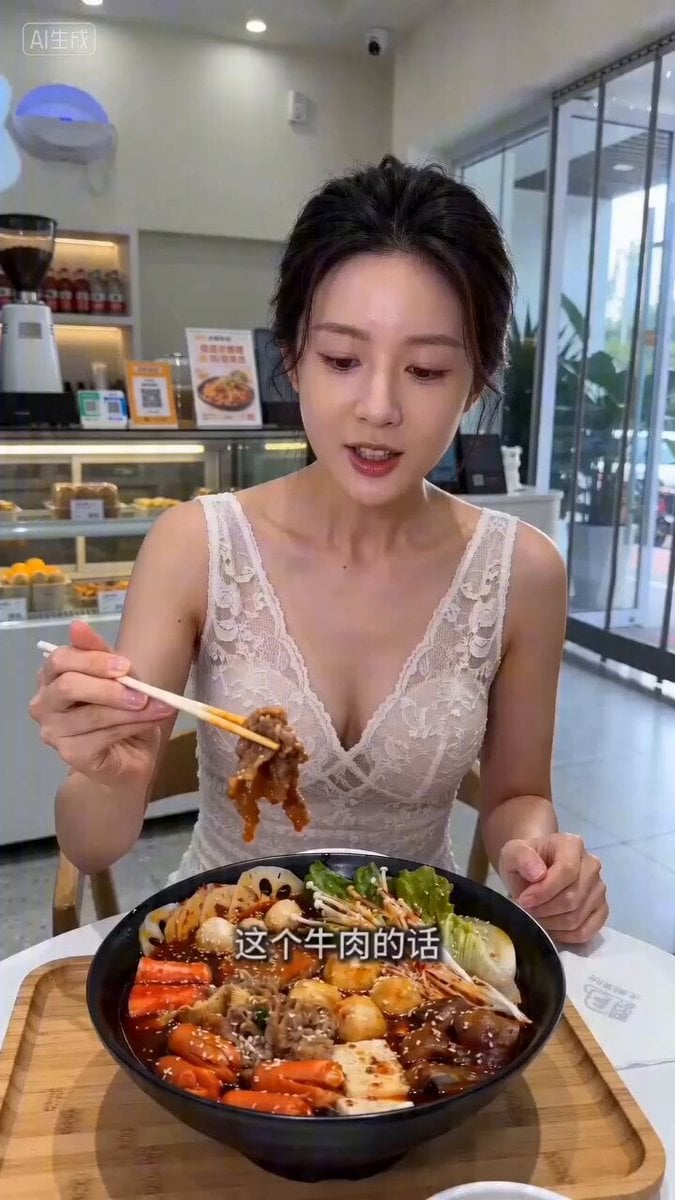
Livestream Selling Video Prompt (Mala Tang)

Astronaut to Apartment Match Cut Transition
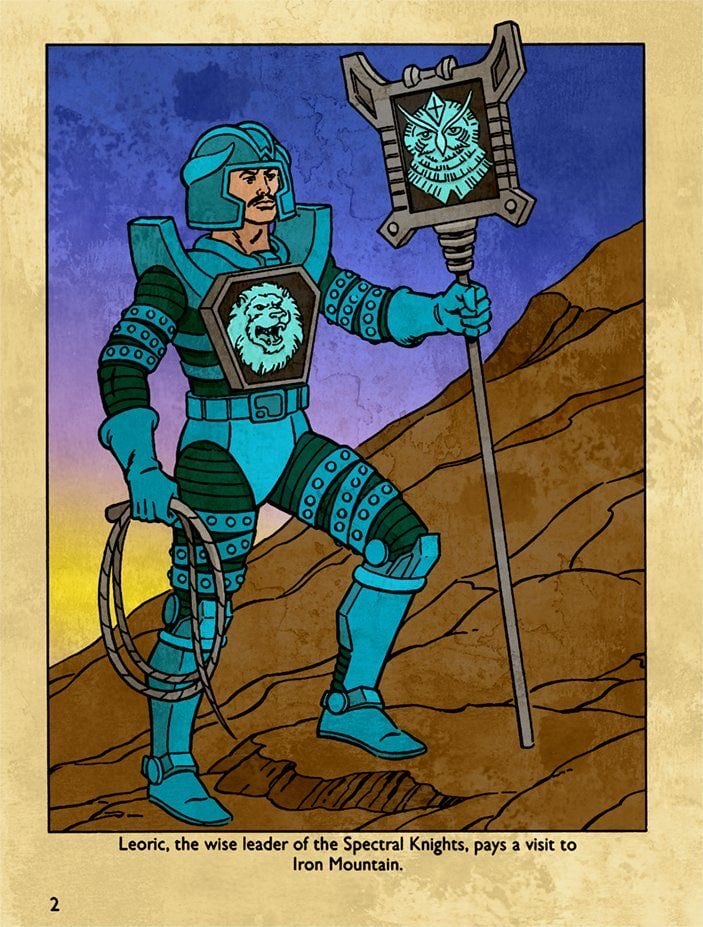
Hyper-Realistic Dune-Style Character Transformation

Chimp Character Outfit Transition
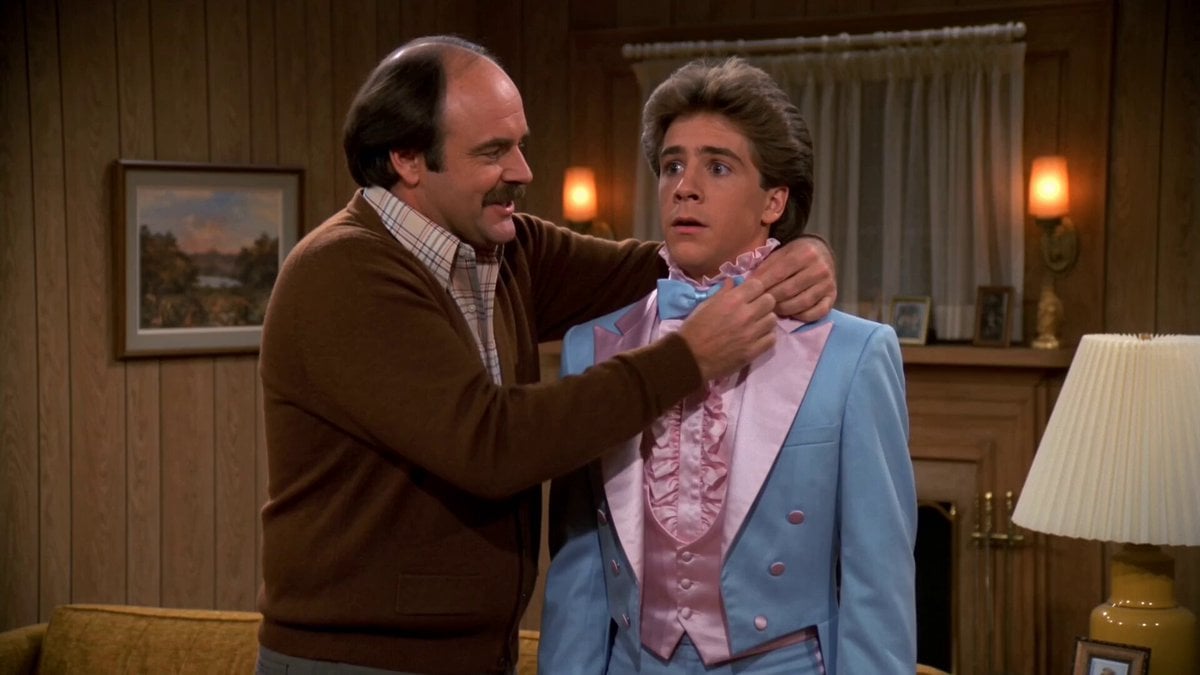
1980s Sitcom Prom Night Romance
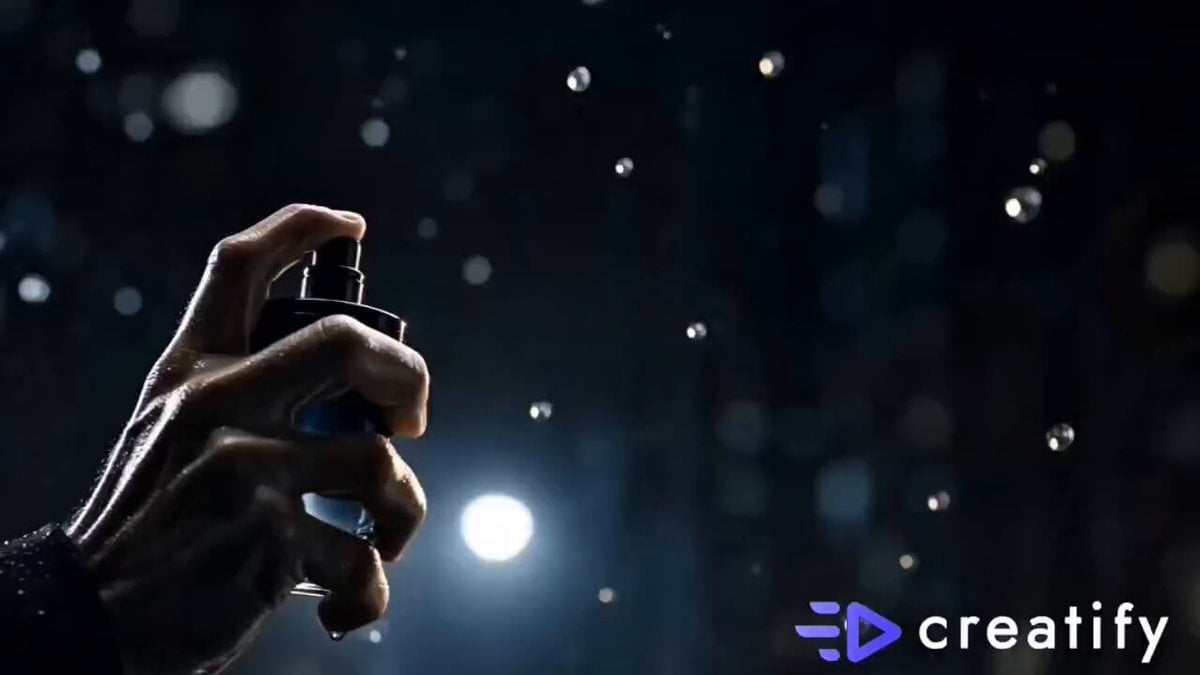
Luxury Perfume Cinematic Action

Martial Arts Cyborg Battle and Transformation
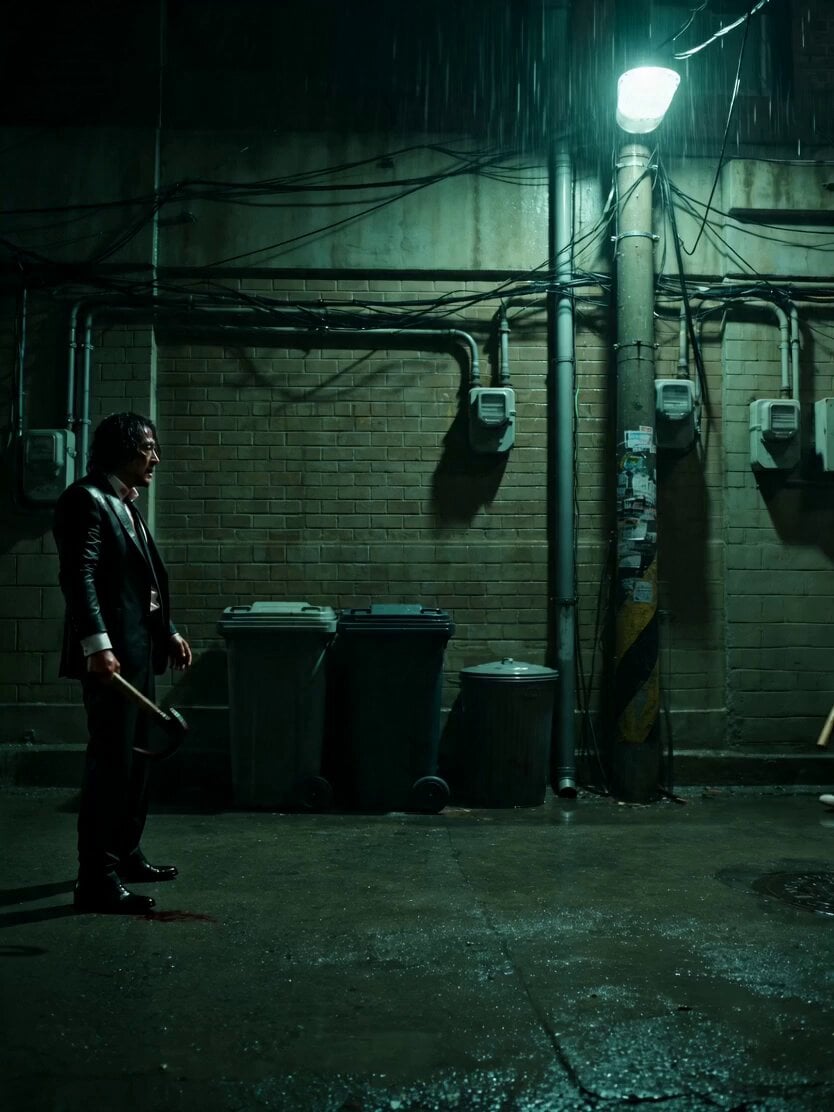
Neo-Noir Alleyway Fight Sequence

Paris Superhero Action Script

Matrix-Style Rooftop Clone Battle
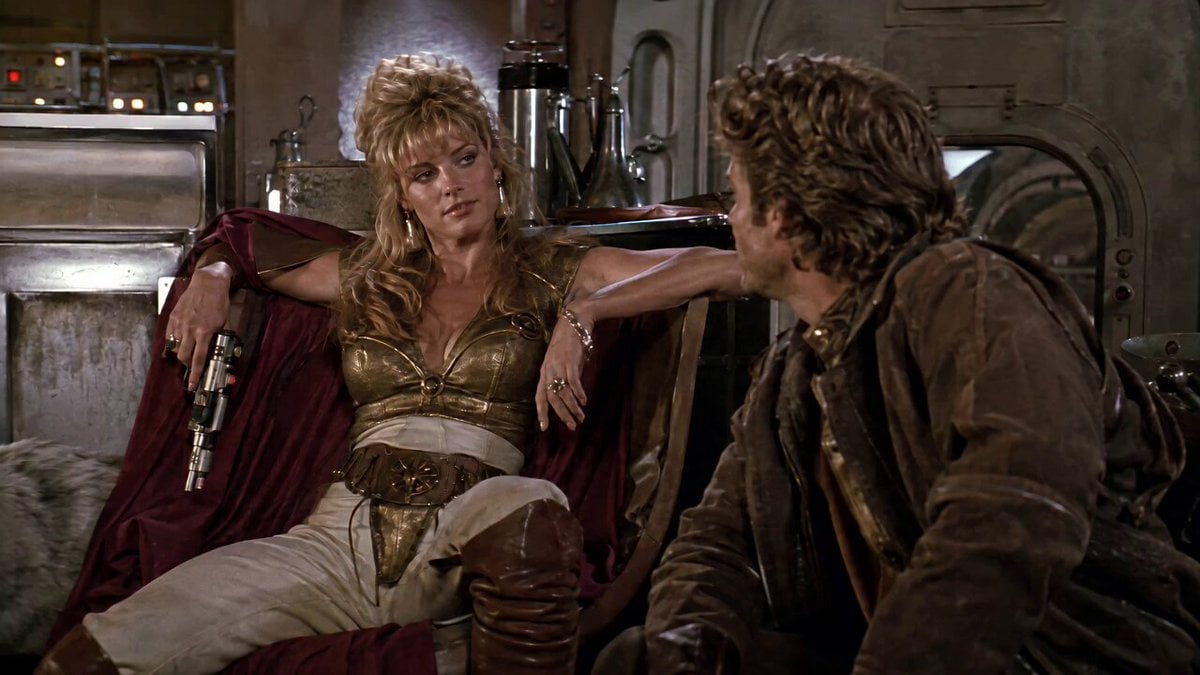
1980s Space Action Film Sequence
Make it yours
E-commerce livestream video suite works as-is. These are the safest ways to change it without losing the look.
Change one field
Copy a single group, rewrite it, and generate again so you can see what that field is doing.
Keep the frame, change the subject
Hold the composition and light of E-commerce livestream video suite, then swap wardrobe, props or the person for a new take.
| If the result… | Why | Fix |
|---|---|---|
| The result drifts from the preview | Too many fields changed at once. | Reuse E-commerce livestream video suite as-is first, then change one group — subject, light, or setting. |
| The model over-stylizes the scene | The prose prompt leaves finish and camera underspecified. | Add one camera or lighting sentence and stay on Seedance 2.0. |
More Seedance 2.0 templates
Other prompts made for Seedance 2.0.

Comical Martial Arts Punch Scene

Maglev Train Action Sequence

Martial Arts Fight Sequence

Wuxia Protection and Trust Script

Vintage Korean Arcade MiniDV Vlog

Mercedes 190 SL Luxury Ad

Rainy Night Supernatural Reverse Comedy Video Script

Amazon Civilization Discovery

Futuristic South Asian City Transformation

Cozy Luxury Cafe Commercial
More video prompts
Fresh picks from across the catalog.
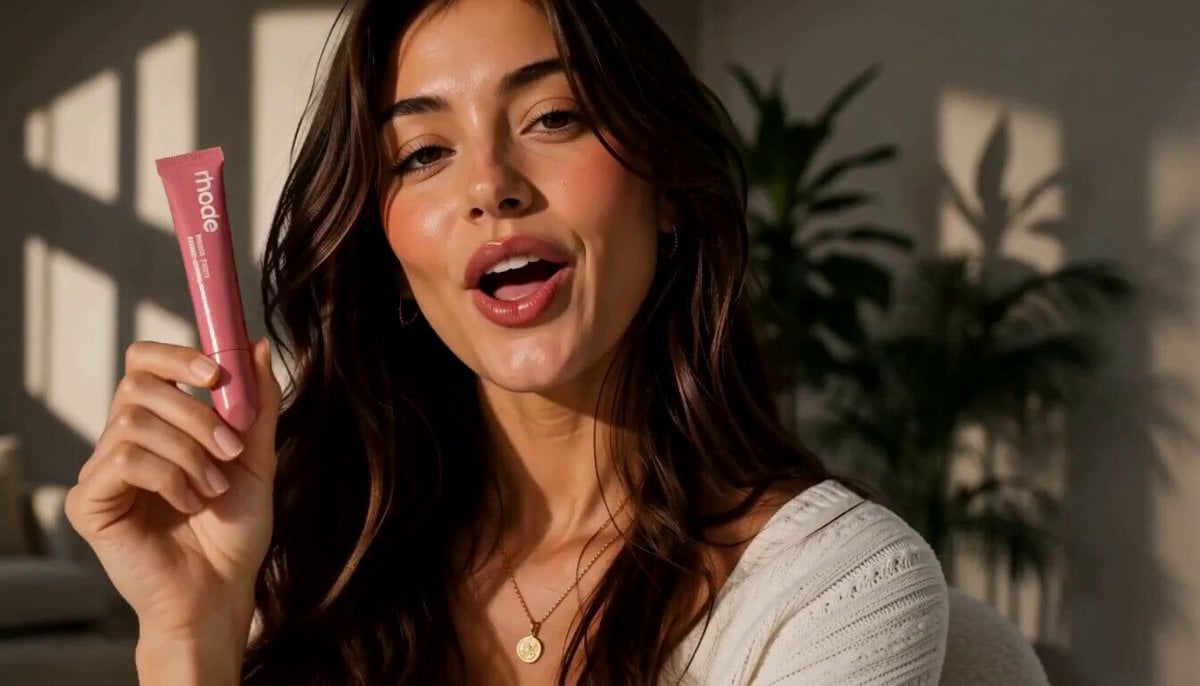
Luxury Beauty UGC Commercial
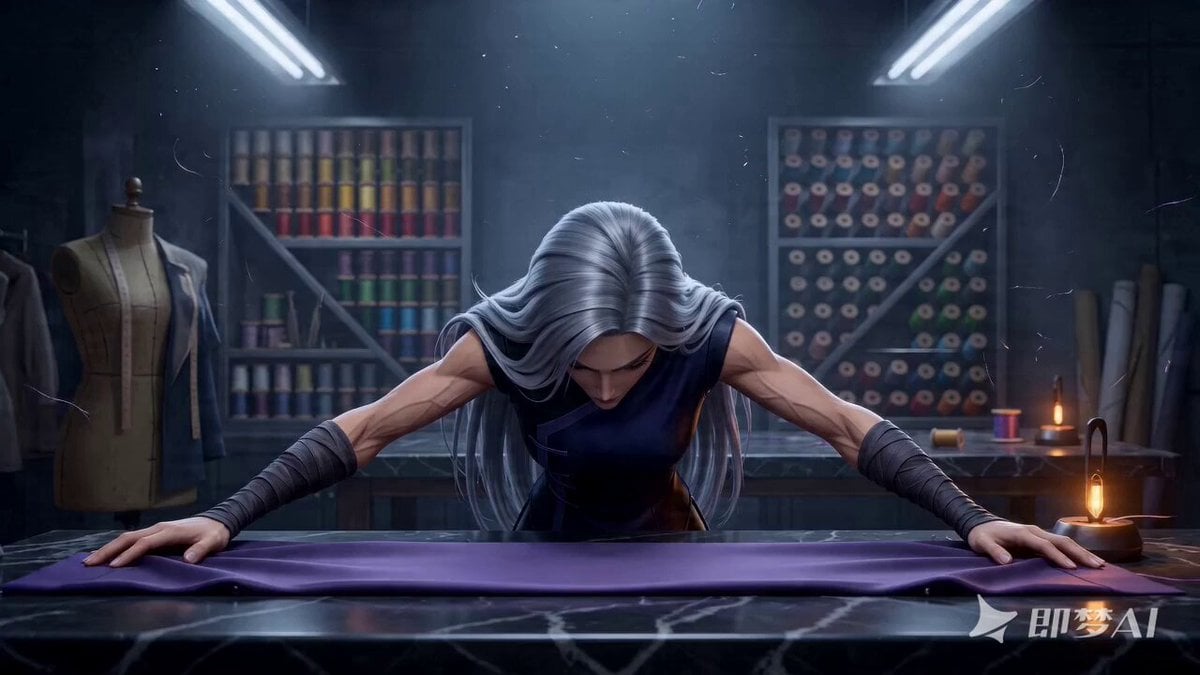
The Sewing Master - Seedance 2.0 Video Prompt
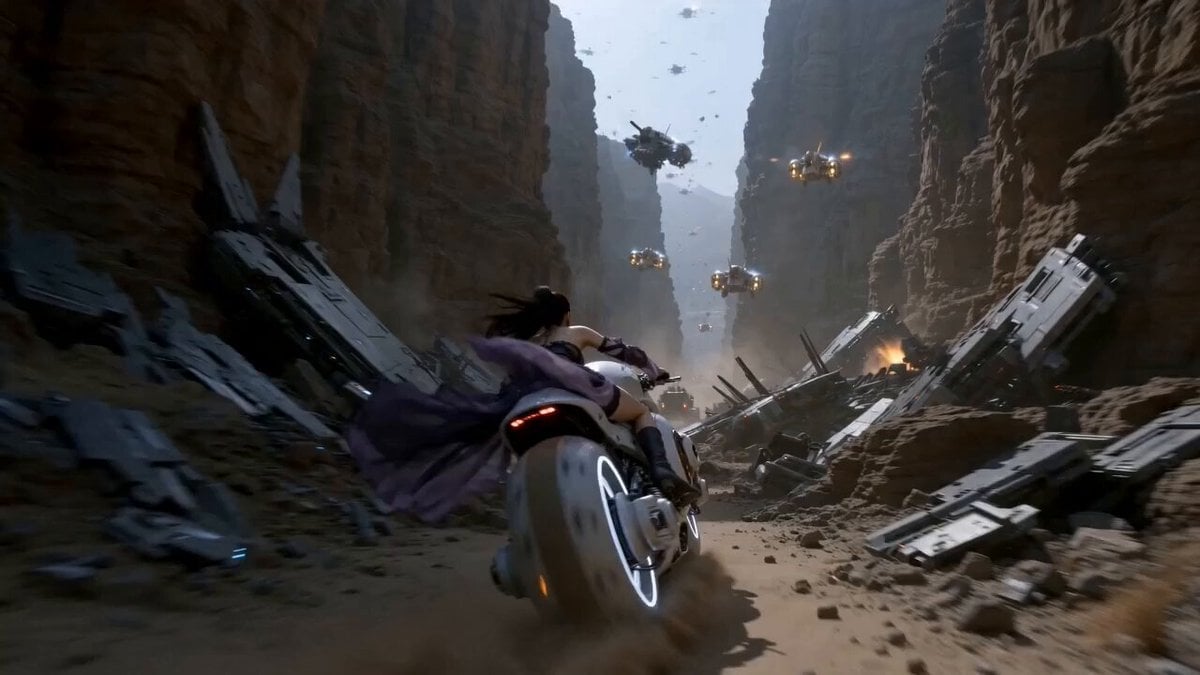
Futuristic Desert Starport Motorcycle Chase
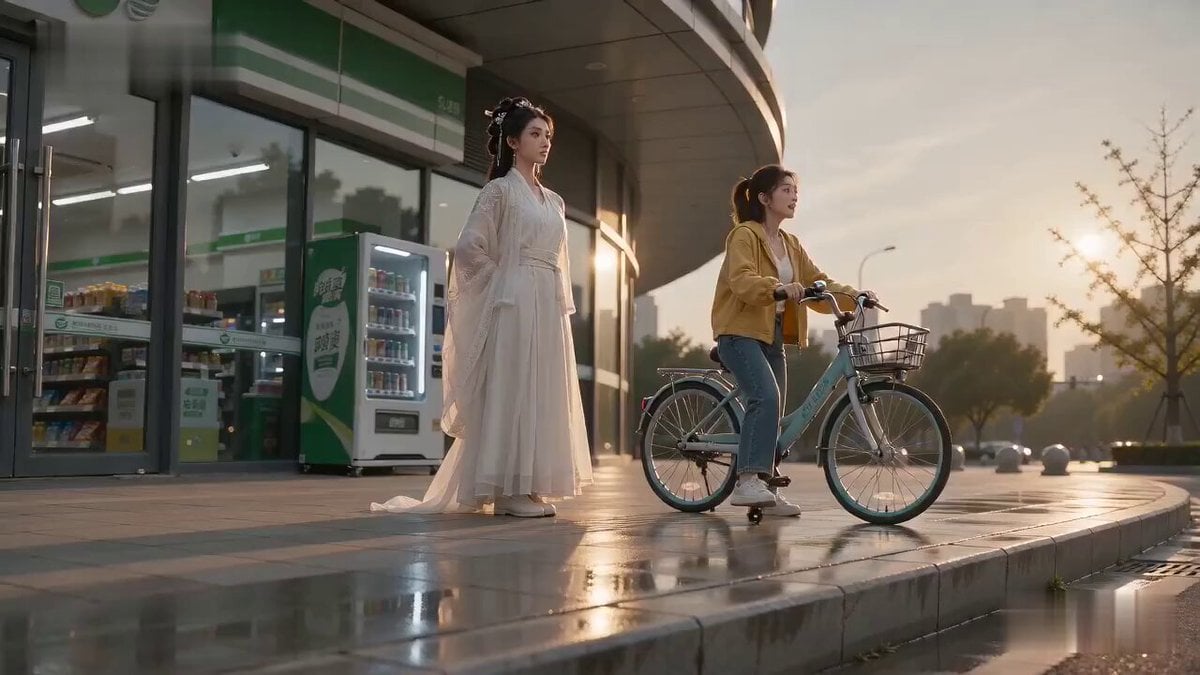
Literal Wuxia Comedy Bicycle Scene
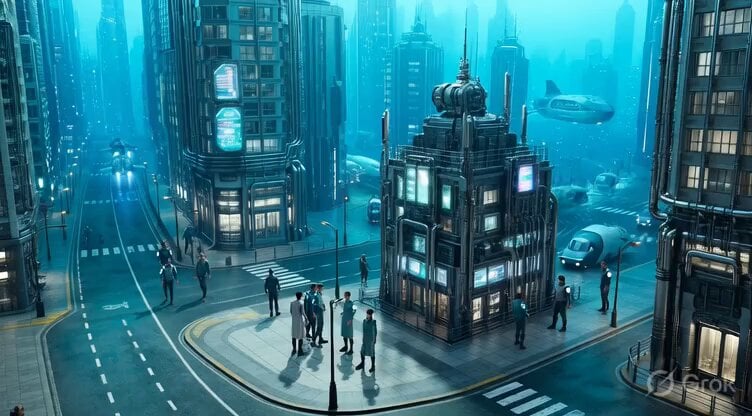
Underwater City Isometric Video Prompt

Earth Zoom to Robot Workshop
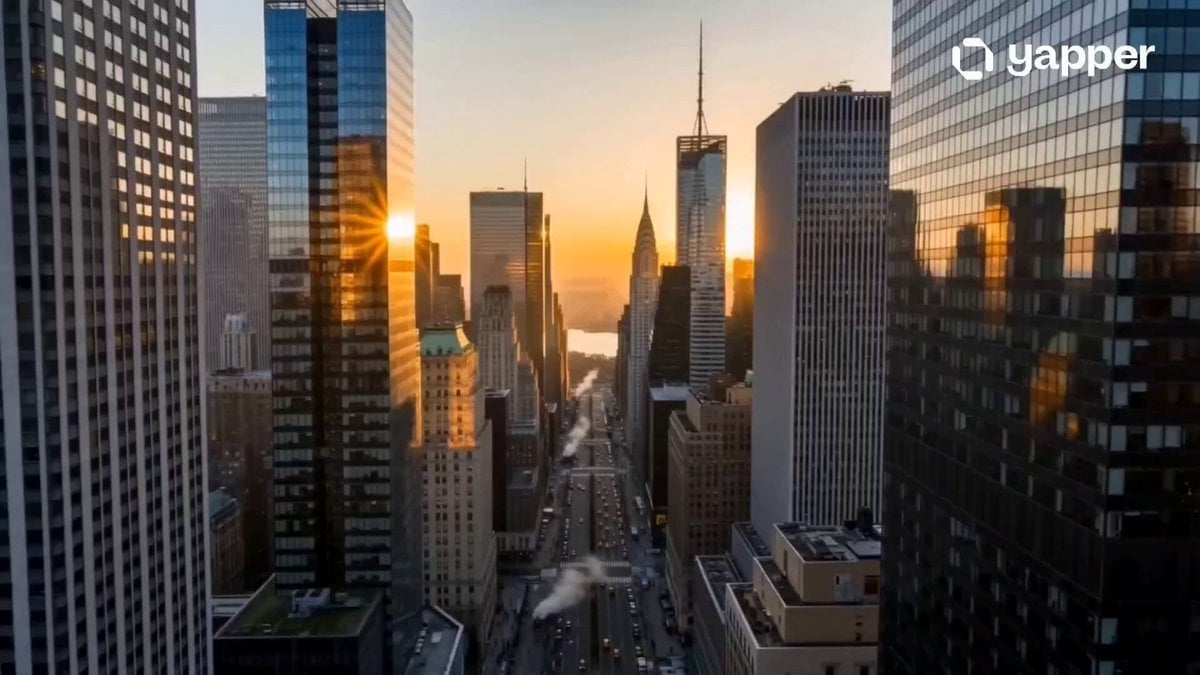
Cinematic New York City Travel Film
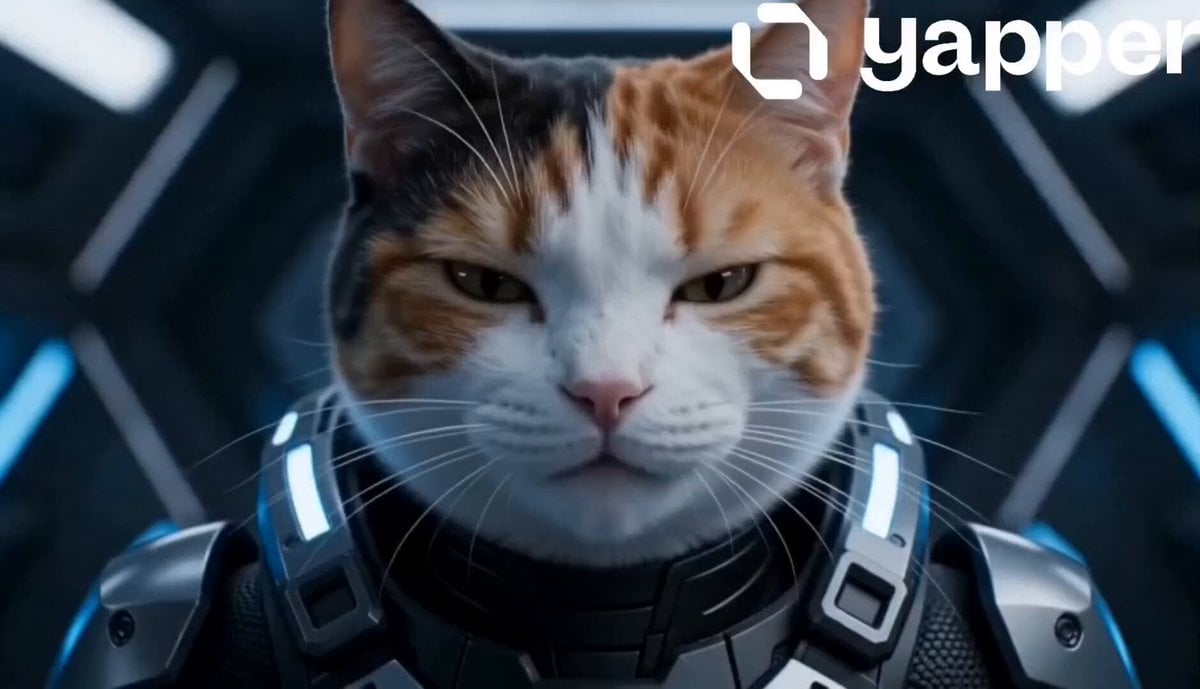
Futuristic Cat War Society
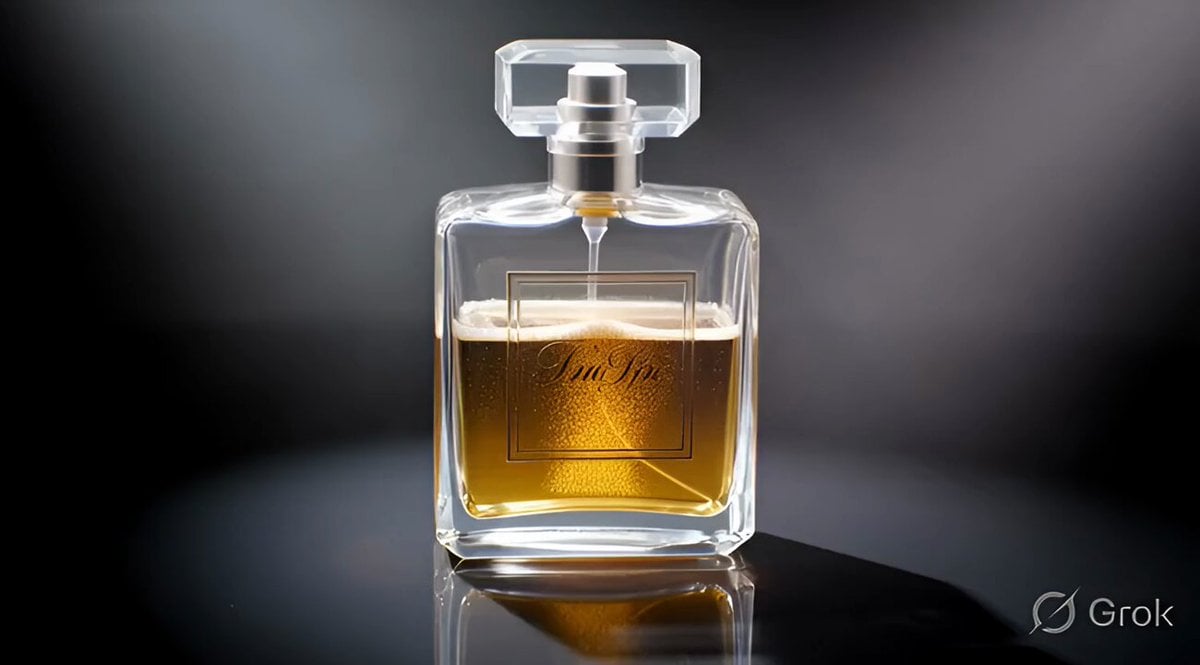
second cinematic luxury perfume commercial video

Spaceship Landing on Alien Planet
Browse template categories
E-commerce livestream video suite questions
How do I use the E-commerce livestream video suite template?
Add your photo if the template asks for one, edit the prompt if you like — the template's model and format are already selected — and press Generate. Your version opens in PicX Studio.
Can I customize the E-commerce livestream video suite template?
Yes. You can change the subject, setting, lighting, mood, format, and available model controls before creating your video.
Is the E-commerce livestream video suite template free?
Opening and editing this template is free. Generating uses credits, shown on the Generate button when you are signed in.
Which AI model should I use?
Start with Seedance 2.0, which is the model associated with this template. You can compare another compatible model for a different finish.
Looking for something else? Browse all templates.

Your photo, any look
Thousands of ready templates for every top image and video model, from one credit balance.