
The Sewing Master - Seedance 2.0 Video Prompt
A highly detailed, multi-section prompt for Seedance 2.0 to generate a cinematic video featuring a 'Sewing Master.' The prompt specifies the subject's appearance, attire, action style (blending Wing Chun and Tai Chi)…
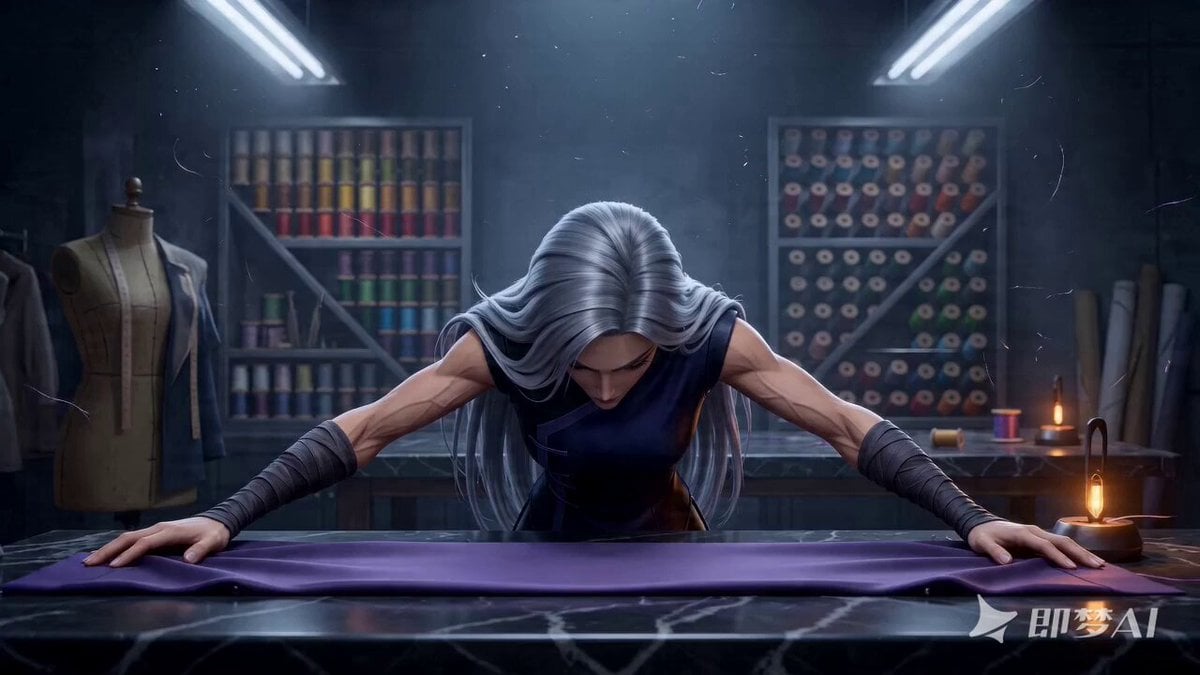
- Prompt included
- Model and format preset
- Free template
The prompt behind this video
Copy the exact prompt behind The Sewing Master - Seedance 2.0 Video Prompt, or open it in the studio and make it yours.
SUBJECTS (Subject): Character: an extremely capable-looking female haute couture tailor, her arm muscles defined like steel wire, her gaze as cold and sharp as a needle's point. Attire: a dark tactical vest incorporating qipao elements, both arms bare, her forearms wrapped in dark red silk wristbands (for added grip); her fingers long and slender, with metal guards on the fingertips. Movement style: a fusion of Wing Chun's "inch power" (short, explosive force) and Tai Chi's circular flow. Her movements follow a rhythm of (gathering force → striking at extreme speed → freezing instantly), emphasizing the explosive power of her fingers and the tension of silk in the air. ENVIRONMENT (Environment): A dim, high-end private studio. The background is a wall entirely covered in a mahogany thread-spool rack, thousands of blocks of color forming a geometric beauty; at the center is a huge black marble cutting table, its surface polished to a mirror shine. Overhead hangs a single-point industrial cold-light fixture, fine fiber particles floating in the air. MOOD (Mood): Extreme focus, a stern intensity, a ritualistic grandeur; movements as precise as a surgeon's, visually and sensorially intensely oppressive. TIMELINE (Timeline): 0:00-0:02: Close-up/wide-angle POV. The tailor stands with both hands braced on the black marble tabletop, head lowered, motionless. The camera pushes in at extreme speed; she suddenly raises her head, her eyes locking onto the camera (a killer gaze). Her right hand grasps at the empty air, and a length of heavyweight dark purple silk slides across the table like a long snake, "caught" and held fast with one hand. 0:02-0:05: Cut/handheld feel. The tailor throws the silk fabric into the air. Her body moves like an afterimage, her right hand holding long silver scissors, performing a "blind cut" the instant the fabric falls. It's not an ordinary cut but one carrying the force of a martial-arts punch — the scissors slice through the air with a sharp "shhk" sound, and the fabric's cut edge is perfectly clean, without a single stray thread. 0:05-0:07: Moving shot. She slides to the other end of the worktable with a single side step. With one sweep of her hand, several steel needles are shaken loose from the pincushion, hovering in midair. With a burst of force she pushes them forward, and the needles fly like hidden weapons, precisely embedding themselves in a distant dress form, their tails still trembling, ringing with a metallic hum. 0:07-0:10: Continuous shot. The tailor begins to "control the thread." She pulls out a strand of gold thread, and by weaving it between her fingers, controls the silk fabric like a puppeteer's strings, making it fold and take shape automatically in midair. Every flick of her fingers is accompanied by spark-like static electricity. She strikes the tabletop with her elbow, the presser foot springs up, and she catches it instantly, locking it onto the fabric. 0:10-0:12: Match cut. The tailor spins sharply in place, the hem of her outer garment flaring out like a circular formation. She brings both hands together and yanks the collar of the finished suit into shape; the last strand of gold thread traces a perfect arc through the air and stitches itself automatically. The motion cuts from extremely fast (a blur of afterimages) instantly into extremely slow (a freeze-frame). 0:12-0:15: Stable POV. The dust settles. She lifts the finished gown with one hand and gives it a sharp shake, and it unfurls in front of the camera. The camera focuses on the exquisite embroidery at the collar. She flicks a button lightly with her fingernail — the button trembles. She then turns and walks into the shadows, leaving behind a silhouette, the frame completely enveloped in the rising mist of an expensive perfume, fading out cleanly and crisply.
How to use The Sewing Master - Seedance 2.0 Video Prompt in 3 steps
- 1
Open
The prompt is already in the box next to the preview, with the template's model and format selected.
- 2…a portrait of your subject in softgolden-hour light, 85mm…
Personalize
Edit the subject and creative details for your destination.
- 3Generate
Generate
Press Generate — your video is created in PicX Studio, so you can compare it with the original and refine one variable at a time.
More like this
Templates with the same subject, style or setup. Open one to see its prompt.

Wholesome Puppy and Kitten Story - Seedance 2.5

Mysterious Home Exploration Vlog - Seedance 2.5

Dark Tokusatsu Transformation - Seedance 2.5

Cinematic Xinjiang Drone Landscapes - Seedance 2.5

Late Night Kitchen Phone Recording - Seedance 2.5

3D Animated Cat and Old Man - Seedance

Realistic City Street Story Cinematic Video - Seedance

Seedance 2.0 First Test — Dynamic Motion Showcase

Dragon Rider Cinematic Flight — Seedance 2.5

Sneaker Product Commercial
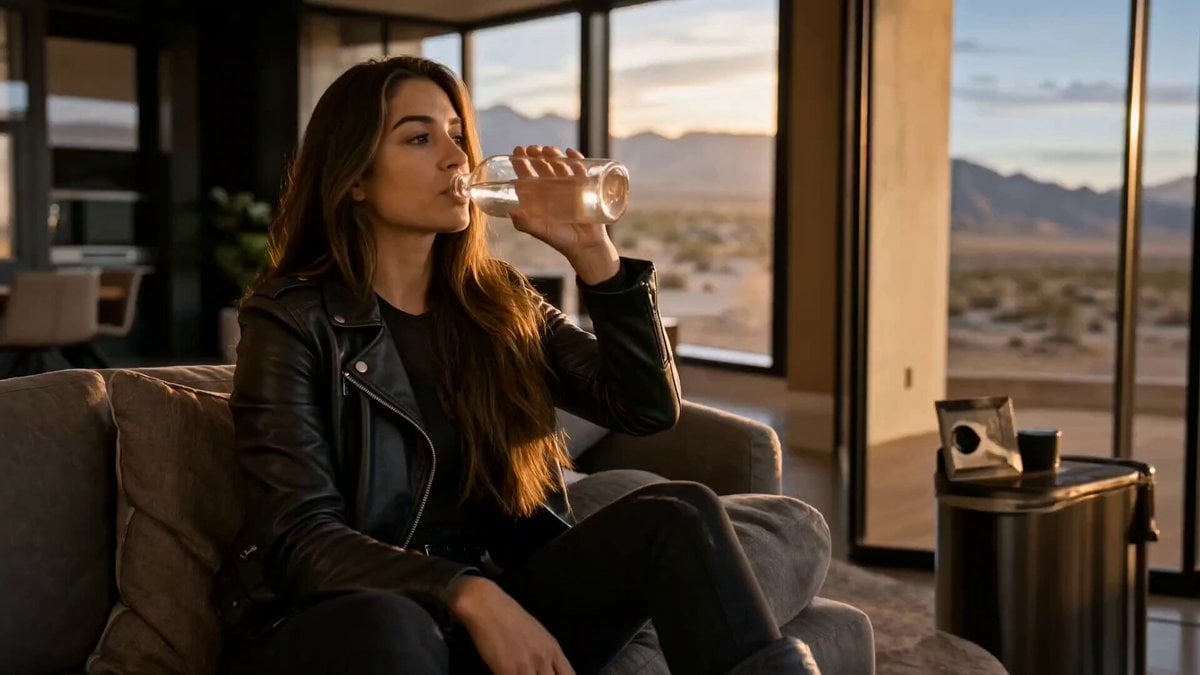
Cinematic Short Film Scene 2

Cinematic Short Film Scene
Make it yours
The Sewing Master - Seedance 2.0 Video Prompt works as-is. These are the safest ways to change it without losing the look.
Change one field
Copy a single group, rewrite it, and generate again so you can see what that field is doing.
Keep the frame, change the subject
Hold the composition and light of The Sewing Master - Seedance 2.0 Video Prompt, then swap wardrobe, props or the person for a new take.
| If the result… | Why | Fix |
|---|---|---|
| The result drifts from the preview | Too many fields changed at once. | Reuse The Sewing Master - Seedance 2.0 Video Prompt as-is first, then change one group — subject, light, or setting. |
| The model over-stylizes the scene | The prose prompt leaves finish and camera underspecified. | Add one camera or lighting sentence and stay on Seedance 2.0. |
More Seedance 2.0 templates
Other prompts made for Seedance 2.0.

Comical Martial Arts Punch Scene

Maglev Train Action Sequence

Martial Arts Fight Sequence

Wuxia Protection and Trust Script

Vintage Korean Arcade MiniDV Vlog

Mercedes 190 SL Luxury Ad

Rainy Night Supernatural Reverse Comedy Video Script

Amazon Civilization Discovery

Futuristic South Asian City Transformation

Cozy Luxury Cafe Commercial
More video prompts
Fresh picks from across the catalog.
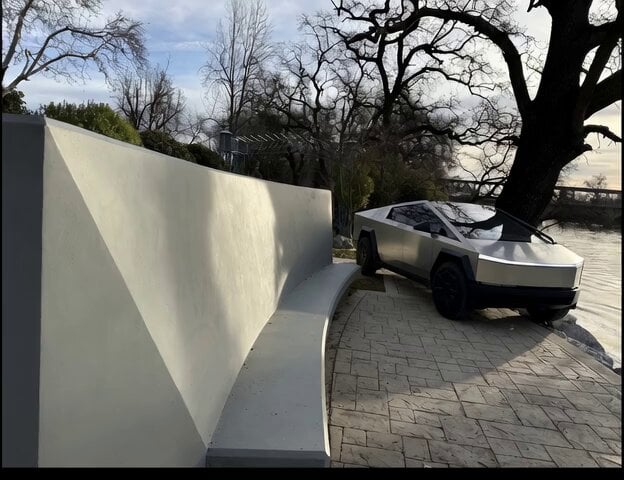
Cybertruck Driving Near Bench
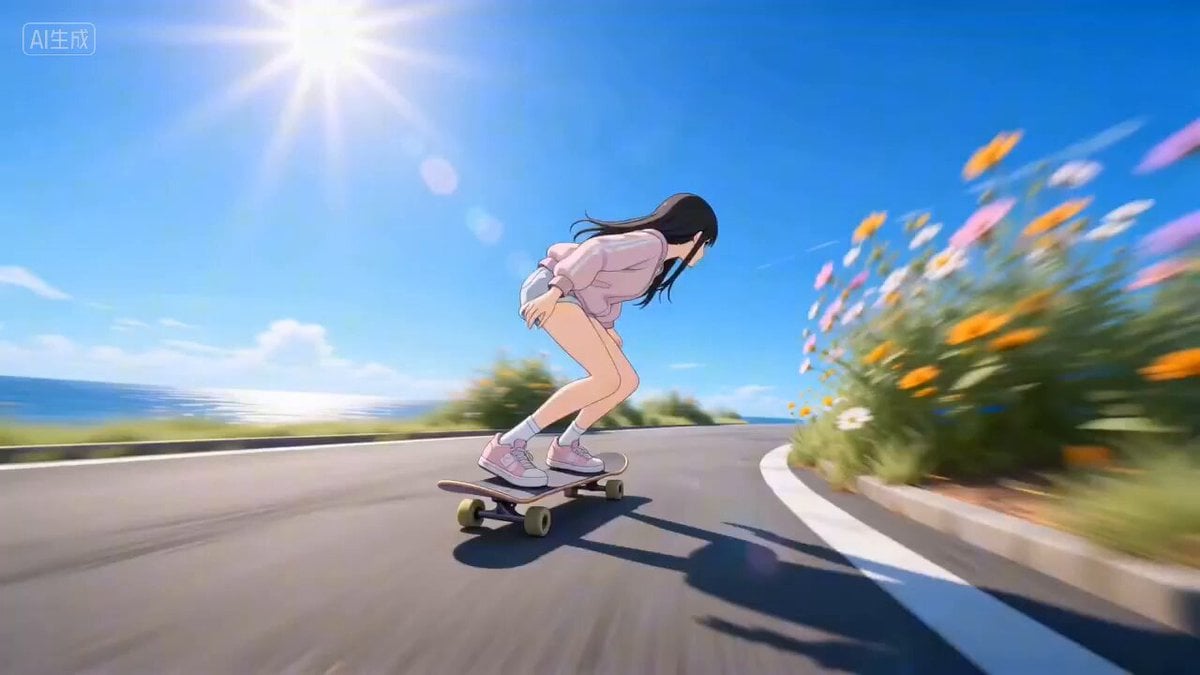
Four Seasons Skateboard/Snowboard Video Prompt for Seedance 2.0
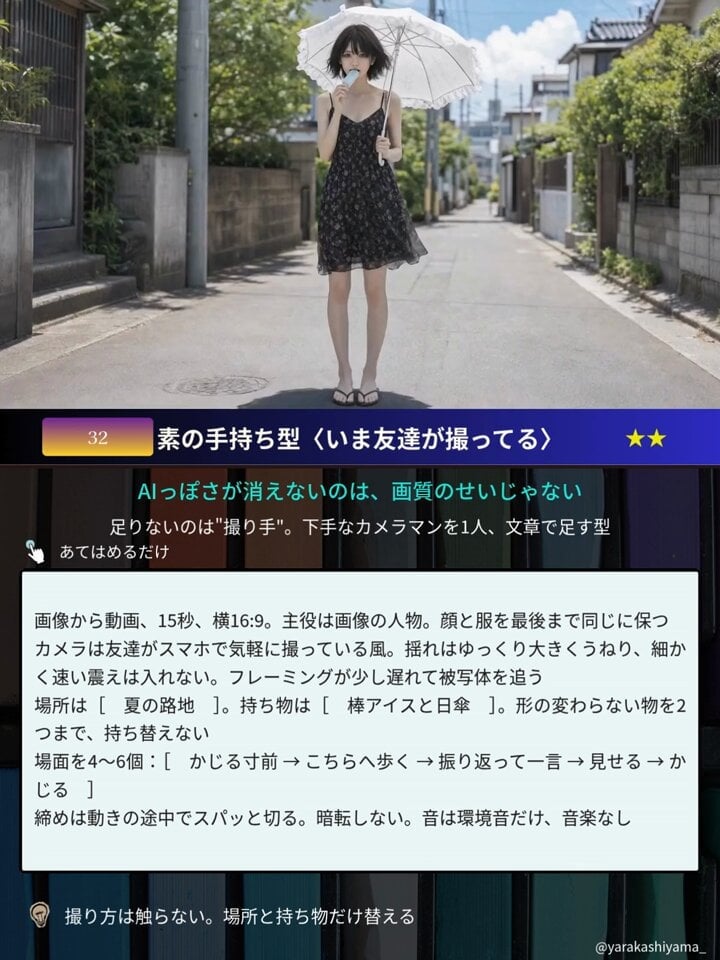
Aesthetic Japanese Woman Video Portrait
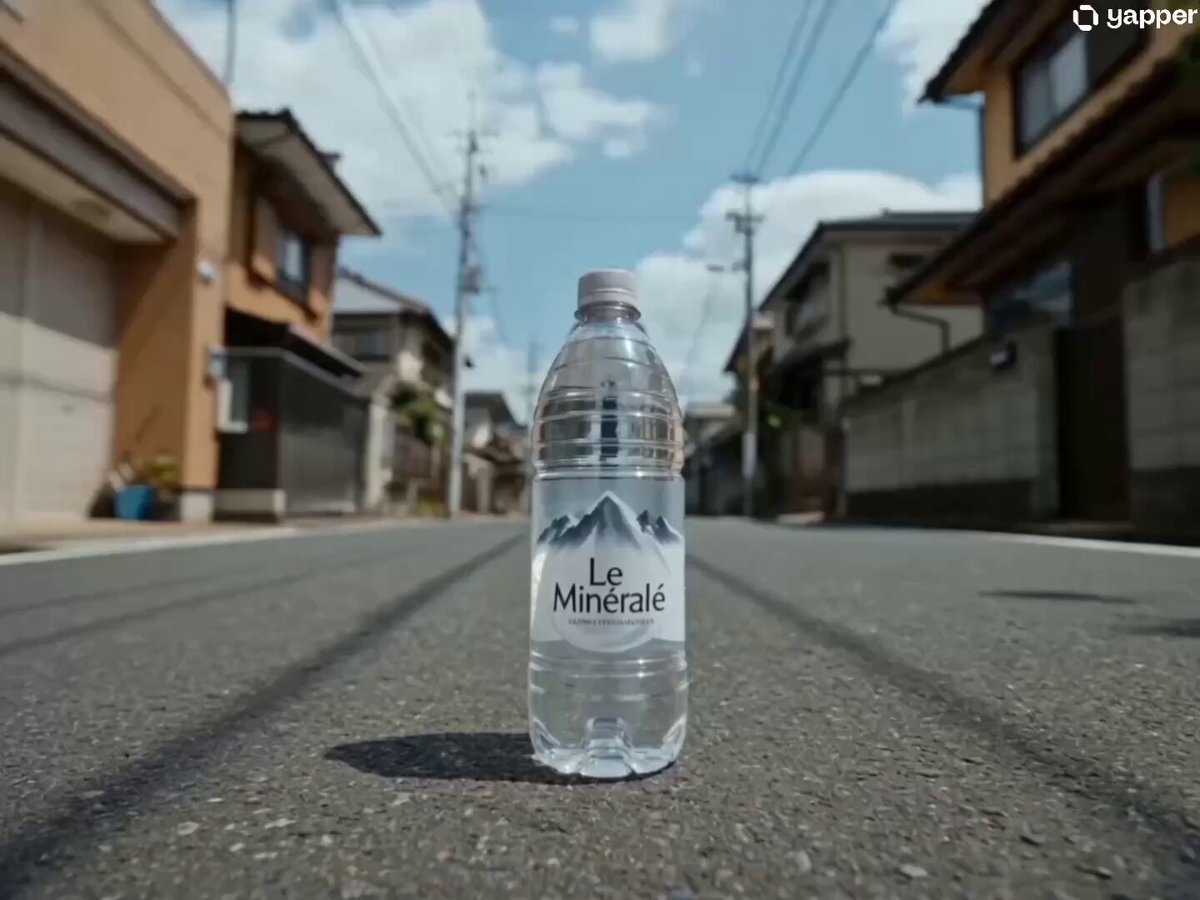
Japanese Urban Parkour Commercial
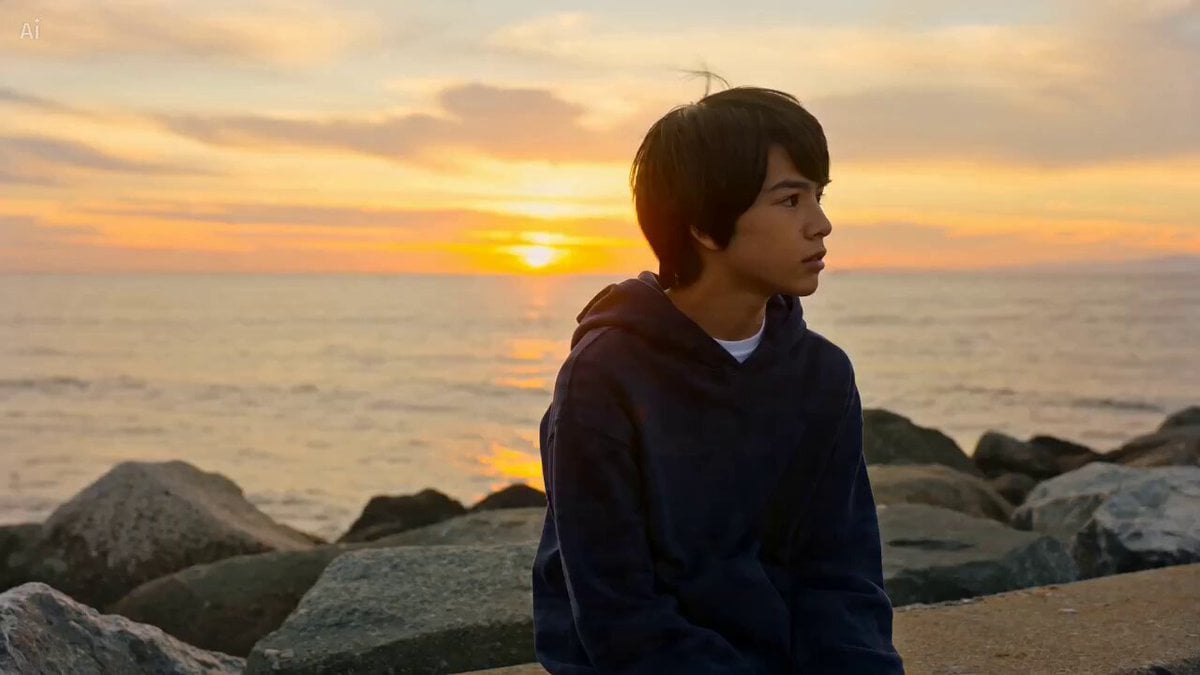
Cinematic Beach Sunset Scene
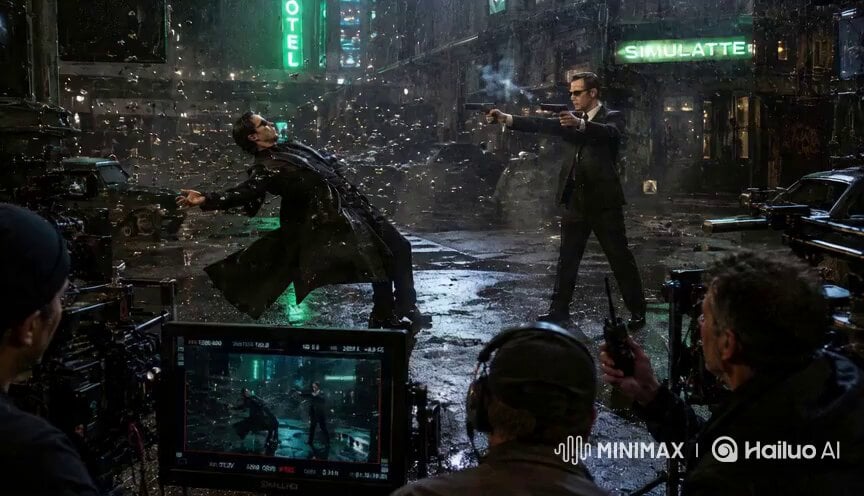
Matrix Style Fire vs Shadow Duel BTS
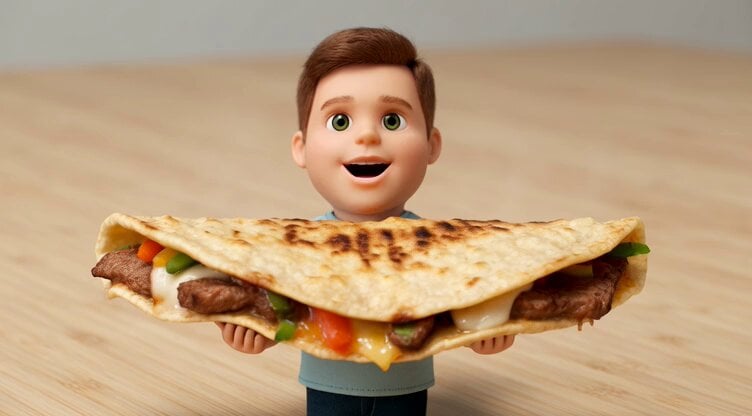
Tiny Man and Giant Quesadilla
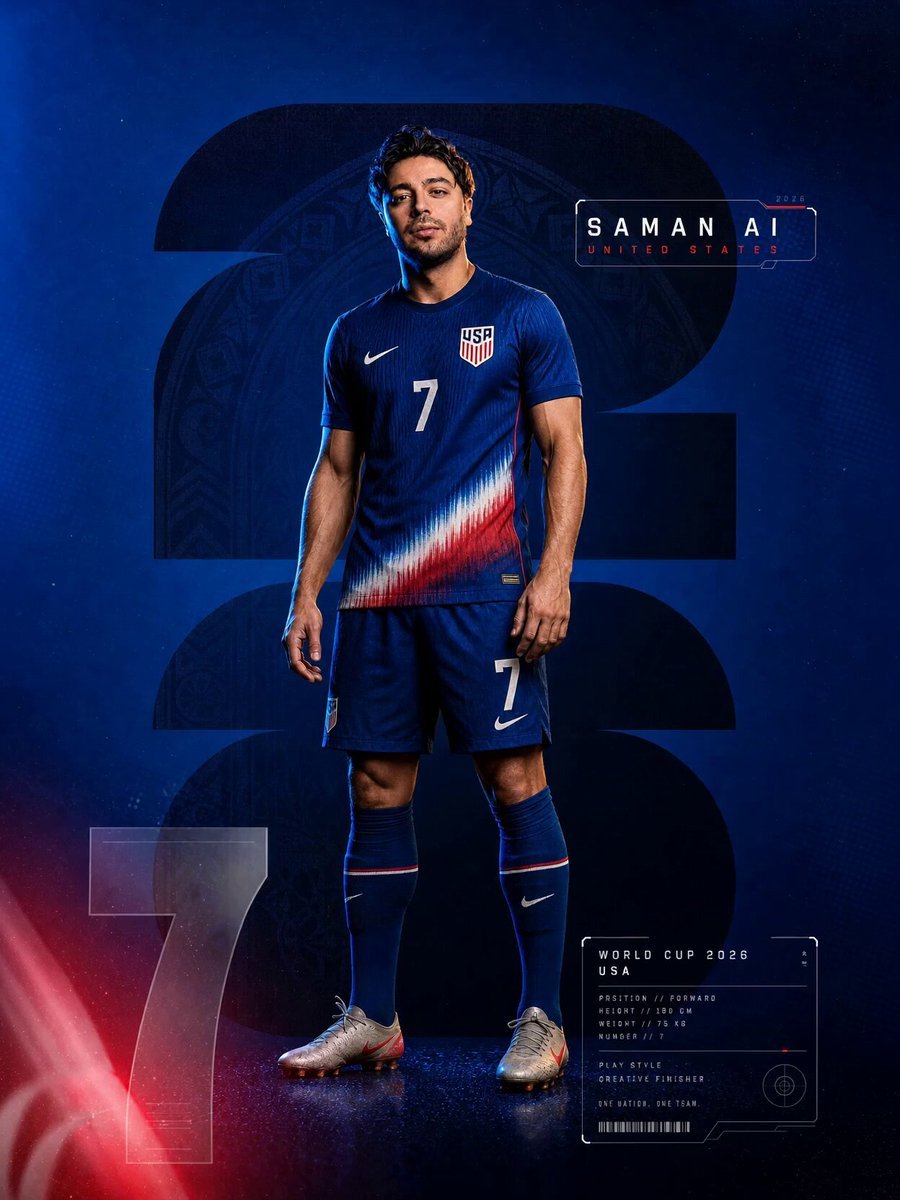
Premium Sports Teaser Animation

Luxury Dinosaur Resort Night Chaos
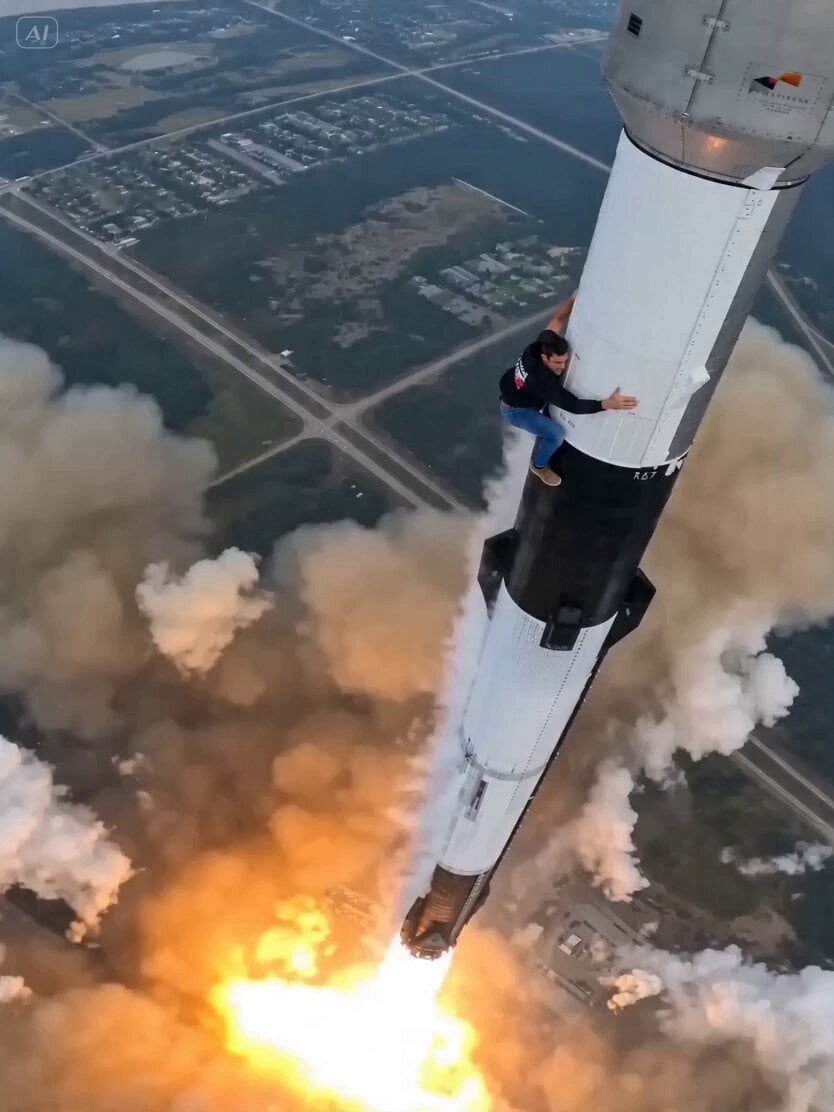
Rocket Surf Cine Verité
Browse template categories
The Sewing Master - Seedance 2.0 Video Prompt questions
How do I use the The Sewing Master - Seedance 2.0 Video Prompt template?
Add your photo if the template asks for one, edit the prompt if you like — the template's model and format are already selected — and press Generate. Your version opens in PicX Studio.
Can I customize the The Sewing Master - Seedance 2.0 Video Prompt template?
Yes. You can change the subject, setting, lighting, mood, format, and available model controls before creating your video.
Is the The Sewing Master - Seedance 2.0 Video Prompt template free?
Opening and editing this template is free. Generating uses credits, shown on the Generate button when you are signed in.
Which AI model should I use?
Start with Seedance 2.0, which is the model associated with this template. You can compare another compatible model for a different finish.
Looking for something else? Browse all templates.

Your photo, any look
Thousands of ready templates for every top image and video model, from one credit balance.