
Cybertruck Driving Near Bench
A video prompt for a Cybertruck driving by a bench that shares similar geometric design elements.
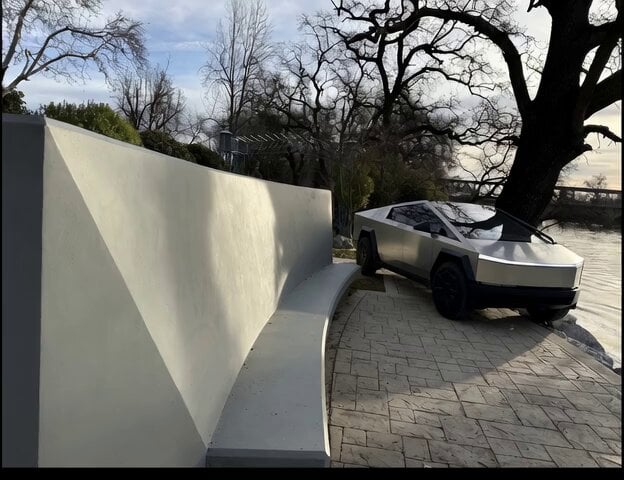
- Prompt included
- Model and format preset
- Premium template
The prompt behind this video
Copy the exact prompt behind Cybertruck Driving Near Bench, or open it in the studio and make it yours.
Cybertruck driving by this bench, triangular portion of bench echoes @cybertruck
How to use Cybertruck Driving Near Bench in 3 steps
- 1
Open
The prompt is already in the box next to the preview, with the template's model and format selected.
- 2…a portrait of your subject in softgolden-hour light, 85mm…
Personalize
Edit the subject and creative details for your destination.
- 3Generate
Generate
Press Generate — your video is created in PicX Studio, so you can compare it with the original and refine one variable at a time.
More like this
Templates with the same subject, style or setup. Open one to see its prompt.
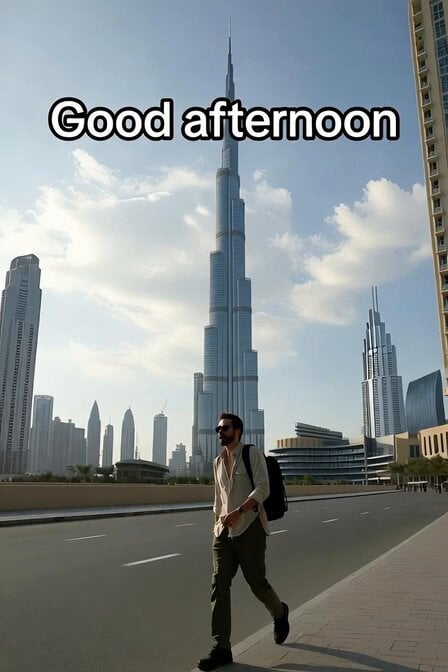
Hollywood Actor Near Burj Khalifa

Chibi Cosmic Wildcat Cybertruck
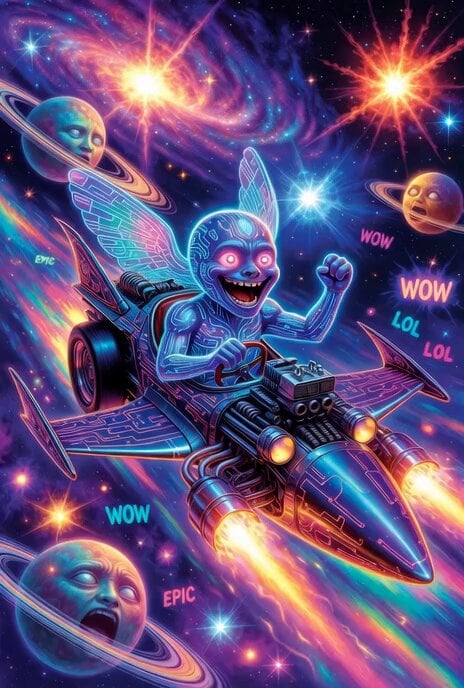
Grok Imagine prompt: Grok driving a cosmic hot rod spaceship
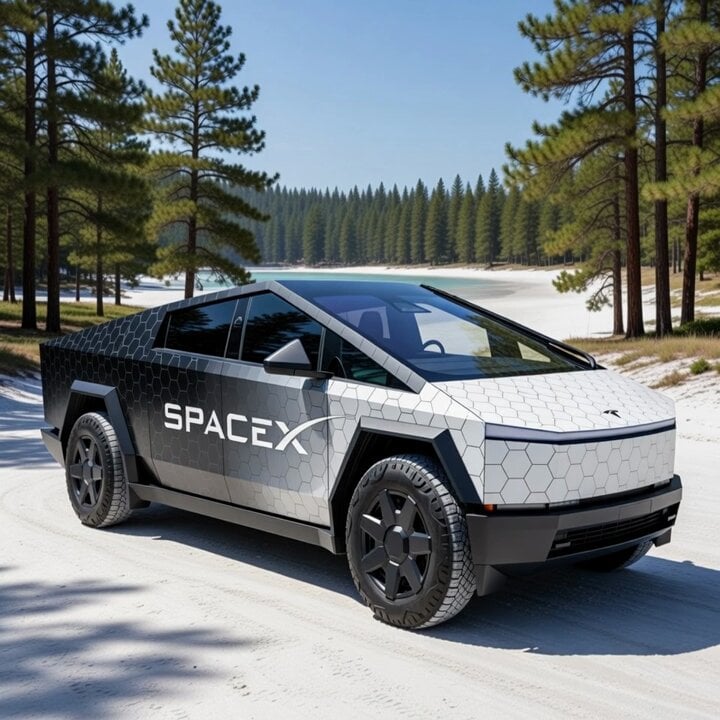
Cybertruck with SpaceX Starship Wrap
Ultra-realistic cinematic photo of woman on bench at night
Grok Imagine Prompt: Tesla Optimus Driving in Desert
Video Generation Prompt: Blue Jay Driving a Truck

Cinematic Mad Max Driving POV Sequence
Restored bench scene with young woman
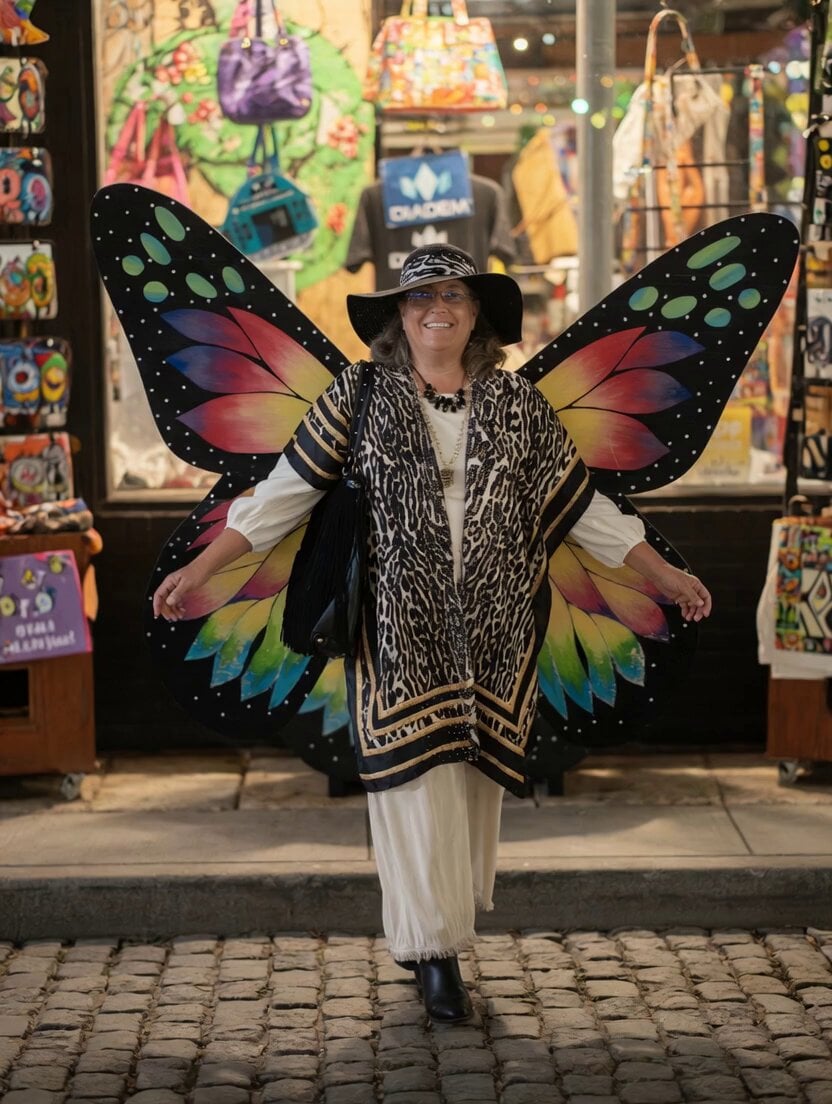
Woman Flying from Butterfly Bench

Kaleidoscopic Cosmic Dolphin Video

Horror Daffy Duck Video Transition
Make it yours
Cybertruck Driving Near Bench works as-is. These are the safest ways to change it without losing the look.
Change one field
Copy a single group, rewrite it, and generate again so you can see what that field is doing.
Keep the frame, change the subject
Hold the composition and light of Cybertruck Driving Near Bench, then swap wardrobe, props or the person for a new take.
| If the result… | Why | Fix |
|---|---|---|
| The result drifts from the preview | Too many fields changed at once. | Reuse Cybertruck Driving Near Bench as-is first, then change one group — subject, light, or setting. |
| The model over-stylizes the scene | The prose prompt leaves finish and camera underspecified. | Add one camera or lighting sentence and stay on Grok Imagine. |
More Grok Imagine templates
Other prompts made for Grok Imagine.

Mecha Runway Tap Dance Video Prompt

Emotional Angry Couple Drama

Cyberpunk Guerrilla Girl Video Generation

Detailed multi-part video prompt

Interior View Video Generation Prompt
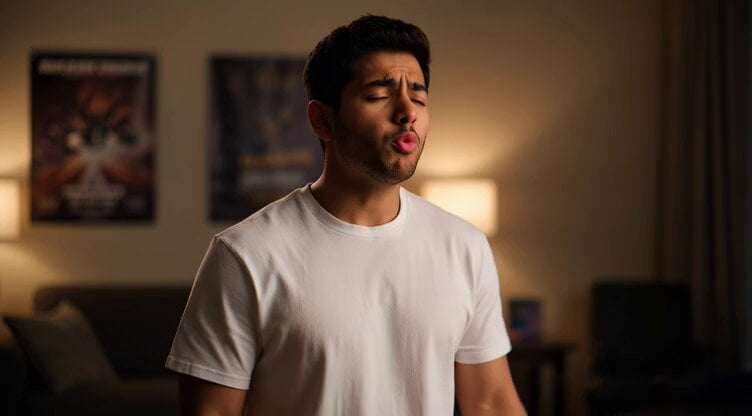
GTA 6 never came out in 1 million years

Bitcoin liferaft video prompt

Woman floating down, opening eyes and looking deeply into the viewer's eyes
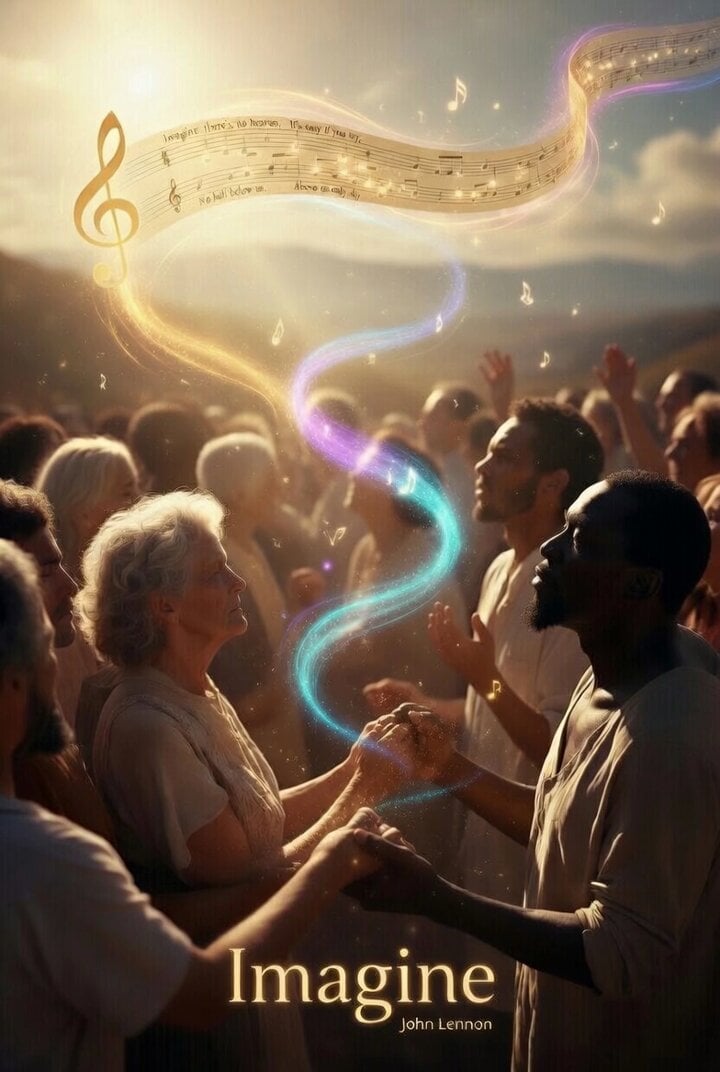
Utopian World of Harmony and Peace
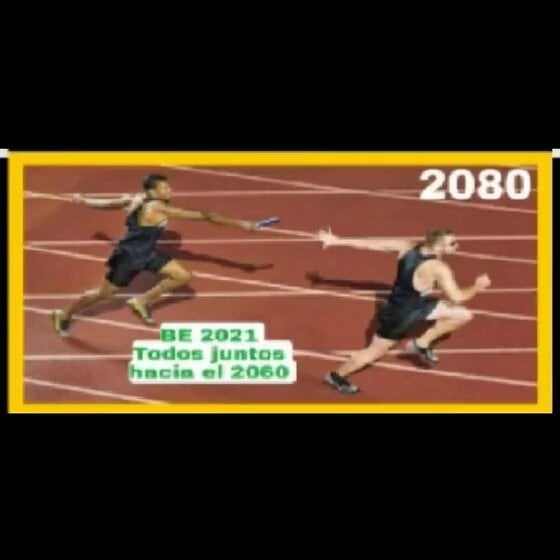
Runner with BE 2060 i inscription passing through sequential doors video prompt
More video prompts
Fresh picks from across the catalog.

Grok Imagine prompt of Elon and Snoopy on a rocket
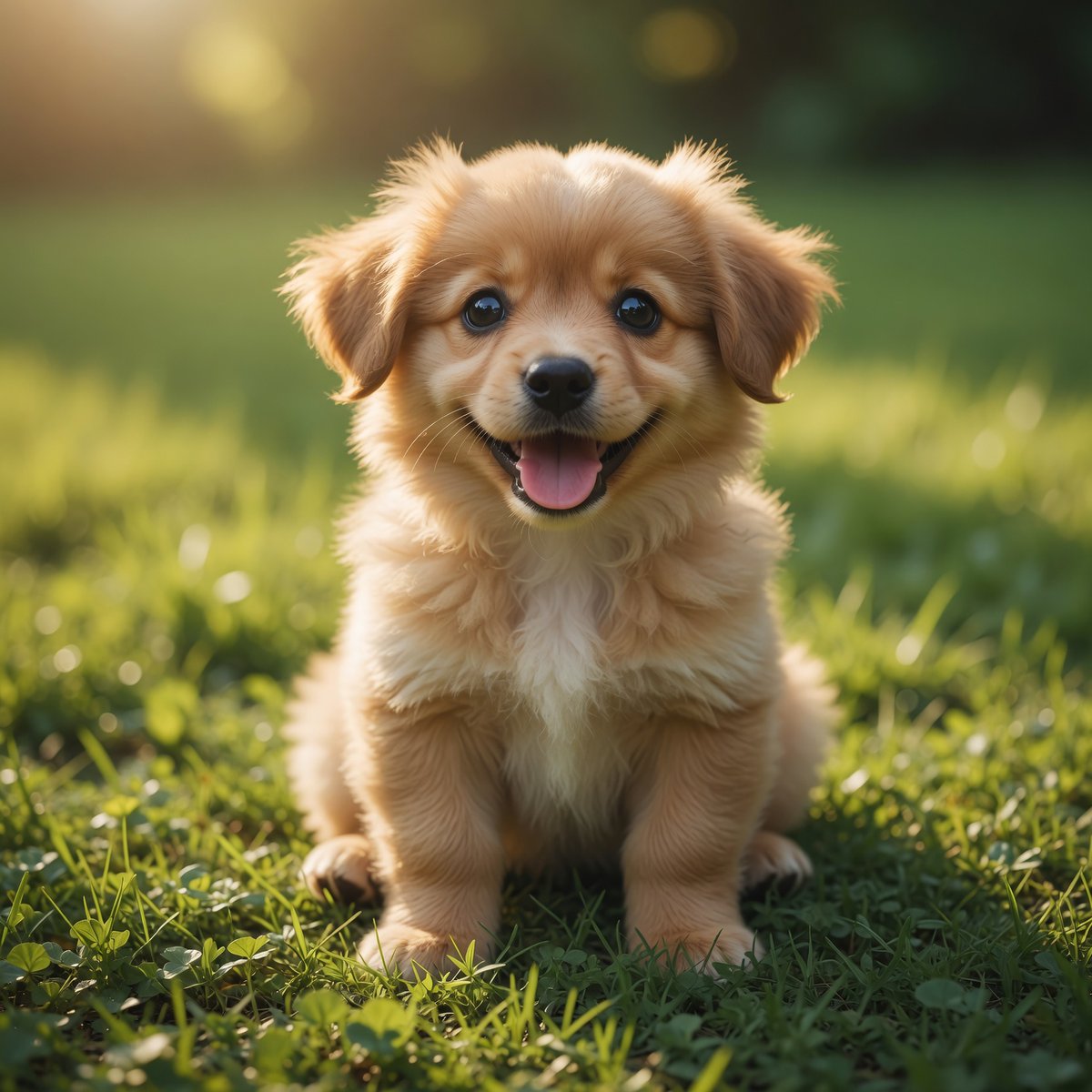
Fluffy Puppy Sunny Lawn Video
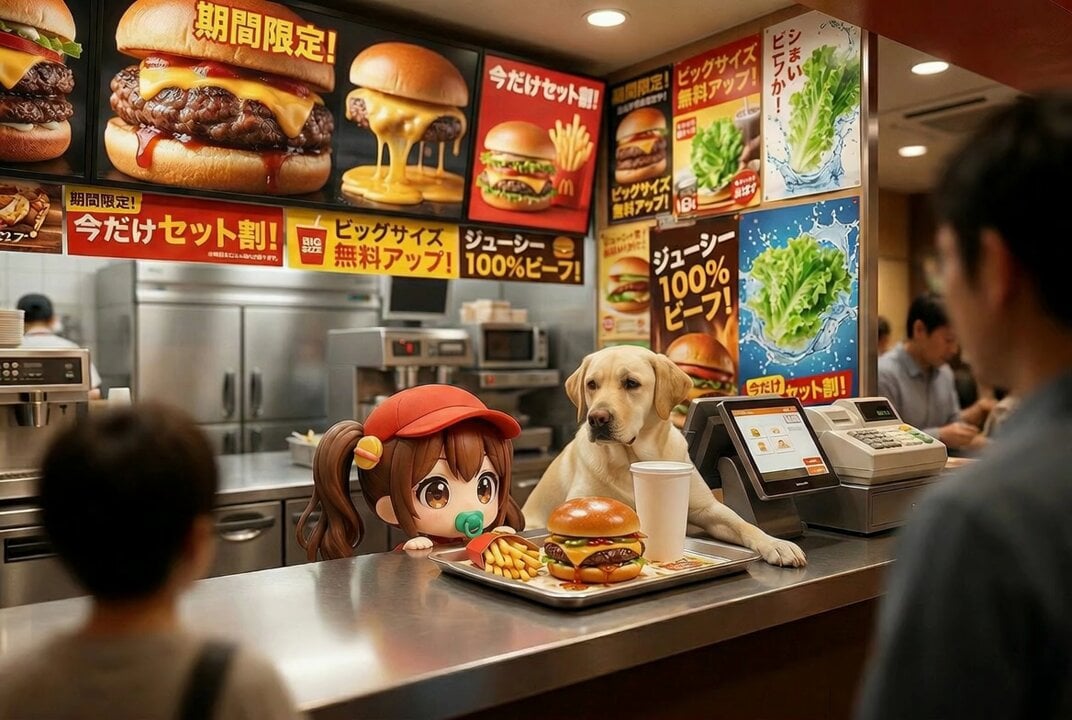
Boss Battle Scene Video Prompt
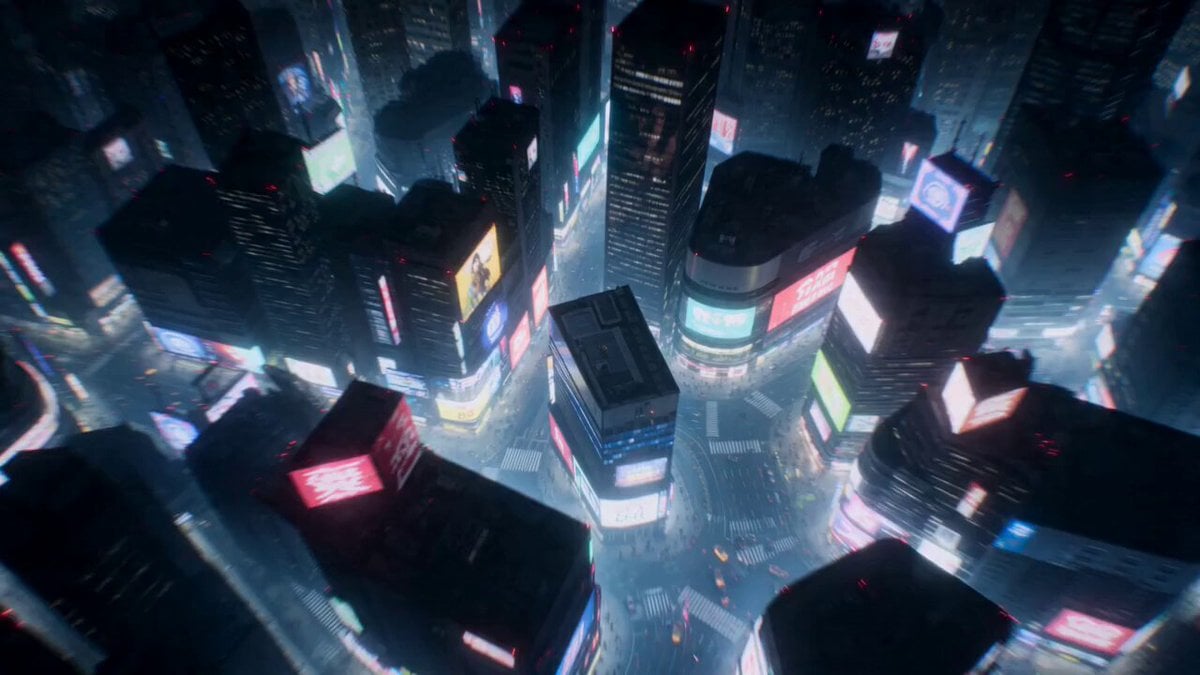
Cyberpunk Shibuya Anime Combat
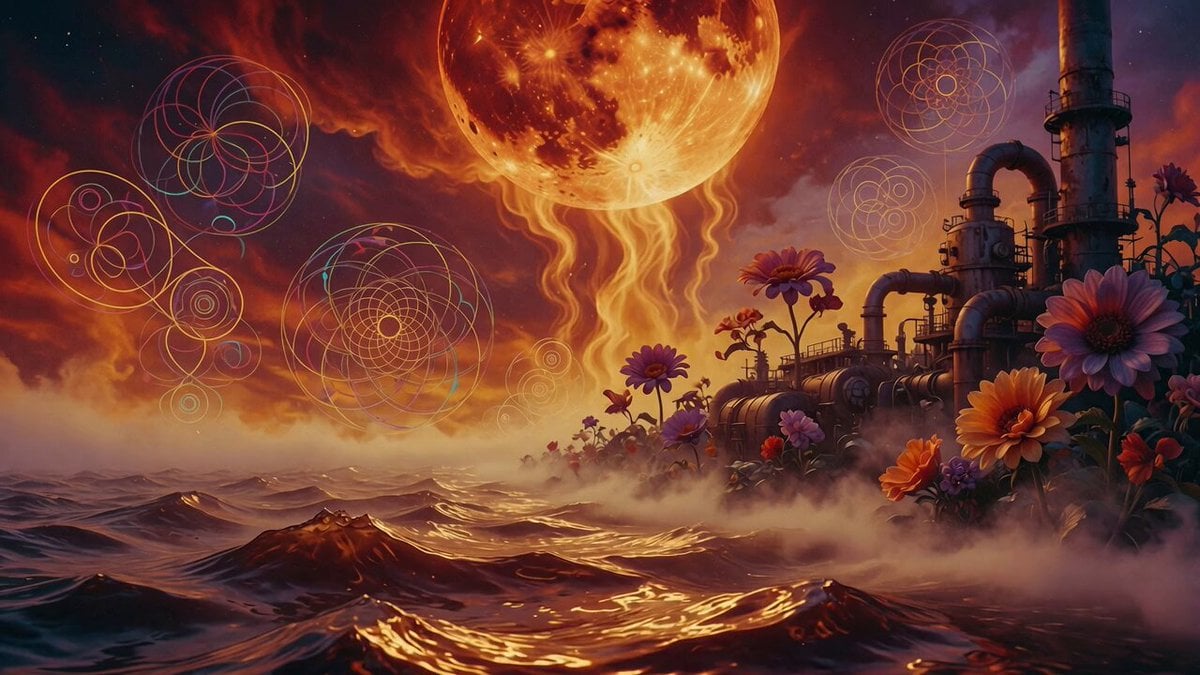
Psychedelic Thermodynamic Moon Animation
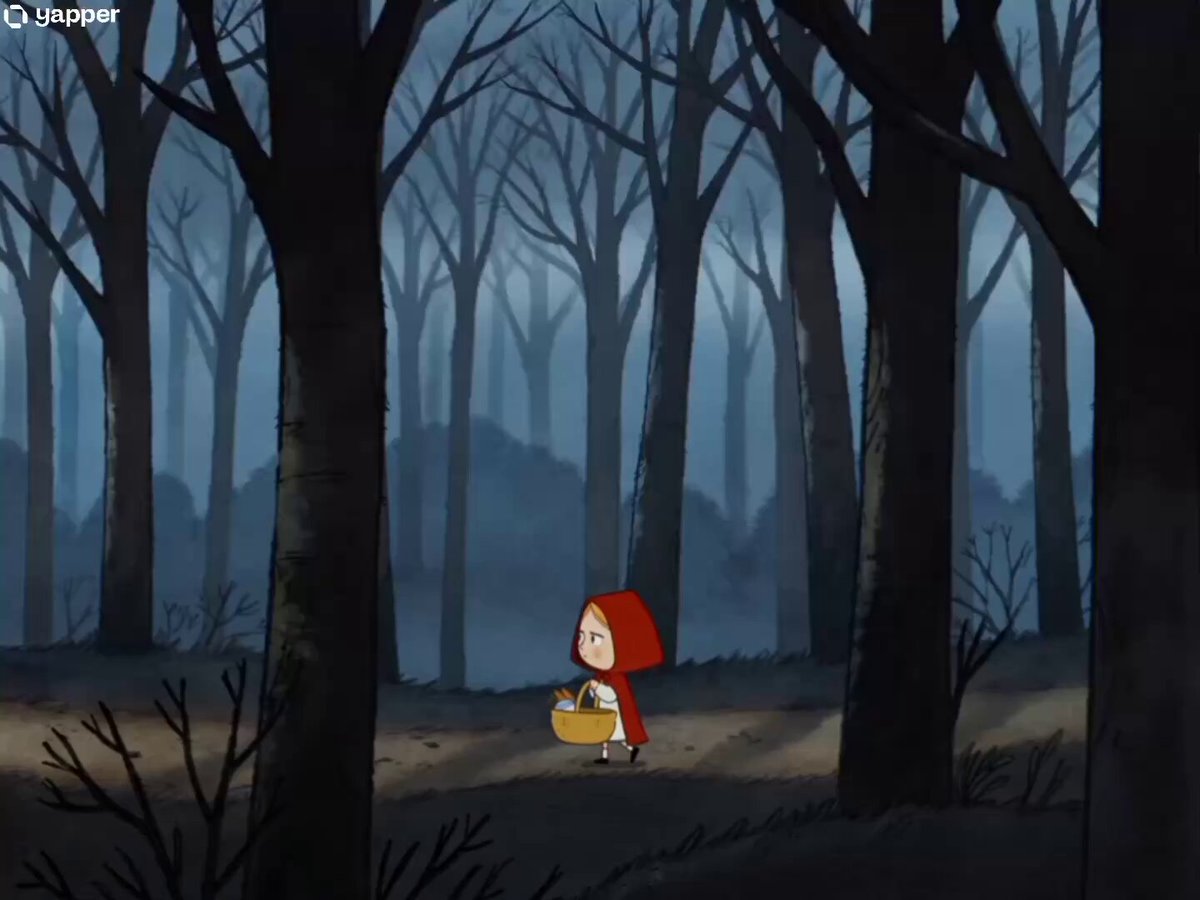
90s Cartoon Horror Story
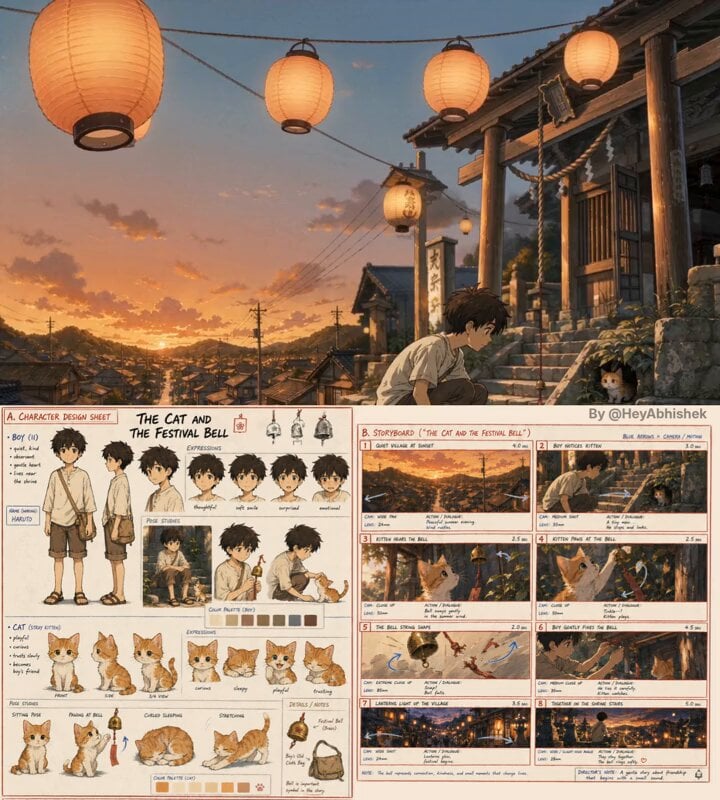
Seedance 2.0 Anime Short Film Video Prompt
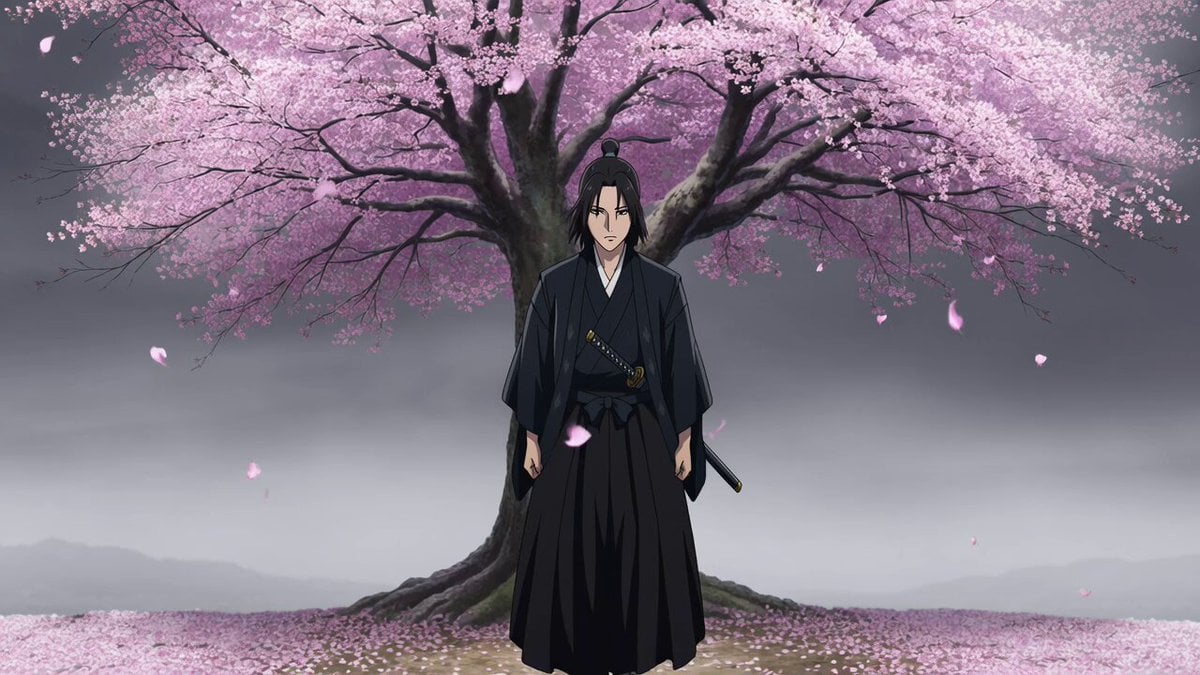
Atmospheric Anime Samurai Video Prompt
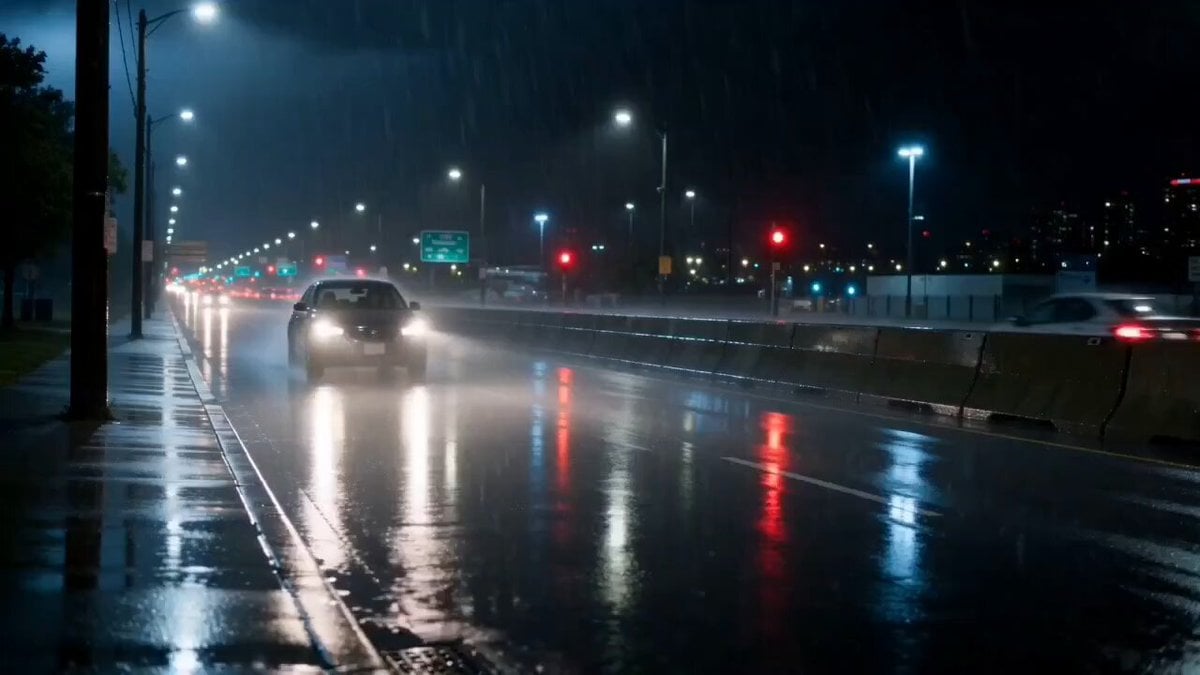
Cinematic Rainy Night Drive Home
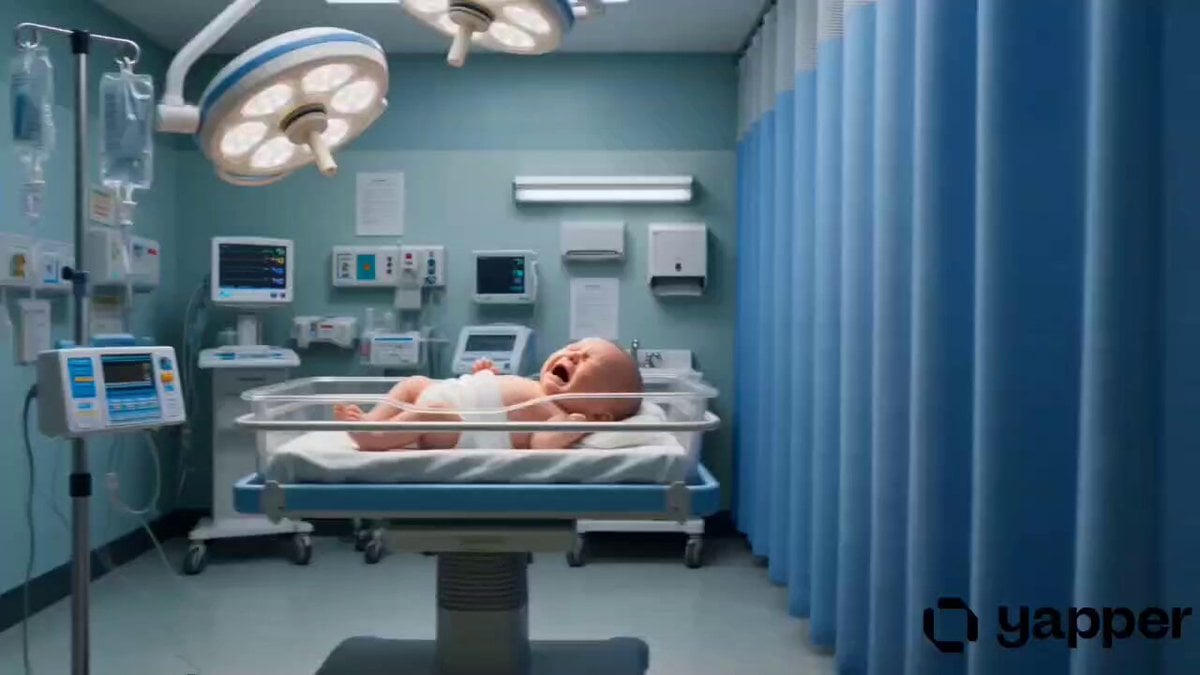
Life Journey Continuous Tracking Shot
Browse template categories
Cybertruck Driving Near Bench questions
How do I use the Cybertruck Driving Near Bench template?
Add your photo if the template asks for one, edit the prompt if you like — the template's model and format are already selected — and press Generate. Your version opens in PicX Studio.
Can I customize the Cybertruck Driving Near Bench template?
Yes. You can change the subject, setting, lighting, mood, format, and available model controls before creating your video.
Is the Cybertruck Driving Near Bench template free?
Opening and editing this template is free. Generating uses credits, shown on the Generate button when you are signed in.
Which AI model should I use?
Start with Grok Imagine, which is the model associated with this template. You can compare another compatible model for a different finish.
Looking for something else? Browse all templates.

Your photo, any look
Thousands of ready templates for every top image and video model, from one credit balance.