How do I use the Atmospheric Anime Samurai Video Prompt template?
Edit the prompt in the box under the preview — the template's model and format are already selected — and press Generate. Your version appears right on this page.
A detailed text-to-video prompt for Grok Imagine, describing an atmospheric anime scene featuring a samurai beneath a cherry tree.
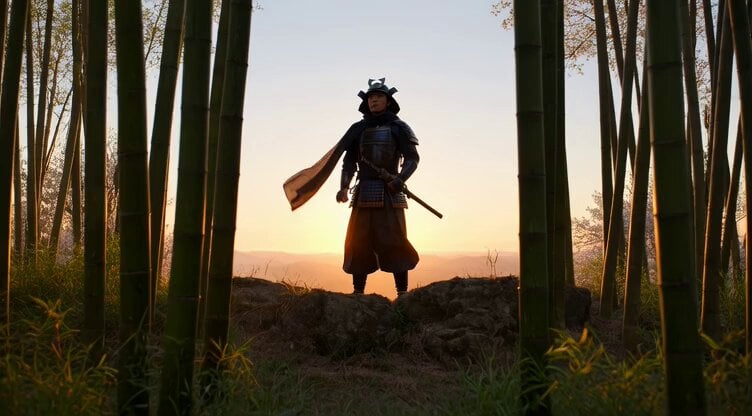
Atmospheric anime wide-to-close shot: The animation begins with a wide shot of the samurai standing beneath a cherry tree, framed against a gray, moody sky. Pink petals fall slowly around him, creating a delicate contrast against the desaturated backdrop. The camera slowly dollies forward as the petals catch in his hair and slide across his shoulder. His sword handle rises slightly as if responding to his breath. Subtle ambient motion ,drifting fog, a passing wind, faint flutters in the fabric of his robe , all combine to give the stillness a quiet power. The shot ends in a close-up as his eyes shift slightly to the side, as though sensing someone’s presence behind him.
Atmospheric anime wide-to-close shot: The animation begins with a wide shot of the samurai standing beneath a cherry tree, framed against a gray, moody sky. Pink petals fall slowly around him, creating a delicate contrast against the desaturated backdrop. The camera slowly dollies forward as the petals catch in his hair and slide across his shoulder. His sword handle rises slightly as if responding to his breath. Subtle ambient motion ,drifting fog, a passing wind, faint flutters in the fabric of his robe , all combine to give the stillness a quiet power. The shot ends in a close-up as his eyes shift slightly to the side, as though sensing someone’s presence behind him.
Edit the prompt in the box under the preview — the template's model and format are already selected — and press Generate. Your version appears right on this page.
Yes. You can change the subject, setting, lighting, mood, format, and available model controls before creating your video.
Opening and editing this template is free. Generating uses credits, shown on the Generate button when you are signed in.
Start with Grok Imagine, which is the model associated with this template. You can compare another compatible model for a different finish.
Follow a topic to a crawlable collection of related PicX Studio templates.