How do I use the Sci-Fi Ice Queen Action template?
Edit the prompt in the box under the preview — the template's model and format are already selected — and press Generate. Your version appears right on this page.
A highly detailed, technical prompt for a cinematic 8K sci-fi sequence featuring an ice-elf queen.
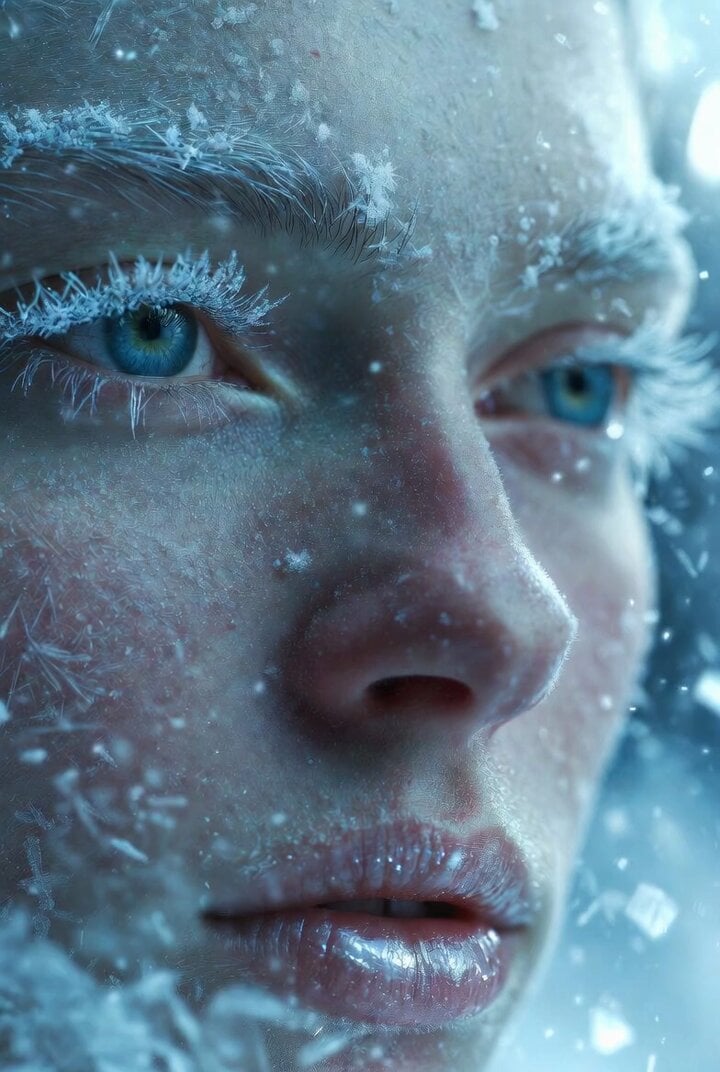
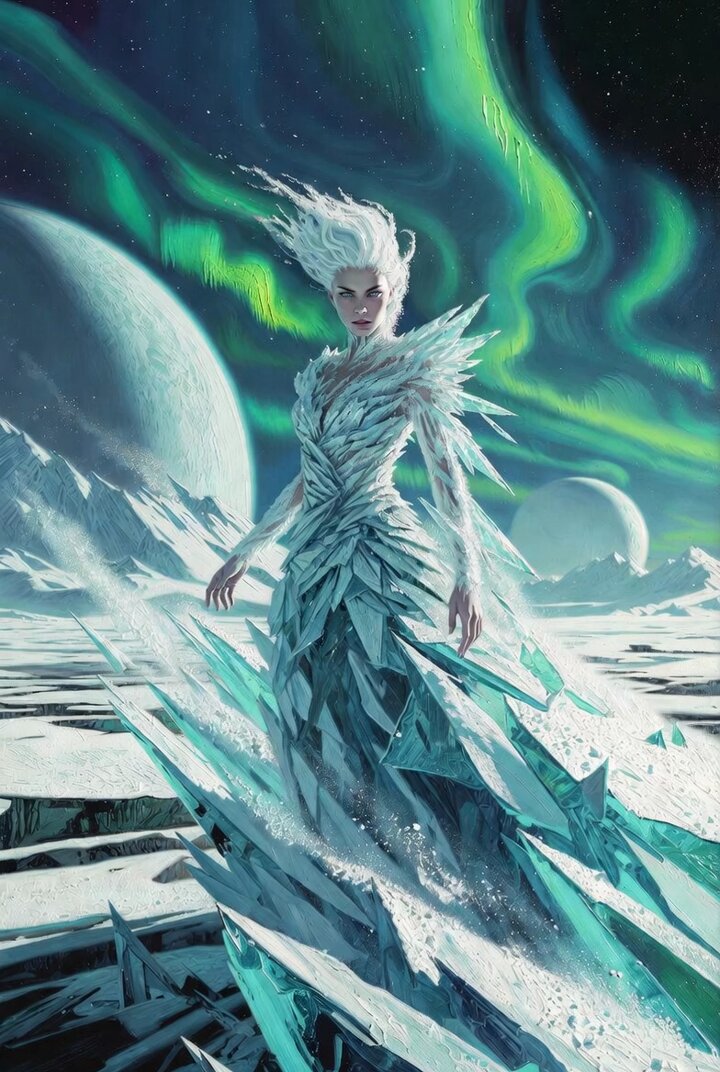
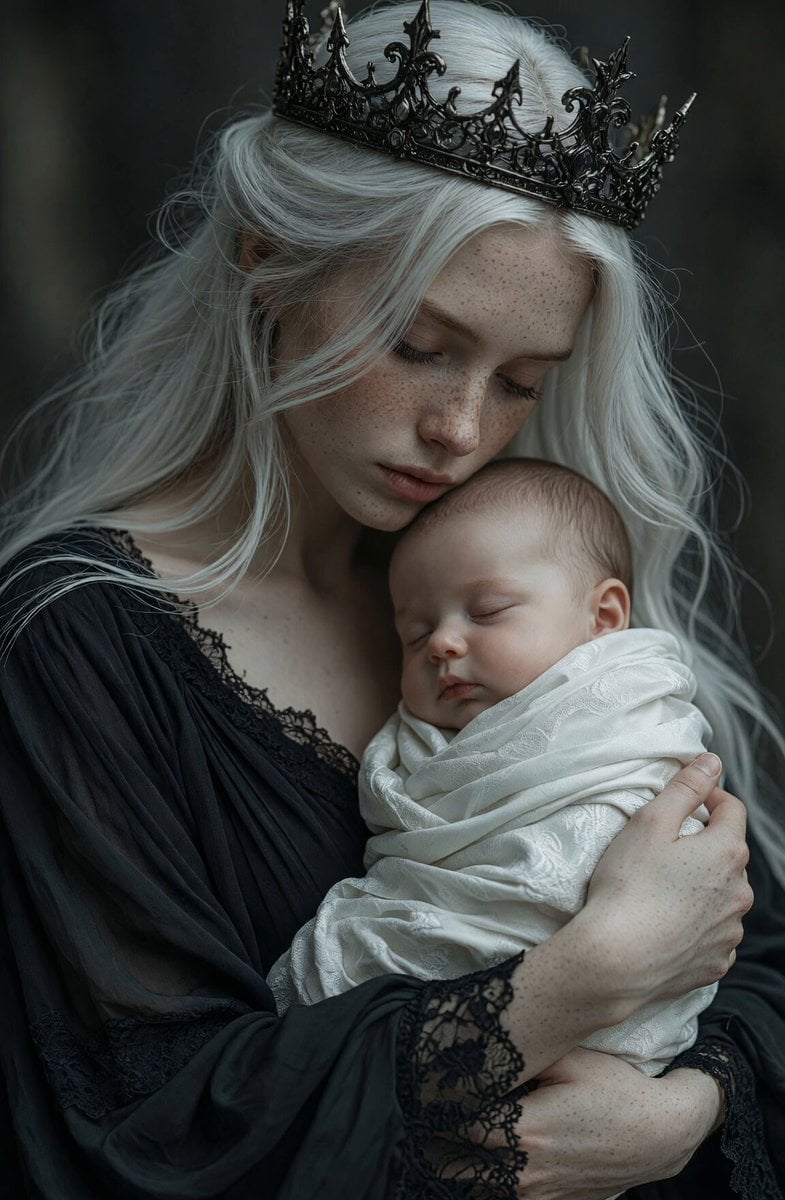
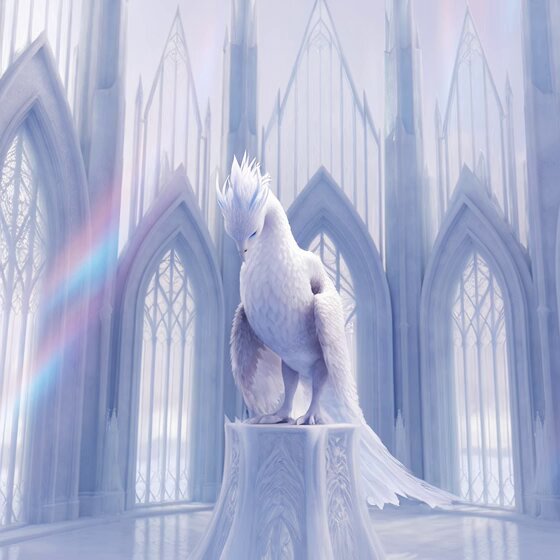
A stunning 6-second ultra-realistic cinematic Sci-Fi action video in 8K, filmed on ARRI Alexa 65 with anamorphic lenses, dramatic color grading, subtle film grain, and intense volumetric lighting. A powerful ice-elf warrior queen with long flowing silver-white hair, glowing blue eyes, and pointed ears stands in a majestic futuristic-ice hybrid fortress. She wears intricate full-body silver and cyan glowing sci-fi armor with crystalline energy circuits, a tall spiked crown pulsing with blue plasma, and flowing metallic cape elements. She raises her right hand dramatically, channeling a swirling, bright blue plasma energy orb that crackles with electric arcs and holographic runes. Snow and ice particles explode around her as she unleashes a powerful energy blast forward. Her hair and cape flow dramatically in the wind. Sci-Fi atmosphere: neon-cyan energy veins running through ancient alien ruins covered in ice, floating holographic shards, glowing blue particles, dramatic god rays cutting through freezing mist, sparks and energy trails. Camera movement: Dynamic cinematic sequence — starts with a low-angle hero shot, then rapidly orbits around her while pushing in, ending in a dramatic close-up on her intense face and glowing hand as she releases the energy blast. Intense motion, shallow depth of field, beautiful bokeh, realistic physics on hair, fabric, and energy effects. Photorealistic skin and armor texture, realistic ice and snow interaction, powerful and elegant action pose, high-speed energy effects. Epic, fierce, and mesmerizing Sci-Fi fantasy mood. 6 seconds duration, 24fps, masterpiece, best quality, hyper-detailed.
A stunning 6-second ultra-realistic cinematic Sci-Fi action video in 8K, filmed on ARRI Alexa 65 with anamorphic lenses, dramatic color grading, subtle film grain, and intense volumetric lighting. A powerful ice-elf warrior queen with long flowing silver-white hair, glowing blue eyes, and pointed ears stands in a majestic futuristic-ice hybrid fortress. She wears intricate full-body silver and cyan glowing sci-fi armor with crystalline energy circuits, a tall spiked crown pulsing with blue plasma, and flowing metallic cape elements. She raises her right hand dramatically, channeling a swirling, bright blue plasma energy orb that crackles with electric arcs and holographic runes. Snow and ice particles explode around her as she unleashes a powerful energy blast forward. Her hair and cape flow dramatically in the wind. Sci-Fi atmosphere: neon-cyan energy veins running through ancient alien ruins covered in ice, floating holographic shards, glowing blue particles, dramatic god rays cutting through freezing mist, sparks and energy trails. Camera movement: Dynamic cinematic sequence — starts with a low-angle hero shot, then rapidly orbits around her while pushing in, ending in a dramatic close-up on her intense face and glowing hand as she releases the energy blast. Intense motion, shallow depth of field, beautiful bokeh, realistic physics on hair, fabric, and energy effects. Photorealistic skin and armor texture, realistic ice and snow interaction, powerful and elegant action pose, high-speed energy effects. Epic, fierce, and mesmerizing Sci-Fi fantasy mood. 6 seconds duration, 24fps, masterpiece, best quality, hyper-detailed.
Edit the prompt in the box under the preview — the template's model and format are already selected — and press Generate. Your version appears right on this page.
Yes. You can change the subject, setting, lighting, mood, format, and available model controls before creating your video.
Opening and editing this template is free. Generating uses credits, shown on the Generate button when you are signed in.
Start with Grok Imagine, which is the model associated with this template. You can compare another compatible model for a different finish.
Follow a topic to a crawlable collection of related PicX Studio templates.