How do I use the Majestic Ice Queen on a White Lion template?
Edit the prompt in the box under the preview — the template's model and format are already selected — and press Generate. Your version appears right on this page.
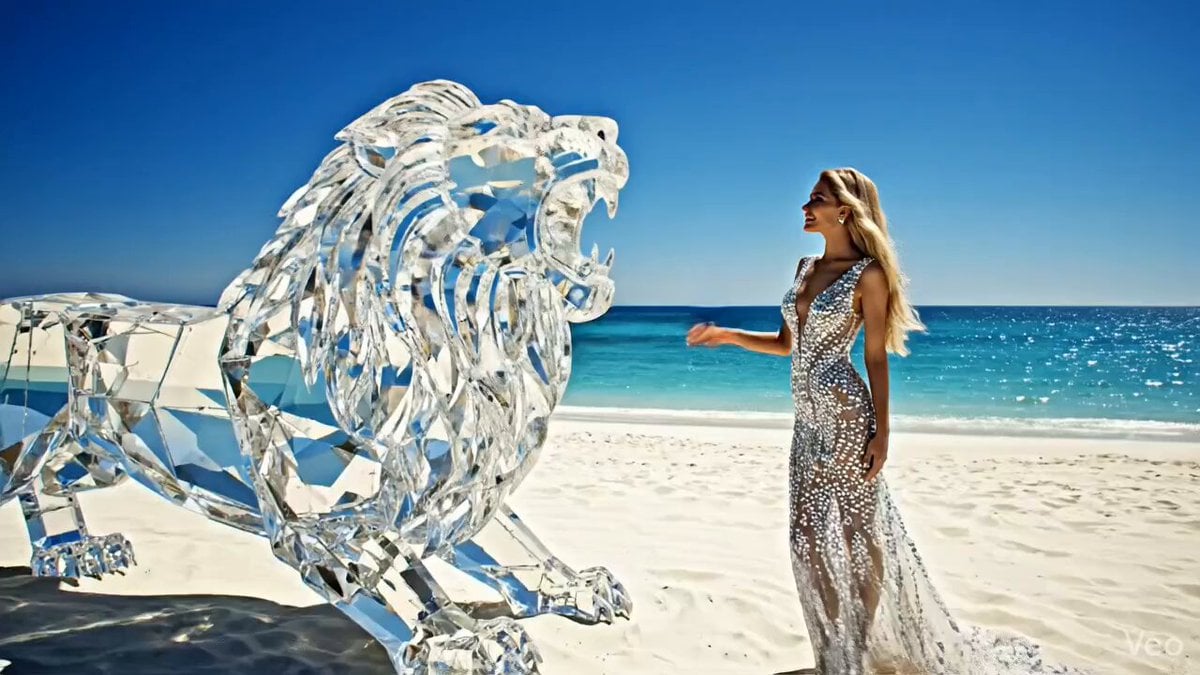
A highly detailed prompt for generating a cinematic fantasy video of a majestic ethereal ice queen with platinum blonde hair and crystalline gown, standing proudly atop a huge white lion, surrounded by swirling snow and…
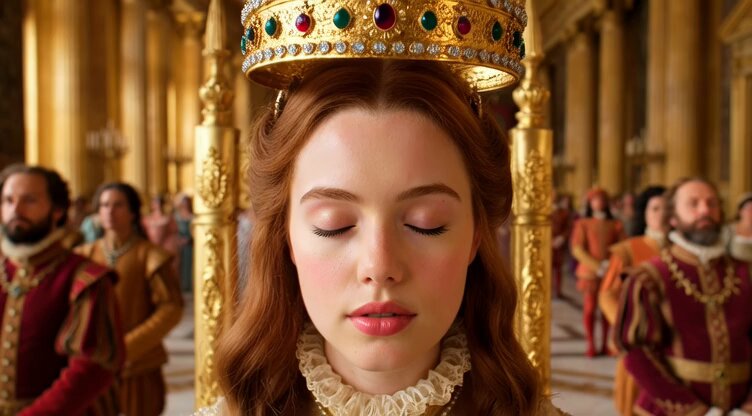
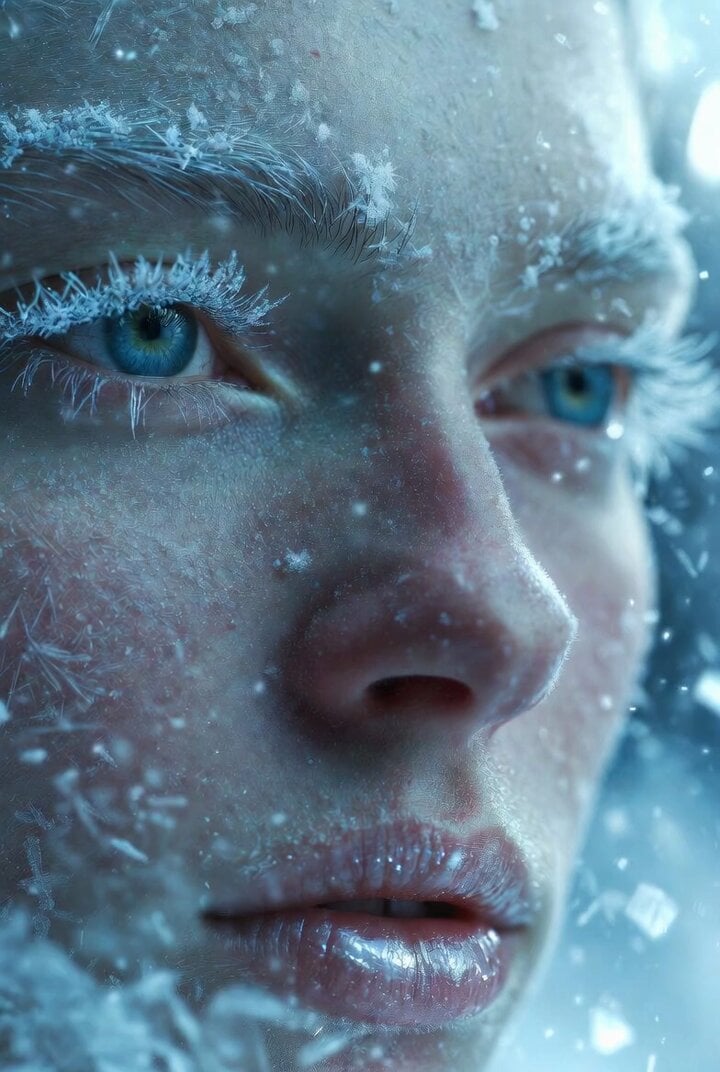
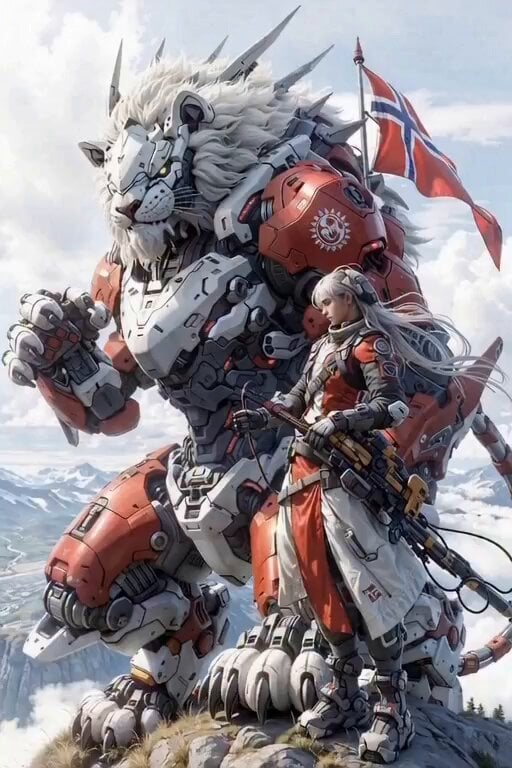
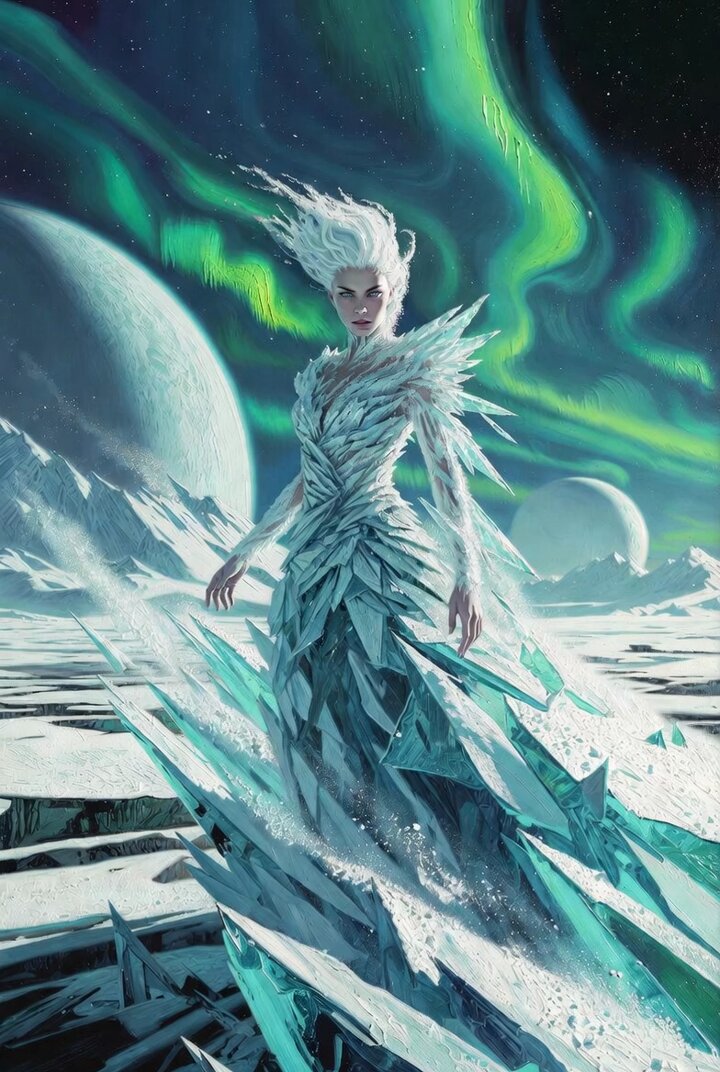
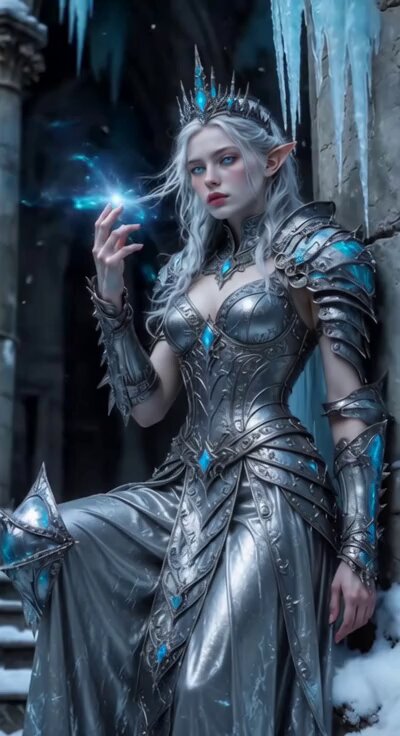
Majestic ethereal ice queen with long flowing platinum blonde curly hair, piercing bright blue eyes, serene gentle smile, wearing an ultra-luxurious crystalline white gown covered in intricate sparkling diamonds, sapphires and frost patterns, ornate high collar and dramatic long sleeves, massive elaborate crown of ice and diamonds with glowing gemstones, heavy luxurious glittering jewelry — earrings, necklace, bracelets all encrusted with crystals, standing proudly atop a huge majestic white lion with intense blue eyes, the lion's mane and fur shimmering with frost and embedded sparkling jewels like a living constellation, both figures glowing with soft magical aura, surrounded by swirling snowflakes and icy mist, dramatic snowy mountain landscape at golden-blue twilight, cinematic fantasy masterpiece, hyper-detailed, intricate crystal textures, luminous ethereal lighting, volumetric god rays, dreamlike atmosphere, ultra-realistic yet fantastical style.
Majestic ethereal ice queen with long flowing platinum blonde curly hair, piercing bright blue eyes, serene gentle smile, wearing an ultra-luxurious crystalline white gown covered in intricate sparkling diamonds, sapphires and frost patterns, ornate high collar and dramatic long sleeves, massive elaborate crown of ice and diamonds with glowing gemstones, heavy luxurious glittering jewelry — earrings, necklace, bracelets all encrusted with crystals, standing proudly atop a huge majestic white lion with intense blue eyes, the lion's mane and fur shimmering with frost and embedded sparkling jewels like a living constellation, both figures glowing with soft magical aura, surrounded by swirling snowflakes and icy mist, dramatic snowy mountain landscape at golden-blue twilight, cinematic fantasy masterpiece, hyper-detailed, intricate crystal textures, luminous ethereal lighting, volumetric god rays, dreamlike atmosphere, ultra-realistic yet fantastical style.
Edit the prompt in the box under the preview — the template's model and format are already selected — and press Generate. Your version appears right on this page.
Yes. You can change the subject, setting, lighting, mood, format, and available model controls before creating your video.
Opening and editing this template is free. Generating uses credits, shown on the Generate button when you are signed in.
Start with Grok Imagine, which is the model associated with this template. You can compare another compatible model for a different finish.
Follow a topic to a crawlable collection of related PicX Studio templates.