How do I use the Extreme Close-up Portrait of an Ice Queen template?
Edit the prompt in the box under the preview — the template's model and format are already selected — and press Generate. Your version appears right on this page.
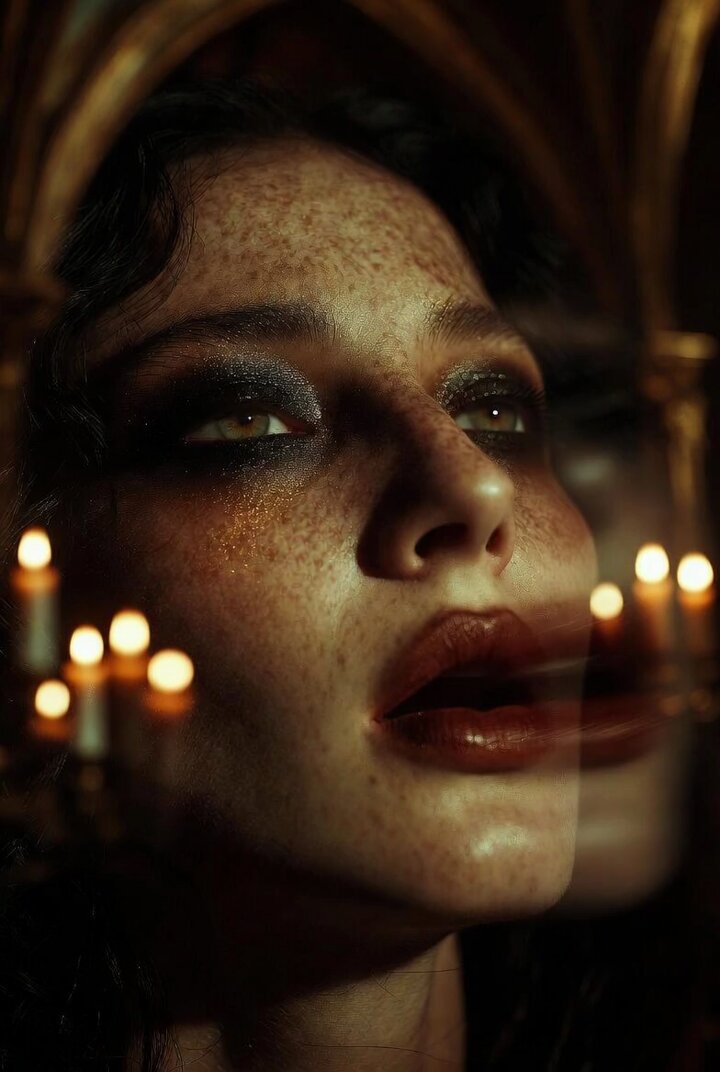
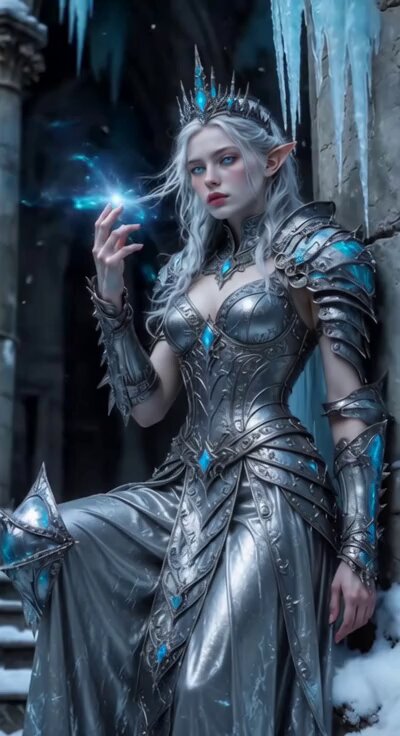
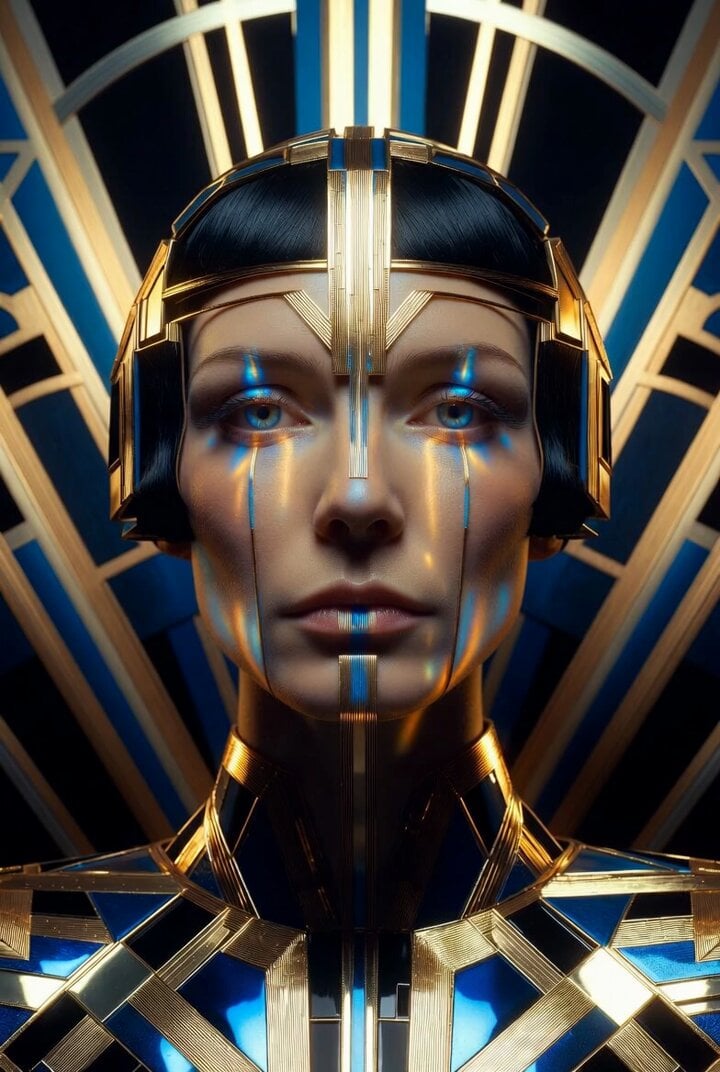
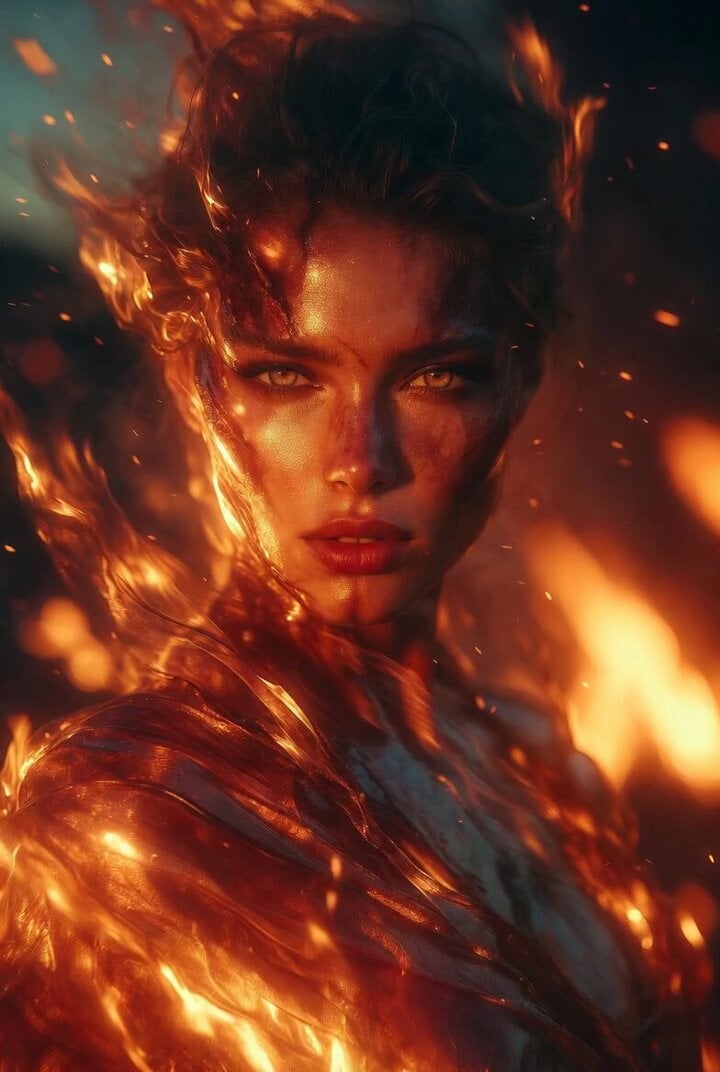
A highly detailed prompt for Grok Imagine to generate an extreme close-up, macro portrait of an ice queen, emphasizing hyper-detailed skin with cool blue undertones, subtle frost textures, crystalline frost particles on…
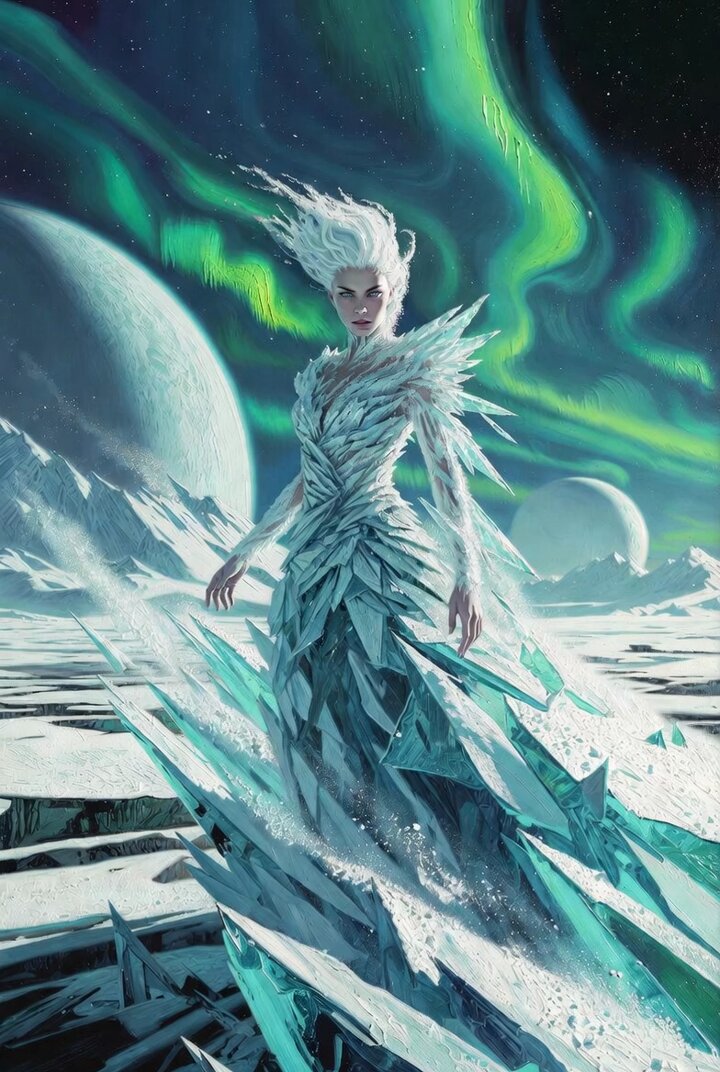
Extreme close up portrait of an ice queen, hyper detailed skin with cool blue undertones, subtle frost textures delicately forming along the edges of her skin, ultra fine crystalline frost particles resting on her eyelashes, perfectly shaped eyes aligned with the golden ratio, slightly glossy natural lips with a cold reflective sheen, flawless facial symmetry, macro ultra sharp portrait lens capturing every pore and micro detail, icy blurred background filled with soft sparkling particles and frozen light fragments, cool blue cinematic lighting with sharp highlights and gentle shadows enhancing facial structure, ultra realistic rendering, shallow depth of field, frost particles slowly drifting in the air, perfectly still atmosphere, no breath vapor, no smoke, no fog from mouth, ultra clean cold environment, cinematic composition, 8k resolution, IMAX quality, ray tracing, global illumination, masterpiece, museum level artwork.
Extreme close up portrait of an ice queen, hyper detailed skin with cool blue undertones, subtle frost textures delicately forming along the edges of her skin, ultra fine crystalline frost particles resting on her eyelashes, perfectly shaped eyes aligned with the golden ratio, slightly glossy natural lips with a cold reflective sheen, flawless facial symmetry, macro ultra sharp portrait lens capturing every pore and micro detail, icy blurred background filled with soft sparkling particles and frozen light fragments, cool blue cinematic lighting with sharp highlights and gentle shadows enhancing facial structure, ultra realistic rendering, shallow depth of field, frost particles slowly drifting in the air, perfectly still atmosphere, no breath vapor, no smoke, no fog from mouth, ultra clean cold environment, cinematic composition, 8k resolution, IMAX quality, ray tracing, global illumination, masterpiece, museum level artwork.
Edit the prompt in the box under the preview — the template's model and format are already selected — and press Generate. Your version appears right on this page.
Yes. You can change the subject, setting, lighting, mood, format, and available model controls before creating your video.
Opening and editing this template is free. Generating uses credits, shown on the Generate button when you are signed in.
Start with Grok Imagine, which is the model associated with this template. You can compare another compatible model for a different finish.
Follow a topic to a crawlable collection of related PicX Studio templates.