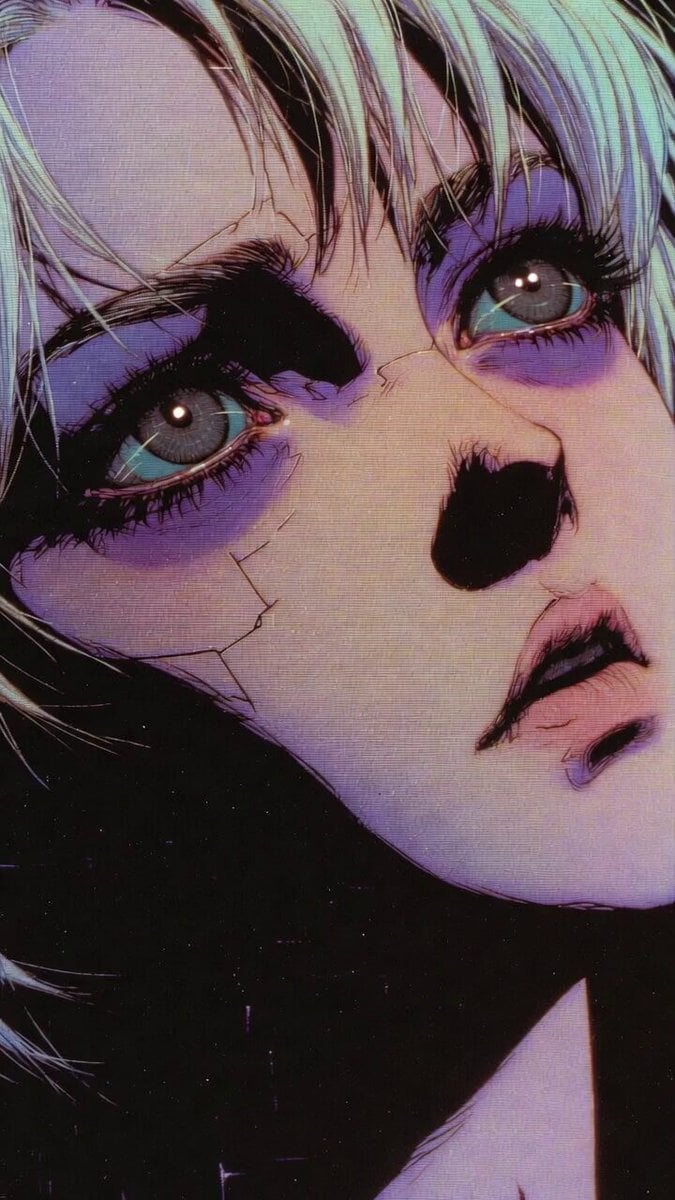
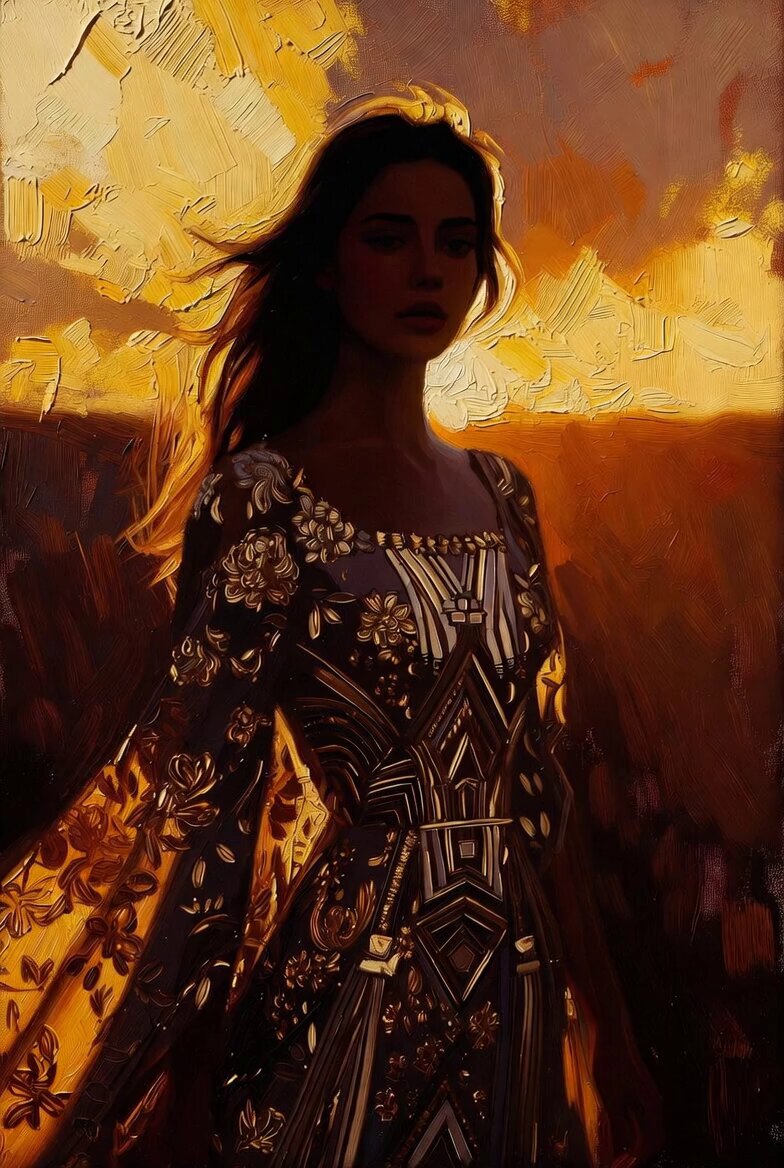
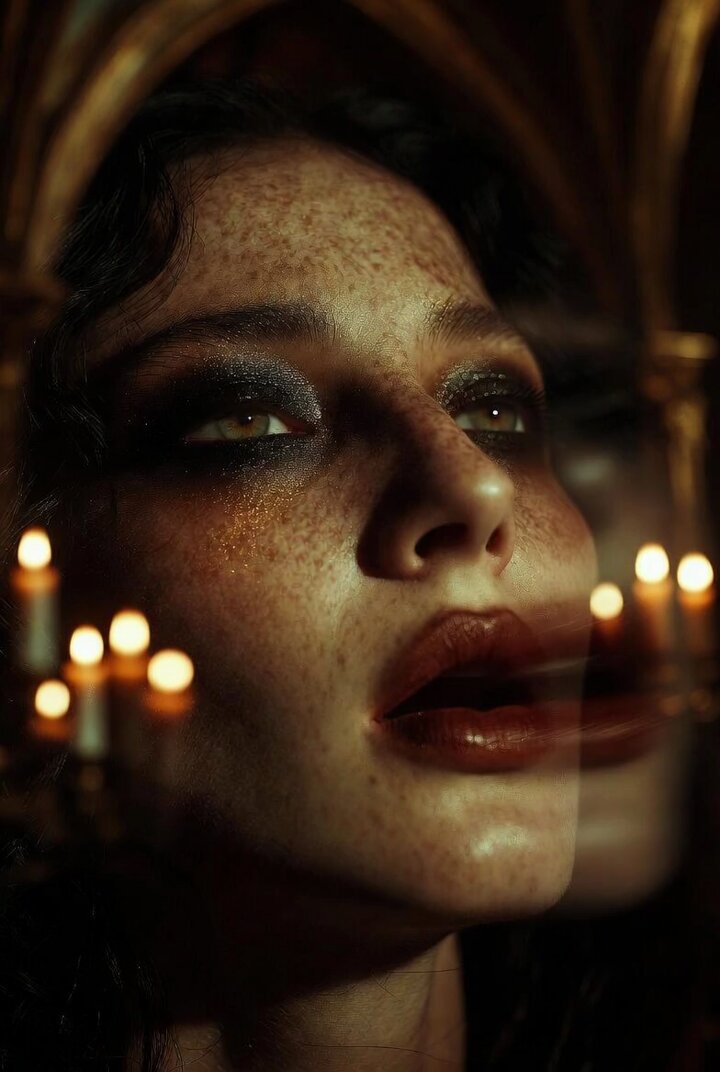
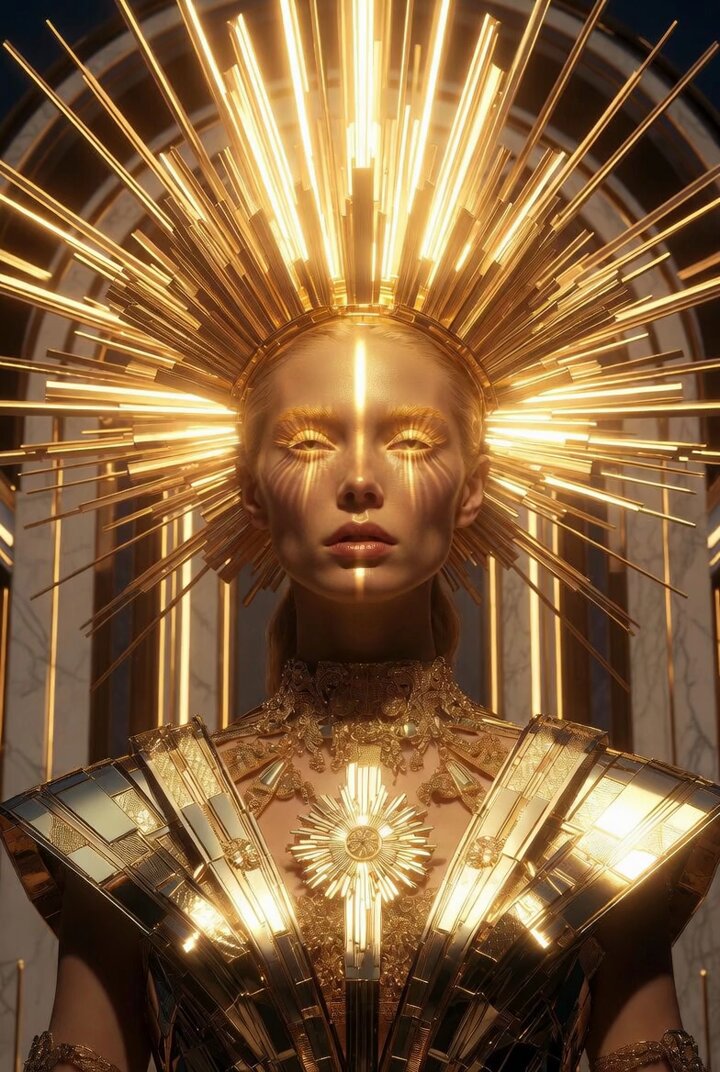
How do I use the Extreme close-up anime realism portrait (Rococo style) template?
Edit the prompt in the box under the preview — the template's model and format are already selected — and press Generate. Your version appears right on this page.
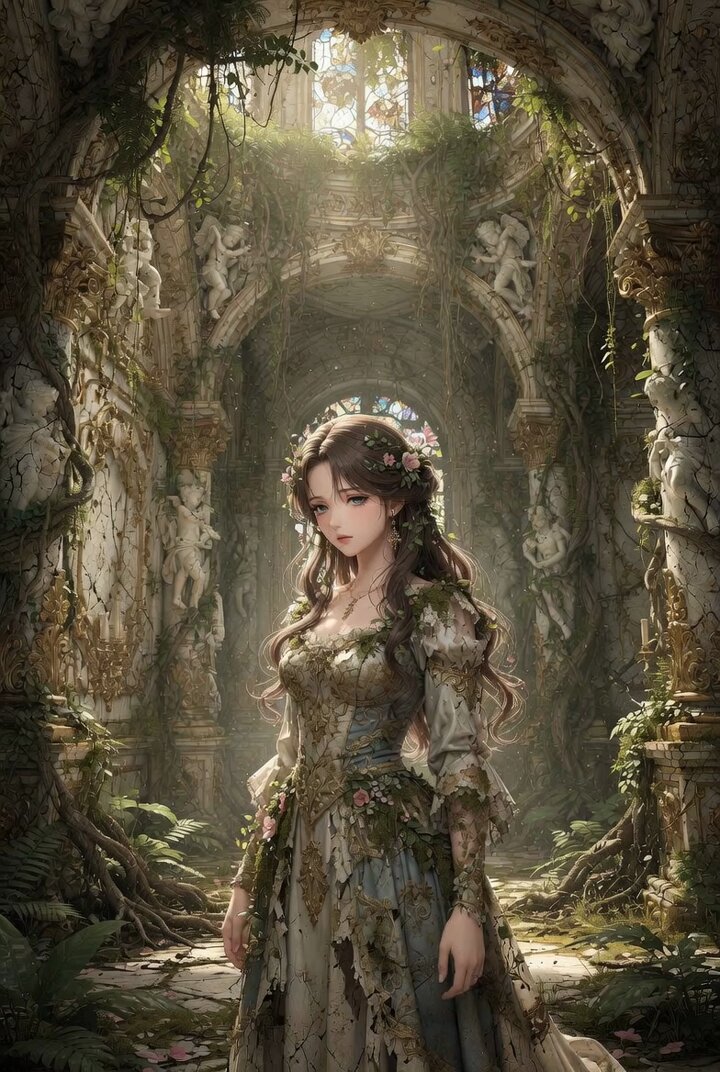
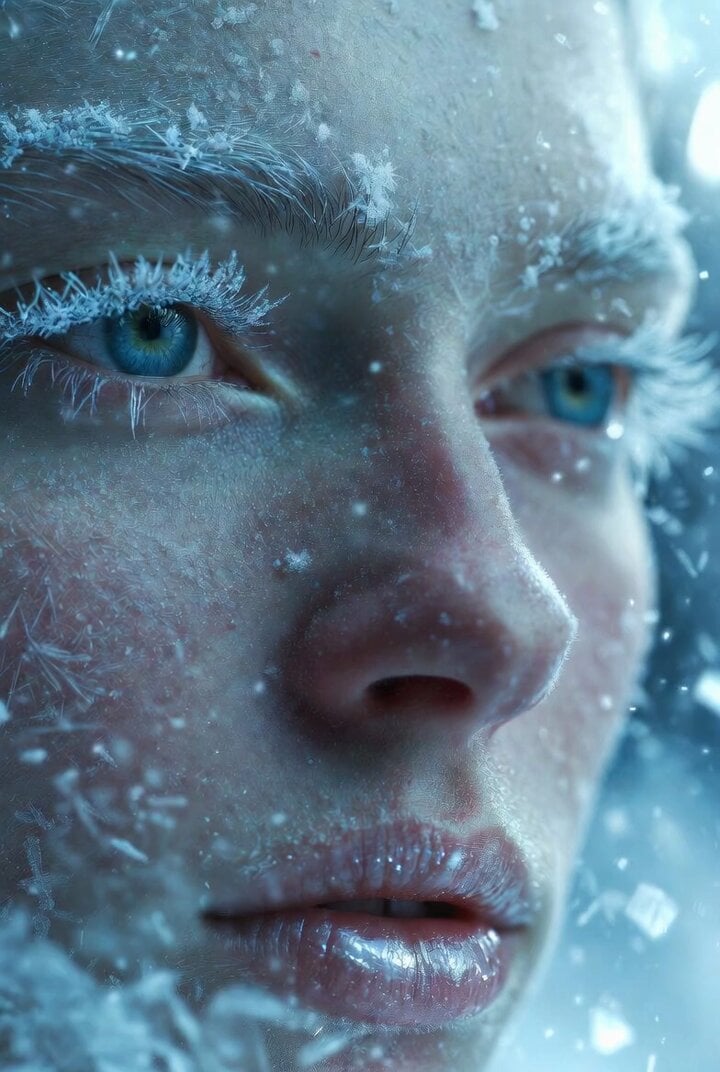
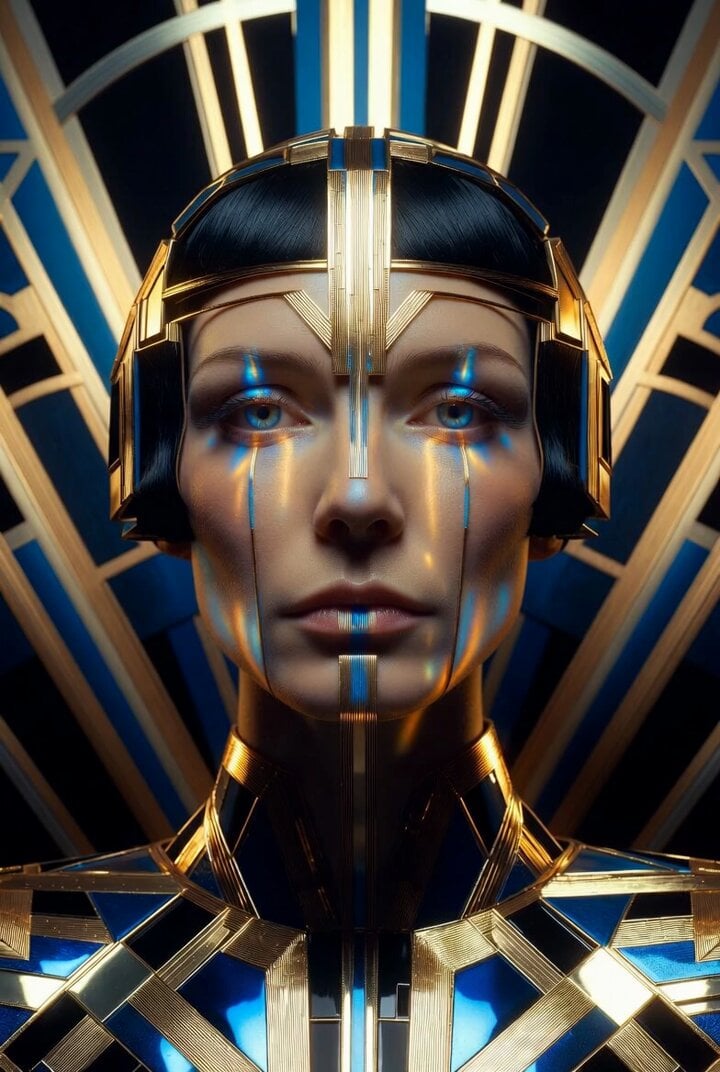
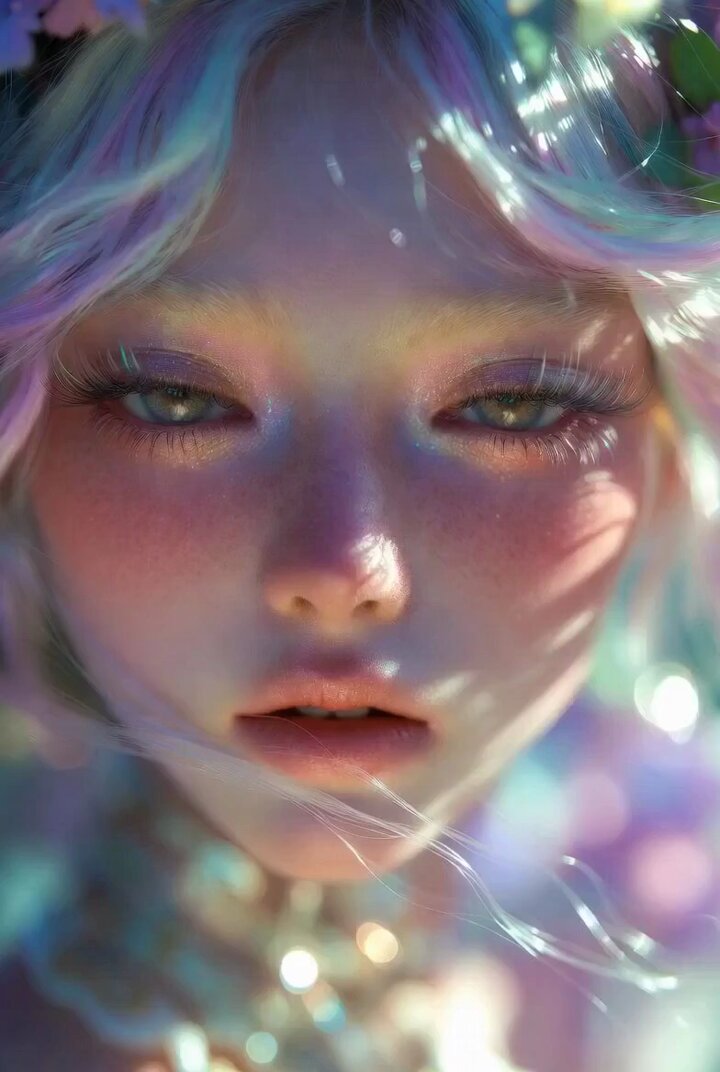
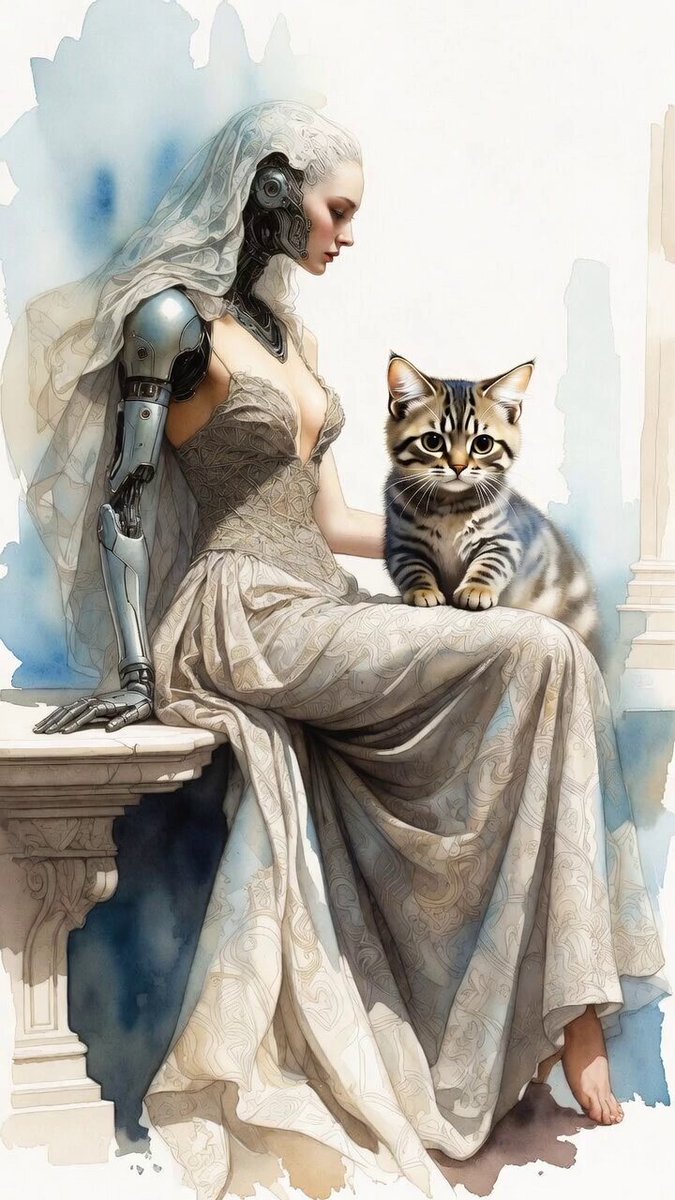
A prompt for Grok Imagine (video generation) requesting an extreme close-up anime realism portrait inspired by Rococo tradition, emphasizing soft skin tones, delicate warmth, and diffused lighting.
Extreme close up anime realism portrait inspired by rococo portrait tradition, soft powdered skin tones, delicate warmth, subtle softness in every detail her eyes gentle and engaging, lighting diffused and calm, background pastel and airy atmosphere refined, feminine, museum level softness.
Extreme close up anime realism portrait inspired by rococo portrait tradition, soft powdered skin tones, delicate warmth, subtle softness in every detail her eyes gentle and engaging, lighting diffused and calm, background pastel and airy atmosphere refined, feminine, museum level softness.
Edit the prompt in the box under the preview — the template's model and format are already selected — and press Generate. Your version appears right on this page.
Yes. You can change the subject, setting, lighting, mood, format, and available model controls before creating your video.
Opening and editing this template is free. Generating uses credits, shown on the Generate button when you are signed in.
Start with Grok Imagine, which is the model associated with this template. You can compare another compatible model for a different finish.
Follow a topic to a crawlable collection of related PicX Studio templates.