
Epic Dragon Ride with Soundstage Reveal
A complex JSON-formatted prompt for a high-intensity dragon flight through a fantasy landscape that humorously breaks the fourth wall at the end.
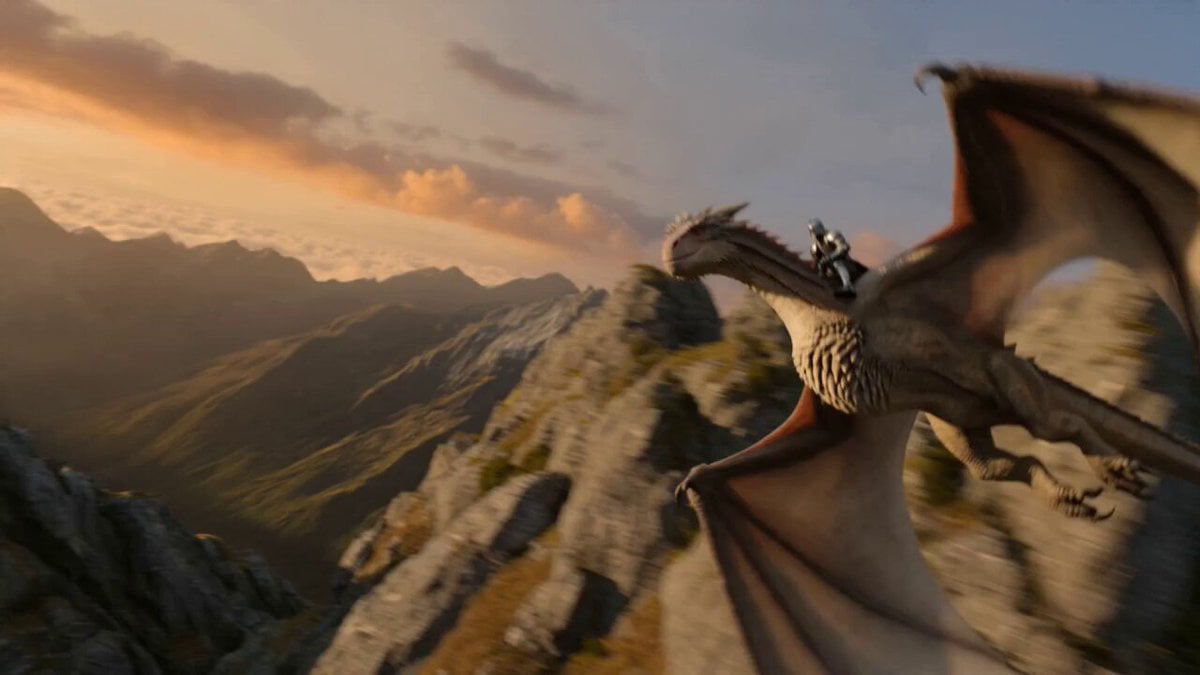
- Prompt included
- Model and format preset
- Premium template
The prompt behind this video
Copy the exact prompt behind Epic Dragon Ride with Soundstage Reveal, or open it in the studio and make it yours.
- Duration
- 15 seconds
- Motion Intensity
- 9
- Camera Movement
- Dynamic Orbit to Point-of-View (POV) Chase, abruptly transitioning to a static, handheld wide shot at the end.
- Audio Prompt
- Epic energetic orchestral score with intense, rushing sounds of wind and heavy thunderous wingbeats. At 12 seconds, a loud record-scratch abruptly cuts the music off, replaced by the hum of fluorescent lights and the clatter of a dropped object.
- Action Sequence › 0 4s
- The dragon performs a sharp, leaning bank to the left. The camera orbits rapidly from the side to behind the rider's back. The dragon’s white wings block the frame momentarily before revealing the horizon.
- Action Sequence › 4 8s
- As they clear a jagged mountain ridge, a colossal Gothic castle built into a sheer cliffside appears. The castle features soaring black stone spires, glowing orange windows, and massive flying buttresses.
- Action Sequence › 8 12s
- The dragon tucks its wings and enters a high-speed dive toward the castle's main bridge. The camera follows the dive closely, creating a sense of extreme speed and verticality. Shimmering magical barriers ripple in the air as they approach the gates.
- Action Sequence › 12 15s
- [UNEXPECTED ENDING] As the dragon strikes the magical barrier, the entire medieval world shatters like digital glass. The scene instantly cuts to a brightly lit Hollywood soundstage. The 'dragon' is actually an actor in a gray motion-capture suit riding a mechanical green foam bucking bronco. A confused crew member in the background drops a cup of coffee.
- Technical Details › Lens
- 14mm Ultra-Wide Angle (to emphasize the scale of the castle), instantly switching to a standard 50mm documentary-style lens for the ending.
- Technical Details › Vfx
- Volumetric clouds, lens flares as sun breaks through the mist, realistic wing-flapping physics, shattering digital glass particle effects, and raw green-screen stage backgrounds.
- Technical Details › Lighting
- Dramatic 'Golden Hour' lighting for the first 12 seconds. Instantly switches to harsh, flat, fluorescent overhead studio lighting for the final 3 seconds.
- Technical Tags
- FPV drone style, Extreme motion blur, Epic scale, Hyper-realistic textures, Cinematic plunge, Fourth-wall break, Comedic timing, Behind-the-scenes aesthetic
Raw JSON
{
  "duration": "15 seconds",
  "motion_intensity": 9,
  "camera_movement": "Dynamic Orbit to Point-of-View (POV) Chase, abruptly transitioning to a static, handheld wide shot at the end.",
  "audio_prompt": "Epic energetic orchestral score with intense, rushing sounds of wind and heavy thunderous wingbeats. At 12 seconds, a loud record-scratch abruptly cuts the music off, replaced by the hum of fluorescent lights and the clatter of a dropped object.",
  "action_sequence": {
    "0-4s": "The dragon performs a sharp, leaning bank to the left. The camera orbits rapidly from the side to behind the rider's back. The dragon’s white wings block the frame momentarily before revealing the horizon.",
    "4-8s": "As they clear a jagged mountain ridge, a colossal Gothic castle built into a sheer cliffside appears. The castle features soaring black stone spires, glowing orange windows, and massive flying buttresses.",
    "8-12s": "The dragon tucks its wings and enters a high-speed dive toward the castle's main bridge. The camera follows the dive closely, creating a sense of extreme speed and verticality. Shimmering magical barriers ripple in the air as they approach the gates.",
    "12-15s": "[UNEXPECTED ENDING] As the dragon strikes the magical barrier, the entire medieval world shatters like digital glass. The scene instantly cuts to a brightly lit Hollywood soundstage. The 'dragon' is actually an actor in a gray motion-capture suit riding a mechanical green foam bucking bronco. A confused crew member in the background drops a cup of coffee."
  },
  "technical_details": {
    "lens": "14mm Ultra-Wide Angle (to emphasize the scale of the castle), instantly switching to a standard 50mm documentary-style lens for the ending.",
    "vfx": "Volumetric clouds, lens flares as sun breaks through the mist, realistic wing-flapping physics, shattering digital glass particle effects, and raw green-screen stage backgrounds.",
    "lighting": "Dramatic 'Golden Hour' lighting for the first 12 seconds. Instantly switches to harsh, flat, fluorescent overhead studio lighting for the final 3 seconds."
  },
  "technical_tags": [
    "FPV drone style",
    "Extreme motion blur",
    "Epic scale",
    "Hyper-realistic textures",
    "Cinematic plunge",
    "Fourth-wall break",
    "Comedic timing",
    "Behind-the-scenes aesthetic"
]}How to use Epic Dragon Ride with Soundstage Reveal in 3 steps
- 1
Open
The prompt is already in the box next to the preview, with the template's model and format selected.
- 2…a portrait of your subject in softgolden-hour light, 85mm…
Personalize
Edit the subject and creative details for your destination.
- 3Generate
Generate
Press Generate — your video is created in PicX Studio, so you can compare it with the original and refine one variable at a time.
More like this
Templates with the same subject, style or setup. Open one to see its prompt.
Stone Colossus Desert Riders — Golden Fire Reveal
Dragon Rescue — Volcanic Kingdom Collapse (Seedance)

Dragon Rider Cinematic Flight — Seedance 2.5
Epic Stormborn Dragon Rider
Dark Fantasy Dragon Ride
First Person Dragon Rider POV
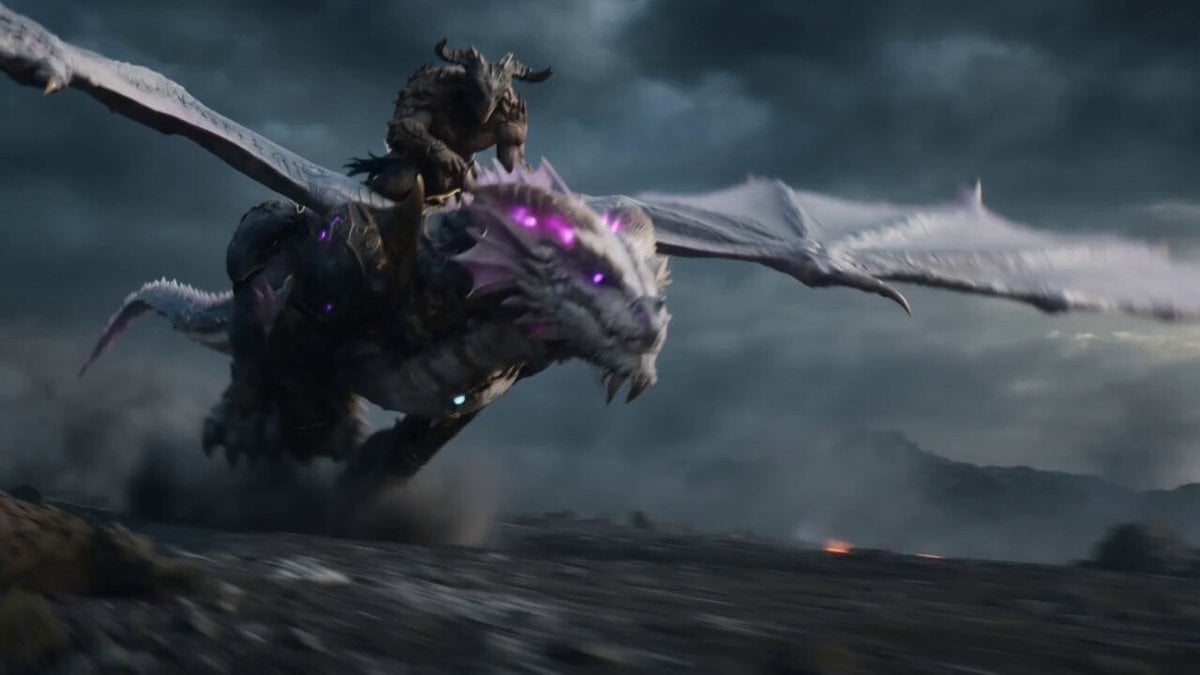
Beastman Dragon Rider Battle
Fantasy Dragon River Reveal
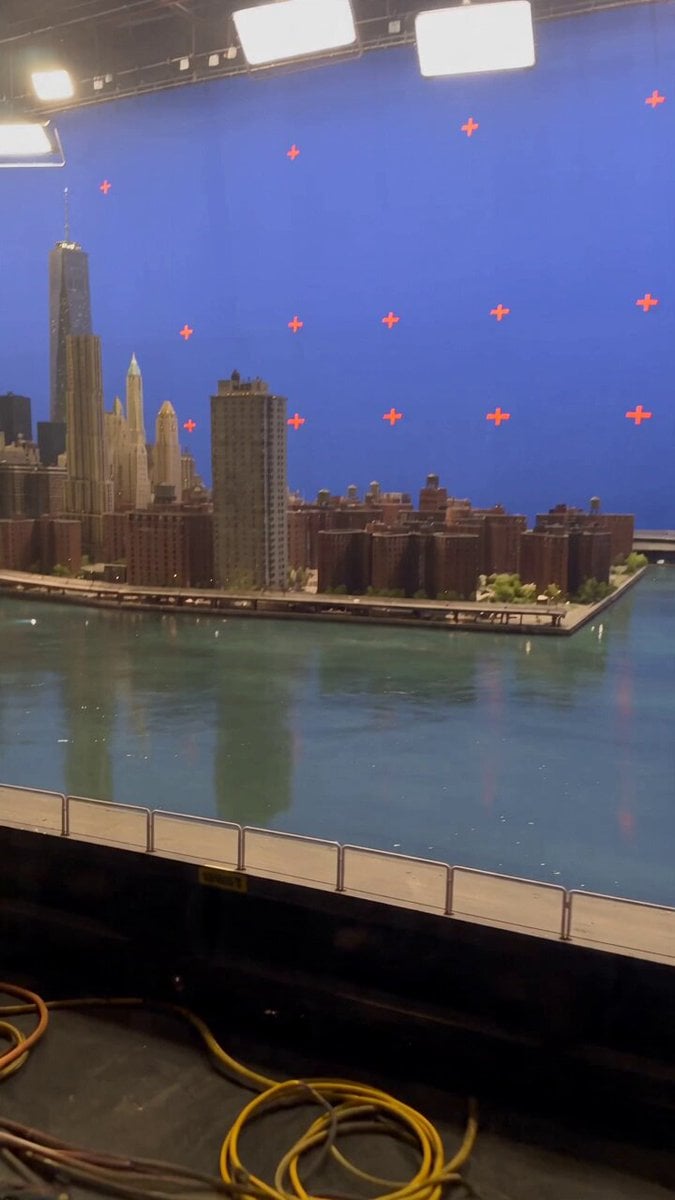
Miniature City Flood Soundstage
Miniature City Flood Soundstage
Oceanic Civilization Epic Sci-Fi Film

Viral CEO Drama: The Dragon King Reveal Prompt
Make it yours
Epic Dragon Ride with Soundstage Reveal works as-is. These are the safest ways to change it without losing the look.
Swap the light
One lighting change is enough to compare takes. Current light: “Dramatic 'Golden Hour' lighting for the first 12 seconds. Instantly switches to ”.
Change one field
Copy a single group, rewrite it, and generate again so you can see what that field is doing.
Keep the frame, change the subject
Hold the composition and light of Epic Dragon Ride with Soundstage Reveal, then swap wardrobe, props or the person for a new take.
| If the result… | Why | Fix |
|---|---|---|
| The result drifts from the preview | Too many fields changed at once. | Reuse Epic Dragon Ride with Soundstage Reveal as-is first, then change one group — subject, light, or setting. |
| Seedance 2.0 ignores part of the JSON | Some models flatten or skip nested keys. | Keep the same values and paste them as a short paragraph instead. |
More Seedance 2.0 templates
Other prompts made for Seedance 2.0.

Comical Martial Arts Punch Scene

Maglev Train Action Sequence

Martial Arts Fight Sequence

Wuxia Protection and Trust Script

Vintage Korean Arcade MiniDV Vlog

Mercedes 190 SL Luxury Ad

Rainy Night Supernatural Reverse Comedy Video Script

Amazon Civilization Discovery

Futuristic South Asian City Transformation

Cozy Luxury Cafe Commercial
More video prompts
Fresh picks from across the catalog.
Cinematic Water Transformation Scene
Cinematic Epic Battle Prompt: Beauty vs. Monster
GTA 6 Vice City Football Match
Grok Imagine Prompt: Color-Morphing Ornamental Fish
Korean Exclamation Prompt
Sakuga Anime Subway Duel

Grok Imagine Prompt for a Warm Hug and Rocket Launch

Dragon International Airport
Realistic Cat POV Vlog Documentary
Blonde Woman Selfie with African Football Players Video Prompt
Browse template categories
Epic Dragon Ride with Soundstage Reveal questions
How do I use the Epic Dragon Ride with Soundstage Reveal template?
Add your photo if the template asks for one, edit the prompt if you like — the template's model and format are already selected — and press Generate. Your version opens in PicX Studio.
Can I customize the Epic Dragon Ride with Soundstage Reveal template?
Yes. You can change the subject, setting, lighting, mood, format, and available model controls before creating your video.
Is the Epic Dragon Ride with Soundstage Reveal template free?
Opening and editing this template is free. Generating uses credits, shown on the Generate button when you are signed in.
Which AI model should I use?
Start with Seedance 2.0, which is the model associated with this template. You can compare another compatible model for a different finish.
Looking for something else? Browse all templates.

Your photo, any look
Thousands of ready templates for every top image and video model, from one credit balance.