
Epic Stormborn Dragon Rider
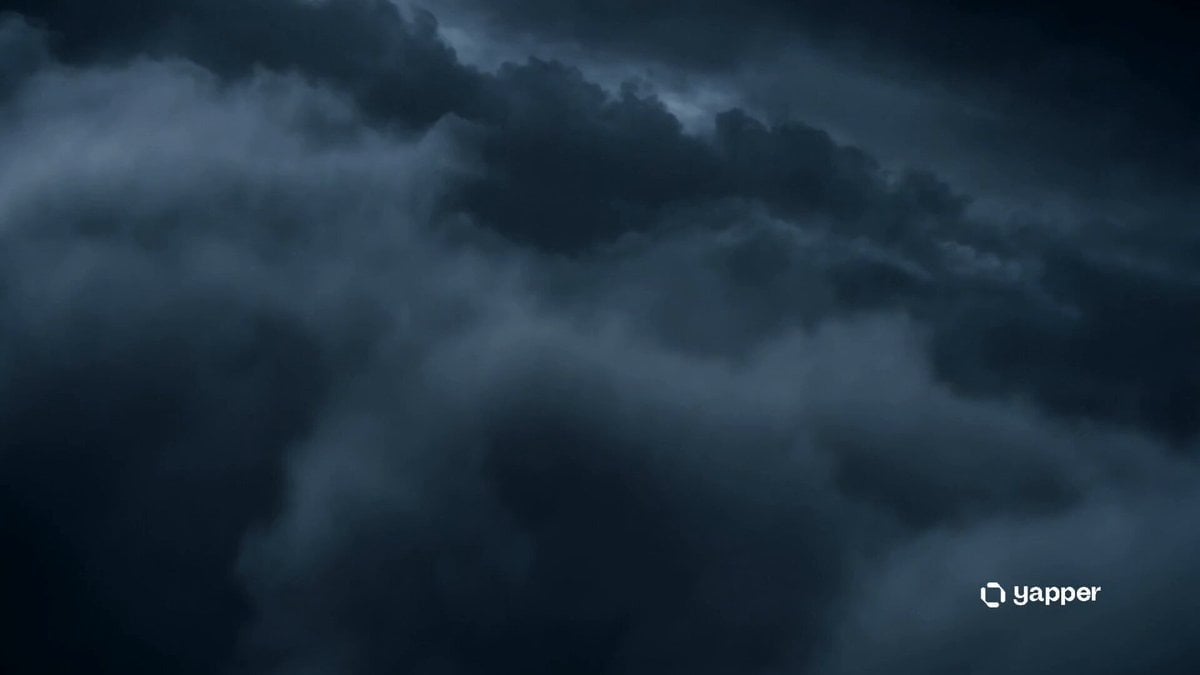
A large-scale epic dark fantasy prompt featuring a dragon rider descending upon a burning medieval kingdom during a violent storm.
- Prompt included
- Model and format preset
- Free template
The prompt behind this video
Copy the exact prompt behind Epic Stormborn Dragon Rider, or open it in the studio and make it yours.
Style: Epic dark fantasy, cinematic realism, massive scale storytelling, storm-drenched atmosphere, ultra-detailed creature design, glowing ember particles, volumetric lightning, dramatic orchestral tension, high-speed aerial choreography, emotional heroic framing. 0–3s — Storm Awakens Wide aerial shot above a violent night storm. Towering thunderclouds ripple like a living ocean. Lightning tears open the sky, revealing a colossal ancient black dragon emerging from the clouds. On its back rides a lone armored warrior, cape snapping violently in the wind, silhouette framed by lightning bursts. 3–6s — Flight Through Chaos The dragon surges forward at impossible speed, diving between collapsing storm pillars. Rain lashes the camera lens. Close-up: the rider’s hands grip glowing ancient reins, knuckles tight, eyes reflecting raw lightning energy. The dragon’s wings generate shockwaves through the storm, splitting clouds apart. 6–10s — Kingdom in Flames The storm breaks just enough to reveal a medieval kingdom below in total ruin. Entire towers crumble into burning streets. Rivers of fire snake through the city. Smoke forms a dark halo over the skyline. The dragon roars, circling above like a god of judgment. 10–13s — Final Descent Slow-motion dive begins. The dragon folds its massive wings, cutting through rain and embers. Enemy arrows and flaming projectiles rise from the ground. The warrior draws a glowing blue energy sword, illuminating their armor with supernatural light. 13–15s — Legendary Ending Impact descent into the burning gates. A massive explosion of fire, lightning, and debris engulfs the frame. Final cinematic freeze: silhouette of the dragon and rider standing against the collapsing kingdom, thunder echoing as embers drift into darkness.
How to use Epic Stormborn Dragon Rider in 3 steps
- 1
Open
The prompt is already in the box next to the preview, with the template's model and format selected.
- 2…a portrait of your subject in softgolden-hour light, 85mm…
Personalize
Edit the subject and creative details for your destination.
- 3Generate
Generate
Press Generate — your video is created in PicX Studio, so you can compare it with the original and refine one variable at a time.
More like this
Templates with the same subject, style or setup. Open one to see its prompt.
Dragon Rescue — Volcanic Kingdom Collapse (Seedance)

Dragon Rider Cinematic Flight — Seedance 2.5
Stone Colossus Desert Riders — Golden Fire Reveal
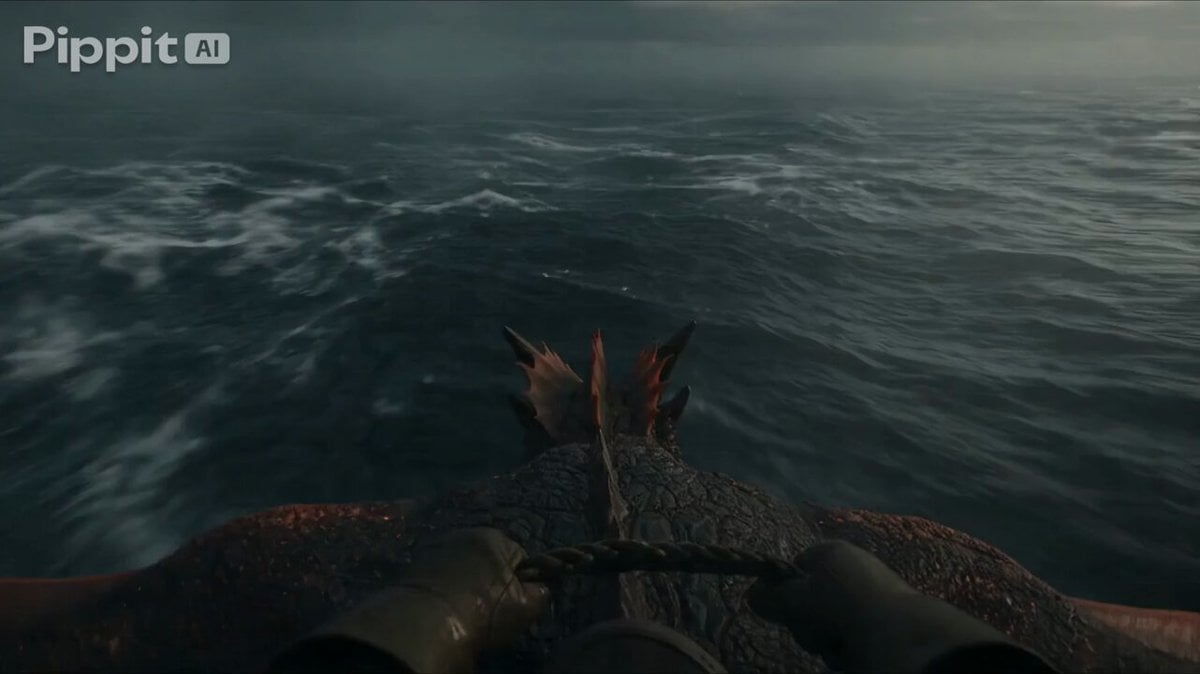
First Person Dragon Rider POV
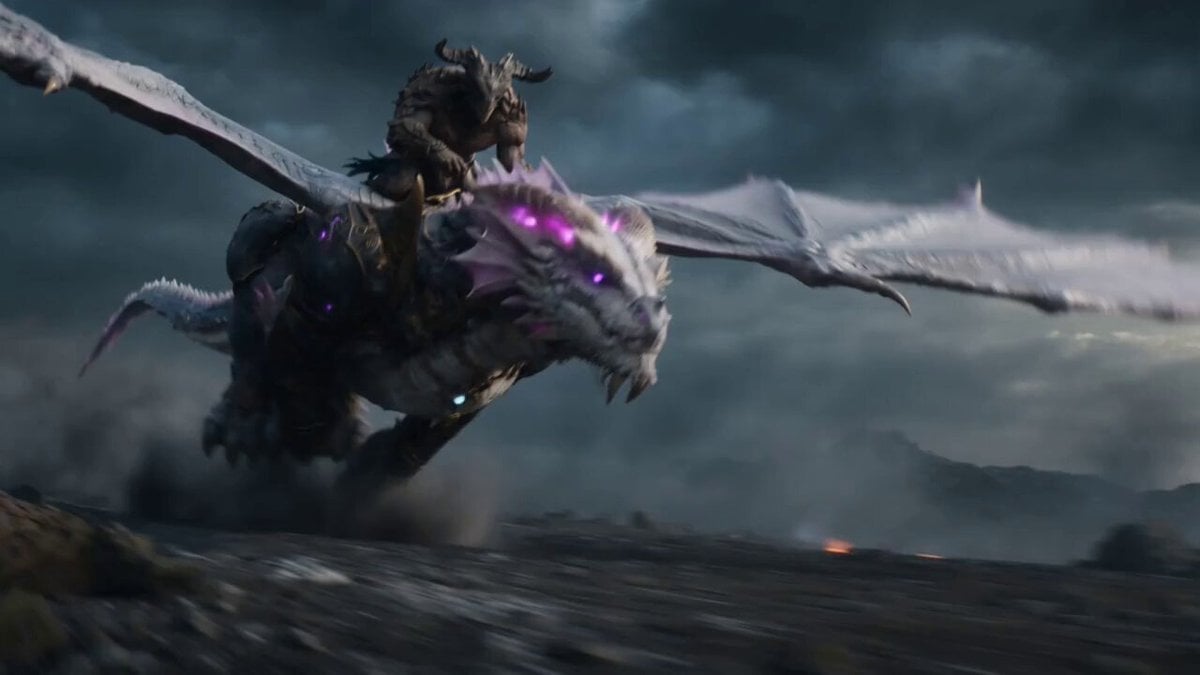
Beastman Dragon Rider Battle
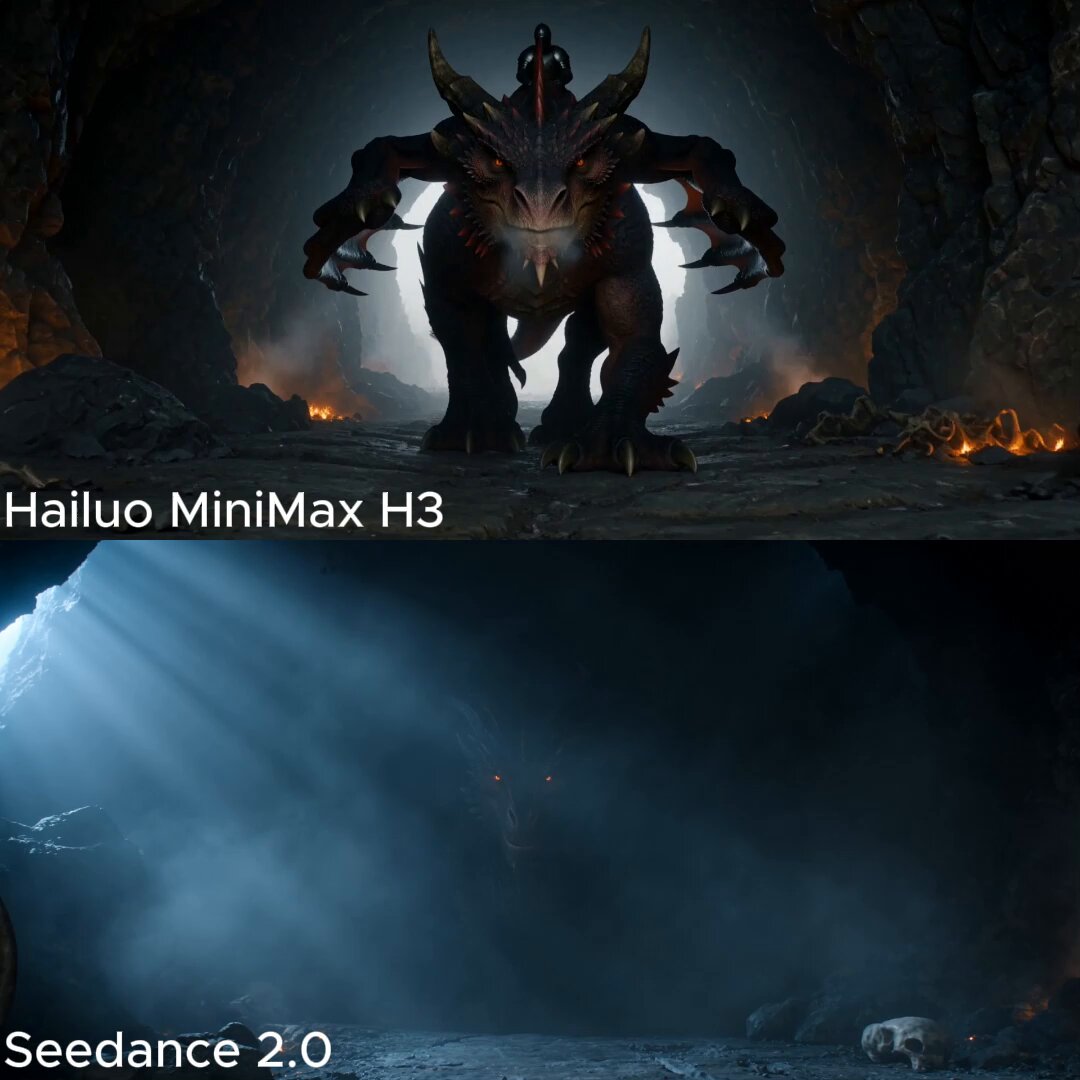
Dark Fantasy Dragon Rider Sequence

Oceanic Civilization Epic Sci-Fi Film
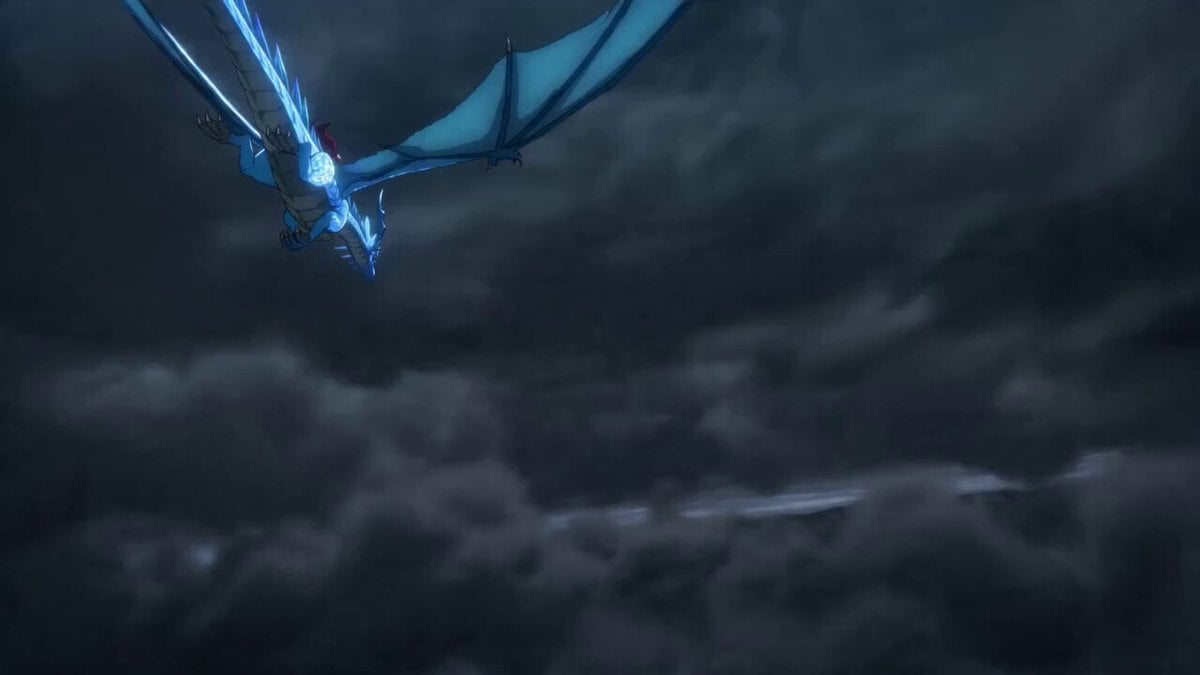
Fantasy Dragon Rider Anime Battle
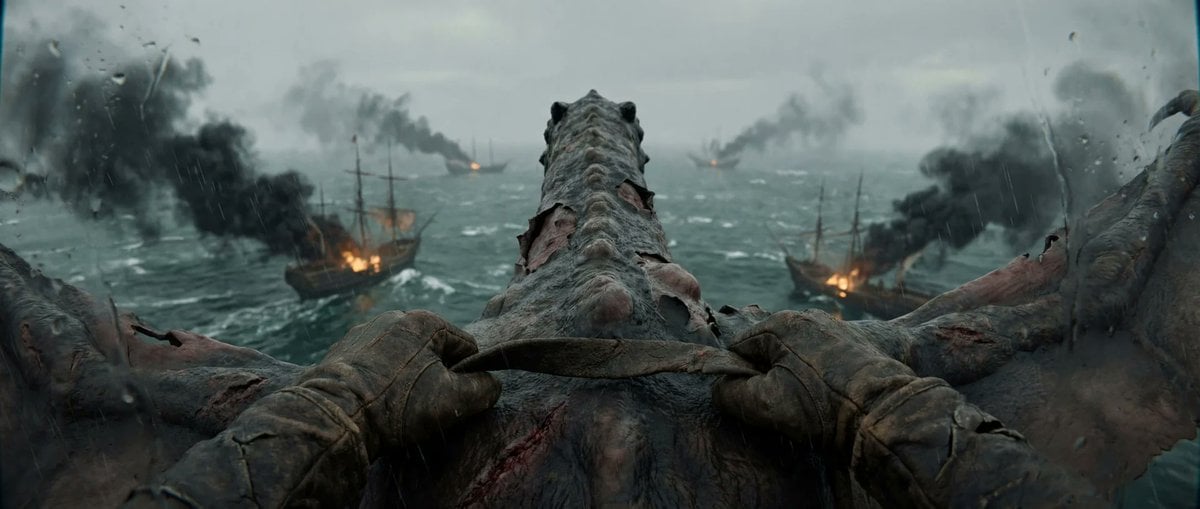
First-Person Dragon Rider Attack
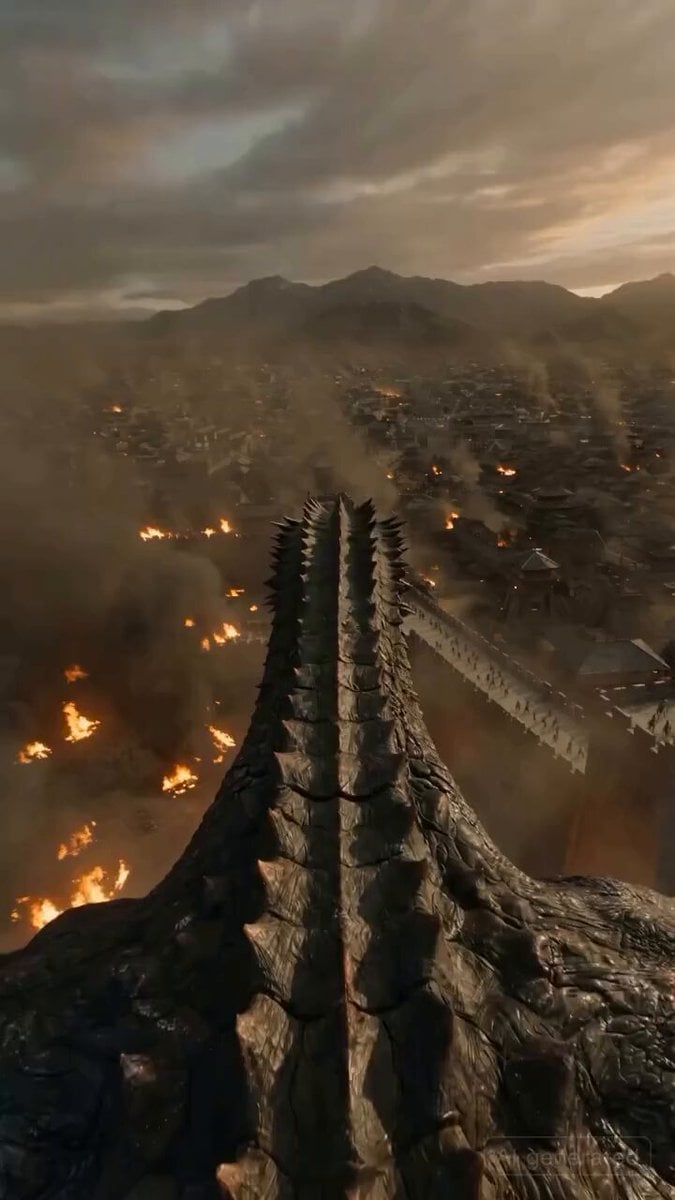
First-Person Dragon Rider Image Prompt
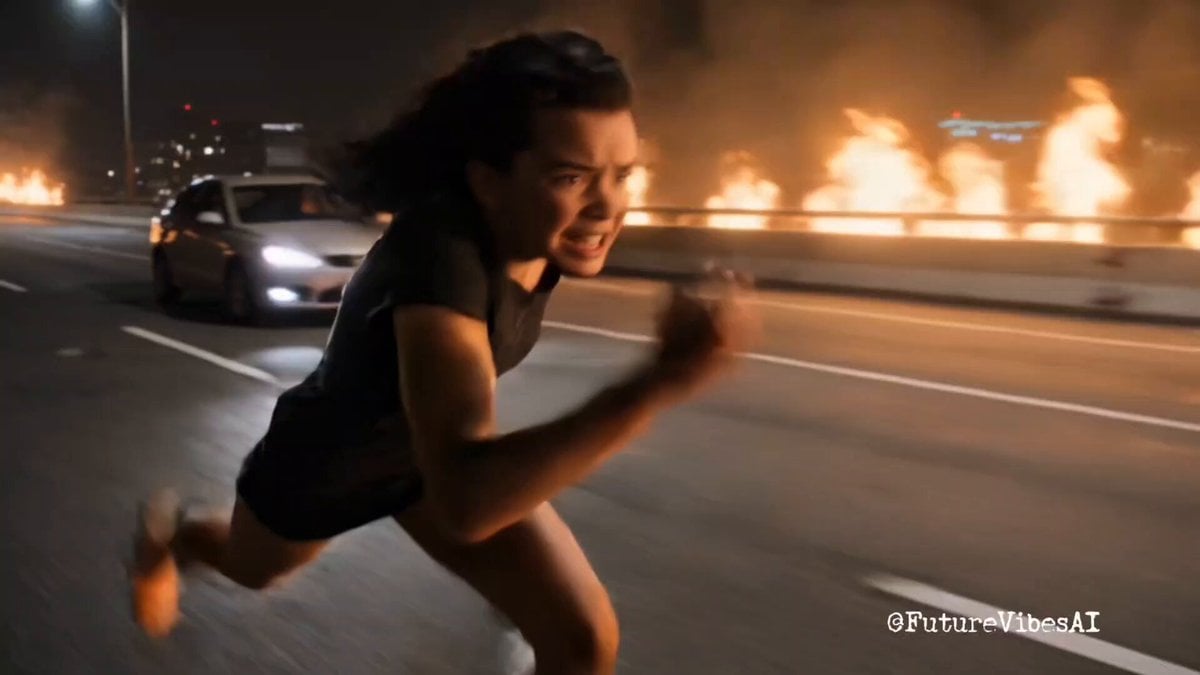
Epic Superhero Transformation and Dragon Fight Video Prompt
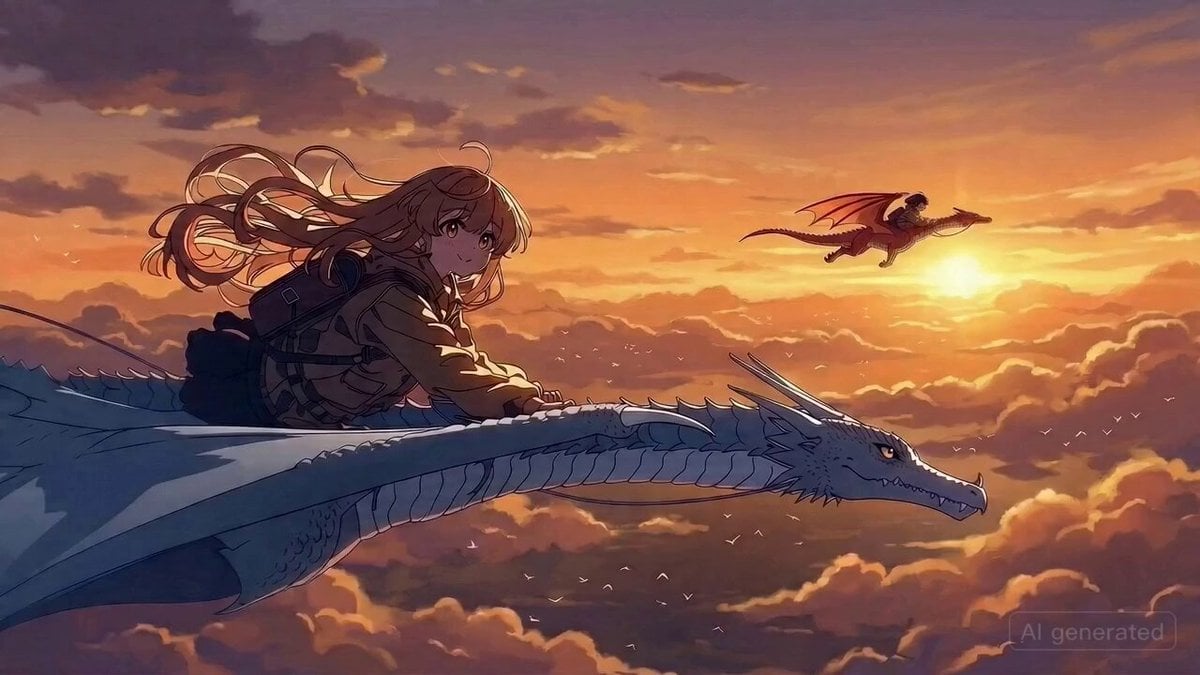
Dragon Rider Action Anime Prompt
Make it yours
Epic Stormborn Dragon Rider works as-is. These are the safest ways to change it without losing the look.
Change one field
Copy a single group, rewrite it, and generate again so you can see what that field is doing.
Keep the frame, change the subject
Hold the composition and light of Epic Stormborn Dragon Rider, then swap wardrobe, props or the person for a new take.
| If the result… | Why | Fix |
|---|---|---|
| The result drifts from the preview | Too many fields changed at once. | Reuse Epic Stormborn Dragon Rider as-is first, then change one group — subject, light, or setting. |
| The model over-stylizes the scene | The prose prompt leaves finish and camera underspecified. | Add one camera or lighting sentence and stay on Seedance 2.0. |
More Seedance 2.0 templates
Other prompts made for Seedance 2.0.

Comical Martial Arts Punch Scene

Maglev Train Action Sequence

Martial Arts Fight Sequence

Wuxia Protection and Trust Script

Vintage Korean Arcade MiniDV Vlog

Mercedes 190 SL Luxury Ad

Rainy Night Supernatural Reverse Comedy Video Script

Amazon Civilization Discovery

Futuristic South Asian City Transformation

Cozy Luxury Cafe Commercial
More video prompts
Fresh picks from across the catalog.
Beauty Industry Video: Floating in Pool
Blink and Move Mannequin Horror
Live NHL Hockey Broadcast
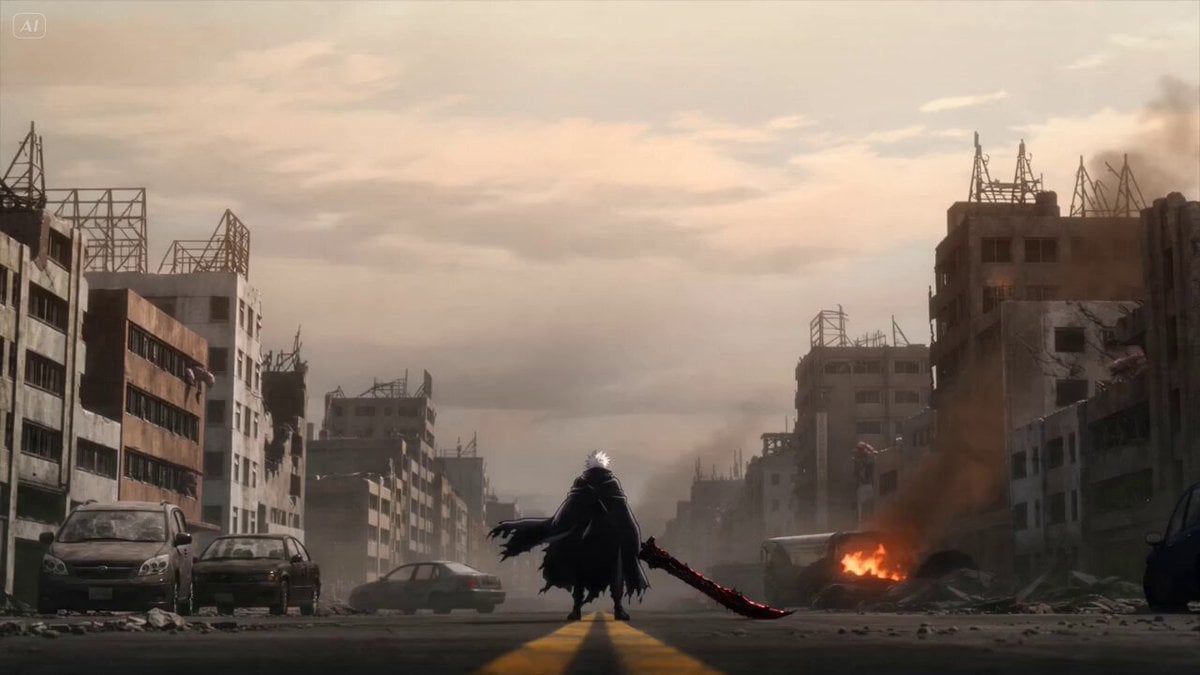
Anime Swordsman Action Sequence
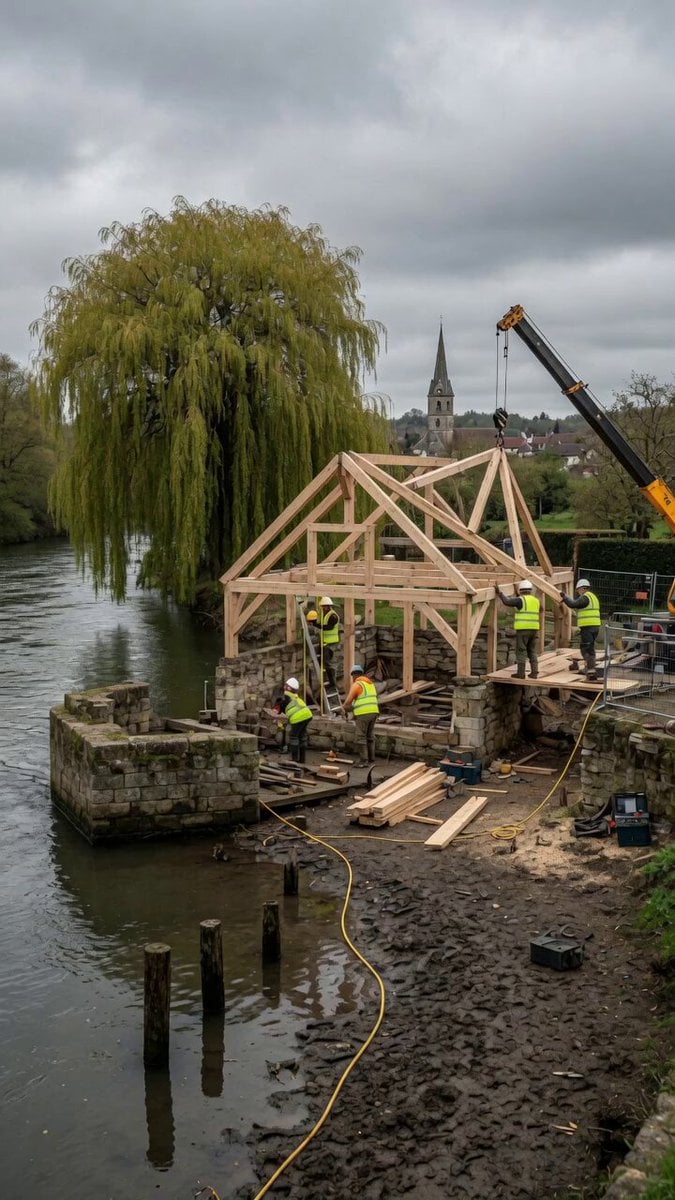
Construction Timelapse with Scene Lock
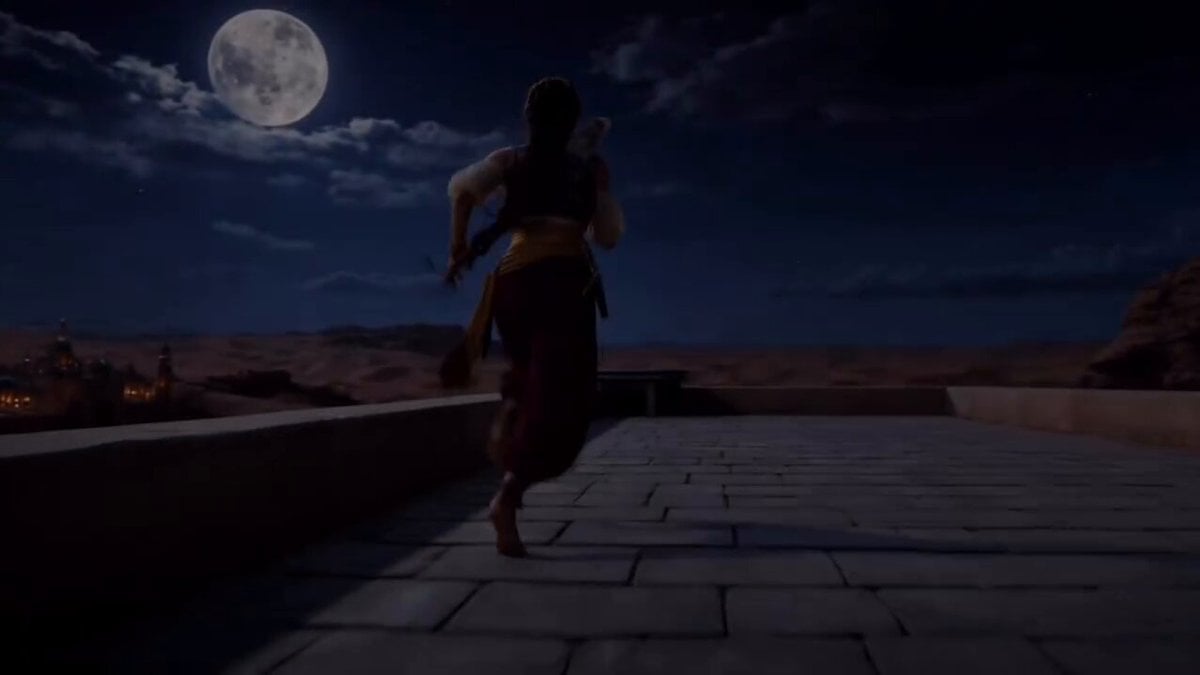
Epic Arabian Fantasy Fire Demon Scene
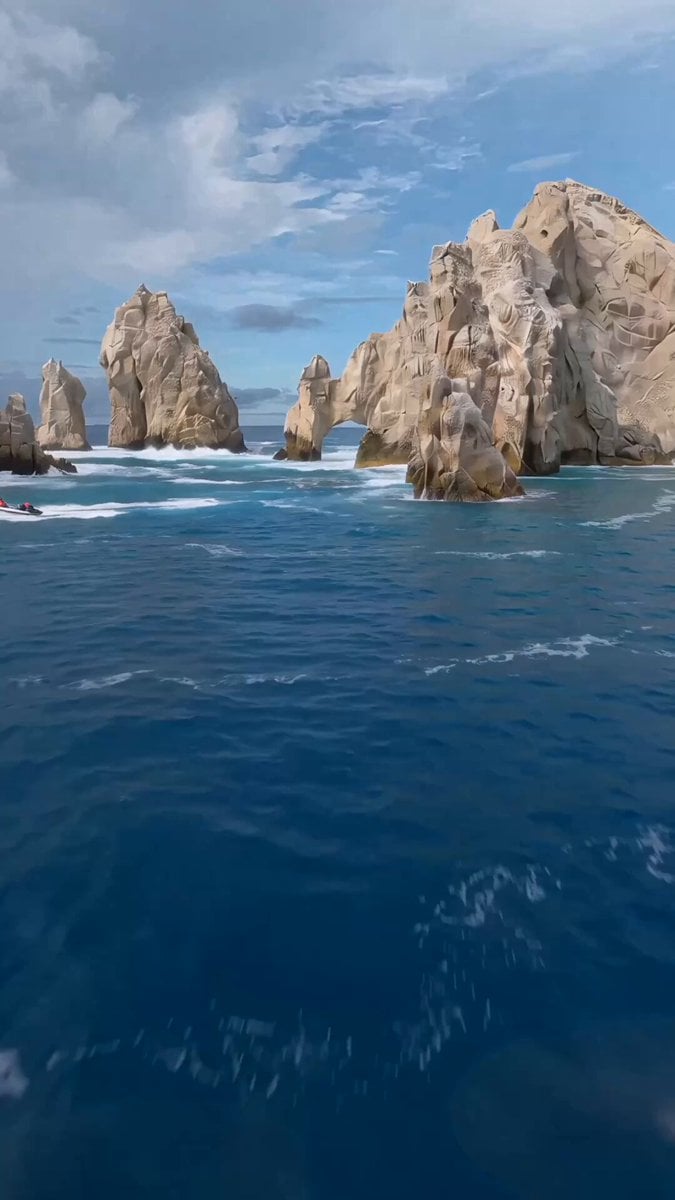
FPV Drone Humpback Whale Jump
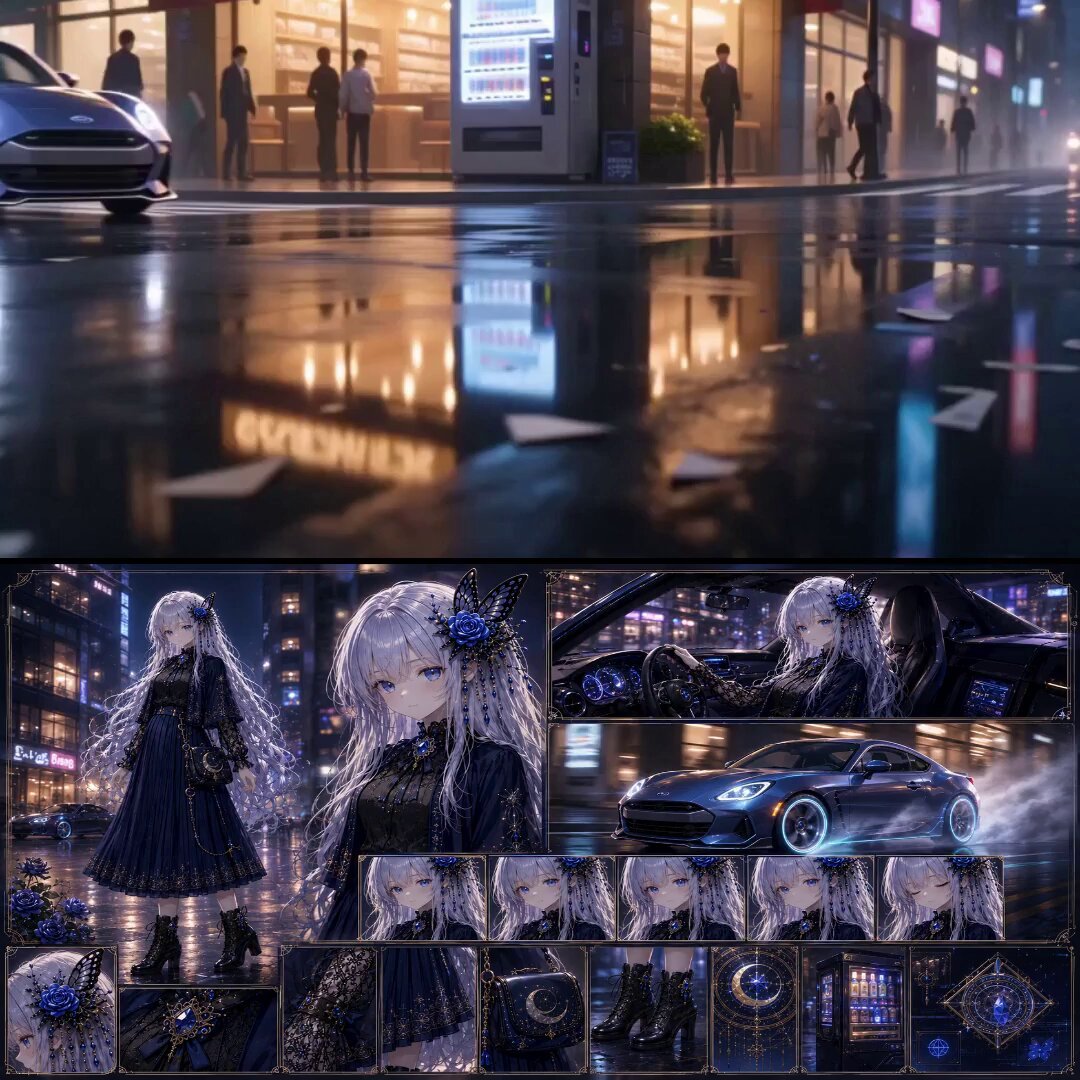
Urban Fantasy RPG Car Chase
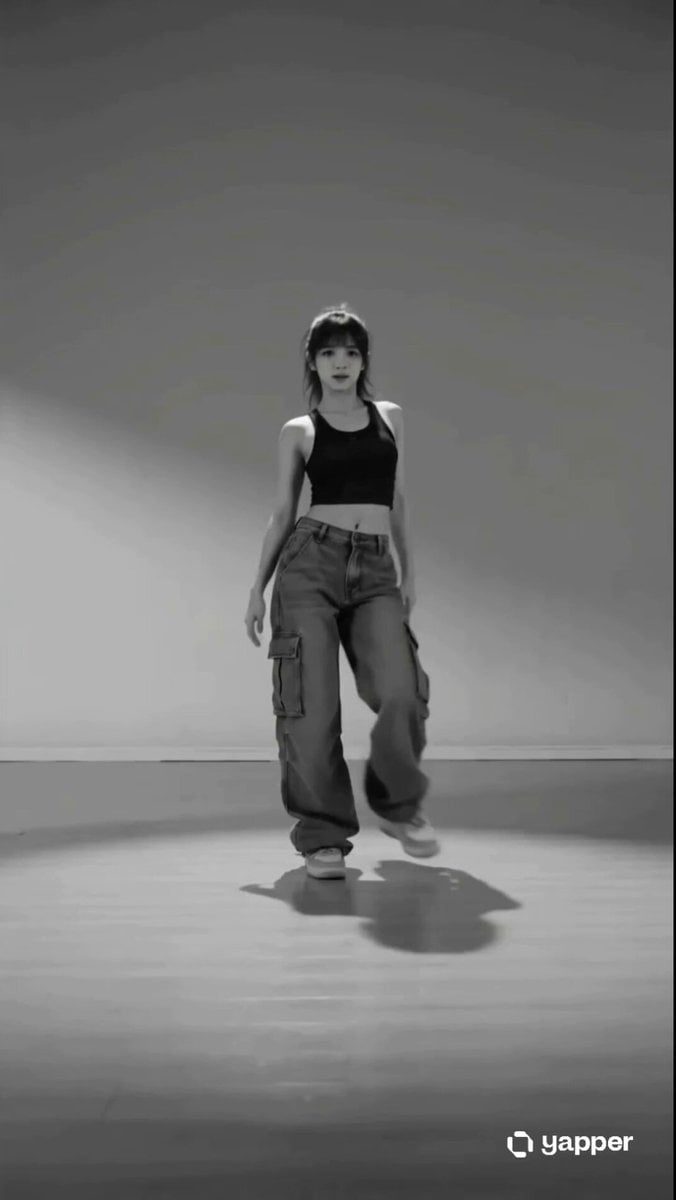
Street Dancer Studio Performance
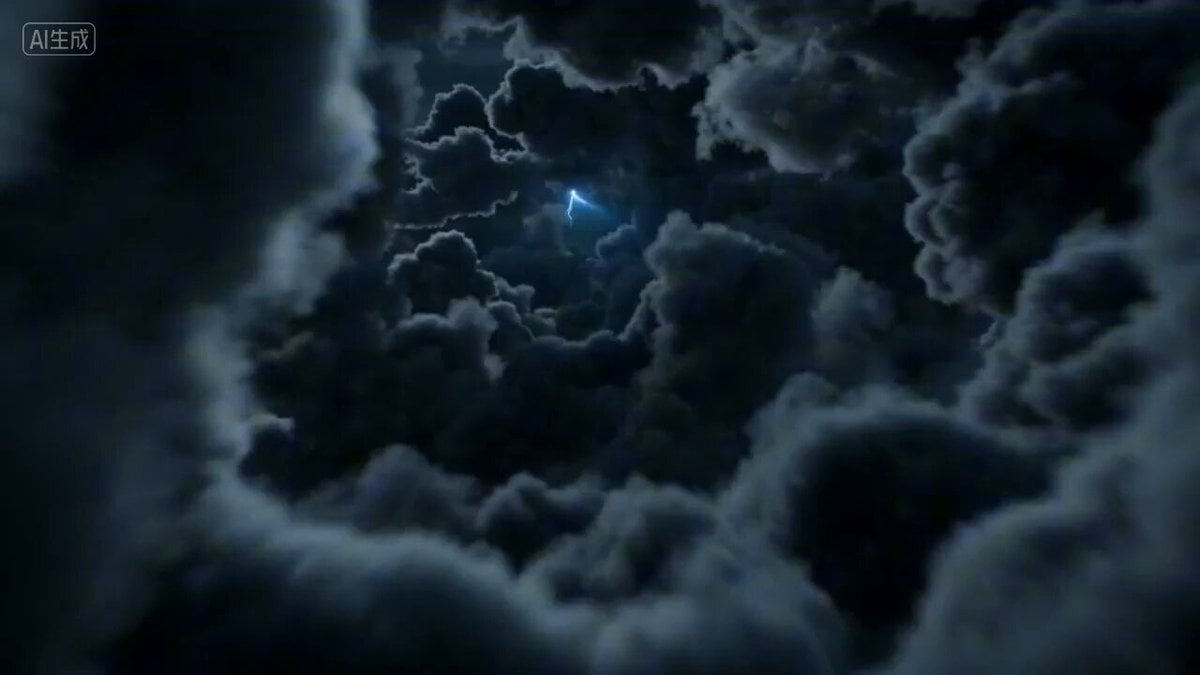
First-person POV of a lightning strike descent
Browse template categories
Epic Stormborn Dragon Rider questions
How do I use the Epic Stormborn Dragon Rider template?
Add your photo if the template asks for one, edit the prompt if you like — the template's model and format are already selected — and press Generate. Your version opens in PicX Studio.
Can I customize the Epic Stormborn Dragon Rider template?
Yes. You can change the subject, setting, lighting, mood, format, and available model controls before creating your video.
Is the Epic Stormborn Dragon Rider template free?
Opening and editing this template is free. Generating uses credits, shown on the Generate button when you are signed in.
Which AI model should I use?
Start with Seedance 2.0, which is the model associated with this template. You can compare another compatible model for a different finish.
Looking for something else? Browse all templates.

Your photo, any look
Thousands of ready templates for every top image and video model, from one credit balance.