How do I use the Blink and Move Mannequin Horror template?
Edit the prompt in the box under the preview — the template's model and format are already selected — and press Generate. Your version appears right on this page.
A suspenseful horror scenario for Seedance 2.0 featuring a mannequin that moves closer every time the observer blinks.
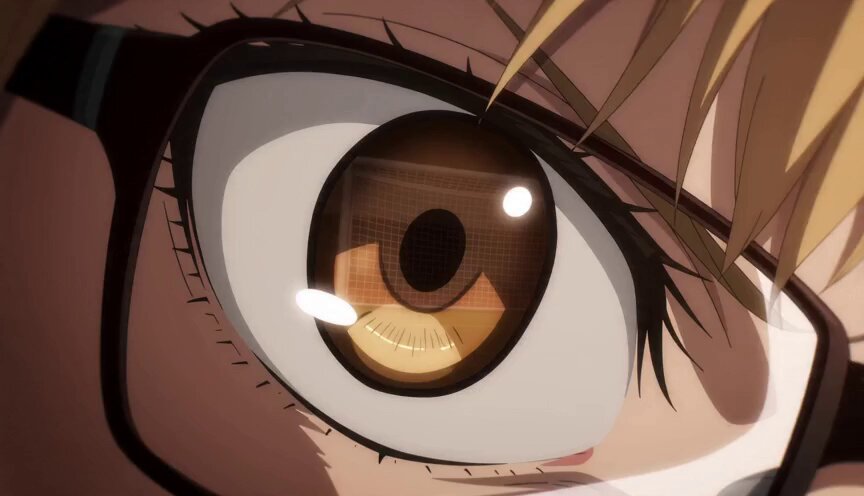
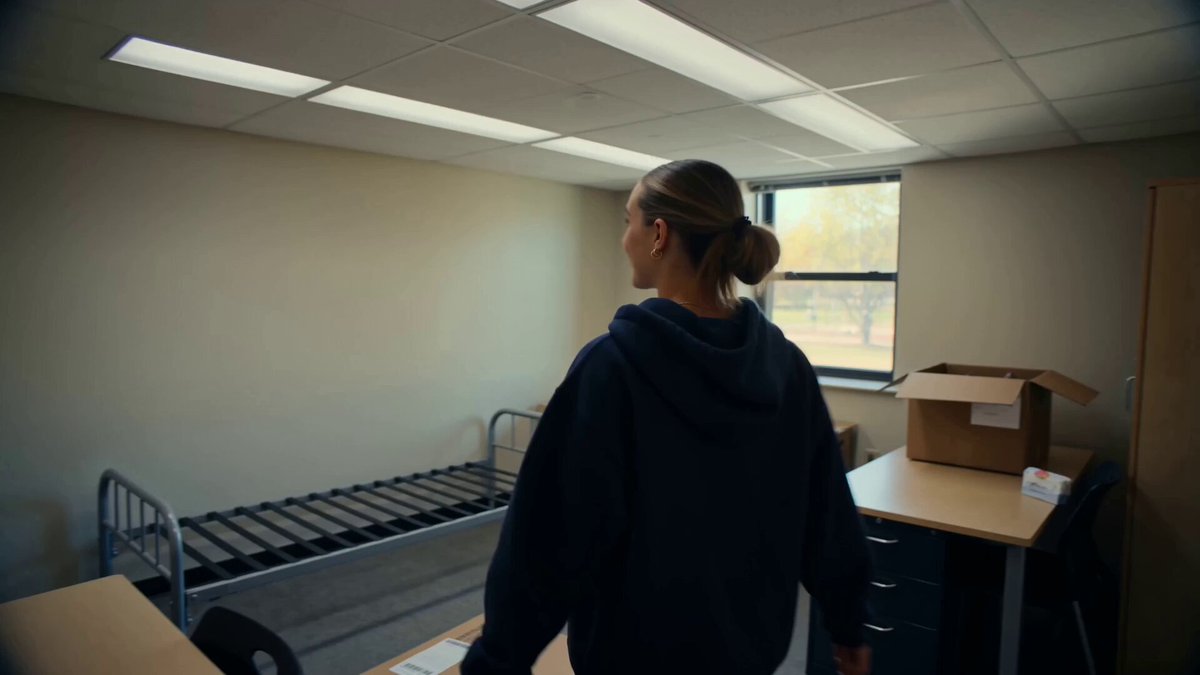
Scene: Security room, multiple monitors A guard watches a still mannequin in a hallway. He blinks. It’s closer. He rewinds footage. Every time he blinks… it moves. He forces his eyes open. Tears stream. The camera glitches. The mannequin is gone. A hand touches his shoulder.
Scene: Security room, multiple monitors A guard watches a still mannequin in a hallway. He blinks. It’s closer. He rewinds footage. Every time he blinks… it moves. He forces his eyes open. Tears stream. The camera glitches. The mannequin is gone. A hand touches his shoulder.
Edit the prompt in the box under the preview — the template's model and format are already selected — and press Generate. Your version appears right on this page.
Yes. You can change the subject, setting, lighting, mood, format, and available model controls before creating your video.
Opening and editing this template is free. Generating uses credits, shown on the Generate button when you are signed in.
Start with Seedance 2.0, which is the model associated with this template. You can compare another compatible model for a different finish.
Follow a topic to a crawlable collection of related PicX Studio templates.