How do I use the Video Consistency Requirements template?
Edit the prompt in the box under the preview — the template's model and format are already selected — and press Generate. Your version appears right on this page.
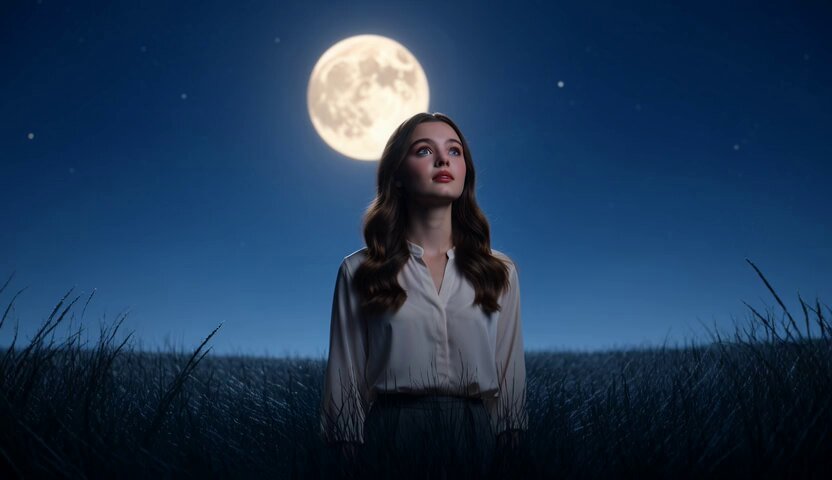
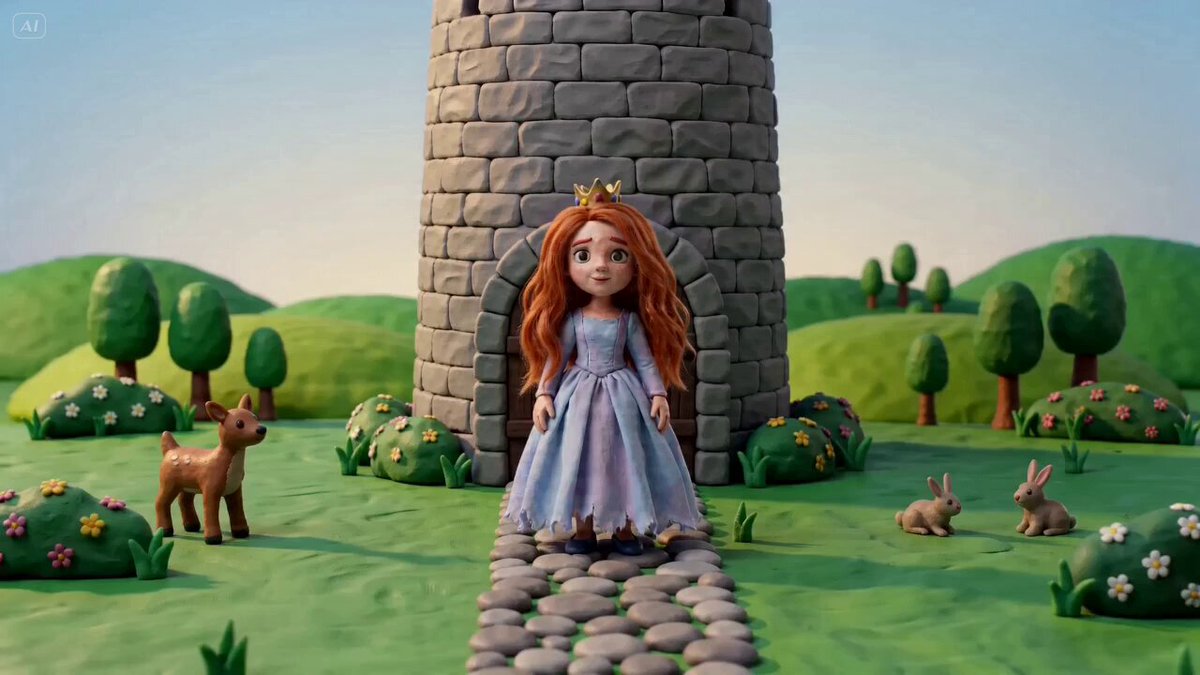
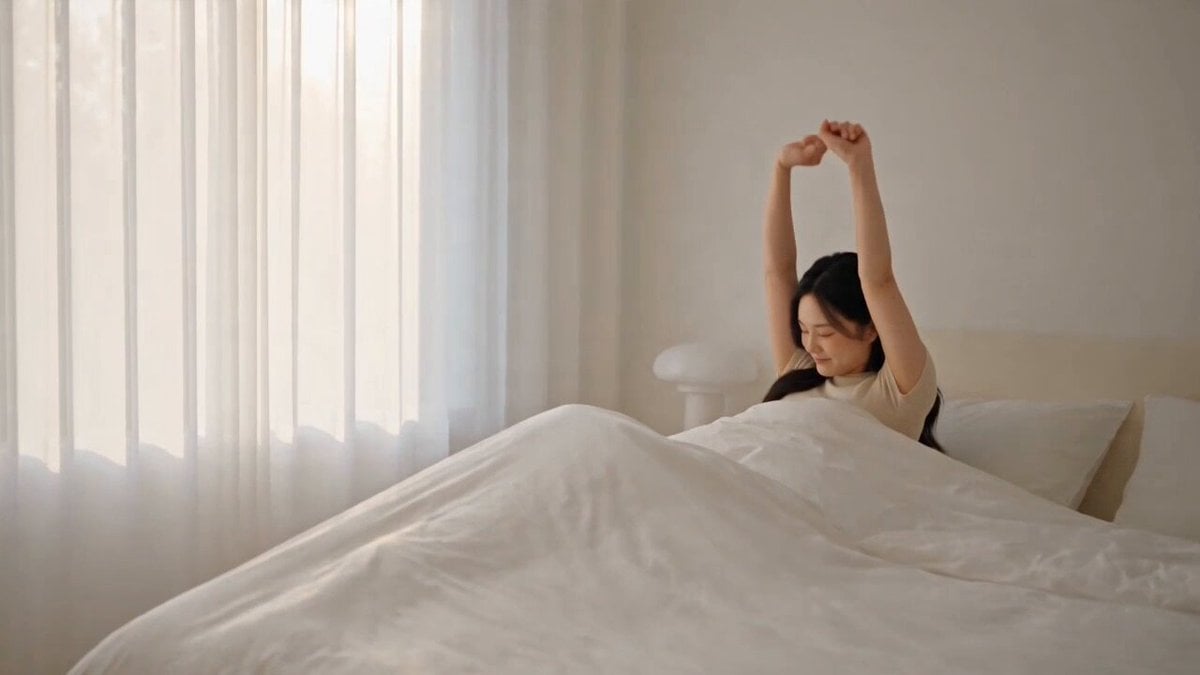
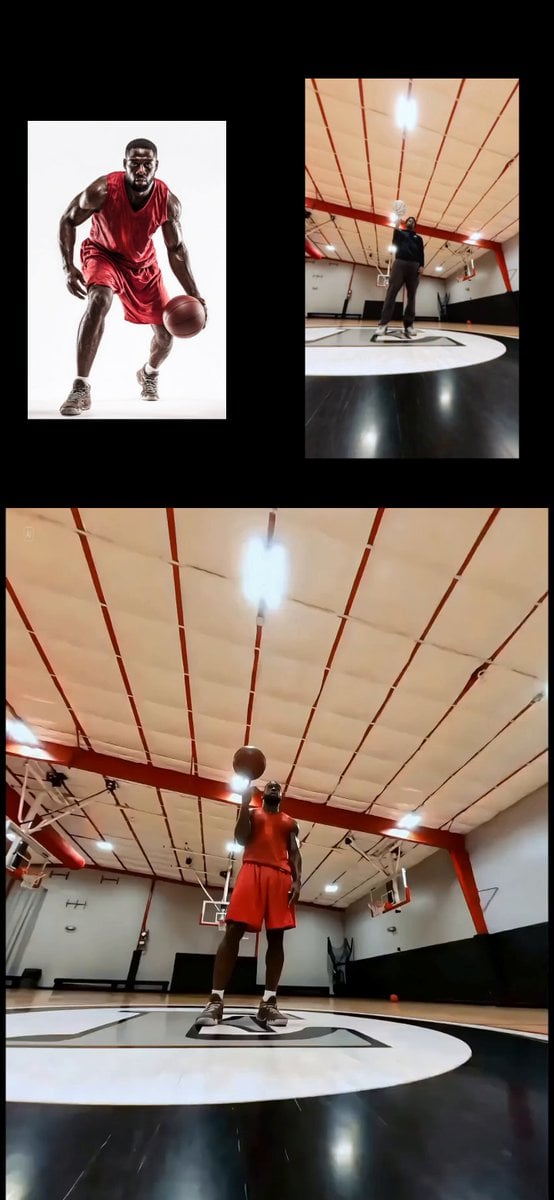
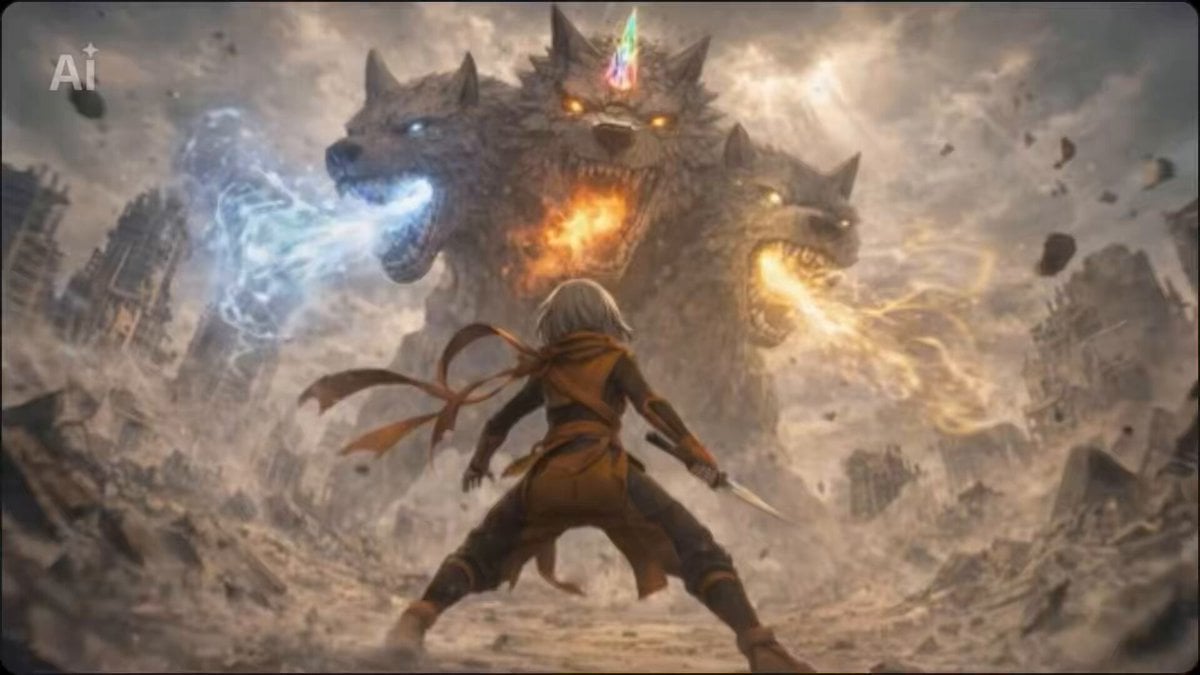
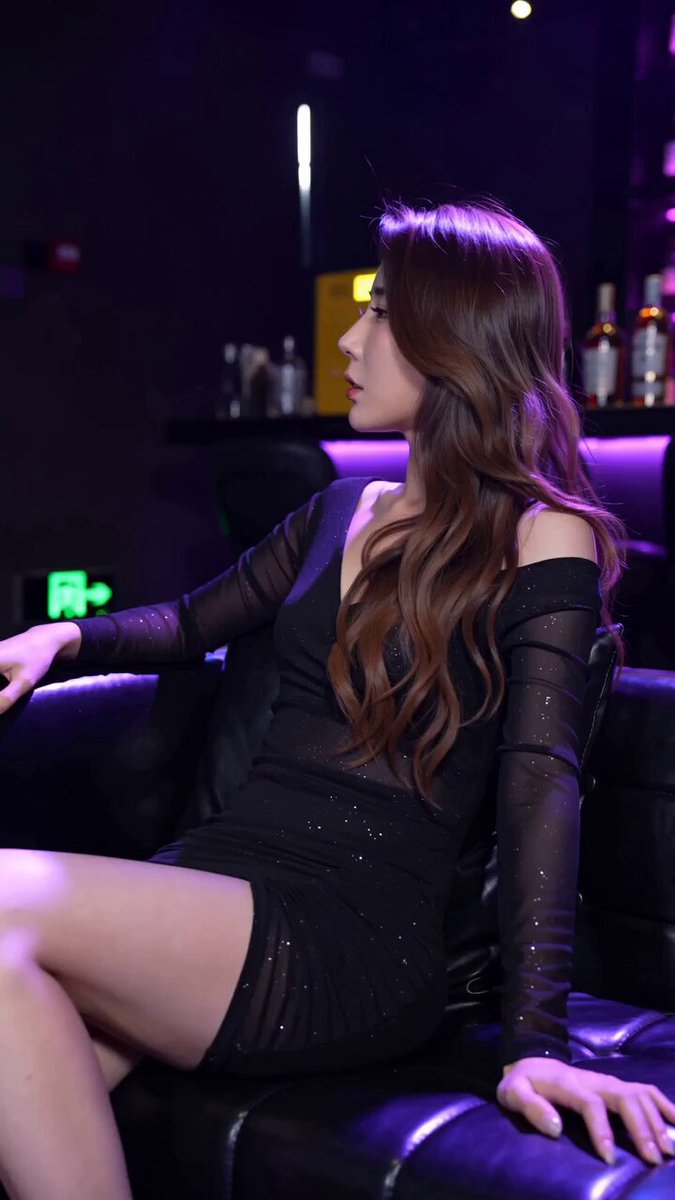
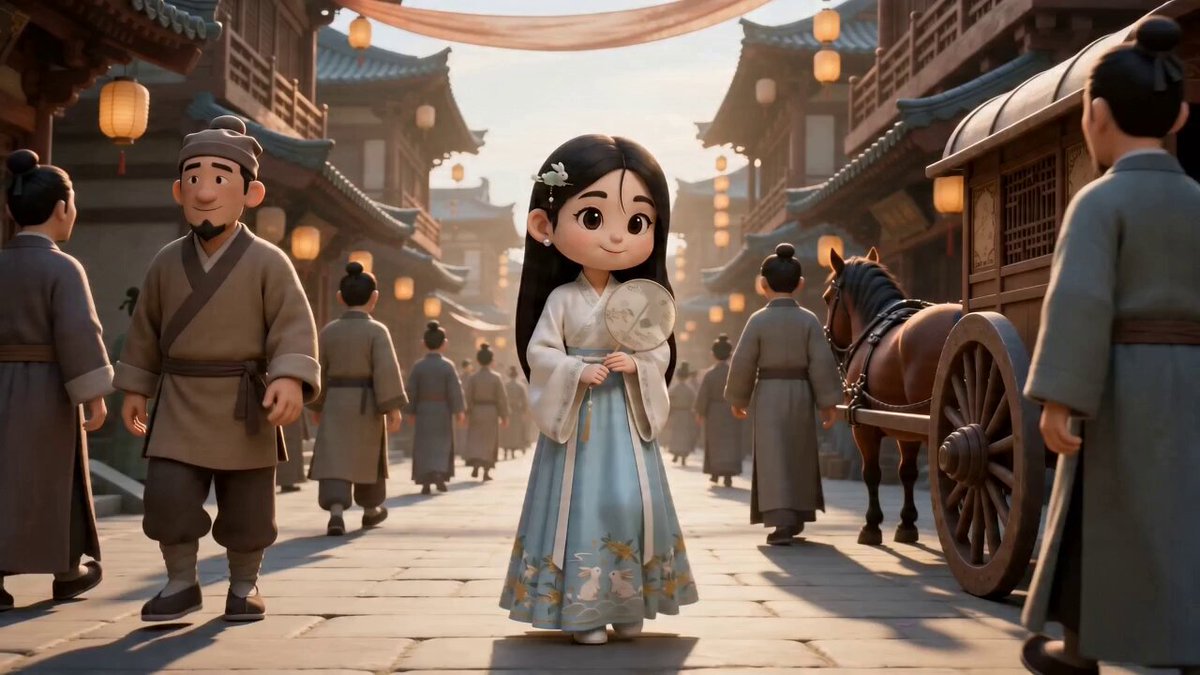
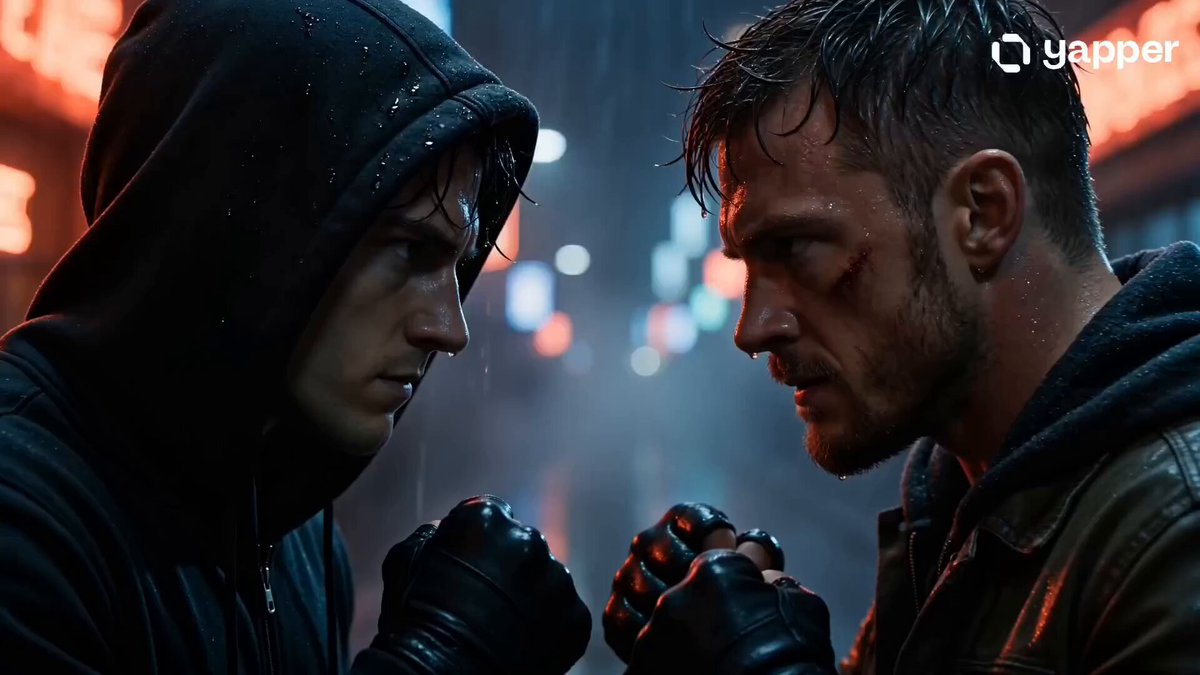
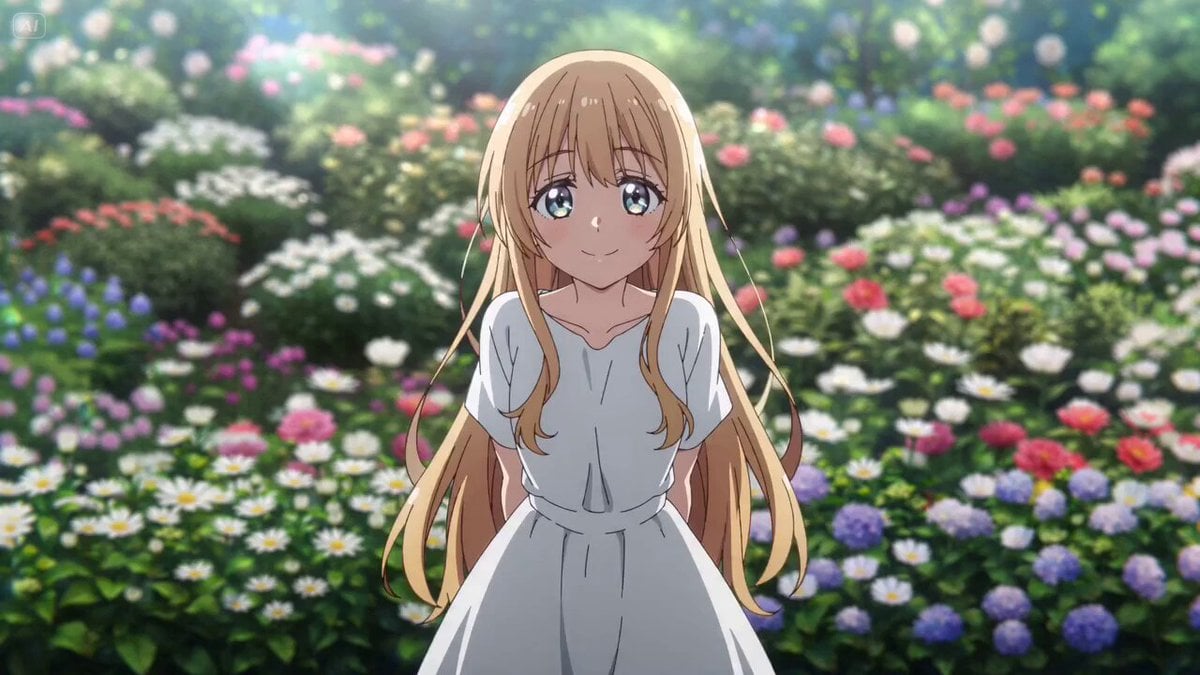
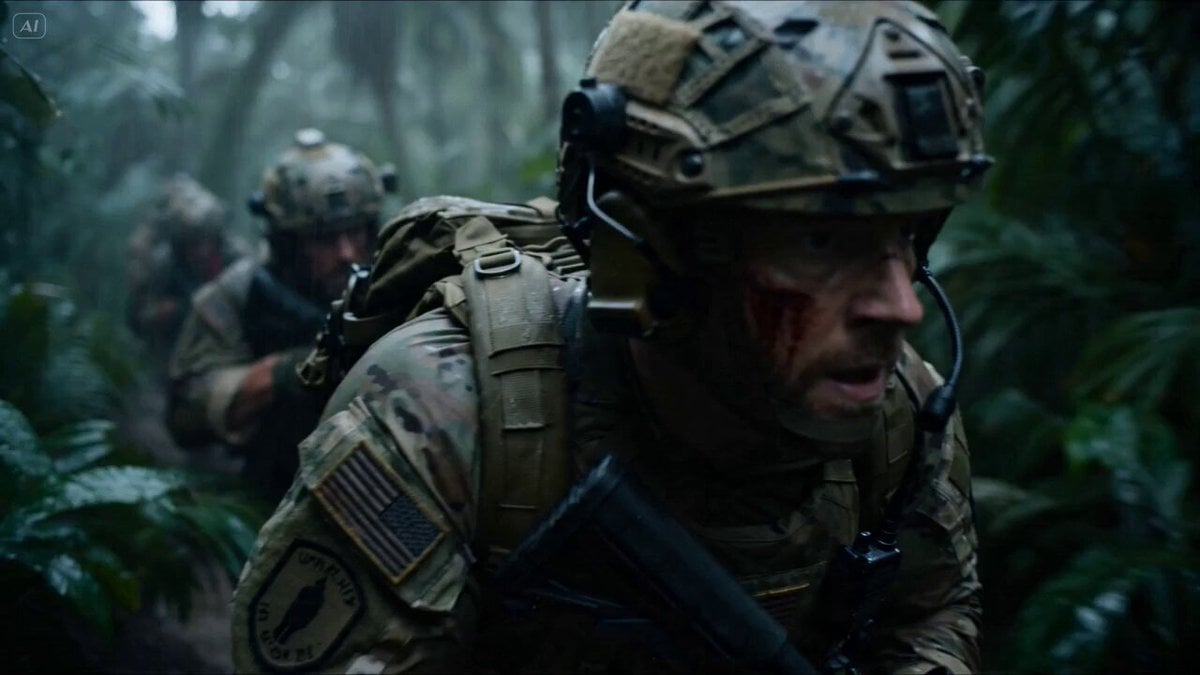
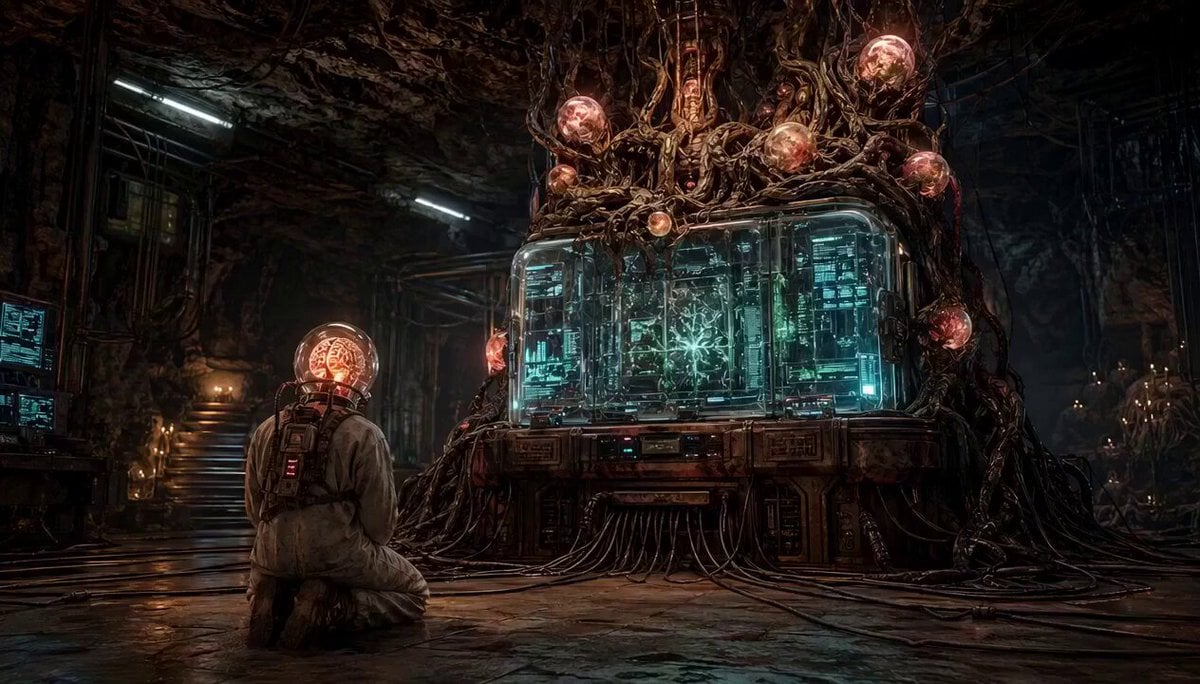
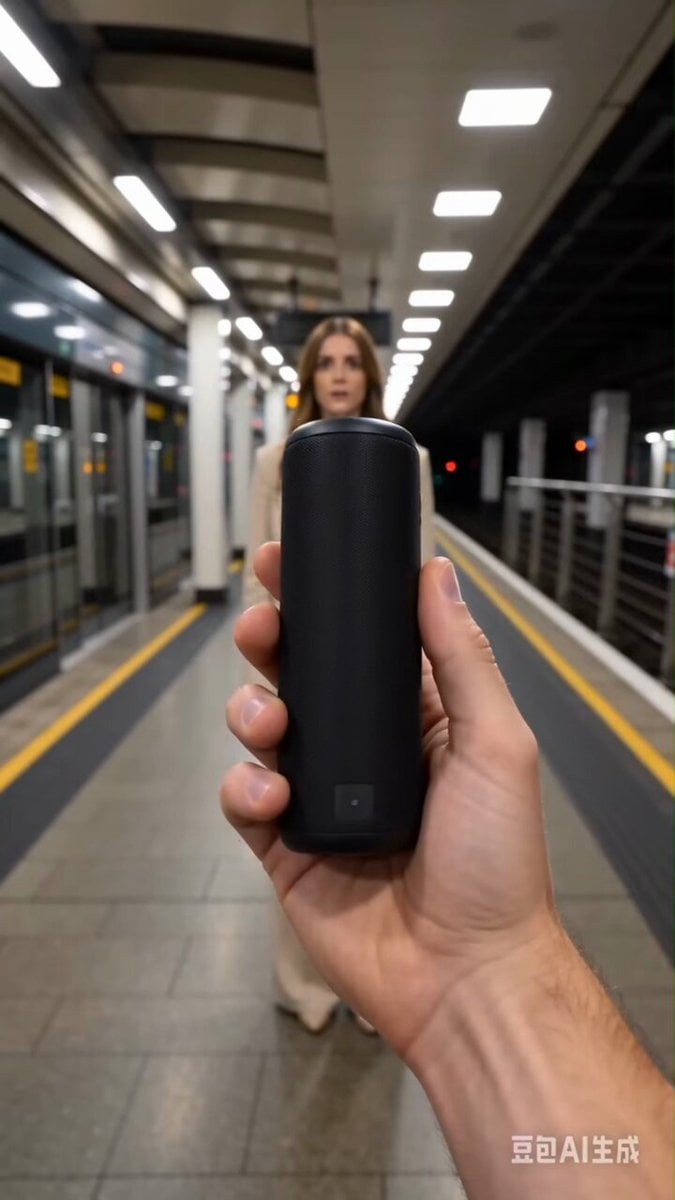
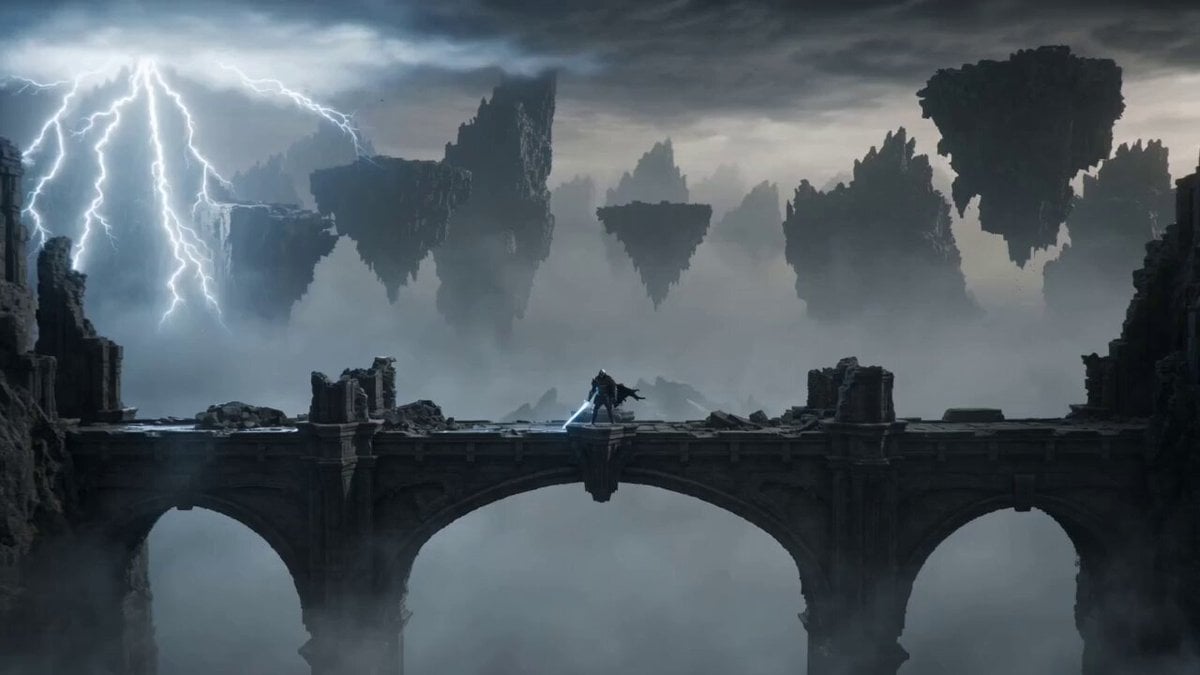
A detailed set of requirements for maintaining visual consistency across a video segment, including unified visual style, consistent color tone/texture, stable character features (face, hair, clothing, injuries)…
全片保持统一视觉风格,风格不漂移,色调与质感前后一致。 同一角色保持一致五官、发型、服装、武器和伤痕位置,不变脸、不换人。 同一场景保持一致环境、光线、背景与空间关系,不突然切换。 原创东方幻想世界观与角色设定,避免接近任何现有影视、动画、游戏IP角色形象与标志性造型。
全片保持统一视觉风格,风格不漂移,色调与质感前后一致。 同一角色保持一致五官、发型、服装、武器和伤痕位置,不变脸、不换人。 同一场景保持一致环境、光线、背景与空间关系,不突然切换。 原创东方幻想世界观与角色设定,避免接近任何现有影视、动画、游戏IP角色形象与标志性造型。
Edit the prompt in the box under the preview — the template's model and format are already selected — and press Generate. Your version appears right on this page.
Yes. You can change the subject, setting, lighting, mood, format, and available model controls before creating your video.
Opening and editing this template is free. Generating uses credits, shown on the Generate button when you are signed in.
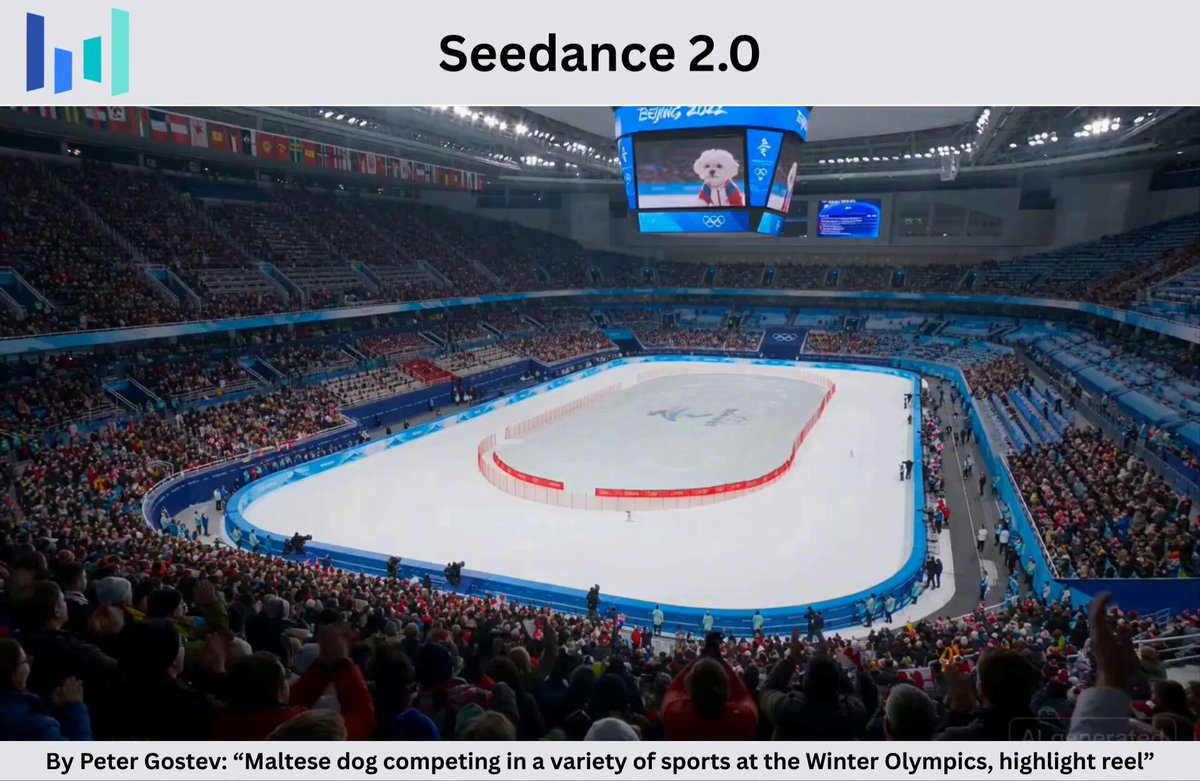
Start with Seedance 2.0, which is the model associated with this template. You can compare another compatible model for a different finish.
Follow a topic to a crawlable collection of related PicX Studio templates.