How do I use the Consistency and Eye Color Modification template?
Edit the prompt in the box under the preview — the template's model and format are already selected — and press Generate. Your version appears right on this page.
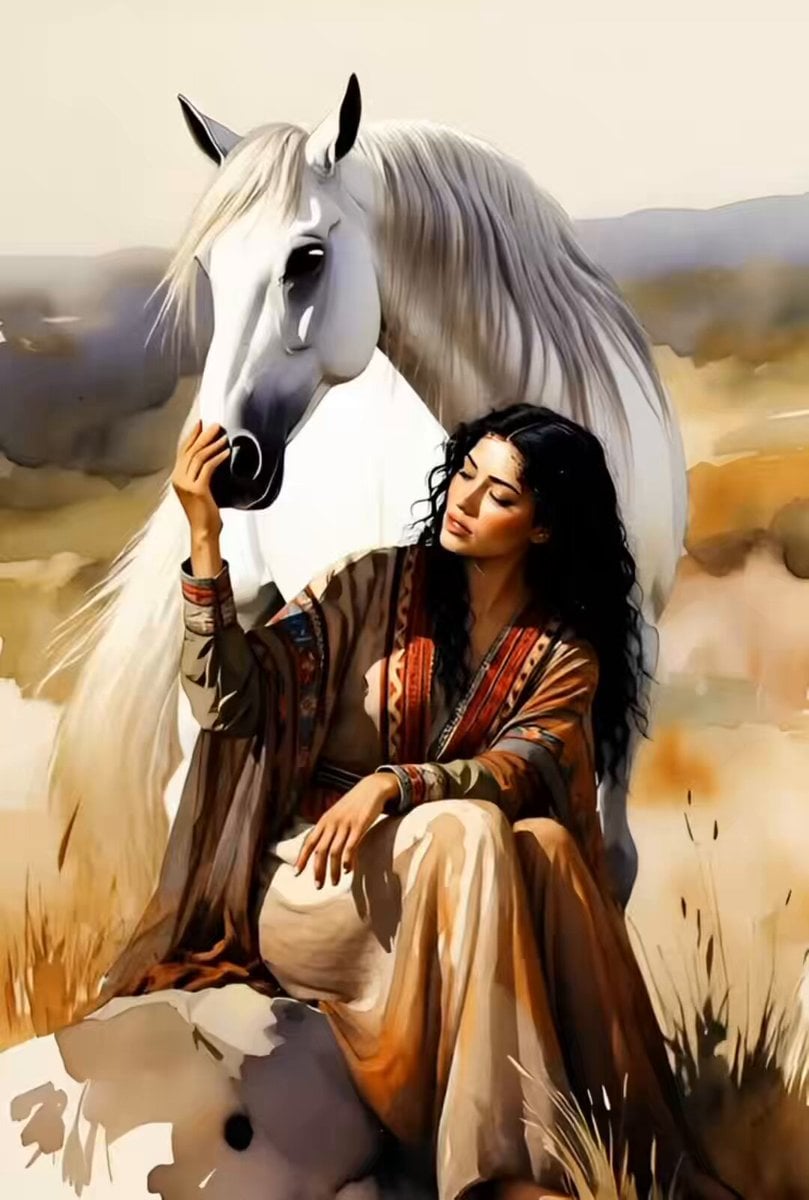
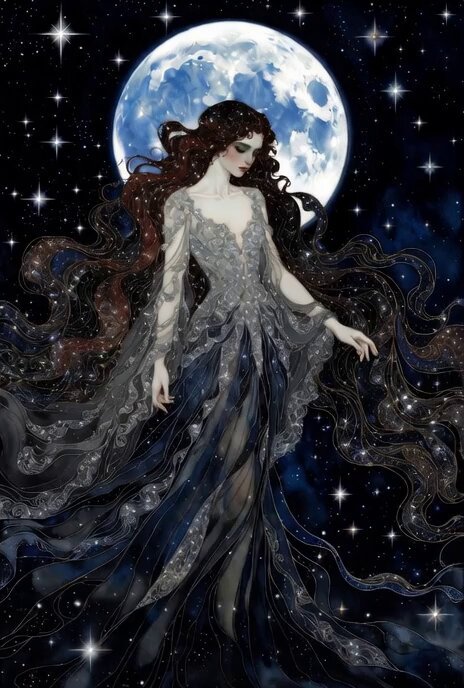
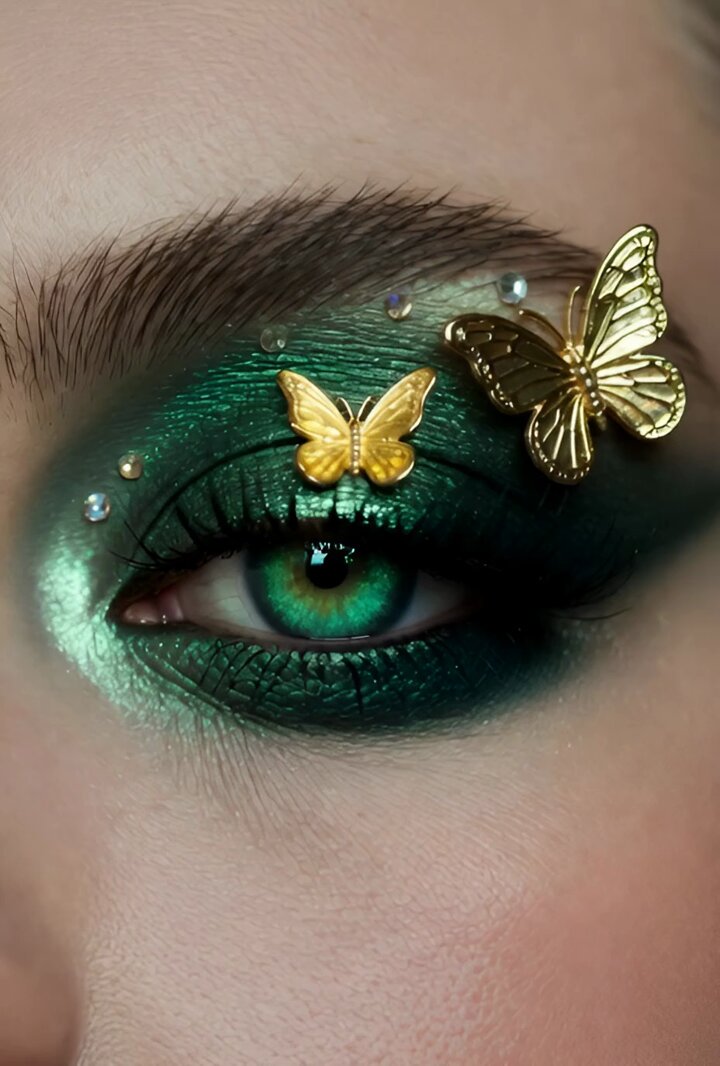
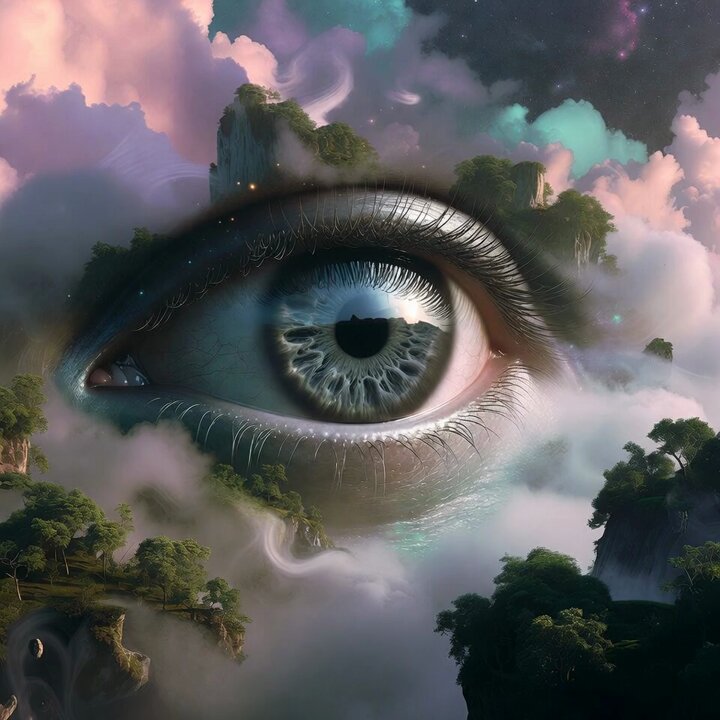
A transformation prompt for changing eye color while maintaining video consistency during a moon-watching scene.
Everything’s the same except she has light blue as she watches the moon with her eyes of wonder!
Everything’s the same except she has light blue as she watches the moon with her eyes of wonder!
Edit the prompt in the box under the preview — the template's model and format are already selected — and press Generate. Your version appears right on this page.
Yes. You can change the subject, setting, lighting, mood, format, and available model controls before creating your video.
Opening and editing this template is free. Generating uses credits, shown on the Generate button when you are signed in.
Start with Grok Imagine, which is the model associated with this template. You can compare another compatible model for a different finish.
Follow a topic to a crawlable collection of related PicX Studio templates.