How do I use the Action Sequence Prompt for Video Model Comparison template?
Edit the prompt in the box under the preview — the template's model and format are already selected — and press Generate. Your version appears right on this page.
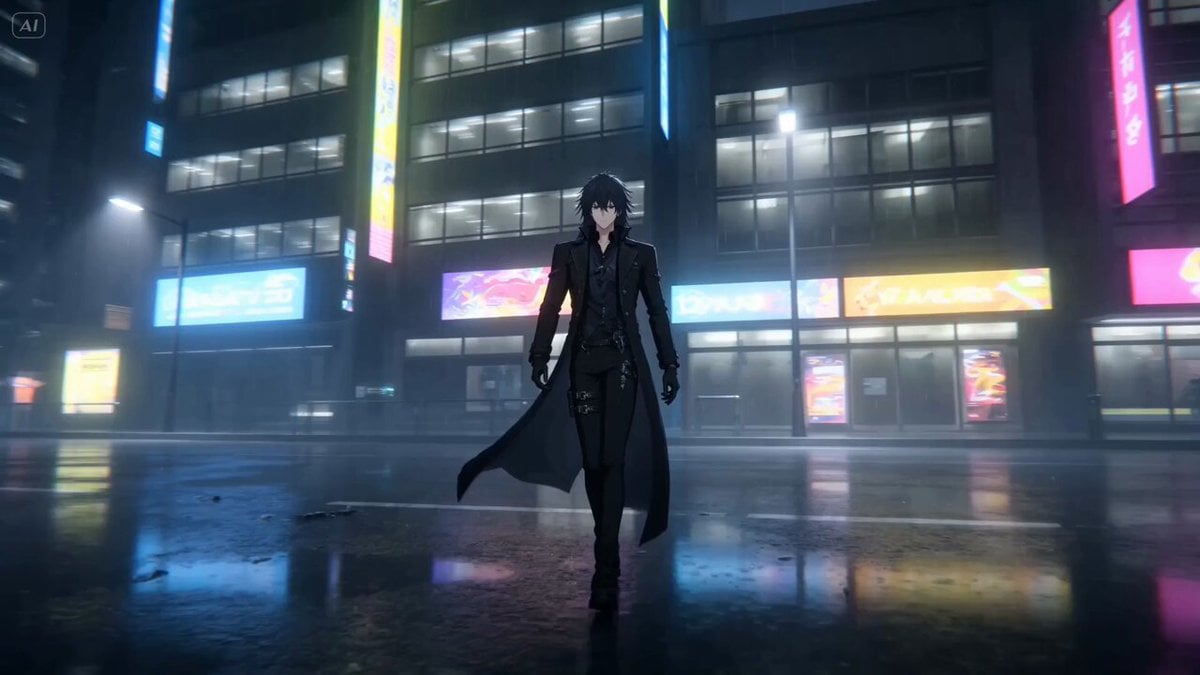
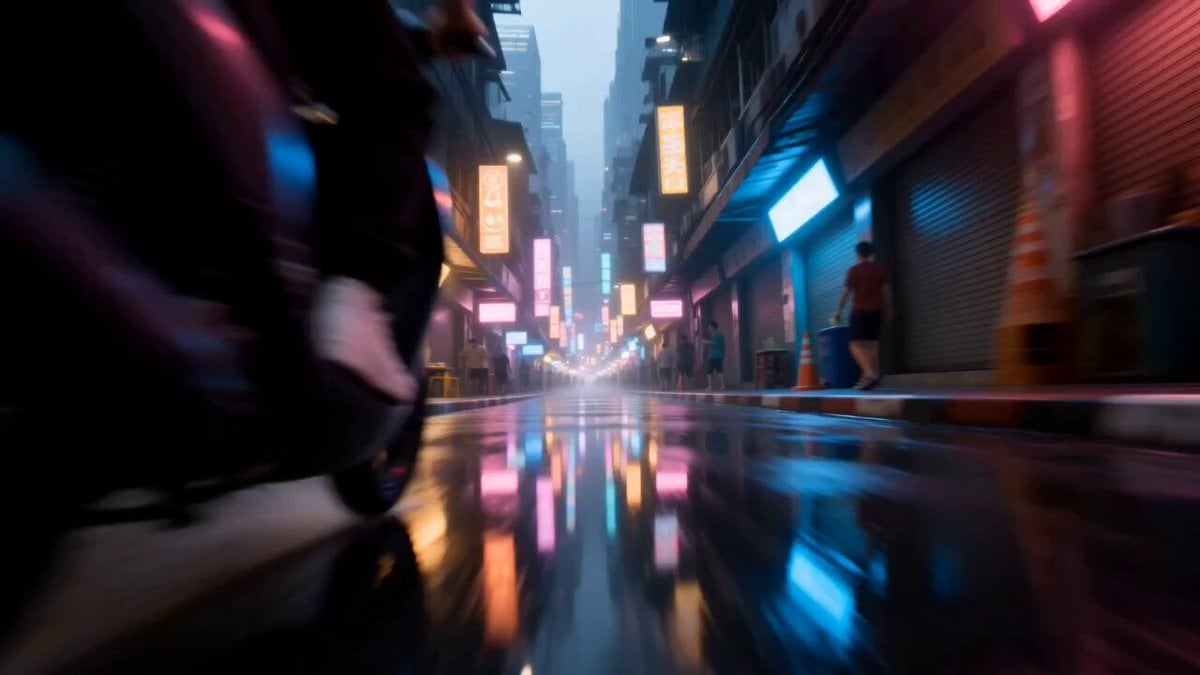
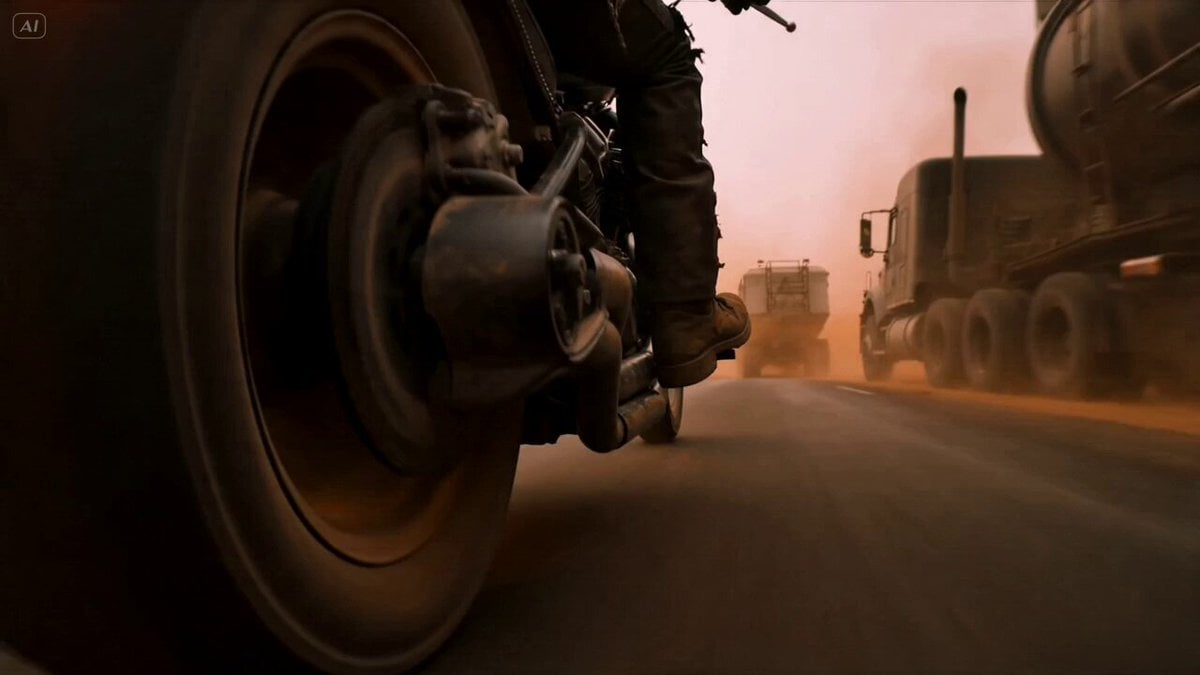
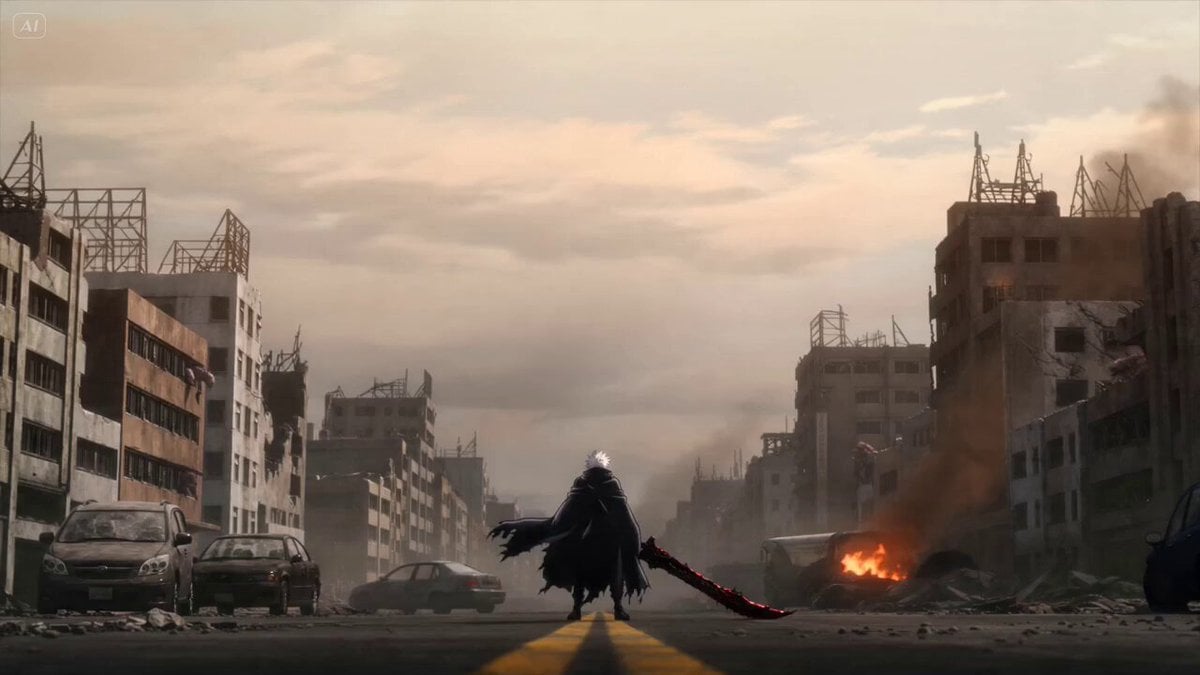
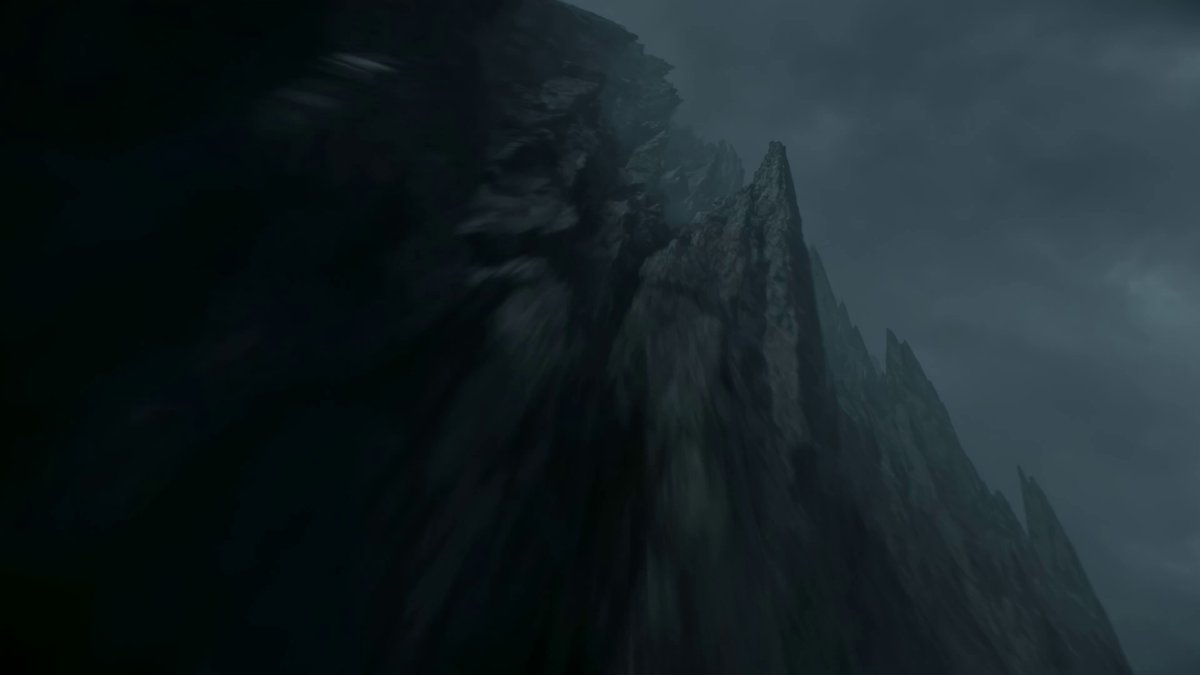
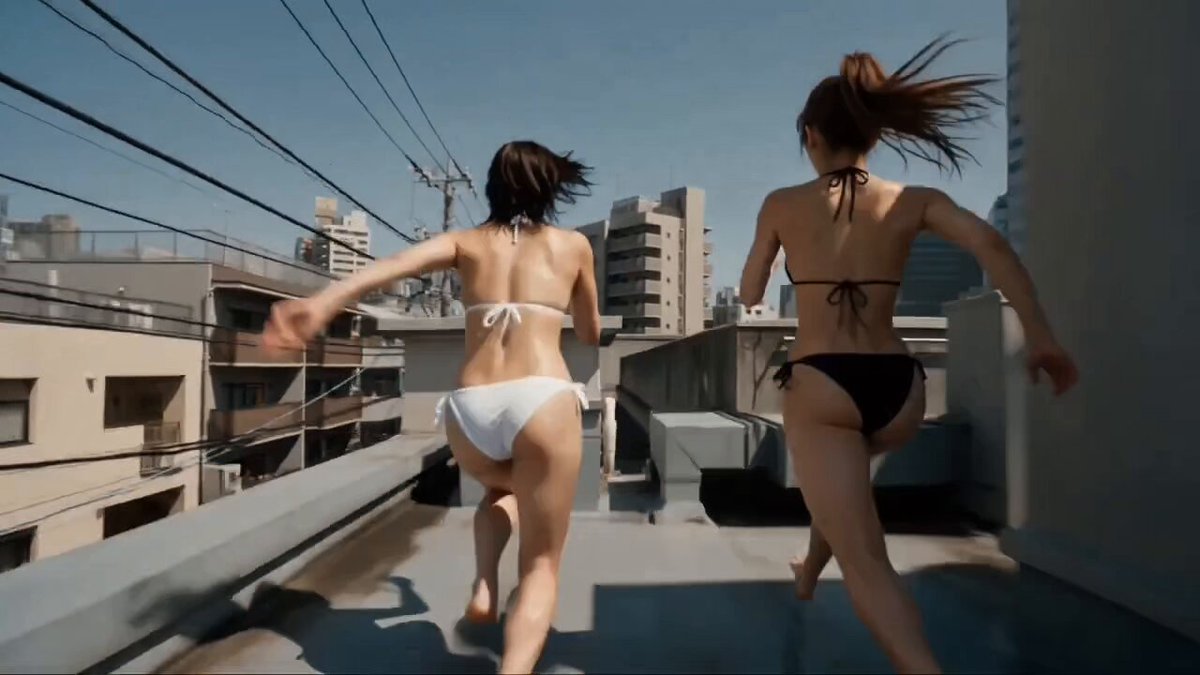
A detailed action sequence prompt used to compare the output of various video generation models (PixVerse, Seedance 2.0, Hailuo, Grok).
A man with a massive purple energy blade, in the rain. Action: Instant dash forward, ultra-fast horizontal slash. Afterimage movement to the back, rapid consecutive strikes. Spinning attack, blade releasing electric arcs. Final jump → fast dive → ground slam. Camera: Low angle follow → side tracking → orbit → spin sync rotation → fast rise → dive follow No cuts Motion: extremely fast, strong motion blur, high impact Effects: purple energy only
A man with a massive purple energy blade, in the rain. Action: Instant dash forward, ultra-fast horizontal slash. Afterimage movement to the back, rapid consecutive strikes. Spinning attack, blade releasing electric arcs. Final jump → fast dive → ground slam. Camera: Low angle follow → side tracking → orbit → spin sync rotation → fast rise → dive follow No cuts Motion: extremely fast, strong motion blur, high impact Effects: purple energy only
Edit the prompt in the box under the preview — the template's model and format are already selected — and press Generate. Your version appears right on this page.
Yes. You can change the subject, setting, lighting, mood, format, and available model controls before creating your video.
Opening and editing this template is free. Generating uses credits, shown on the Generate button when you are signed in.
Start with Seedance 2.0, which is the model associated with this template. You can compare another compatible model for a different finish.
Follow a topic to a crawlable collection of related PicX Studio templates.