
Anime Continuous Action Sequence
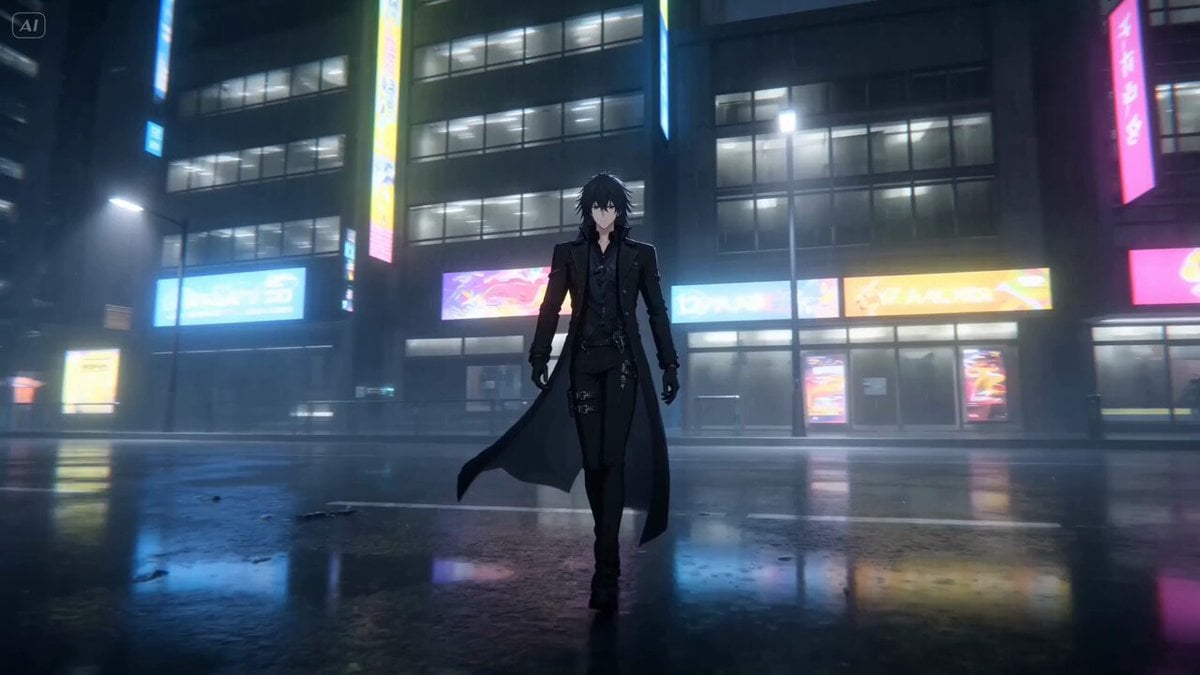
A high-end anime-style action prompt for a continuous, uninterrupted camera take featuring a neon-lit futuristic city and fluid combat choreography.
- Prompt included
- Model and format preset
- Premium template
The prompt behind this video
Copy the exact prompt behind Anime Continuous Action Sequence, or open it in the studio and make it yours.
Ultra-cinematic anime-style continuous action sequence in a futuristic city at night, neon reflections on wet streets, light fog drifting through the environment. A lone anime warrior walks slowly through the empty street, long coat and hair moving in the wind. The camera circles around him in one uninterrupted motion while distant neon signs flicker softly. Suddenly, multiple enemies rush toward him at high speed from different directions. The warrior reacts instantly, drawing a glowing energy blade in one smooth movement. The camera follows continuously without cuts as he dashes forward with explosive acceleration, leaving bright energy trails behind. He moves fluidly between enemies with rapid strikes, dramatic speed lines appearing briefly during each movement. One attacker lunges forward aggressively — the warrior dodges by leaning sideways in slow-motion for a brief moment, then counters with a fast upward slash creating a sharp glowing arc through the rain-filled air. The continuous camera movement swings around the action dynamically while maintaining clear readability. Sparks, rain droplets, and debris react to every impact. Final seconds: the warrior lands in a calm stance as defeated enemies collapse in the background. Wind moves through the scene while neon reflections ripple across the wet ground. Camera: single uninterrupted take, dynamic orbit movement, anime-style speed ramps, occasional micro slow-motion, no cuts. Lighting: strong neon blue and magenta contrast, glowing weapon light, reflective wet surfaces. Style: high-end anime cinematic style, fluid choreography, dramatic cloth movement, speed lines, volumetric rain and fog, ultra dynamic, normal proportions without stretch.
How to use Anime Continuous Action Sequence in 3 steps
- 1
Open
The prompt is already in the box next to the preview, with the template's model and format selected.
- 2…a portrait of your subject in softgolden-hour light, 85mm…
Personalize
Edit the subject and creative details for your destination.
- 3Generate
Generate
Press Generate — your video is created in PicX Studio, so you can compare it with the original and refine one variable at a time.
More like this
Templates with the same subject, style or setup. Open one to see its prompt.
Mecha Transformation vs Kaiju — 4-Scene Epic

Second Continuous Action Sequence

Maglev Train Action Sequence

MiniMax H3 Character Introduction

Japanese Pure Love Short Film
Cinematic Swordswoman Action Sequence
Anime Style Football Striker Cinematic Action
Cinematic Continuous Jet Ski Action

Theatrical Anime Action Market Battle
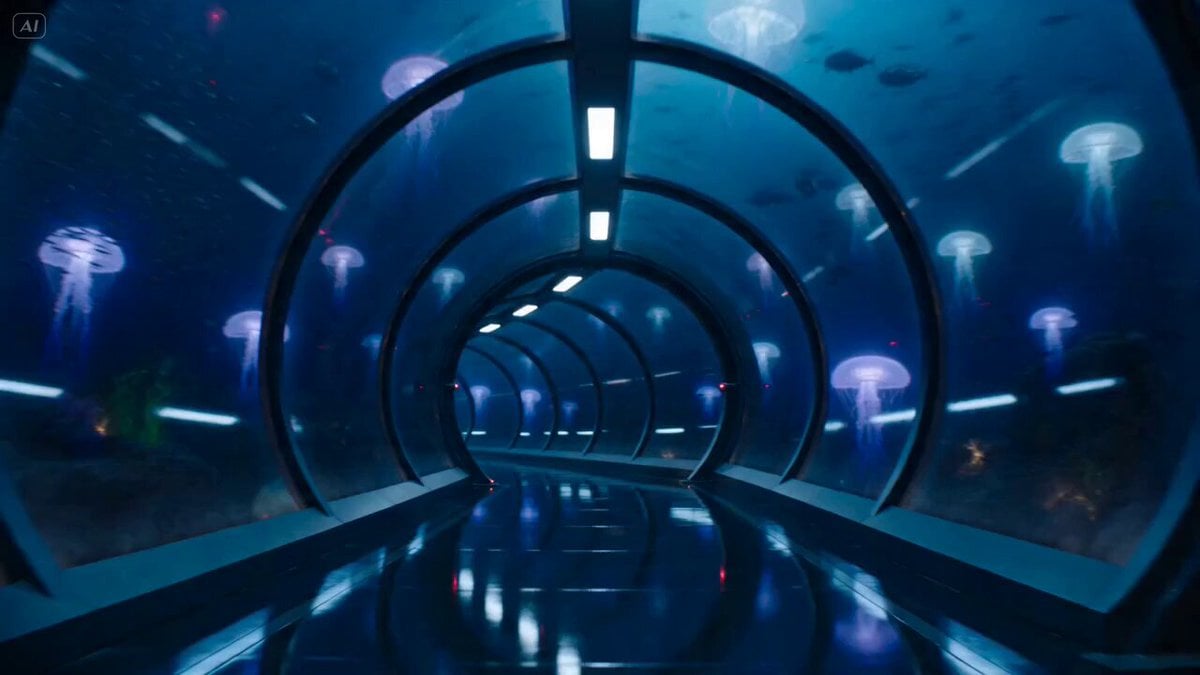
Underwater Glass Tunnel Action Sequence
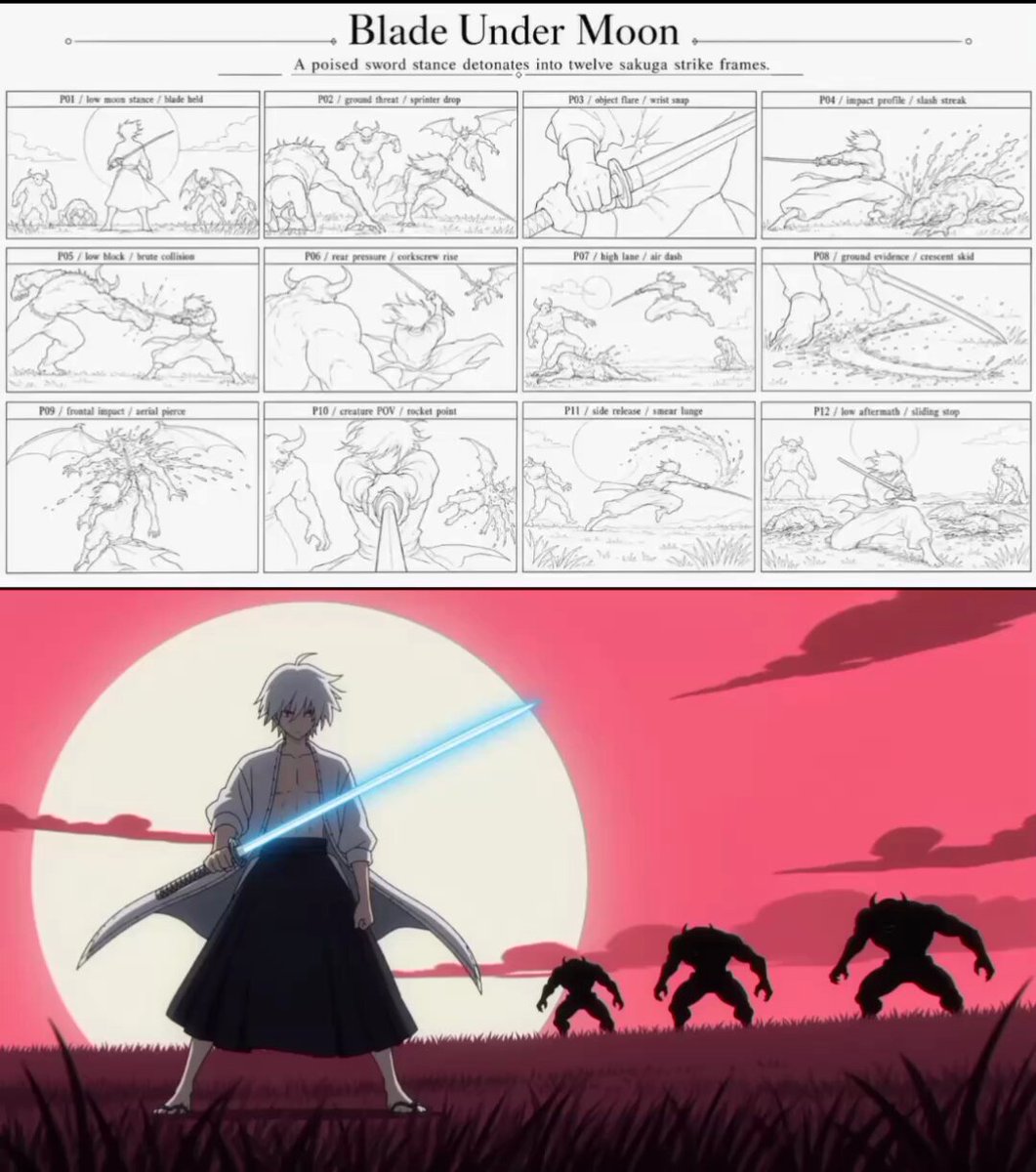
Sakuga Anime Action Storyboard
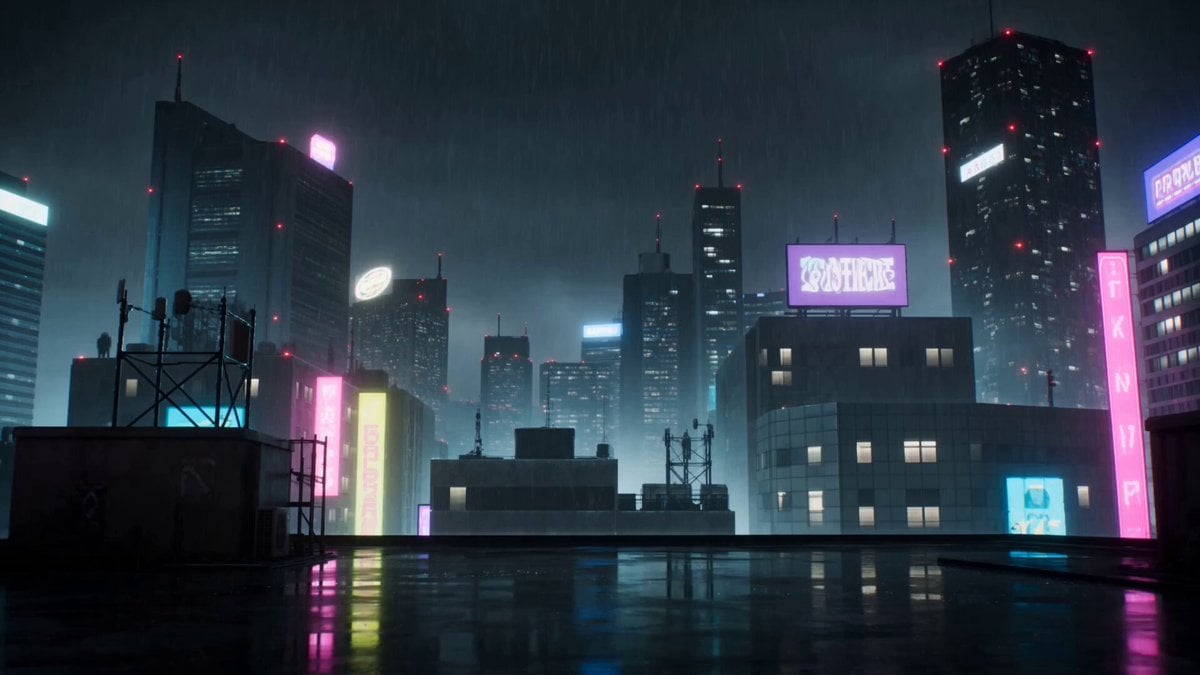
Cyberpunk Anime Duel Action
Make it yours
Anime Continuous Action Sequence works as-is. These are the safest ways to change it without losing the look.
Change one field
Copy a single group, rewrite it, and generate again so you can see what that field is doing.
Keep the frame, change the subject
Hold the composition and light of Anime Continuous Action Sequence, then swap wardrobe, props or the person for a new take.
| If the result… | Why | Fix |
|---|---|---|
| The result drifts from the preview | Too many fields changed at once. | Reuse Anime Continuous Action Sequence as-is first, then change one group — subject, light, or setting. |
| The model over-stylizes the scene | The prose prompt leaves finish and camera underspecified. | Add one camera or lighting sentence and stay on Seedance 2.0. |
More Seedance 2.0 templates
Other prompts made for Seedance 2.0.

Comical Martial Arts Punch Scene

Martial Arts Fight Sequence

Wuxia Protection and Trust Script

Vintage Korean Arcade MiniDV Vlog

Mercedes 190 SL Luxury Ad

Rainy Night Supernatural Reverse Comedy Video Script

Amazon Civilization Discovery

Futuristic South Asian City Transformation

Cozy Luxury Cafe Commercial

Cyber Ronin Nanotech Transformation Video
More video prompts
Fresh picks from across the catalog.
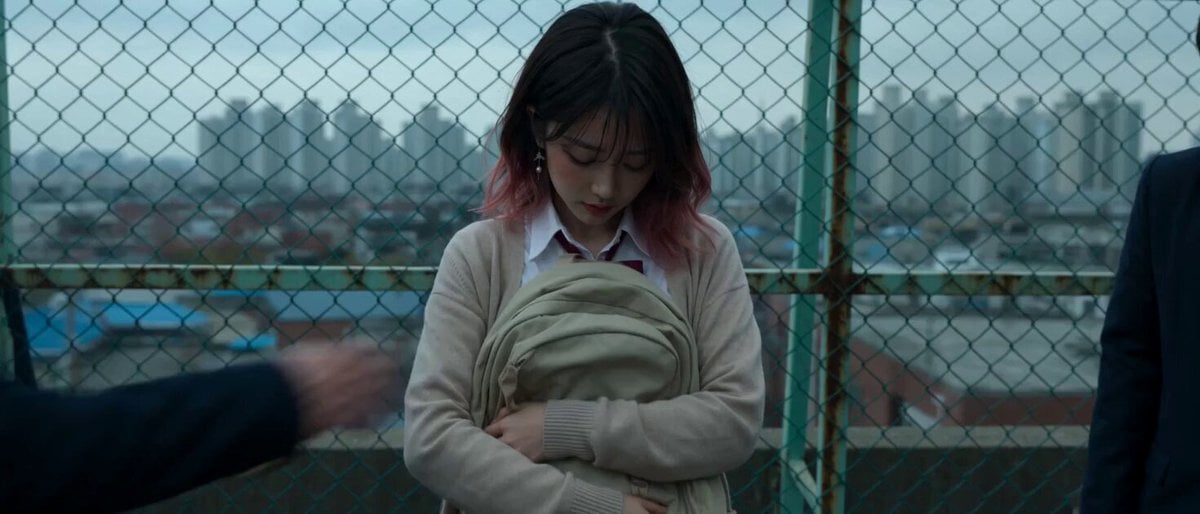
Cinematic School Rooftop Fight Sequence
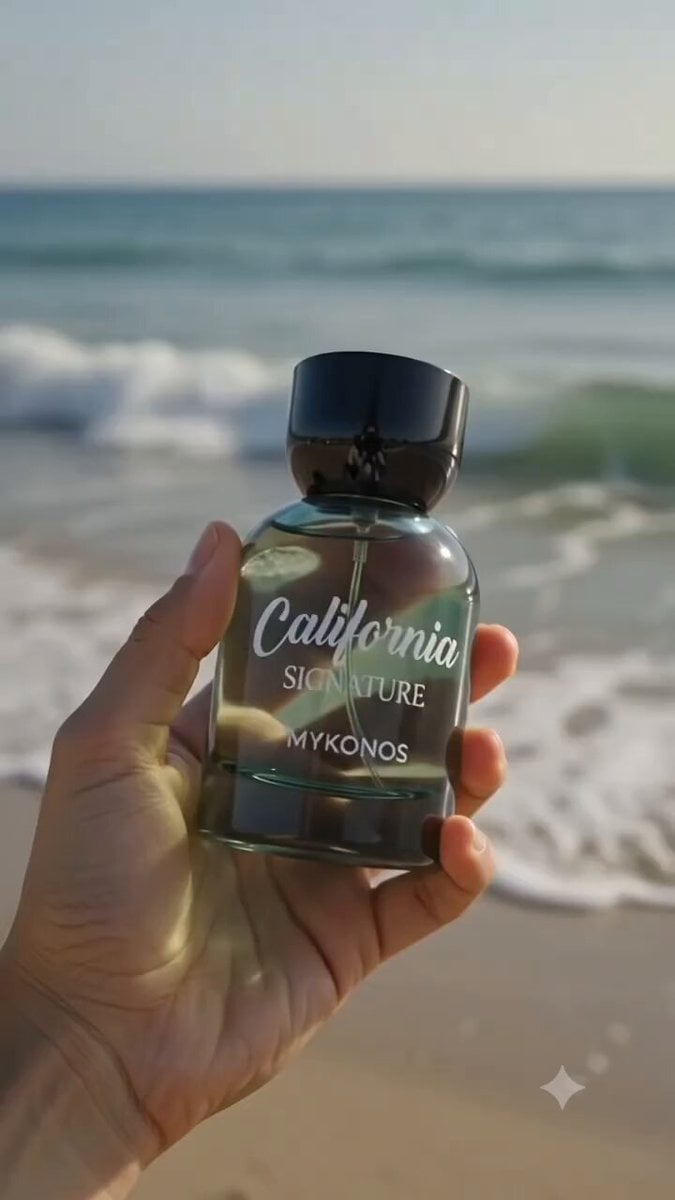
Luxury Perfume Commercial Sequence
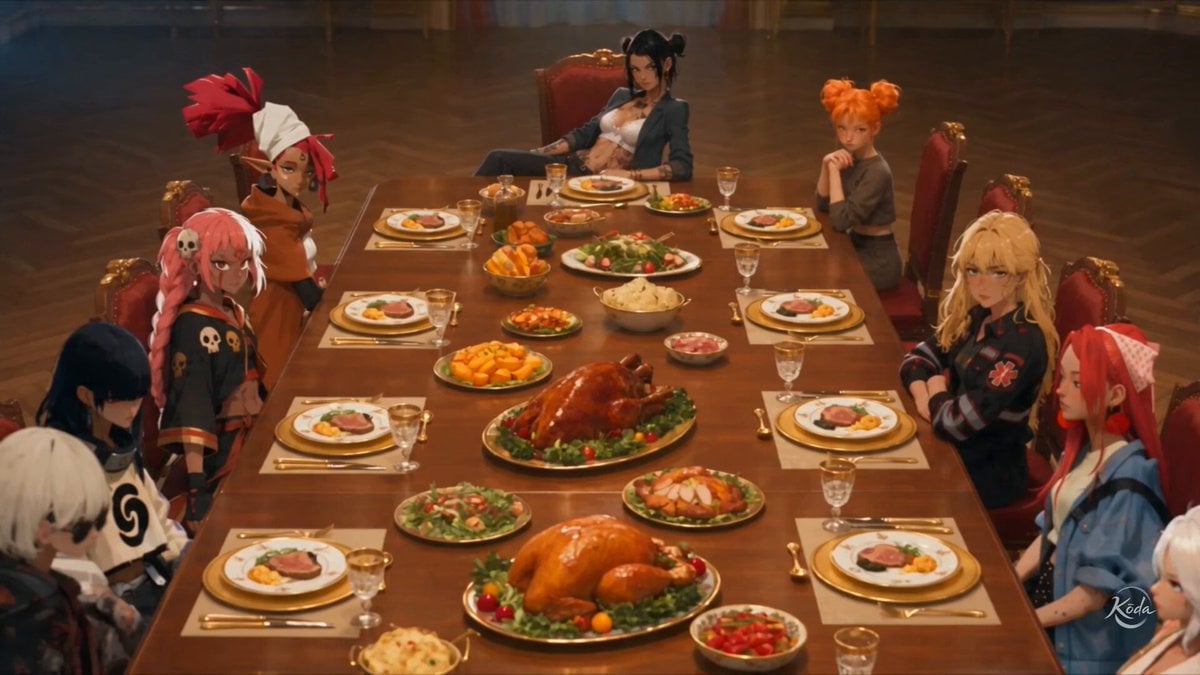
Multi-Character Family Dinner Scene
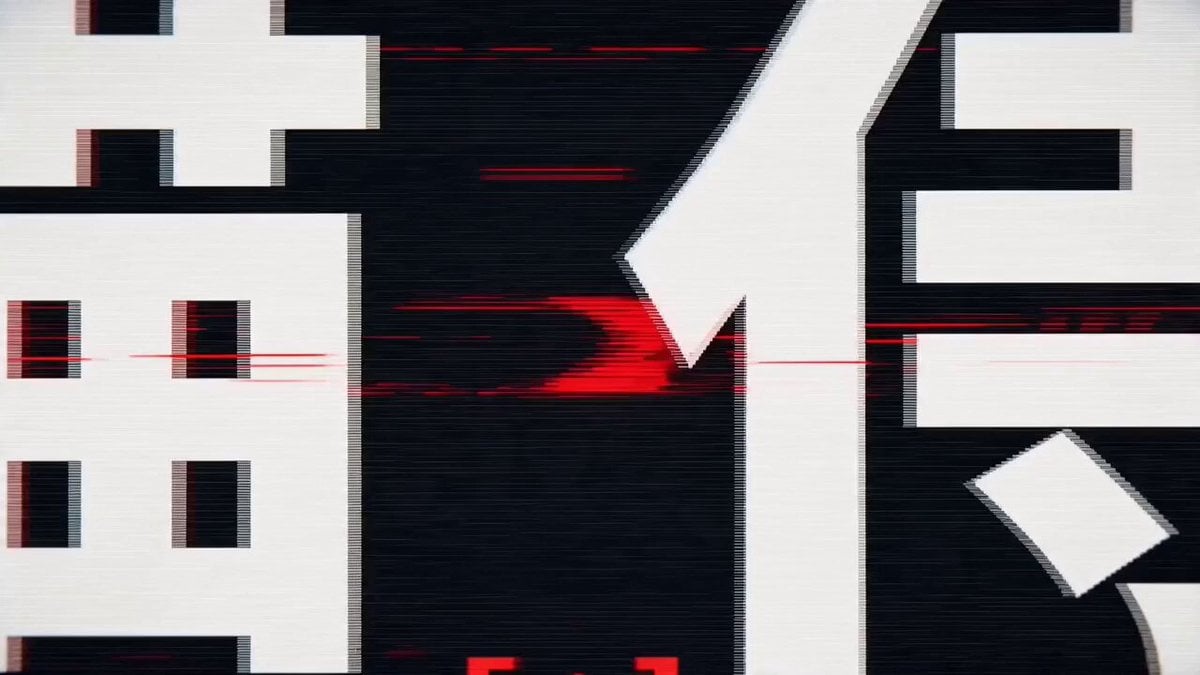
High-Speed Kinetic Typography 'Nekozamurai' Motion Graphics
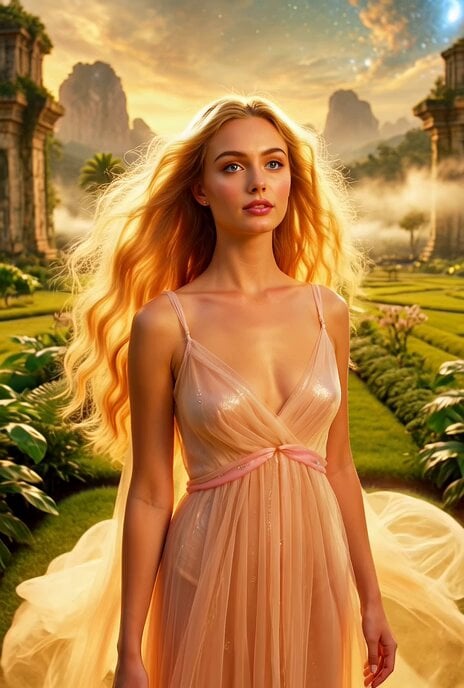
Venusian Woman Paradise Planet

Liminal Void-Space Image Generation Prompt
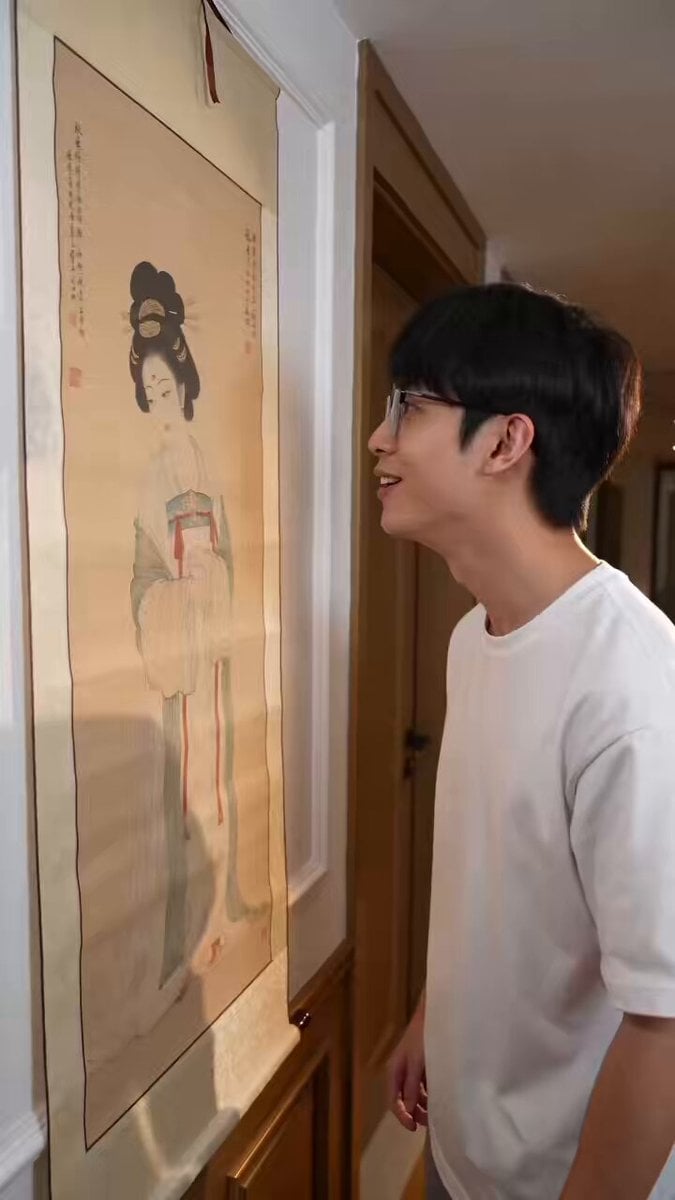
Fantasy Comedy Magical Painting Scene
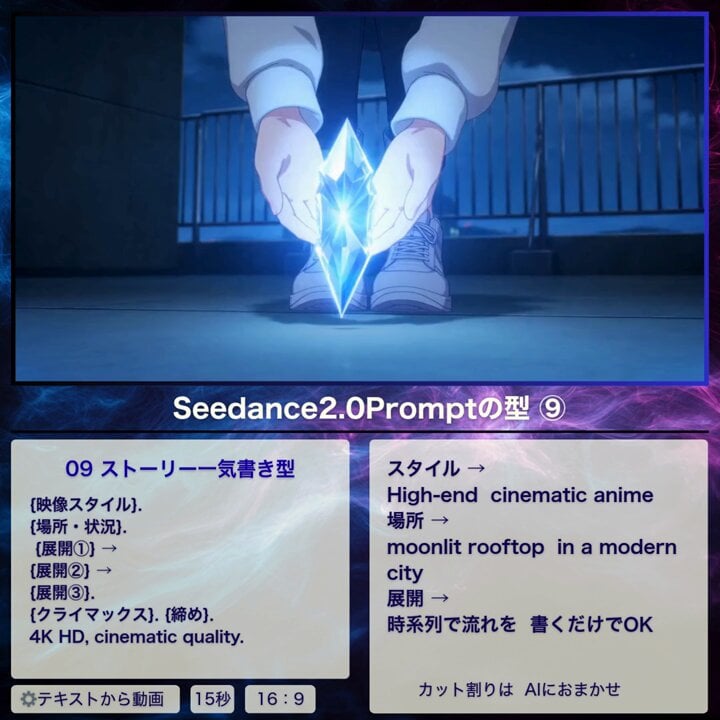
Cinematic Anime Story Sequence
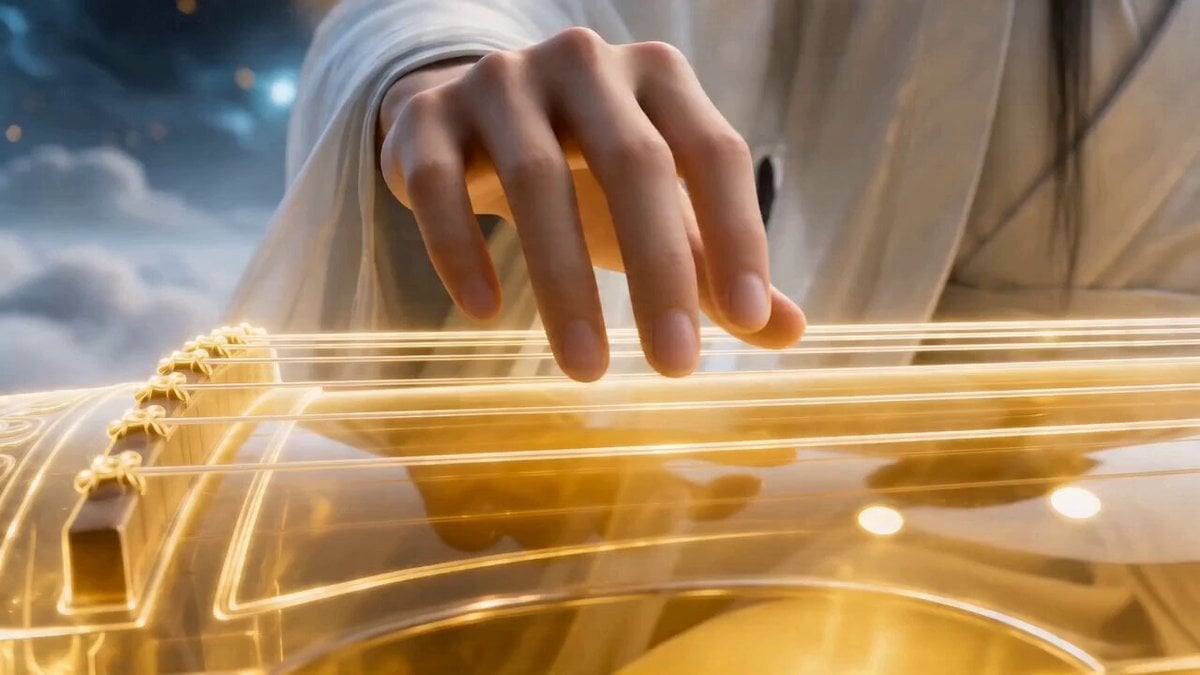
Epic Chinese Fantasy CG Video: Four Arts of the Scholar
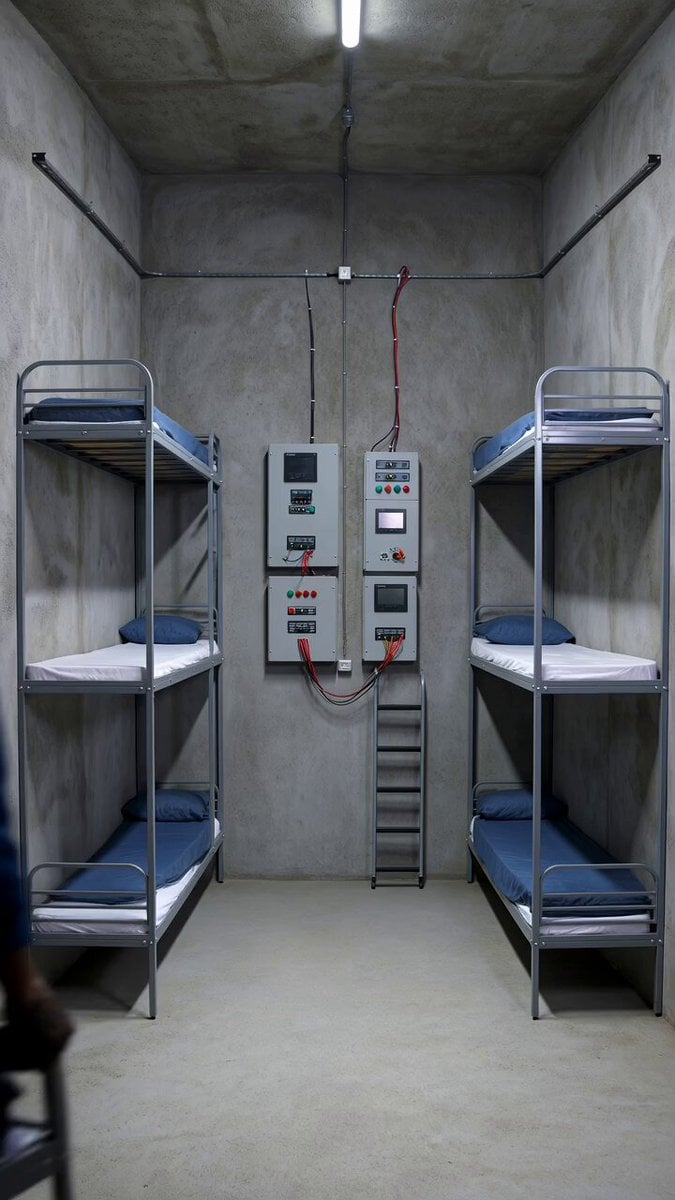
Staging Bunker Interior Timelapse Prompt
Browse template categories
Anime Continuous Action Sequence questions
How do I use the Anime Continuous Action Sequence template?
Add your photo if the template asks for one, edit the prompt if you like — the template's model and format are already selected — and press Generate. Your version opens in PicX Studio.
Can I customize the Anime Continuous Action Sequence template?
Yes. You can change the subject, setting, lighting, mood, format, and available model controls before creating your video.
Is the Anime Continuous Action Sequence template free?
Opening and editing this template is free. Generating uses credits, shown on the Generate button when you are signed in.
Which AI model should I use?
Start with Seedance 2.0, which is the model associated with this template. You can compare another compatible model for a different finish.
Looking for something else? Browse all templates.

Your photo, any look
Thousands of ready templates for every top image and video model, from one credit balance.